How do I use the Livestream Selling Video Prompt (Mala Tang) template?
Edit the prompt in the box under the preview — the template's model and format are already selected — and press Generate. Your version appears right on this page.
A comprehensive prompt for Seedance 2.0 designed to generate a short video for product promotion (specifically Mala Tang, a spicy hot pot dish).
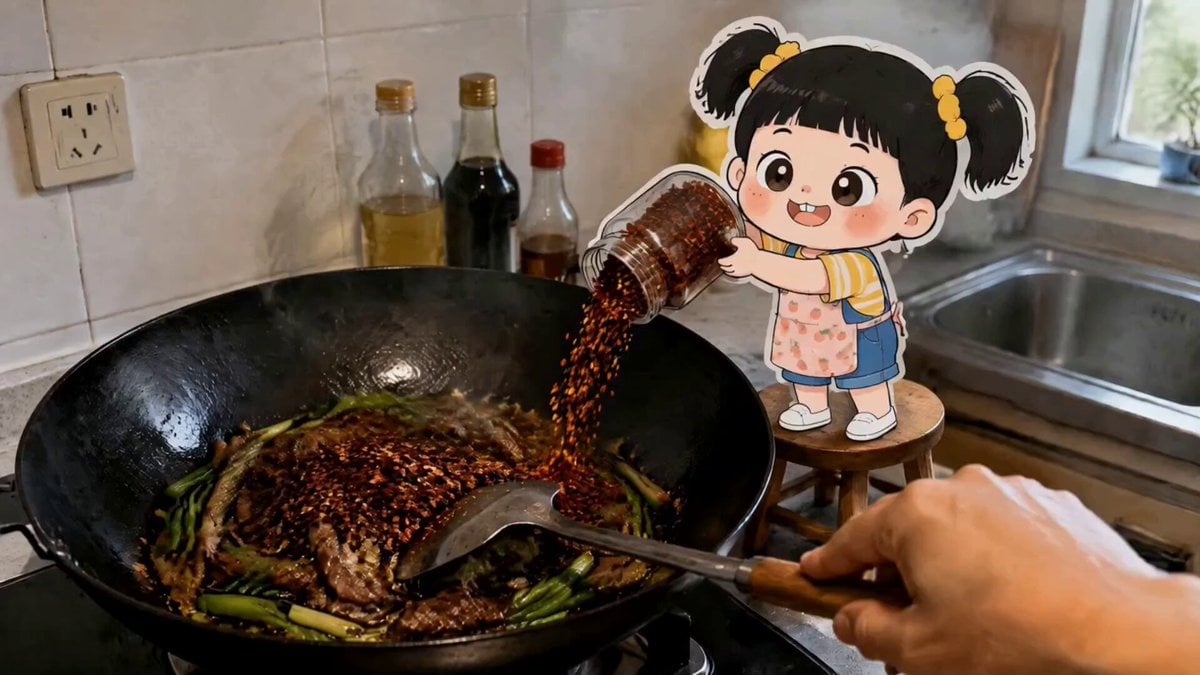
Create a short product-promotion video: a young, pretty woman @【@Image 1】 with long black hair sits at a table in the shop, eating mala tang (spicy hot pot skewers) @【@Image 2】, explaining the product's taste in a conversational, everyday chatting tone, sharing her impressions of the flavor, while using chopsticks to pick up a signature ingredient from the mala tang (such as a cheese-filled meatball or tender beef) to show it off, her expression warm and natural, her movements relaxed, with medium close-up shots of the product and medium-to-long shots of the person working together, a steady camera, 4K HD, continuous motion. Landscape 2.0, original aspect ratio.
Create a short product-promotion video: a young, pretty woman @【@Image 1】 with long black hair sits at a table in the shop, eating mala tang (spicy hot pot skewers) @【@Image 2】, explaining the product's taste in a conversational, everyday chatting tone, sharing her impressions of the flavor, while using chopsticks to pick up a signature ingredient from the mala tang (such as a cheese-filled meatball or tender beef) to show it off, her expression warm and natural, her movements relaxed, with medium close-up shots of the product and medium-to-long shots of the person working together, a steady camera, 4K HD, continuous motion. Landscape 2.0, original aspect ratio.
Edit the prompt in the box under the preview — the template's model and format are already selected — and press Generate. Your version appears right on this page.
Yes. You can change the subject, setting, lighting, mood, format, and available model controls before creating your video.
Opening and editing this template is free. Generating uses credits, shown on the Generate button when you are signed in.
Start with Seedance 2.0, which is the model associated with this template. You can compare another compatible model for a different finish.
Follow a topic to a crawlable collection of related PicX Studio templates.