How do I use the Coser Resting on Tatami After Party template?
Edit the prompt in the box under the preview — the template's model and format are already selected — and press Generate. Your version appears right on this page.
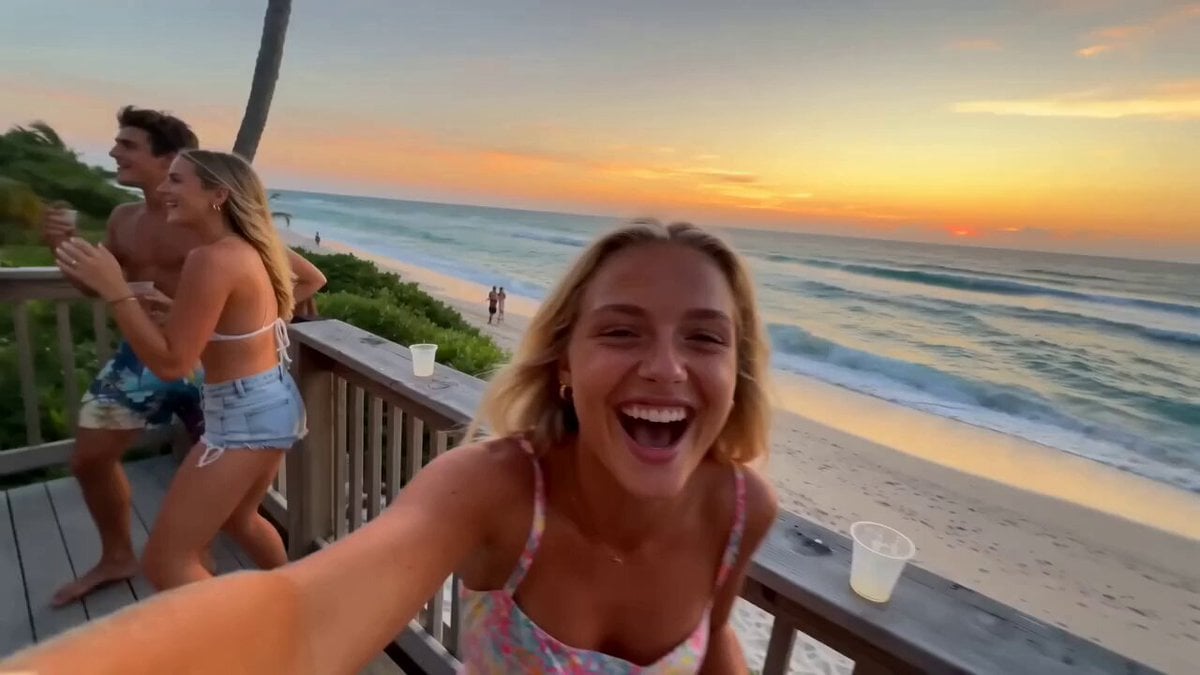
A prompt for generating a first-person perspective video of a young cosplayer resting comfortably on a tatami mat after a party, holding a selfie camera, with a slightly flushed, satisfied smile, inviting the viewer…
第一人称视角,一场轻松的派对刚刚结束。一位年轻Coser舒适地躺在日式房间的榻榻米上,手持自拍运镜,周围散落着零食和饮料罐。她面带满足而俏皮的微笑,有点红红的脸颊刚喝完酒那样,用柔和的目光注视着镜头,嘴唇微张,仿佛正在对着镜头轻声说着“今天玩得很开心,再靠近一点嘛”。整个场景充满了生活气息,温暖的室内光线营造出一种慵懒又愉快的氛围。
第一人称视角,一场轻松的派对刚刚结束。一位年轻Coser舒适地躺在日式房间的榻榻米上,手持自拍运镜,周围散落着零食和饮料罐。她面带满足而俏皮的微笑,有点红红的脸颊刚喝完酒那样,用柔和的目光注视着镜头,嘴唇微张,仿佛正在对着镜头轻声说着“今天玩得很开心,再靠近一点嘛”。整个场景充满了生活气息,温暖的室内光线营造出一种慵懒又愉快的氛围。
Edit the prompt in the box under the preview — the template's model and format are already selected — and press Generate. Your version appears right on this page.
Yes. You can change the subject, setting, lighting, mood, format, and available model controls before creating your video.
Opening and editing this template is free. Generating uses credits, shown on the Generate button when you are signed in.
Start with Seedance 2.0, which is the model associated with this template. You can compare another compatible model for a different finish.
Follow a topic to a crawlable collection of related PicX Studio templates.