
Astronaut Resting in White Roses
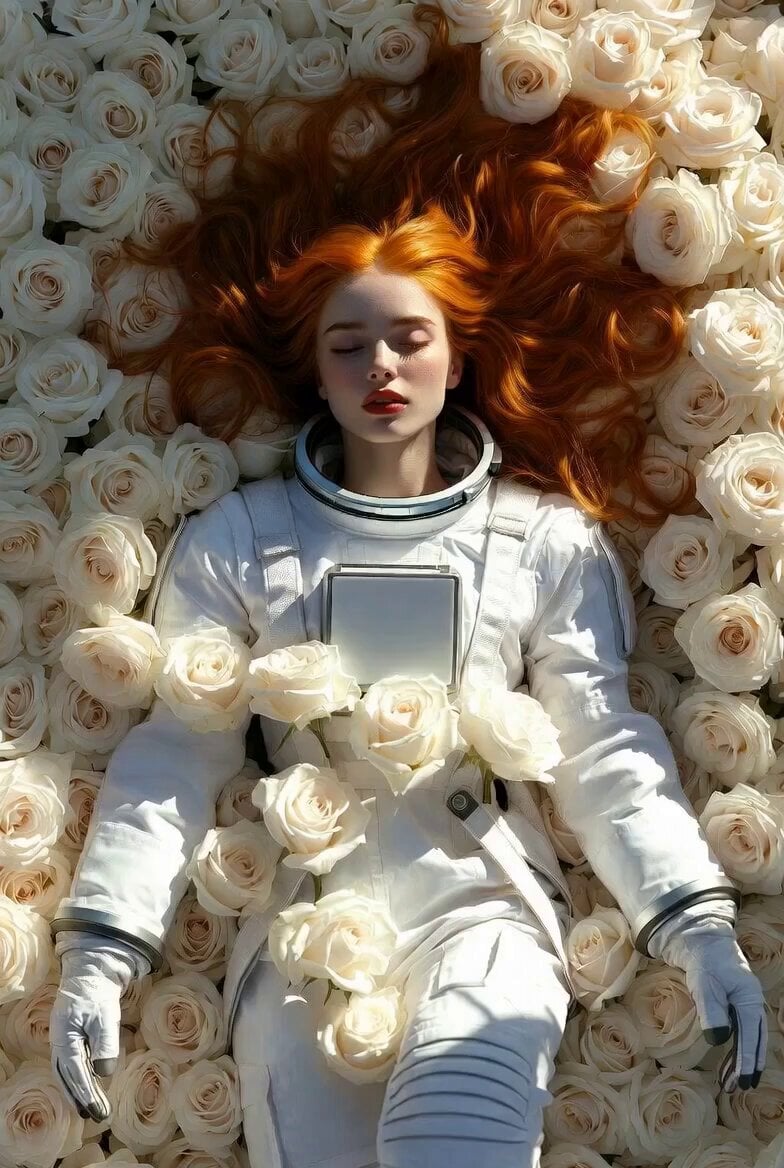
A high-detail prompt for Seedance 2.0's Speed Mode featuring a woman in an astronaut suit lying in a field of white roses.
- Prompt included
- Model and format preset
- Premium template
The prompt behind this video
Copy the exact prompt behind Astronaut Resting in White Roses, or open it in the studio and make it yours.
An extraordinarily beautiful American woman with long deep vibrant orange hair spread elegantly around her, breathtakingly perfect symmetrical face, flawless porcelain skin, captivating eyes, high cheekbones, full red lips, lying peacefully on her back in the center of a massive bed of blooming pure white roses. She is wearing a clean, detailed white astronaut suit with metallic accents, gloves, and boots. Her eyes are gently closed with a serene and dreamy expression, as if resting or sleeping among the flowers. The entire scene is filled with abundant soft pure white roses surrounding and partially covering her body. Soft natural sunlight filters through, creating gentle highlights and a romantic, ethereal atmosphere. Dominant bright white tone from her white astronaut suit, porcelain skin, and the sea of white roses, contrasted with her vibrant orange hair, soft diffused lighting, extremely sharp focus, high detail, fresh and clean atmosphere, no retro filter.
How to use Astronaut Resting in White Roses in 3 steps
- 1
Open
The prompt is already in the box next to the preview, with the template's model and format selected.
- 2…a portrait of your subject in softgolden-hour light, 85mm…
Personalize
Edit the subject and creative details for your destination.
- 3Generate
Generate
Press Generate — your video is created in PicX Studio, so you can compare it with the original and refine one variable at a time.
More like this
Templates with the same subject, style or setup. Open one to see its prompt.
Electric Guitar Summoning — White Roses Field
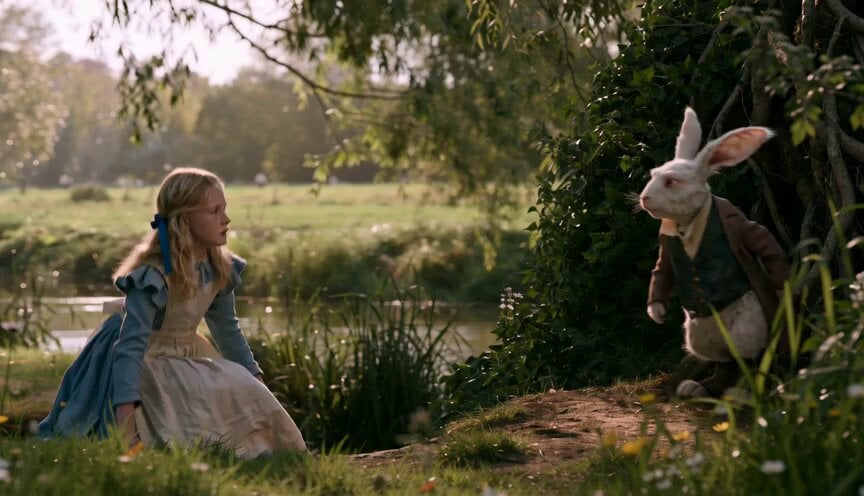
Alice in Wonderland White Rabbit Chase
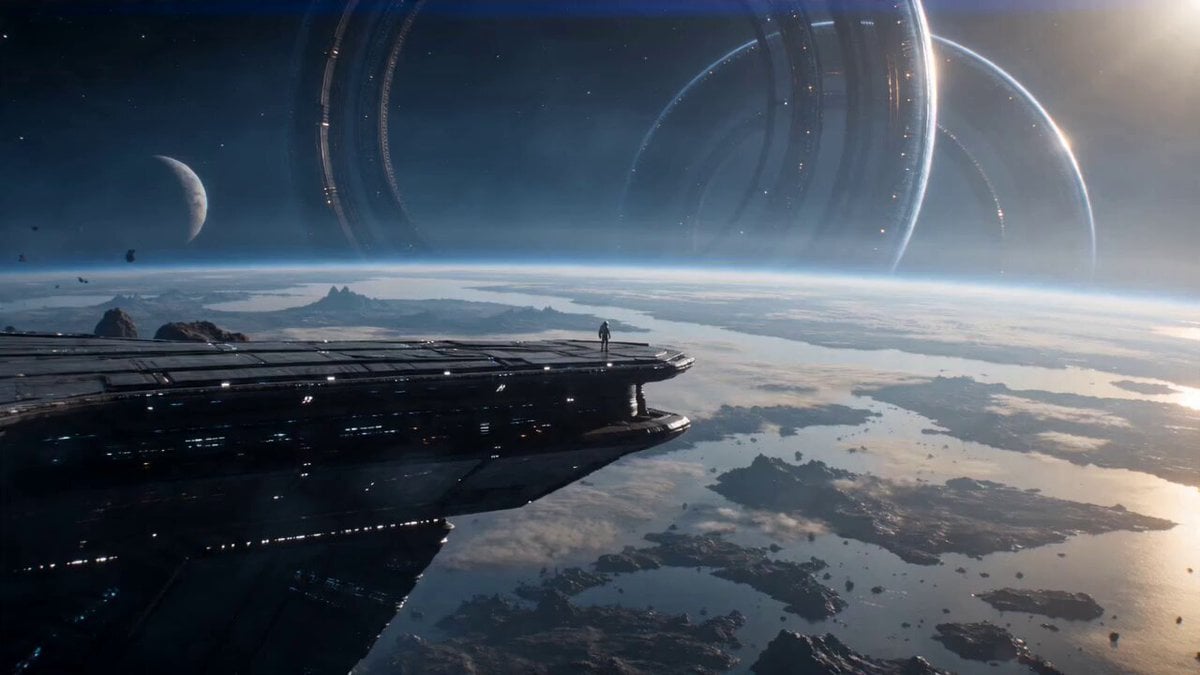
Astronaut and Alien Megastructure
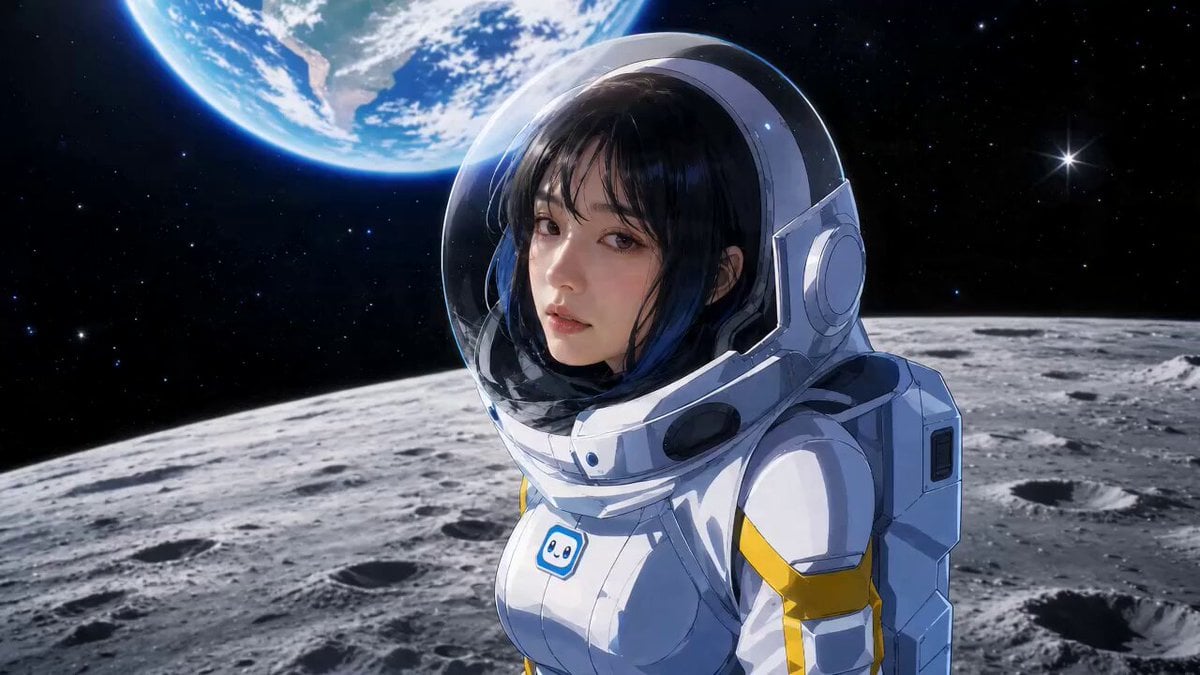
Astronaut Anime Style Mission

Ethereal Woman and White Peacock
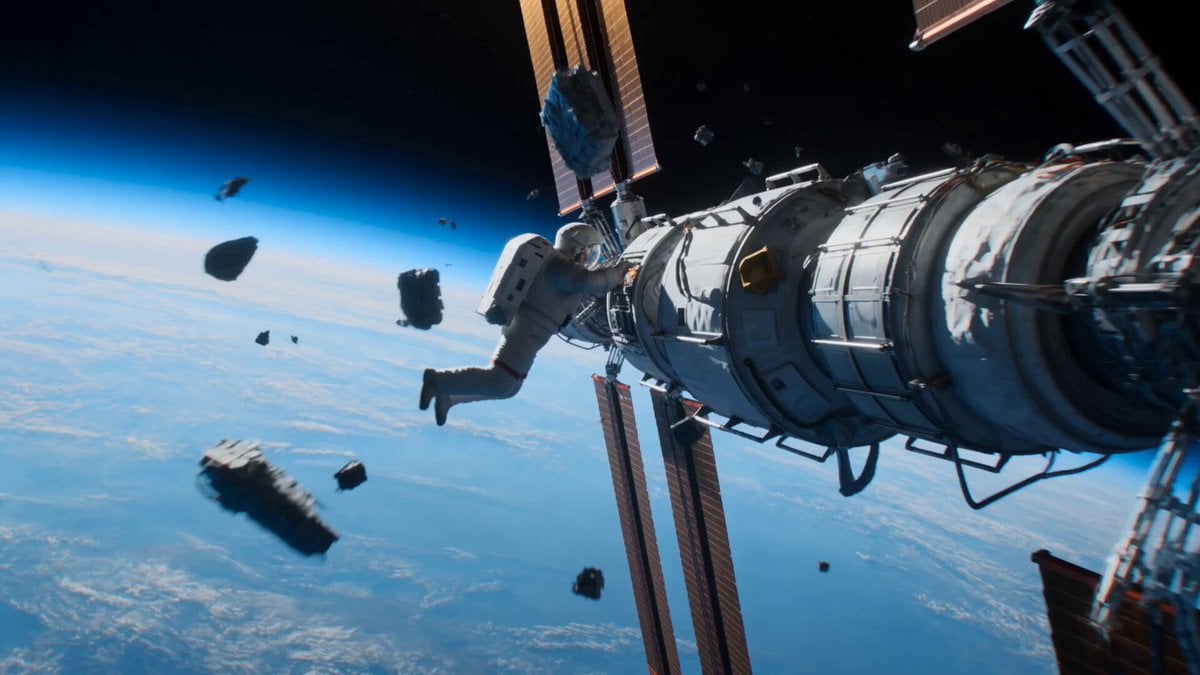
Astronaut to Apartment Match Cut Transition
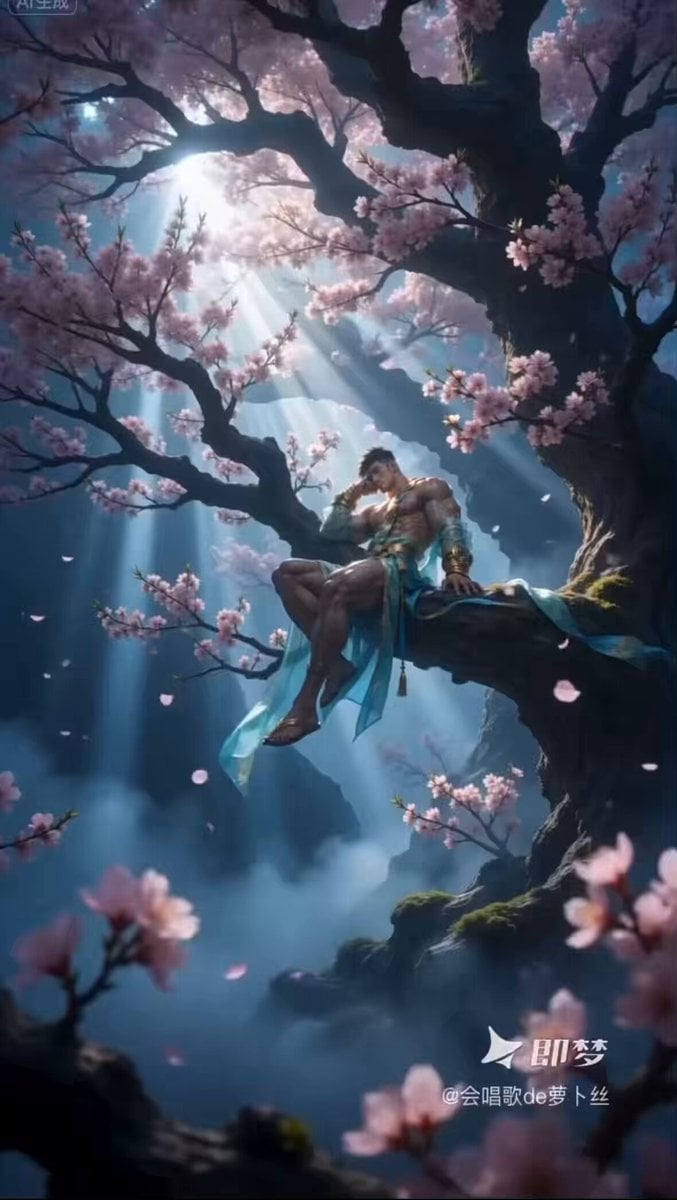
Ethereal Xianxia Immortal resting by Ancient Tree
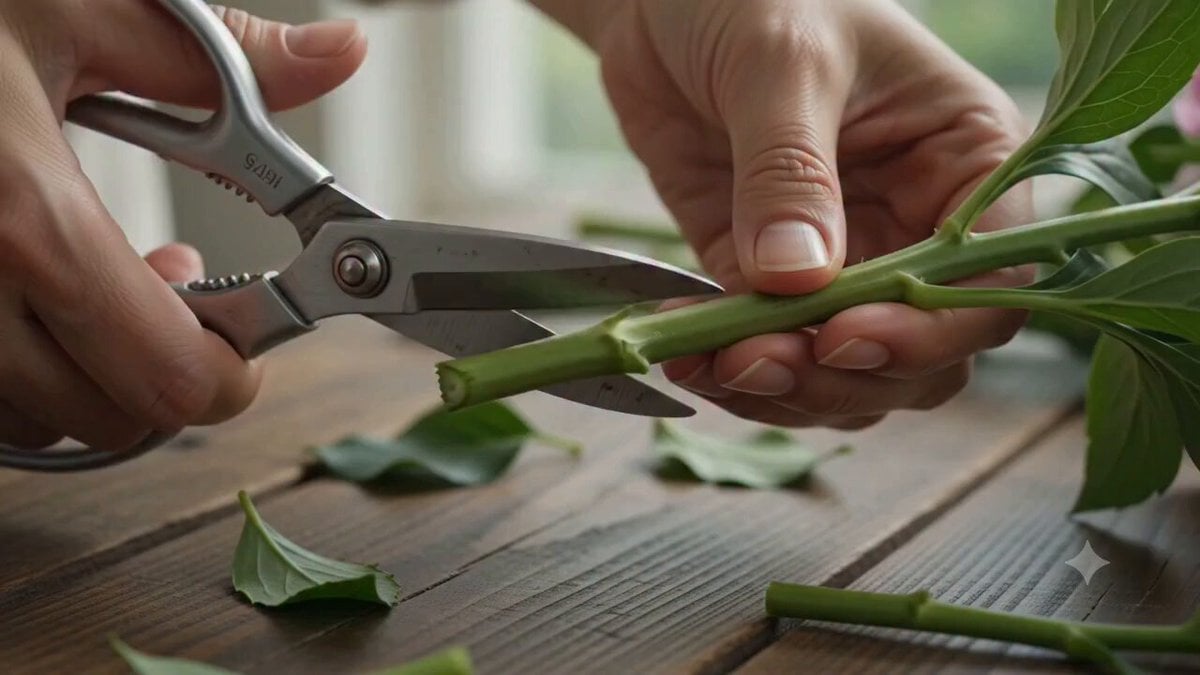
Florist Arranging Roses Cinematic Scene
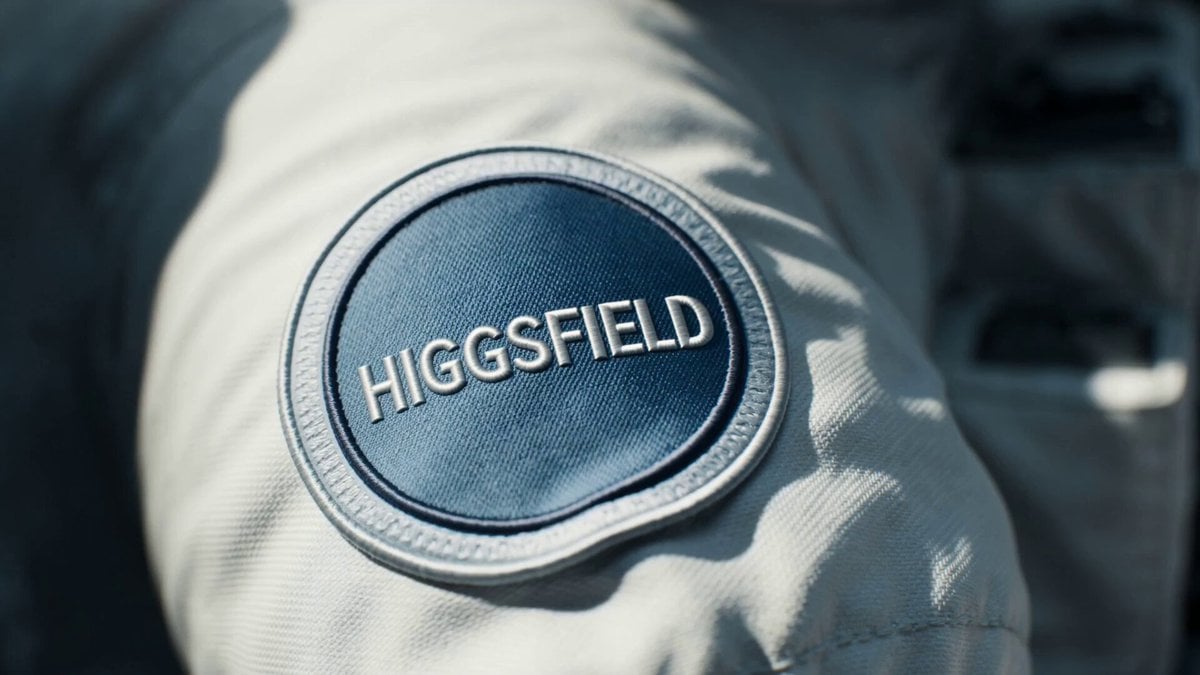
Astronaut Spacesuit Mission Patch Macro
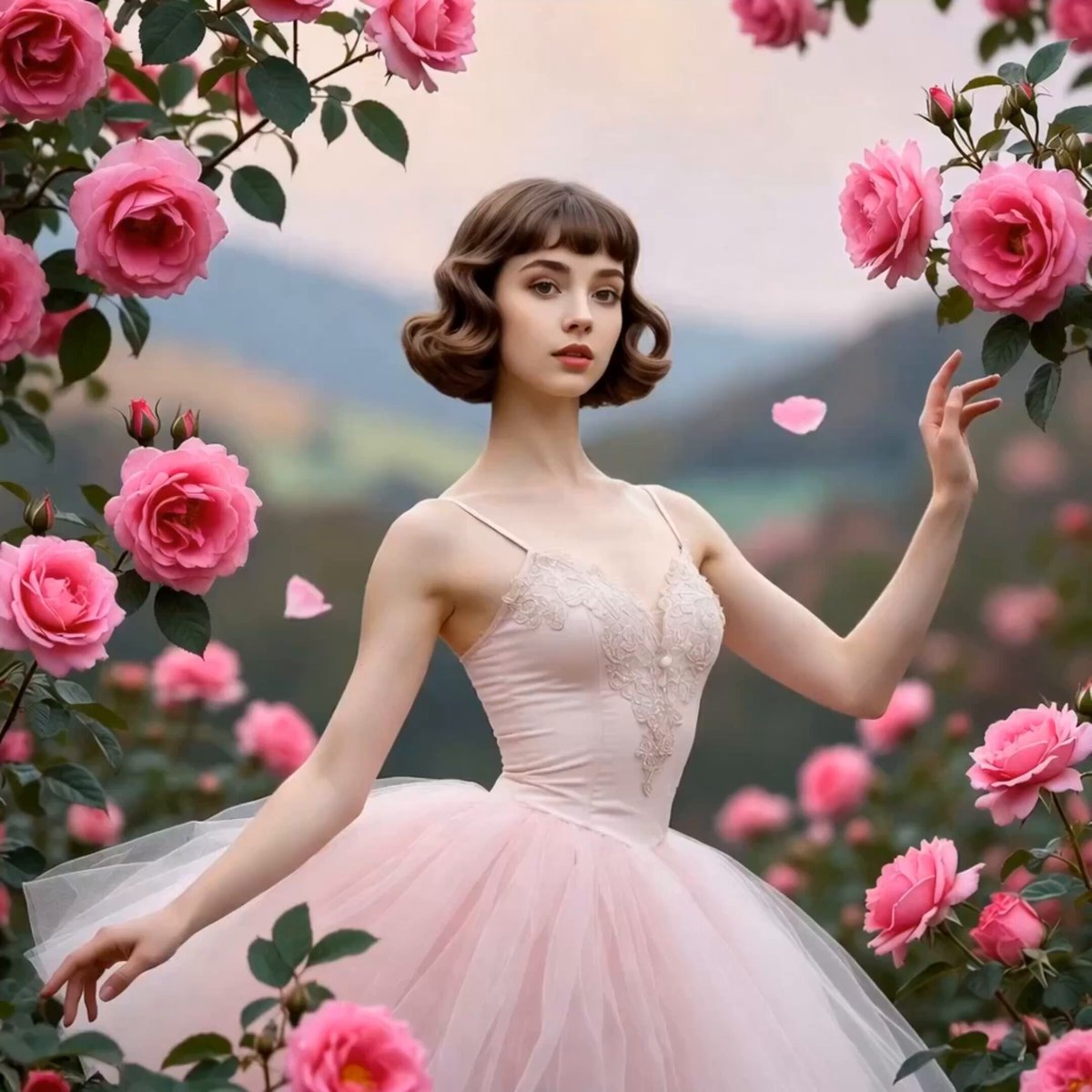
Ballerina Among Pink Roses
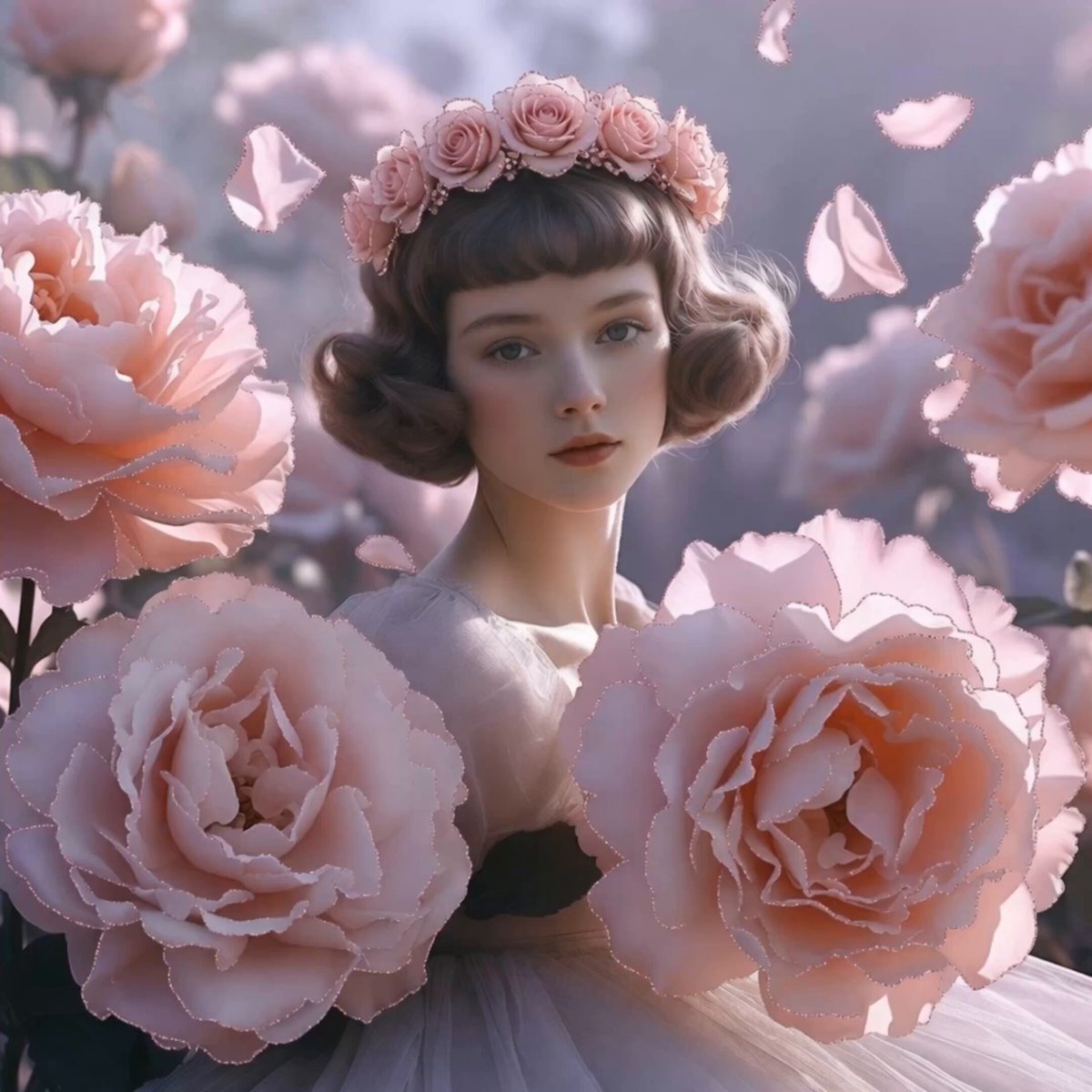
Dreamy Maiden with Pink Roses
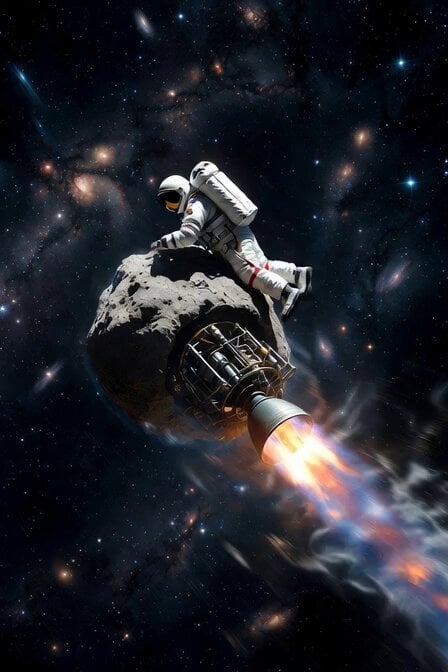
Astronaut Working on Asteroid Rocket
Make it yours
Astronaut Resting in White Roses works as-is. These are the safest ways to change it without losing the look.
Change one field
Copy a single group, rewrite it, and generate again so you can see what that field is doing.
Keep the frame, change the subject
Hold the composition and light of Astronaut Resting in White Roses, then swap wardrobe, props or the person for a new take.
| If the result… | Why | Fix |
|---|---|---|
| The result drifts from the preview | Too many fields changed at once. | Reuse Astronaut Resting in White Roses as-is first, then change one group — subject, light, or setting. |
| The model over-stylizes the scene | The prose prompt leaves finish and camera underspecified. | Add one camera or lighting sentence and stay on Seedance 2.0. |
More Seedance 2.0 templates
Other prompts made for Seedance 2.0.

Comical Martial Arts Punch Scene

Maglev Train Action Sequence

Martial Arts Fight Sequence

Wuxia Protection and Trust Script

Vintage Korean Arcade MiniDV Vlog

Mercedes 190 SL Luxury Ad

Rainy Night Supernatural Reverse Comedy Video Script

Amazon Civilization Discovery

Futuristic South Asian City Transformation

Cozy Luxury Cafe Commercial
More video prompts
Fresh picks from across the catalog.
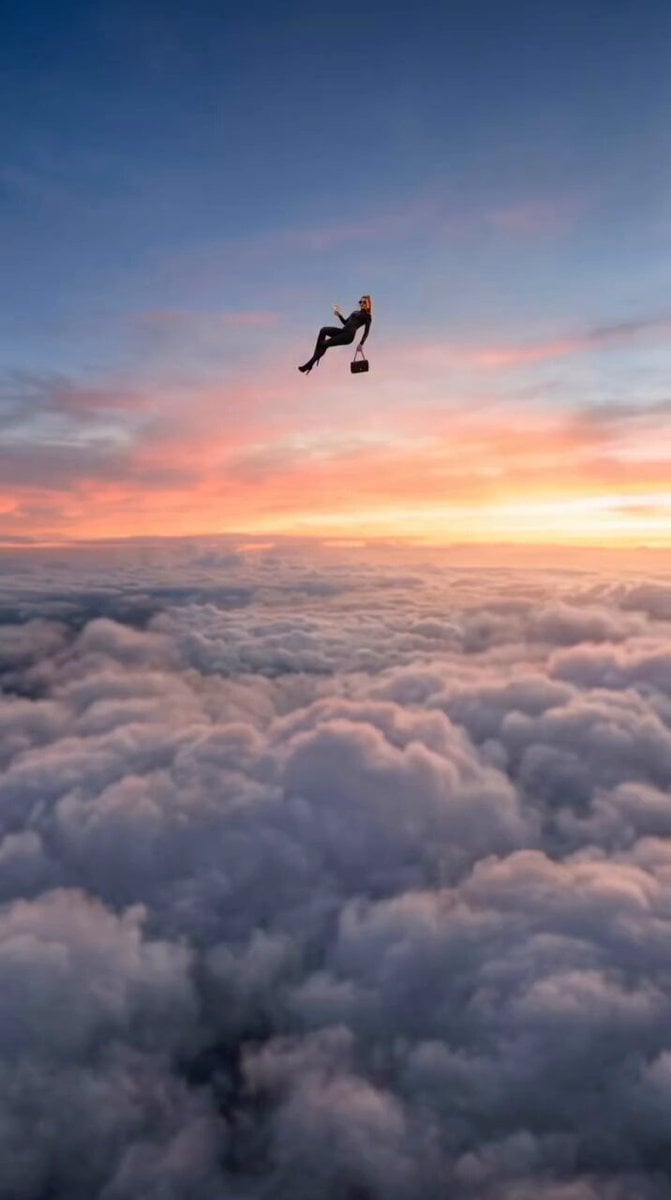
Floating Woman Sunset Cloudscape

Alien Screams and T-Rex Roar

Parade ending in a sugar pile with a flying dragon
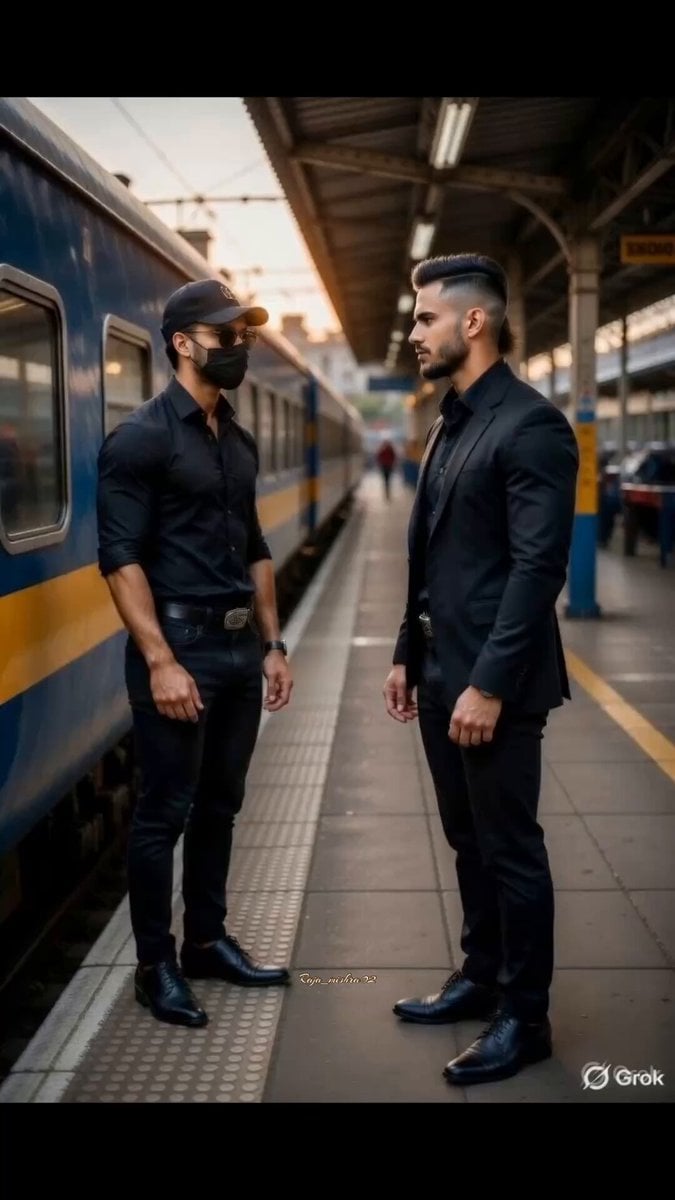
Two Warriors, One Mission
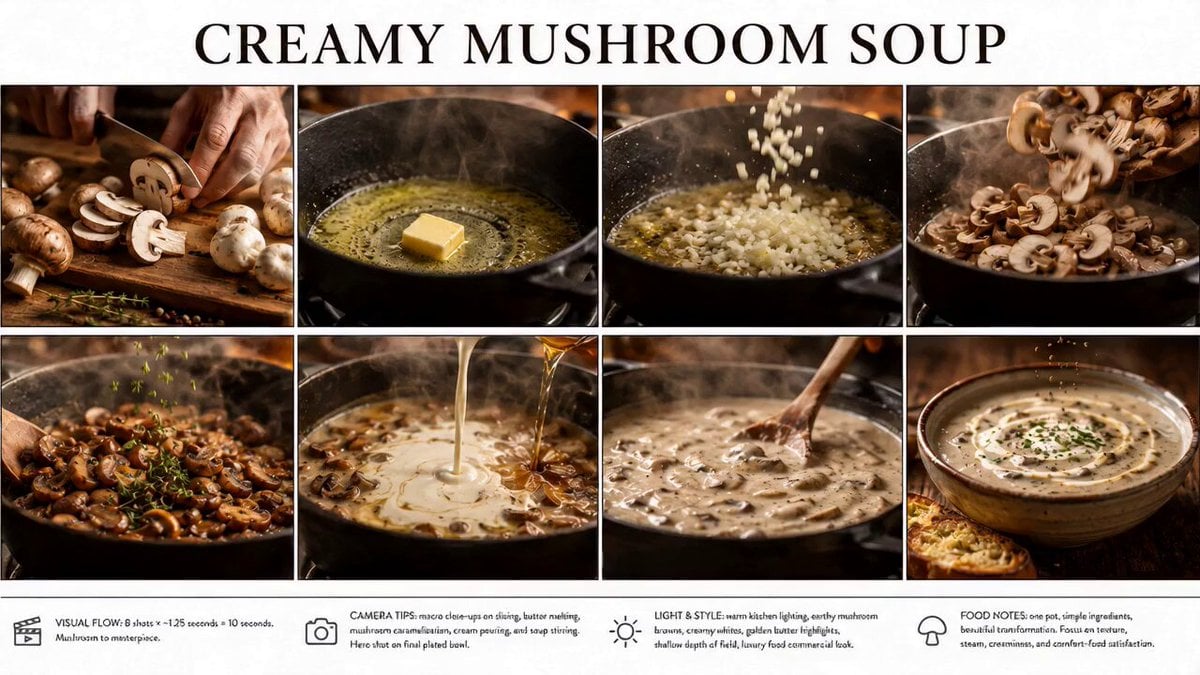
🌟Prompt: storyboard: Create a crisp, clean infogr
Baby Dragon Baking Adventure

Cinematic Storm Chaser Vlog
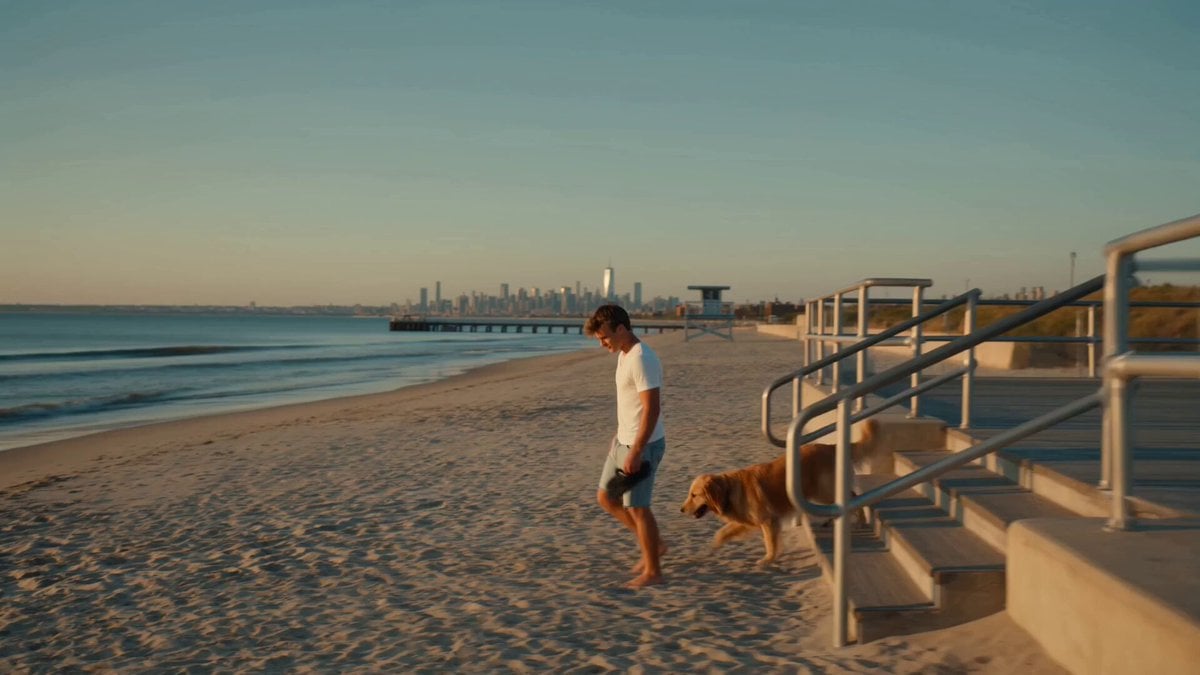
Golden Hour NYC Beach Stroll
Skincare Serum Glass Skin Commercial

Second Continuous War Realism Video Prompt
Browse template categories
Astronaut Resting in White Roses questions
How do I use the Astronaut Resting in White Roses template?
Add your photo if the template asks for one, edit the prompt if you like — the template's model and format are already selected — and press Generate. Your version opens in PicX Studio.
Can I customize the Astronaut Resting in White Roses template?
Yes. You can change the subject, setting, lighting, mood, format, and available model controls before creating your video.
Is the Astronaut Resting in White Roses template free?
Opening and editing this template is free. Generating uses credits, shown on the Generate button when you are signed in.
Which AI model should I use?
Start with Seedance 2.0, which is the model associated with this template. You can compare another compatible model for a different finish.
Looking for something else? Browse all templates.

Your photo, any look
Thousands of ready templates for every top image and video model, from one credit balance.