How do I use the Urban Rampage Tracking Shot template?
Edit the prompt in the box under the preview — the template's model and format are already selected — and press Generate. Your version appears right on this page.
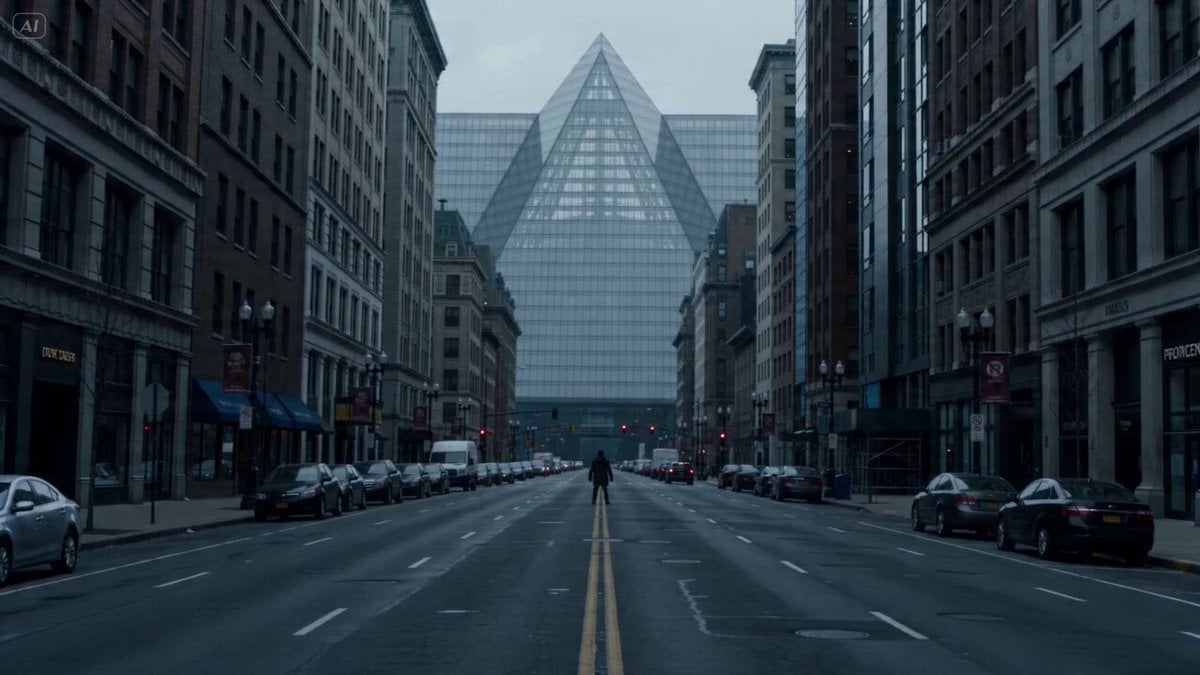
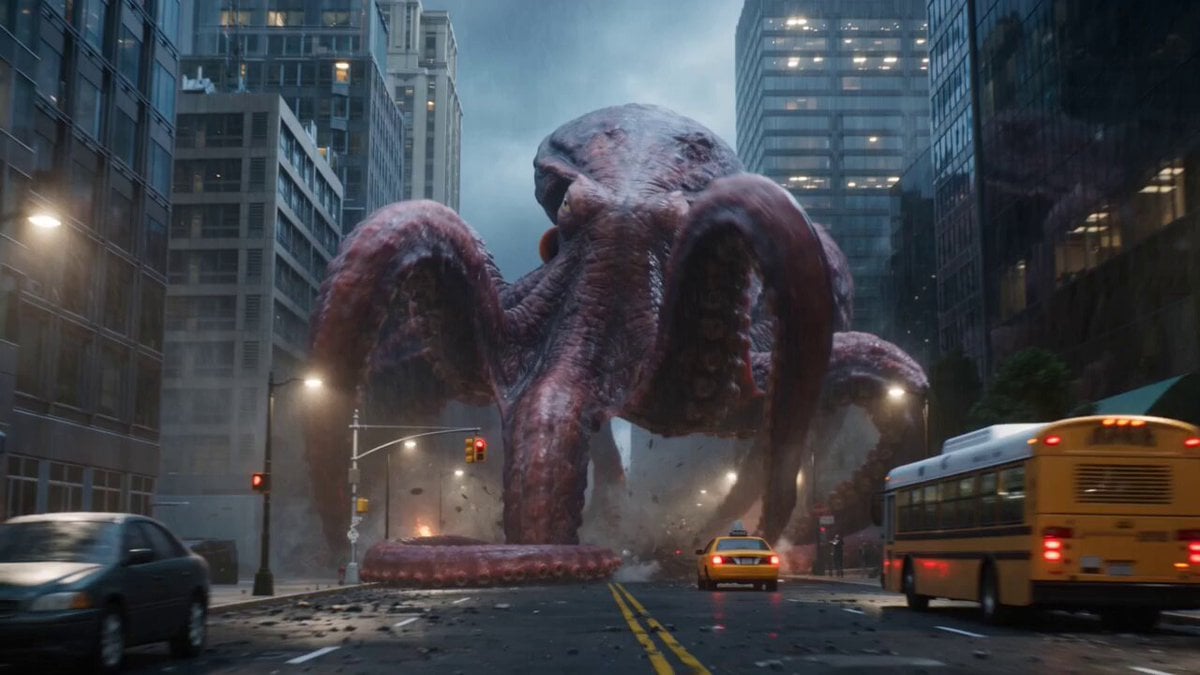
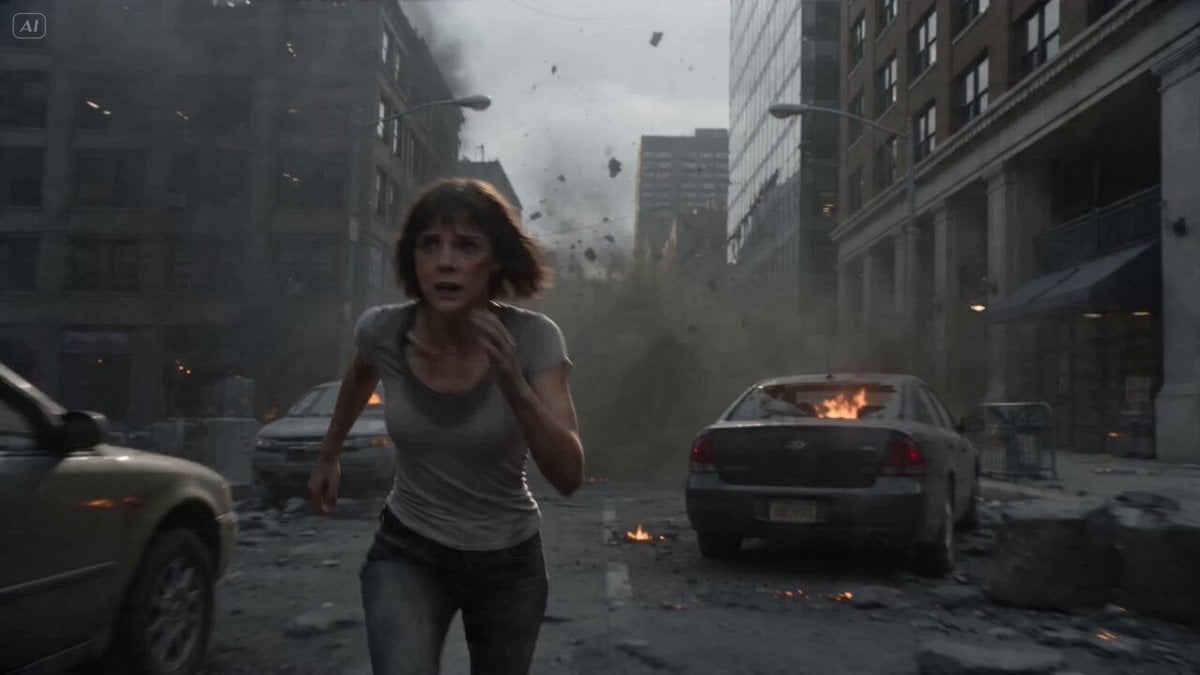
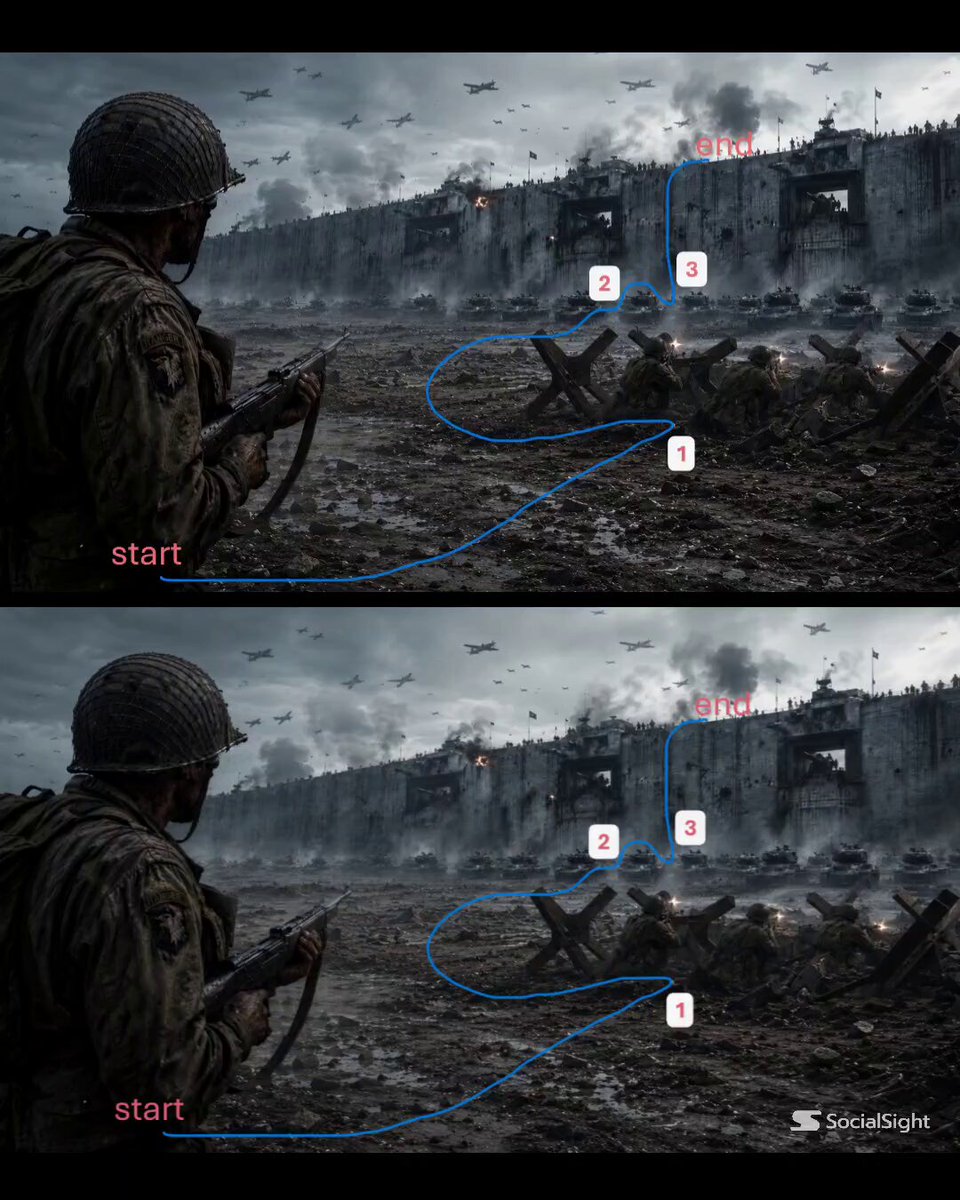
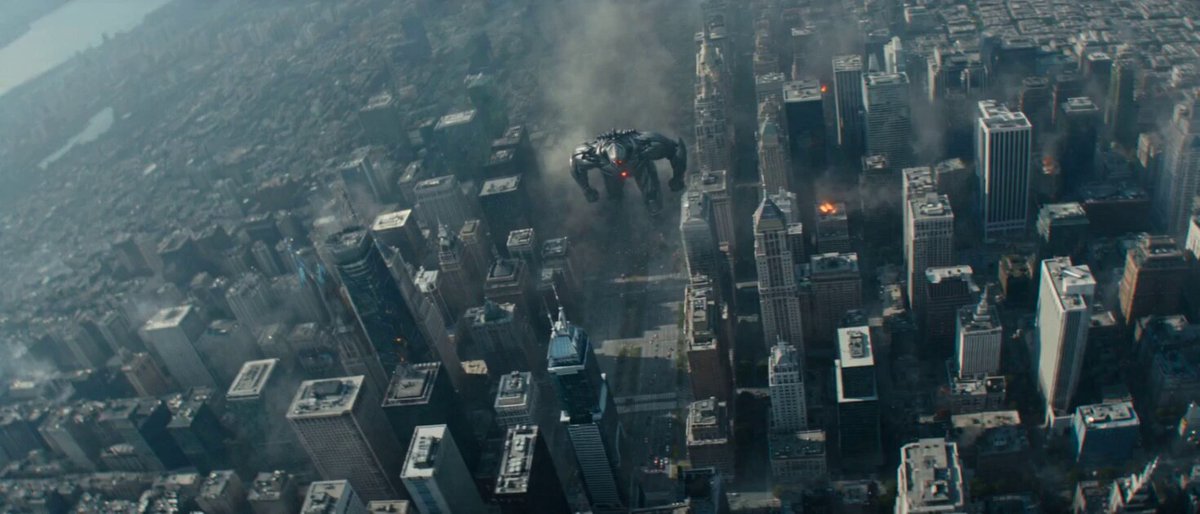
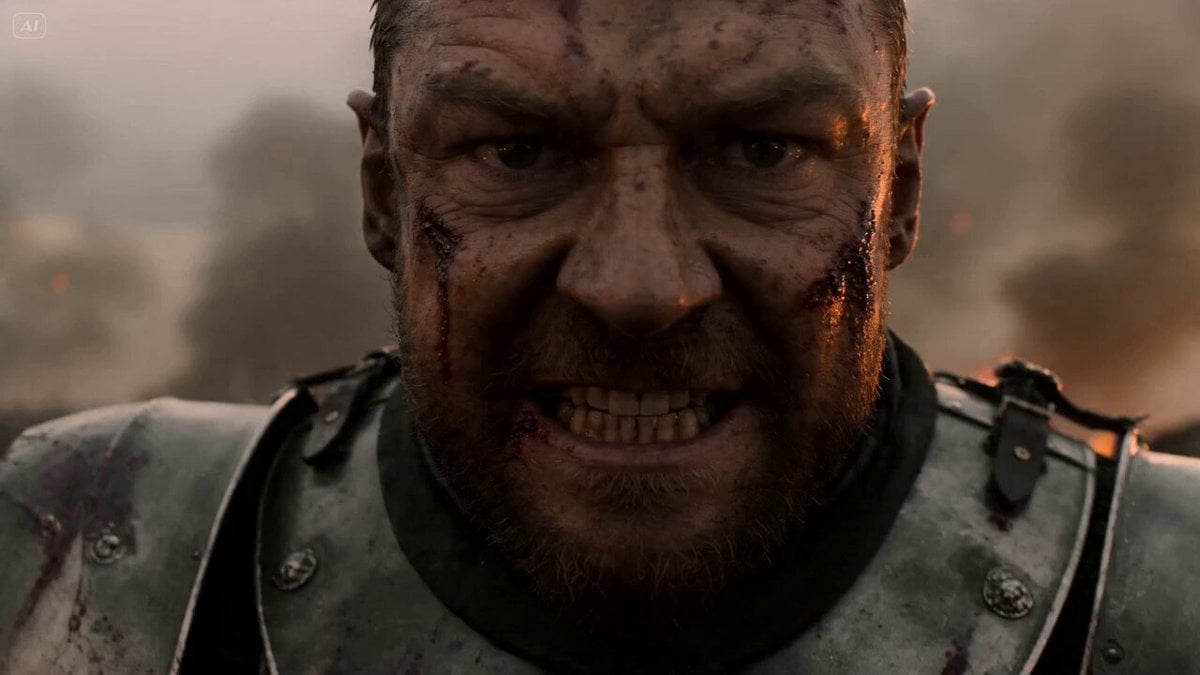
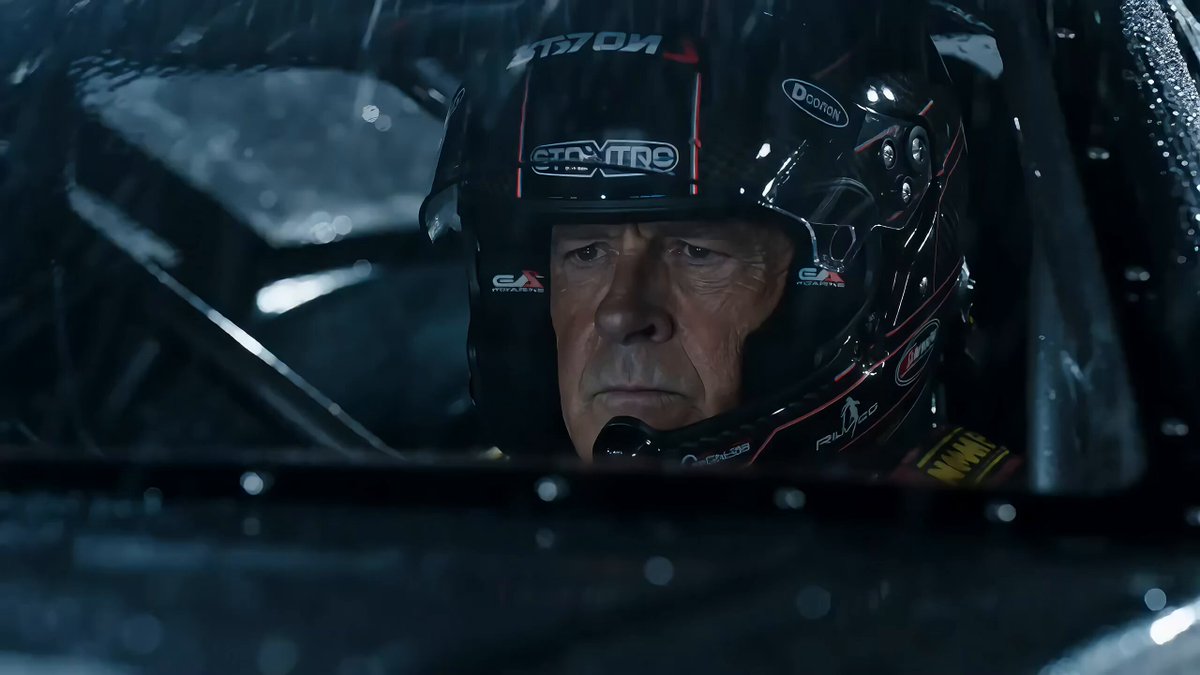
A high-intensity cinematic tracking shot featuring a driver swerving through a city under attack by a giant creature, perfect for action movie sequences.
A driver gripping the wheel, eyes wide, swerving violently at full speed. Dodges collapsing buildings as a giant creature rampages through the city. Urban streets being destroyed, cars flipping, dust clouds rising. Front tracking shot pulling backward from the car, creature appearing in background, debris crashing around, cinematic destruction synced with motion.
A driver gripping the wheel, eyes wide, swerving violently at full speed. Dodges collapsing buildings as a giant creature rampages through the city. Urban streets being destroyed, cars flipping, dust clouds rising. Front tracking shot pulling backward from the car, creature appearing in background, debris crashing around, cinematic destruction synced with motion.
Edit the prompt in the box under the preview — the template's model and format are already selected — and press Generate. Your version appears right on this page.
Yes. You can change the subject, setting, lighting, mood, format, and available model controls before creating your video.
Opening and editing this template is free. Generating uses credits, shown on the Generate button when you are signed in.
Start with Seedance 2.0, which is the model associated with this template. You can compare another compatible model for a different finish.
Follow a topic to a crawlable collection of related PicX Studio templates.