How do I use the Product Reveal: Ice Thaw and Seasonal Transition template?
Edit the prompt in the box under the preview — the template's model and format are already selected — and press Generate. Your version appears right on this page.
A detailed prompt for generating a product reveal video.

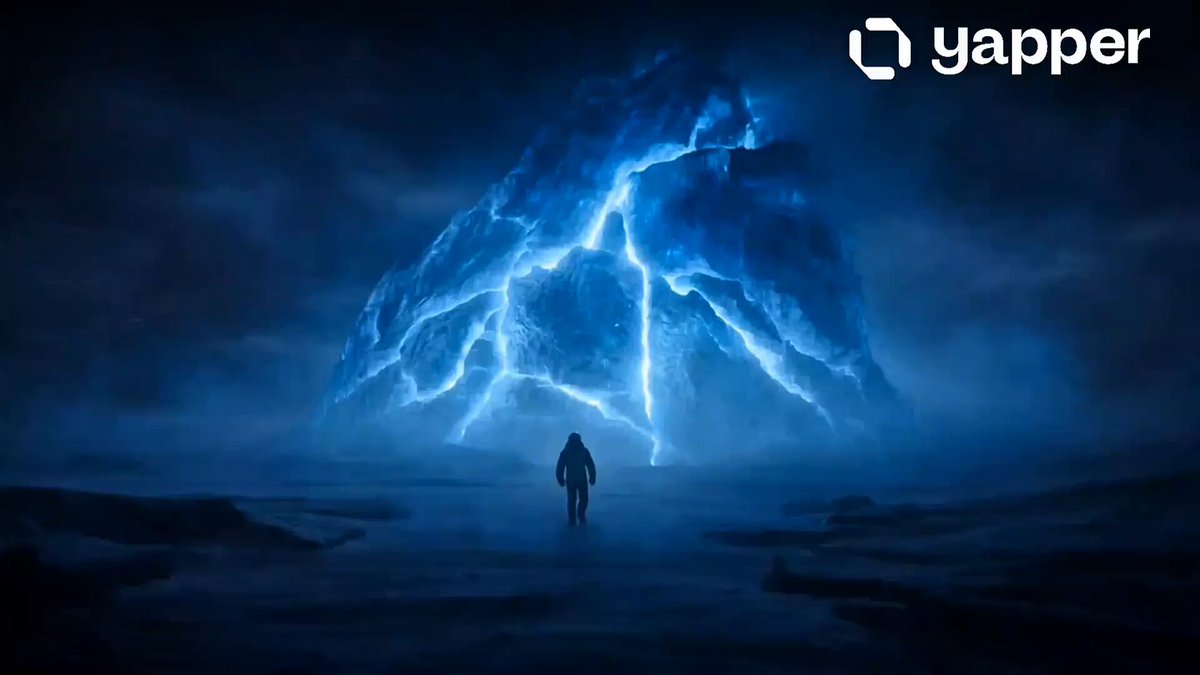
A cold winter day. Snow is falling. A product is on the snow, completely encased in ice. Gradually, cracks appear across the ice one after another, accompanied by a distinctive cracking sound. The icy shell fractures - large sharp shards of ice burst apart and instantly scatter in all directions. The product is freed from the ice and becomes clearly visible. At the same time, the snowfall stops, and the clouds slowly disperse, giving way to a clear sky. The snow on the surface melts, and grass and wildflowers sprout from beneath it, gently swaying in a light breeze. A butterfly flies into the frame and lands on top of the product. Throughout the entire scene, the camera slowly pushes in. The product packaging and label design remain exactly the same. No slow motion.
A cold winter day. Snow is falling. A product is on the snow, completely encased in ice. Gradually, cracks appear across the ice one after another, accompanied by a distinctive cracking sound. The icy shell fractures - large sharp shards of ice burst apart and instantly scatter in all directions. The product is freed from the ice and becomes clearly visible. At the same time, the snowfall stops, and the clouds slowly disperse, giving way to a clear sky. The snow on the surface melts, and grass and wildflowers sprout from beneath it, gently swaying in a light breeze. A butterfly flies into the frame and lands on top of the product. Throughout the entire scene, the camera slowly pushes in. The product packaging and label design remain exactly the same. No slow motion.
Edit the prompt in the box under the preview — the template's model and format are already selected — and press Generate. Your version appears right on this page.
Yes. You can change the subject, setting, lighting, mood, format, and available model controls before creating your video.
Opening and editing this template is free. Generating uses credits, shown on the Generate button when you are signed in.
Start with Seedance 2.0, which is the model associated with this template. You can compare another compatible model for a different finish.
Follow a topic to a crawlable collection of related PicX Studio templates.