
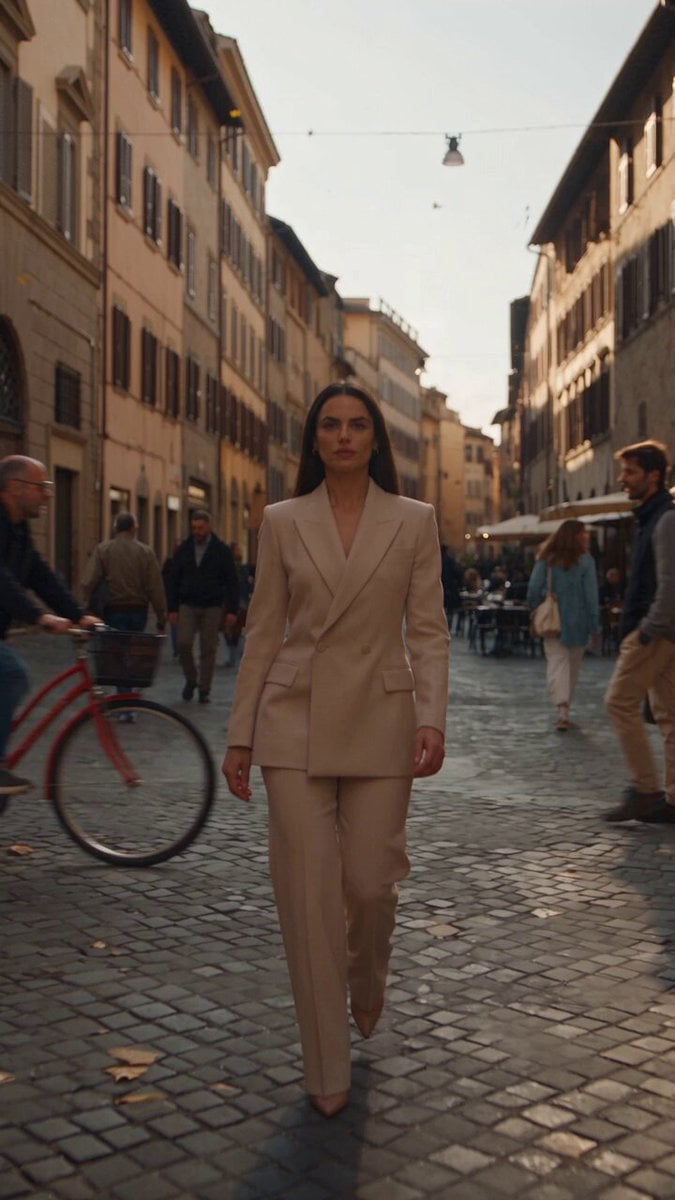
Cinematic Portrait Study 6
Cinematic Portrait Study 6 is a ready video look for Seedance 2.5.
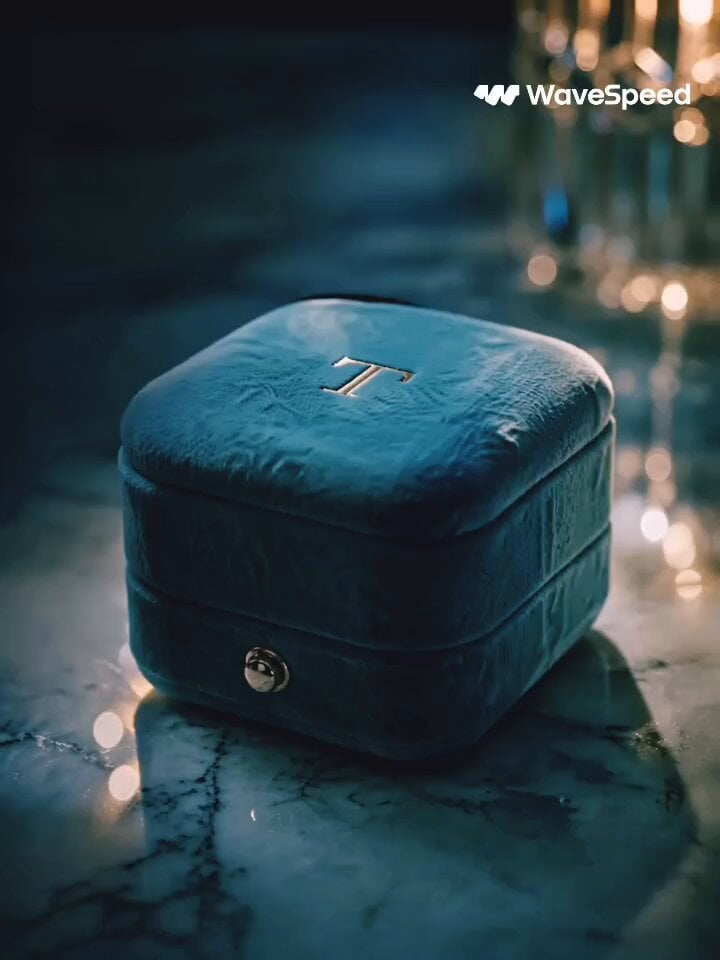
- Prompt included
- Model and format preset
- Premium template
The prompt behind this video
Copy the exact prompt behind Cinematic Portrait Study 6, or open it in the studio and make it yours.
Made this diamond ring commercial with GPT Image 2 × Seedance 2.0 on @wavespeed_ai Prompt - TITLE: Luxury Diamond Ring Commercial Storyboard FORMAT: • Single-page premium storyboard • 3:4 Portrait • High-end jewelry campaign • Editorial presentation • 8 cinematic storyboard scenes HEADER: • Elegant serif typography • White & champagne gold palette • Luxury icons • Information cards • Why This Style Works STORYBOARD: 1. Velvet ring box reveal 2. Box slowly opening 3. Diamond sparkle macro 4. Romantic proposal 5. Ring placed on finger 6. Emotional close-up 7. Luxury portrait 8. Hero diamond product STYLE: Tiffany & Co. campaign aesthetic, soft luxury lighting, cinematic romance, crystal reflections, premium fashion editorial, ultra realistic, 8K.
How to use Cinematic Portrait Study 6 in 3 steps
- 1Upload ImagePNG, JPG or paste
Add your photo
Upload the photo the template builds on. The prompt, model and format are already set.
- 2…a portrait of your subject in softgolden-hour light, 85mm…
Personalize
Edit the subject and creative details for your destination.
- 3Generate
Generate
Press Generate — your video is created in PicX Studio, so you can compare it with the original and refine one variable at a time.
More like this
Templates with the same subject, style or setup. Open one to see its prompt.
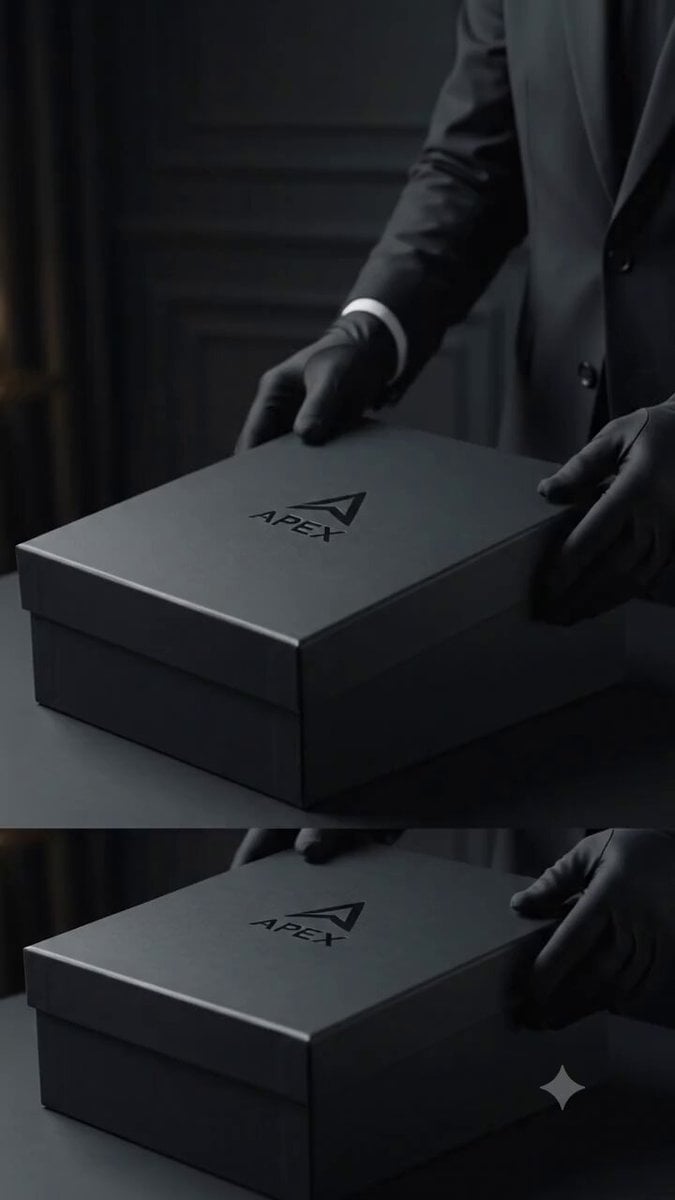
Sneaker Product Commercial

Cinematic Portrait Study
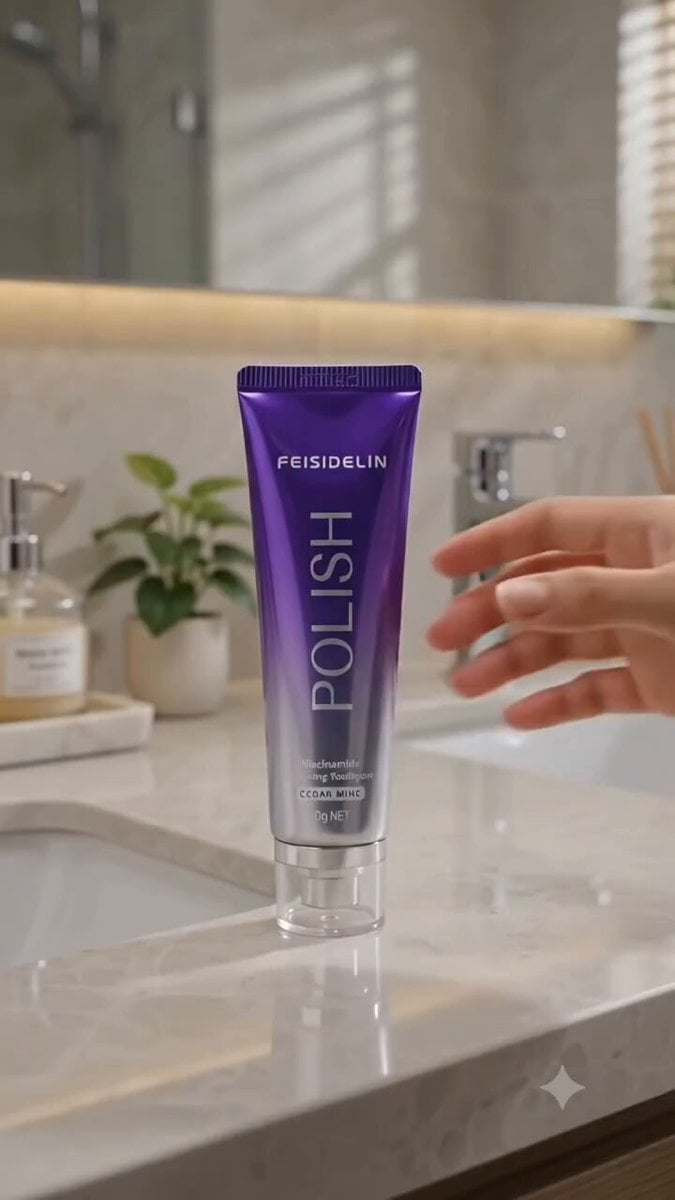
Cinematic Portrait Study 3
Skincare Product Commercial
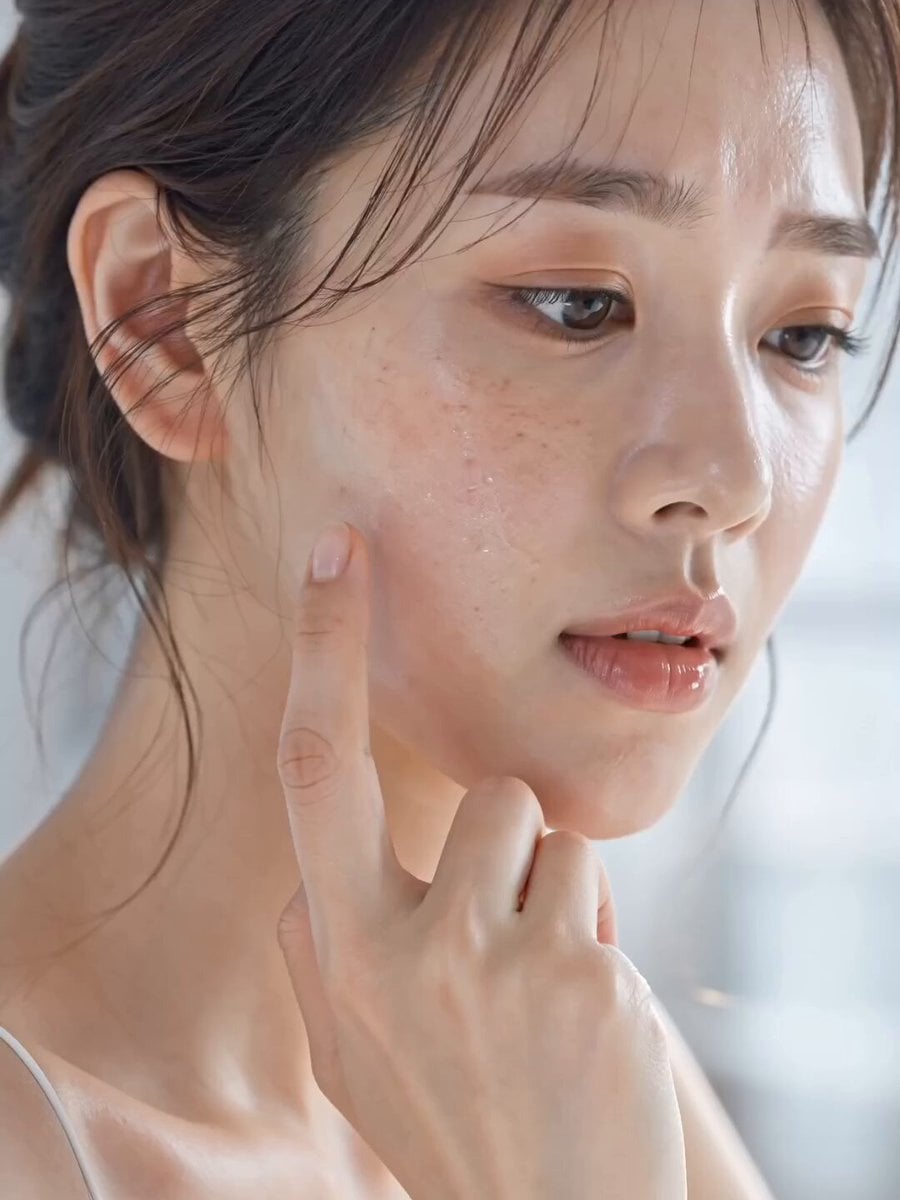
Skincare Product Commercial 3
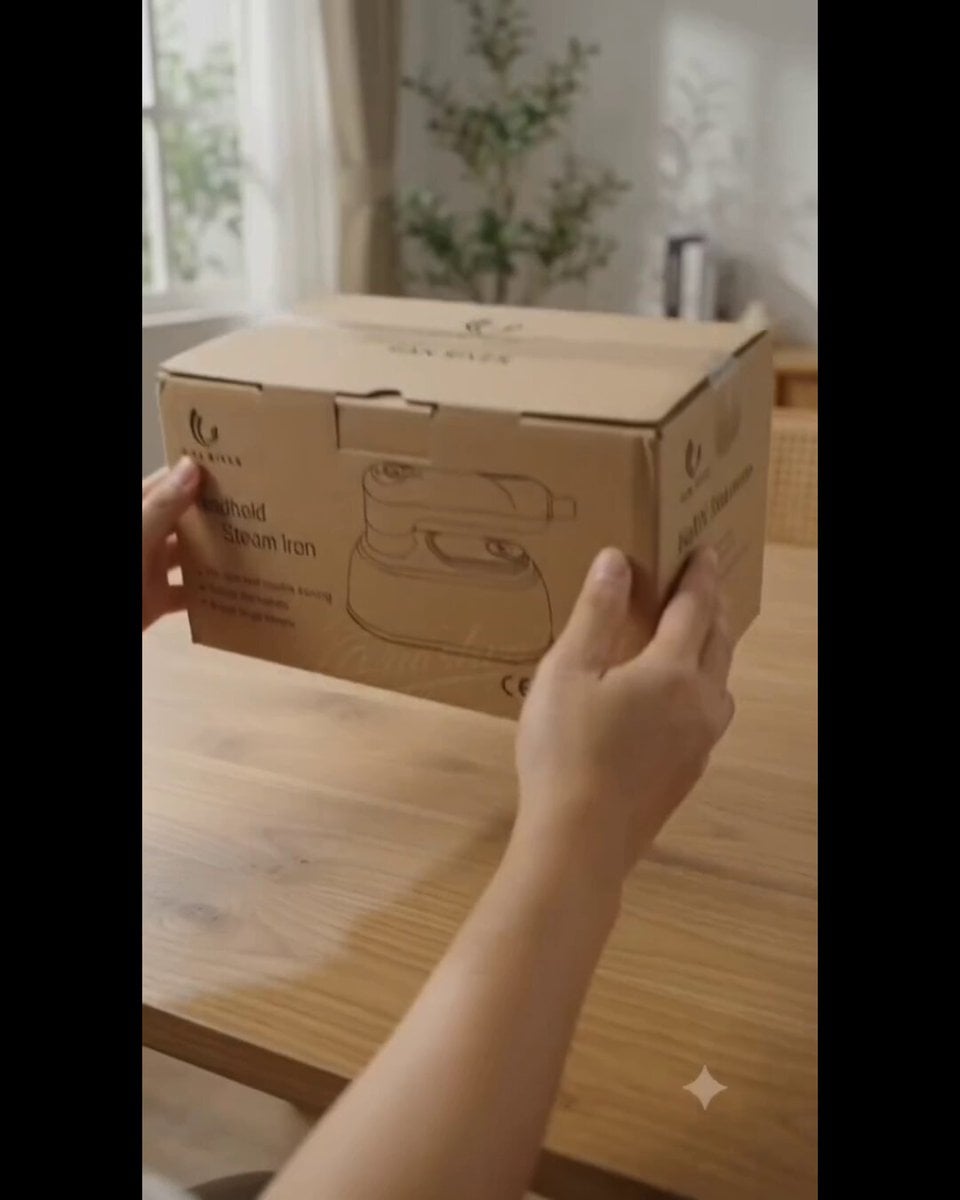
Product UGC Commercial
Luxury Handbag Commercial — Hollywood VFX Ad
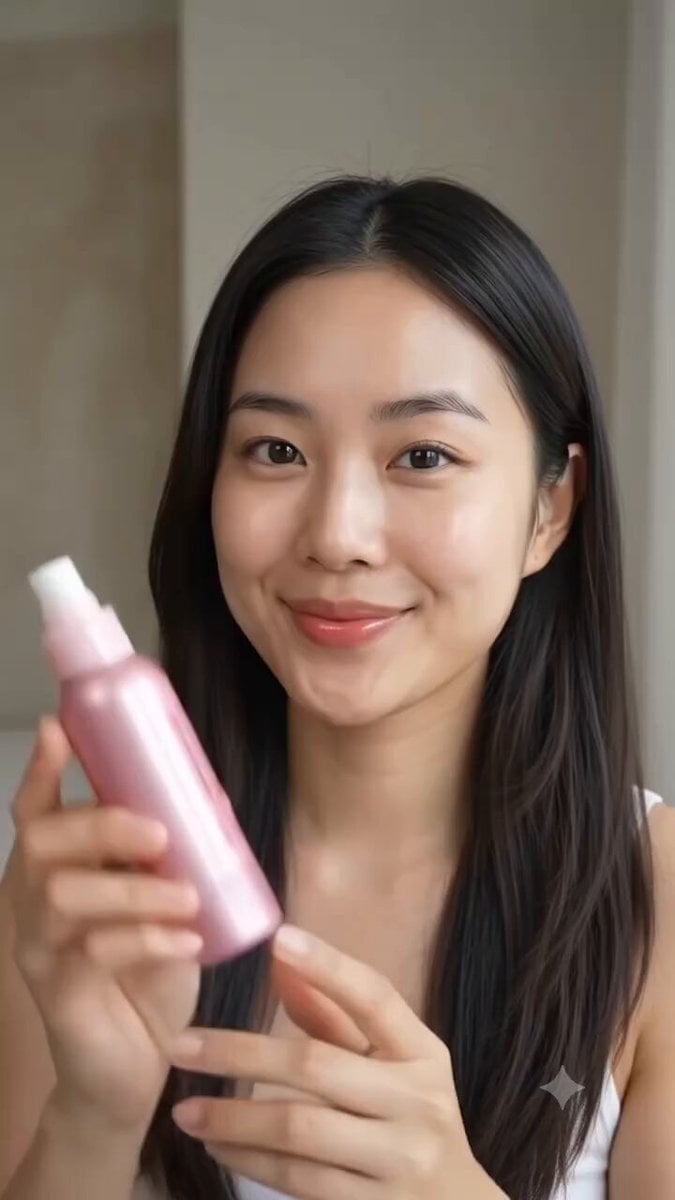
Multi Panel Storyboard Sheet
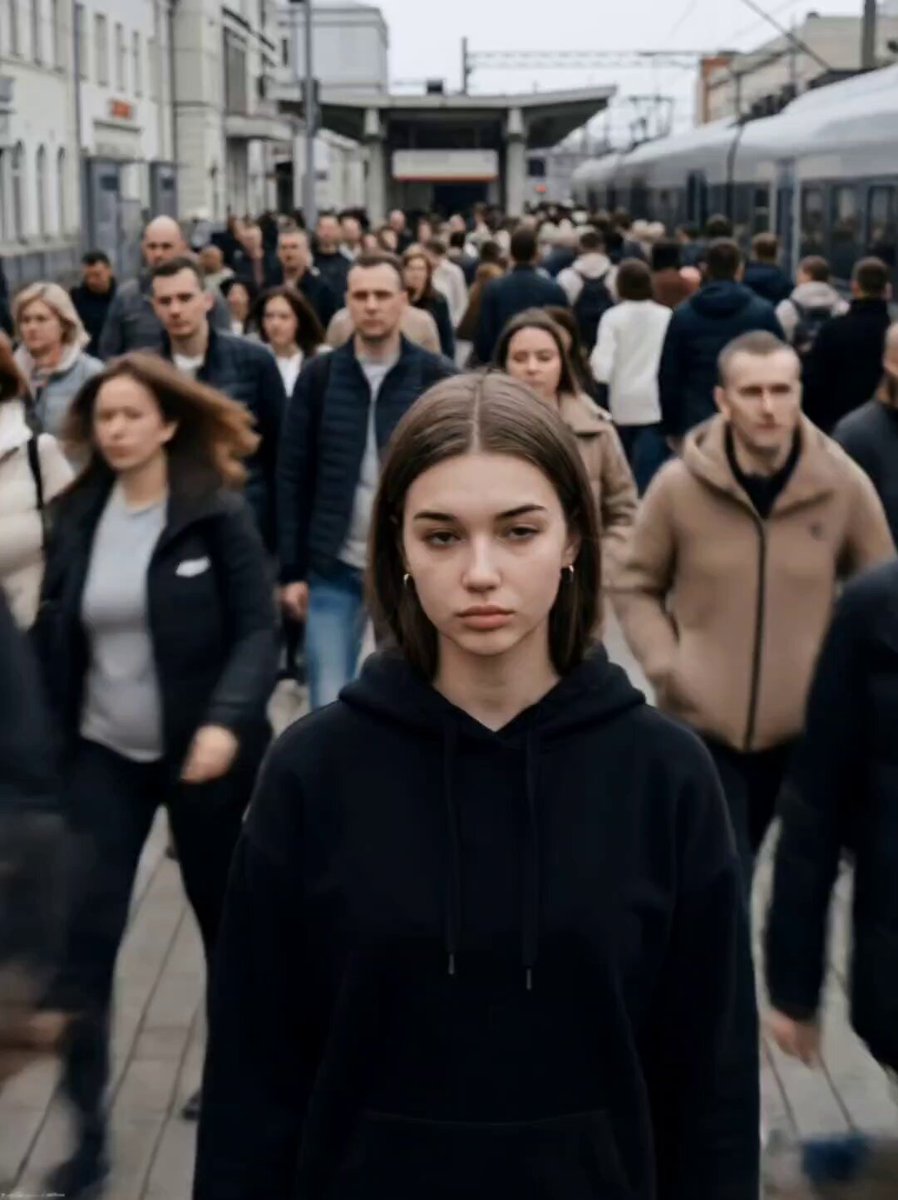
Cinematic Short Film Scene
Luxury Lifestyle Day Vlog
Cinematic Short Film Scene 2
Ice Queen — Frozen Battlefield Time Control (Seedance)
Make it yours
Cinematic Portrait Study 6 works as-is. These are the safest ways to change it without losing the look.
Change one field
Copy a single group, rewrite it, and generate again so you can see what that field is doing.
Keep the frame, change the subject
Hold the composition and light of Cinematic Portrait Study 6, then swap wardrobe, props or the person for a new take.
| If the result… | Why | Fix |
|---|---|---|
| The result drifts from the preview | Too many fields changed at once. | Reuse Cinematic Portrait Study 6 as-is first, then change one group — subject, light, or setting. |
| The model over-stylizes the scene | The prose prompt leaves finish and camera underspecified. | Add one camera or lighting sentence and stay on Seedance 2.5. |
More Seedance 2.5 templates
Other prompts made for Seedance 2.5.

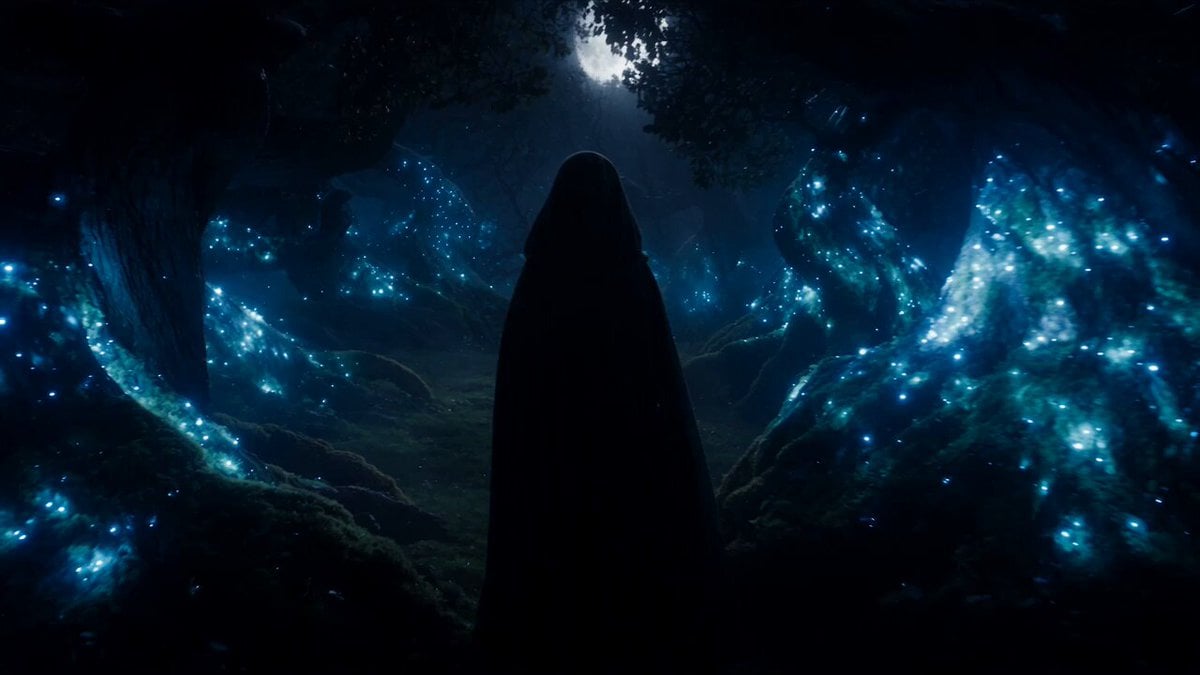
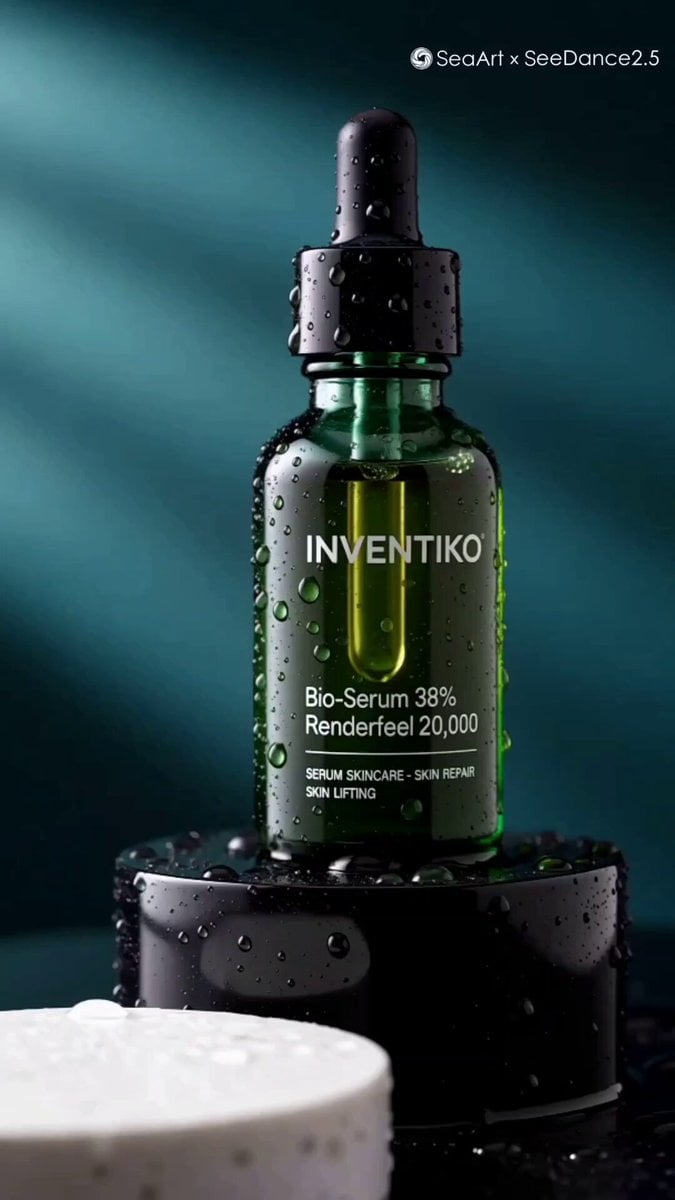
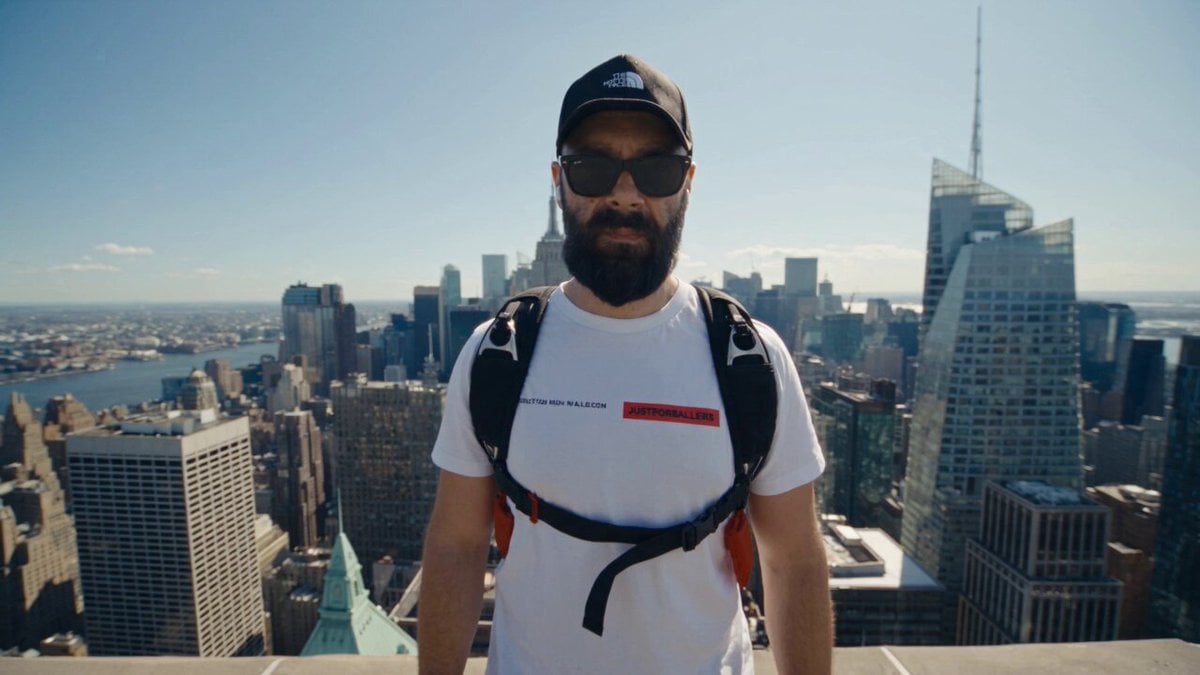
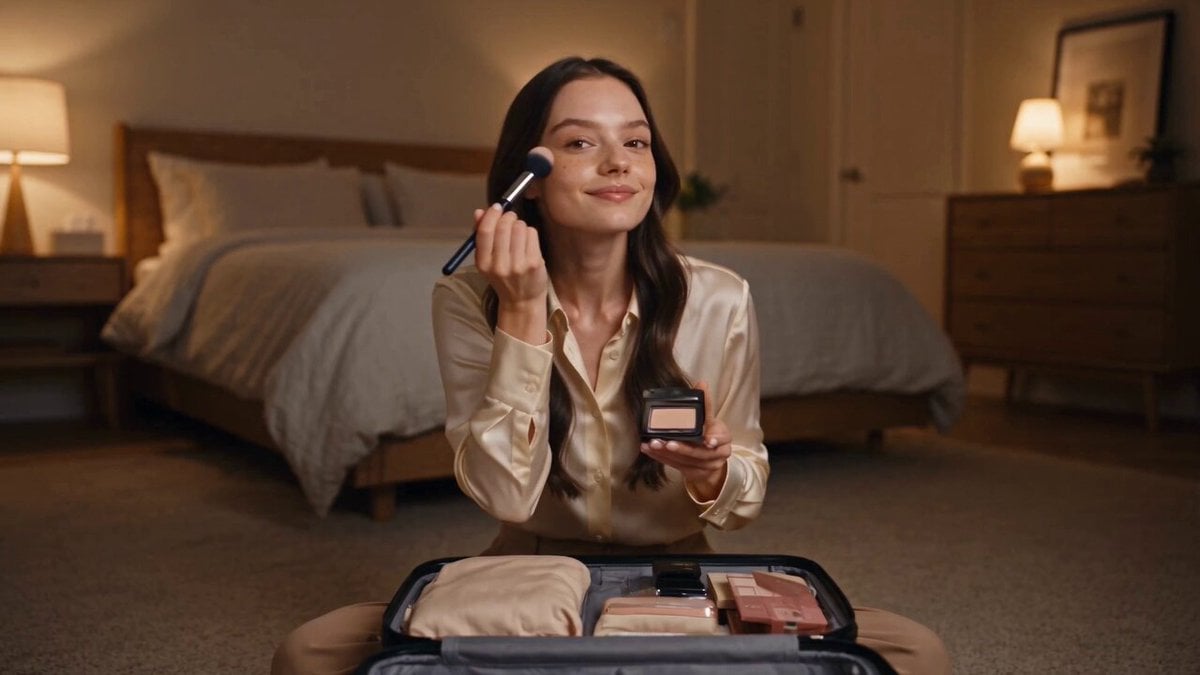
More video prompts
Fresh picks from across the catalog.
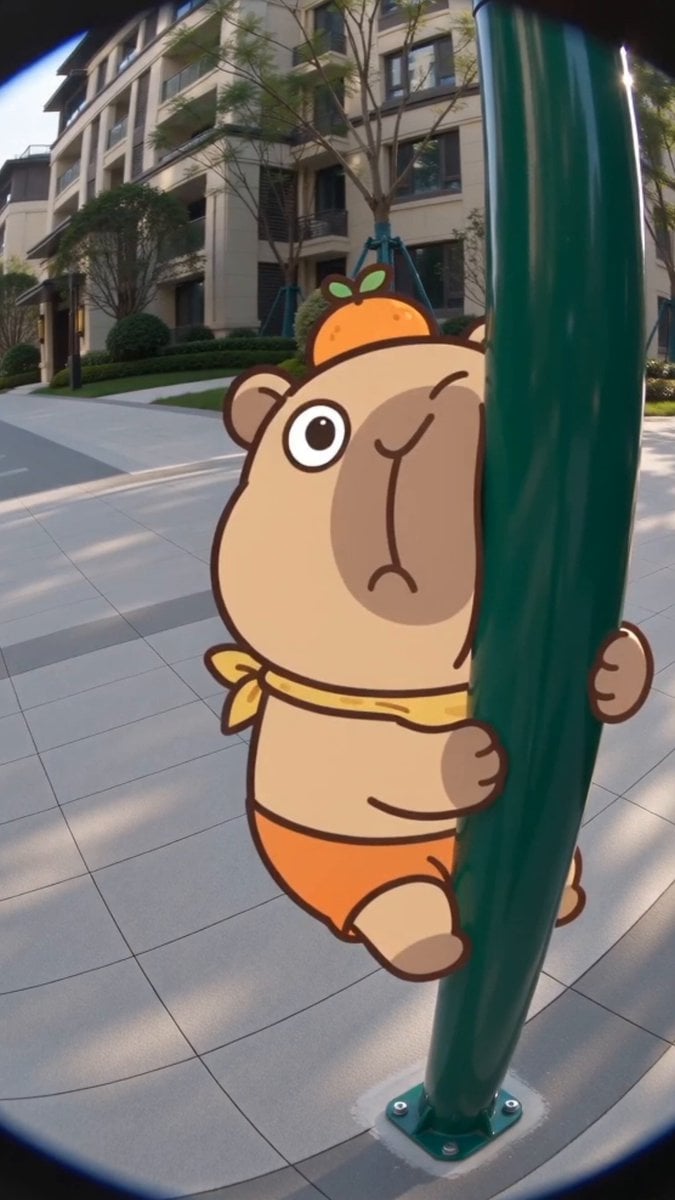
Seedance 2.0 Capybara Lulu Fisheye Interaction
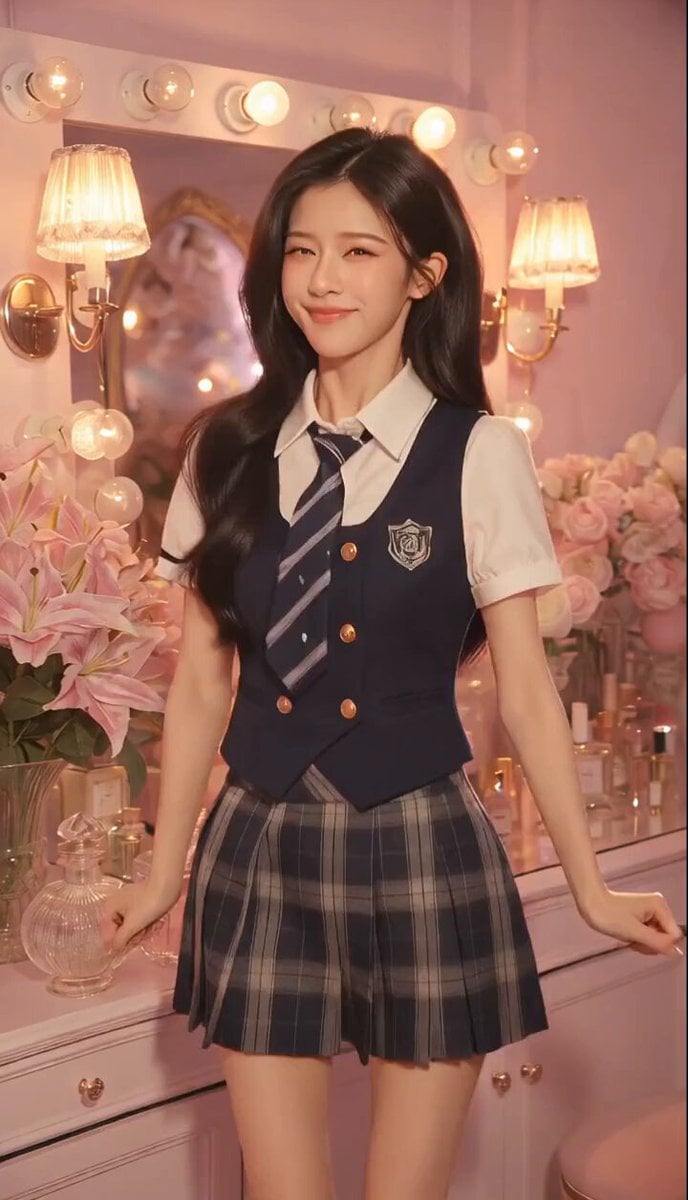
Sweet and Cool Rapid Outfit Change
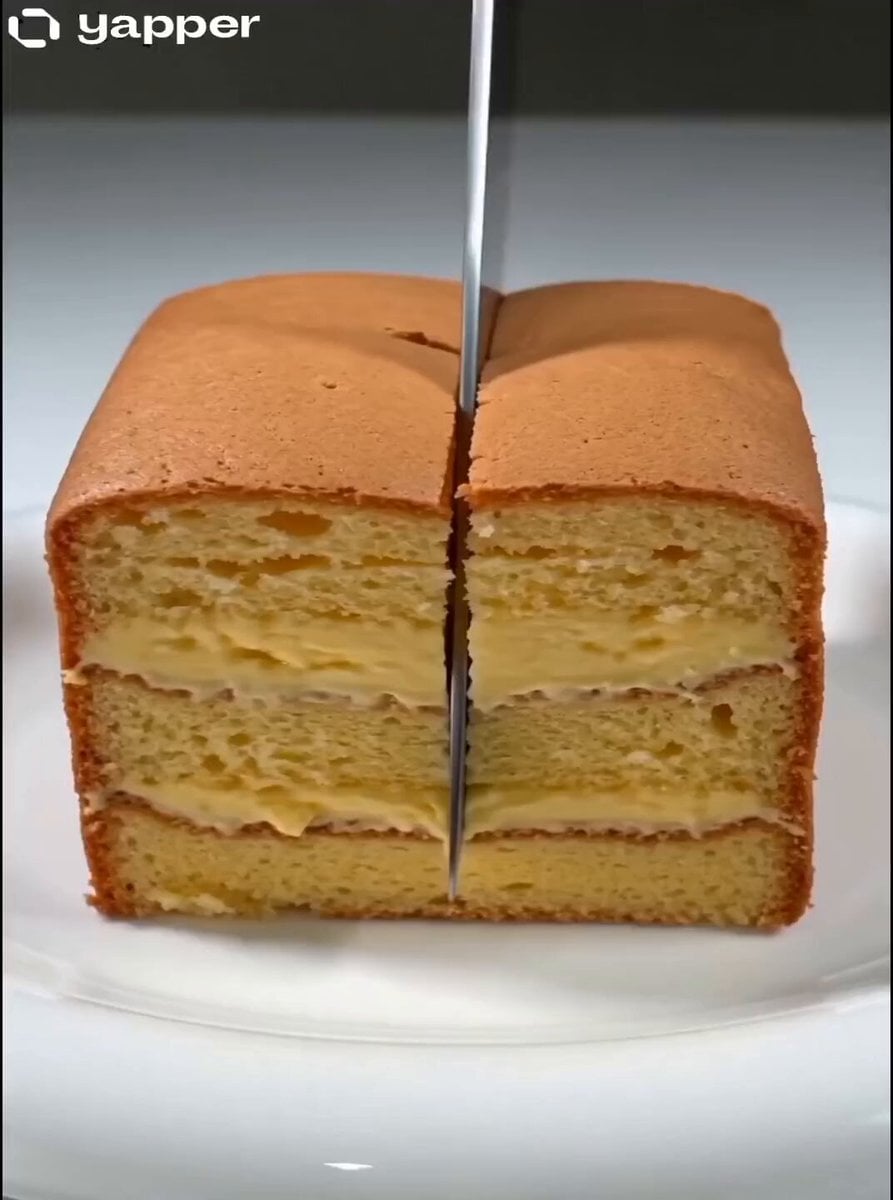
Reverse Destruction Magic Assembly
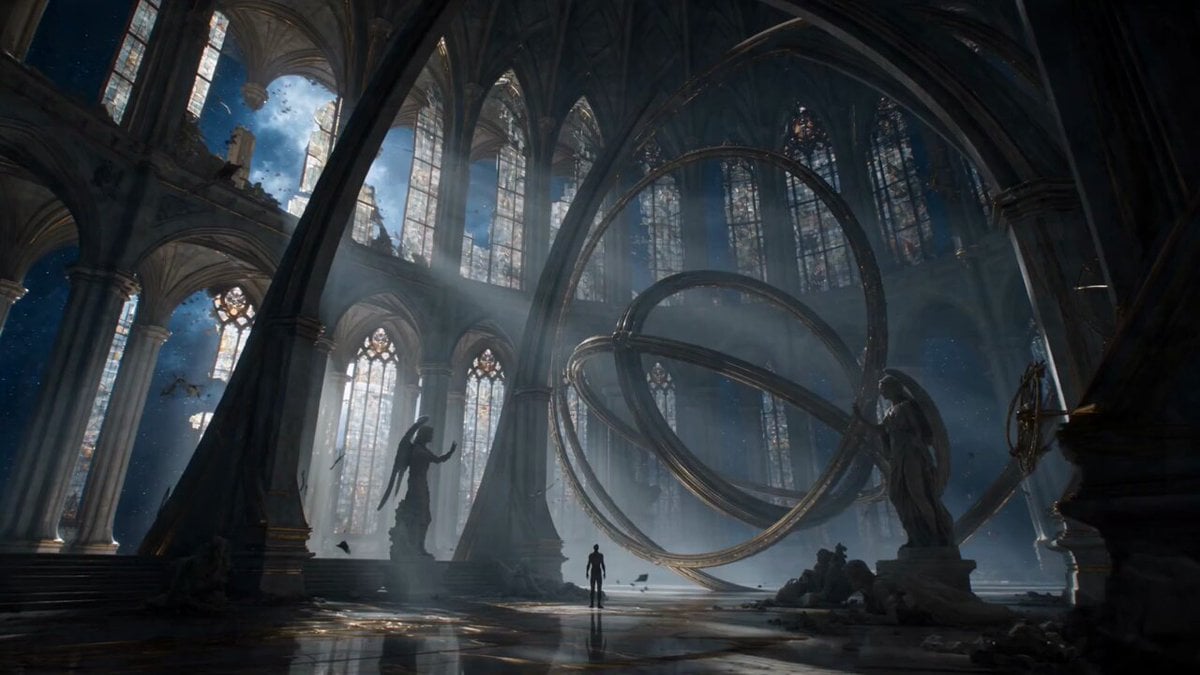
Biomechanical Angel Space Cathedral Transformation
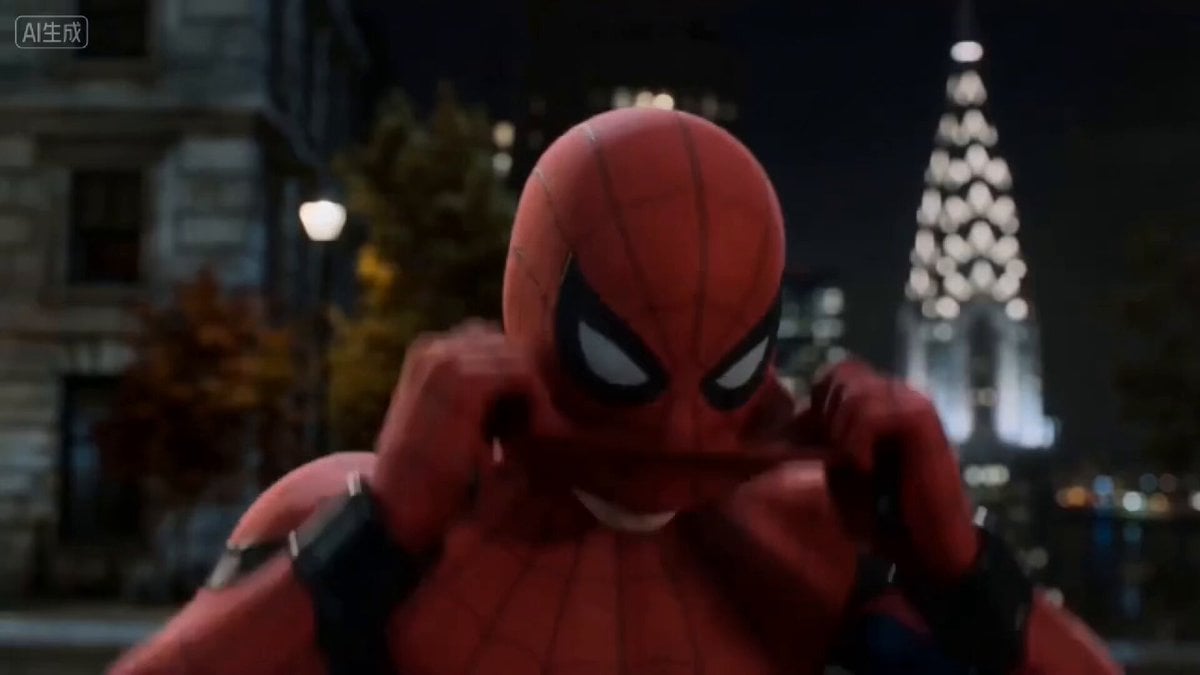
Action Sequence: Character Launching First Attack

Spaceship Movie and Crew Celebration

Botanical Garden Future Scenery
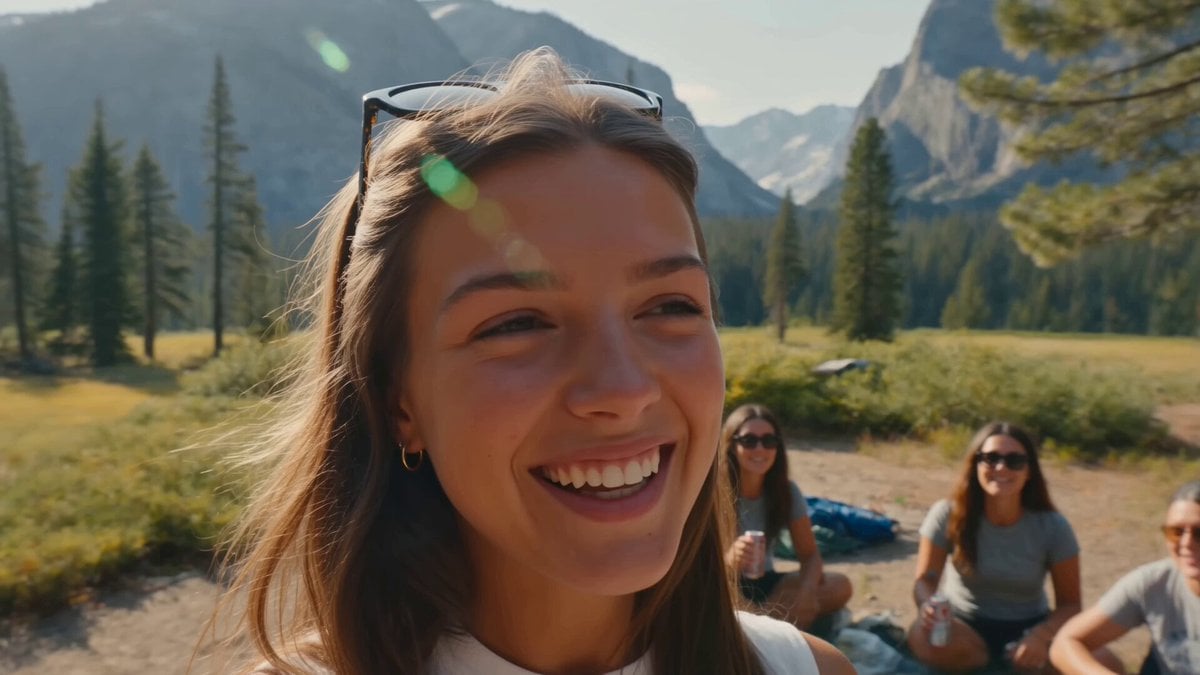
Smartphone Camping Montage
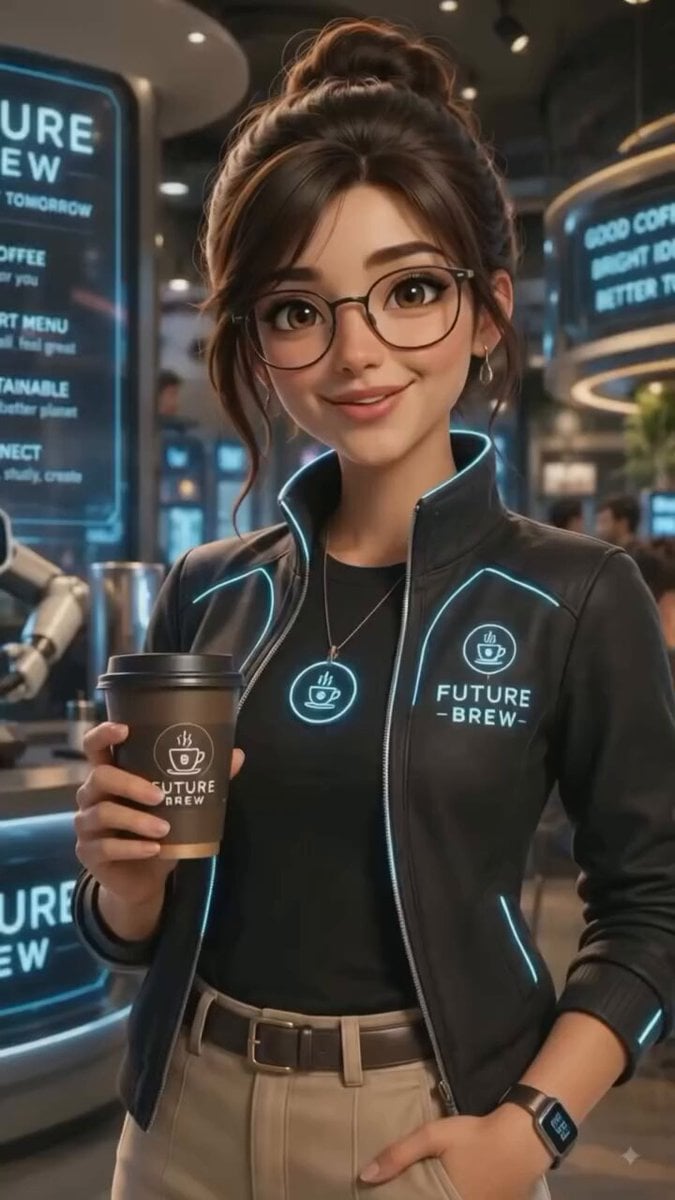
Futuristic Tech Cafe with Robotic Barista

Eastern Wuxia Ultimate Showdown
Browse template categories
Cinematic Portrait Study 6 questions
How do I use the Cinematic Portrait Study 6 template?
Add your photo if the template asks for one, edit the prompt if you like — the template's model and format are already selected — and press Generate. Your version opens in PicX Studio.
Can I customize the Cinematic Portrait Study 6 template?
Yes. You can change the subject, setting, lighting, mood, format, and available model controls before creating your video.
Is the Cinematic Portrait Study 6 template free?
Opening and editing this template is free. Generating uses credits, shown on the Generate button when you are signed in.
Which AI model should I use?
Start with Seedance 2.5, which is the model associated with this template. You can compare another compatible model for a different finish.
Looking for something else? Browse all templates.

Your photo, any look
Thousands of ready templates for every top image and video model, from one credit balance.