
Cinematic Portrait Study 4
Cinematic Portrait Study 4 is a ready video look for Seedance 2.5.
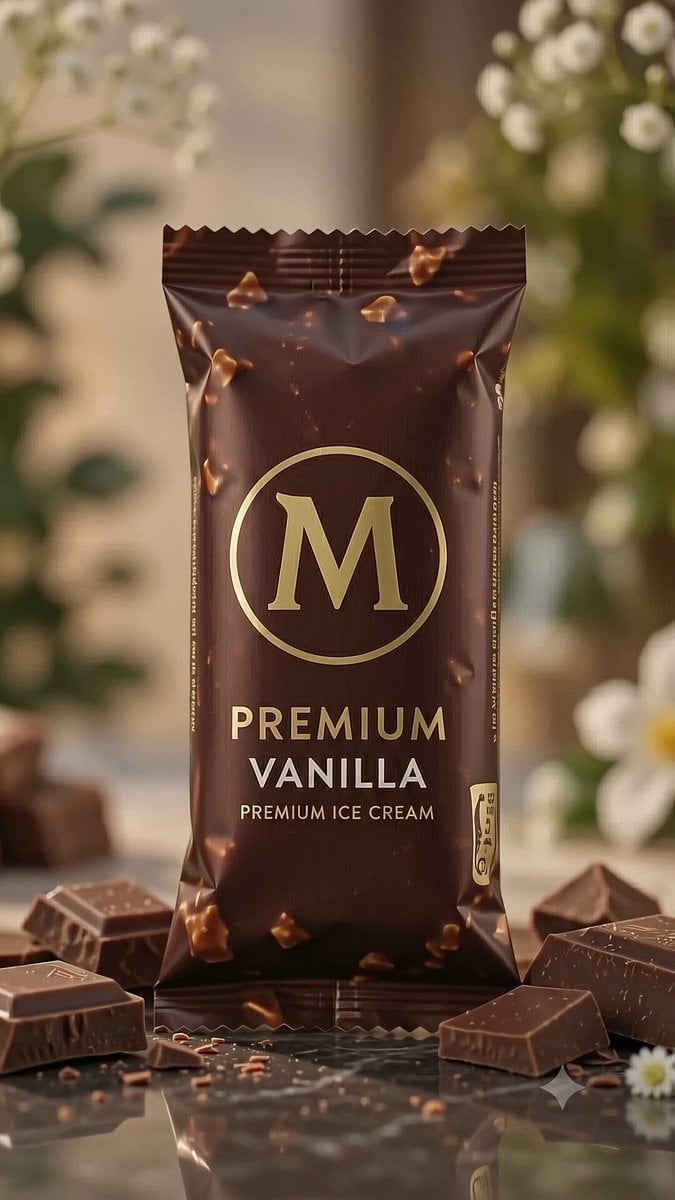
- Prompt included
- Model and format preset
- Free template
The prompt behind this video
Copy the exact prompt behind Cinematic Portrait Study 4, or open it in the studio and make it yours.
GPT image 2 × Gemini Omni flash Premium Ice Cream Commercial FORMAT: • Premium dessert commercial storyboard • Single-page portrait layout • High-end luxury editorial presentation • 9 cinematic storyboard scenes • Swiss editorial grid • Client presentation quality • Designed for a 10-second advertisement HEADER: • Playful elegant title • Handwritten creative note • Sweet-themed decorative accents • Information cards: - Duration: 10 Seconds - Style: Premium Dessert Commercial - Audience: Kids & Adults - Audio: Happy Summer Music - Creative Goal: Craving & Joy GRID STRUCTURE: • 3 × 3 storyboard layout • Rounded premium cards • Large cinematic previews • Scene number • Timestamp • Visual / Action / Dialogue SCENE FLOW: 1. Ice cream hero pack shot (0:00–0:01) 2. Hand unwraps the ice cream naturally (0:01–0:02) 3. Chocolate shell close-up with realistic texture (0:02–0:03) 4. First slow bite, chocolate cracks naturally (0:03–0:04) 5. Creamy vanilla filling revealed (0:04–0:05) 6. Ice cream melting under warm sunlight (0:05–0:06) 7. Happy enjoying moment with natural expression (0:06–0:08) 8. Product beauty shot with flying chocolate pieces (0:08–0:09) 9. Premium hero pack shot with logo and tagline (0:09–0:10) VISUAL STYLE: Realistic food commercial Natural daylight Golden-hour lighting Ultra-detailed chocolate texture Real creamy vanilla Premium food photography Commercial-grade cinematography Natural hand movements Photorealistic composition GRAPHIC ELEMENTS: Tiny hearts Sparkles Minimal doodles Clean premium layout FOOTER: 10 Seconds 9:16 Vertical Premium Dessert Storyboard OVERALL AESTHETIC: Magnum commercial, Häagen-Dazs campaign, luxury food advertising, cinematic realism, Behance featured, print-ready, ultra-clean editorial layout, photorealistic, 8K.
How to use Cinematic Portrait Study 4 in 3 steps
- 1Upload ImagePNG, JPG or paste
Add your photo
Upload the photo the template builds on. The prompt, model and format are already set.
- 2…a portrait of your subject in softgolden-hour light, 85mm…
Personalize
Edit the subject and creative details for your destination.
- 3Generate
Generate
Press Generate — your video is created in PicX Studio, so you can compare it with the original and refine one variable at a time.
More like this
Templates with the same subject, style or setup. Open one to see its prompt.

Sneaker Product Commercial

Cinematic Portrait Study
Cinematic Portrait Study 3
Skincare Product Commercial
Skincare Product Commercial 3
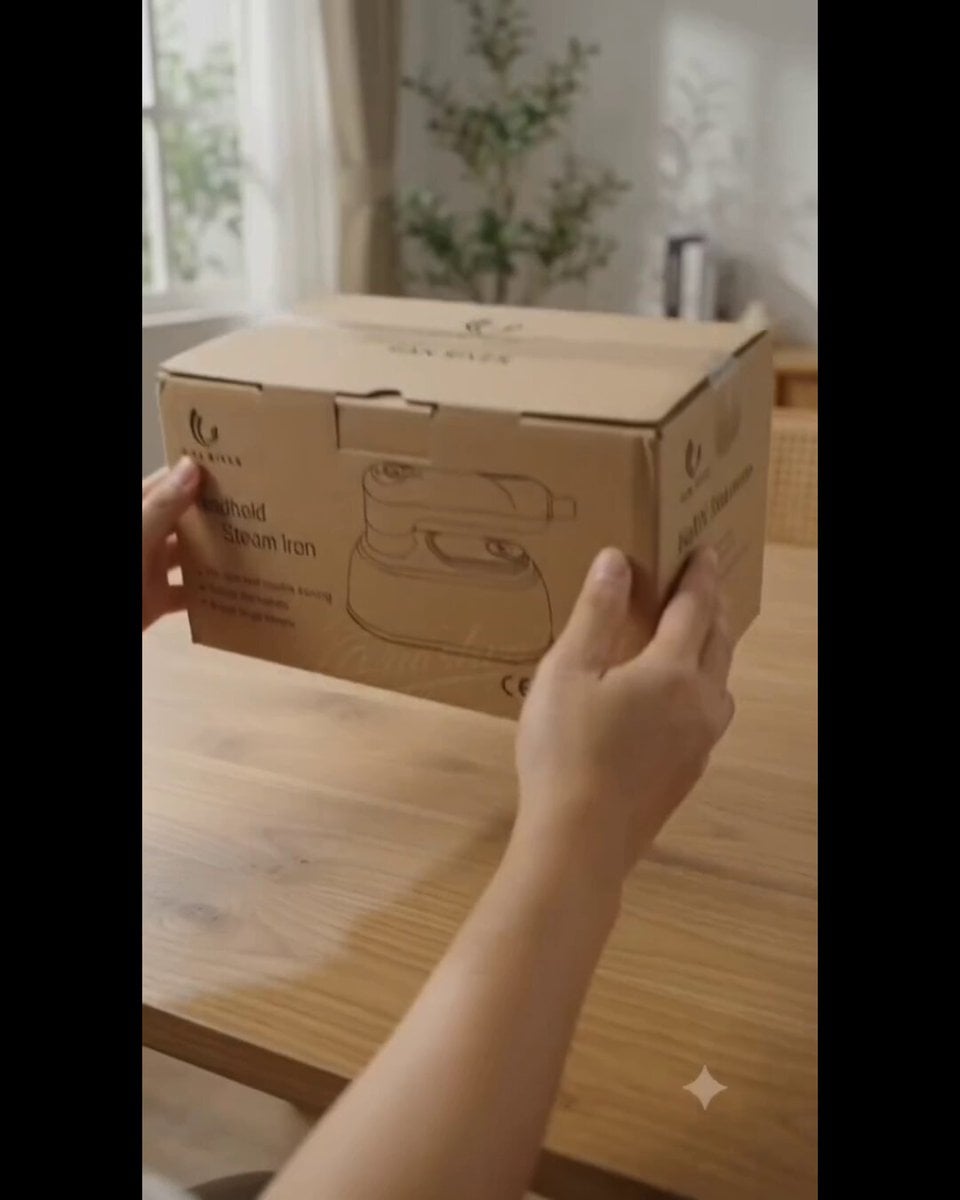
Product UGC Commercial
Luxury Handbag Commercial — Hollywood VFX Ad
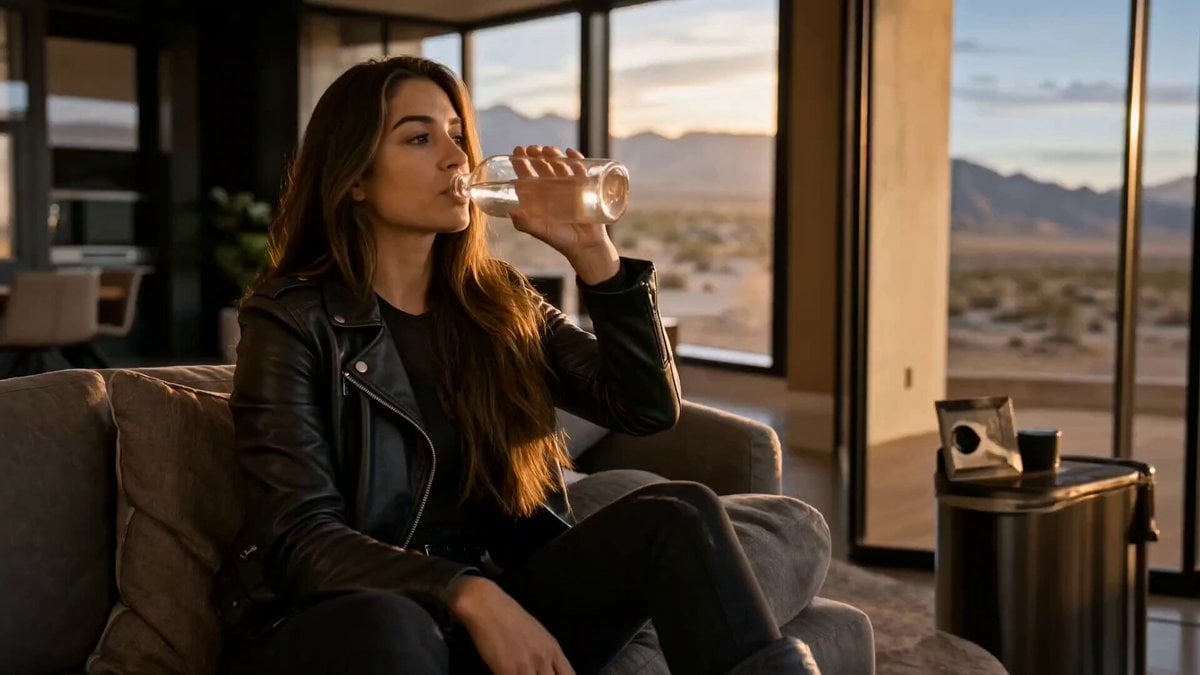
Cinematic Short Film Scene 2
Ice Queen — Frozen Battlefield Time Control (Seedance)
Colossal Sea Creature — Stormy Shore Charge (Seedance)
Skybridge Rescue — Supertall Tower Collapse (Seedance)
Naval Painting Breach — Art Gallery Flood (Seedance)
Make it yours
Cinematic Portrait Study 4 works as-is. These are the safest ways to change it without losing the look.
Change one field
Copy a single group, rewrite it, and generate again so you can see what that field is doing.
Keep the frame, change the subject
Hold the composition and light of Cinematic Portrait Study 4, then swap wardrobe, props or the person for a new take.
| If the result… | Why | Fix |
|---|---|---|
| The result drifts from the preview | Too many fields changed at once. | Reuse Cinematic Portrait Study 4 as-is first, then change one group — subject, light, or setting. |
| The model over-stylizes the scene | The prose prompt leaves finish and camera underspecified. | Add one camera or lighting sentence and stay on Seedance 2.5. |
More Seedance 2.5 templates
Other prompts made for Seedance 2.5.


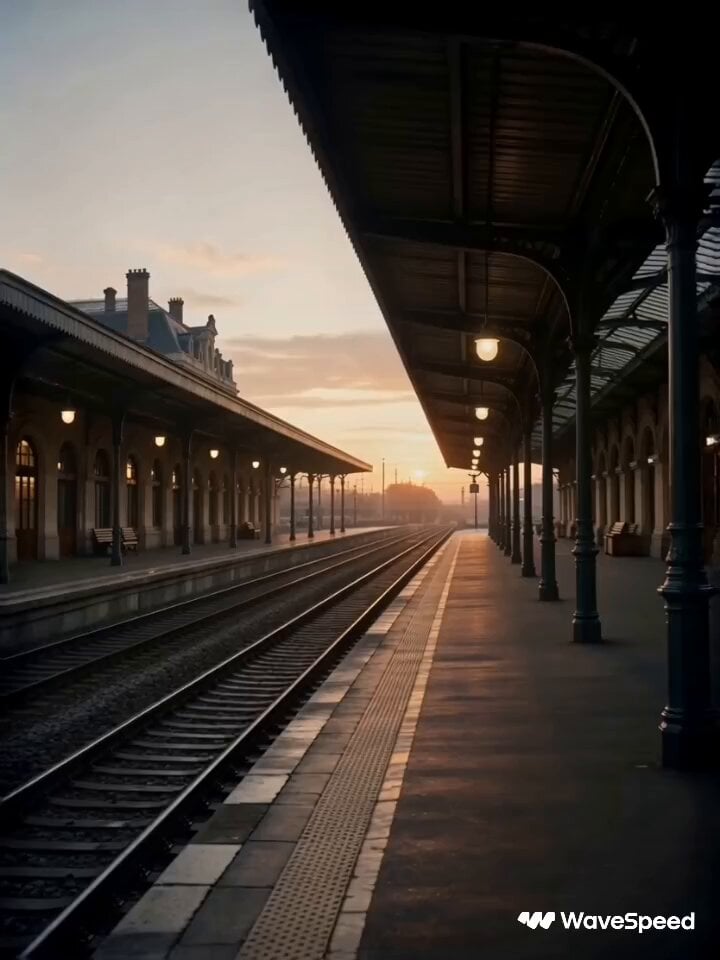
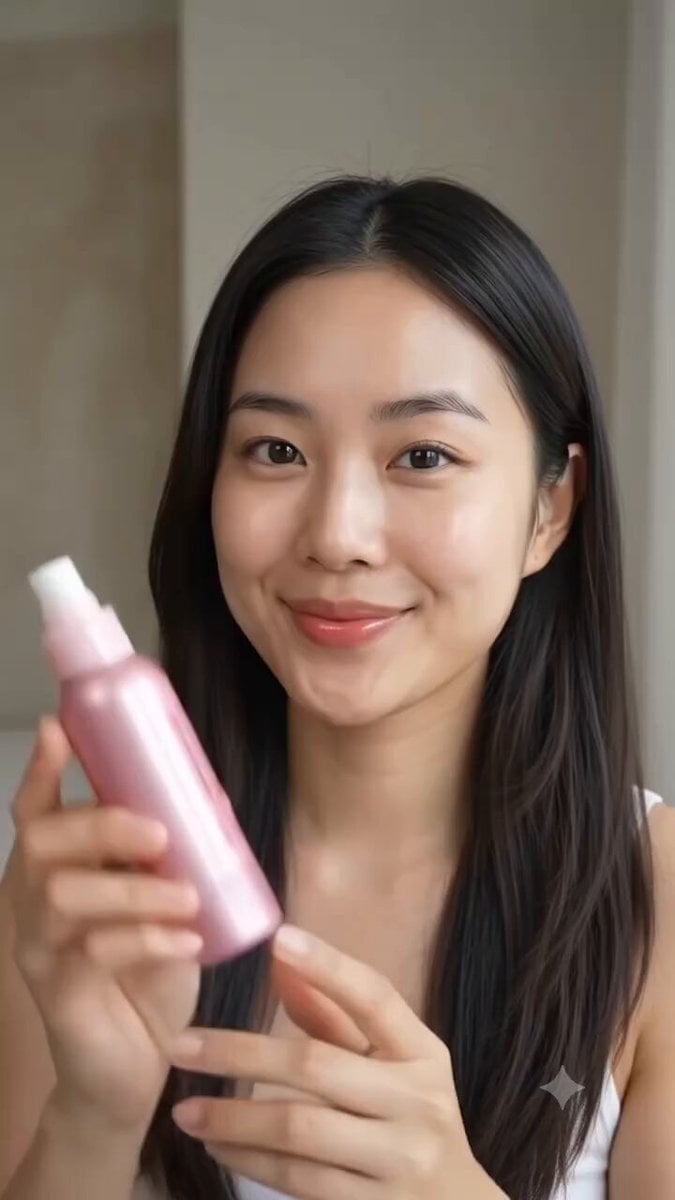
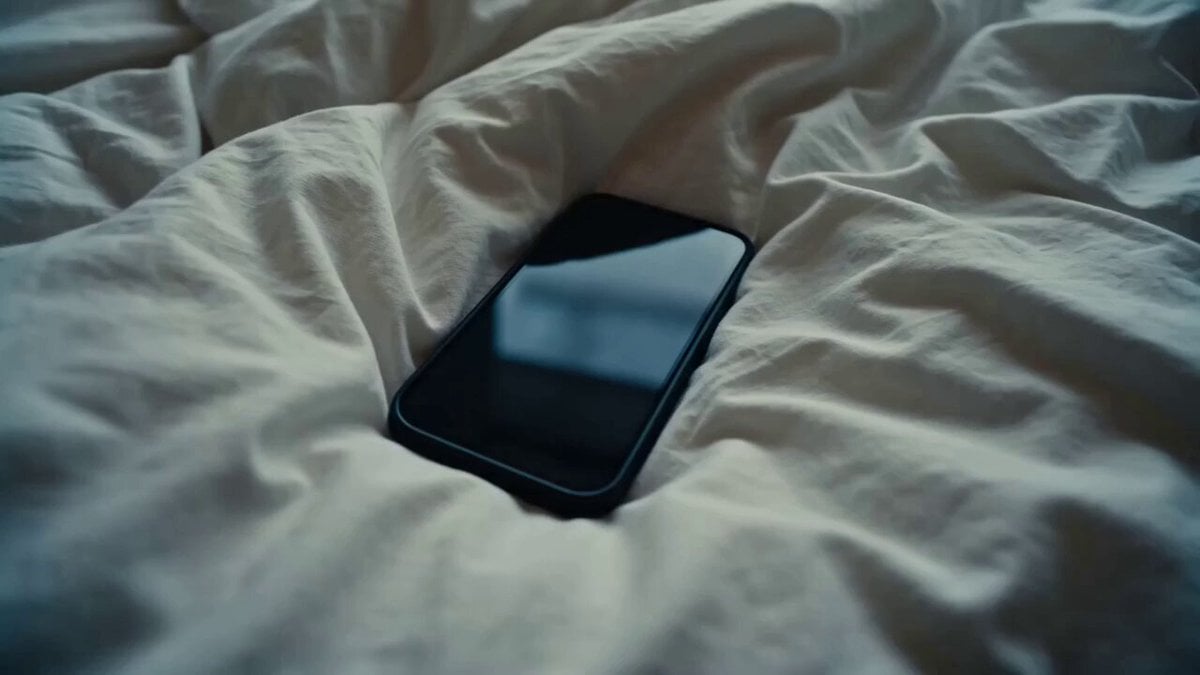
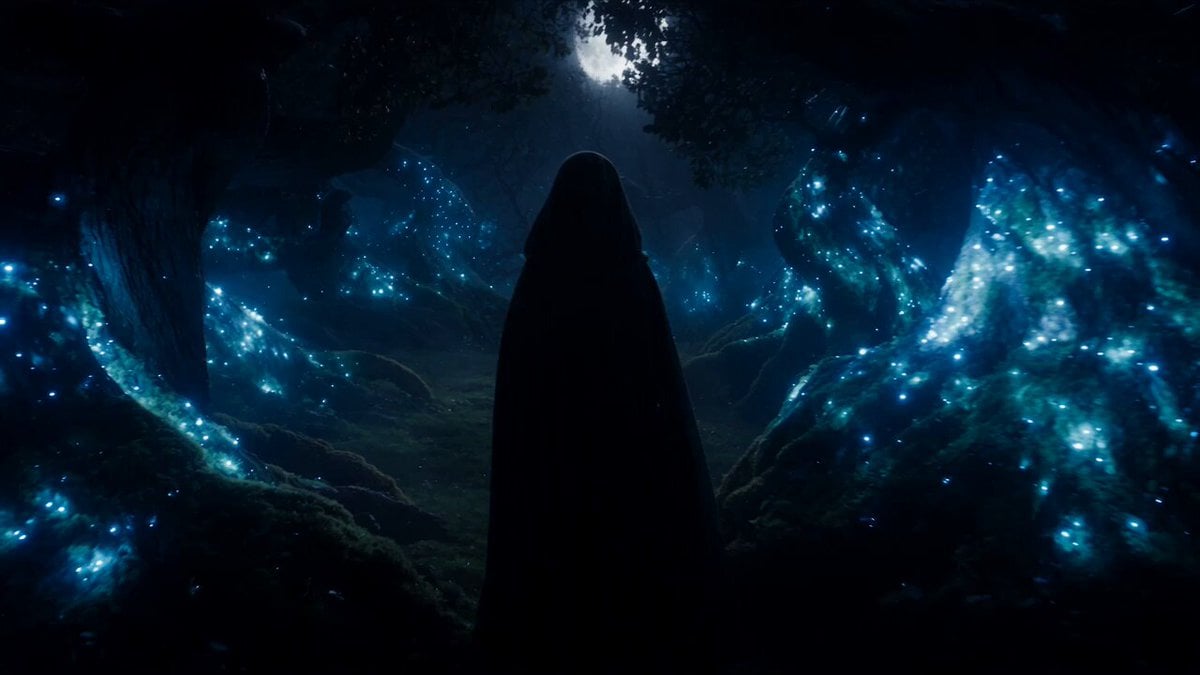
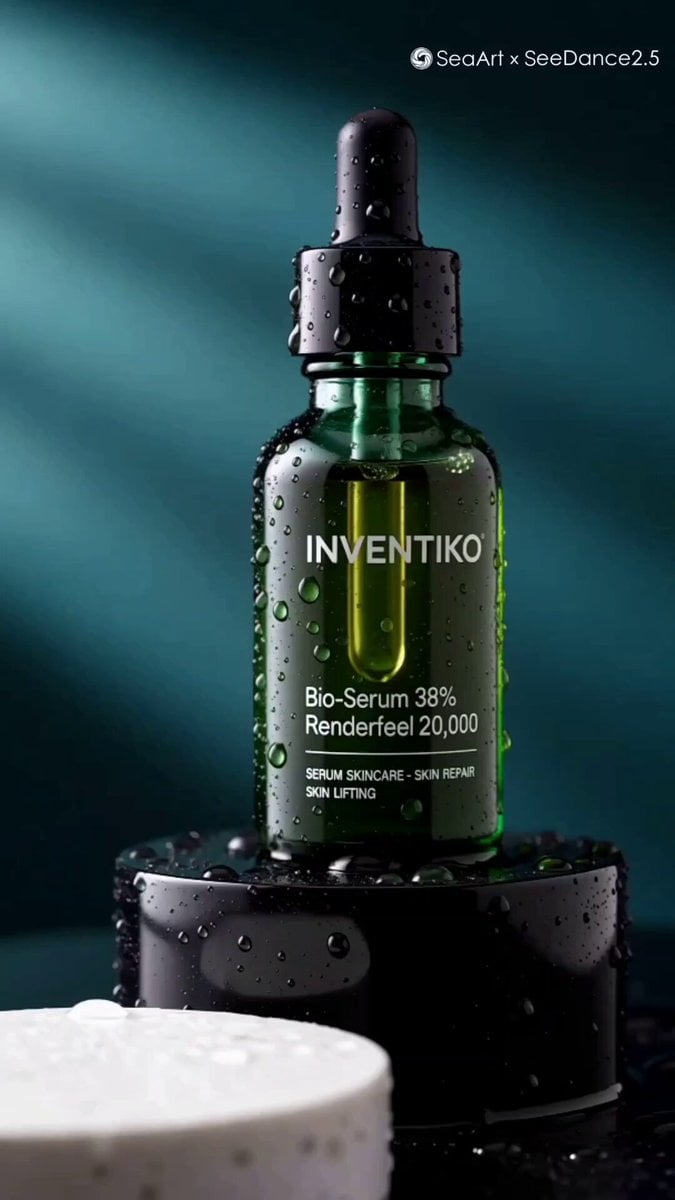
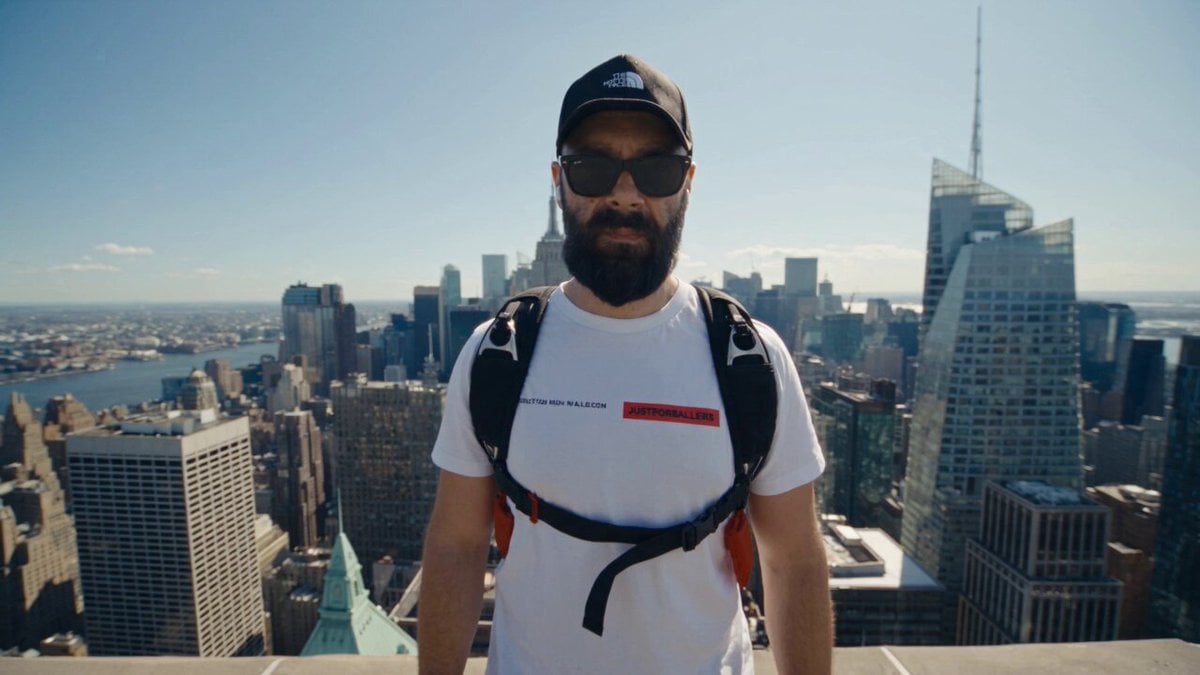
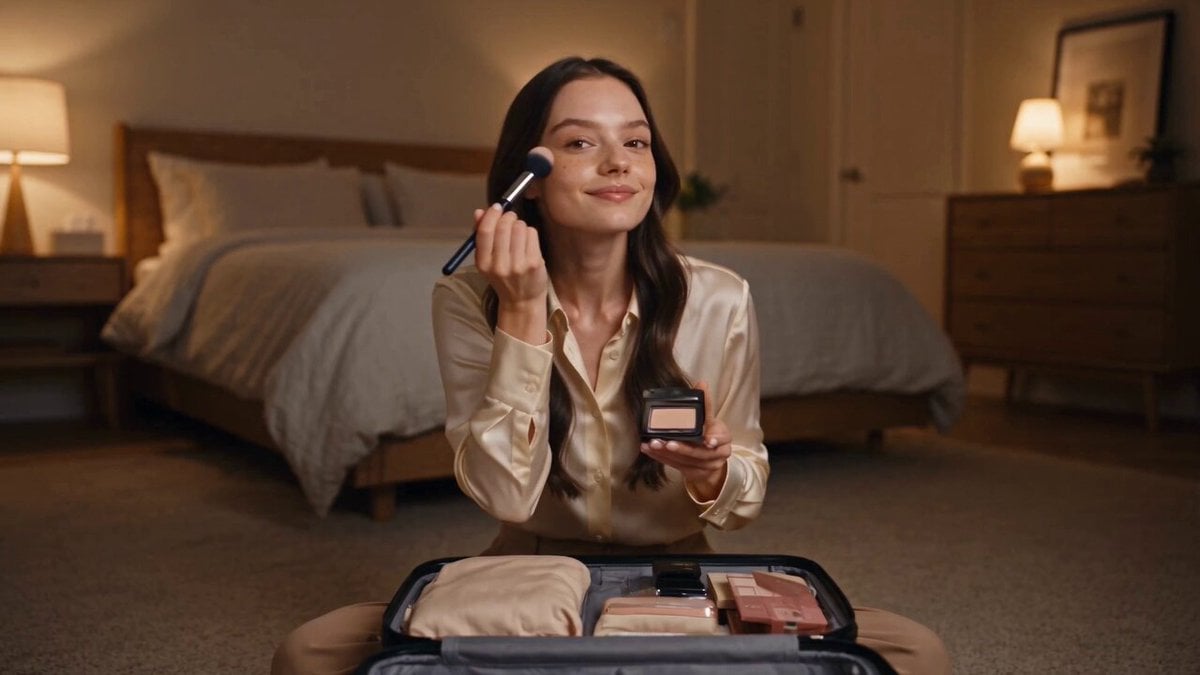
More video prompts
Fresh picks from across the catalog.
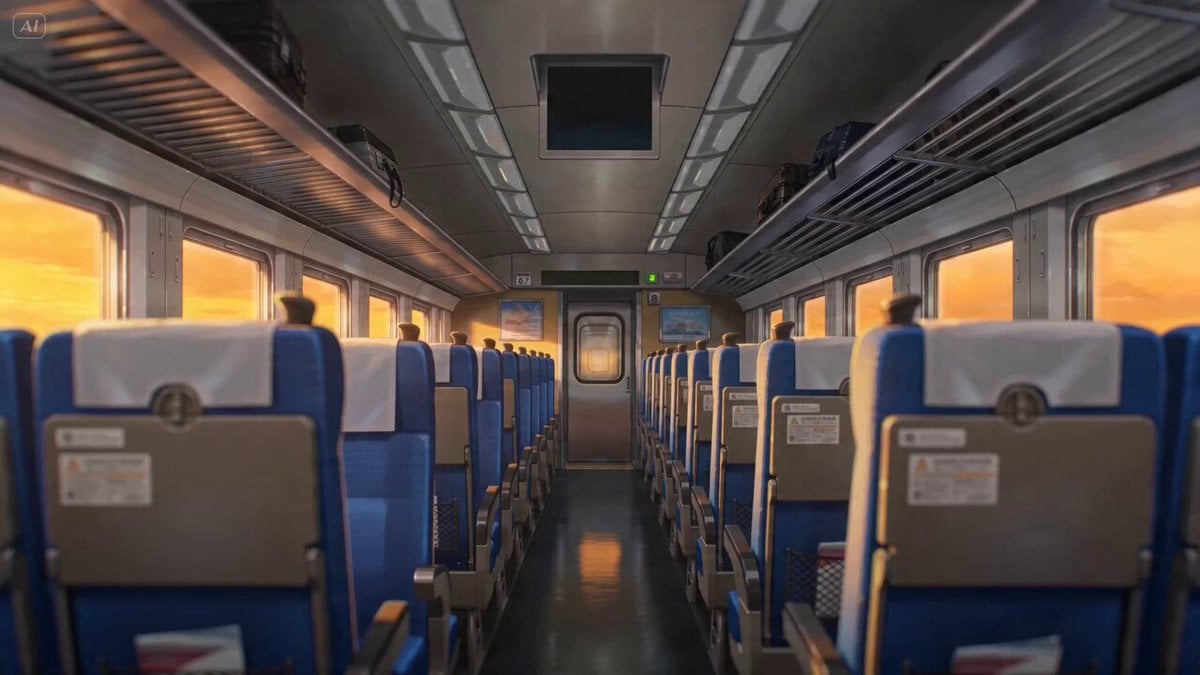
Anime Lofi Train Ride Prompt

Emotional Anime Monologue Video

Second Daily Vlog Style Video of a Girl in a Cozy Bedroom
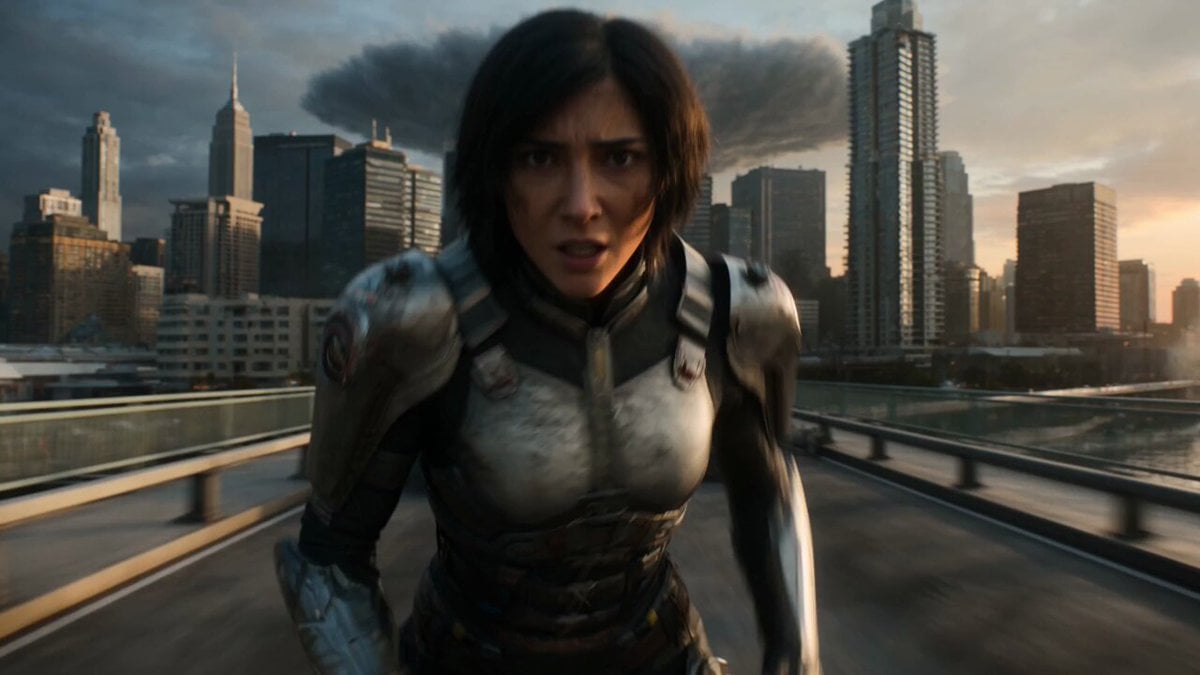
Epic Fantasy City Destruction Chase

He-Man Lightning Transformation Video
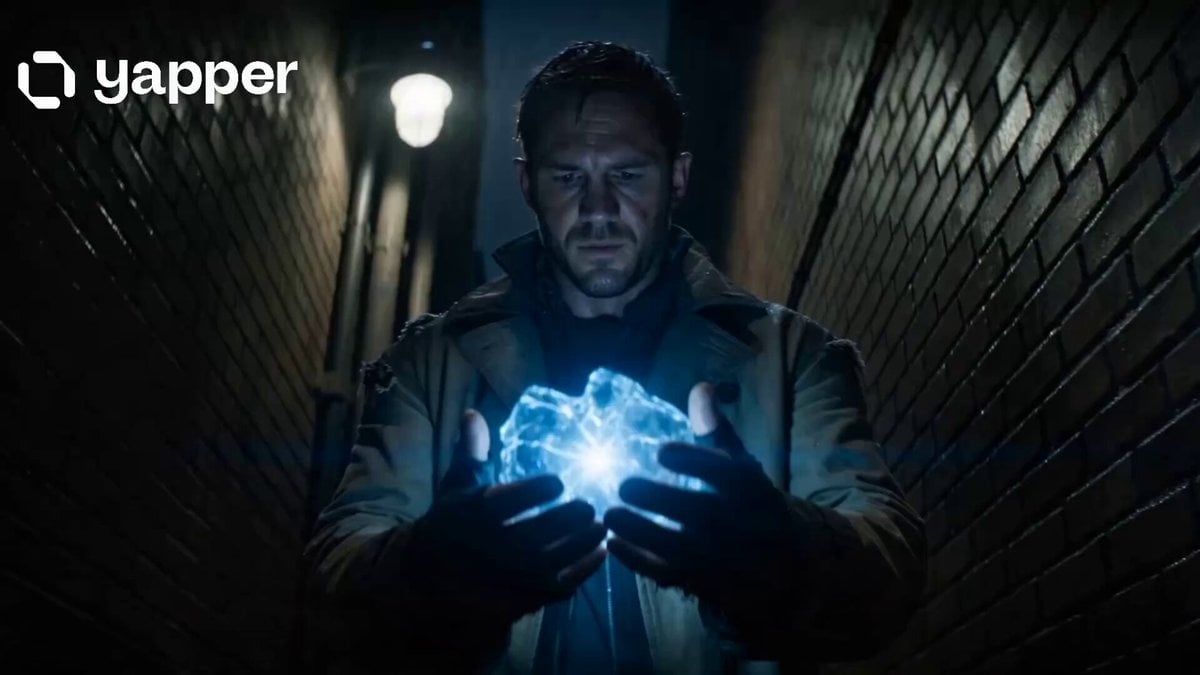
Time Traveler 2050 Reveal

Cinematic Fantasy Photograph Prompt

Han River Bicycle Influencer Vlog
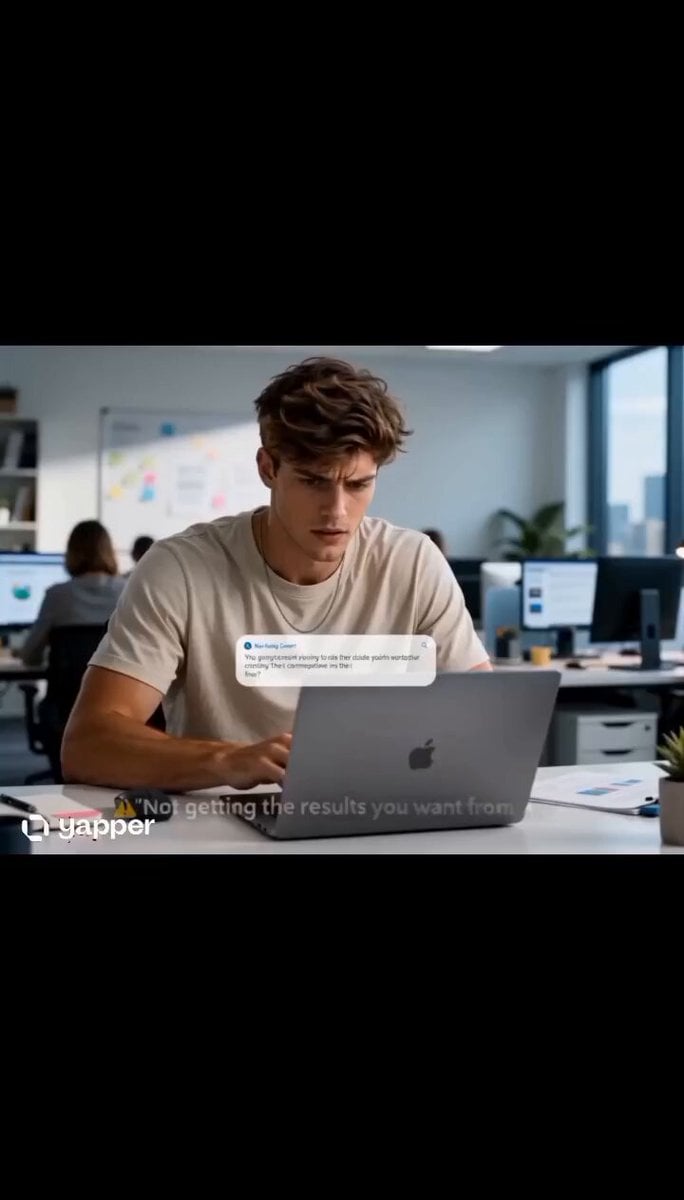
AI Prompting Educational Commercial
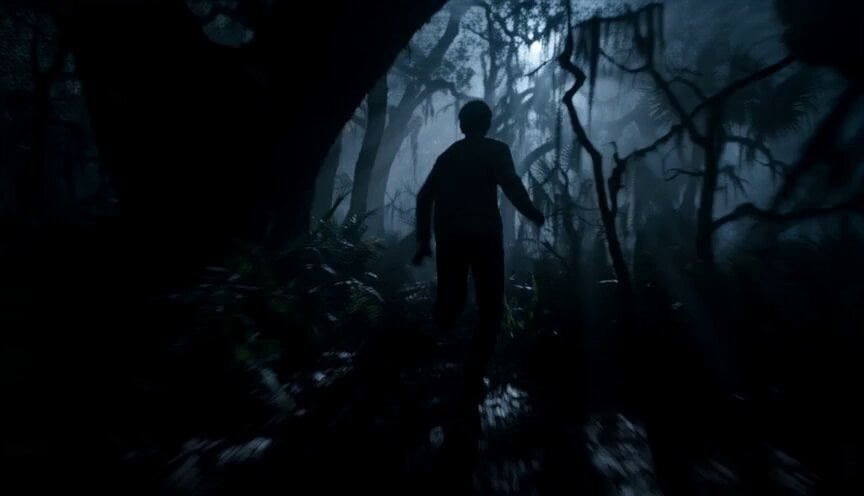
Dreamstate Nightmare Escape
Browse template categories
Cinematic Portrait Study 4 questions
How do I use the Cinematic Portrait Study 4 template?
Add your photo if the template asks for one, edit the prompt if you like — the template's model and format are already selected — and press Generate. Your version opens in PicX Studio.
Can I customize the Cinematic Portrait Study 4 template?
Yes. You can change the subject, setting, lighting, mood, format, and available model controls before creating your video.
Is the Cinematic Portrait Study 4 template free?
Opening and editing this template is free. Generating uses credits, shown on the Generate button when you are signed in.
Which AI model should I use?
Start with Seedance 2.5, which is the model associated with this template. You can compare another compatible model for a different finish.
Looking for something else? Browse all templates.

Your photo, any look
Thousands of ready templates for every top image and video model, from one credit balance.