How do I use the Cinematic Golden Hour Street Walk template?
Edit the prompt in the box under the preview — the template's model and format are already selected — and press Generate. Your version appears right on this page.
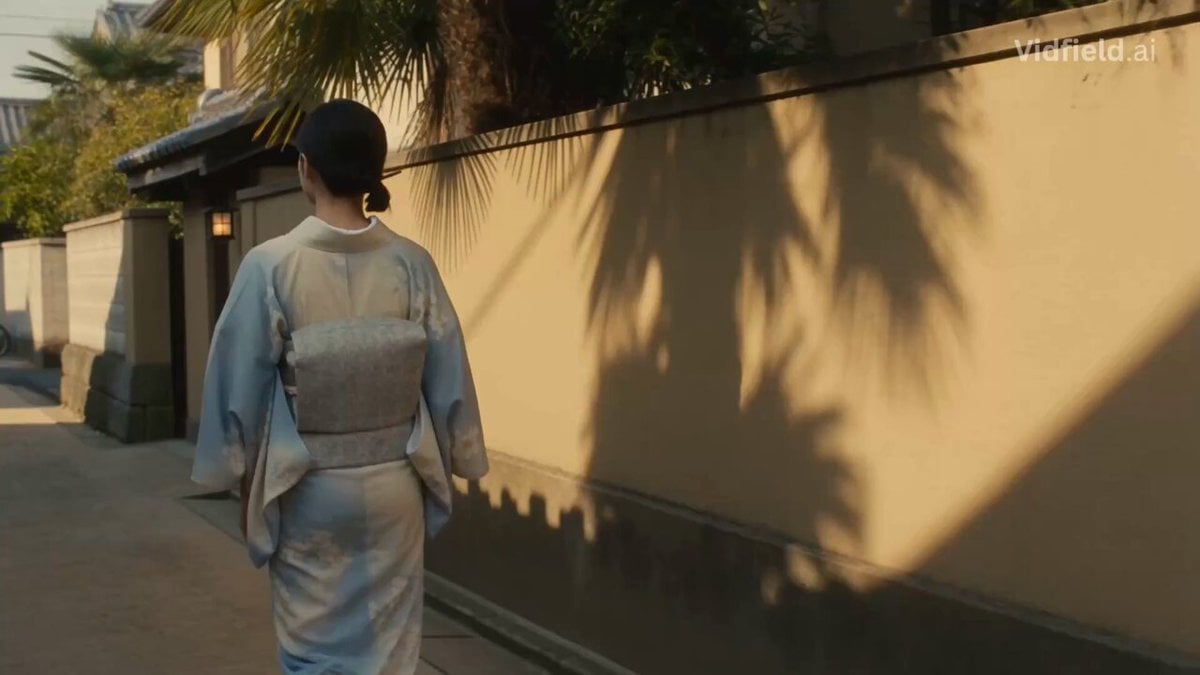
A detailed cinematic prompt for creating a realistic video of a woman in a floral dress walking through a charming European street during golden hour, including specific dialogue and camera movements.
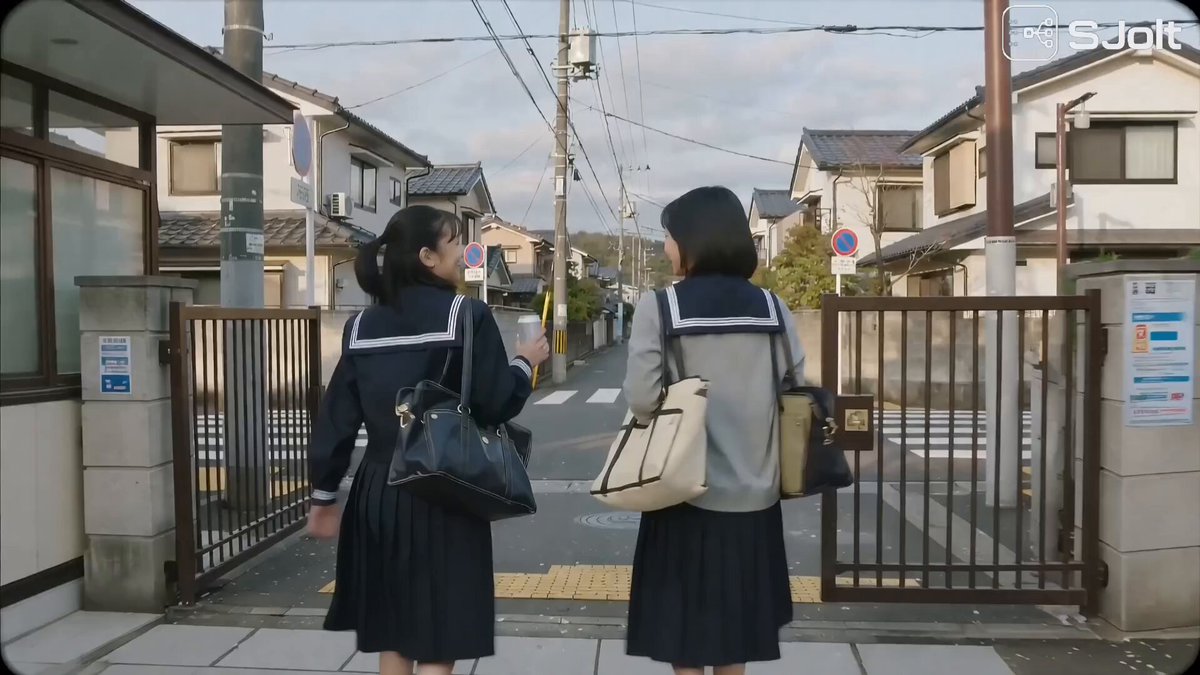
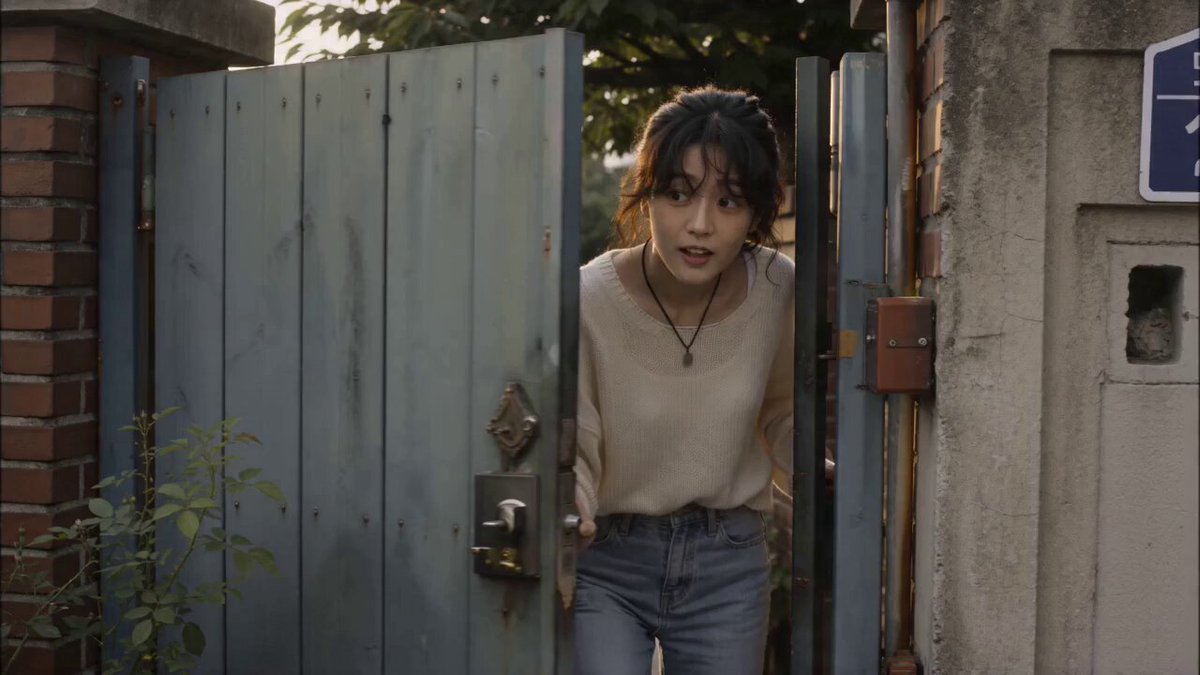
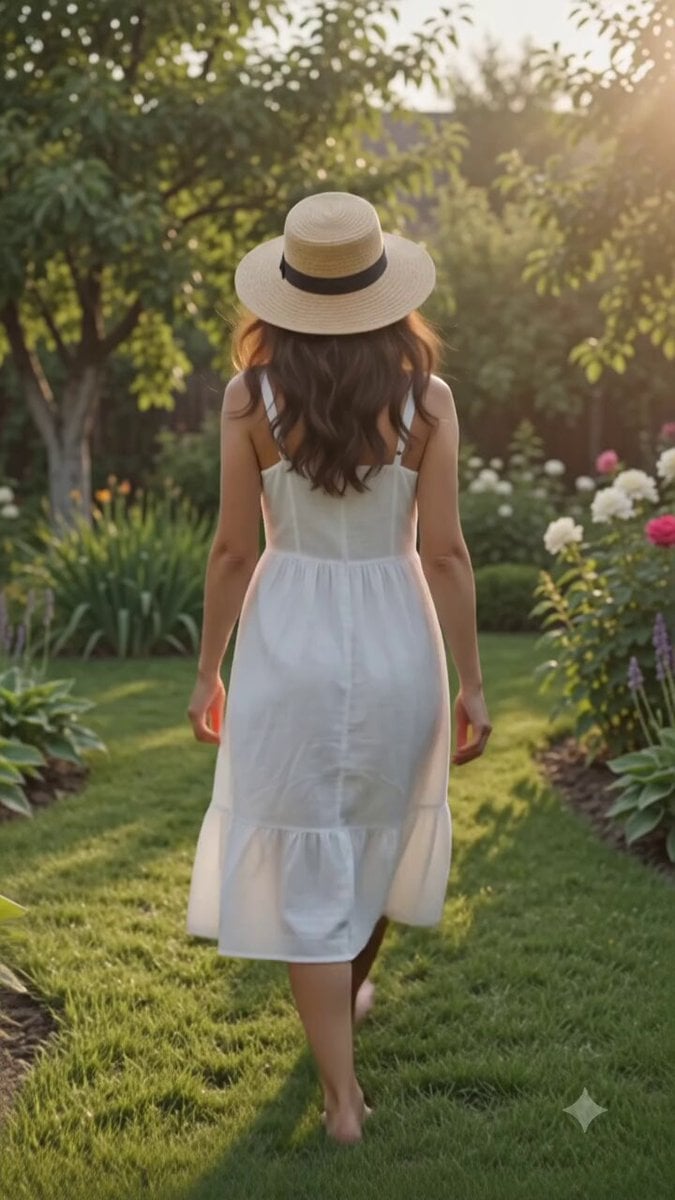
Create a realistic 15-second cinematic video using the exact face and hairstyle of the reference girl. Change her outfit to an elegant white summer maxi dress with delicate floral embroidery, paired with a beige sun hat and simple gold earrings. She is walking through a charming European-style street lined with cafés and flowers during golden hour. She pauses to buy a bouquet of fresh flowers, smiles warmly at the florist, then continues walking while gently smelling the flowers. The camera captures cinematic close-ups, smooth tracking shots, and soft slow motion as the wind flows through her hair and dress. She looks at the camera and says, "Happiness is found in the little moments we choose to enjoy." Ultra-realistic, natural facial expressions, soft sunlight, shallow depth of field, 4K, HDR, realistic physics, natural ambient sounds of birds, footsteps, and a gentle breeze.
Create a realistic 15-second cinematic video using the exact face and hairstyle of the reference girl. Change her outfit to an elegant white summer maxi dress with delicate floral embroidery, paired with a beige sun hat and simple gold earrings. She is walking through a charming European-style street lined with cafés and flowers during golden hour. She pauses to buy a bouquet of fresh flowers, smiles warmly at the florist, then continues walking while gently smelling the flowers. The camera captures cinematic close-ups, smooth tracking shots, and soft slow motion as the wind flows through her hair and dress. She looks at the camera and says, "Happiness is found in the little moments we choose to enjoy." Ultra-realistic, natural facial expressions, soft sunlight, shallow depth of field, 4K, HDR, realistic physics, natural ambient sounds of birds, footsteps, and a gentle breeze.
Edit the prompt in the box under the preview — the template's model and format are already selected — and press Generate. Your version appears right on this page.
Yes. You can change the subject, setting, lighting, mood, format, and available model controls before creating your video.
Opening and editing this template is free. Generating uses credits, shown on the Generate button when you are signed in.
Start with Seedance 2.0, which is the model associated with this template. You can compare another compatible model for a different finish.
Follow a topic to a crawlable collection of related PicX Studio templates.