
Female warrior transformation combat
A highly detailed cinematic prompt featuring a female warrior transforming on a warhorse and engaging in combat with alien insects, using IMAX film style.

- Prompt included
- Model and format preset
- Free template
The prompt behind this video
Copy the exact prompt behind Female warrior transformation combat, or open it in the studio and make it yours.
Cinematic continuous single-take shot, IMAX film simulation, Panavision C-series 35mm lens, f/4, strong backlighting, heavy shadows, desaturated grey tones. Low-angle shot from behind a battle-worn Western female warrior sitting motionless on a massive black warhorse on dark soil under a dull grey sky. She wears damaged black armor, long blonde hair partially loose, strands moving in the wind. Camera slowly rises toward her right hand as she violently pulls the reins. The horse rears — instant bullet-time slow motion. Black-red flames erupt from the horse, incinerating surrounding alien insects into ash. Her face, mostly shadowed, begins a painful transformation — eyes ignite with piercing white-gold light, leaking thick black smoke. Her right palm splits open, dark blood spilling as twisting nerve-like fibers grow outward, forming a brutal halberd of smoke and living tissue. The horse’s body fractures with glowing red cracks, channeling lava-like energy into her. Heavy, jagged black bio-mechanical armor slams onto her body with bursts of red light and shockwaves, tearing away her worn clothes. A dark organic-metal mask violently grows over her face, forming uneven compound eyes and flaming horns. Bullet time snaps back to real speed. Camera circles tightly as she launches into brutal combat — aggressive halberd strikes, impaling and shattering enemies, trails of black smoke and fire. The warhorse spins and charges, crushing alien insects beneath its hooves. Suddenly — silence. Violence stops.
How to use Female warrior transformation combat in 3 steps
- 1
Open
The prompt is already in the box next to the preview, with the template's model and format selected.
- 2…a portrait of your subject in softgolden-hour light, 85mm…
Personalize
Edit the subject and creative details for your destination.
- 3Generate
Generate
Press Generate — your video is created in PicX Studio, so you can compare it with the original and refine one variable at a time.
More like this
Templates with the same subject, style or setup. Open one to see its prompt.
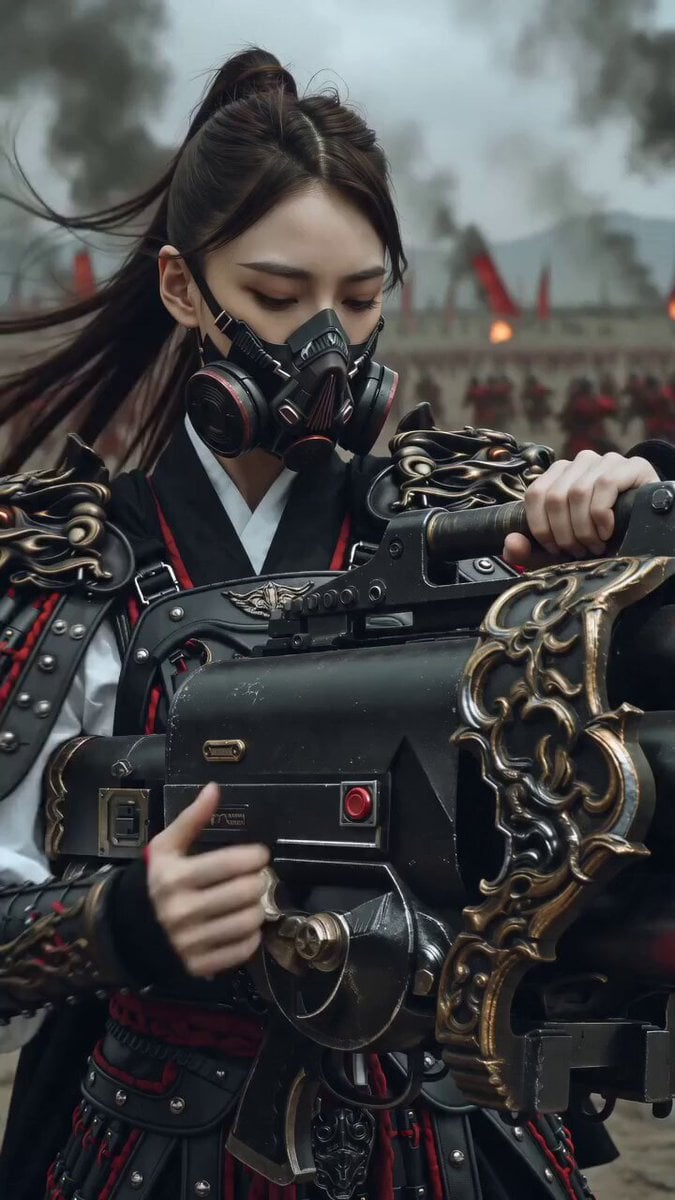
East Asian Female Warrior Mecha Transformation
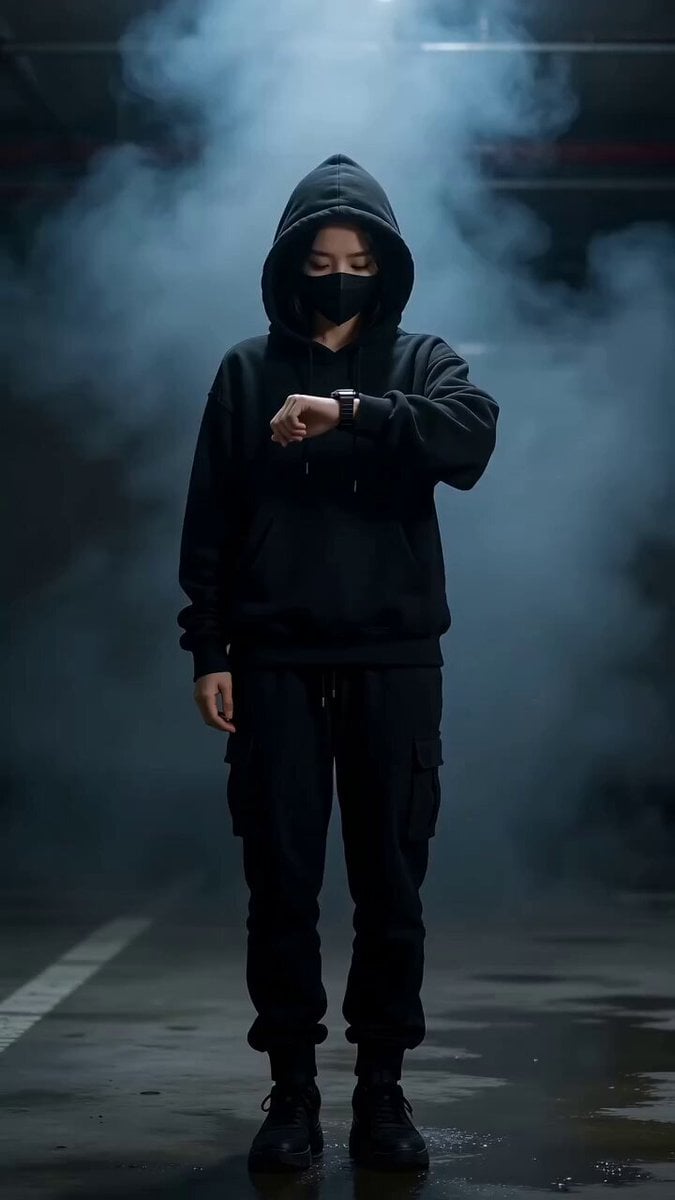
Cyberpunk Female Warrior Transformation Scene
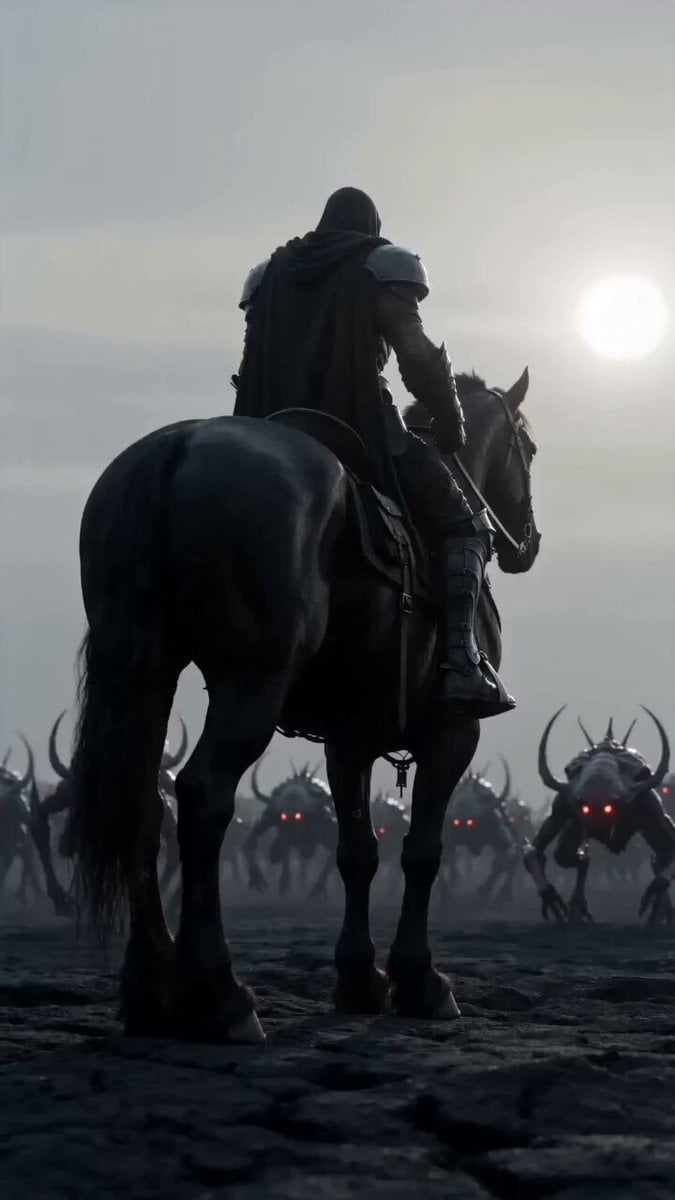
Dark warrior transformation combat

Magical Room Transformation - Seedance 2.5

Dark Tokusatsu Transformation - Seedance 2.5

RX-7 to Mech Transformation Cyberpunk
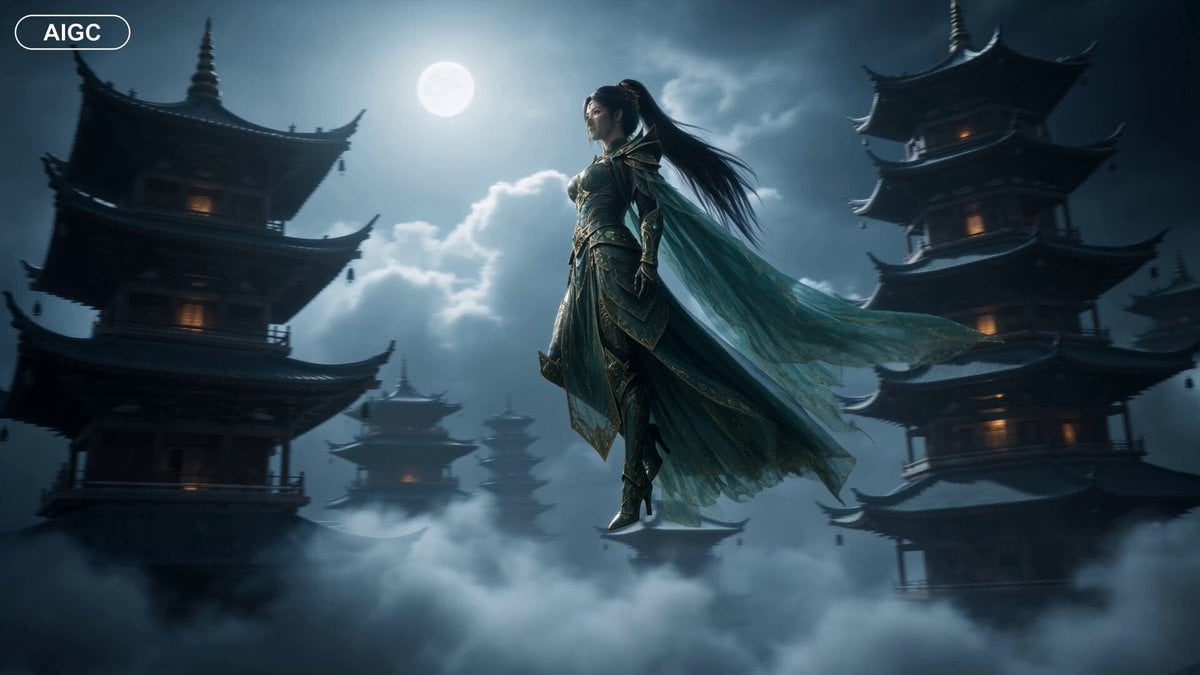
Fantasy Warrior Transformation Sequence
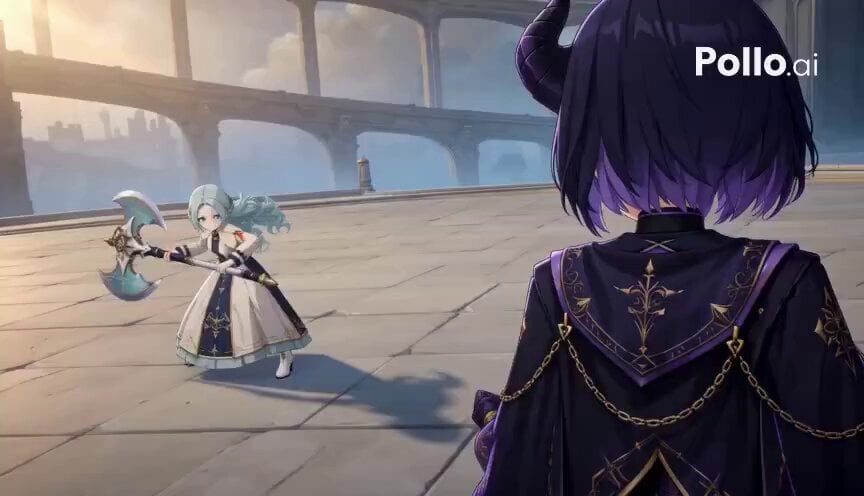
3D Toon Warrior Combat
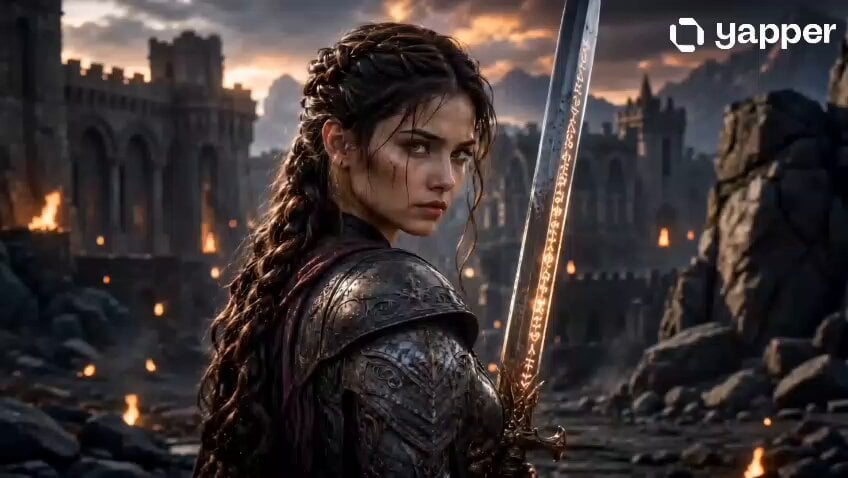
Fantasy Female Warrior Journey
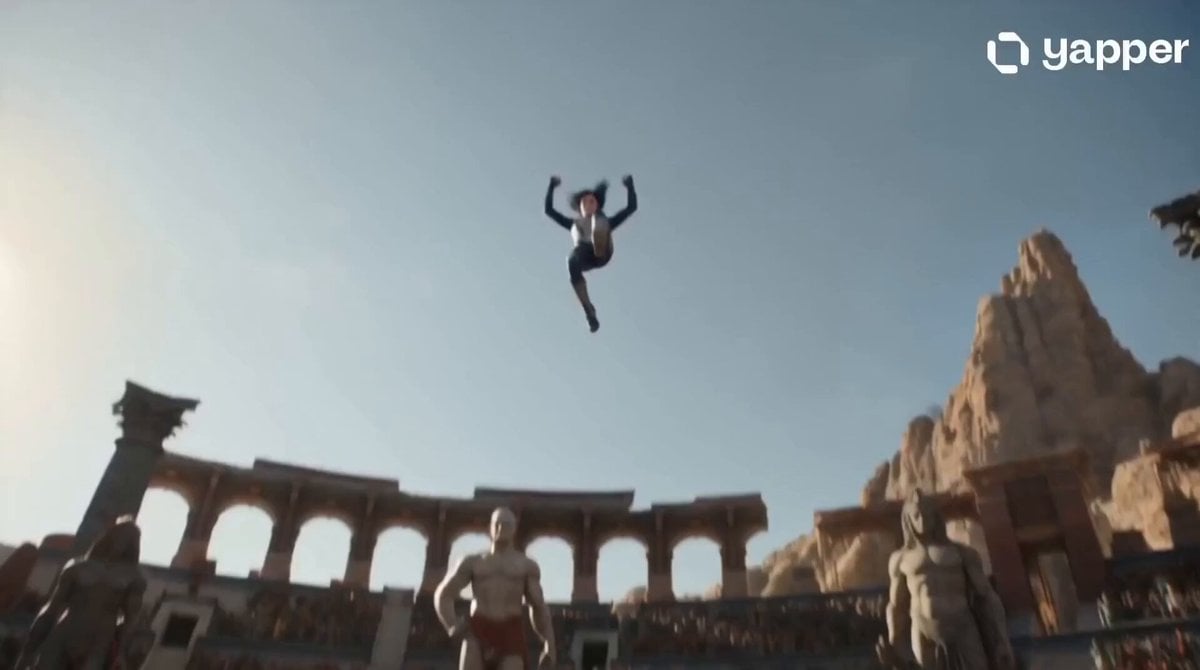
Celestial Warrior Combat Scene
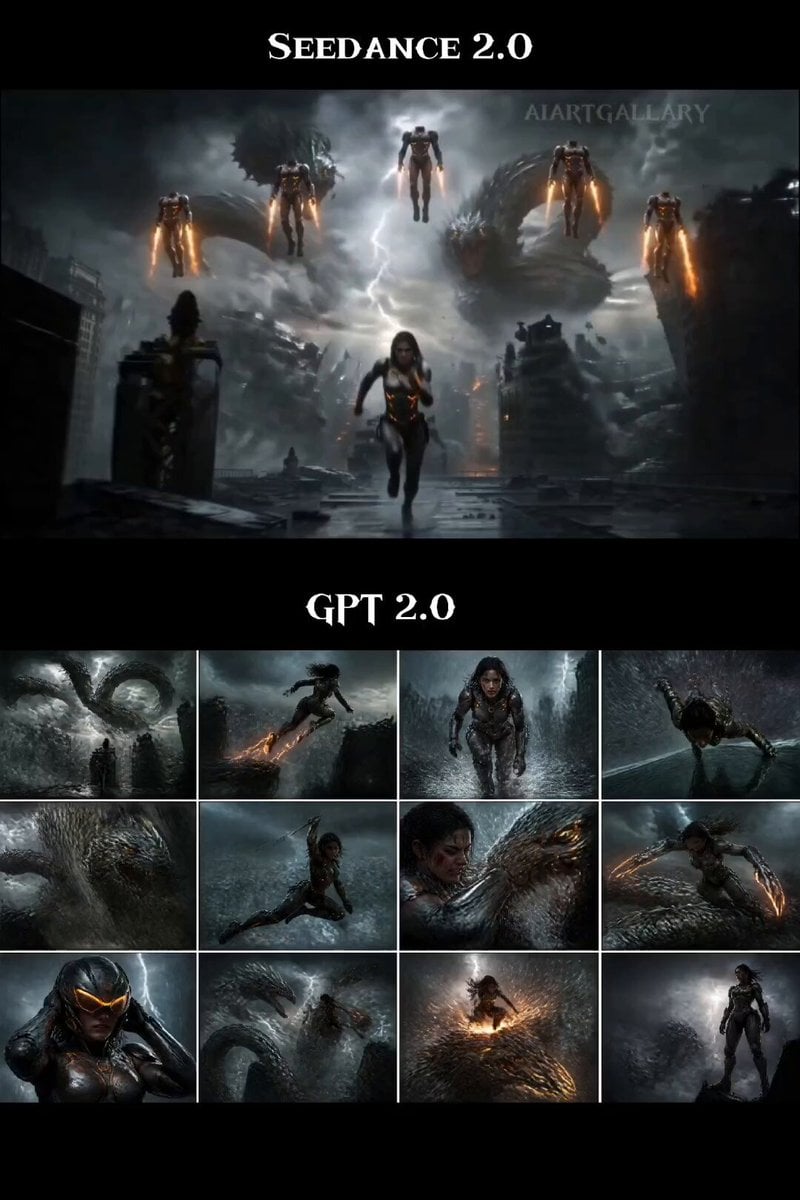
Female Warrior Rooftop Chase
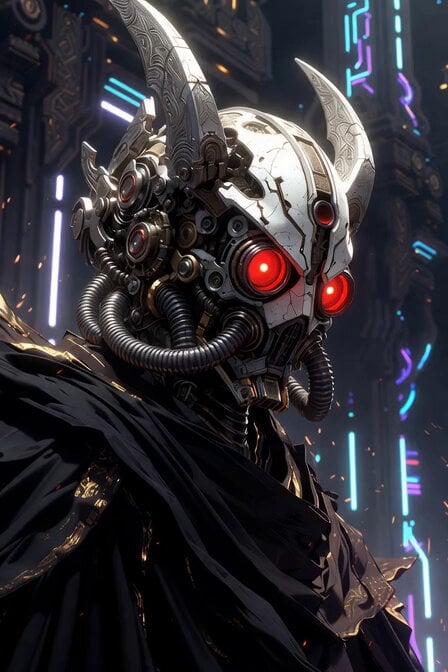
Sacred Cyber Warrior Transformation
Make it yours
Female warrior transformation combat works as-is. These are the safest ways to change it without losing the look.
Change one field
Copy a single group, rewrite it, and generate again so you can see what that field is doing.
Keep the frame, change the subject
Hold the composition and light of Female warrior transformation combat, then swap wardrobe, props or the person for a new take.
| If the result… | Why | Fix |
|---|---|---|
| The result drifts from the preview | Too many fields changed at once. | Reuse Female warrior transformation combat as-is first, then change one group — subject, light, or setting. |
| The model over-stylizes the scene | The prose prompt leaves finish and camera underspecified. | Add one camera or lighting sentence and stay on Seedance 2.0. |
More Seedance 2.0 templates
Other prompts made for Seedance 2.0.

Comical Martial Arts Punch Scene

Maglev Train Action Sequence

Martial Arts Fight Sequence

Wuxia Protection and Trust Script

Vintage Korean Arcade MiniDV Vlog

Mercedes 190 SL Luxury Ad

Rainy Night Supernatural Reverse Comedy Video Script

Amazon Civilization Discovery

Futuristic South Asian City Transformation

Cozy Luxury Cafe Commercial
More video prompts
Fresh picks from across the catalog.
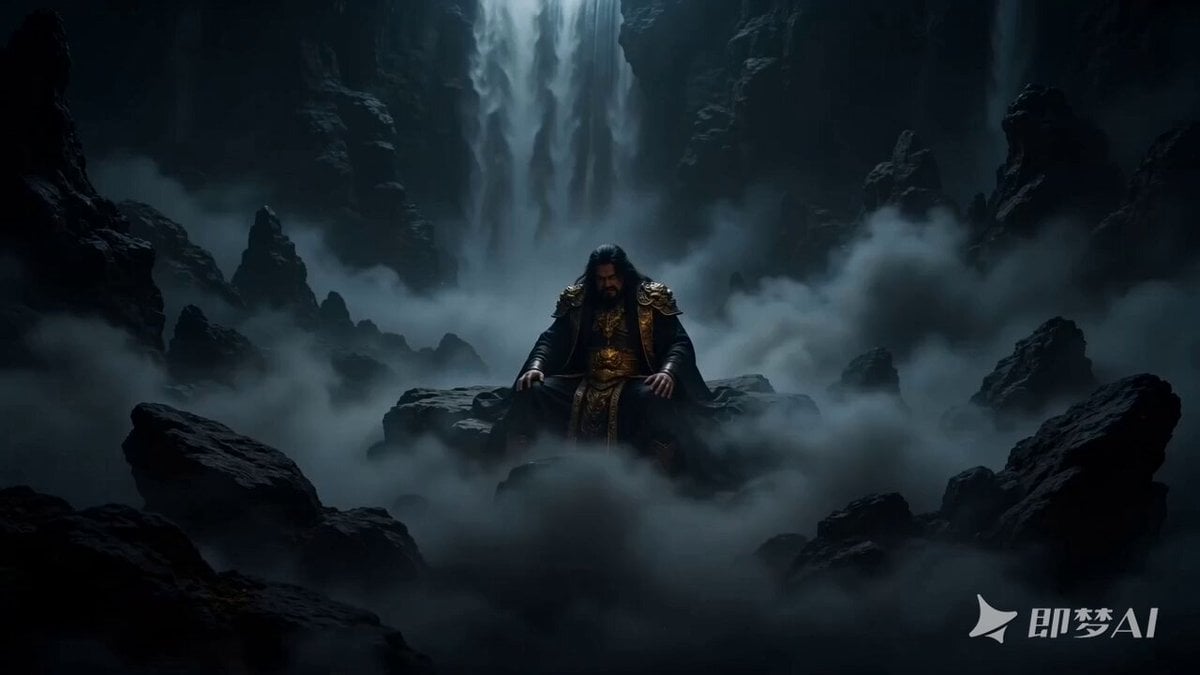
Epic Chinese Mythology Cinematic Prompt
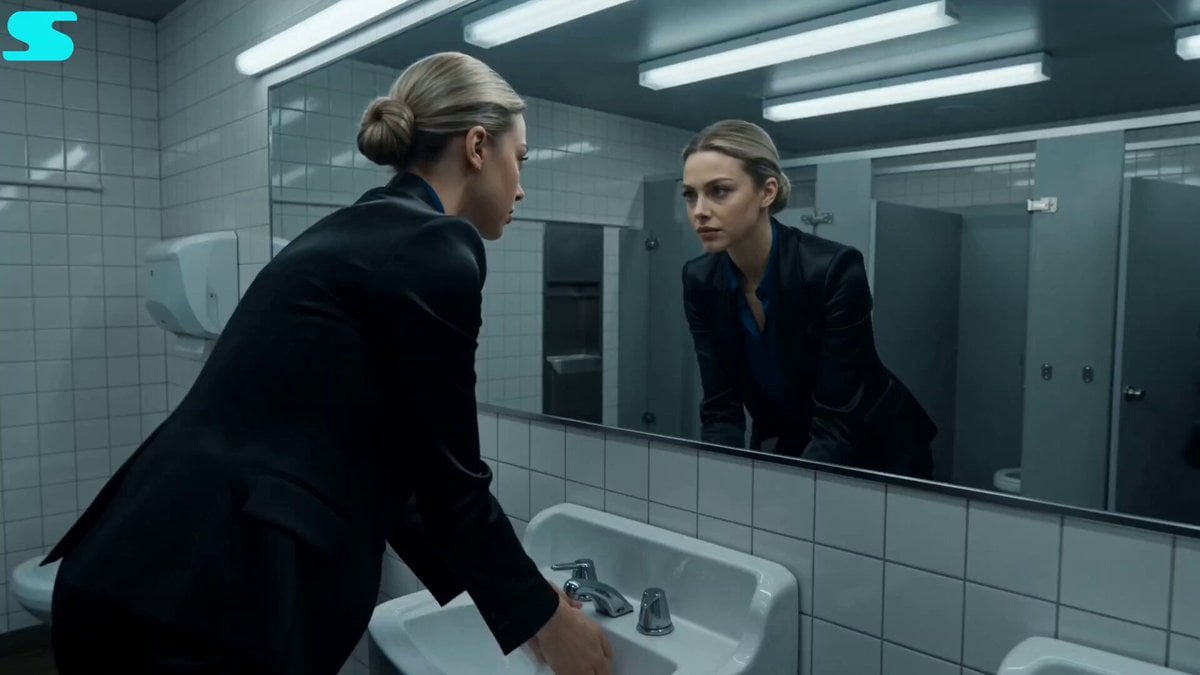
Restroom Fight Long Shot
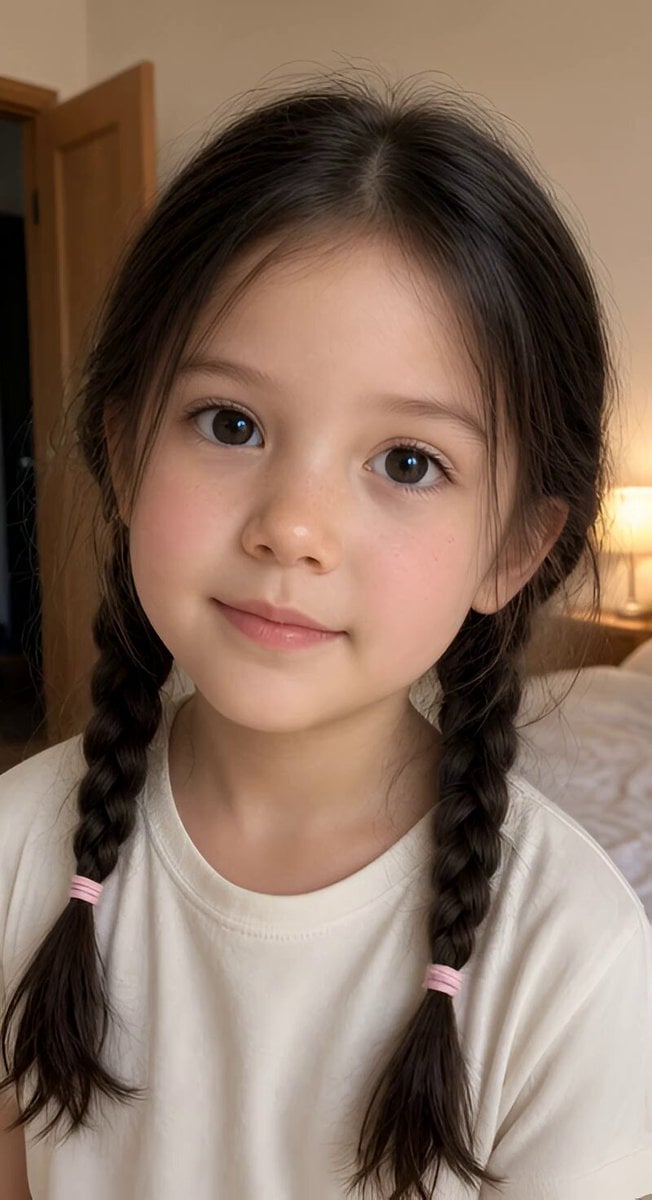
Realistic Braided Girl Bedroom Selfie Video

Jack-in-the-Box Horror Reveal
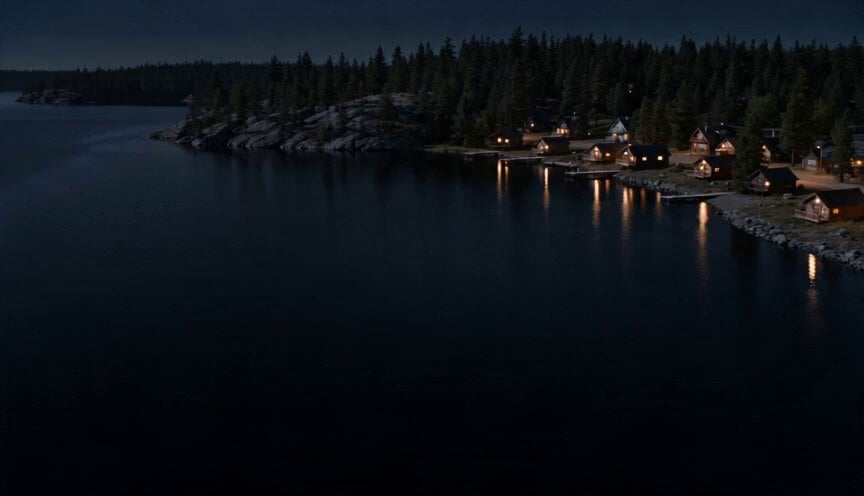
The Lake - Spaceship Arrival

Woman and Robot in Space
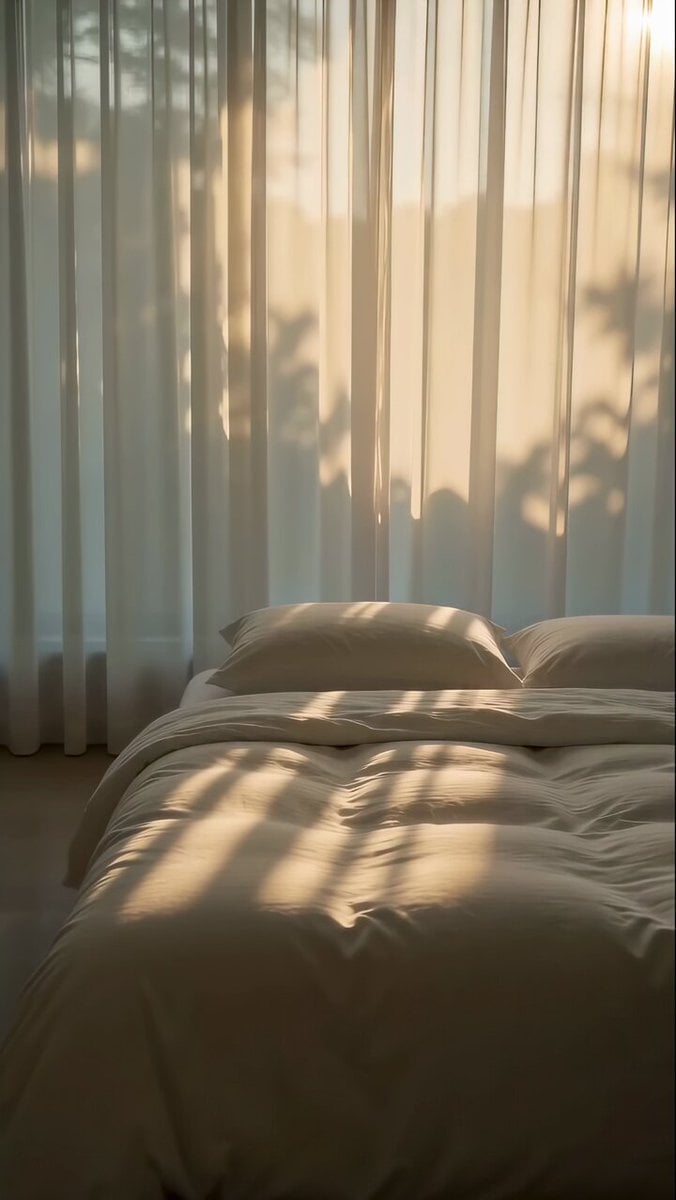
Zen Minimalist Morning Sequence
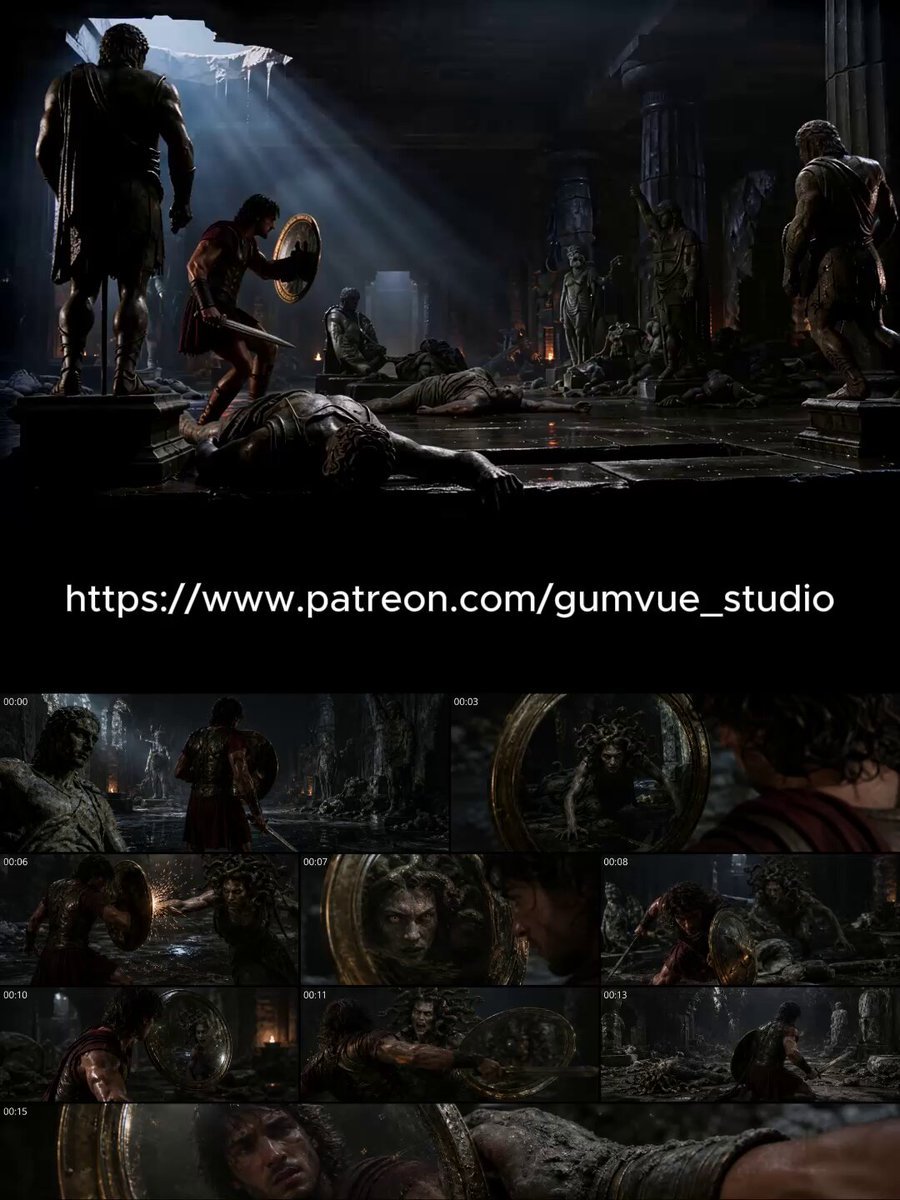
Dark Cinematic Greek Myth Epic

Lone Traveler on a Glass Ocean under Twilight
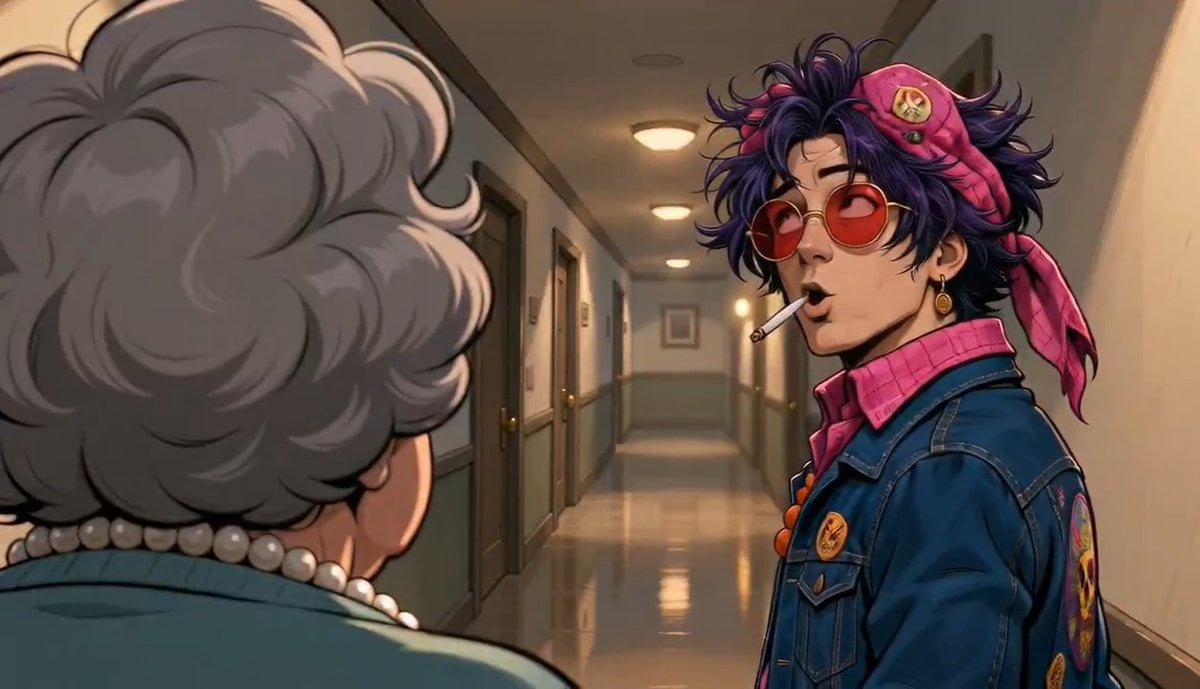
Apartment Hallway Neighbor Confrontation
Browse template categories
Female warrior transformation combat questions
How do I use the Female warrior transformation combat template?
Add your photo if the template asks for one, edit the prompt if you like — the template's model and format are already selected — and press Generate. Your version opens in PicX Studio.
Can I customize the Female warrior transformation combat template?
Yes. You can change the subject, setting, lighting, mood, format, and available model controls before creating your video.
Is the Female warrior transformation combat template free?
Opening and editing this template is free. Generating uses credits, shown on the Generate button when you are signed in.
Which AI model should I use?
Start with Seedance 2.0, which is the model associated with this template. You can compare another compatible model for a different finish.
Looking for something else? Browse all templates.

Your photo, any look
Thousands of ready templates for every top image and video model, from one credit balance.