
The Lake - Spaceship Arrival
A detailed two-shot cinematic video prompt depicting a mysterious spaceship rising from a quiet lakeside town at night with realistic lighting and sound design.
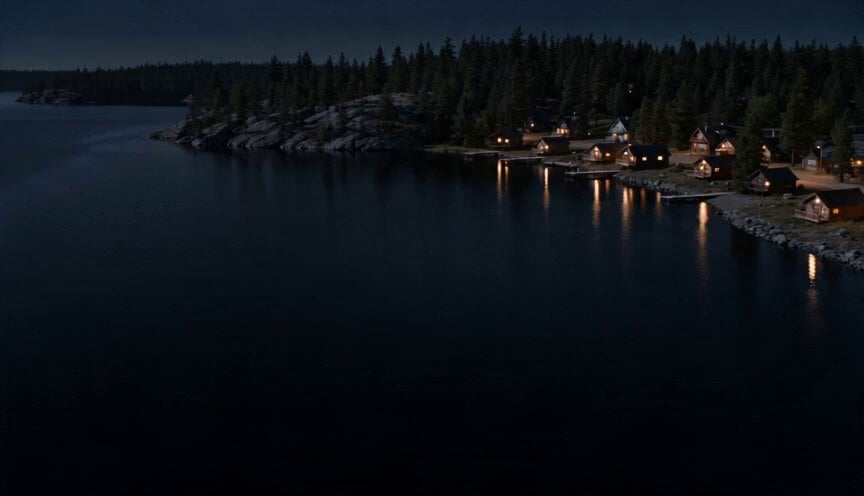
- Prompt included
- Model and format preset
- Premium template
The prompt behind this video
Copy the exact prompt behind The Lake - Spaceship Arrival, or open it in the studio and make it yours.
Shot 1 (0–8s) - Low oblique aerial, approaching across the water: A small lakeside town at night, seen from a low aerial angle gliding just above the water's surface, approaching from the south. The lake is irregularly shaped with a rocky, forested far bank of dense pine trees - no houses on that side. Wooden cabins and a small main street are clustered only along the near western shore, scattered unevenly, warm porch lights glowing and reflecting in the still black water. Crickets chirp, water laps gently against a wooden dock, a distant dog barks once. Camera drifts slowly forward. Suddenly, the water ahead bulges, ripples explode outward, and a massive metallic disc-shaped spaceship rises silently from beneath the surface, water cascading off its smooth hull, blue-white underglow illuminating the lake and the tree line.\n\nShot 2 (8–15s) - Low ground-level angle from a porch: Cut to a low-angle shot from a wooden cabin porch on the western shore, foreground silhouette of a porch railing and an empty rocking chair. The spaceship hovers above the lake in the mid-distance, humming with a deep bass resonance that rattles windows. One by one, lights flick on in neighboring cabins along the shore. A dog barks frantically. Then, in a sudden flash, the spaceship shoots straight up into the sky with a whoosh and a shockwave ripple spreading across the water, vanishing into the stars. Silence returns. The water settles.\n\nStyle tags: cinematic, photorealistic, moody night lighting, anamorphic lens, subtle lens flare, ambient sound design, 24fps film look, irregular natural shoreline, asymmetric composition.
How to use The Lake - Spaceship Arrival in 3 steps
- 1
Open
The prompt is already in the box next to the preview, with the template's model and format selected.
- 2…a portrait of your subject in softgolden-hour light, 85mm…
Personalize
Edit the subject and creative details for your destination.
- 3Generate
Generate
Press Generate — your video is created in PicX Studio, so you can compare it with the original and refine one variable at a time.
More like this
Templates with the same subject, style or setup. Open one to see its prompt.
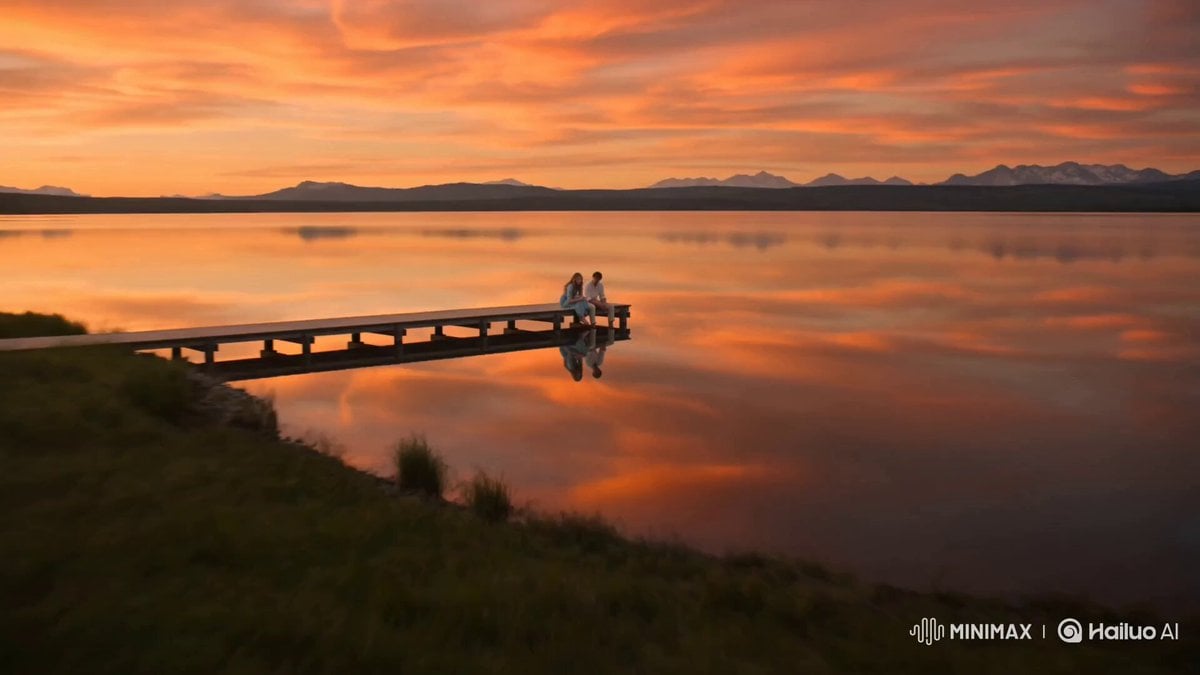
Alpine Lake Golden Hour Couple
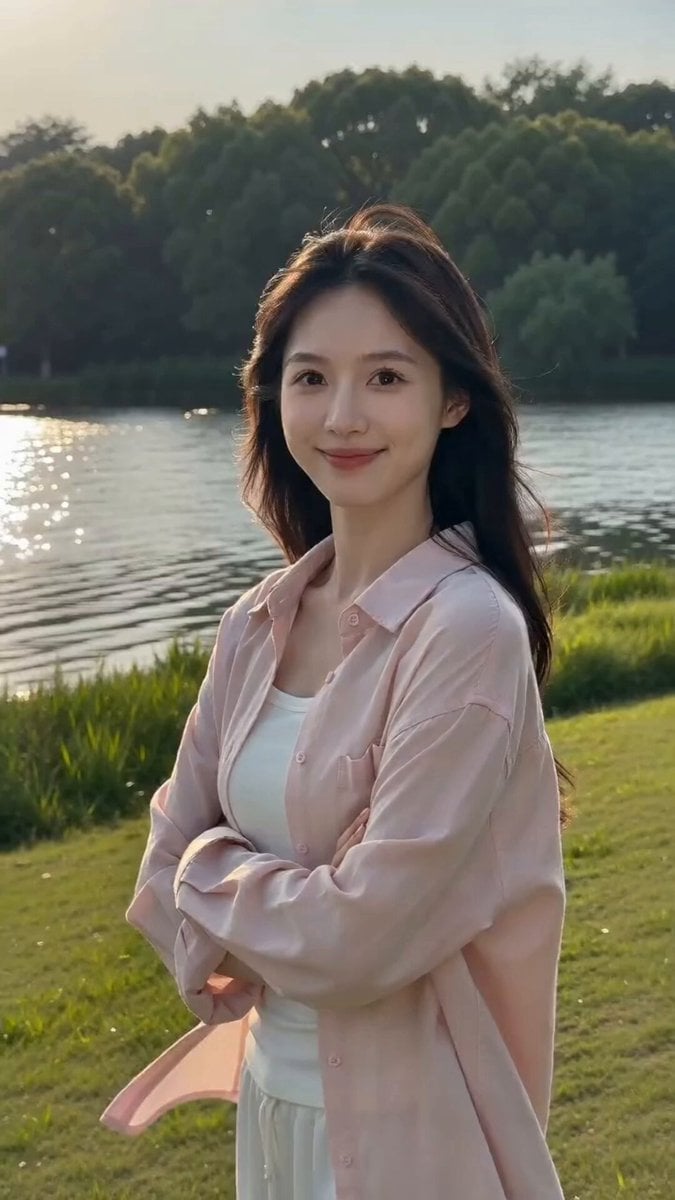
Candid Lakeside Photography Vlog
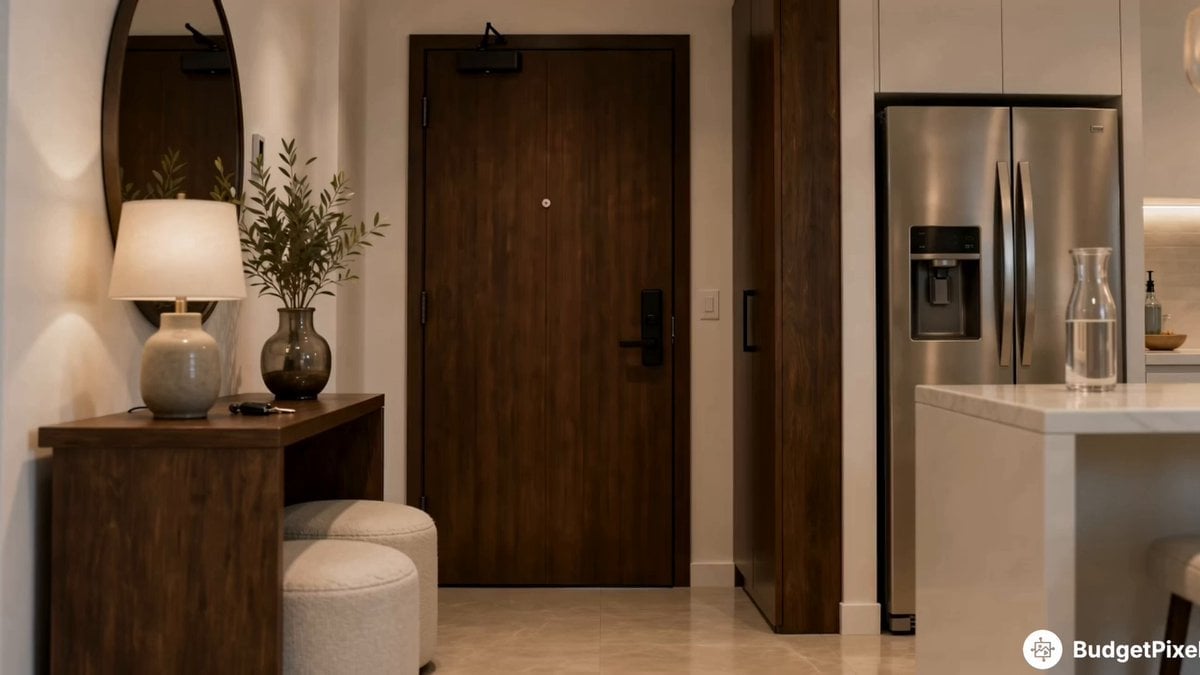
Apartment Arrival Storyboard Animation
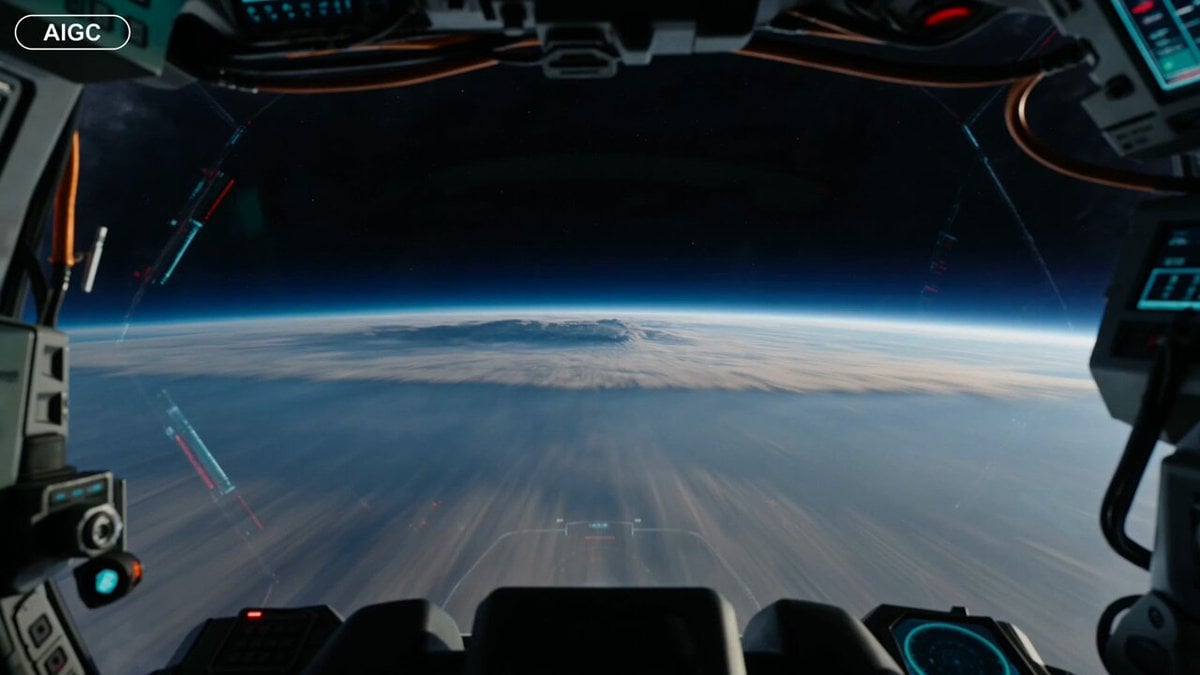
First-Person Spaceship Cockpit Flight
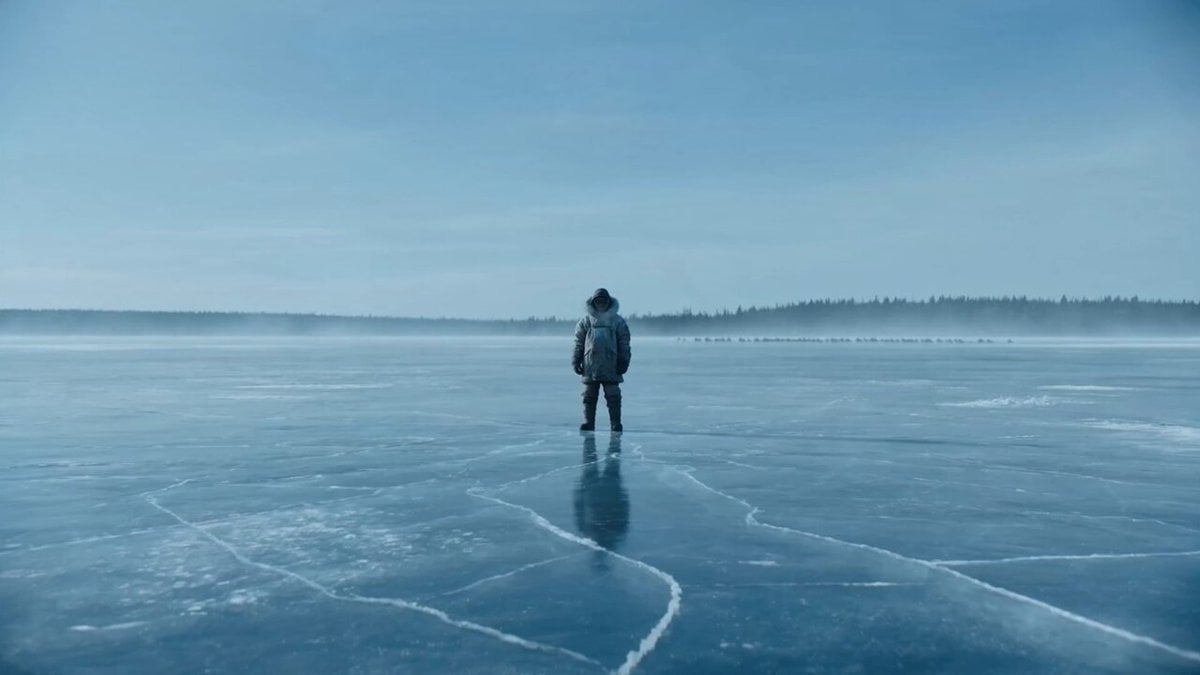
Giant Leviathan Under Frozen Lake
Luxury Electric Car Arrival at Villa
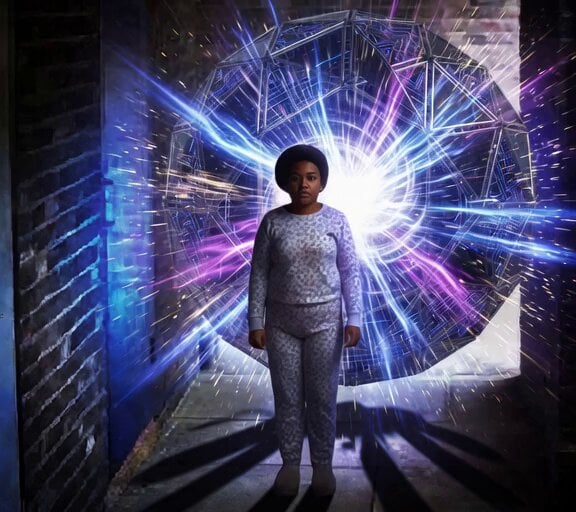
Time Traveling Girl Arrival

Spaceship Landing on Alien Planet
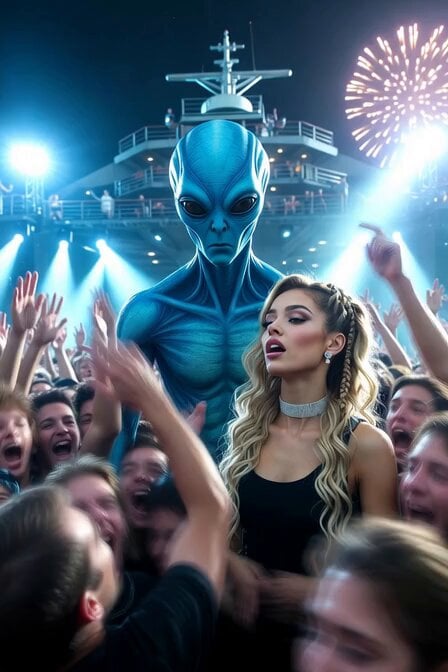
Spaceship Concert Moshpit
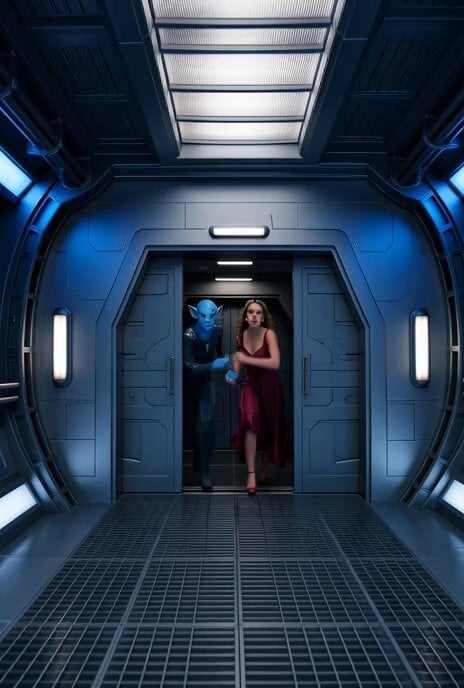
Spaceship Escape Action Scene
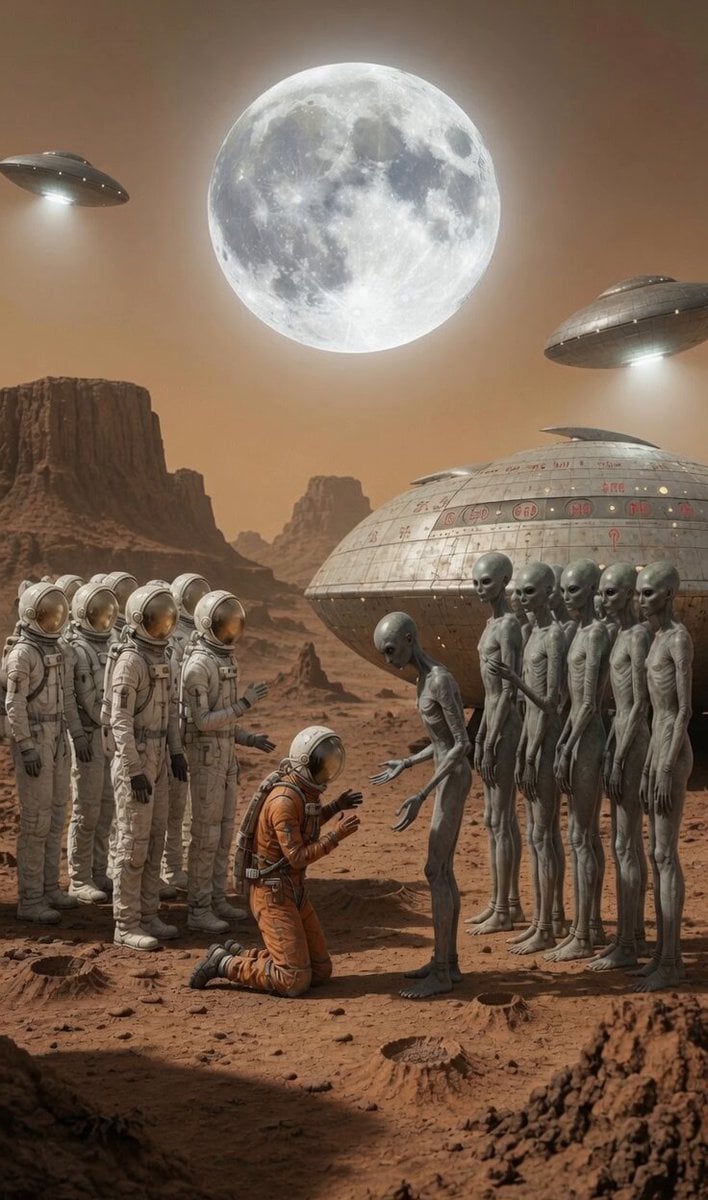
Alien Bowing and Spaceship Animation
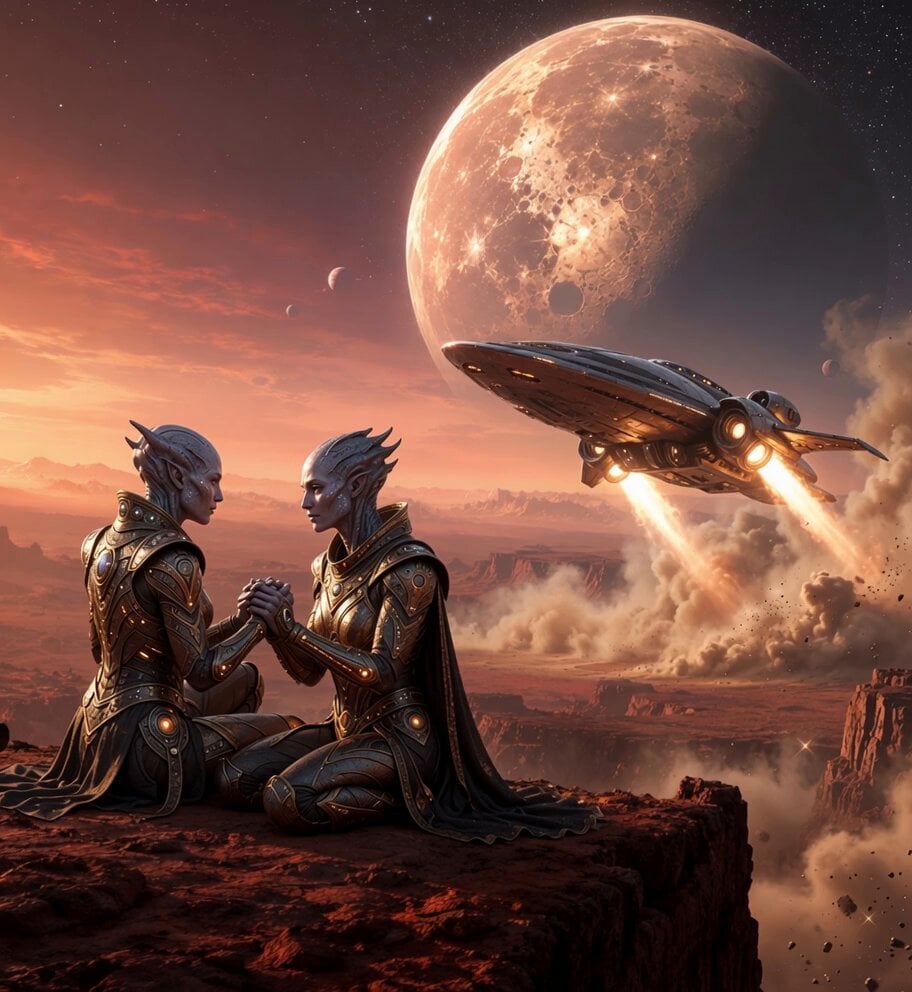
Alien Couple Spaceship Launch
Make it yours
The Lake - Spaceship Arrival works as-is. These are the safest ways to change it without losing the look.
Change one field
Copy a single group, rewrite it, and generate again so you can see what that field is doing.
Keep the frame, change the subject
Hold the composition and light of The Lake - Spaceship Arrival, then swap wardrobe, props or the person for a new take.
| If the result… | Why | Fix |
|---|---|---|
| The result drifts from the preview | Too many fields changed at once. | Reuse The Lake - Spaceship Arrival as-is first, then change one group — subject, light, or setting. |
| The model over-stylizes the scene | The prose prompt leaves finish and camera underspecified. | Add one camera or lighting sentence and stay on Seedance 2.0. |
More Seedance 2.0 templates
Other prompts made for Seedance 2.0.

Comical Martial Arts Punch Scene

Maglev Train Action Sequence

Martial Arts Fight Sequence

Wuxia Protection and Trust Script

Vintage Korean Arcade MiniDV Vlog

Mercedes 190 SL Luxury Ad

Rainy Night Supernatural Reverse Comedy Video Script

Amazon Civilization Discovery

Futuristic South Asian City Transformation

Cozy Luxury Cafe Commercial
More video prompts
Fresh picks from across the catalog.
English Cinematic Whale in the Clouds Video Prompt
Metallic Blue Sports Sedan Commercial
Himalayan FPV Drone Flight
Elderly Wizard Oil Painting
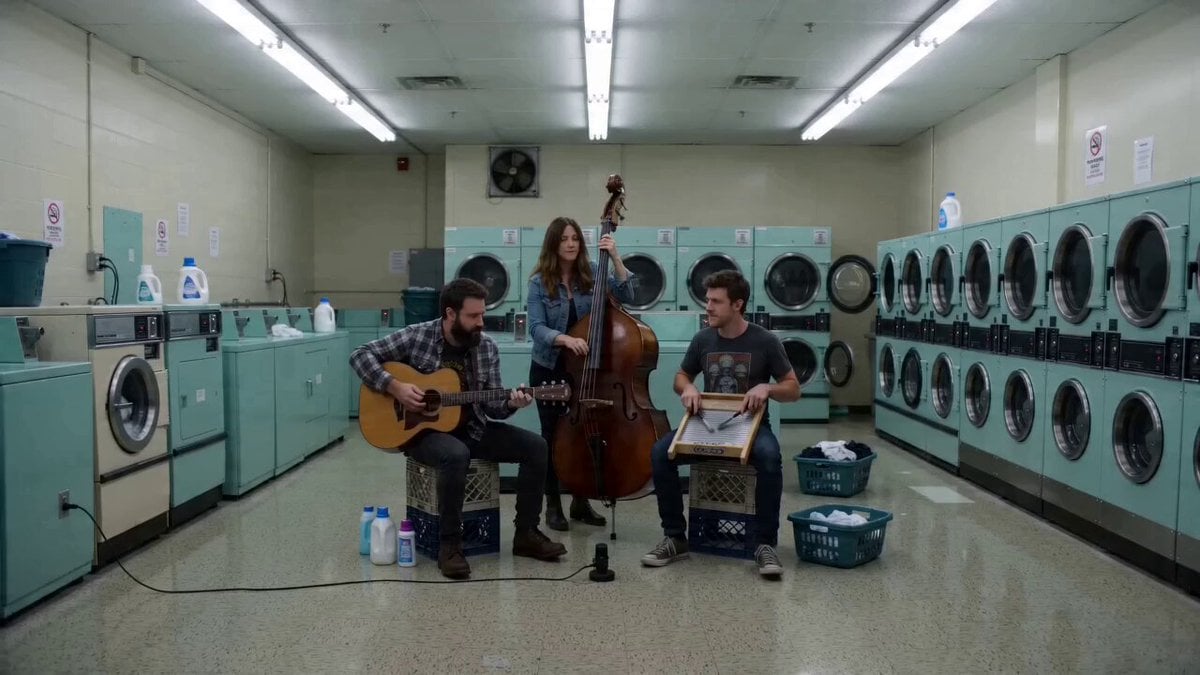
Laundromat Blues Folk Trio

Mixed-Media Culinary Stylus Morph
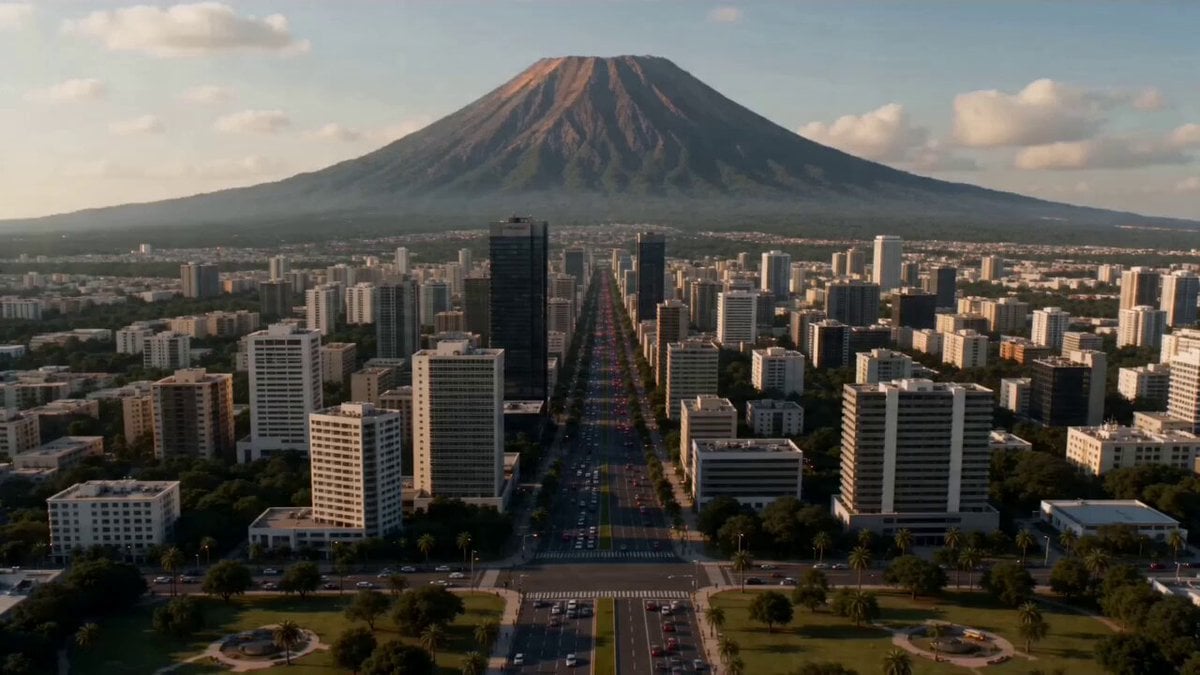
Supervolcano City Destruction
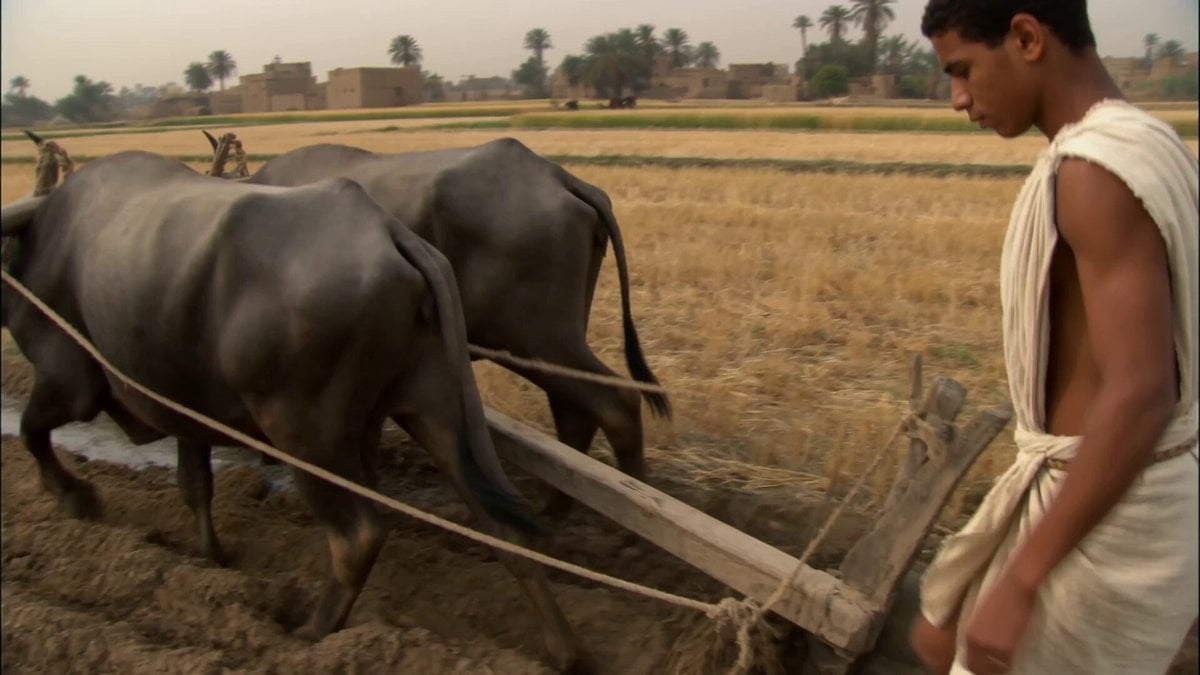
Ancient Egypt Handheld DV Footage
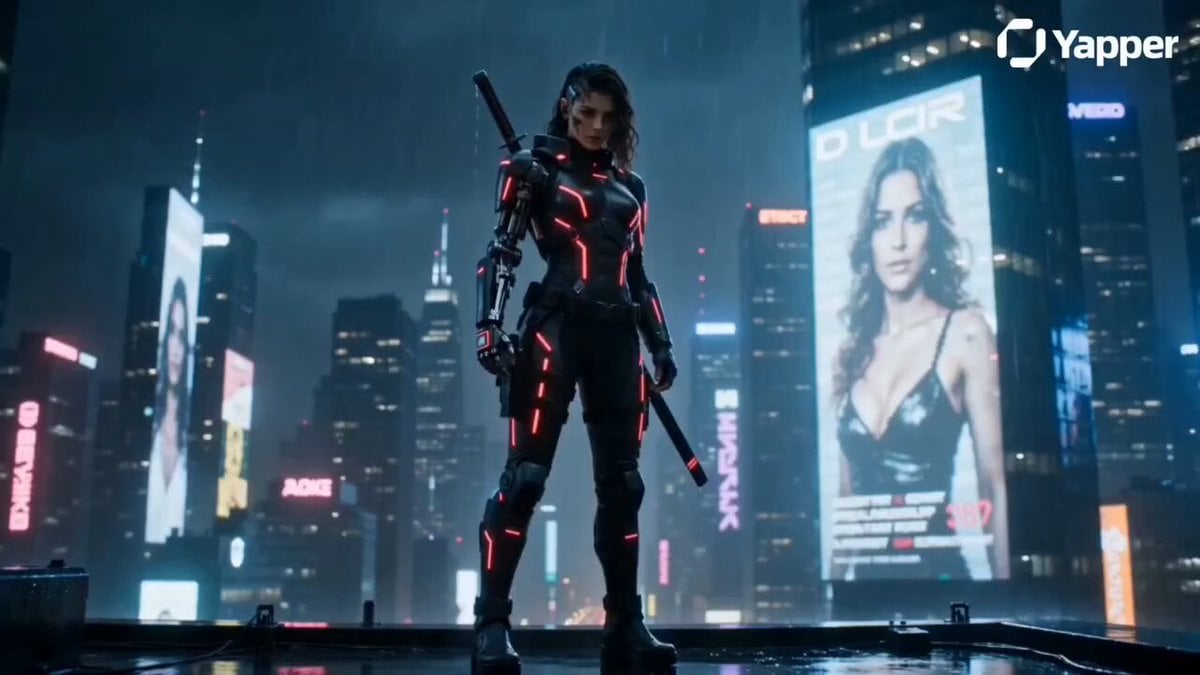
Cyberpunk Warrior Narrative
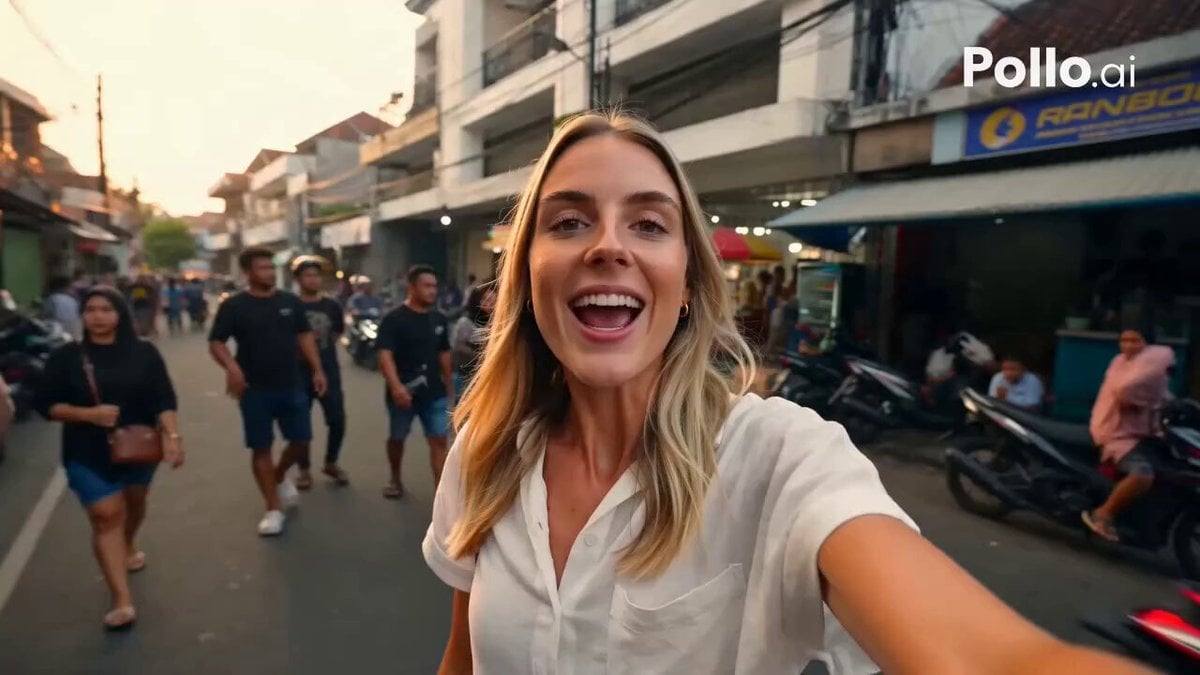
Yogyakarta Indonesia Street Food Vlog
Browse template categories
The Lake - Spaceship Arrival questions
How do I use the The Lake - Spaceship Arrival template?
Add your photo if the template asks for one, edit the prompt if you like — the template's model and format are already selected — and press Generate. Your version opens in PicX Studio.
Can I customize the The Lake - Spaceship Arrival template?
Yes. You can change the subject, setting, lighting, mood, format, and available model controls before creating your video.
Is the The Lake - Spaceship Arrival template free?
Opening and editing this template is free. Generating uses credits, shown on the Generate button when you are signed in.
Which AI model should I use?
Start with Seedance 2.0, which is the model associated with this template. You can compare another compatible model for a different finish.
Looking for something else? Browse all templates.

Your photo, any look
Thousands of ready templates for every top image and video model, from one credit balance.