
Ghibli Style Afternoon Tranquility
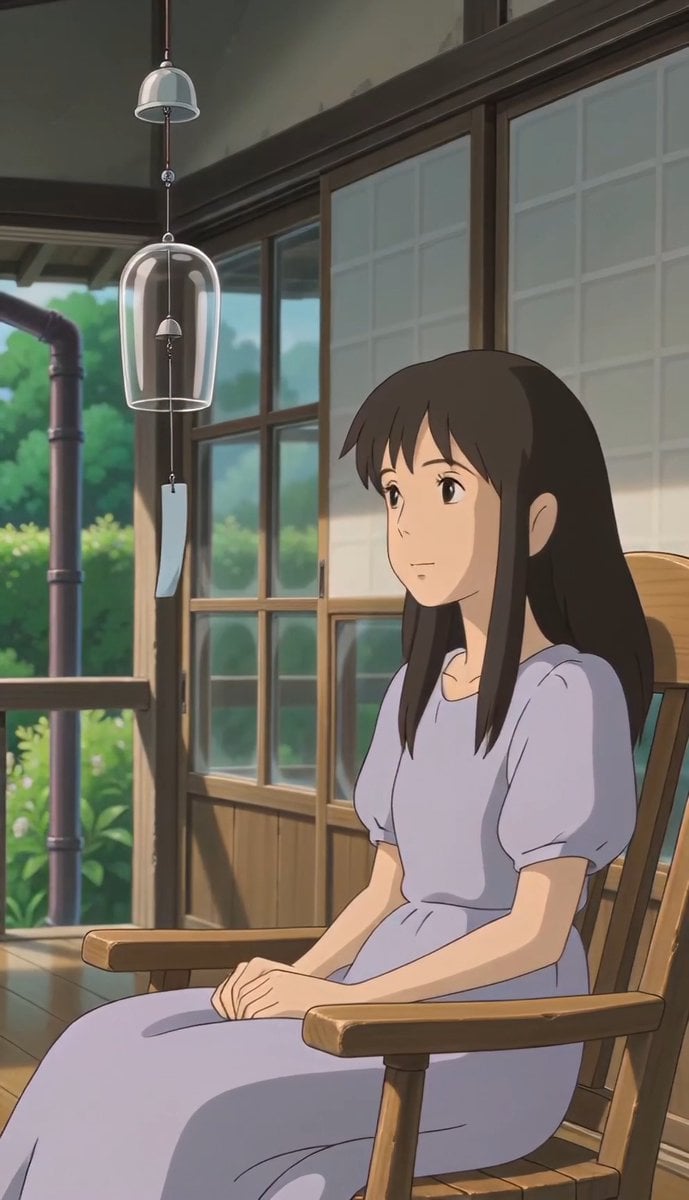
A multi-shot prompt for a serene Studio Ghibli-inspired animation featuring a woman on a wooden veranda.
- Prompt included
- Model and format preset
- Free template
The prompt behind this video
Copy the exact prompt behind Ghibli Style Afternoon Tranquility, or open it in the studio and make it yours.
A quiet Studio Ghibli-inspired anime sequence on a shaded wooden veranda during a warm August afternoon. A young woman in a pale lavender dress sits near a glass wind chime and watches it move in the summer breeze. Bright garden greenery, soft sunlight, gentle shadows, rich hand-painted textures, tranquil nostalgic mood, highly detailed, 12-second animation. Shot 1: Wide establishing shot, slow push-in. A peaceful wooden veranda overlooks a lush summer garden. Shot 2: Medium shot, static. The young woman sits quietly and looks toward the hanging wind chime. Shot 3: Close-up, static. The glass wind chime sways gently in the breeze. Shot 4: Close-up profile, slight push-in. She listens with a calm expression. Shot 5: Wide side shot, static. She remains seated as sunlight flickers across the veranda.
How to use Ghibli Style Afternoon Tranquility in 3 steps
- 1
Open
The prompt is already in the box next to the preview, with the template's model and format selected.
- 2…a portrait of your subject in softgolden-hour light, 85mm…
Personalize
Edit the subject and creative details for your destination.
- 3Generate
Generate
Press Generate — your video is created in PicX Studio, so you can compare it with the original and refine one variable at a time.
More like this
Templates with the same subject, style or setup. Open one to see its prompt.
Ghibli Aesthetic Cooking Short
Ghibli-Style Tiny Workers

Ghibli Style Shawarma Cooking Animation
Studio Ghibli Style Croissant Bakery
Ghibli Inspired Starbucks Commercial

Studio Ghibli Inspired Bamboo Soup Scene
Studio Ghibli Inspired Rainy Garden
Ghibli Style Seaside Cottage

Nostalgic Ghibli Japanese Train Station
Studio Ghibli Inspired Cozy Attic
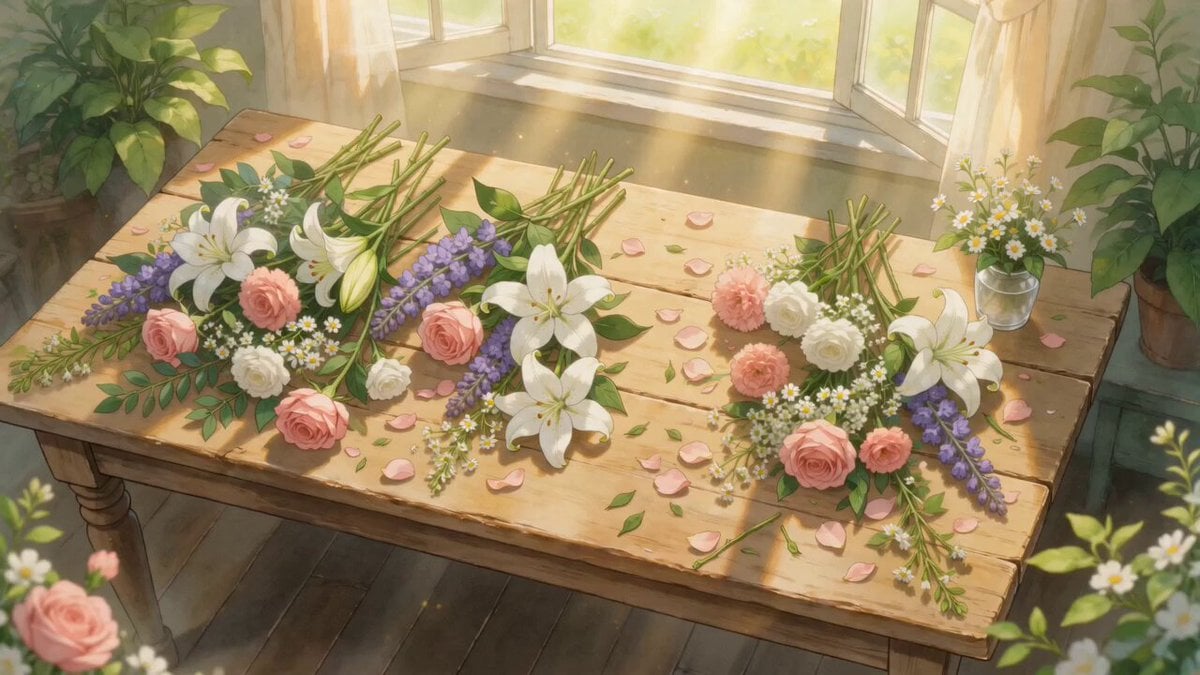
Ghibli-Style Flower Arranging Scene
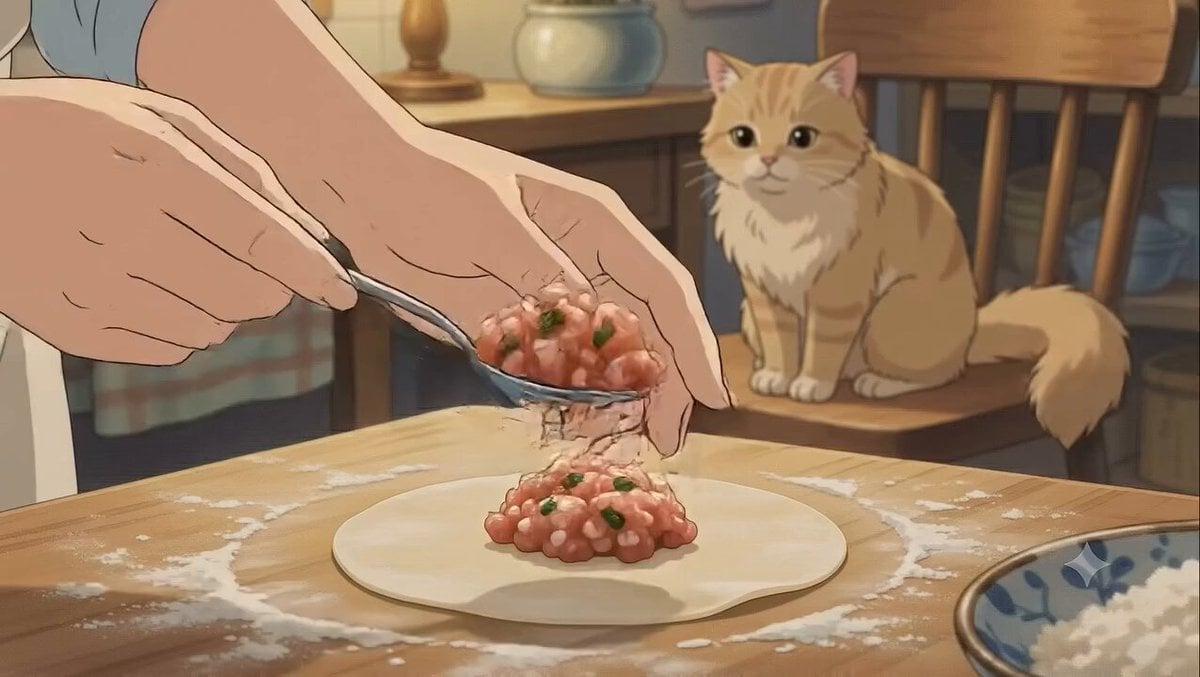
Studio Ghibli Style Dumpling Cooking
Make it yours
Ghibli Style Afternoon Tranquility works as-is. These are the safest ways to change it without losing the look.
Change one field
Copy a single group, rewrite it, and generate again so you can see what that field is doing.
Keep the frame, change the subject
Hold the composition and light of Ghibli Style Afternoon Tranquility, then swap wardrobe, props or the person for a new take.
| If the result… | Why | Fix |
|---|---|---|
| The result drifts from the preview | Too many fields changed at once. | Reuse Ghibli Style Afternoon Tranquility as-is first, then change one group — subject, light, or setting. |
| The model over-stylizes the scene | The prose prompt leaves finish and camera underspecified. | Add one camera or lighting sentence and stay on Seedance 2.0. |
More Seedance 2.0 templates
Other prompts made for Seedance 2.0.

Comical Martial Arts Punch Scene

Maglev Train Action Sequence

Martial Arts Fight Sequence

Wuxia Protection and Trust Script

Vintage Korean Arcade MiniDV Vlog

Mercedes 190 SL Luxury Ad

Rainy Night Supernatural Reverse Comedy Video Script

Amazon Civilization Discovery

Futuristic South Asian City Transformation

Cozy Luxury Cafe Commercial
More video prompts
Fresh picks from across the catalog.
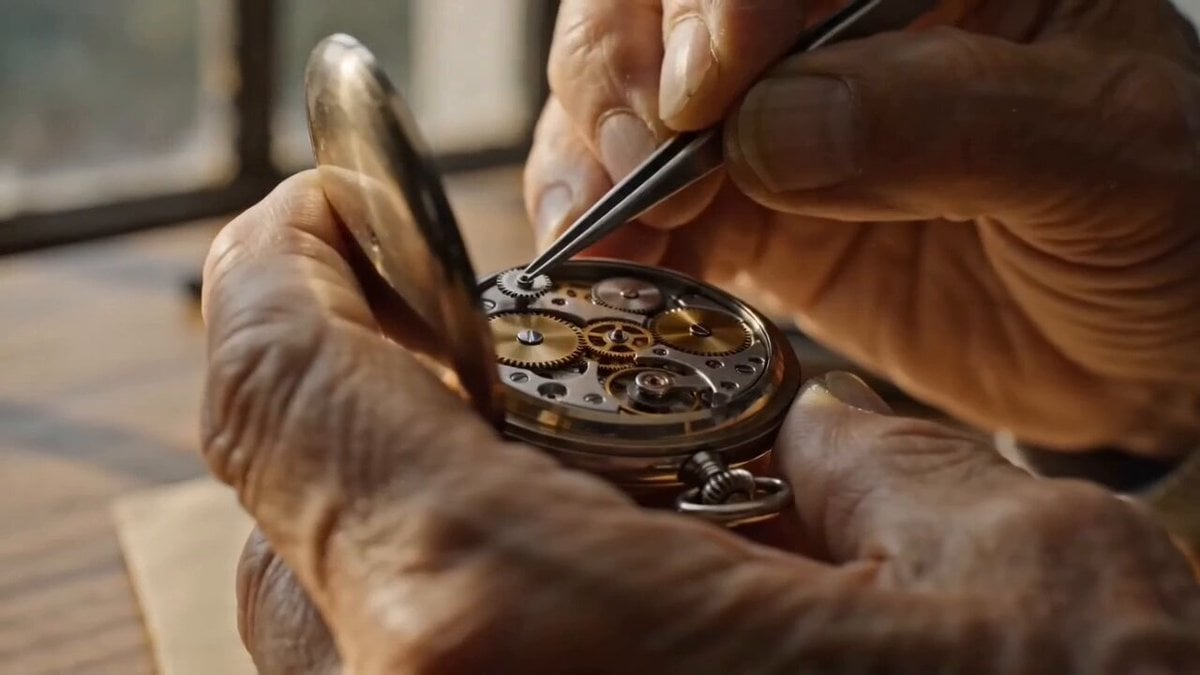
Watchmaker Close-up Orbit Prompt
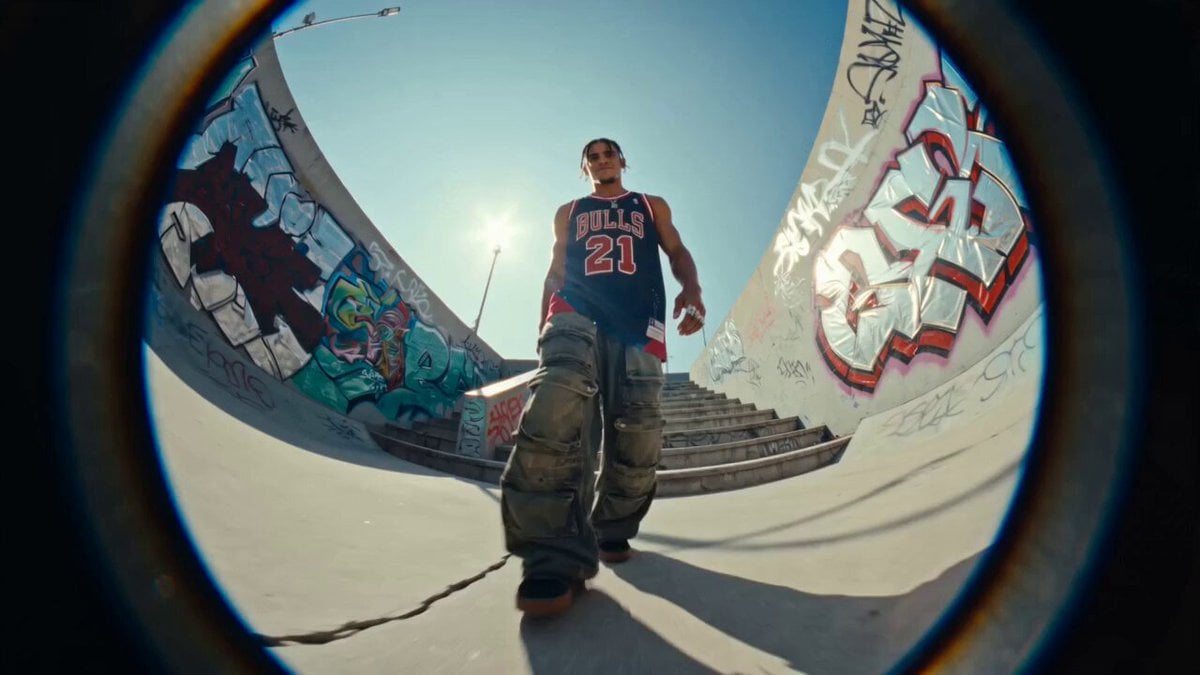
Fisheye Urban Dancer Sequence
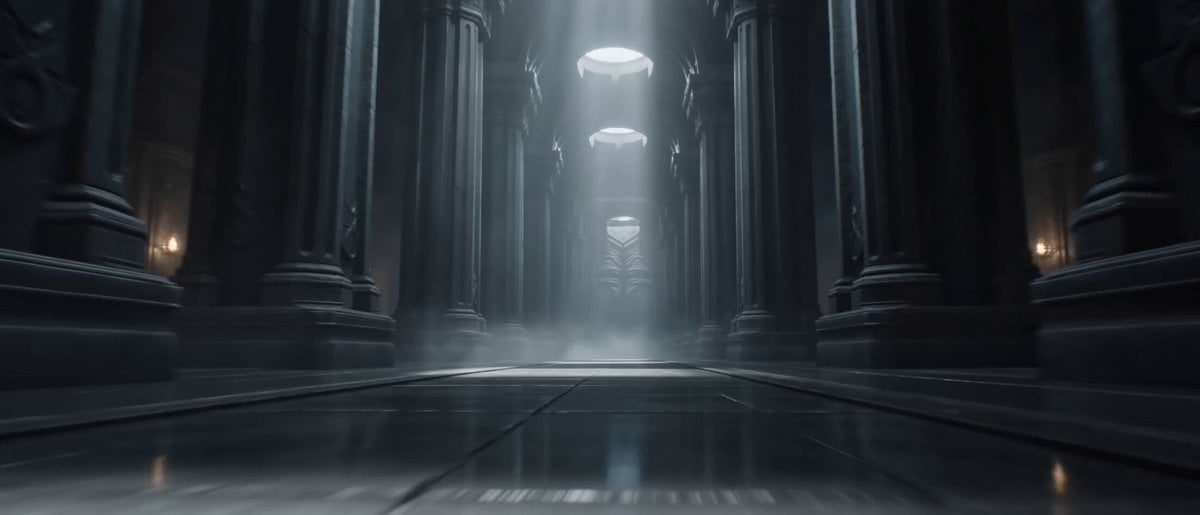
Assassination Sequence Parametric Prompt

Cinematic Chinese Ghost Romance Short Film

Forest Camping Cup Noodle Anime
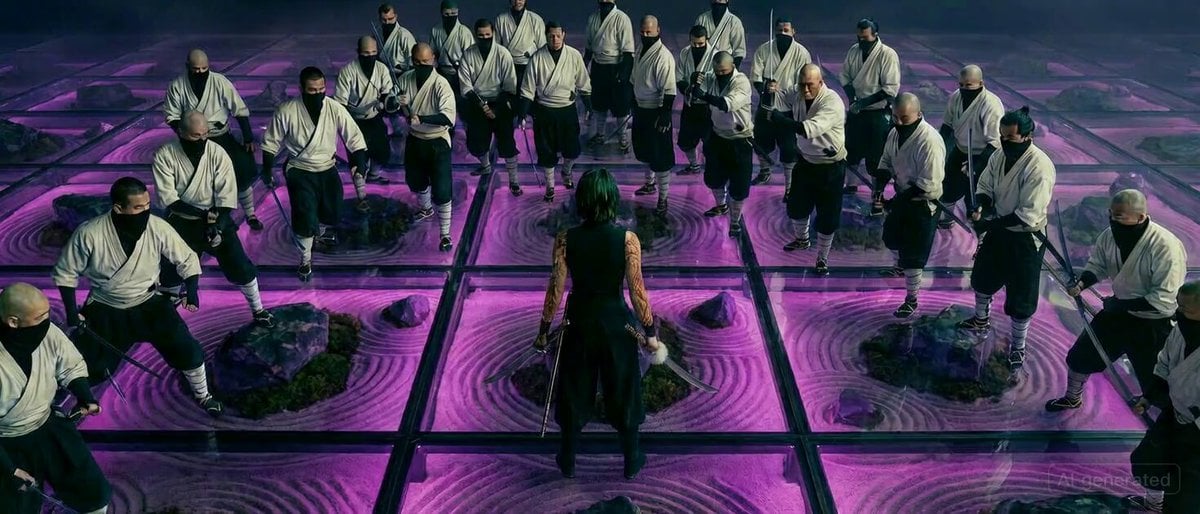
Maki Zenin Fight Scene Prompt (Top Down)
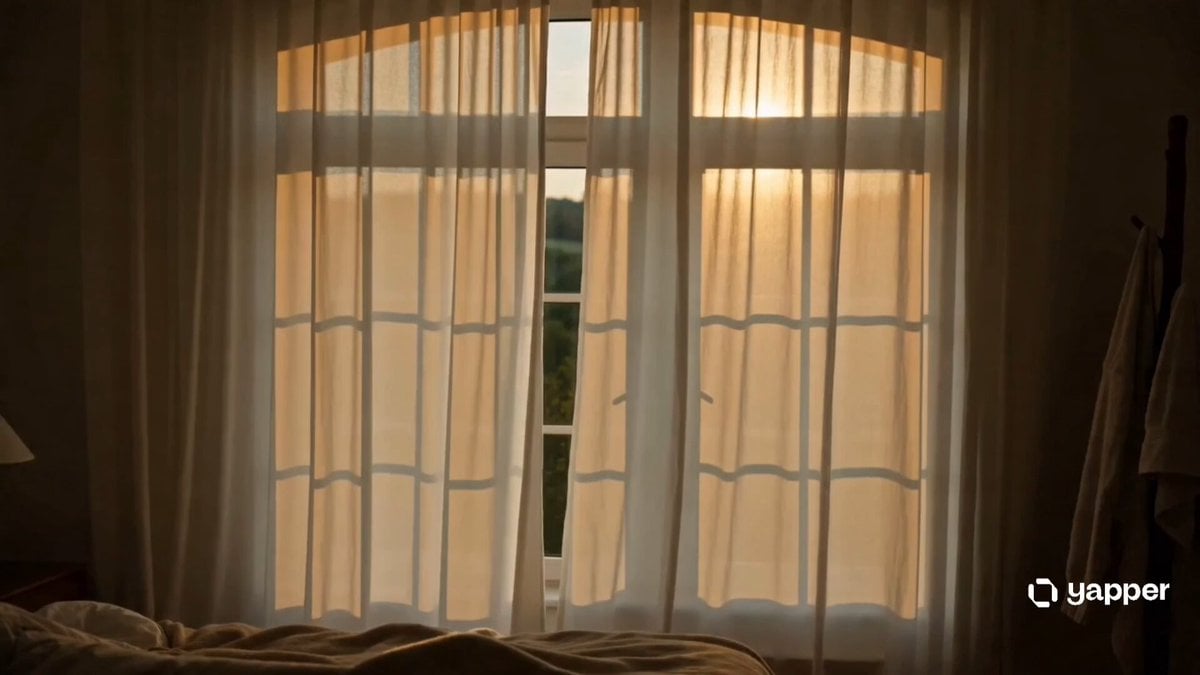
Morning Routine Cinematic

Anime Slam Dunk Storyboard Animation
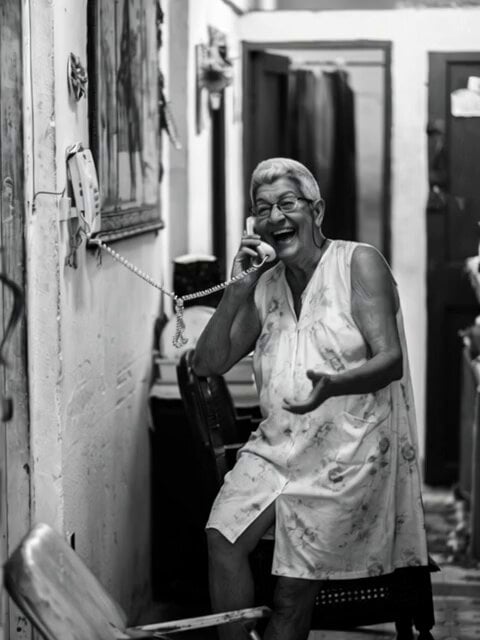
Woman Laughing Hysterically Prompt

2D Line Art Girl Candy Jar Animation
Browse template categories
Ghibli Style Afternoon Tranquility questions
How do I use the Ghibli Style Afternoon Tranquility template?
Add your photo if the template asks for one, edit the prompt if you like — the template's model and format are already selected — and press Generate. Your version opens in PicX Studio.
Can I customize the Ghibli Style Afternoon Tranquility template?
Yes. You can change the subject, setting, lighting, mood, format, and available model controls before creating your video.
Is the Ghibli Style Afternoon Tranquility template free?
Opening and editing this template is free. Generating uses credits, shown on the Generate button when you are signed in.
Which AI model should I use?
Start with Seedance 2.0, which is the model associated with this template. You can compare another compatible model for a different finish.
Looking for something else? Browse all templates.

Your photo, any look
Thousands of ready templates for every top image and video model, from one credit balance.