
Frog vs King Cobra Battle
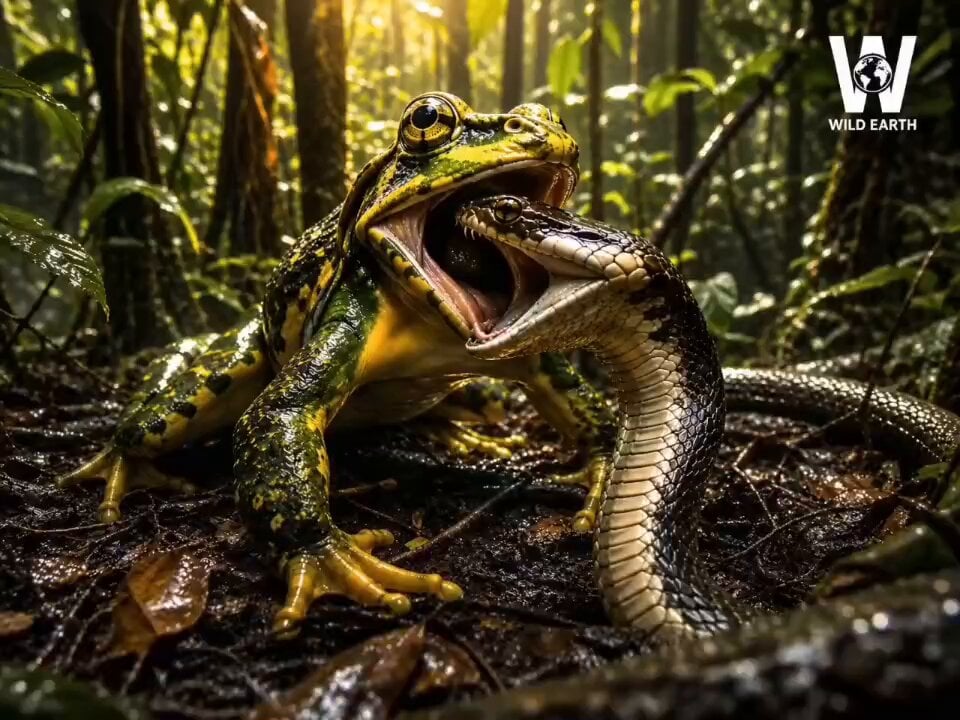
A nature documentary style cinematic prompt showing a poison dart frog attacking a king cobra, with detailed audio and narration cues.
- Prompt included
- Model and format preset
- Premium template
The prompt behind this video
Copy the exact prompt behind Frog vs King Cobra Battle, or open it in the studio and make it yours.
A vibrant poison dart frog lunges and clamps its jaw onto a king cobra's head. Cobra violently thrashes, hood flaring, body coiling around the frog in desperation. Frog holds an iron grip, golden eyes unwavering, throat beginning to pulse as it starts swallowing the cobra head-first. Snake tail whips wet leaf litter frantically. Camera starts at extreme ground-level macro, slowly push-zooming into the frog's eye, then pulling wide to reveal the full jungle around them — indifferent, vast, alive. Audio: Opens with pure jungle ambience — rain, cicadas, birds. At 3 seconds a deep cello drone enters. At 7 seconds full orchestra tension swell hits. At 12 seconds drops to eerie solo piano. Narrator voice — deep British documentary tone: [0:02] "Deep in the Amazon… nature is rewriting its own rulebook." [0:06] "The cobra flares. The frog… doesn't care." [0:10] "In twenty years of filming — I have never seen anything like this." [0:13] "It begins… to feed." Discovery Channel logo — TOP RIGHT CORNER, white, semi-transparent, pinned throughout entire 15 seconds. Lower third text at 0:04: "Amazon Basin, Brazil" — white, Discovery font style, fade in bottom center. Handheld shaky macro camera. No CGI look. Photorealistic. Cinematic 24fps. Deep green and gold color grade. Shallow depth of field with bokeh jungle background.
How to use Frog vs King Cobra Battle in 3 steps
- 1
Open
The prompt is already in the box next to the preview, with the template's model and format selected.
- 2…a portrait of your subject in softgolden-hour light, 85mm…
Personalize
Edit the subject and creative details for your destination.
- 3Generate
Generate
Press Generate — your video is created in PicX Studio, so you can compare it with the original and refine one variable at a time.
More like this
Templates with the same subject, style or setup. Open one to see its prompt.
Coward King — Seedance 2.0 Dark Fantasy
Swordsman vs Shadow Monster — Bamboo Forest Battle
Tiger vs Gorilla — Jungle Canyon Clash
Mecha Transformation vs Kaiju — 4-Scene Epic
Epic Battlefield King Cinematic
Viking in Modern America Comedy - Seedance 2.5
Orange Cat King and Dogs
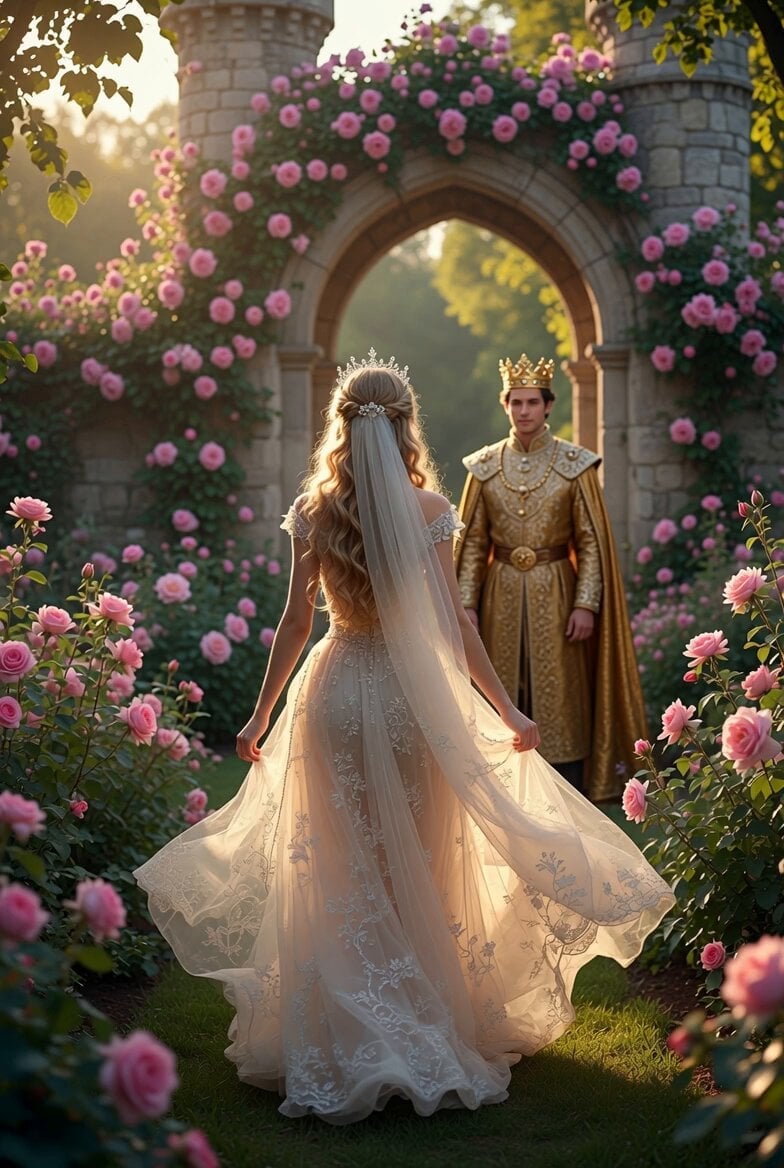
Princess Walking Rose Path Video
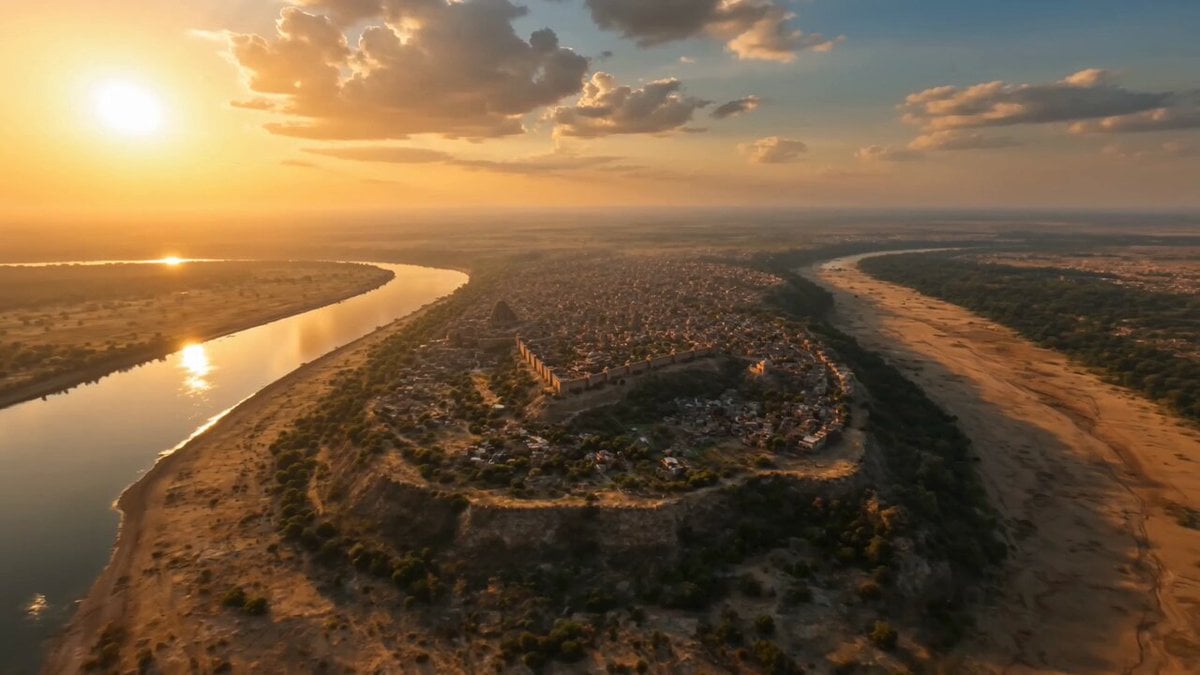
Ancient Sauvira Kingdom FPV
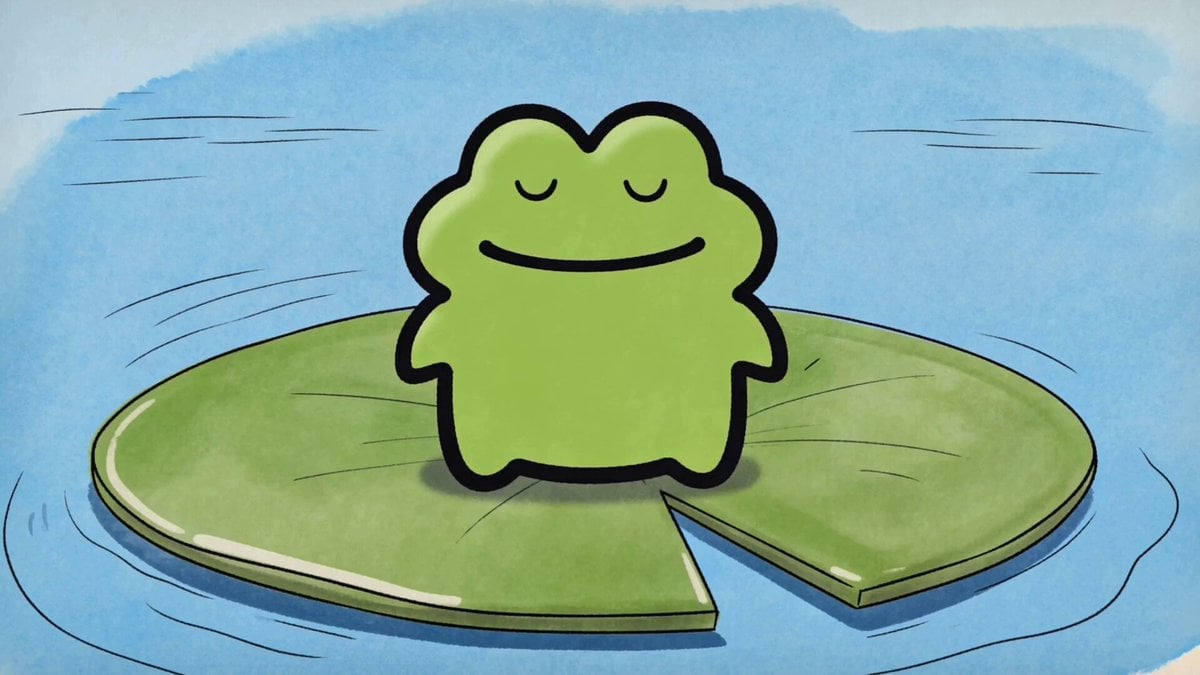
Hand-Drawn Frog Cartoon Animation
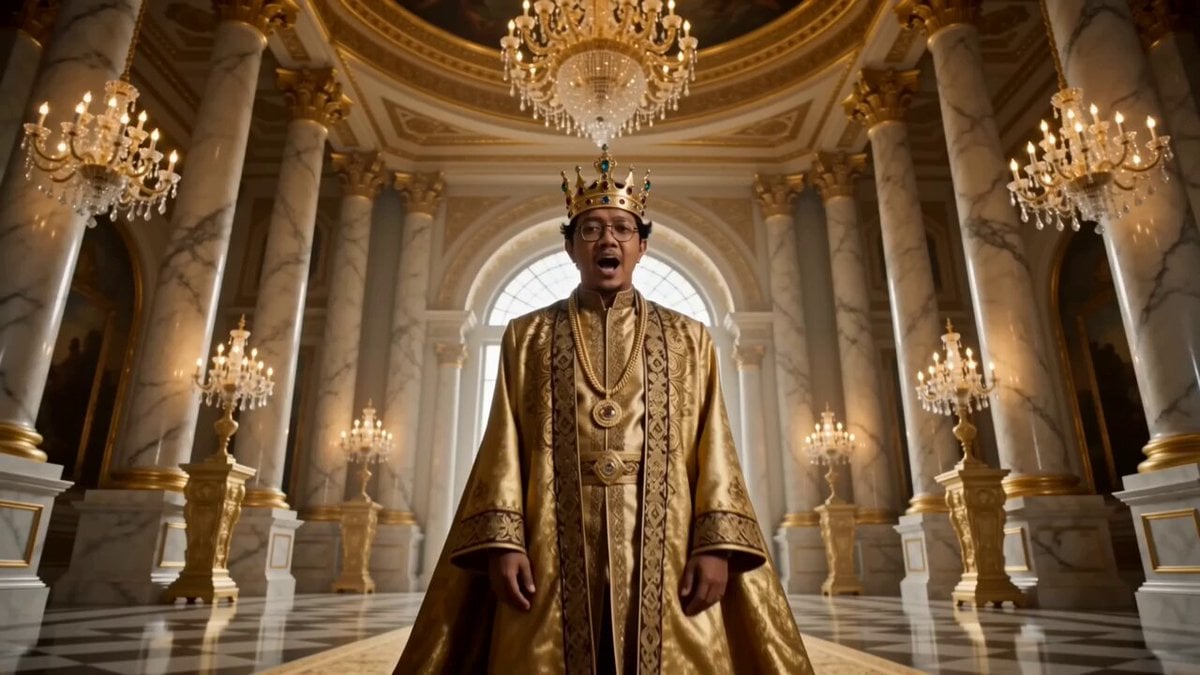
Golden Royal King Rap Music Video
Supernatural Casino Card King Transformation
Make it yours
Frog vs King Cobra Battle works as-is. These are the safest ways to change it without losing the look.
Change one field
Copy a single group, rewrite it, and generate again so you can see what that field is doing.
Keep the frame, change the subject
Hold the composition and light of Frog vs King Cobra Battle, then swap wardrobe, props or the person for a new take.
| If the result… | Why | Fix |
|---|---|---|
| The result drifts from the preview | Too many fields changed at once. | Reuse Frog vs King Cobra Battle as-is first, then change one group — subject, light, or setting. |
| The model over-stylizes the scene | The prose prompt leaves finish and camera underspecified. | Add one camera or lighting sentence and stay on Seedance 2.0. |
More Seedance 2.0 templates
Other prompts made for Seedance 2.0.

Comical Martial Arts Punch Scene

Maglev Train Action Sequence

Martial Arts Fight Sequence

Wuxia Protection and Trust Script

Vintage Korean Arcade MiniDV Vlog

Mercedes 190 SL Luxury Ad

Rainy Night Supernatural Reverse Comedy Video Script

Amazon Civilization Discovery

Futuristic South Asian City Transformation

Cozy Luxury Cafe Commercial
More video prompts
Fresh picks from across the catalog.
Samurai Duel in Stormy Rooftop
Cinematic WWII Aerial Combat Scene
Space Scouts and Sea Lions Video
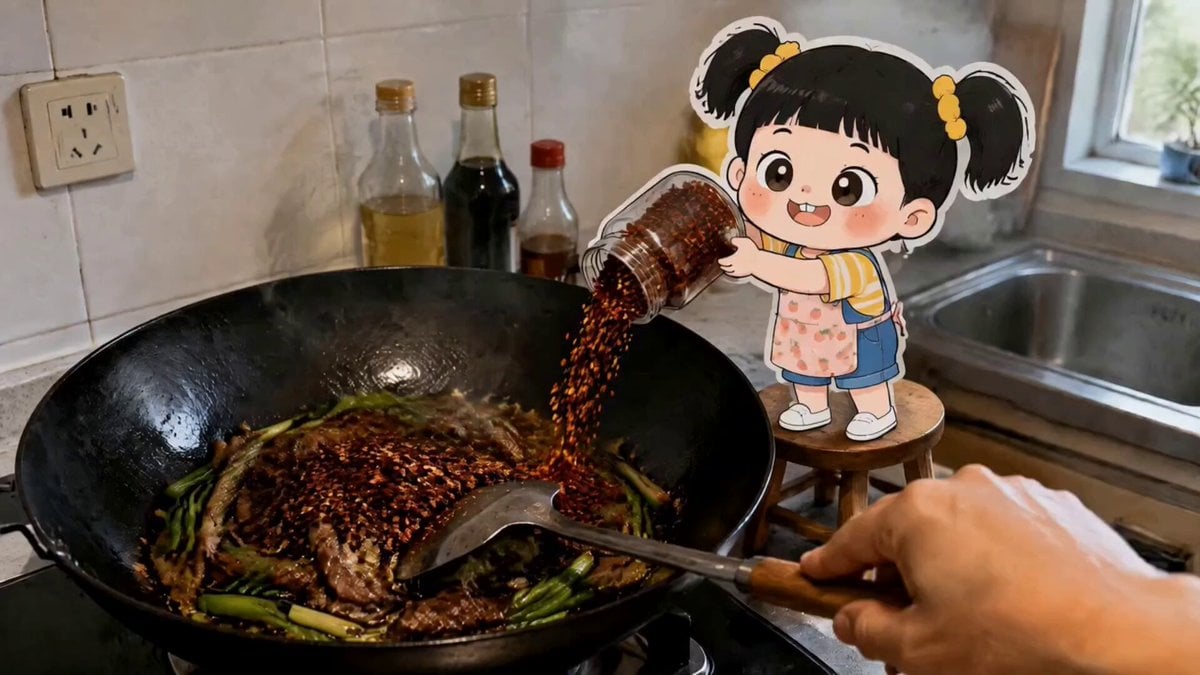
First-Person Cooking Chaos
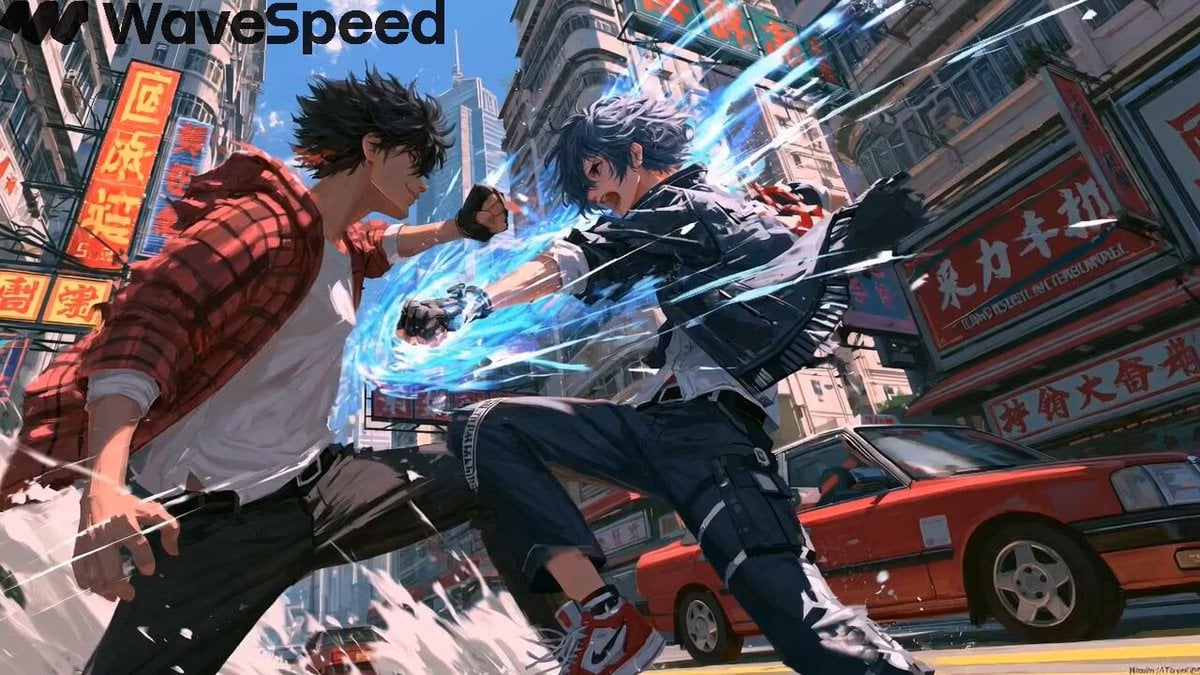
Cyberpunk Anime Street Fight
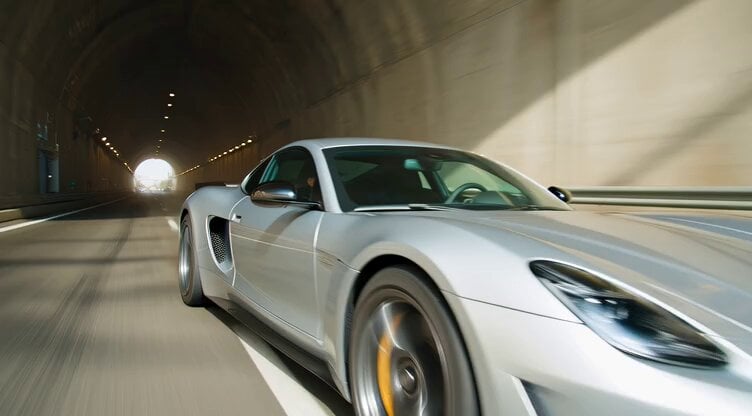
Hypercar Tunnel Tracking Shot Video Prompt

Japanese Pure Love Short Film
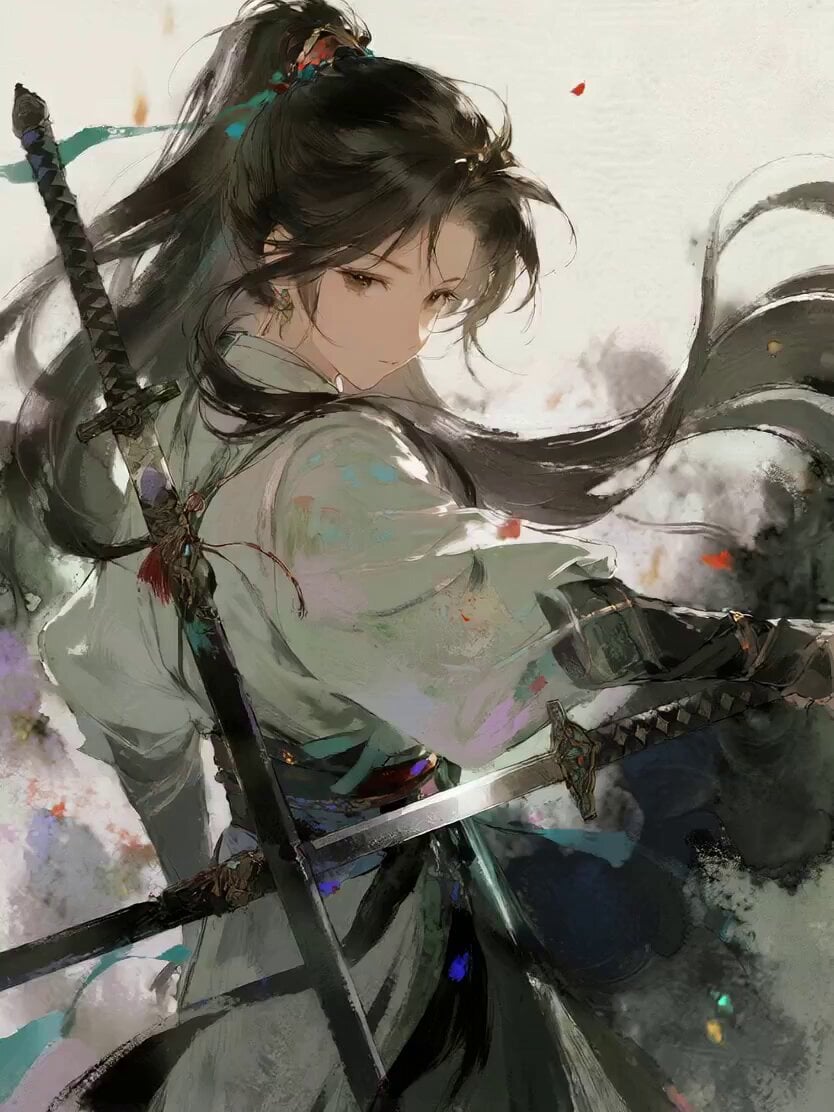
Watercolor Ink Sword Performance
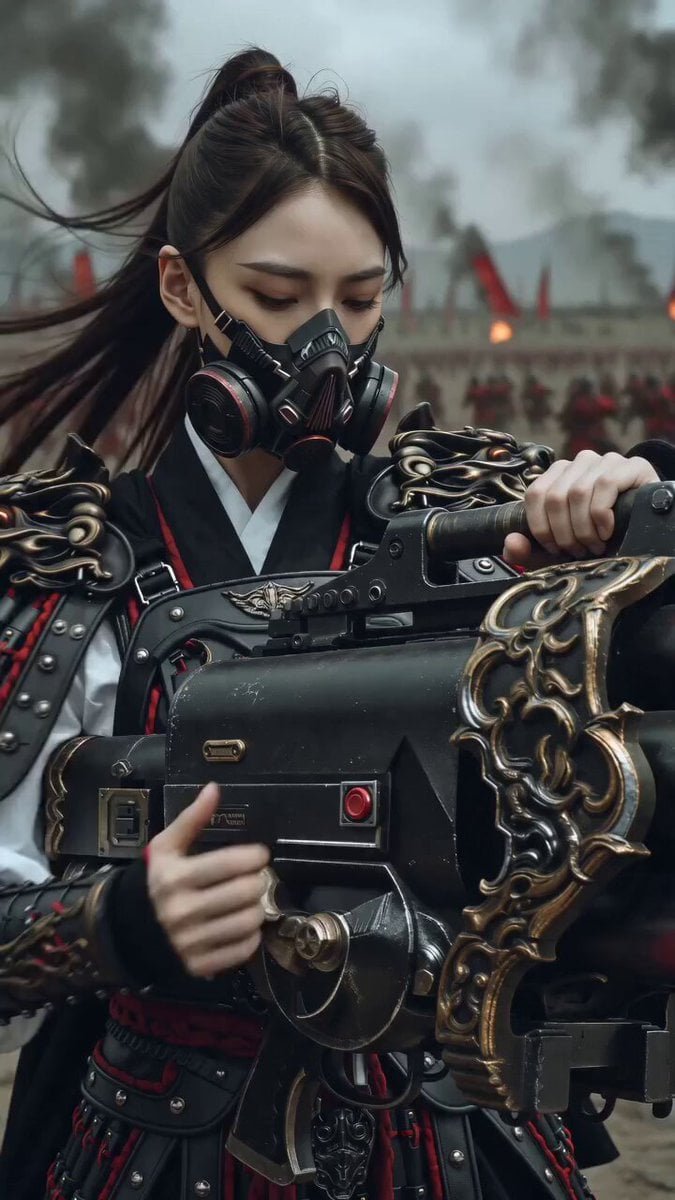
East Asian Female Warrior Mecha Transformation
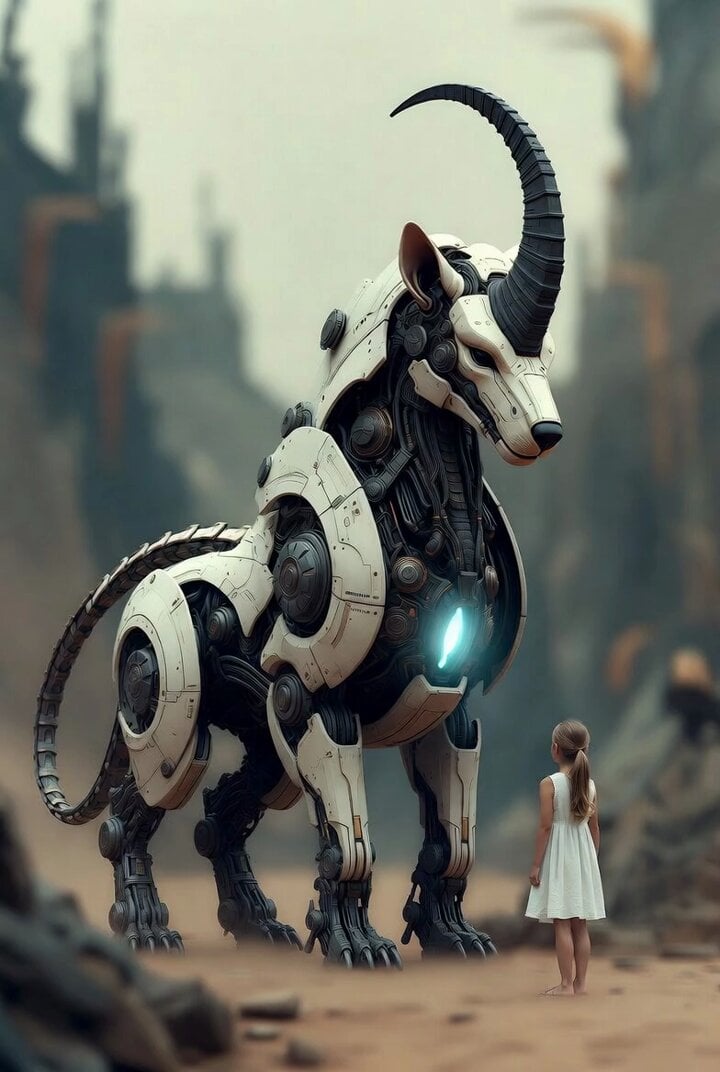
Surreal cyborg animal and young girl
Browse template categories
Frog vs King Cobra Battle questions
How do I use the Frog vs King Cobra Battle template?
Add your photo if the template asks for one, edit the prompt if you like — the template's model and format are already selected — and press Generate. Your version opens in PicX Studio.
Can I customize the Frog vs King Cobra Battle template?
Yes. You can change the subject, setting, lighting, mood, format, and available model controls before creating your video.
Is the Frog vs King Cobra Battle template free?
Opening and editing this template is free. Generating uses credits, shown on the Generate button when you are signed in.
Which AI model should I use?
Start with Seedance 2.0, which is the model associated with this template. You can compare another compatible model for a different finish.
Looking for something else? Browse all templates.

Your photo, any look
Thousands of ready templates for every top image and video model, from one credit balance.