
Nanjing FPV Travel Cinematography
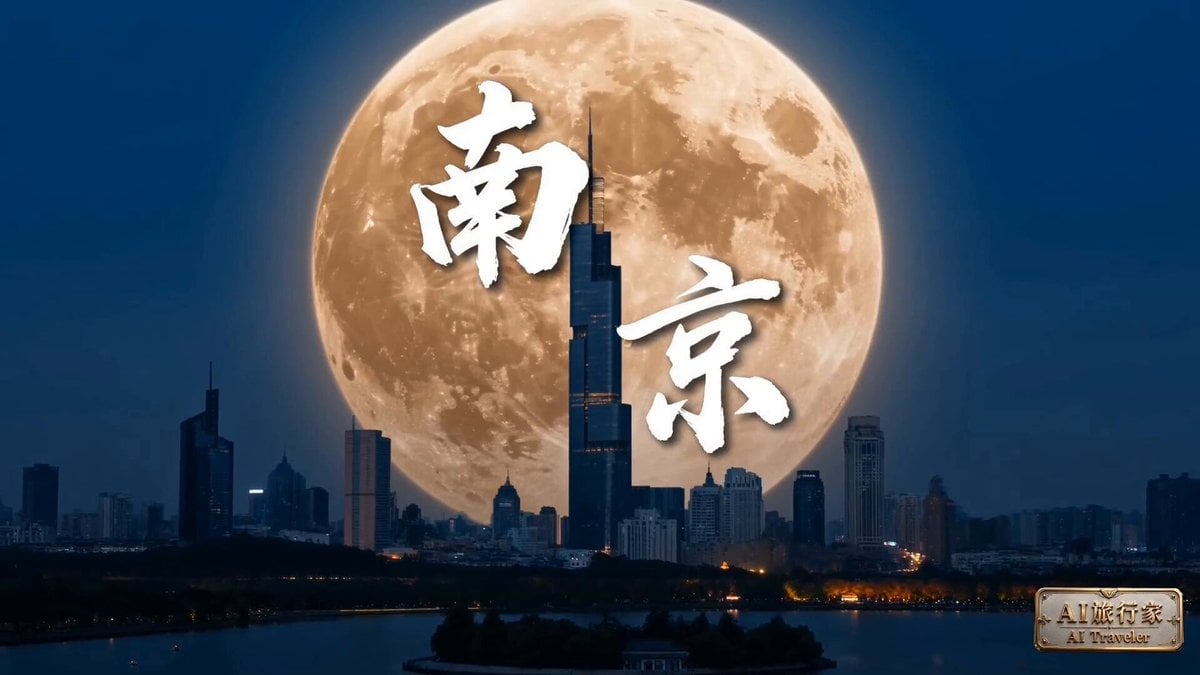
A detailed multi-shot FPV drone cinematography prompt for showcasing Nanjing's landmarks like the Sun Yat-sen Mausoleum and Qinhuai River using Seedance 2.0.
- Prompt included
- Model and format preset
- Free template
The prompt behind this video
Copy the exact prompt behind Nanjing FPV Travel Cinematography, or open it in the studio and make it yours.
南京15秒第一人称FPV分镜 第1镜|高空穿云 FPV运镜:高空俯冲急推 画面内容:穿云层,紫金山林海在画面中央急速放大,中山陵蓝瓦顶在绿荫中清晰浮现,远处紫峰大厦刺破天际线 色调:翠绿+靛蓝+瓦灰 第2镜|明孝陵神道 FPV运镜:贴石像横滚穿越 画面内容:明孝陵神道秋色,贴石骆驼脖颈横向急飞,两侧银杏金黄漫天落叶,阳光透过树冠碎成光斑打在青石路上 色调:银杏黄+石青灰+光斑金 第3镜|秦淮掠水 FPV运镜:超低空贴水面拉起 画面内容:秦淮河夫子庙段,画舫灯笼倒影在水面随波摇曳,镜头贴水面疾飞穿过文德桥桥洞拉起,背景可见江南贡院飞檐 色调:胭脂红+水蓝+灯笼暖黄 第4镜|颐和路梧桐 FPV运镜:贴民国建筑后退上仰 画面内容:颐和路民国公馆黄墙特写,窗前梧桐叶快速后退,后拉露出整条梧桐隧道与光影斑驳的柏油路 色调:黄墙暖白+梧桐翠+光影灰 第5镜|南京眼反应镜头 FPV运镜:手持晃拍绕前 画面内容:南京眼步行桥观景台,年轻男生(棒球帽+白T)倚栏回望江景,突然被夕阳江面反光晃了眼,眯眼侧头笑了一下(反应镜头),背景可见双子塔与江心洲 色调:江水金+落日橙红+柔和肤色 第6镜|紫峰与月 FPV运镜:从手机屏内拉出急推 画面内容:手机取景框视角:一轮古铜色满月悬在紫峰大厦玻璃幕墙侧方,月晕染开成一片暖光,背景可见玄武湖轮廓与城市万家灯火 色调:夜空靛蓝+铜月暖黄+万家灯火 结尾出现艺术字:「南京」
How to use Nanjing FPV Travel Cinematography in 3 steps
- 1
Open
The prompt is already in the box next to the preview, with the template's model and format selected.
- 2…a portrait of your subject in softgolden-hour light, 85mm…
Personalize
Edit the subject and creative details for your destination.
- 3Generate
Generate
Press Generate — your video is created in PicX Studio, so you can compare it with the original and refine one variable at a time.
More like this
Templates with the same subject, style or setup. Open one to see its prompt.

Handheld Tokyo Travel Vlog - Seedance 2.5
FPV Drone Skier Tracking — Kling 3.0 O3 Pro
FPV Multilingual Landscape Flight

Product UGC Commercial

Luxury Airport Travel Vlog

Kenting Lifestyle Travel Vlog
Pearl Harbor Attack — Seedance 2.0 FPV
Amazon FPV Drone Chase — Seedance 2.0
FPV Ancient Kuru Kingdom — Hastinapura Golden Hour (Seedance)
Hot-Air Balloon Travel Vlog
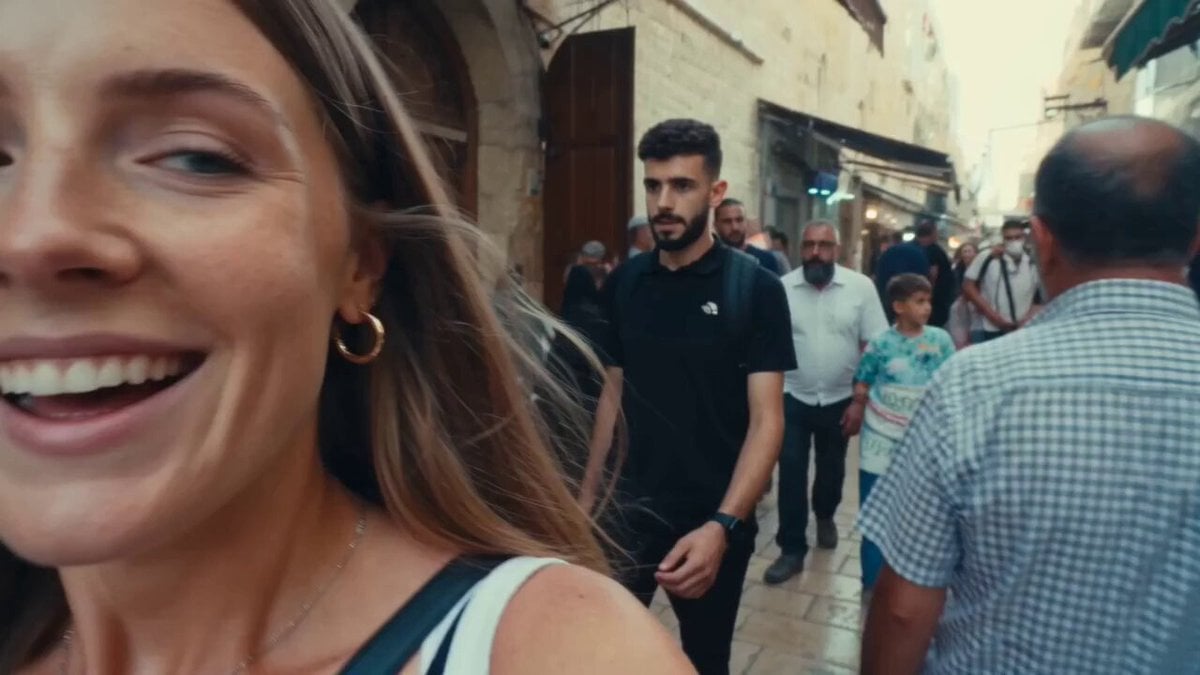
Vintage 16mm Jerusalem Travel Vlog

Japanese Summer Festival Travel Vlog
Make it yours
Nanjing FPV Travel Cinematography works as-is. These are the safest ways to change it without losing the look.
Change one field
Copy a single group, rewrite it, and generate again so you can see what that field is doing.
Keep the frame, change the subject
Hold the composition and light of Nanjing FPV Travel Cinematography, then swap wardrobe, props or the person for a new take.
| If the result… | Why | Fix |
|---|---|---|
| The result drifts from the preview | Too many fields changed at once. | Reuse Nanjing FPV Travel Cinematography as-is first, then change one group — subject, light, or setting. |
| The model over-stylizes the scene | The prose prompt leaves finish and camera underspecified. | Add one camera or lighting sentence and stay on Seedance 2.0. |
More Seedance 2.0 templates
Other prompts made for Seedance 2.0.

Comical Martial Arts Punch Scene

Maglev Train Action Sequence

Martial Arts Fight Sequence

Wuxia Protection and Trust Script

Vintage Korean Arcade MiniDV Vlog

Mercedes 190 SL Luxury Ad

Rainy Night Supernatural Reverse Comedy Video Script

Amazon Civilization Discovery

Futuristic South Asian City Transformation

Cozy Luxury Cafe Commercial
More video prompts
Fresh picks from across the catalog.
Seedance technical quality prompt optimization
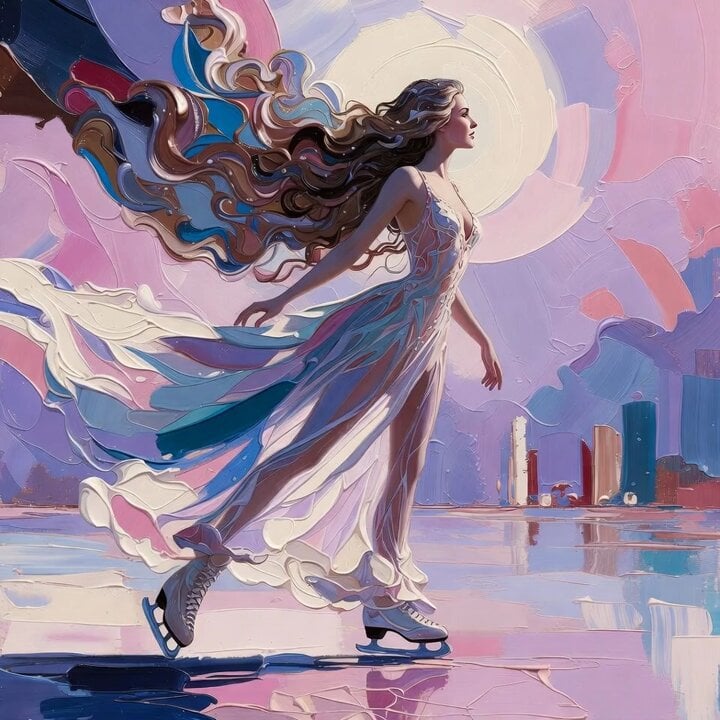
Grok Imagine Prompt: Ethereal 70s skating woman
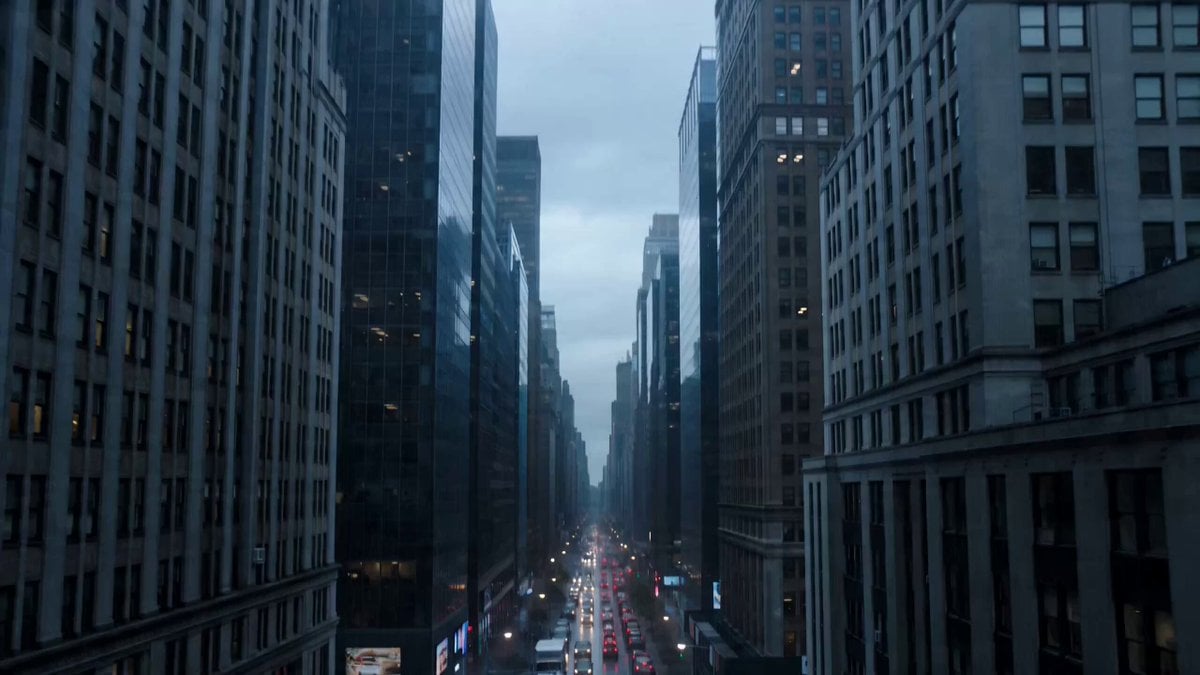
Quantum Reality Fracture Sci-Fi Horror Prompt
Ninja Ramen Battle Cinematic Script
Sci-Fi Dark Comedy Chase Scene
Cinematic Mechs Snow Battle Action Sequence
Bursting Ceiling Water Splash

Kellogg's Cornflakes UGC Ad
Cinematic Baby Dragon and Potter in Volcanic Cave
Mars Revival Scene
Browse template categories
Nanjing FPV Travel Cinematography questions
How do I use the Nanjing FPV Travel Cinematography template?
Add your photo if the template asks for one, edit the prompt if you like — the template's model and format are already selected — and press Generate. Your version opens in PicX Studio.
Can I customize the Nanjing FPV Travel Cinematography template?
Yes. You can change the subject, setting, lighting, mood, format, and available model controls before creating your video.
Is the Nanjing FPV Travel Cinematography template free?
Opening and editing this template is free. Generating uses credits, shown on the Generate button when you are signed in.
Which AI model should I use?
Start with Seedance 2.0, which is the model associated with this template. You can compare another compatible model for a different finish.
Looking for something else? Browse all templates.

Your photo, any look
Thousands of ready templates for every top image and video model, from one credit balance.