
Kellogg's Cornflakes UGC Ad
A high-energy influencer-style advertisement prompt for Kellogg's Cornflakes with magical food moments and morning light.
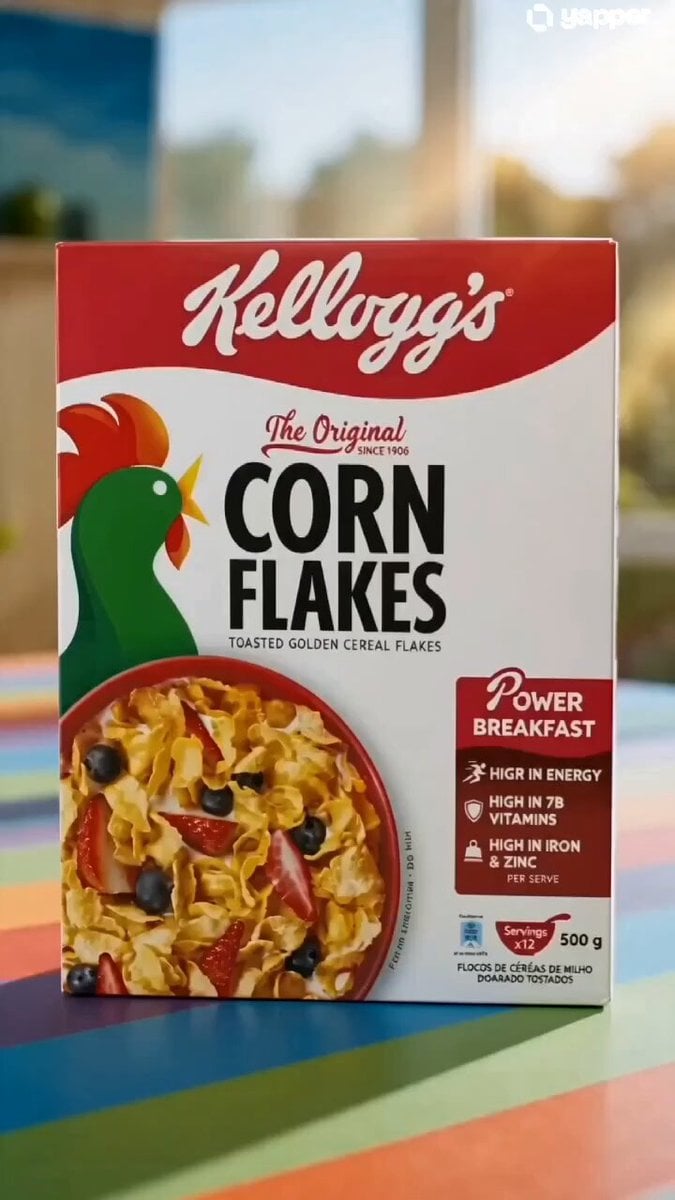
- Prompt included
- Model and format preset
- Free template
The prompt behind this video
Copy the exact prompt behind Kellogg's Cornflakes UGC Ad, or open it in the studio and make it yours.
Style: Cinematic realistic UGC influencer ad, 9:16 vertical, 4K, iPhone aesthetic, warm natural morning light, vibrant color grading, high energy, playful realism ⏱️ Scene Breakdown (0–15s) 🎞 Scene 1 (0–3s) – Morning Setup Close-up of a Kellogg’s Cornflakes box on a colorful kitchen table. Warm sunlight streams through a window, casting soft golden highlights. Bright palette (reds, yellows, greens) pops vividly. Camera: slow dolly-in Mood: calm, fresh morning 🎞 Scene 2 (3–6s) – Magical Food Moment Cut to a bowl of cornflakes. •Golden flakes glisten in macro detail •Milk pours in slow motion •Blueberries bounce playfully •A spoon gently spins on its own Camera: macro + slow motion transitions Mood: magical, lively, visually satisfying 🎞 Scene 3 (6–9s) – Human Reaction A young adult enters frame, pauses in surprise, then laughs. Cornflakes “jump” into the bowl in a playful animated motion. Camera: handheld slight movement (UGC feel) Mood: fun, relatable 🎞 Scene 4 (9–12s) – Energy Burst Fast dynamic cuts: •Crunchy bite close-up •Milk splashes in mid-air •Spoon scooping flakes •Subject dancing while eating Camera: quick cuts, micro zooms, rhythmic edits synced to upbeat music Mood: energetic, joyful 🎞 Scene 5 (12–15s) – Hero Ending Final hero shot: Cornflakes rain down like confetti around the product box. Subject smiling in background, enjoying the moment. Camera: slight slow motion + centered product focus Lighting: glowing highlights Mood: satisfying, uplifting
How to use Kellogg's Cornflakes UGC Ad in 3 steps
- 1
Open
The prompt is already in the box next to the preview, with the template's model and format selected.
- 2…a portrait of your subject in softgolden-hour light, 85mm…
Personalize
Edit the subject and creative details for your destination.
- 3Generate
Generate
Press Generate — your video is created in PicX Studio, so you can compare it with the original and refine one variable at a time.
More like this
Templates with the same subject, style or setup. Open one to see its prompt.

Realistic UGC Cleanser Review - Seedance 2.5

Definitive Anti-Slop AI Video Protocol — Qwen / Nano Banana / Grok
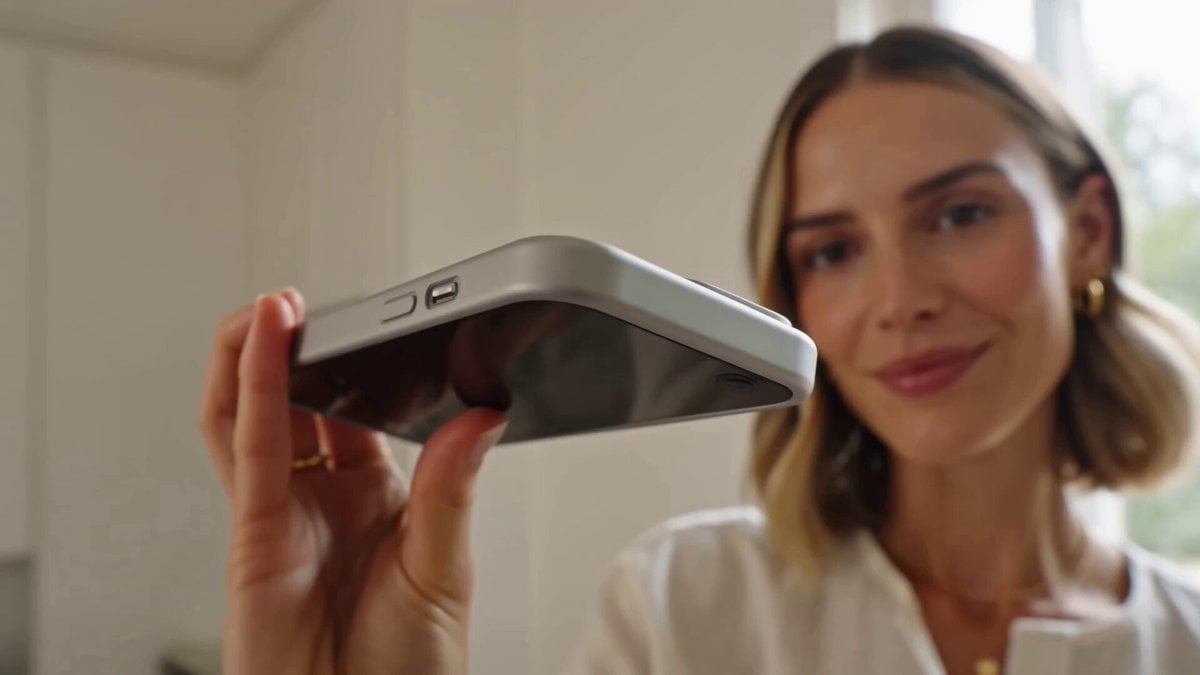
UGC Style Phone Case Advertisement

Luxury Beauty UGC Commercial

UGC Skincare Brand Video Commercial
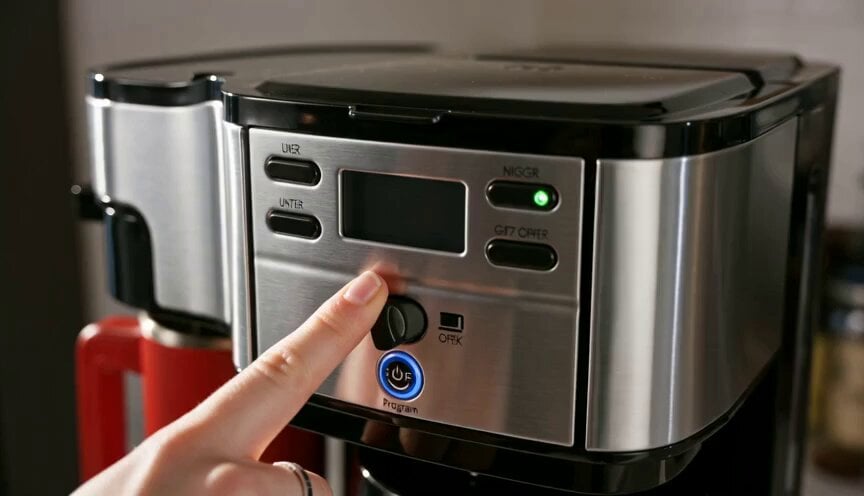
Premium Coffee Maker UGC Ad
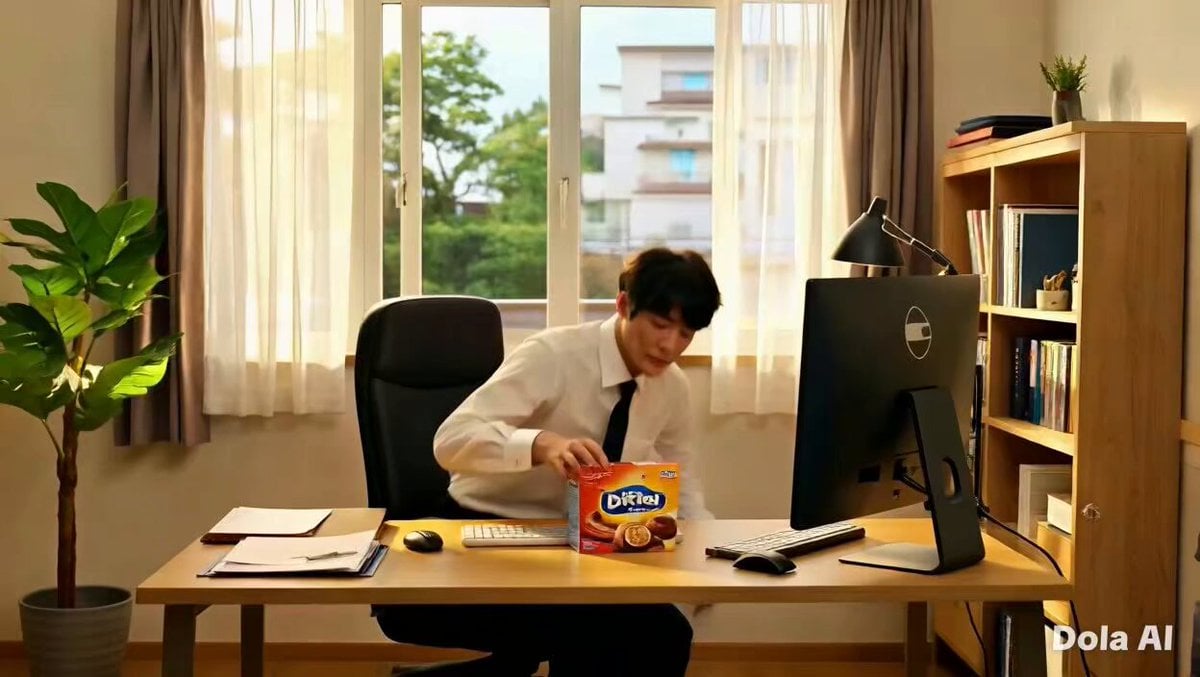
Premium Chocolate Bar UGC Ad Prompt
Portable Blender UGC Kitchen Video
UGC Shampoo Video Advertisement

Iced Coffee UGC Commercial Sequence

Product UGC Commercial
Realistic UGC Lipstick Review Video
Make it yours
Kellogg's Cornflakes UGC Ad works as-is. These are the safest ways to change it without losing the look.
Change one field
Copy a single group, rewrite it, and generate again so you can see what that field is doing.
Keep the frame, change the subject
Hold the composition and light of Kellogg's Cornflakes UGC Ad, then swap wardrobe, props or the person for a new take.
| If the result… | Why | Fix |
|---|---|---|
| The result drifts from the preview | Too many fields changed at once. | Reuse Kellogg's Cornflakes UGC Ad as-is first, then change one group — subject, light, or setting. |
| The model over-stylizes the scene | The prose prompt leaves finish and camera underspecified. | Add one camera or lighting sentence and stay on Seedance 2.0. |
More Seedance 2.0 templates
Other prompts made for Seedance 2.0.

Comical Martial Arts Punch Scene

Maglev Train Action Sequence

Martial Arts Fight Sequence

Wuxia Protection and Trust Script

Vintage Korean Arcade MiniDV Vlog

Mercedes 190 SL Luxury Ad

Rainy Night Supernatural Reverse Comedy Video Script

Amazon Civilization Discovery

Futuristic South Asian City Transformation

Cozy Luxury Cafe Commercial
More video prompts
Fresh picks from across the catalog.

Cinematic Viral Waterslide Dream Sequence

Retro Synthwave Cyber Girl Video

Sci-Fi Cyborg Sports Sequence

Extreme Cinematic Surfing Continuous Shot
Pixar Style Sleeping Girl Animation

Sci-Fi Documentary Video Prompt for Orbital Solar Energy System
AI Girlfriend Lobster Request Video Prompt for Seedance 2.0
Food VFX Matrix Burger Commercial

Magic Book Floating Letters Video

Tranquil Forest Riverside Picnic Animation
Browse template categories
Kellogg's Cornflakes UGC Ad questions
How do I use the Kellogg's Cornflakes UGC Ad template?
Add your photo if the template asks for one, edit the prompt if you like — the template's model and format are already selected — and press Generate. Your version opens in PicX Studio.
Can I customize the Kellogg's Cornflakes UGC Ad template?
Yes. You can change the subject, setting, lighting, mood, format, and available model controls before creating your video.
Is the Kellogg's Cornflakes UGC Ad template free?
Opening and editing this template is free. Generating uses credits, shown on the Generate button when you are signed in.
Which AI model should I use?
Start with Seedance 2.0, which is the model associated with this template. You can compare another compatible model for a different finish.
Looking for something else? Browse all templates.

Your photo, any look
Thousands of ready templates for every top image and video model, from one credit balance.