
Ninja Ramen Battle Cinematic Script
A detailed multi-scene prompt for a cinematic action sequence featuring a protagonist who uses ramen as a weapon against ninjas in a 1920s Osaka market setting.
- Prompt included
- Model and format preset
- Free template
The prompt behind this video
Copy the exact prompt behind Ninja Ramen Battle Cinematic Script, or open it in the studio and make it yours.
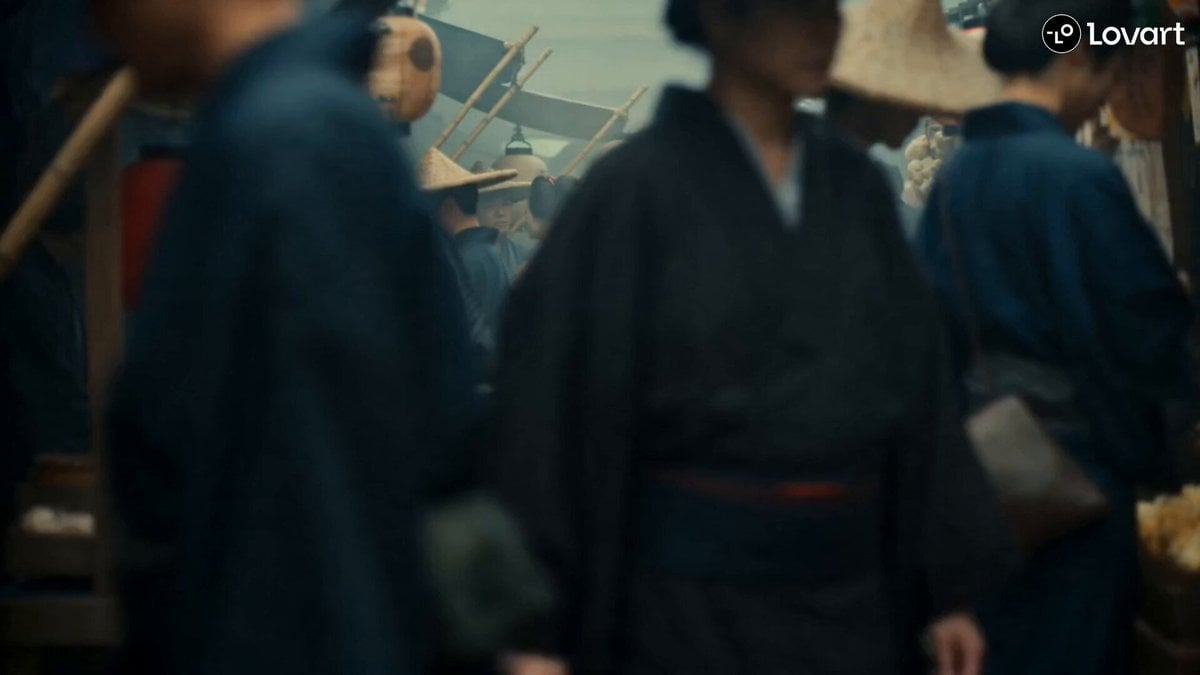
PART 1 (0:00–0:15) Cut 1 (0:00–0:05) — Sneaking Through the Market 1920s Osaka market, Betamax film look. Yuki stealthily tiptoes through crowded stalls, sleeve over her mouth, eyes scanning. She spots a ramen shop, grins, and dashes through the noren curtain. Cut 2 (0:05–0:10) — Ramen at Last Inside the steamy ramen shop, Yuki excitedly orders a giant tonkotsu ramen with extra pork and egg. She sits down as the steaming bowl arrives, smiling and raising her chopsticks like a sword. Cut 3 (0:10–0:15) — Ninja Ambush Three burly ninja-like thugs notice her, pull on masks, and suddenly attack. Tables scatter as they leap through the air. Yuki flips clear while protecting her ramen, frozen mid-slurp with an annoyed glare. PART 2 (0:15–0:30) Cut 4 (0:15–0:20) — Noodle Defense A ninja throws a shuriken. Yuki instantly catches it by stretching a single ramen noodle between her chopsticks, then effortlessly dodges the ninjas' attacks with playful martial-arts agility. Cut 5 (0:20–0:25) — Men-no-Jutsu Yuki plants her feet and chants, "Men-no-jutsu!" Glowing ramen noodles rise from the bowl and whip through the shop, wrapping around all three ninjas and tying them together. Cut 6 (0:25–0:30) — Bowl Finish The tangled ninjas stumble and crash into a heap. Yuki leaps high into the air and smashes the empty ramen bowl onto their heads with a triple bonk. Freeze frame on her fierce pout as her gold-and-red hairpins sparkle under the lantern light.
How to use Ninja Ramen Battle Cinematic Script in 3 steps
- 1
Open
The prompt is already in the box next to the preview, with the template's model and format selected.
- 2…a portrait of your subject in softgolden-hour light, 85mm…
Personalize
Edit the subject and creative details for your destination.
- 3Generate
Generate
Press Generate — your video is created in PicX Studio, so you can compare it with the original and refine one variable at a time.
More like this
Templates with the same subject, style or setup. Open one to see its prompt.
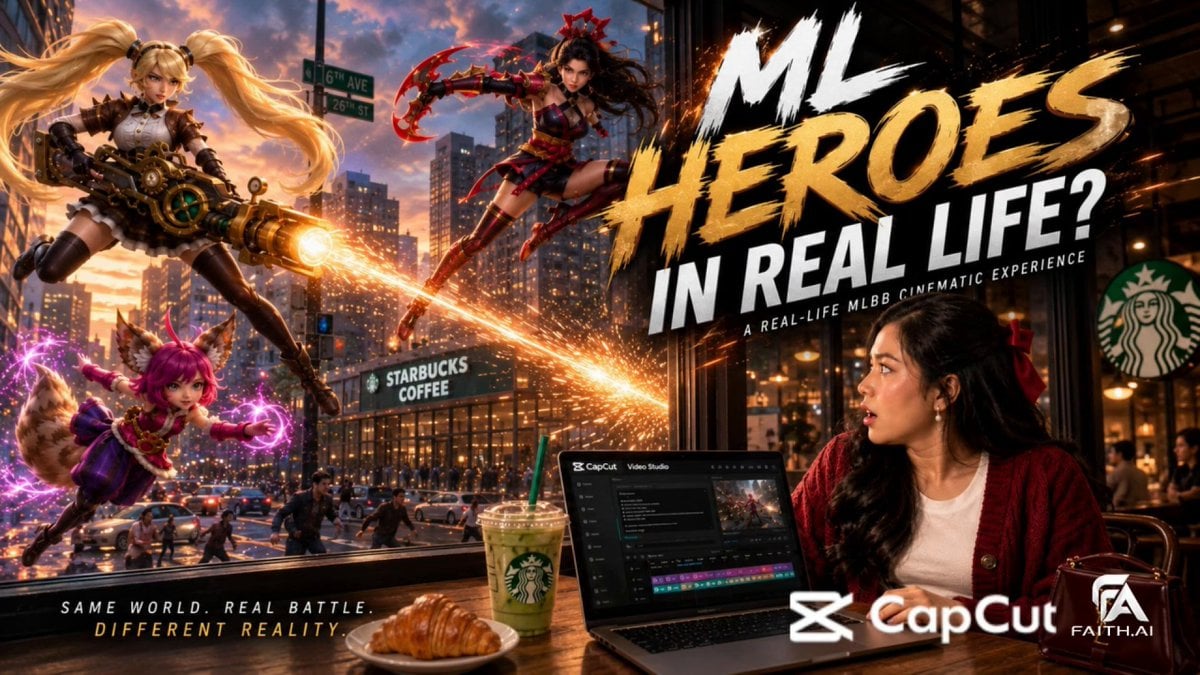
Real-World Fantasy Ninja Battle Prompt
Xianxia Animated Film Battle Script: Han Li vs. Wang Lin
Cyberpunk Ninja Battle Video Prompt
Swordsman vs Shadow Monster — Bamboo Forest Battle
Tiger vs Gorilla — Jungle Canyon Clash
Mecha Transformation vs Kaiju — 4-Scene Epic
Anime Style Ramen Cooking Video

Wuxia Protection and Trust Script
Wuxia Letting Go Drama Script

Cyberpunk Parkour Anime Script
Modern Ninja Skyscraper Lobby Combat
Morning Skincare Routine Vlog Script
Make it yours
Ninja Ramen Battle Cinematic Script works as-is. These are the safest ways to change it without losing the look.
Change one field
Copy a single group, rewrite it, and generate again so you can see what that field is doing.
Keep the frame, change the subject
Hold the composition and light of Ninja Ramen Battle Cinematic Script, then swap wardrobe, props or the person for a new take.
| If the result… | Why | Fix |
|---|---|---|
| The result drifts from the preview | Too many fields changed at once. | Reuse Ninja Ramen Battle Cinematic Script as-is first, then change one group — subject, light, or setting. |
| The model over-stylizes the scene | The prose prompt leaves finish and camera underspecified. | Add one camera or lighting sentence and stay on Seedance 2.0. |
More Seedance 2.0 templates
Other prompts made for Seedance 2.0.

Comical Martial Arts Punch Scene

Maglev Train Action Sequence

Martial Arts Fight Sequence

Vintage Korean Arcade MiniDV Vlog

Mercedes 190 SL Luxury Ad

Amazon Civilization Discovery

Futuristic South Asian City Transformation

Cozy Luxury Cafe Commercial

Cyber Ronin Nanotech Transformation Video

Desert Courier and Sandstorm Leviathan Chase
More video prompts
Fresh picks from across the catalog.
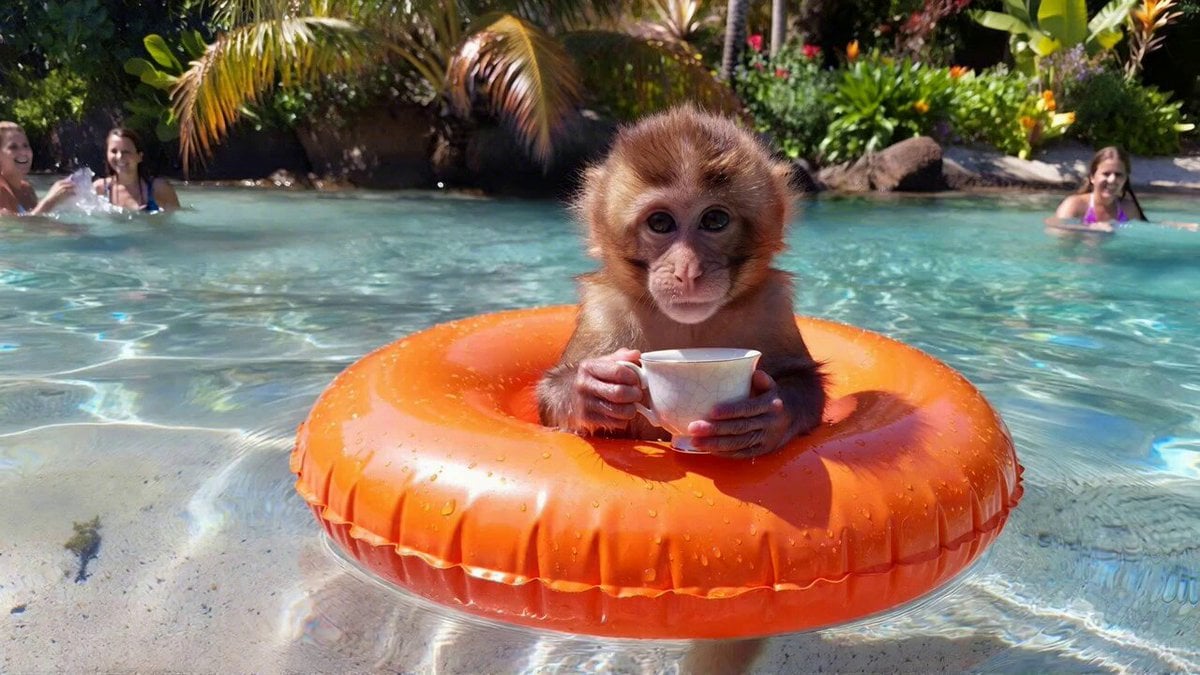
Cute Monkey Relaxing in Pool (Seedance 1.5 Pro)
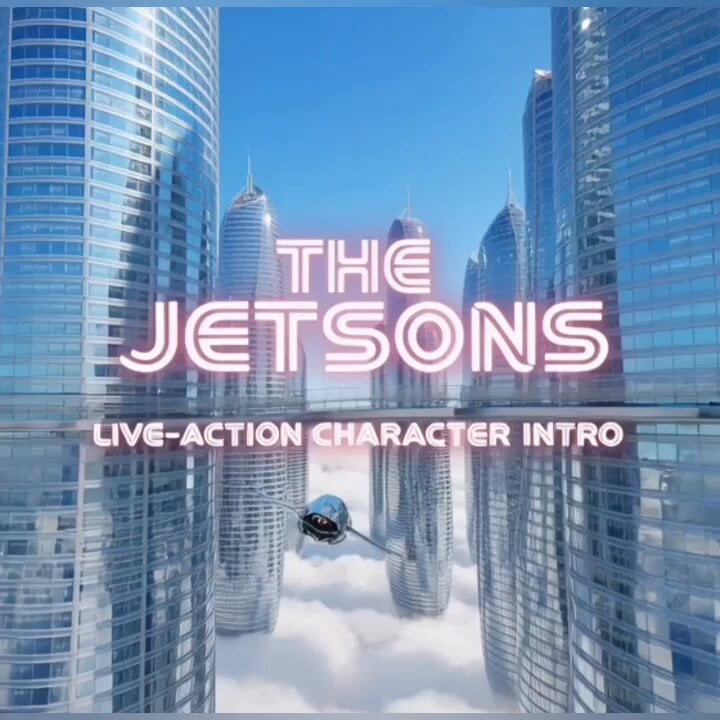
The Jetsons live action concept intro
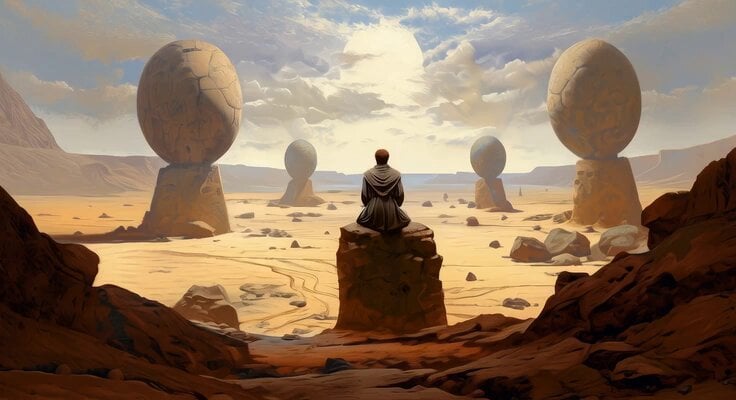
Meditating Jedi Animation
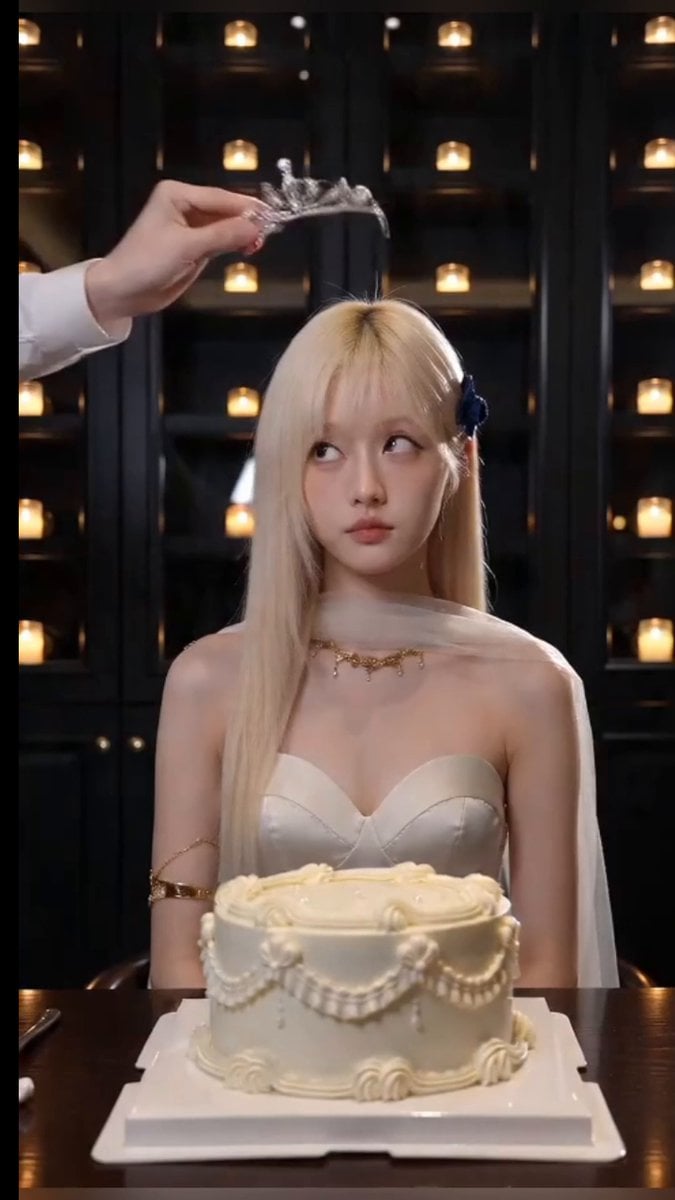
Cinematic Birthday Fire Breathing Video
Chrisfirst Time Freeze Viral
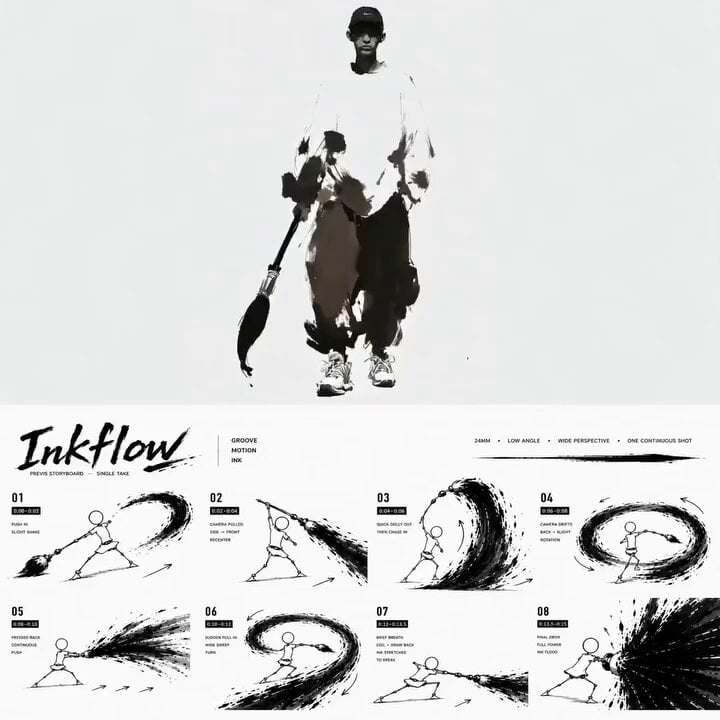
Ink Minimalism Hip-Hop Dance Scene
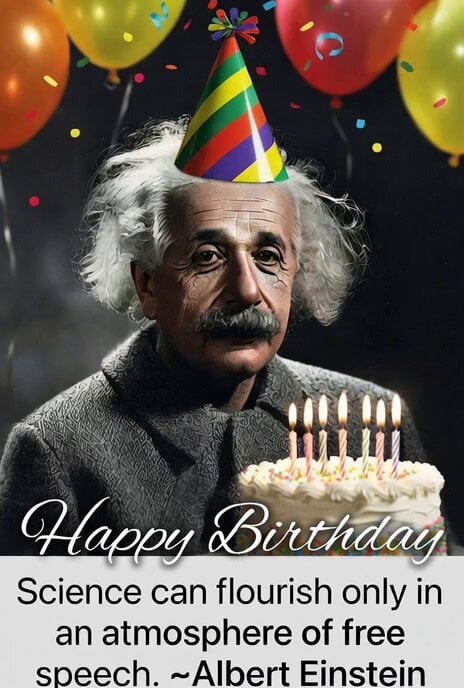
Albert Einstein birthday meme video prompt
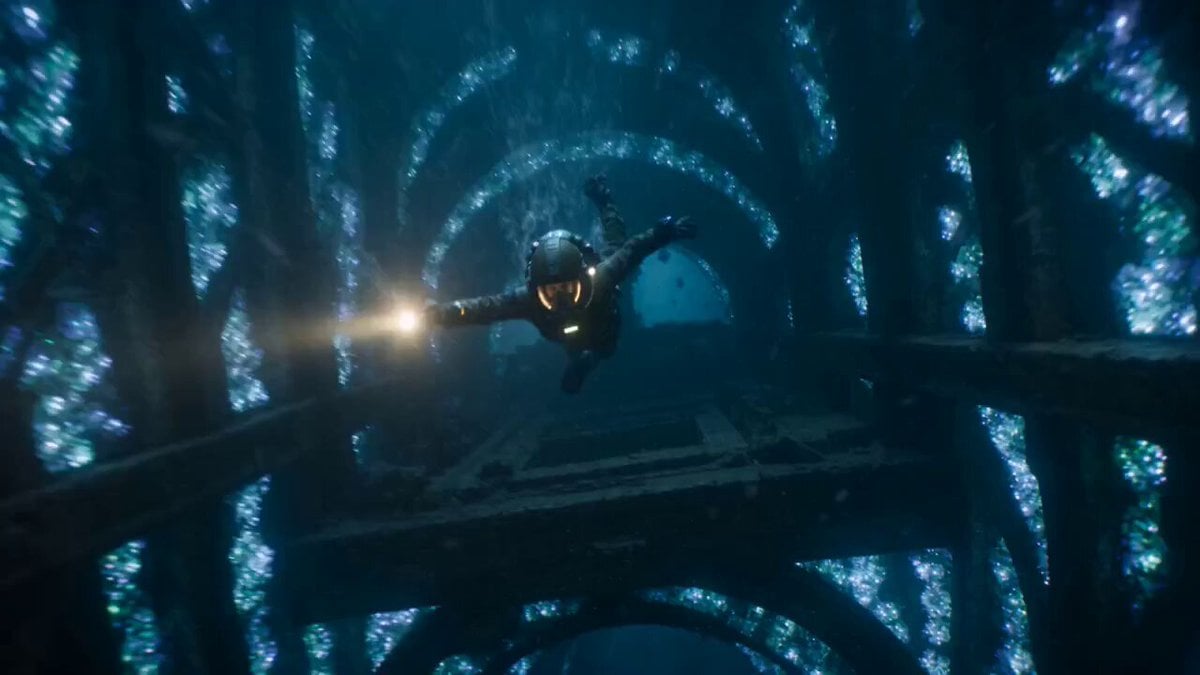
The Leviathan's Throat: Underwater Megastructure Descent
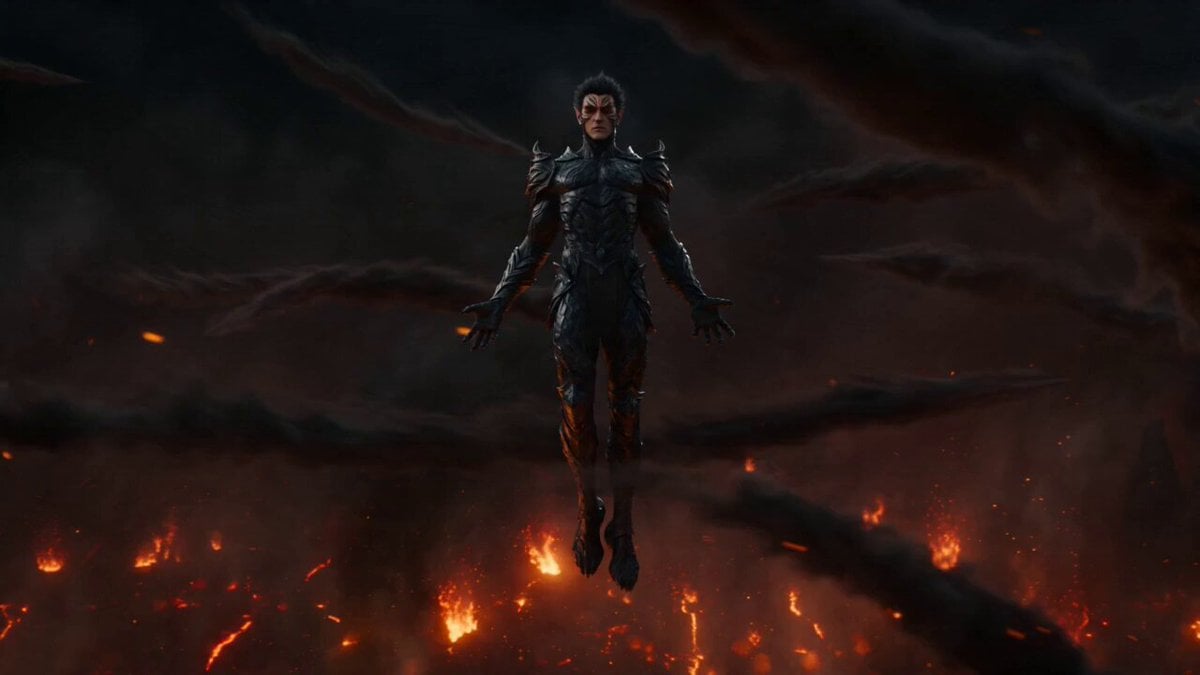
Firestorm Demon Hunter Transformation
Dragons drinking from a stream
Browse template categories
Ninja Ramen Battle Cinematic Script questions
How do I use the Ninja Ramen Battle Cinematic Script template?
Add your photo if the template asks for one, edit the prompt if you like — the template's model and format are already selected — and press Generate. Your version opens in PicX Studio.
Can I customize the Ninja Ramen Battle Cinematic Script template?
Yes. You can change the subject, setting, lighting, mood, format, and available model controls before creating your video.
Is the Ninja Ramen Battle Cinematic Script template free?
Opening and editing this template is free. Generating uses credits, shown on the Generate button when you are signed in.
Which AI model should I use?
Start with Seedance 2.0, which is the model associated with this template. You can compare another compatible model for a different finish.
Looking for something else? Browse all templates.

Your photo, any look
Thousands of ready templates for every top image and video model, from one credit balance.