
Chrisfirst Time Freeze Viral
The original viral time freeze effect.
- Prompt included
- Model and format preset
- Free template
The prompt behind this video
Copy the exact prompt behind Chrisfirst Time Freeze Viral, or open it in the studio and make it yours.
Use @ Reference Image as main character, 30-year-old woman. Cinematic time-freeze short film, 15 seconds, ultra-realistic, shot on Arri Alexa Mini, 35mm lens, moody sports bar interior lighting with neon accents, volumetric haze, dynamic hard shadows, shallow depth of field. [0:00-0:03] A packed dimly lit sports bar, she walks confidently through chaos, TVs show World Series, crowd erupting. She raises her hand and snaps. [0:03-0:06] Subtle spherical shockwave bursts from fingertips, everything freezes mid-explosion, thick arcs of golden beer suspend in air, popcorn kernels float motionless. [0:06-0:09] Only she moves, walking through frozen celebration, ducks under frozen beer arc, plucks floating popcorn kernel. [0:09-0:11] Stops in front of frozen woman in Yankees jersey, adjusts her cap, softly says: perfect. [0:11-0:15] Turns, tosses popcorn into mouth, faces camera, smirks, snaps again, reverse shockwave restores motion. Sound: deafening bar roar, snap, deep shockwave, absolute silence, footsteps, popcorn crunch, celebration returns.
How to use Chrisfirst Time Freeze Viral in 3 steps
- 1Upload ImagePNG, JPG or paste
Add your photo
Upload the photo the template builds on. The prompt, model and format are already set.
- 2…a portrait of your subject in softgolden-hour light, 85mm…
Personalize
Edit the subject and creative details for your destination.
- 3Generate
Generate
Press Generate — your video is created in PicX Studio, so you can compare it with the original and refine one variable at a time.
More like this
Templates with the same subject, style or setup. Open one to see its prompt.
Monetizationdon Time Freeze Higgsfield
Miilesus Sports Bar Time Freeze
Seedance 2 Time Freeze Official
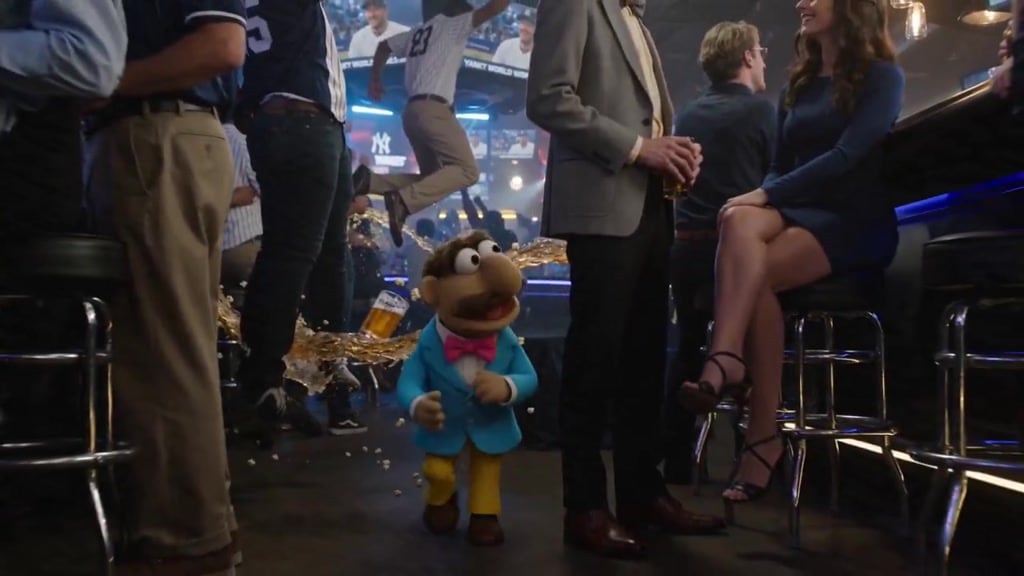
Puppet Time Freeze - Sports Bar Chaos
Ankitpatel Time Freeze Viral
Duttasomrat Time Freeze Viral V2
Johnnywang Tokyo Time Freeze
Duttasomrat Time Freeze Viral
Mayorking Time Freeze Higgsfield
Misa Time Freeze Japanese
Lillyli Time Freeze Avatar
Cuchocapilla Time Freeze
Make it yours
Chrisfirst Time Freeze Viral works as-is. These are the safest ways to change it without losing the look.
Change one field
Copy a single group, rewrite it, and generate again so you can see what that field is doing.
Keep the frame, change the subject
Hold the composition and light of chrisfirst-time-freeze-viral, then swap wardrobe, props or the person for a new take.
| If the result… | Why | Fix |
|---|---|---|
| The result drifts from the preview | Too many fields changed at once. | Reuse chrisfirst-time-freeze-viral as-is first, then change one group — subject, light, or setting. |
| The model over-stylizes the scene | The prose prompt leaves finish and camera underspecified. | Add one camera or lighting sentence and stay on GPT Image 2. |
More GPT Image 2 templates
Other prompts made for GPT Image 2.

More video prompts
Fresh picks from across the catalog.
Cinematic Urban Billboard Liquid Paint
Fluffy Kitten in Outdoor Setting
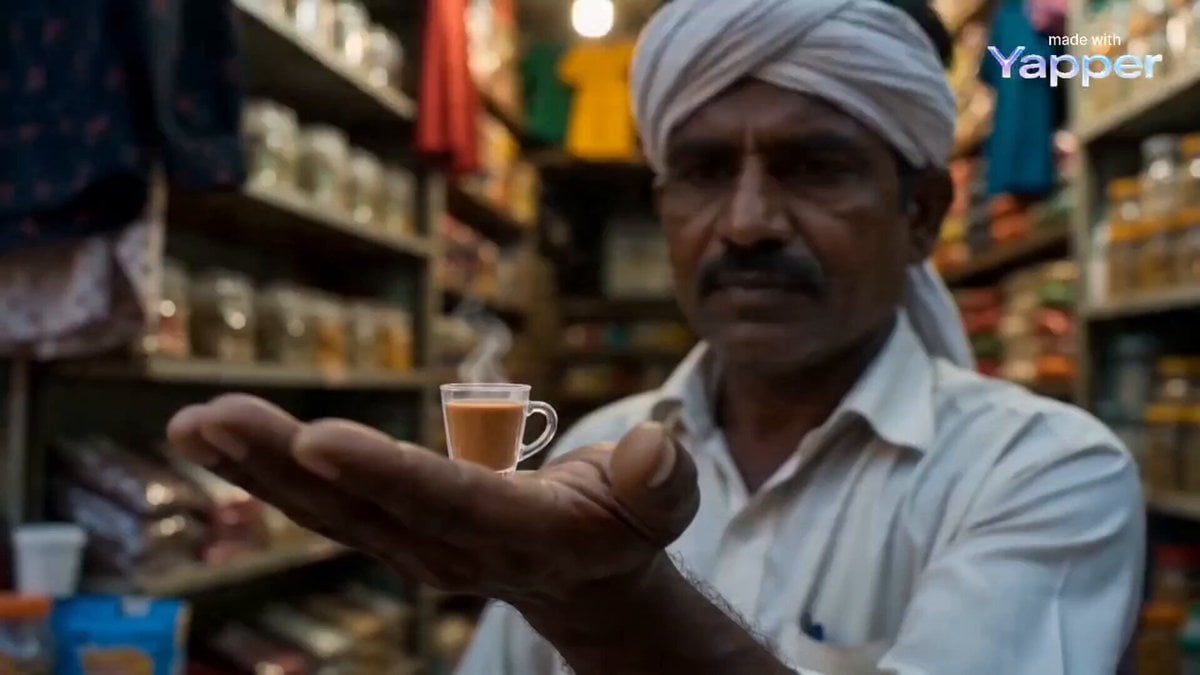
Chai Glass to Futuristic Racing Pod Transformation
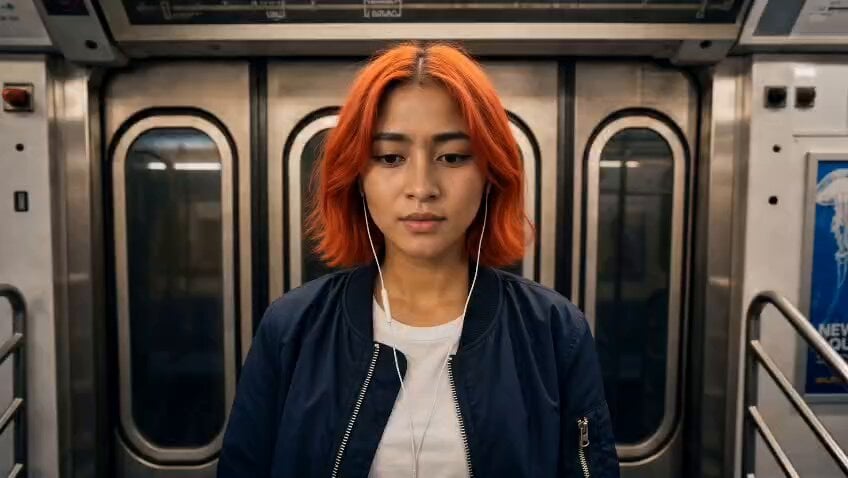
Subway Fight Scene Cinematic Prompt

Video Prompt for Tesla's Biggest Month Catalysts
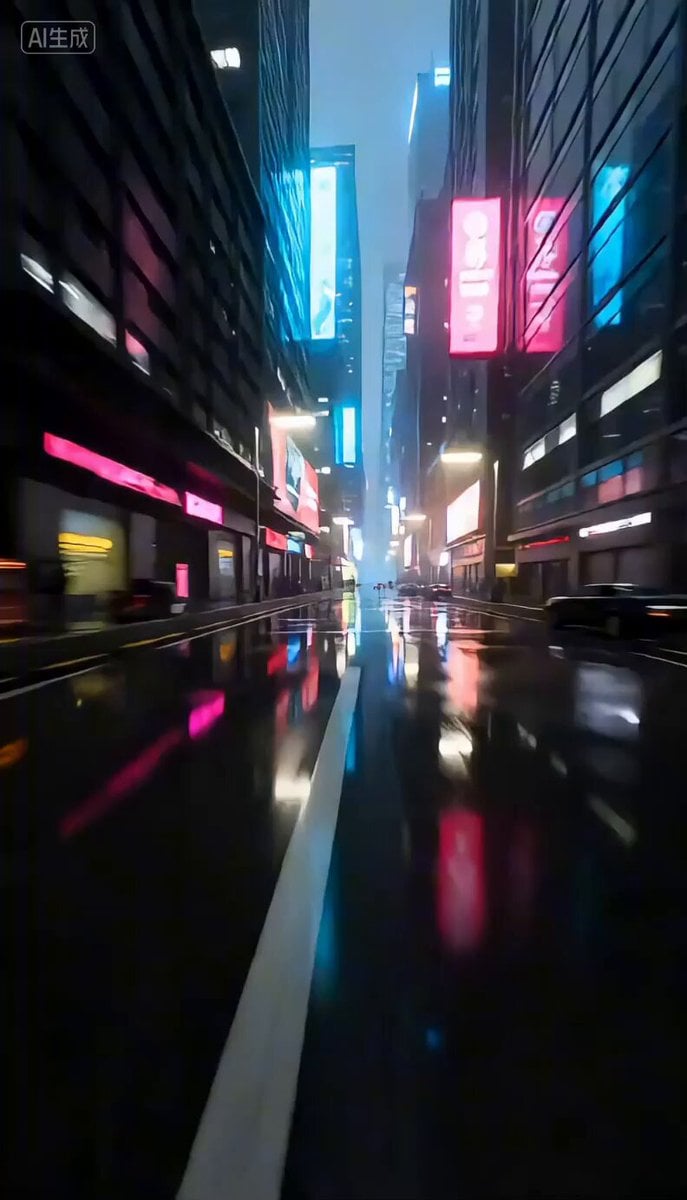
Cyberpunk City Rainy Night Video Prompt
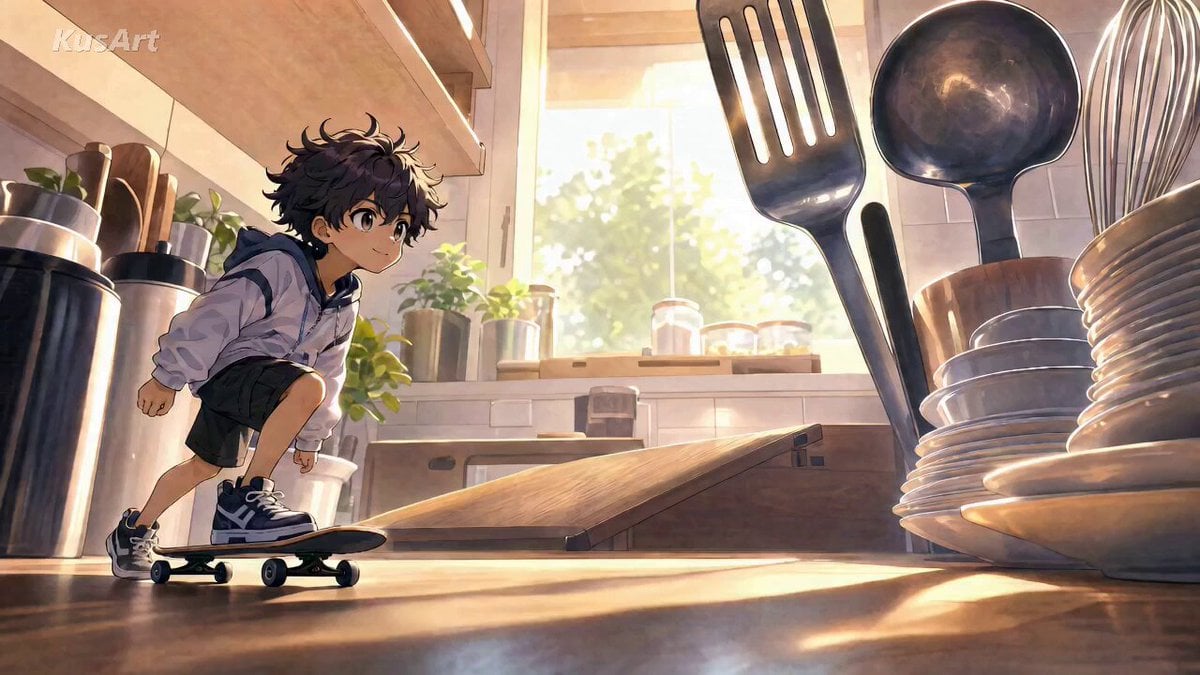
Miniature Skateboard Kitchen Adventure
World Cup Travel Vlog Style Video
Futuristic Starfighter Dogfight Video Prompt
Cinematic HBO Fight Scene
Browse template categories
Chrisfirst Time Freeze Viral questions
How do I use the chrisfirst-time-freeze-viral template?
Add your photo if the template asks for one, edit the prompt if you like — the template's model and format are already selected — and press Generate. Your version opens in PicX Studio.
Can I customize the chrisfirst-time-freeze-viral template?
Yes. You can change the subject, setting, lighting, mood, format, and available model controls before creating your video.
Is the chrisfirst-time-freeze-viral template free?
Opening and editing this template is free. Generating uses credits, shown on the Generate button when you are signed in.
Which AI model should I use?
Start with GPT Image 2, which is the model associated with this template. You can compare another compatible model for a different finish.
Looking for something else? Browse all templates.

Your photo, any look
Thousands of ready templates for every top image and video model, from one credit balance.