
Cinematic Mechs Snow Battle Action Sequence
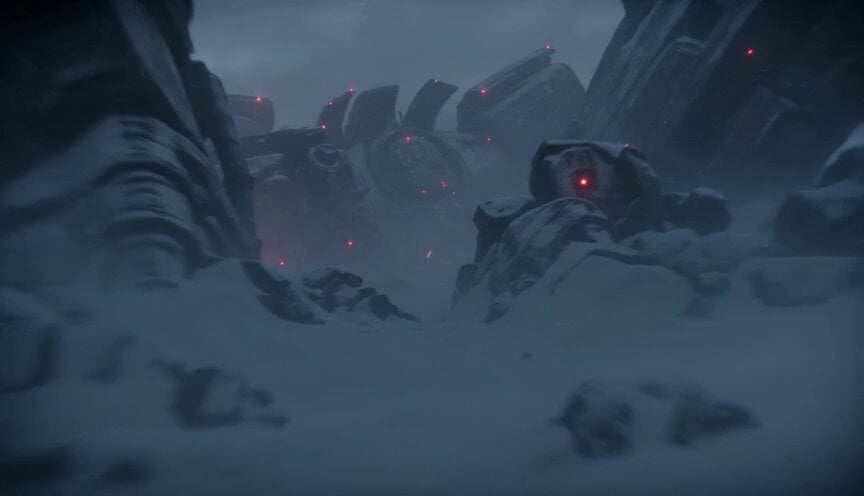
A detailed cinematic action sequence featuring giant destroyed mechs in a snow-covered battlefield, showcasing dynamic camera tracking and close-quarters combat between armored pilots.
- Prompt included
- Model and format preset
- Free template
The prompt behind this video
Copy the exact prompt behind Cinematic Mechs Snow Battle Action Sequence, or open it in the studio and make it yours.
15-second cinematic action sequence inside a massive battlefield filled with destroyed giant mechs half-buried in snow and ash, red warning beacons blinking weakly through blizzards and smoke. 0.0–3.0s: Camera tracks through colossal mechanical wreckage as a lone armored pilot climbs across the rusted skull of a fallen mech carrying an energy spear. 3.0–6.0s: A rival mercenary activates from inside another wrecked titan, glowing reactor core illuminating the storm around him. 6.0–9.0s: Spear clash detonates sparks and snow outward while loose armor plates crash down around the battlefield in slow motion. 9.0–12.0s: Heavy grounded combat through gigantic mech corpses, fighters leaping between wreckage while reactor fires burn beneath the snow. 12.0–15.0s: Huge cinematic pull-back reveals endless fields of fallen titans stretching across the frozen wasteland.
How to use Cinematic Mechs Snow Battle Action Sequence in 3 steps
- 1
Open
The prompt is already in the box next to the preview, with the template's model and format selected.
- 2…a portrait of your subject in softgolden-hour light, 85mm…
Personalize
Edit the subject and creative details for your destination.
- 3Generate
Generate
Press Generate — your video is created in PicX Studio, so you can compare it with the original and refine one variable at a time.
More like this
Templates with the same subject, style or setup. Open one to see its prompt.
Swordsman vs Shadow Monster — Bamboo Forest Battle
Tiger vs Gorilla — Jungle Canyon Clash
Mecha Transformation vs Kaiju — 4-Scene Epic

Maglev Train Action Sequence
Snowboarding Cinematic Action
Arc Shot Frozen Woman Snow — Kling 3.0 v3 Pro
Arc Shot Frozen Woman Snow — Kling 3.0 v3 Pro
Cinematic Swordswoman Action Sequence

Theatrical Anime Action Market Battle
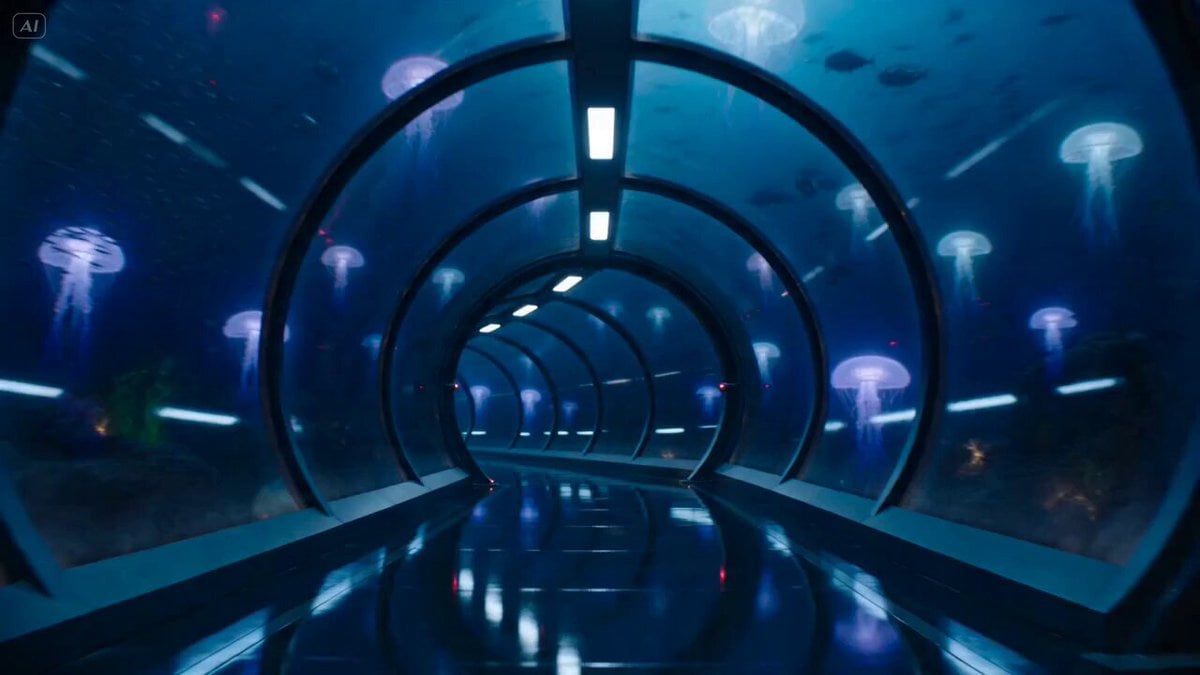
Underwater Glass Tunnel Action Sequence
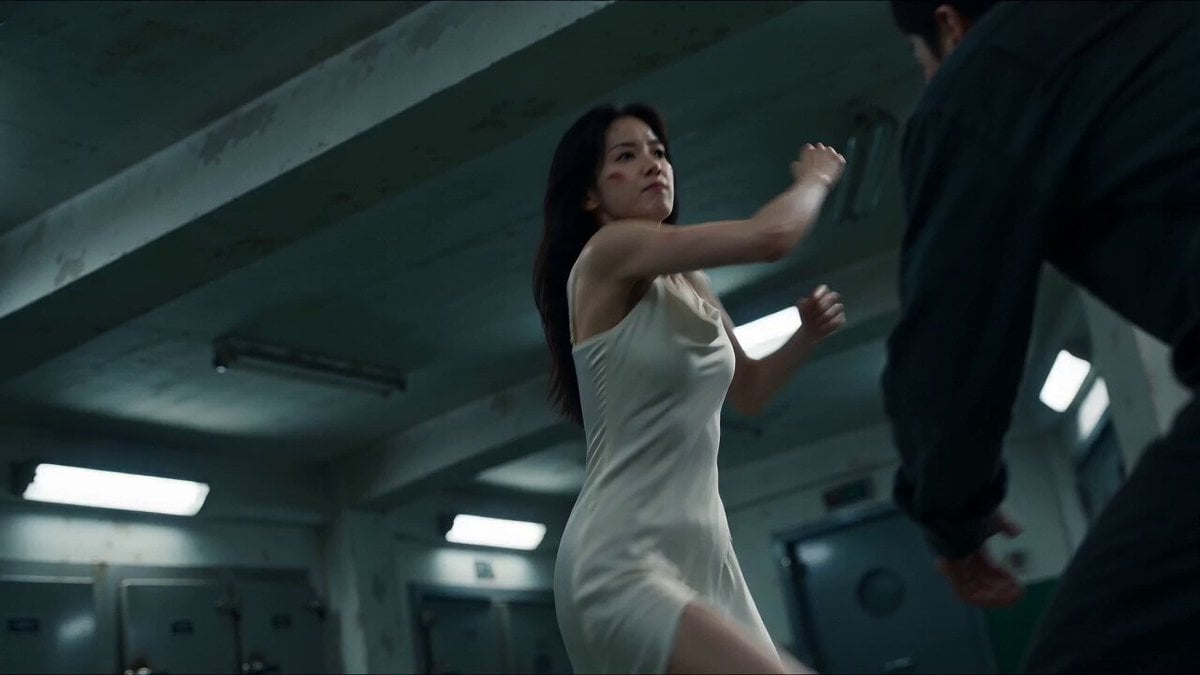
Cinematic Morgue Action Sequence
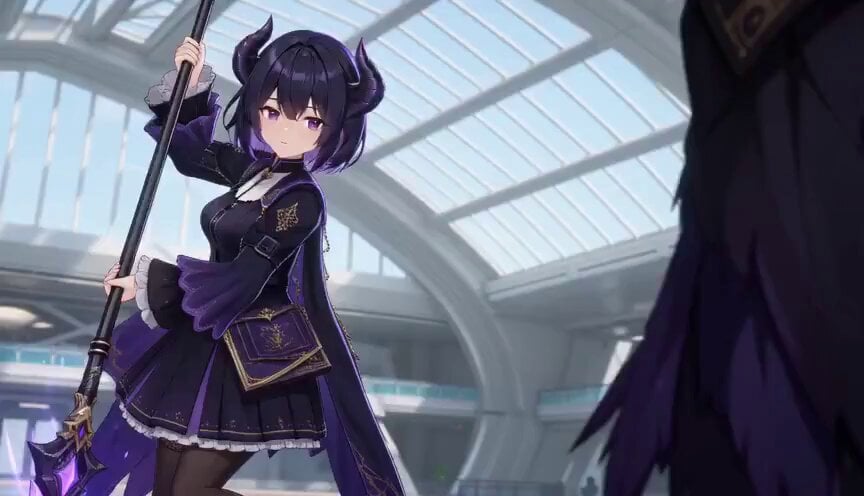
3D Toon Fantasy RPG Action Sequence
Make it yours
Cinematic Mechs Snow Battle Action Sequence works as-is. These are the safest ways to change it without losing the look.
Change one field
Copy a single group, rewrite it, and generate again so you can see what that field is doing.
Keep the frame, change the subject
Hold the composition and light of Cinematic Mechs Snow Battle Action Sequence, then swap wardrobe, props or the person for a new take.
| If the result… | Why | Fix |
|---|---|---|
| The result drifts from the preview | Too many fields changed at once. | Reuse Cinematic Mechs Snow Battle Action Sequence as-is first, then change one group — subject, light, or setting. |
| The model over-stylizes the scene | The prose prompt leaves finish and camera underspecified. | Add one camera or lighting sentence and stay on Seedance 2.0. |
More Seedance 2.0 templates
Other prompts made for Seedance 2.0.

Comical Martial Arts Punch Scene

Martial Arts Fight Sequence

Wuxia Protection and Trust Script

Vintage Korean Arcade MiniDV Vlog

Mercedes 190 SL Luxury Ad

Rainy Night Supernatural Reverse Comedy Video Script

Amazon Civilization Discovery

Futuristic South Asian City Transformation

Cozy Luxury Cafe Commercial

Cyber Ronin Nanotech Transformation Video
More video prompts
Fresh picks from across the catalog.
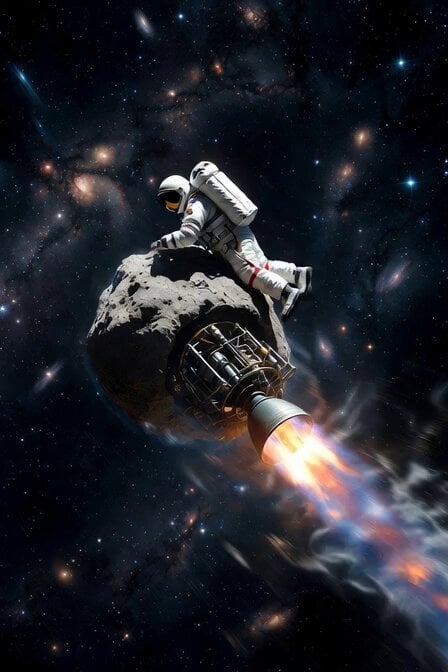
Astronaut Working on Asteroid Rocket
Cyberpunk Assassin Neon Action Sequence
Abandoned Earth Sci-Fi Plot
Luxury Fashion Airport Trailer

Sarcastic Lip Sync Reaction
Multi-Shot Kazakh Nomadic Summer Camp
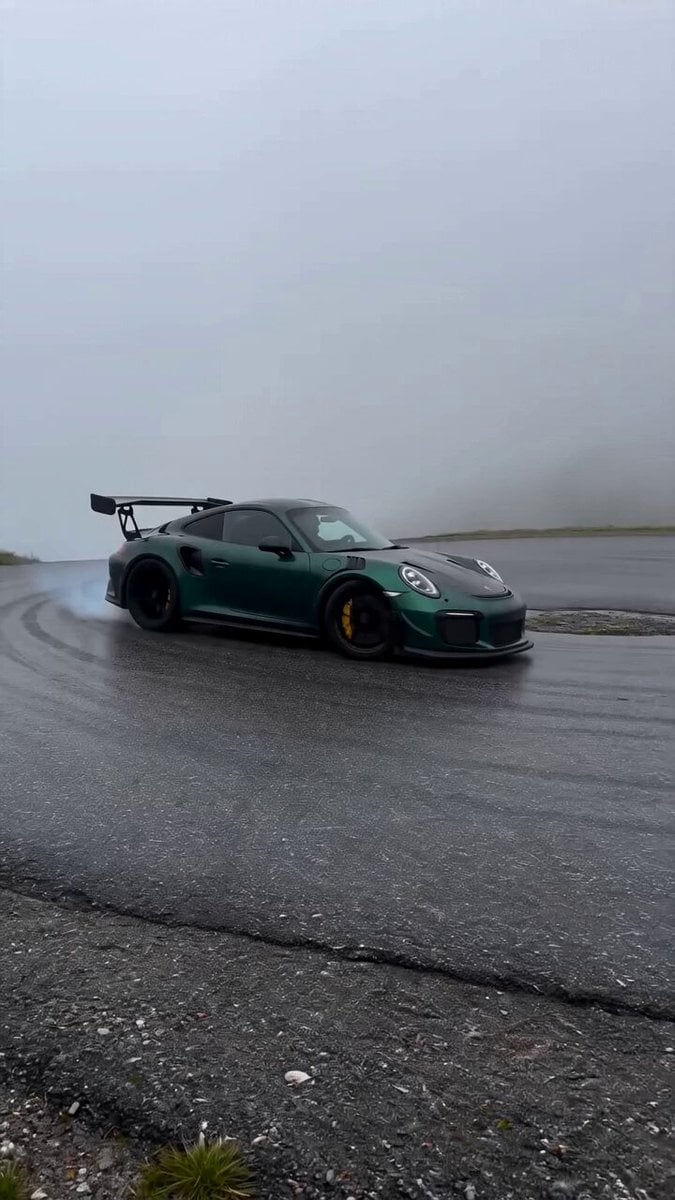
Porsche 911 Alpine Drift

Grok Imagine prompt for a sauna scene
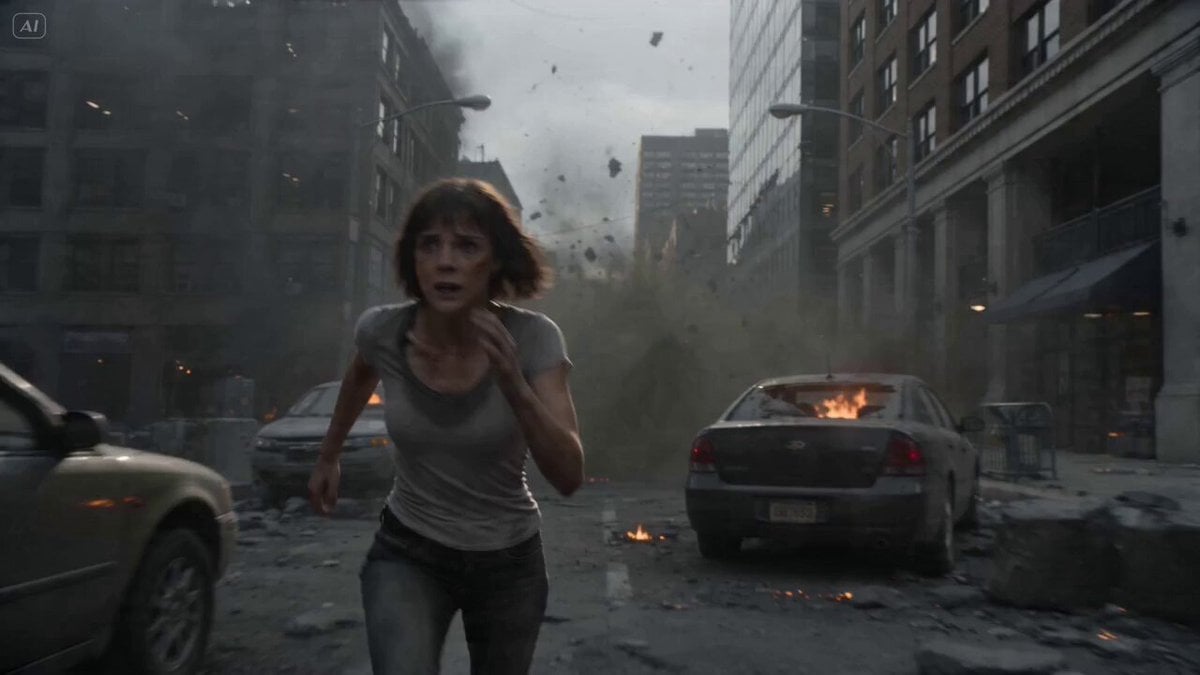
Intense FPV Urban Survival Tracking Shot
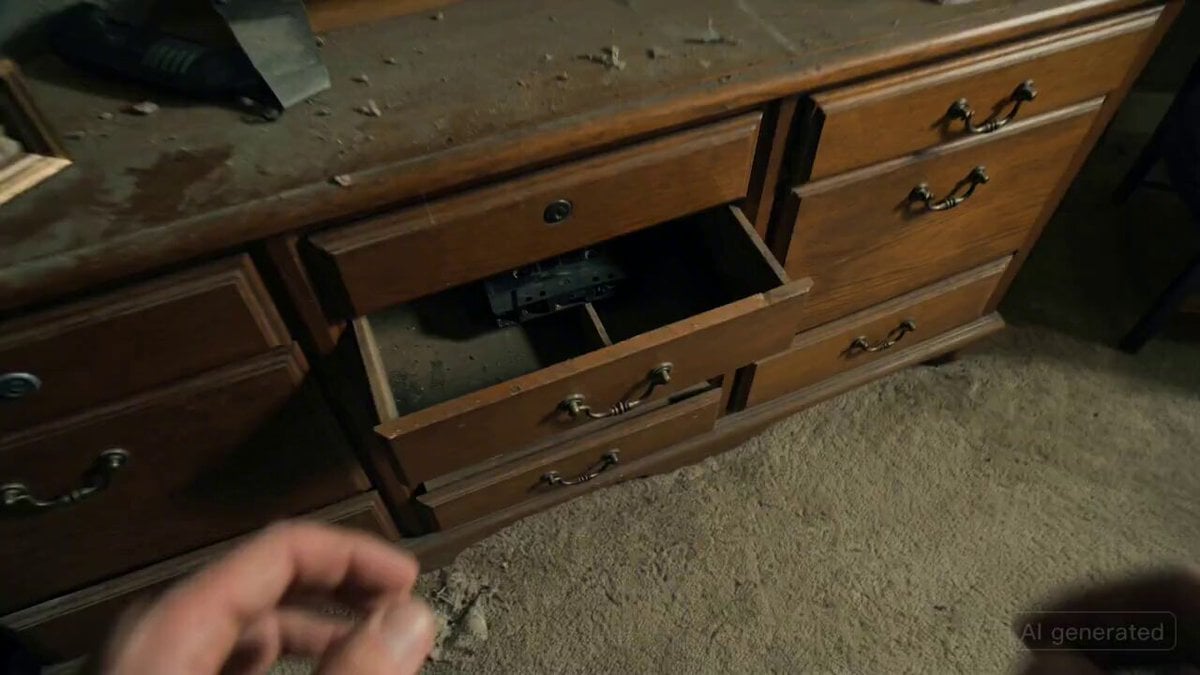
Recursive Horror Jump-Scare Prompt
Browse template categories
Cinematic Mechs Snow Battle Action Sequence questions
How do I use the Cinematic Mechs Snow Battle Action Sequence template?
Add your photo if the template asks for one, edit the prompt if you like — the template's model and format are already selected — and press Generate. Your version opens in PicX Studio.
Can I customize the Cinematic Mechs Snow Battle Action Sequence template?
Yes. You can change the subject, setting, lighting, mood, format, and available model controls before creating your video.
Is the Cinematic Mechs Snow Battle Action Sequence template free?
Opening and editing this template is free. Generating uses credits, shown on the Generate button when you are signed in.
Which AI model should I use?
Start with Seedance 2.0, which is the model associated with this template. You can compare another compatible model for a different finish.
Looking for something else? Browse all templates.

Your photo, any look
Thousands of ready templates for every top image and video model, from one credit balance.