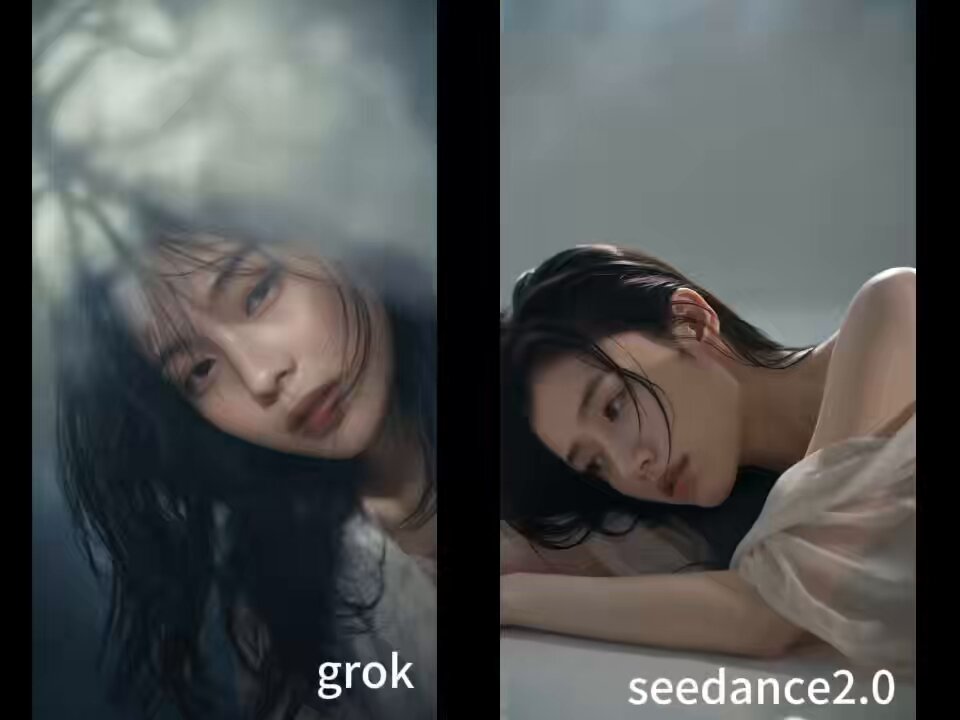
How do I use the Grok Imagine prompt for a sauna scene template?
Edit the prompt in the box under the preview — the template's model and format are already selected — and press Generate. Your version appears right on this page.
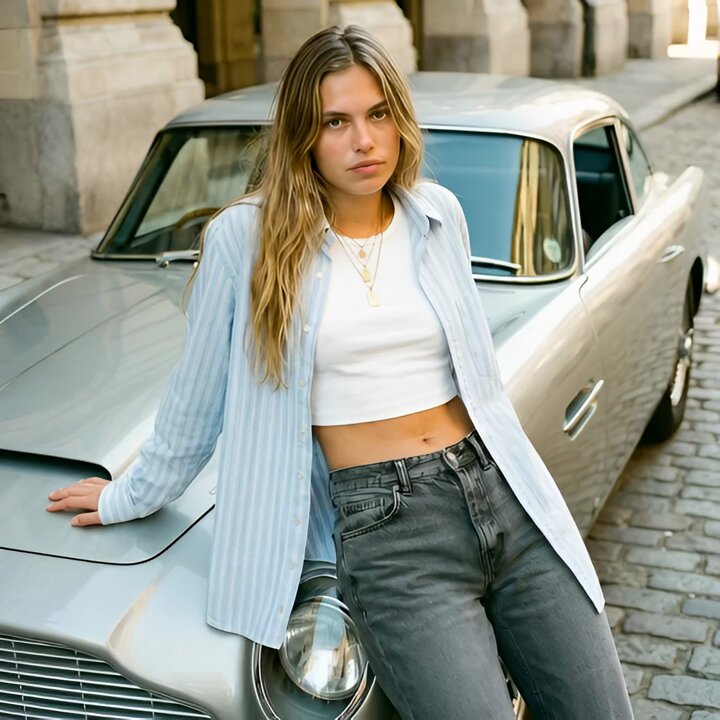
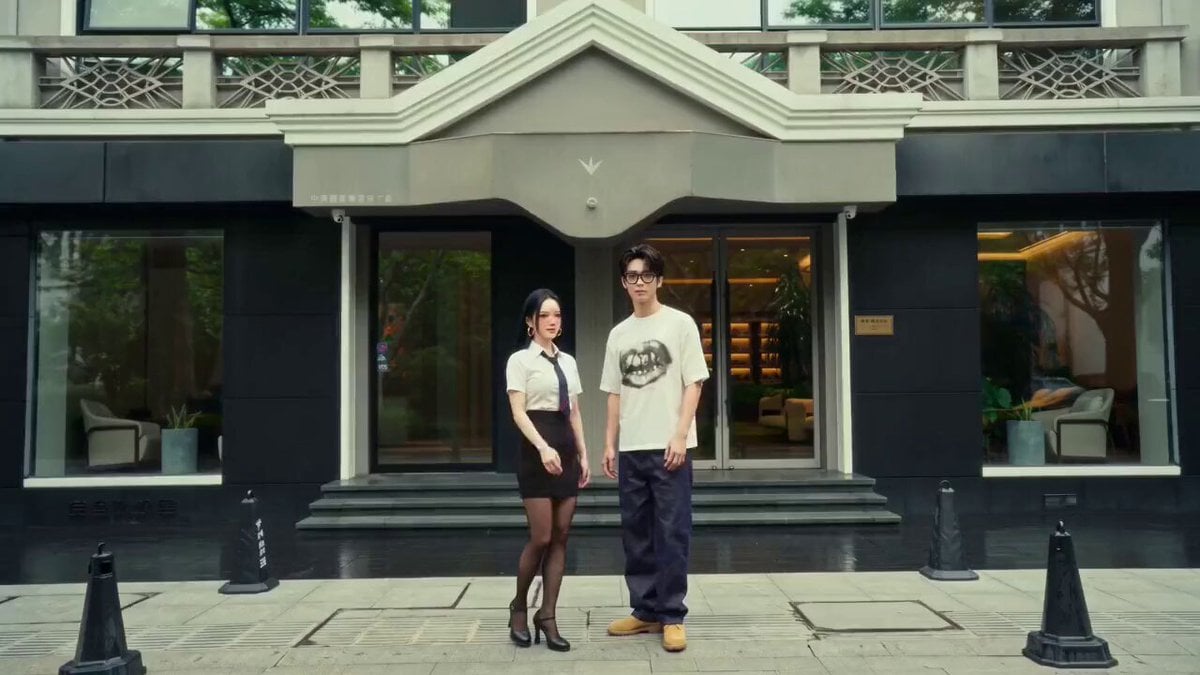
A Grok Imagine video generation prompt describing a person going to a sauna in a specific environment, detailing the person's blue eyes and blonde hair.
@67f95b13-d342-45bf-8973-7c4ee6a556c7 去洗个桑拿,在 @a1de2ac2-95c9-4349-9baa-b3048c13a3ab 这样的环境中 注意 @67f95b13-d342-45bf-8973-7c4ee6a556c7 的眼睛有一点蓝,头发有点金色
@67f95b13-d342-45bf-8973-7c4ee6a556c7 去洗个桑拿,在 @a1de2ac2-95c9-4349-9baa-b3048c13a3ab 这样的环境中 注意 @67f95b13-d342-45bf-8973-7c4ee6a556c7 的眼睛有一点蓝,头发有点金色
Edit the prompt in the box under the preview — the template's model and format are already selected — and press Generate. Your version appears right on this page.
Yes. You can change the subject, setting, lighting, mood, format, and available model controls before creating your video.
Opening and editing this template is free. Generating uses credits, shown on the Generate button when you are signed in.
Start with Grok Imagine, which is the model associated with this template. You can compare another compatible model for a different finish.
Follow a topic to a crawlable collection of related PicX Studio templates.