How do I use the Emo Punk Hospital Music Video template?
Edit the prompt in the box under the preview — the template's model and format are already selected — and press Generate. Your version appears right on this page.
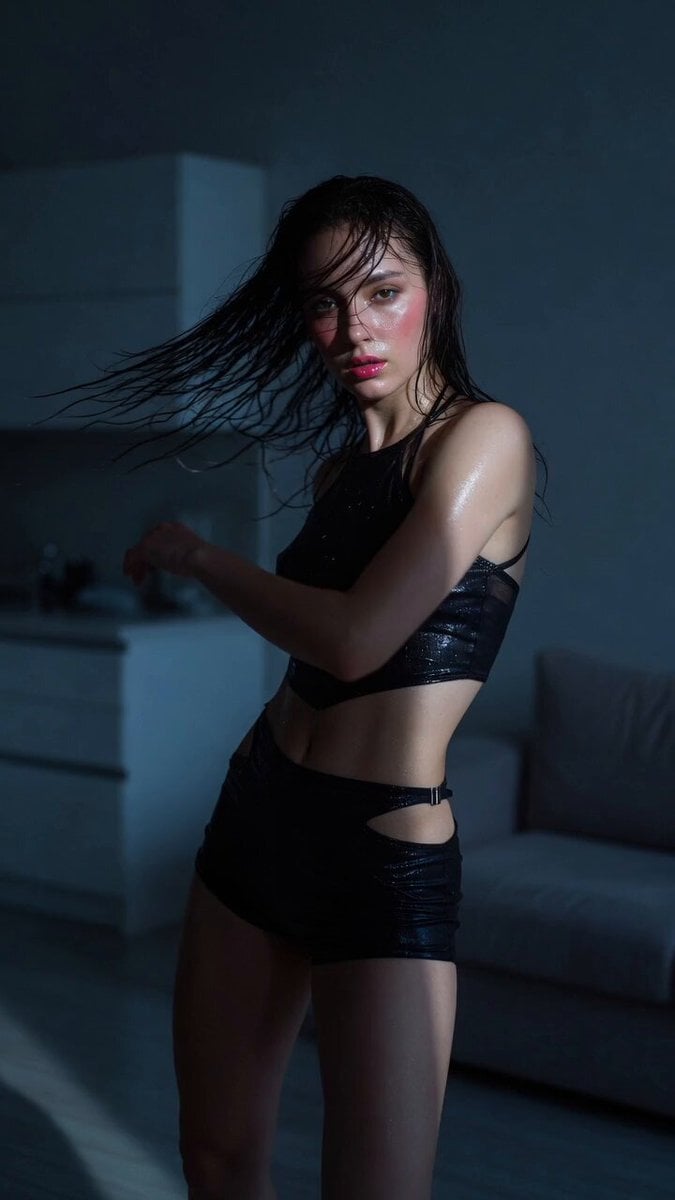
A surreal and emotionally charged music video sequence inspired by emo punk aesthetics, featuring a hospital setting and chaotic lighting.
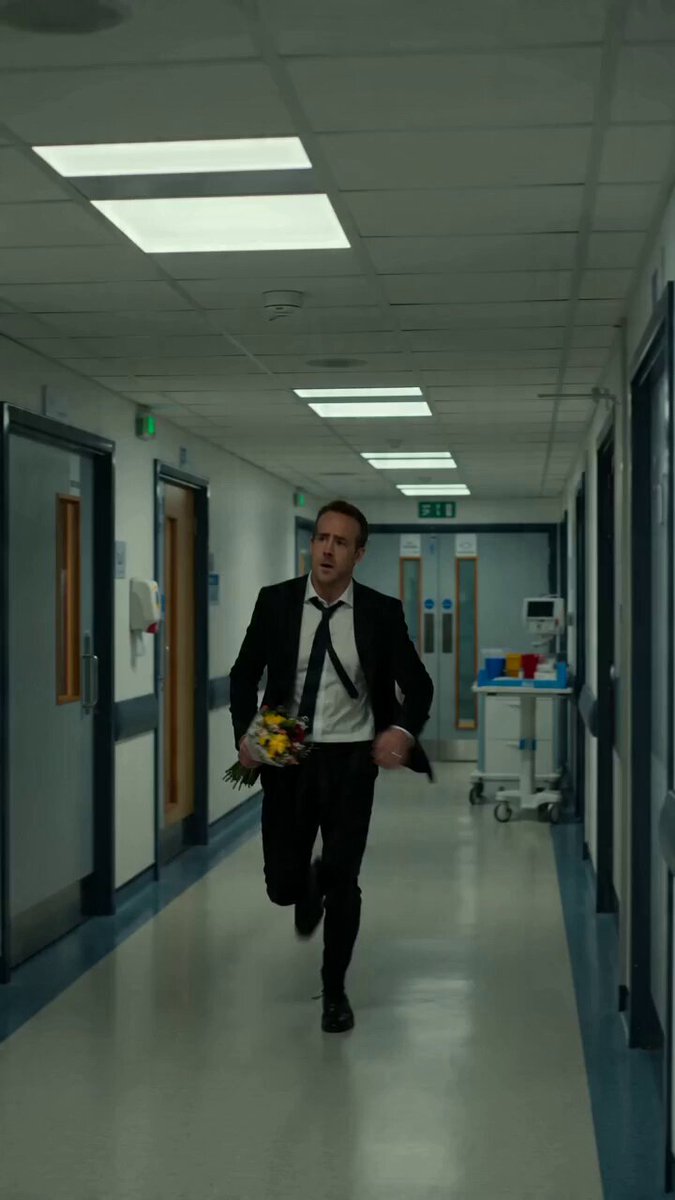
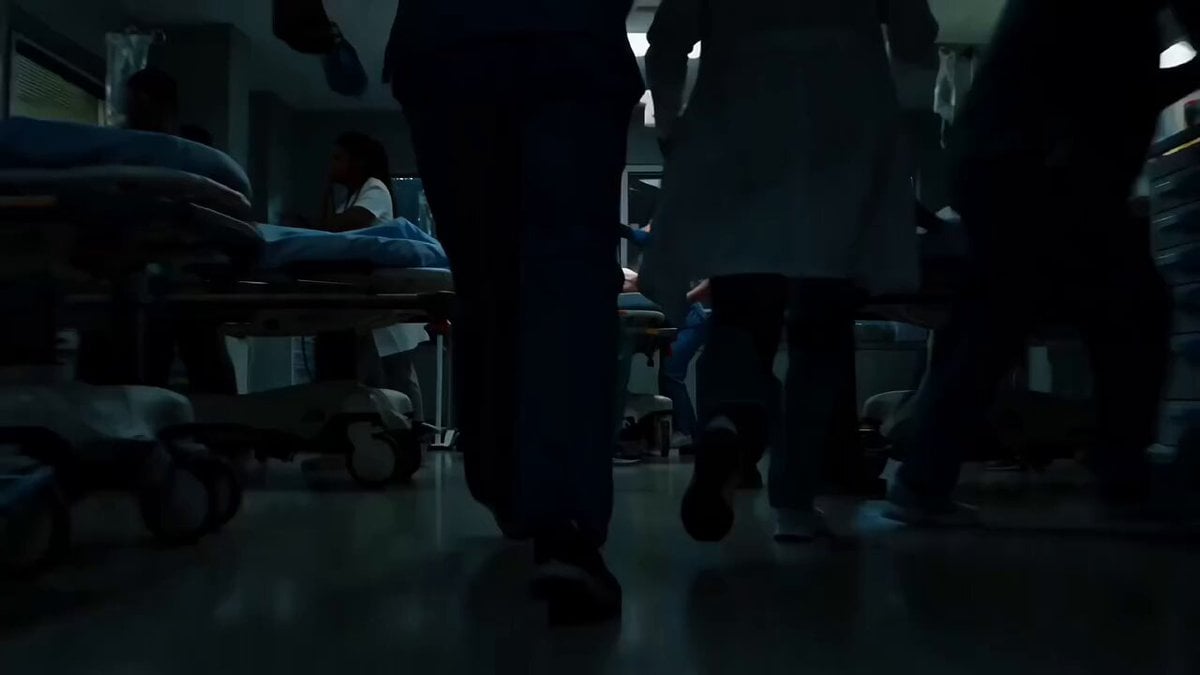
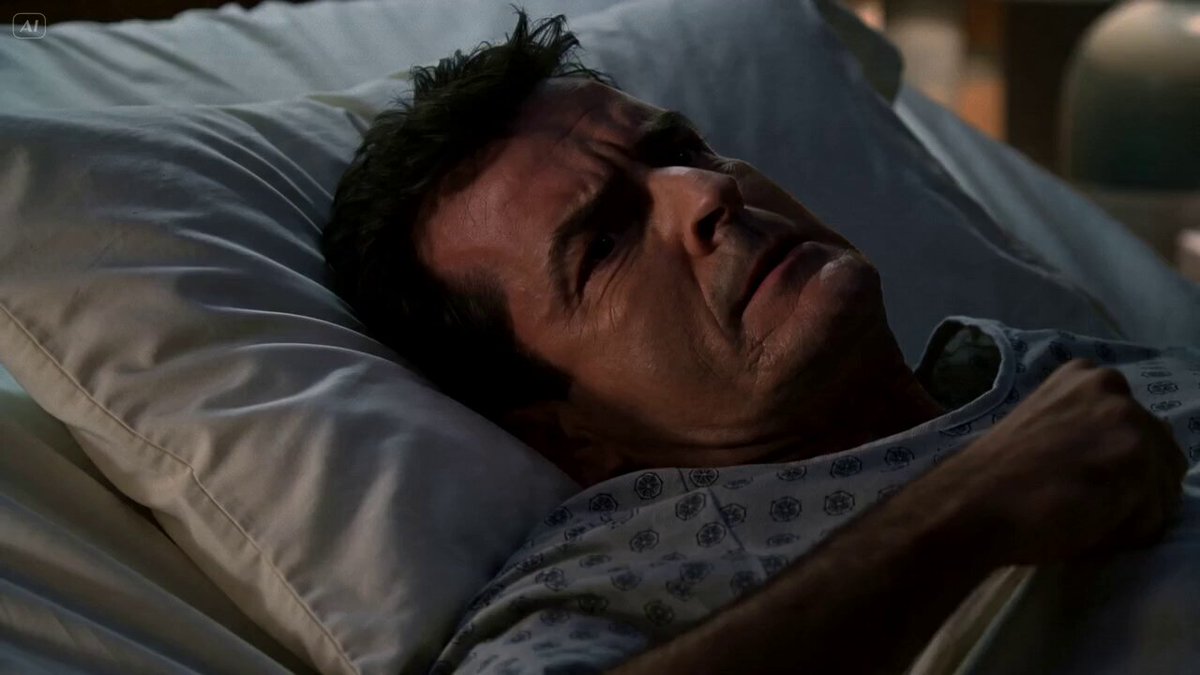
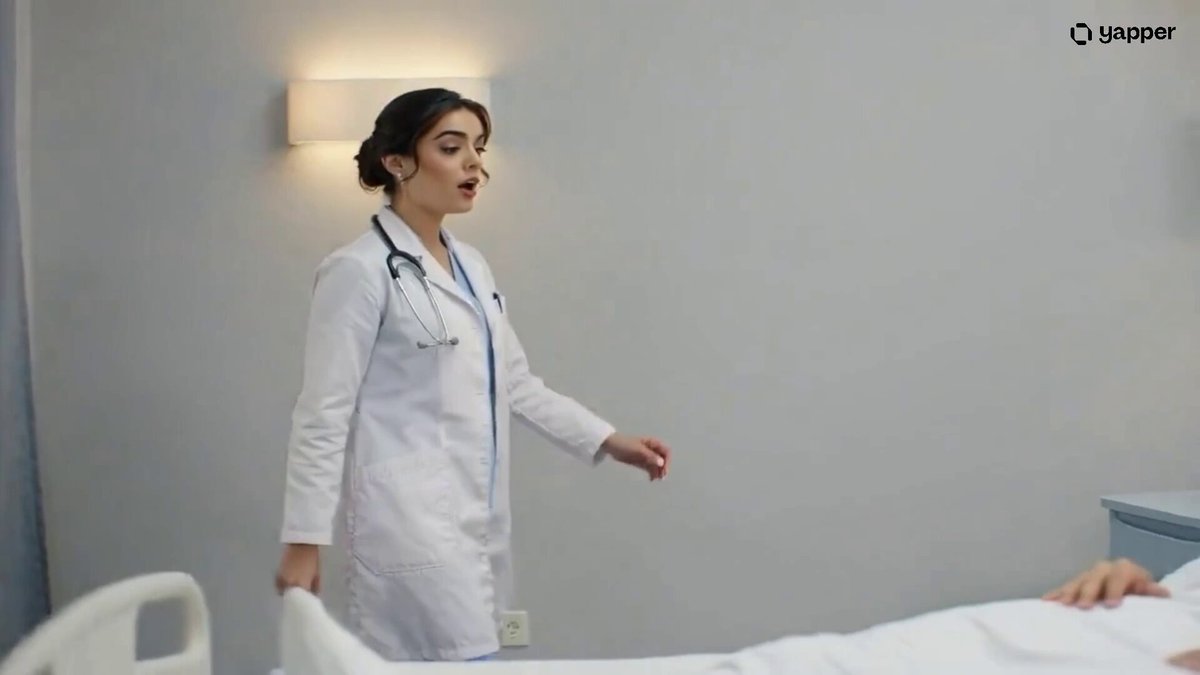
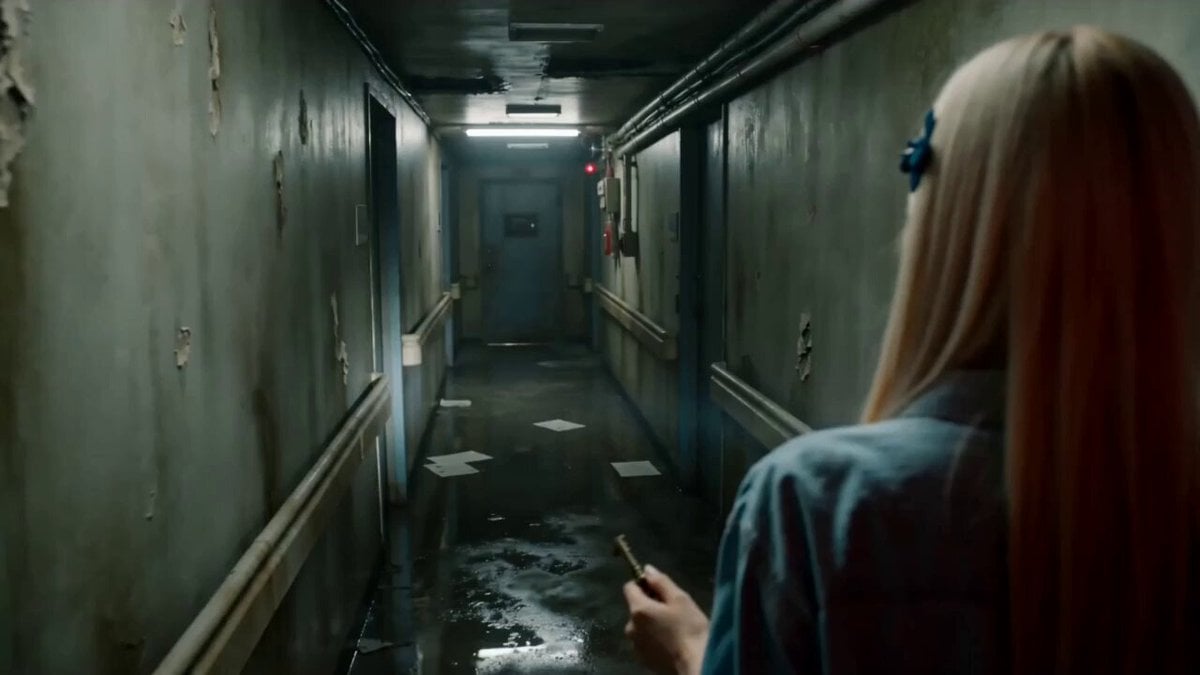
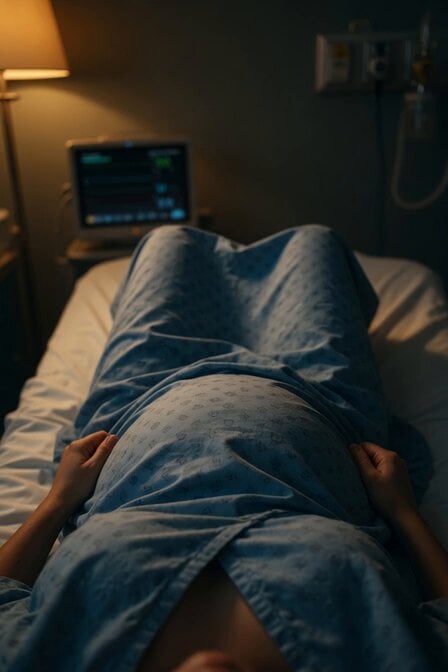
Ultra cinematic chaotic hospital music video inspired by emo punk aesthetics. A beautiful curvy young woman with long black hair and soft curtain bangs sits inside a strange futuristic hospital room. She wears an oversized white patient shirt, messy stylish hair, glossy smudged makeup, pearl earrings, and small bandaids on her face and knees. The atmosphere feels emotionally unstable, surreal, and darkly comedic. Doctors and nurses move strangely in the background while fluorescent hospital lights flicker dramatically. She looks emotionally exhausted, numb, and mentally overwhelmed while trying to stay calm. Scenes: - sitting alone on hospital bed staring blankly - walking through long hospital corridor in slow motion - chaotic nurses rushing past camera - fisheye lens close-up with distorted perspective - lying on floor laughing and crying - pills scattered on table - dramatic flashing lights - emotional eye close-up - CCTV style security camera shots - dancing alone in hospital hallway Visual style: hyper realistic cinematic music video, emo punk energy, chaotic editing, handheld camera, motion blur, film grain, glossy skin texture, neon hospital lights, surreal atmosphere, emotional storytelling. Color grading: cold white lighting, green hospital tint, subtle neon blue and red accents. Aspect ratio 16:9.
Ultra cinematic chaotic hospital music video inspired by emo punk aesthetics. A beautiful curvy young woman with long black hair and soft curtain bangs sits inside a strange futuristic hospital room. She wears an oversized white patient shirt, messy stylish hair, glossy smudged makeup, pearl earrings, and small bandaids on her face and knees. The atmosphere feels emotionally unstable, surreal, and darkly comedic. Doctors and nurses move strangely in the background while fluorescent hospital lights flicker dramatically. She looks emotionally exhausted, numb, and mentally overwhelmed while trying to stay calm. Scenes: - sitting alone on hospital bed staring blankly - walking through long hospital corridor in slow motion - chaotic nurses rushing past camera - fisheye lens close-up with distorted perspective - lying on floor laughing and crying - pills scattered on table - dramatic flashing lights - emotional eye close-up - CCTV style security camera shots - dancing alone in hospital hallway Visual style: hyper realistic cinematic music video, emo punk energy, chaotic editing, handheld camera, motion blur, film grain, glossy skin texture, neon hospital lights, surreal atmosphere, emotional storytelling. Color grading: cold white lighting, green hospital tint, subtle neon blue and red accents. Aspect ratio 16:9.
Edit the prompt in the box under the preview — the template's model and format are already selected — and press Generate. Your version appears right on this page.
Yes. You can change the subject, setting, lighting, mood, format, and available model controls before creating your video.
Opening and editing this template is free. Generating uses credits, shown on the Generate button when you are signed in.
Start with Seedance 2.0, which is the model associated with this template. You can compare another compatible model for a different finish.
Follow a topic to a crawlable collection of related PicX Studio templates.