How do I use the Emotional Hospital Interaction template?
Edit the prompt in the box under the preview — the template's model and format are already selected — and press Generate. Your version appears right on this page.
A cinematic prompt capturing a subtle emotional shift in a patient looking at a doctor, using lighting and bokeh to represent internal feelings.
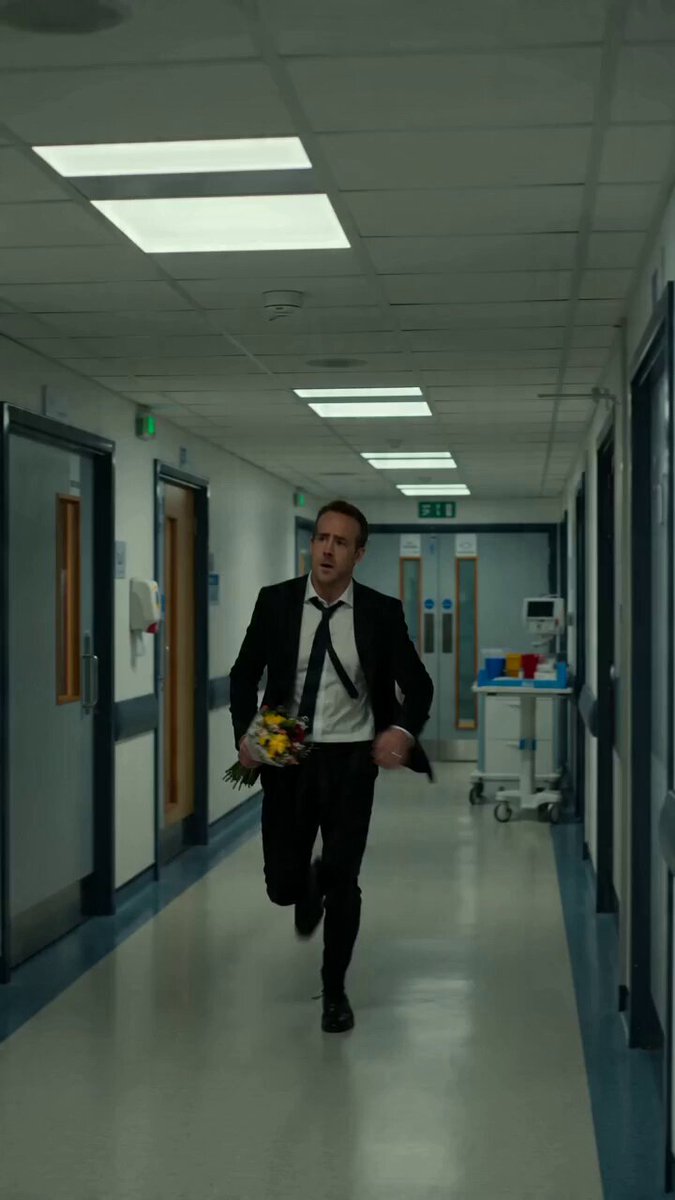
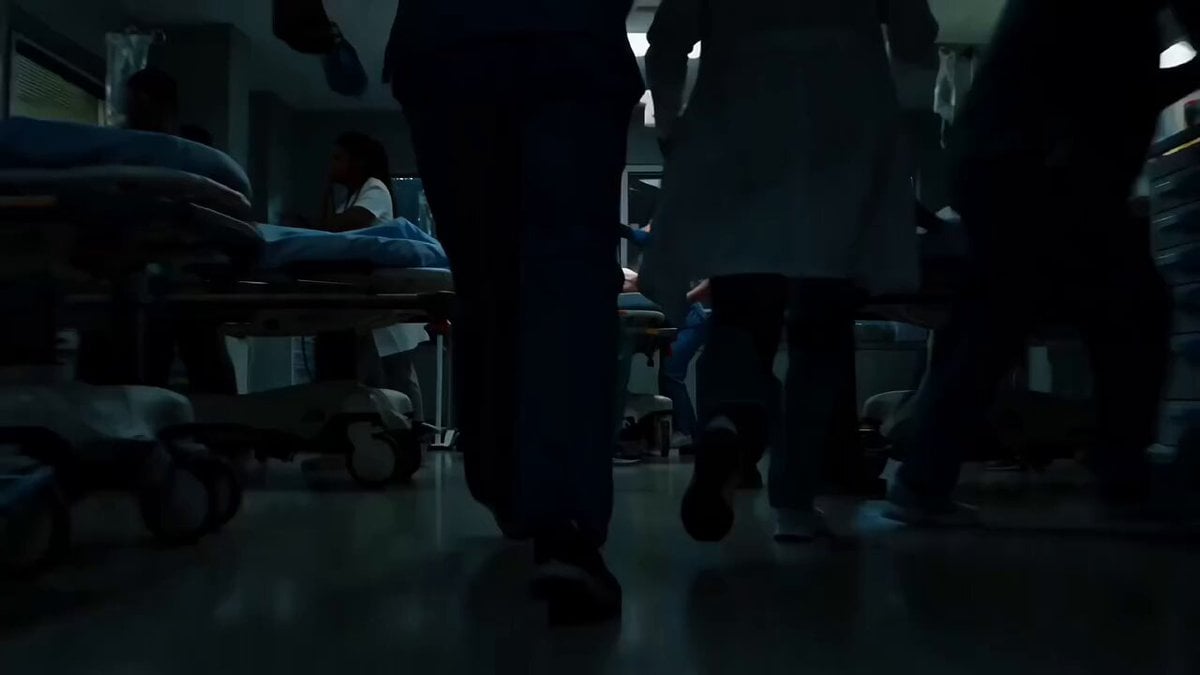
A calm, modern hospital room. A patient is lying on a bed while a professional, kind doctor stands beside him, gently checking his pulse and speaking softly. The camera slowly tracks from the side in a single continuous motion for the full 15 seconds. As the doctor leans slightly closer to examine the patient, the patient looks at the doctor and becomes emotionally captivated. His facial expression gradually shifts from weak and tired to calm, slightly smiling, and lost in admiration. To visually show his feelings (without unrealistic exaggeration), the background subtly transforms: the hospital environment softly blurs, and a warm, dreamy glow appears around the doctor. Light particles and soft-focus bokeh gently emerge, symbolizing the patient drifting into his thoughts. The patient is no longer focused on his illness instead, he is quietly staring at the doctor, completely absorbed in the moment. His breathing becomes calm, and his expression shows peace and affection. The doctor remains professional and unaware, continuing the check-up naturally. Final seconds: The camera continues its smooth motion as the dreamy overlay slightly fades, leaving a subtle emotional contrast a patient who has momentarily forgotten his pain, lost in thought. Important Direction (to avoid mistakes): The patient remains lying on the bed (not standing or moving unrealistically); The doctor behaves professionally (no exaggerated or inappropriate actions); The emotional effect is shown through lighting, focus, and atmosphere not unrealistic physical actions; No reversed roles or unnatural expressions; Keep the tone soft, respectful, and cinematic (not comedic or exaggerated)
A calm, modern hospital room. A patient is lying on a bed while a professional, kind doctor stands beside him, gently checking his pulse and speaking softly. The camera slowly tracks from the side in a single continuous motion for the full 15 seconds. As the doctor leans slightly closer to examine the patient, the patient looks at the doctor and becomes emotionally captivated. His facial expression gradually shifts from weak and tired to calm, slightly smiling, and lost in admiration. To visually show his feelings (without unrealistic exaggeration), the background subtly transforms: the hospital environment softly blurs, and a warm, dreamy glow appears around the doctor. Light particles and soft-focus bokeh gently emerge, symbolizing the patient drifting into his thoughts. The patient is no longer focused on his illness instead, he is quietly staring at the doctor, completely absorbed in the moment. His breathing becomes calm, and his expression shows peace and affection. The doctor remains professional and unaware, continuing the check-up naturally. Final seconds: The camera continues its smooth motion as the dreamy overlay slightly fades, leaving a subtle emotional contrast a patient who has momentarily forgotten his pain, lost in thought. Important Direction (to avoid mistakes): The patient remains lying on the bed (not standing or moving unrealistically); The doctor behaves professionally (no exaggerated or inappropriate actions); The emotional effect is shown through lighting, focus, and atmosphere not unrealistic physical actions; No reversed roles or unnatural expressions; Keep the tone soft, respectful, and cinematic (not comedic or exaggerated)
Edit the prompt in the box under the preview — the template's model and format are already selected — and press Generate. Your version appears right on this page.
Yes. You can change the subject, setting, lighting, mood, format, and available model controls before creating your video.
Opening and editing this template is free. Generating uses credits, shown on the Generate button when you are signed in.
Start with Seedance 2.0, which is the model associated with this template. You can compare another compatible model for a different finish.
Follow a topic to a crawlable collection of related PicX Studio templates.