
Mongol Woman Steppe Archery
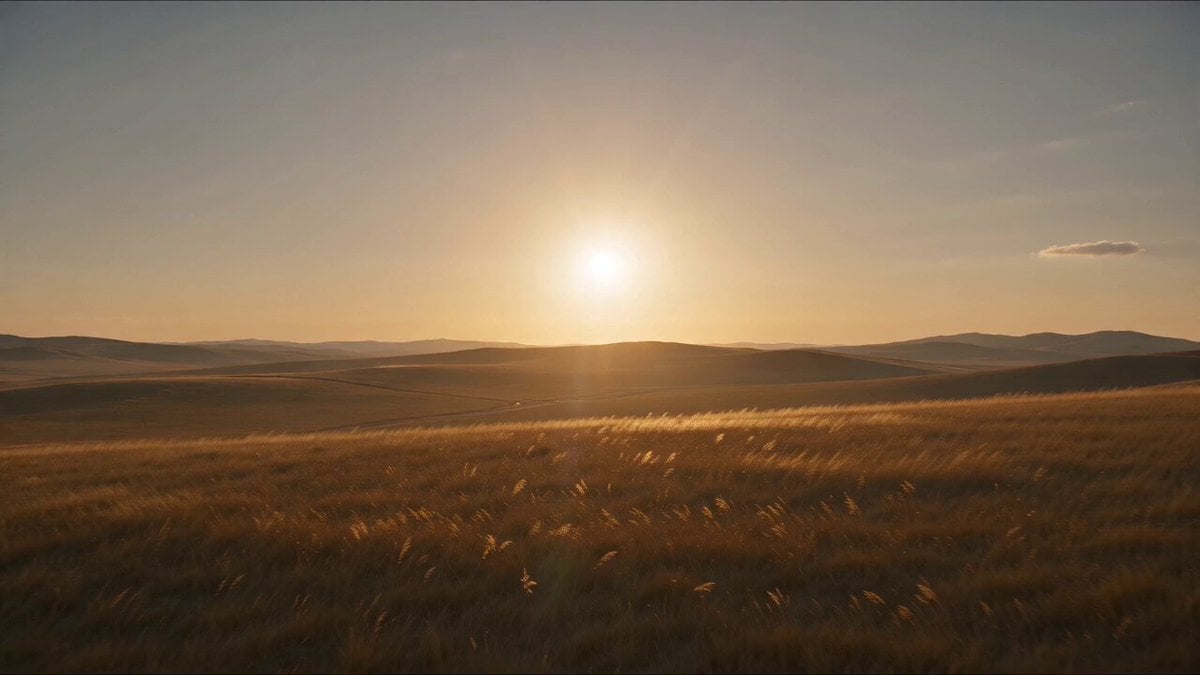
A cinematic video prompt of a Mongol woman archer on a steppe pony, showcasing traditional horse archery techniques and fluid combat transitions.
- Prompt included
- Model and format preset
- Free template
The prompt behind this video
Copy the exact prompt behind Mongol Woman Steppe Archery, or open it in the studio and make it yours.
Endless golden grassland, low sun, wind rippling the grass like water. A Mongol woman rides a compact steppe pony at a controlled canter, bow drawn. She's harassing a Jin cavalry patrol — feigned retreat, turning in the saddle for the Parthian shot, arrow after arrow finding gaps in lamellar armor. The horsemanship is the star: no hands on reins, controlling the horse with legs and weight, the pony reading her body. When one pursuer closes, she drops the bow to a saddle loop, draws a curved saber, and executes a single passing cut. The pursuit becomes a wide sweeping shot — dozens of riders spread across the plain, dust trails behind each one.
How to use Mongol Woman Steppe Archery in 3 steps
- 1
Open
The prompt is already in the box next to the preview, with the template's model and format selected.
- 2…a portrait of your subject in softgolden-hour light, 85mm…
Personalize
Edit the subject and creative details for your destination.
- 3Generate
Generate
Press Generate — your video is created in PicX Studio, so you can compare it with the original and refine one variable at a time.
More like this
Templates with the same subject, style or setup. Open one to see its prompt.
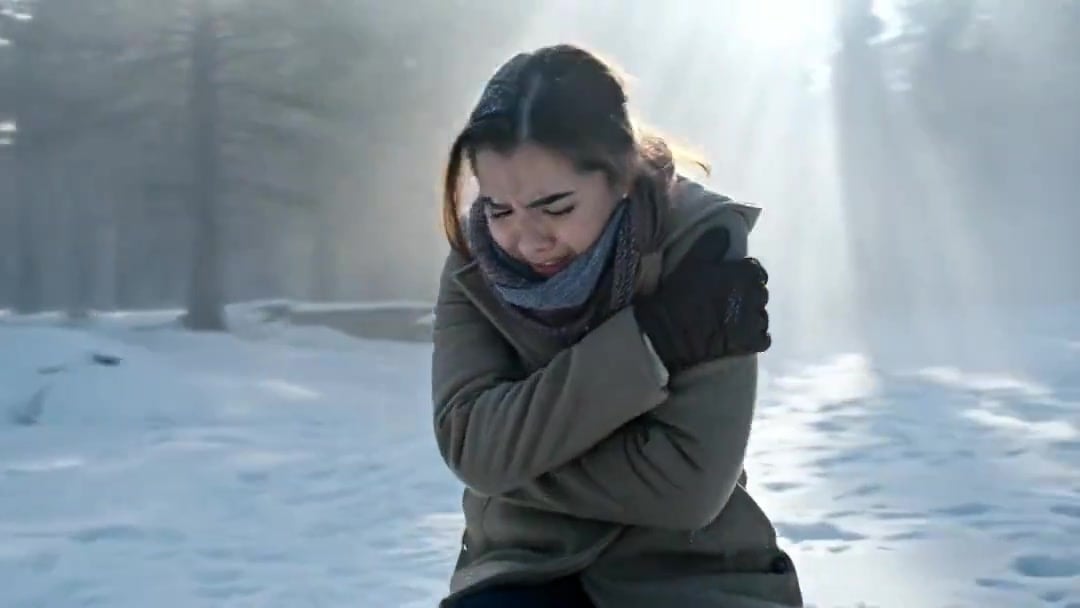
Arc Shot Frozen Woman Snow — Kling 3.0 v3 Pro
Arc Shot Frozen Woman Snow — Kling 3.0 v3 Pro
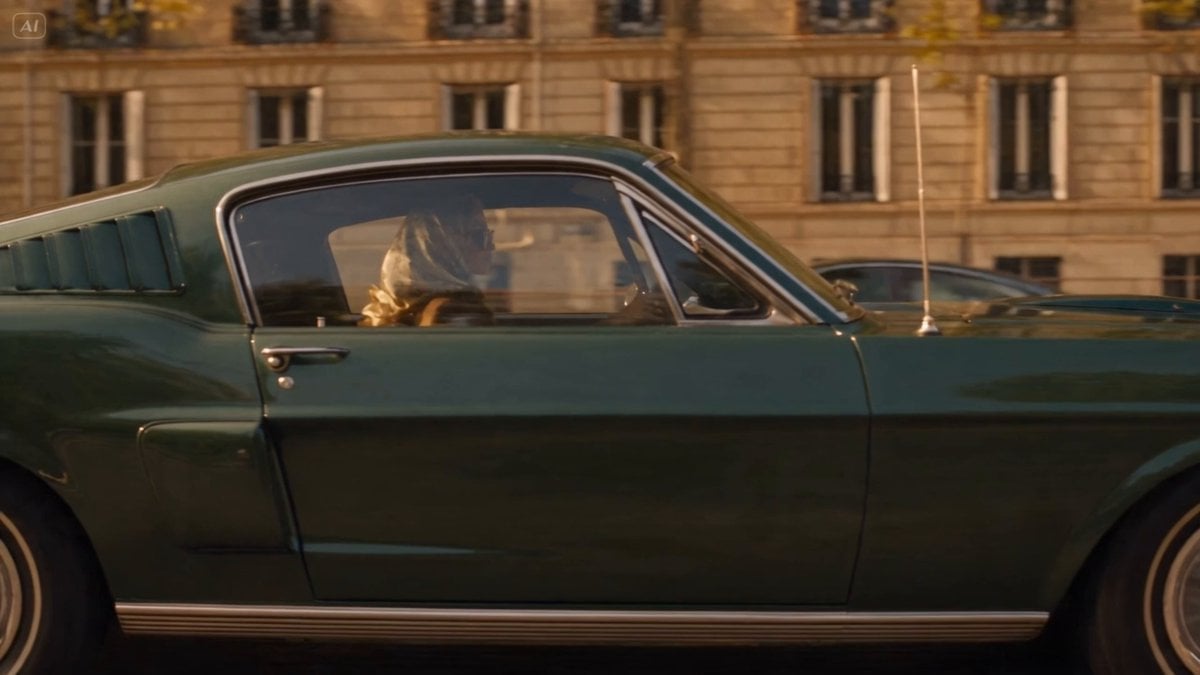
Blonde Woman Driving Green 1960s Mustang Golden Hour
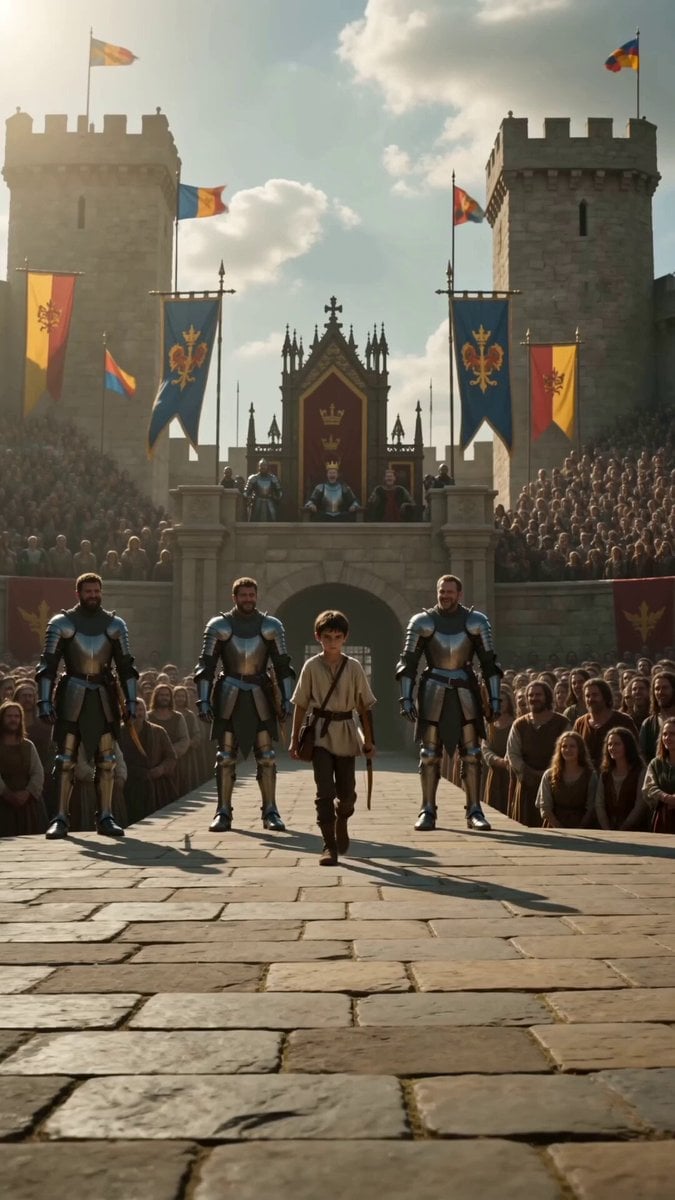
Medieval Archery Tournament Cinematic Short
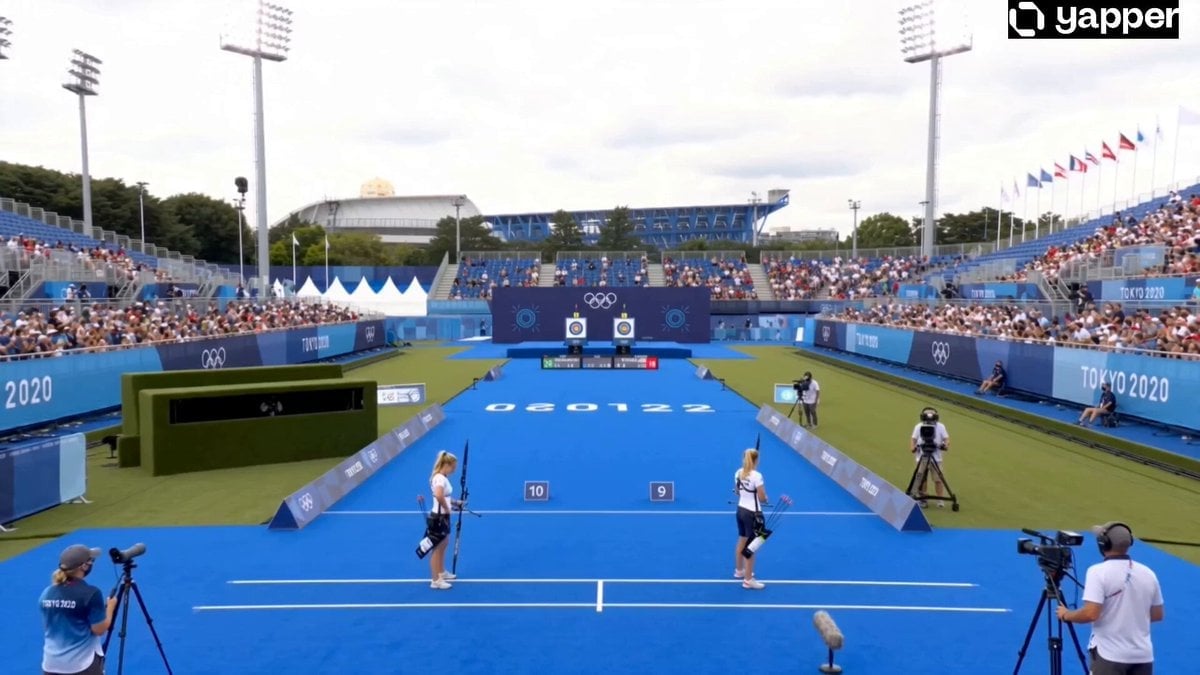
Olympic Archery Bullseye Cinematic

Olympic Archery Cinematic Broadcast
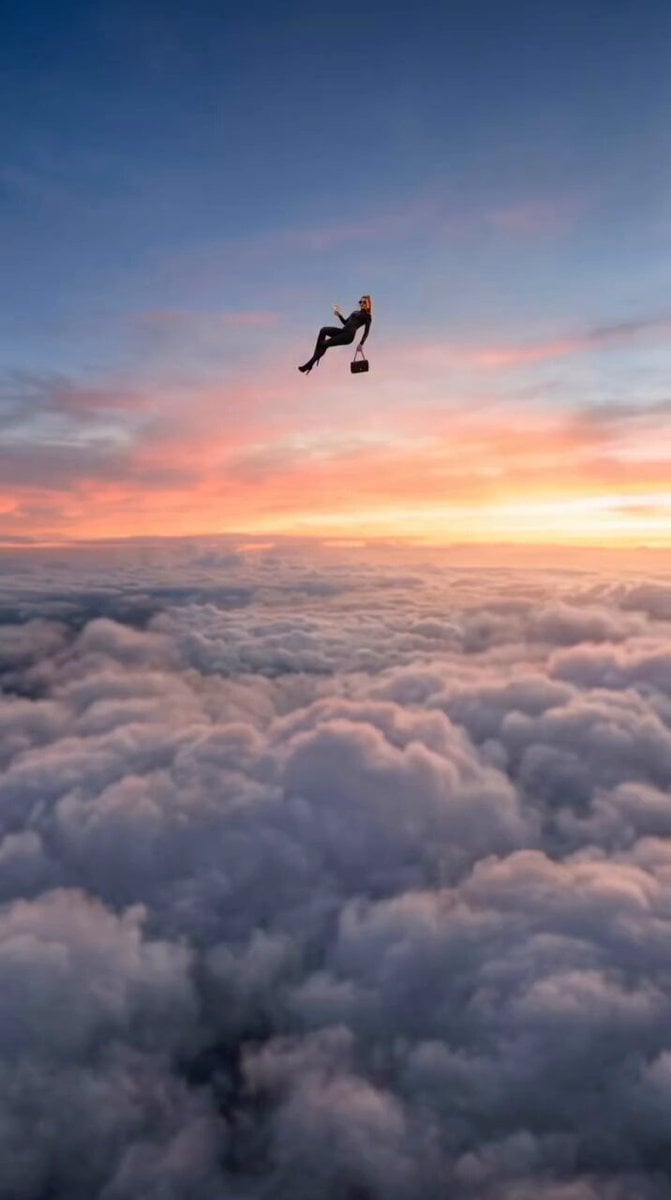
Floating Woman Sunset Cloudscape
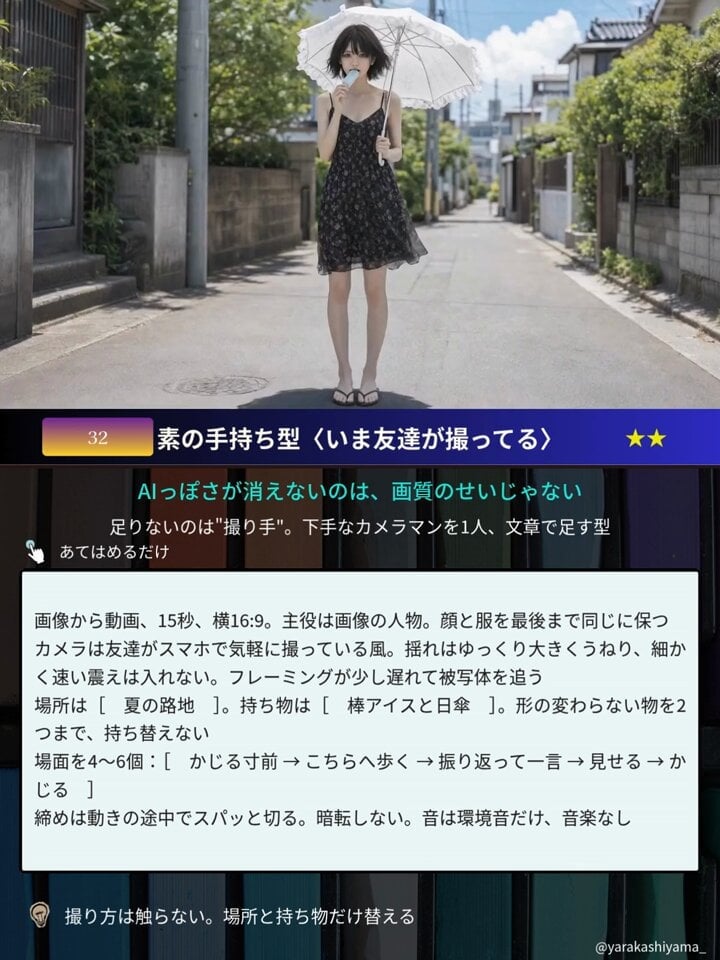
Aesthetic Japanese Woman Video Portrait

Glamorous Woman at Soccer Match
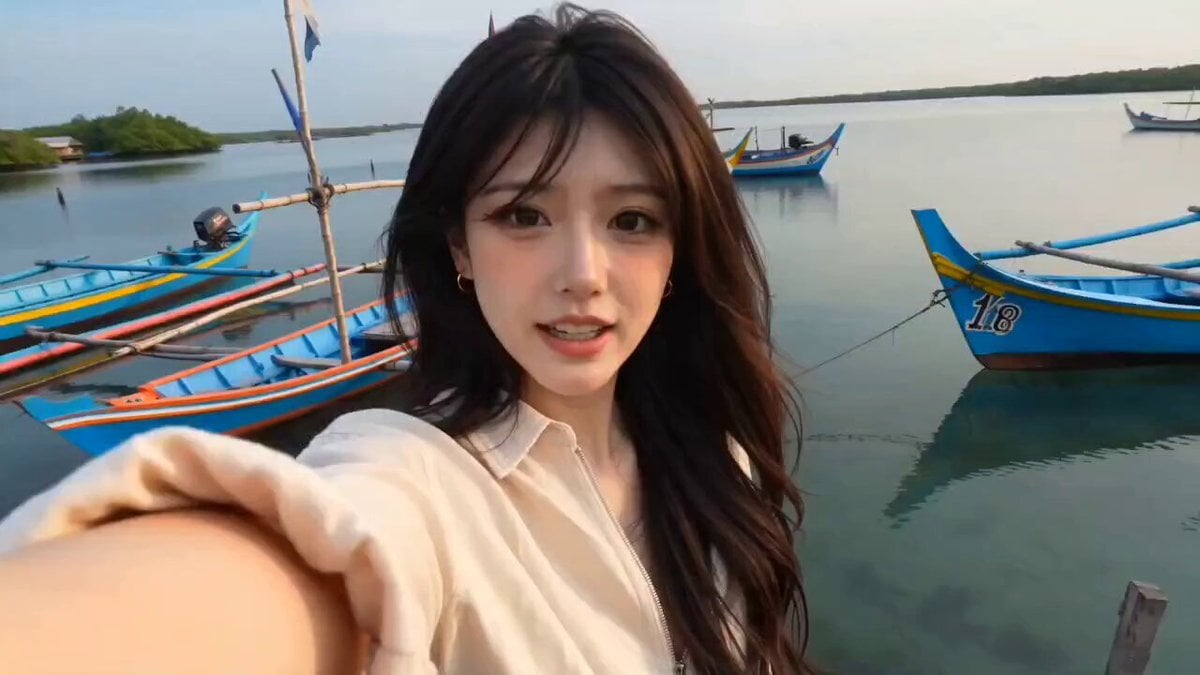
Indonesian Woman Coastal Diary Vlog
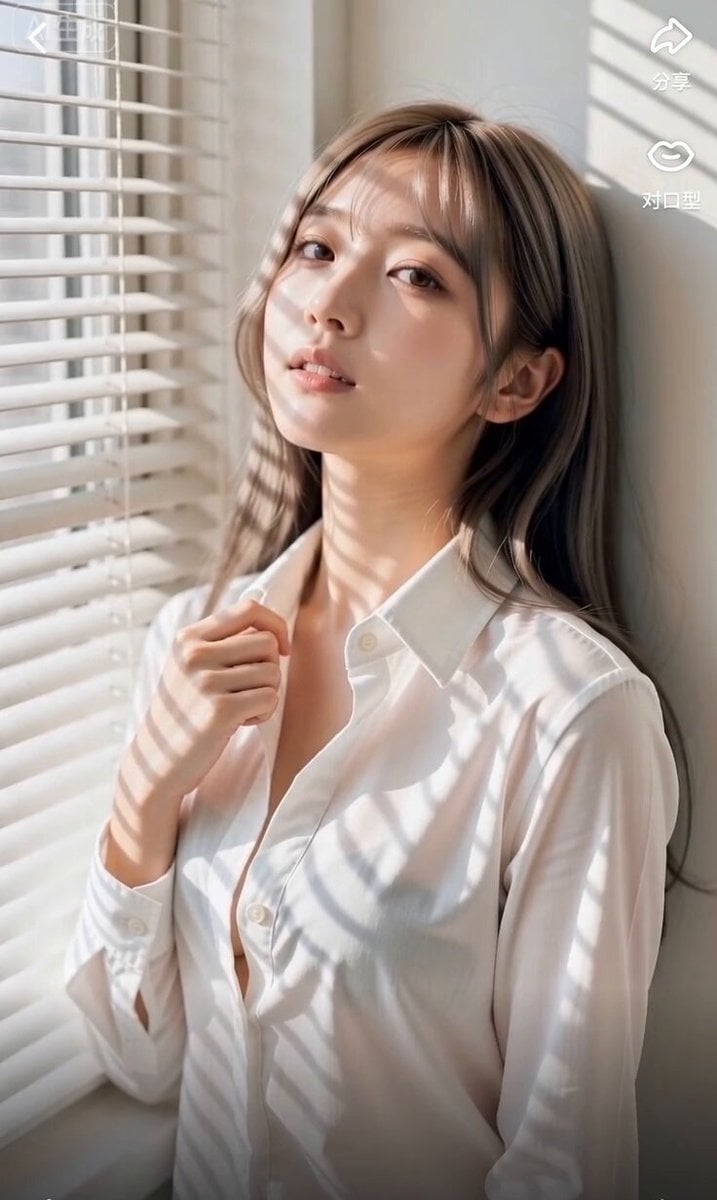
East Asian Woman Rap Scene

Woman floating down, opening eyes and looking deeply into the viewer's eyes
Make it yours
Mongol Woman Steppe Archery works as-is. These are the safest ways to change it without losing the look.
Change one field
Copy a single group, rewrite it, and generate again so you can see what that field is doing.
Keep the frame, change the subject
Hold the composition and light of Mongol Woman Steppe Archery, then swap wardrobe, props or the person for a new take.
| If the result… | Why | Fix |
|---|---|---|
| The result drifts from the preview | Too many fields changed at once. | Reuse Mongol Woman Steppe Archery as-is first, then change one group — subject, light, or setting. |
| The model over-stylizes the scene | The prose prompt leaves finish and camera underspecified. | Add one camera or lighting sentence and stay on Seedance 2.0. |
More Seedance 2.0 templates
Other prompts made for Seedance 2.0.

Comical Martial Arts Punch Scene

Maglev Train Action Sequence

Martial Arts Fight Sequence

Wuxia Protection and Trust Script

Vintage Korean Arcade MiniDV Vlog

Mercedes 190 SL Luxury Ad

Rainy Night Supernatural Reverse Comedy Video Script

Amazon Civilization Discovery

Futuristic South Asian City Transformation

Cozy Luxury Cafe Commercial
More video prompts
Fresh picks from across the catalog.

Epic superhero transformation scene
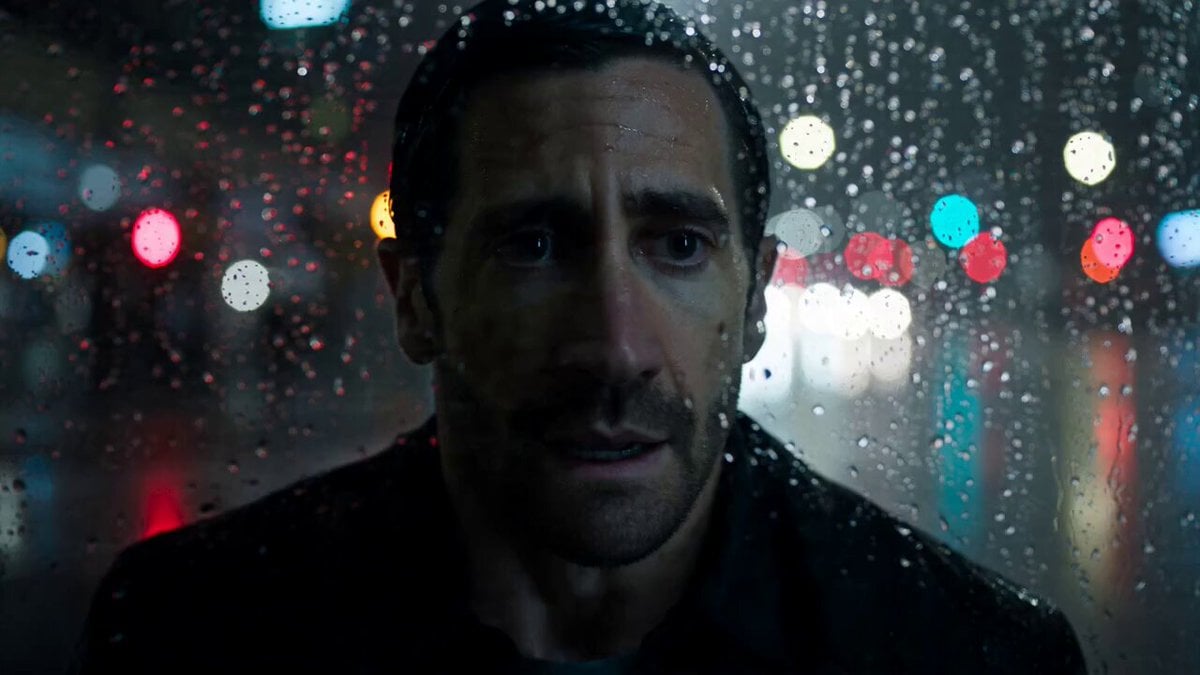
Night Pursuit Cinematic Chase
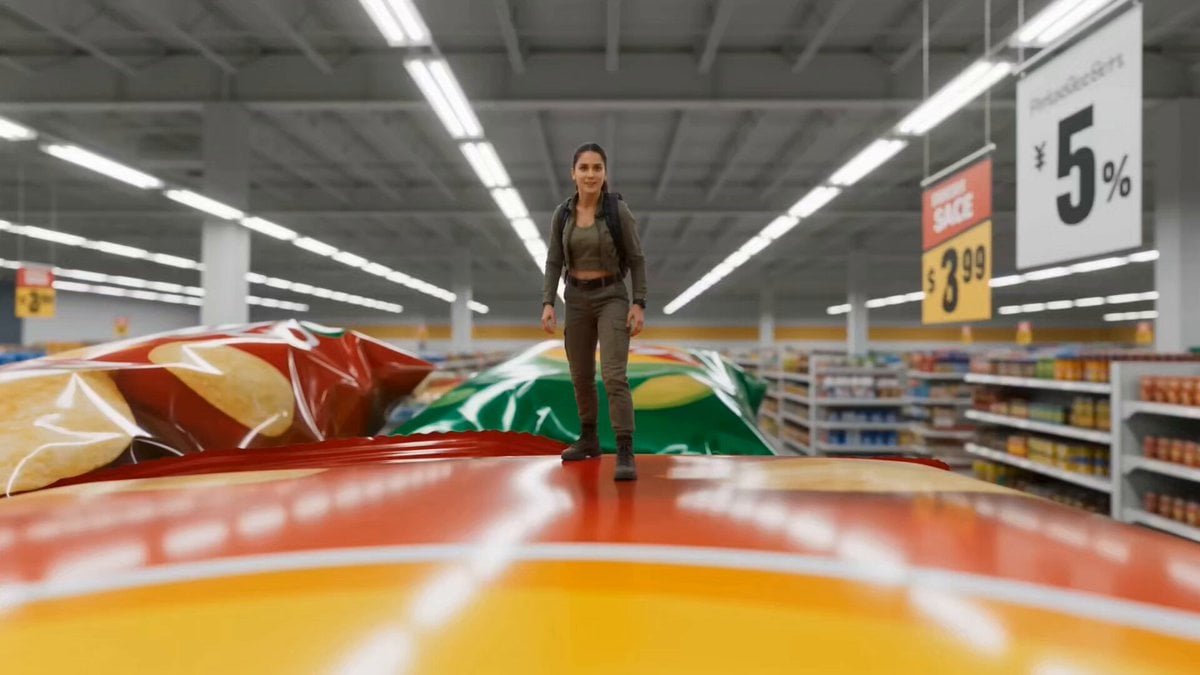
Miniature Tiny Person Parkour
Flying Sword Master Cat
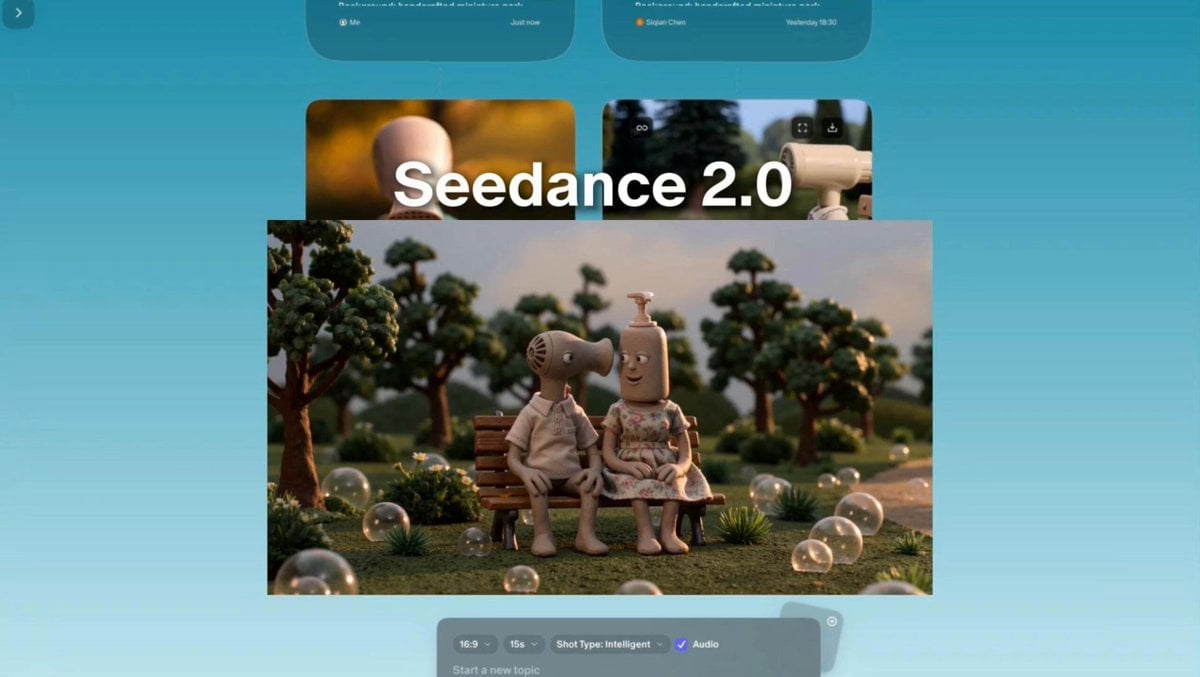
Stop-motion claymation style with miniature props
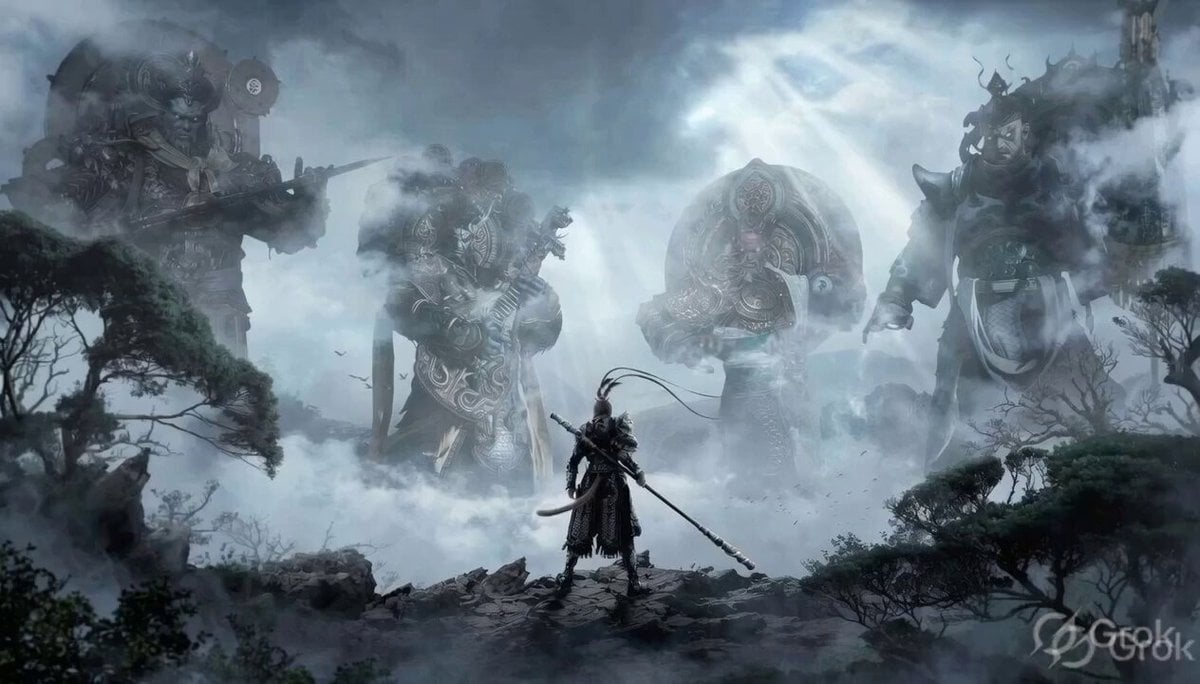
Black Myth Wukong Warrior Scene
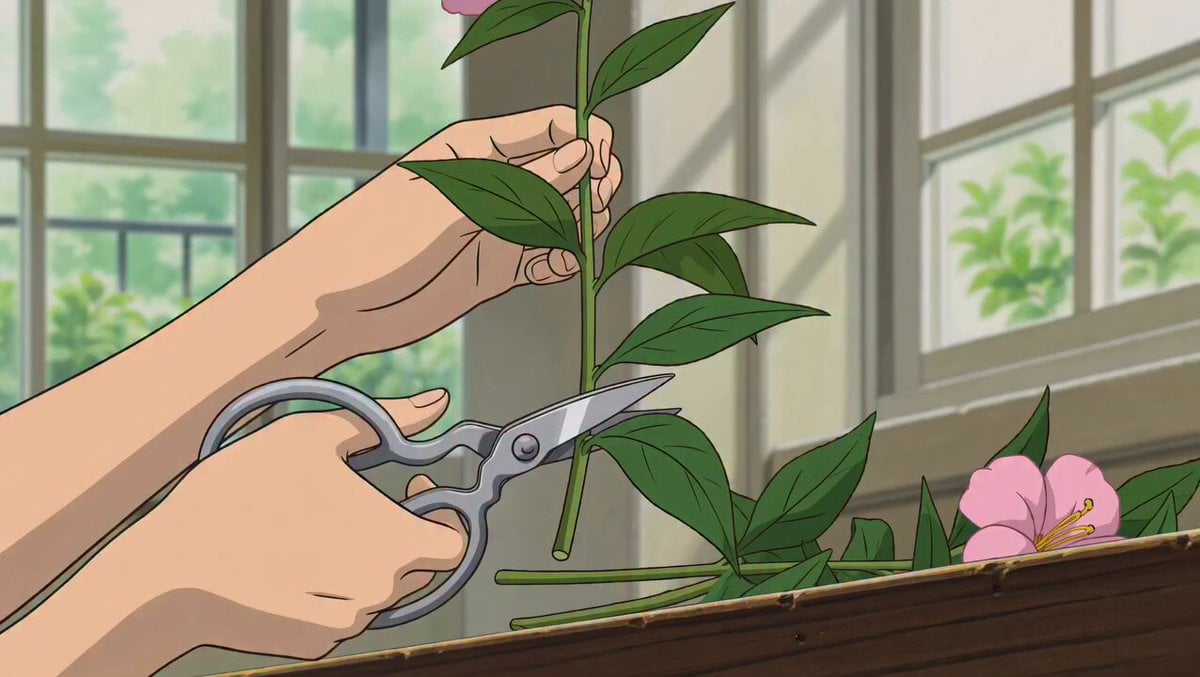
Cinematic Flower Arrangement
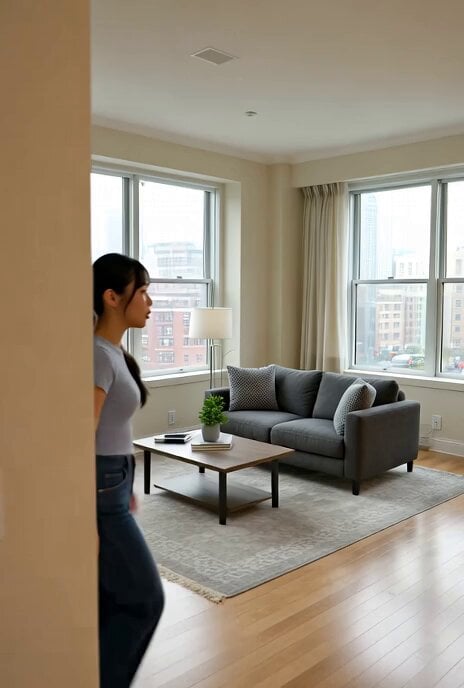
New York trip narrative
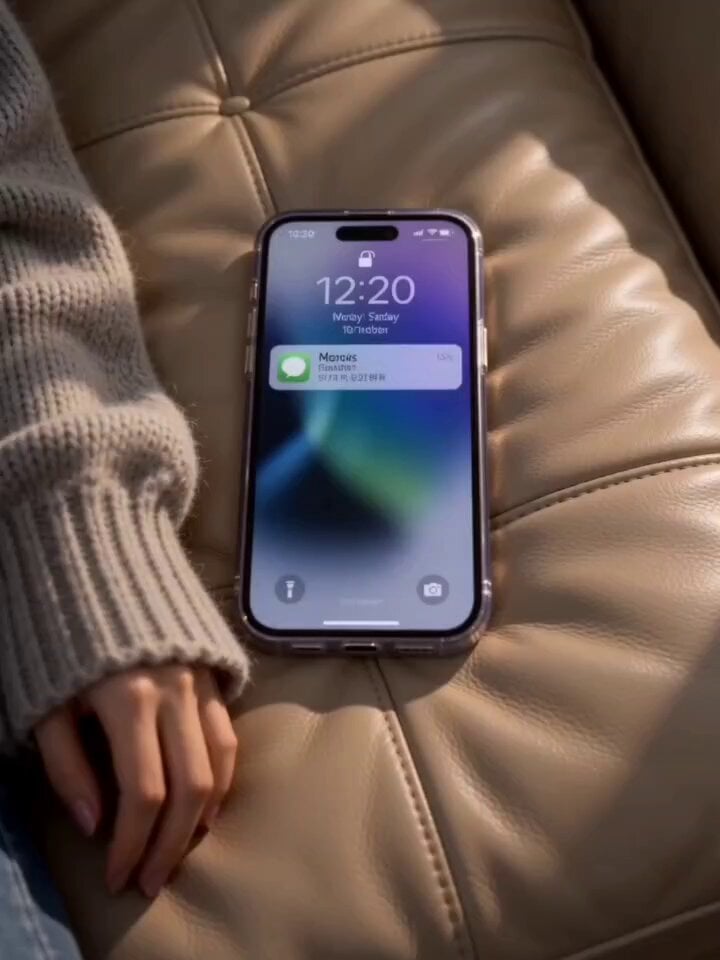
Seedance 2.0 Video Generation Prompt: Routine with Multiple Scenes and Outfits

Dramatic Raindrop Scene: Continuous Shot
Browse template categories
Mongol Woman Steppe Archery questions
How do I use the Mongol Woman Steppe Archery template?
Add your photo if the template asks for one, edit the prompt if you like — the template's model and format are already selected — and press Generate. Your version opens in PicX Studio.
Can I customize the Mongol Woman Steppe Archery template?
Yes. You can change the subject, setting, lighting, mood, format, and available model controls before creating your video.
Is the Mongol Woman Steppe Archery template free?
Opening and editing this template is free. Generating uses credits, shown on the Generate button when you are signed in.
Which AI model should I use?
Start with Seedance 2.0, which is the model associated with this template. You can compare another compatible model for a different finish.
Looking for something else? Browse all templates.

Your photo, any look
Thousands of ready templates for every top image and video model, from one credit balance.