
The Flash Director's Prompt
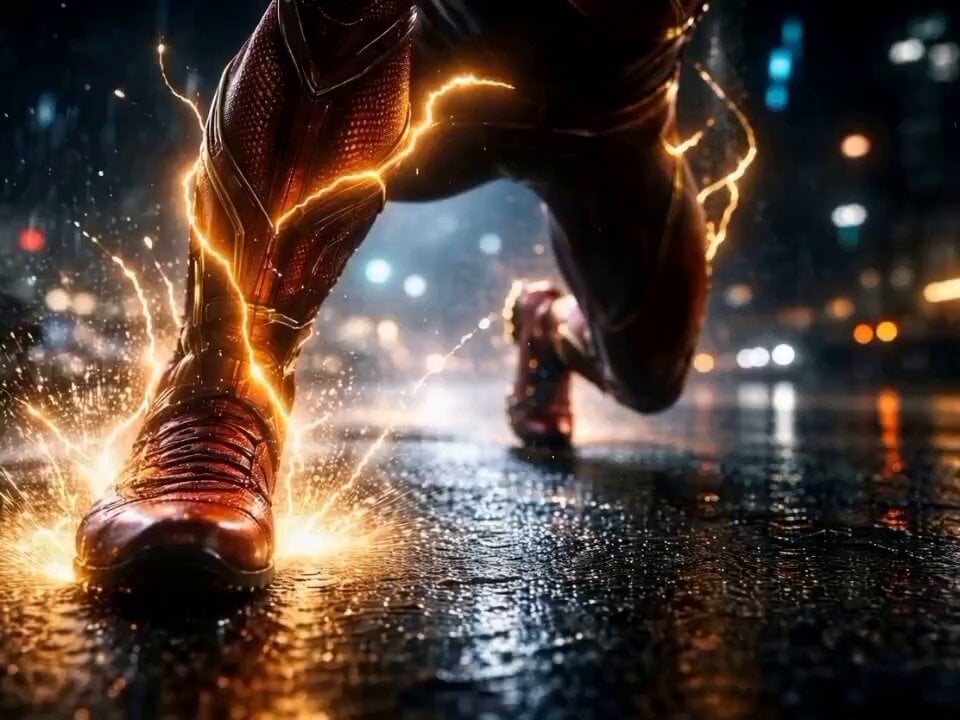
A highly detailed, multi-part 'Director’s Prompt' used with Seedance 2.0 via ChatCut, describing a complex, dynamic, and cinematic sequence featuring The Flash accelerating and creating a time portal.
- Prompt included
- Model and format preset
- Free template
The prompt behind this video
Copy the exact prompt behind The Flash Director's Prompt, or open it in the studio and make it yours.
Opening Shot: Extreme close-up on The Flash’s boots touching wet asphalt at night. Raindrops freeze midair as time slows. Golden lightning begins to crawl over his suit, crackling softly. Camera: Low-angle, slow push-in. As he leans forward, the world stretches and distorts. On the beat, he launches. The camera snaps into pursuit as he explodes forward in a blinding burst of red and gold lightning, tearing through the city streets. Buildings smear into light trails, traffic lights become streaks of color, thunder rolling underneath the sound design. DIRECTOR’S PROMPT — PART 2 The Flash accelerates beyond the city, racing across highways, deserts, and oceans in seconds. The curvature of the Earth becomes visible as clouds rip apart beneath him. Camera: Dynamic tracking shot with heavy motion blur, lightning arcing outward like veins of energy. Time fractures — day and night collapse into one continuous run. As he reaches maximum velocity, the lightning intensifies into near-white brilliance. He vanishes in a final thunderous flash, leaving only scorched air, fading electricity, and silence. DIRECTOR’S PROMPT — PART 3 A low, resonant hum builds. The air ahead fractures like glass. A circular portal forms — ancient, unstable — glowing with swirling light and dust, as if time itself is being torn open.
How to use The Flash Director's Prompt in 3 steps
- 1
Open
The prompt is already in the box next to the preview, with the template's model and format selected.
- 2…a portrait of your subject in softgolden-hour light, 85mm…
Personalize
Edit the subject and creative details for your destination.
- 3Generate
Generate
Press Generate — your video is created in PicX Studio, so you can compare it with the original and refine one variable at a time.
More like this
Templates with the same subject, style or setup. Open one to see its prompt.
K-pop Flash Mob Music Video
Cinematic Samurai Flashback
Professional TikTok Video Director Instruction
Night Flashlight Hippo Attack POV
Warehouse Discovery Director Script
Dramatic Hollywood Director and Golden Retriever

Director-Level Camera Movement Prompt
Pastel Beach Anime MV
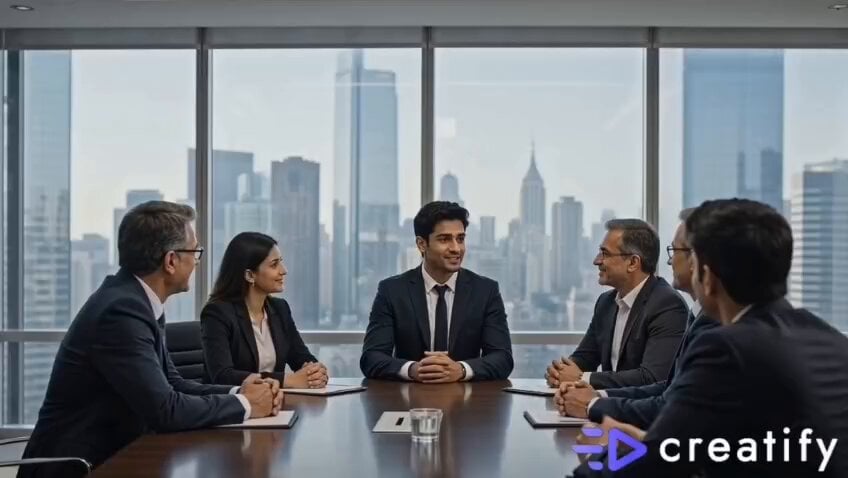
Confident Smile: Corporate Toothpaste Commercial
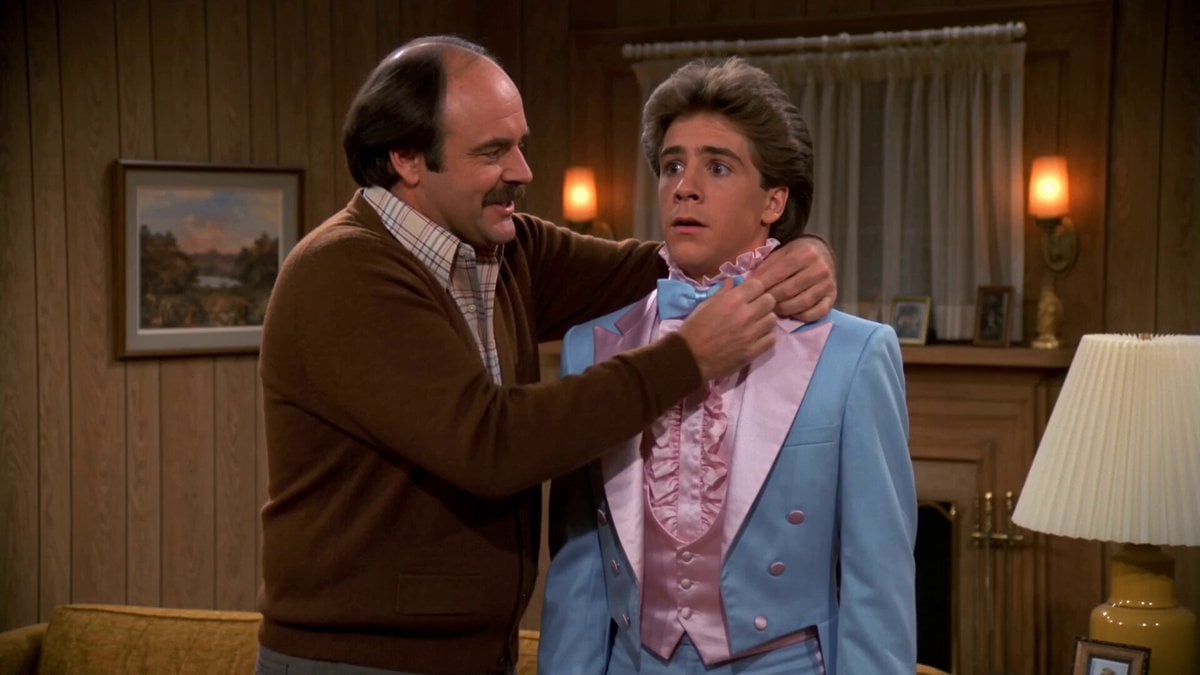
1980s Sitcom Prom Night Romance
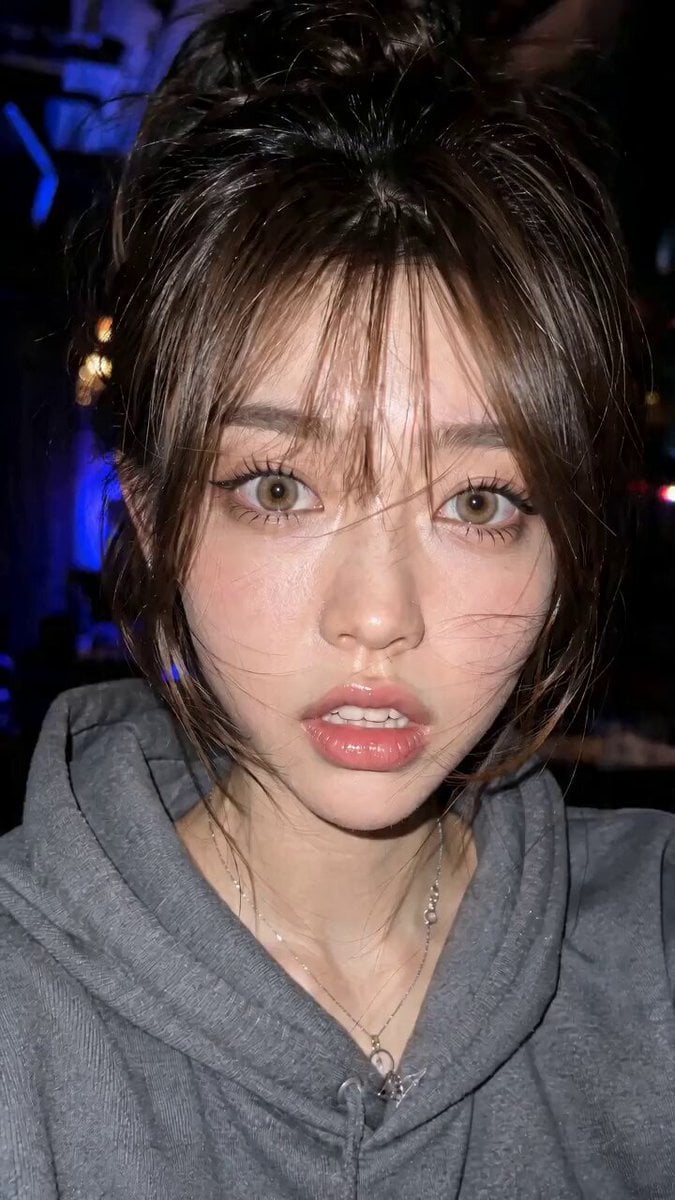
Micro Expressions Character Emotion Switch
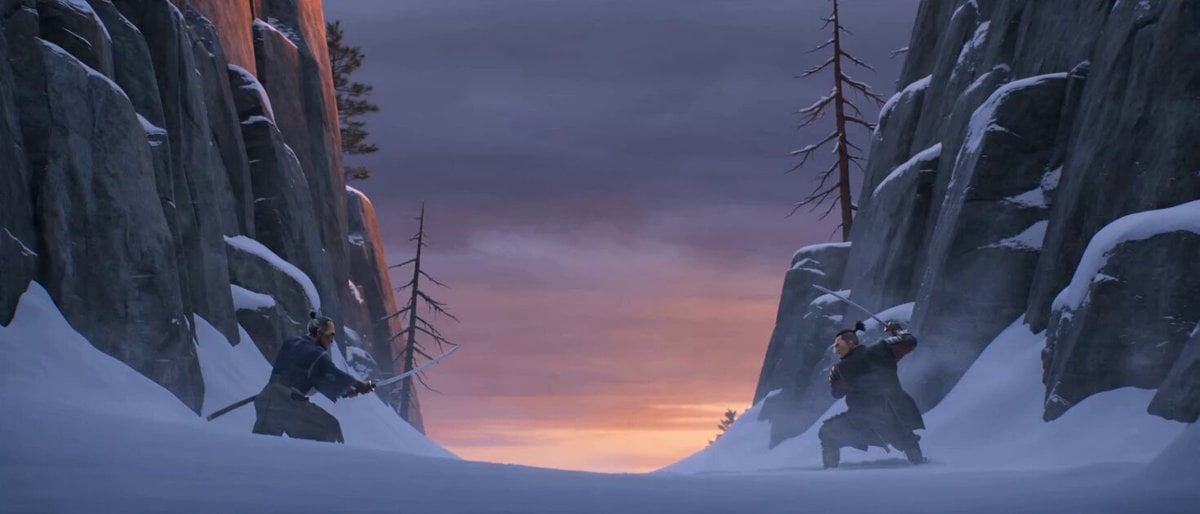
Cinematic Samurai Duel Sequence
Make it yours
The Flash Director's Prompt works as-is. These are the safest ways to change it without losing the look.
Change one field
Copy a single group, rewrite it, and generate again so you can see what that field is doing.
Keep the frame, change the subject
Hold the composition and light of The Flash Director's Prompt, then swap wardrobe, props or the person for a new take.
| If the result… | Why | Fix |
|---|---|---|
| The result drifts from the preview | Too many fields changed at once. | Reuse The Flash Director's Prompt as-is first, then change one group — subject, light, or setting. |
| The model over-stylizes the scene | The prose prompt leaves finish and camera underspecified. | Add one camera or lighting sentence and stay on Seedance 2.0. |
More Seedance 2.0 templates
Other prompts made for Seedance 2.0.

Comical Martial Arts Punch Scene

Maglev Train Action Sequence

Martial Arts Fight Sequence

Wuxia Protection and Trust Script

Vintage Korean Arcade MiniDV Vlog

Mercedes 190 SL Luxury Ad

Rainy Night Supernatural Reverse Comedy Video Script

Amazon Civilization Discovery

Futuristic South Asian City Transformation

Cozy Luxury Cafe Commercial
More video prompts
Fresh picks from across the catalog.
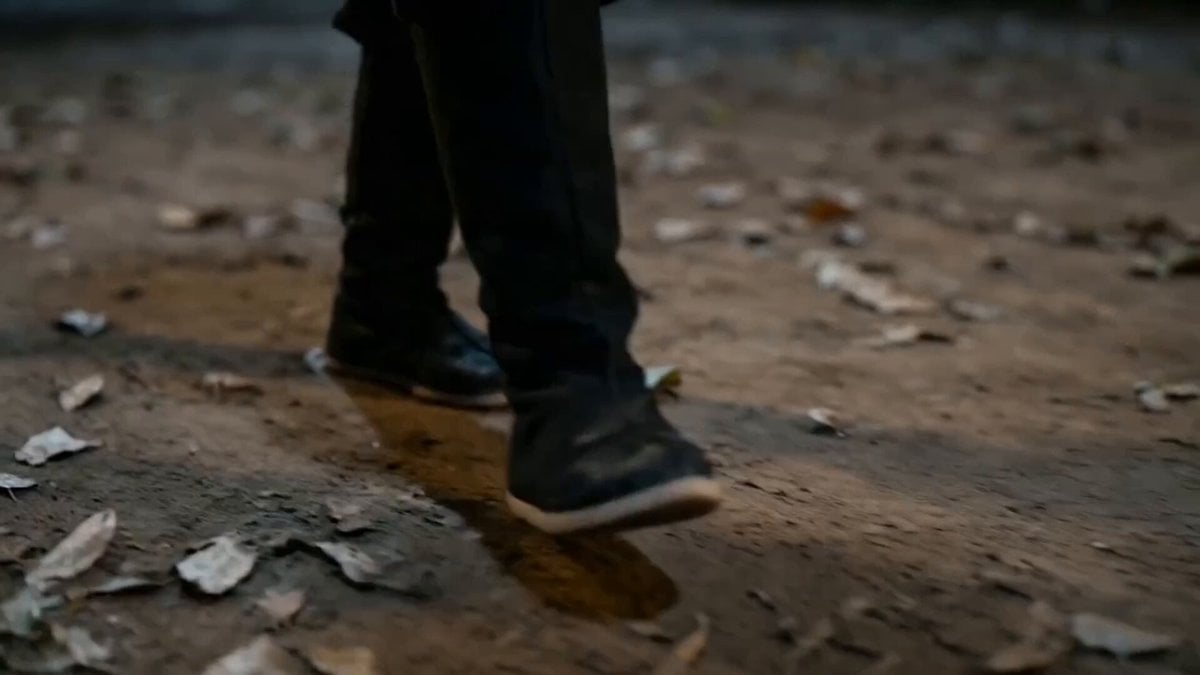
Seedance 2.0 Scene Continuation Video Prompt

Cinematic Football Broadcast Animation

Surreal Composition with Oversized Smartphone and Pepsi
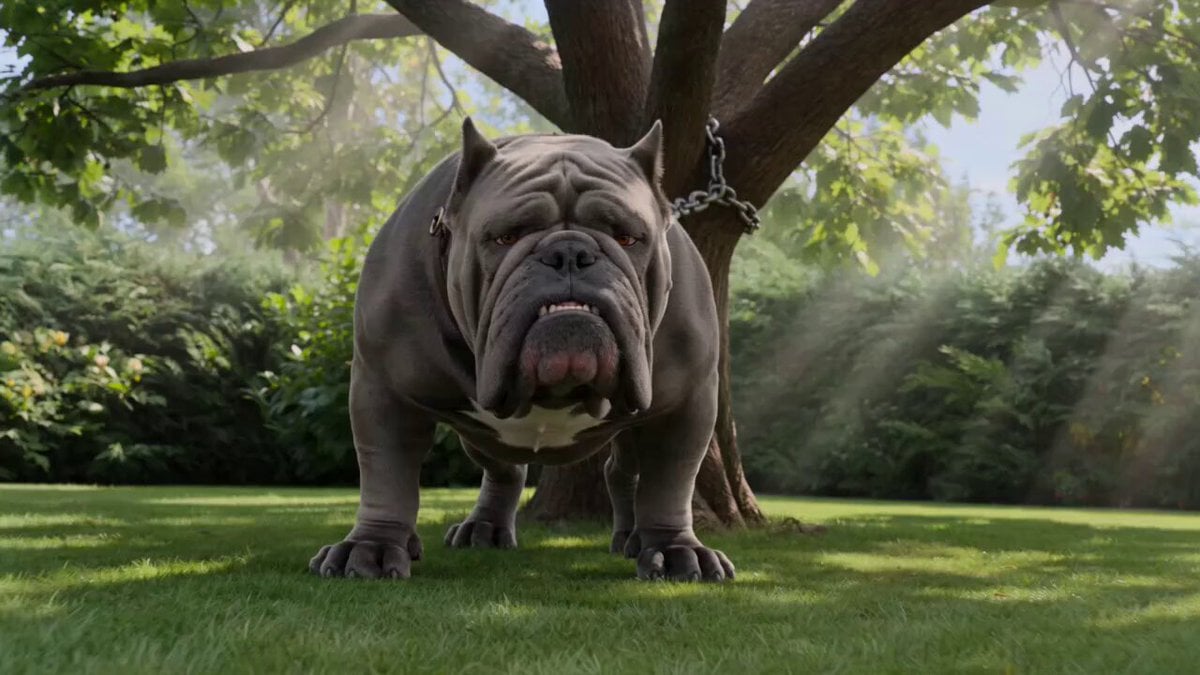
Bulldog and Cat Comedy Cinematic
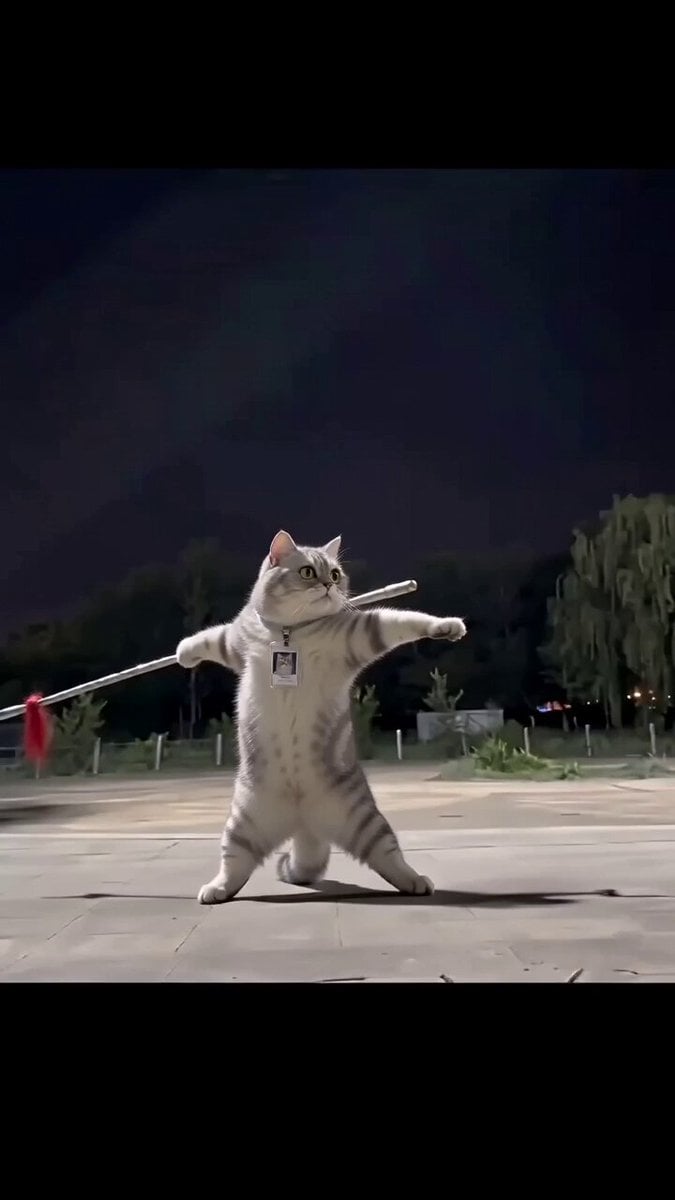
Real Animal Spear Dance Video Generation
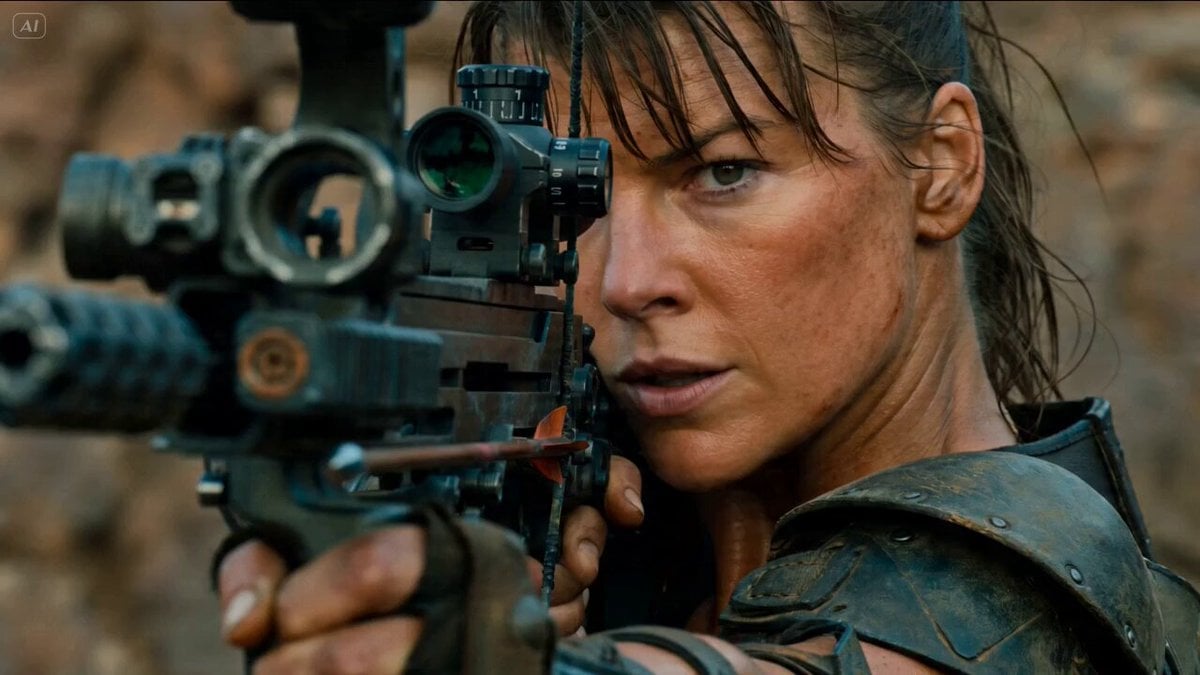
Gritty Post-Apocalyptic Survival Cinematic Setup Prompt
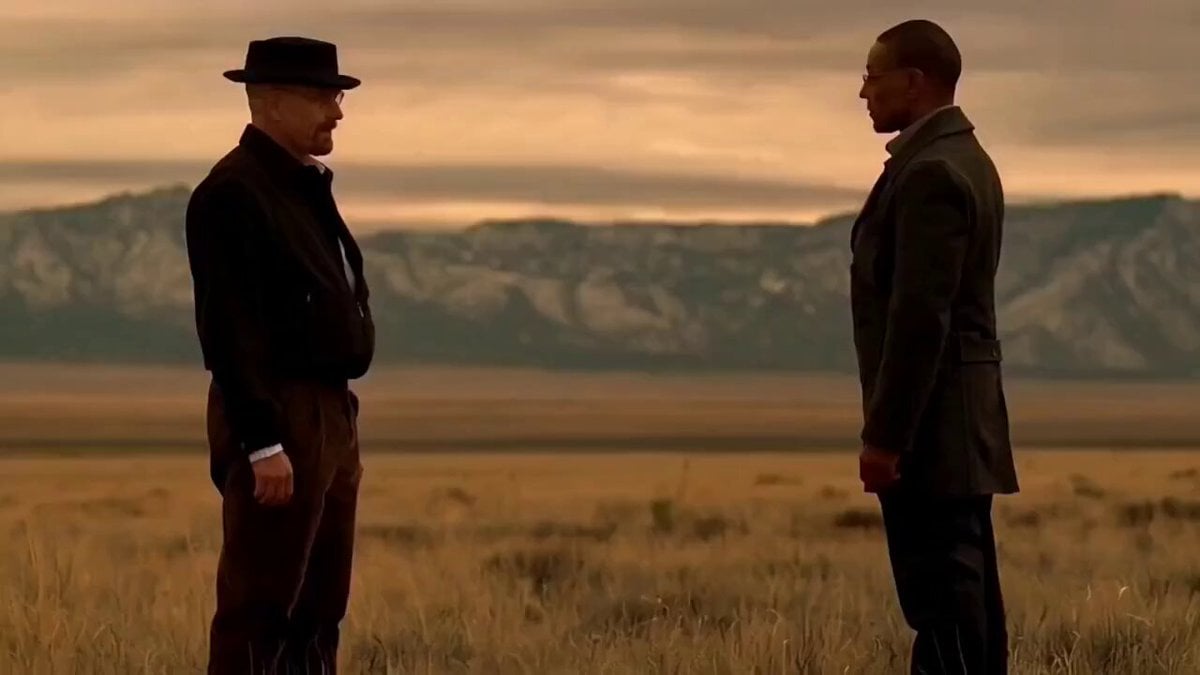
Breaking Bad AI Bro Pitch
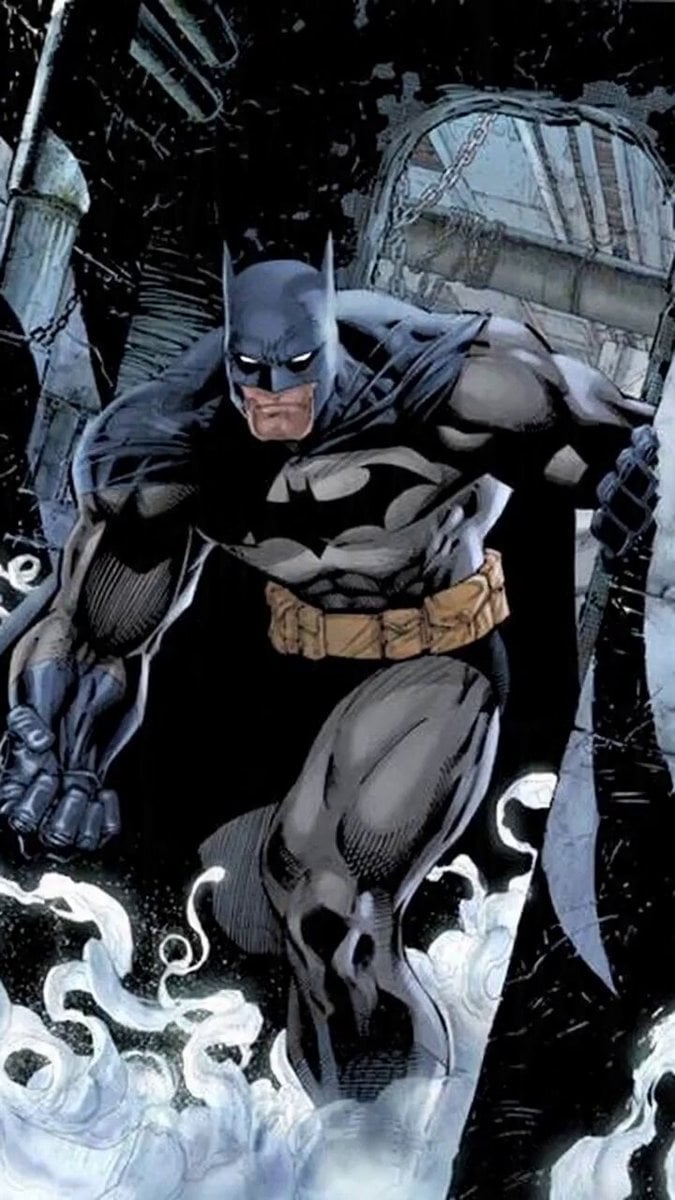
Kung Pao Chicken Plating Video Prompt
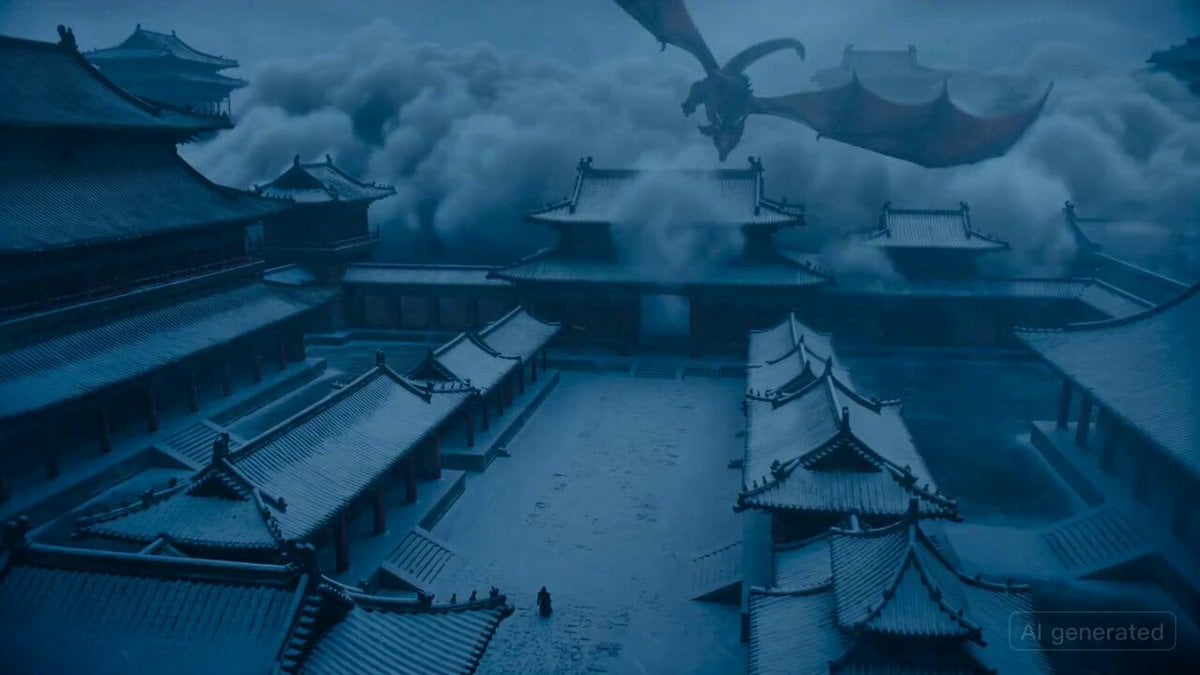
Epic fantasy scene with intense color shifts and atmosphere of oppression
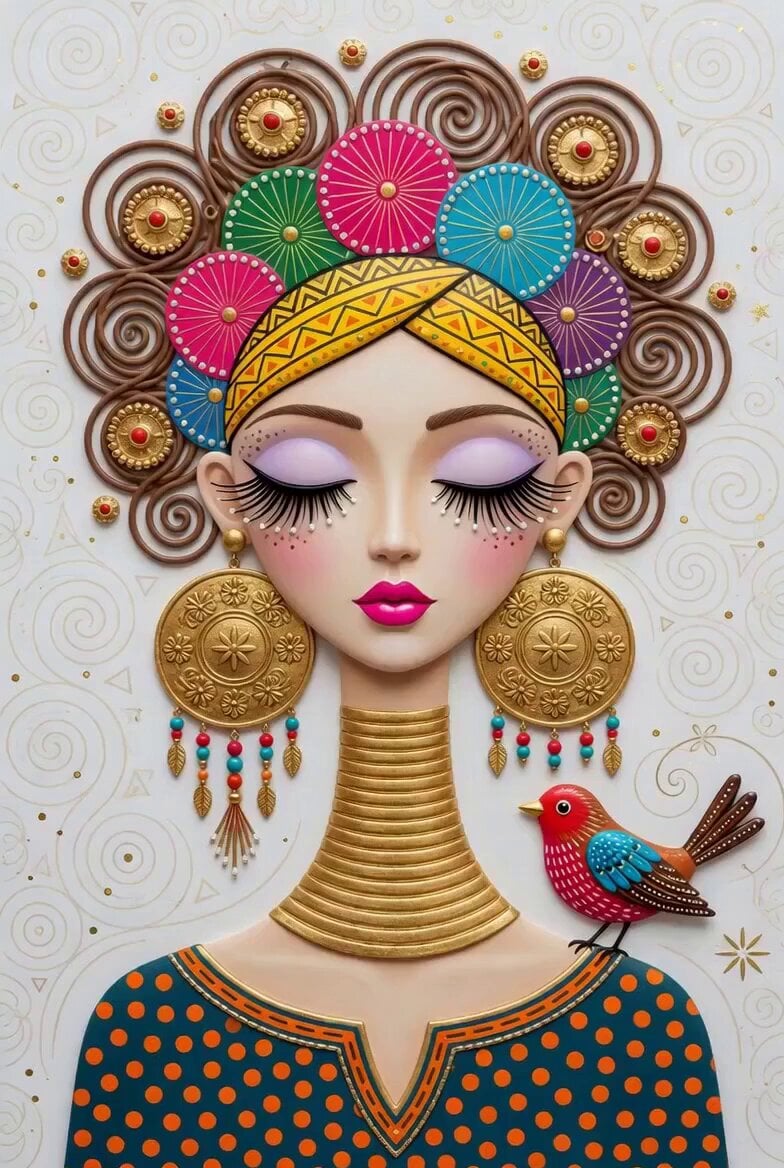
Decorative 3D Portrait
Browse template categories
The Flash Director's Prompt questions
How do I use the The Flash Director's Prompt template?
Add your photo if the template asks for one, edit the prompt if you like — the template's model and format are already selected — and press Generate. Your version opens in PicX Studio.
Can I customize the The Flash Director's Prompt template?
Yes. You can change the subject, setting, lighting, mood, format, and available model controls before creating your video.
Is the The Flash Director's Prompt template free?
Opening and editing this template is free. Generating uses credits, shown on the Generate button when you are signed in.
Which AI model should I use?
Start with Seedance 2.0, which is the model associated with this template. You can compare another compatible model for a different finish.
Looking for something else? Browse all templates.

Your photo, any look
Thousands of ready templates for every top image and video model, from one credit balance.