
Warehouse Discovery Director Script
A technical director-style prompt for Seedance 2.0 detailing camera optics, lighting geometry, and character action timing.
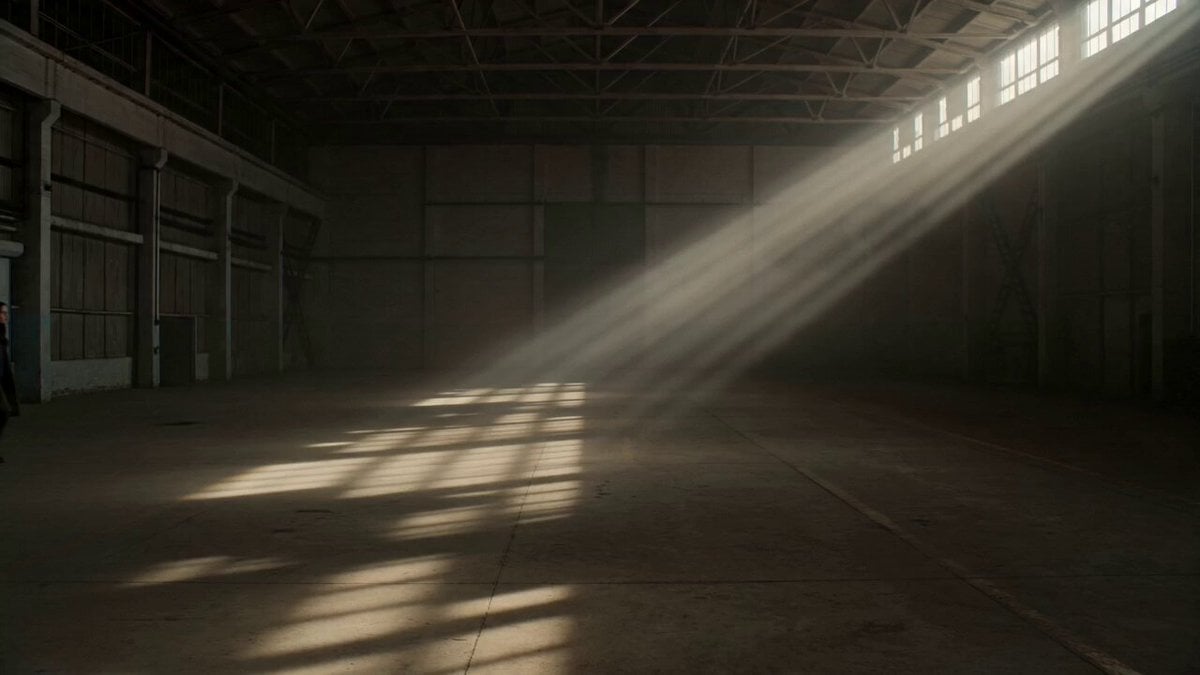
- Prompt included
- Model and format preset
- Free template
The prompt behind this video
Copy the exact prompt behind Warehouse Discovery Director Script, or open it in the studio and make it yours.
SCENE: Warehouse Discovery GEOMETRY - Woman enters frame from left edge, 10 feet from camera - Warehouse recedes into deep background (20+ feet) - High windows (frame-right and frame-top) flood space OPTICS - Static wide shot, 35mm lens equivalent - Hold 2 seconds - Then: slow push-in over 6 seconds to 85mm - Final frame: woman's face fills upper half ILLUMINATION - Sunlight from frame-right, 45-degree high angle - Sharp shadow grid from window mullions across floor - Strong contrast (5:1) — bright beam, deep shadow in corners - Warm color (5200K) - Volumetric light visible in air (dust particles catching beam) ACTION & TIMING - 0-2sec: She walks frame-left to frame-center, steady pace - 2-5sec: She stops, head down - 5-7sec: Head slowly raises, face enters light beam - 7-8sec: She pauses, eyes narrow (discovery) CONNECTION - Her movement intersects the light geometry at moment of stopping - Camera push completes as face enters brightest zone - By frame-end: she is revealed by light, not hidden
How to use Warehouse Discovery Director Script in 3 steps
- 1
Open
The prompt is already in the box next to the preview, with the template's model and format selected.
- 2…a portrait of your subject in softgolden-hour light, 85mm…
Personalize
Edit the subject and creative details for your destination.
- 3Generate
Generate
Press Generate — your video is created in PicX Studio, so you can compare it with the original and refine one variable at a time.
More like this
Templates with the same subject, style or setup. Open one to see its prompt.
Warehouse Breach to Rooftop Inferno Cinematic Script
Ancient Alien Machine Discovery Sequence

High Fashion Industrial Warehouse Scene
Cinematic Abandoned Warehouse Horror Scene

Rhinoceros Underwater Coral Reef Discovery
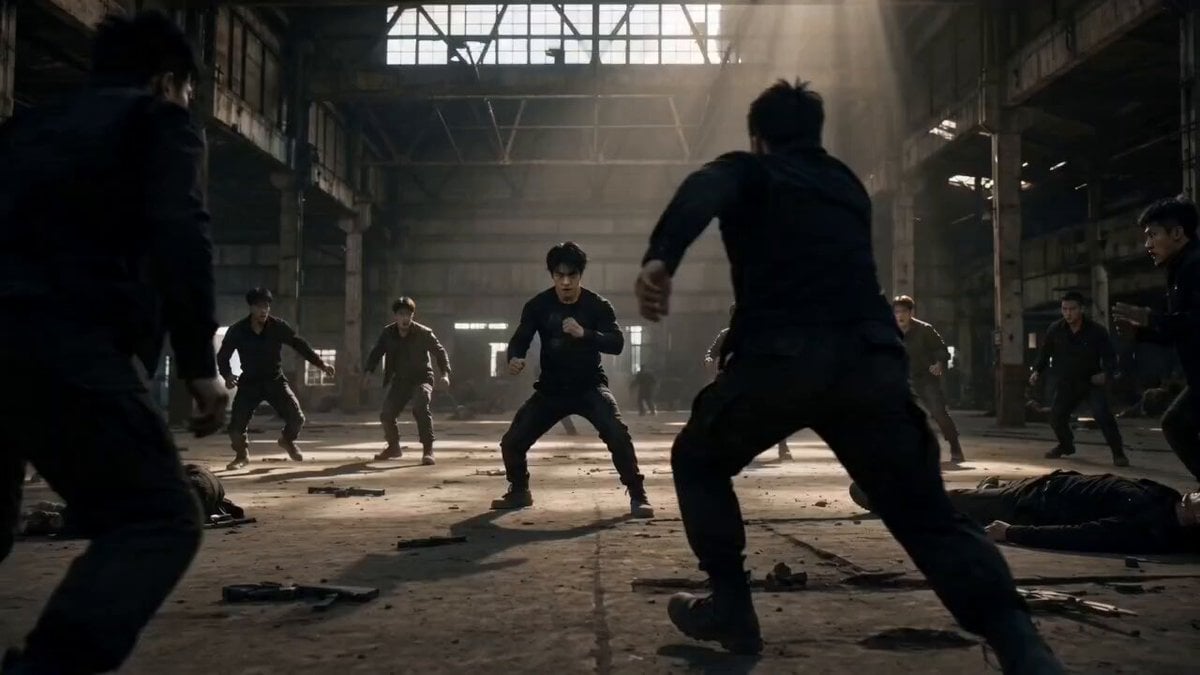
Martial Arts Warehouse Combat Sequence

Professional TikTok Video Director Instruction
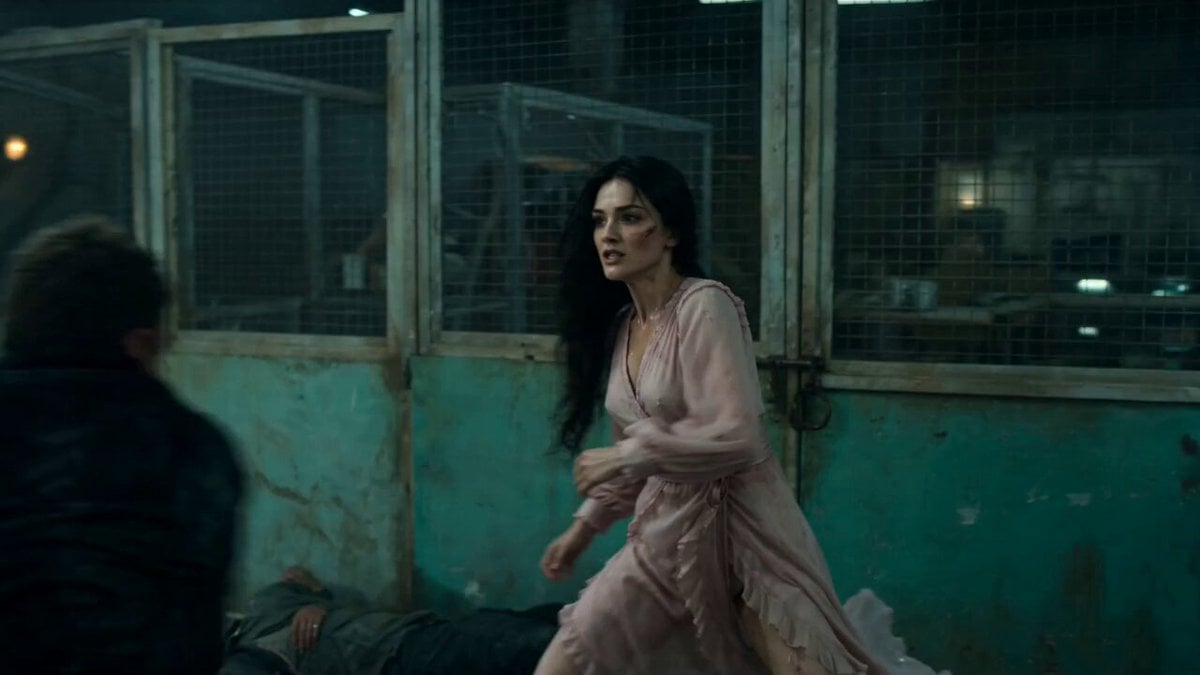
Warehouse Combat Video Sequence
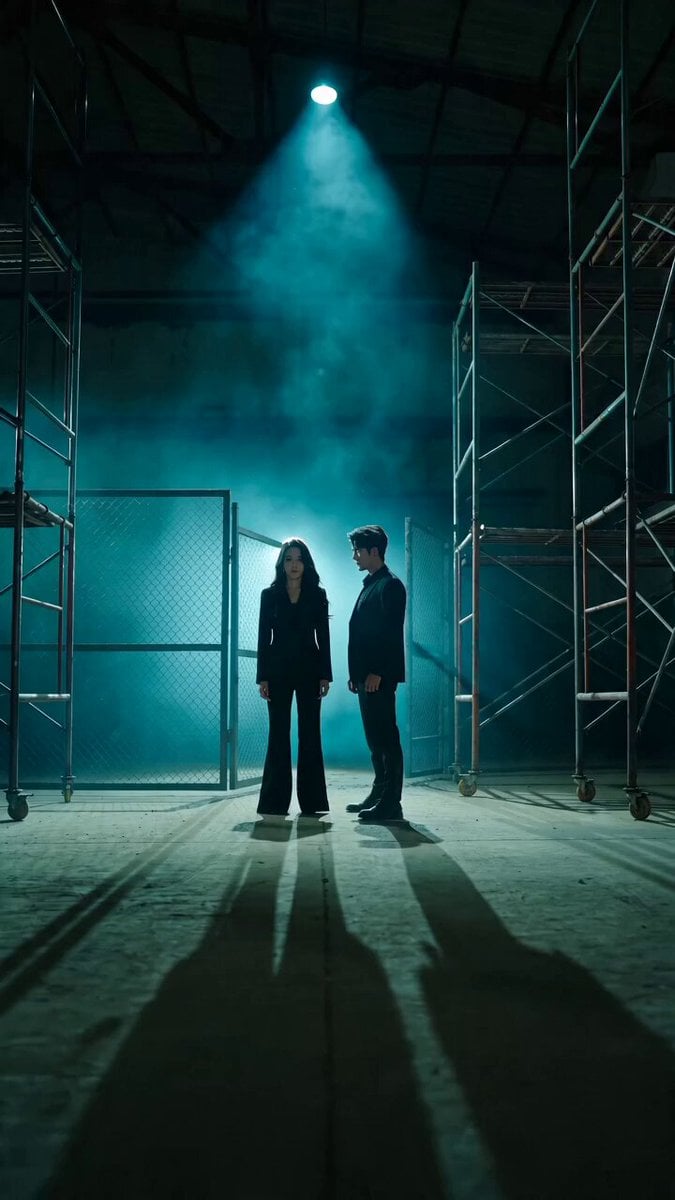
Bodyguard Action Warehouse Sequence
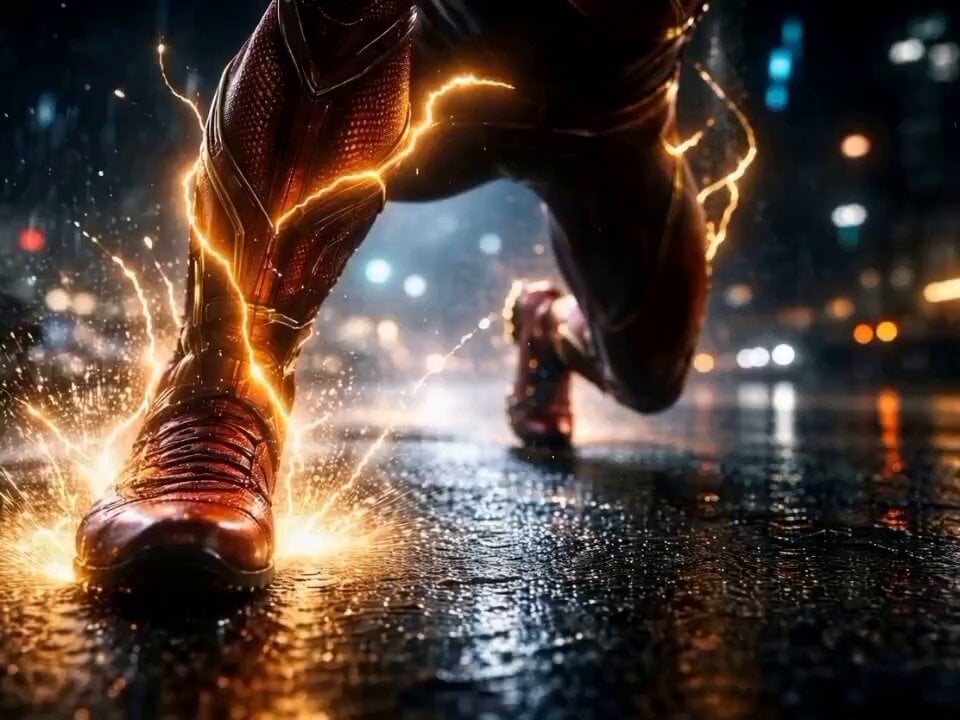
The Flash Director's Prompt

Amazon Civilization Discovery
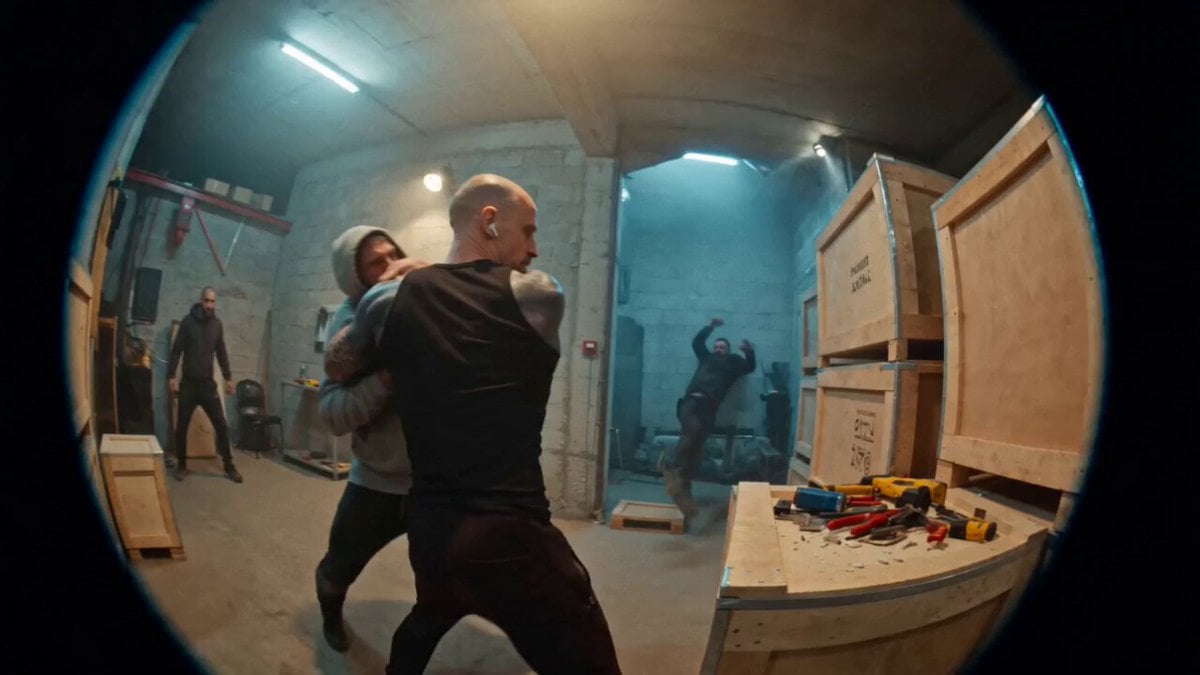
Urban Warehouse Street Fight Sequence
Make it yours
Warehouse Discovery Director Script works as-is. These are the safest ways to change it without losing the look.
Change one field
Copy a single group, rewrite it, and generate again so you can see what that field is doing.
Keep the frame, change the subject
Hold the composition and light of Warehouse Discovery Director Script, then swap wardrobe, props or the person for a new take.
| If the result… | Why | Fix |
|---|---|---|
| The result drifts from the preview | Too many fields changed at once. | Reuse Warehouse Discovery Director Script as-is first, then change one group — subject, light, or setting. |
| The model over-stylizes the scene | The prose prompt leaves finish and camera underspecified. | Add one camera or lighting sentence and stay on Seedance 2.0. |
More Seedance 2.0 templates
Other prompts made for Seedance 2.0.

Comical Martial Arts Punch Scene

Maglev Train Action Sequence

Martial Arts Fight Sequence

Wuxia Protection and Trust Script

Vintage Korean Arcade MiniDV Vlog

Mercedes 190 SL Luxury Ad

Rainy Night Supernatural Reverse Comedy Video Script

Futuristic South Asian City Transformation

Cozy Luxury Cafe Commercial

Cyber Ronin Nanotech Transformation Video
More video prompts
Fresh picks from across the catalog.

Single-Shot Cat Martial Arts Comedy
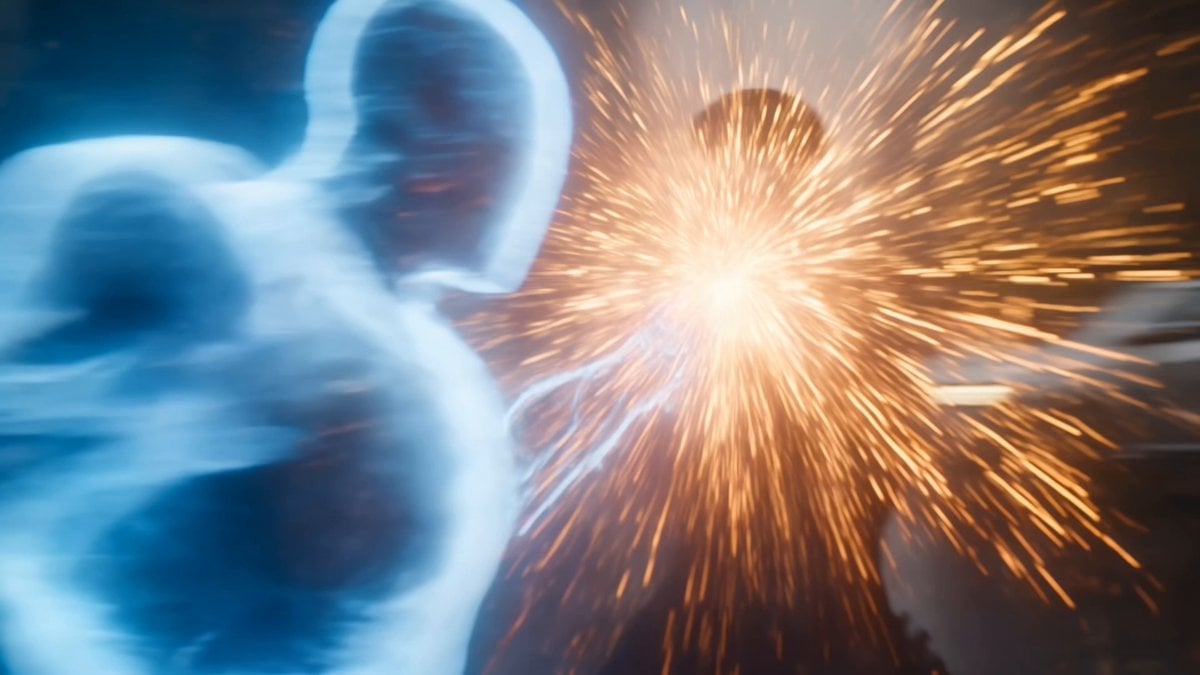
Martial Arts Cyborg Battle and Transformation
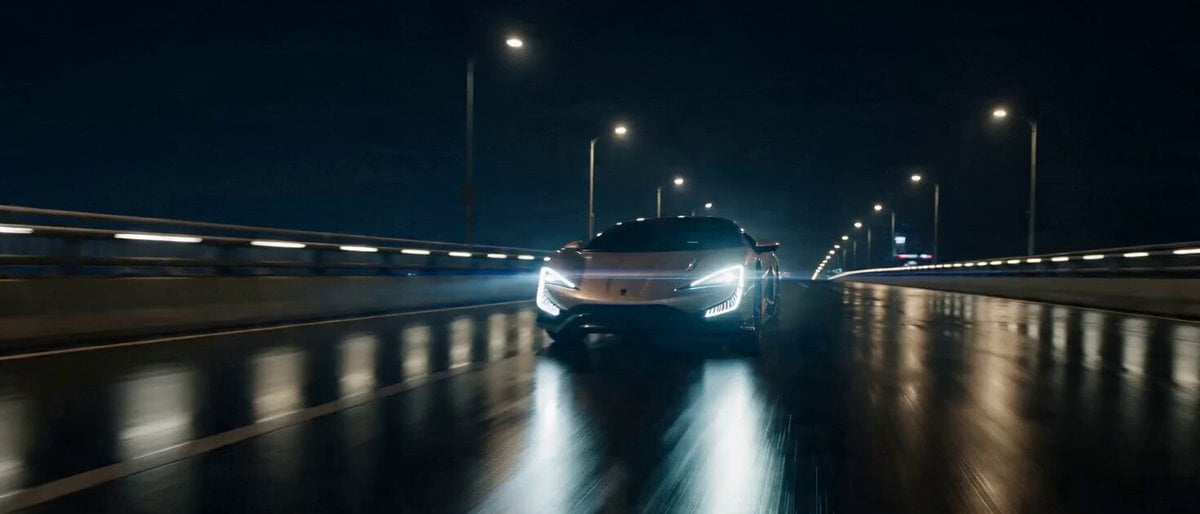
Commercial Visual Blockbuster Prompt for Seedance 2.0

Highly detailed 3D Art Deco embroidery of an elegant young woman and a white fox
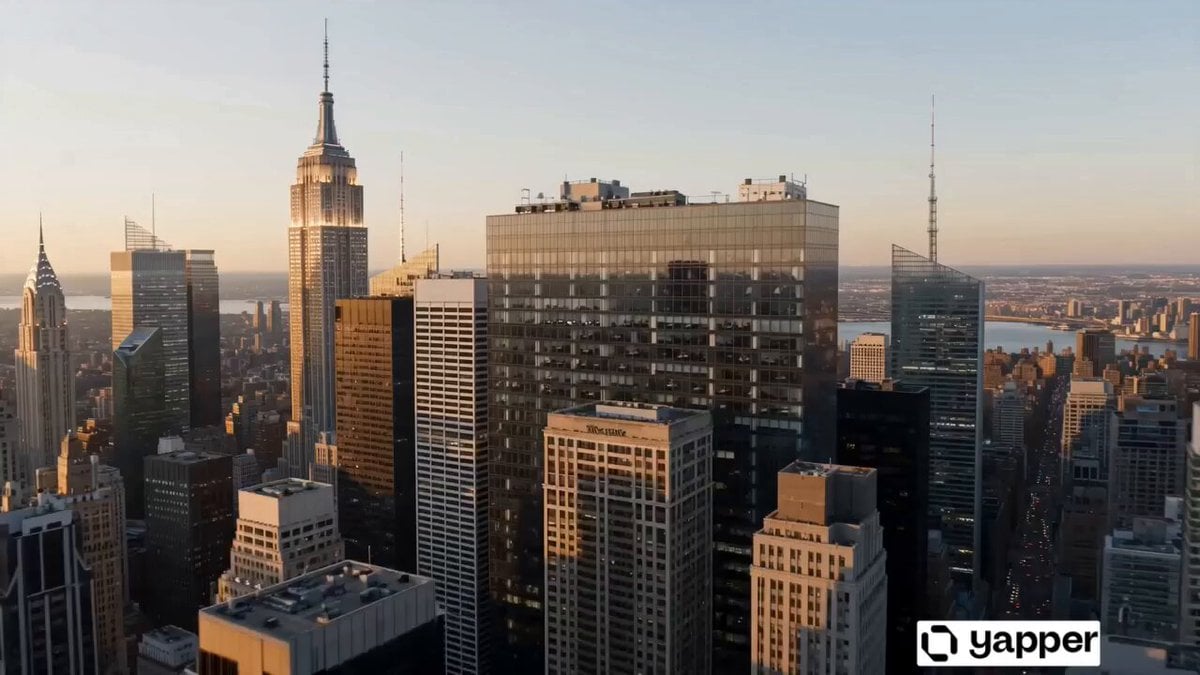
World Evolution Cinematic Animation

Documentary Tortilla Flip Action Sequence
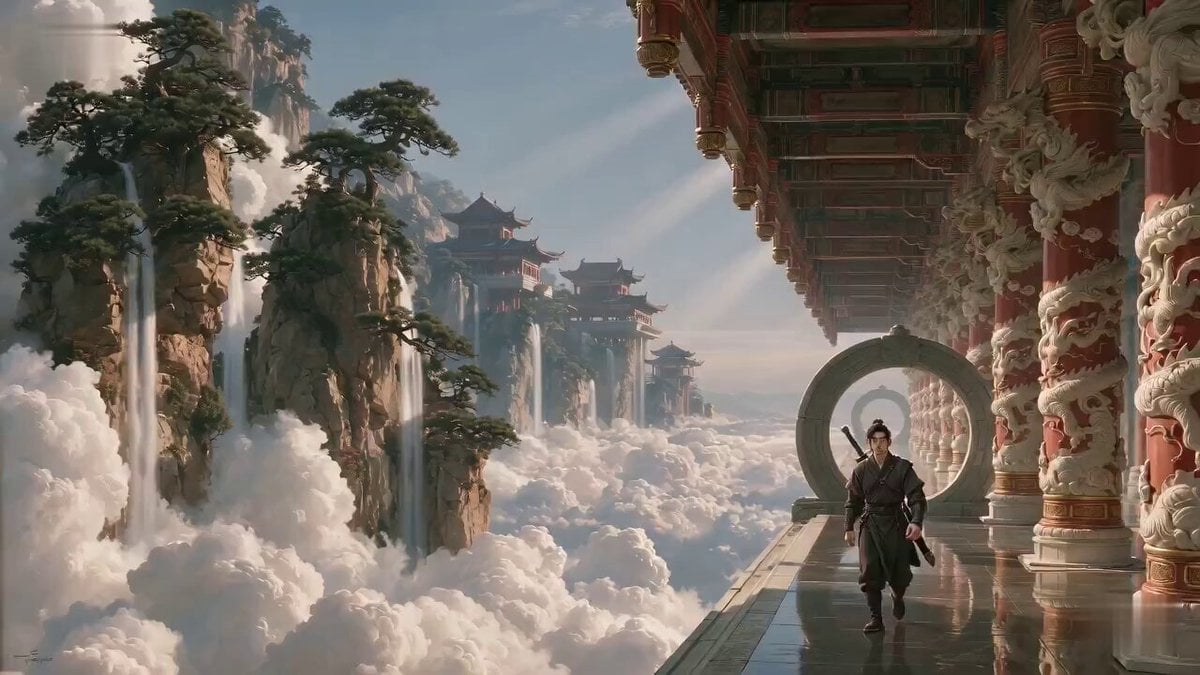
Xianxia Salary Increase Challenge Comedy
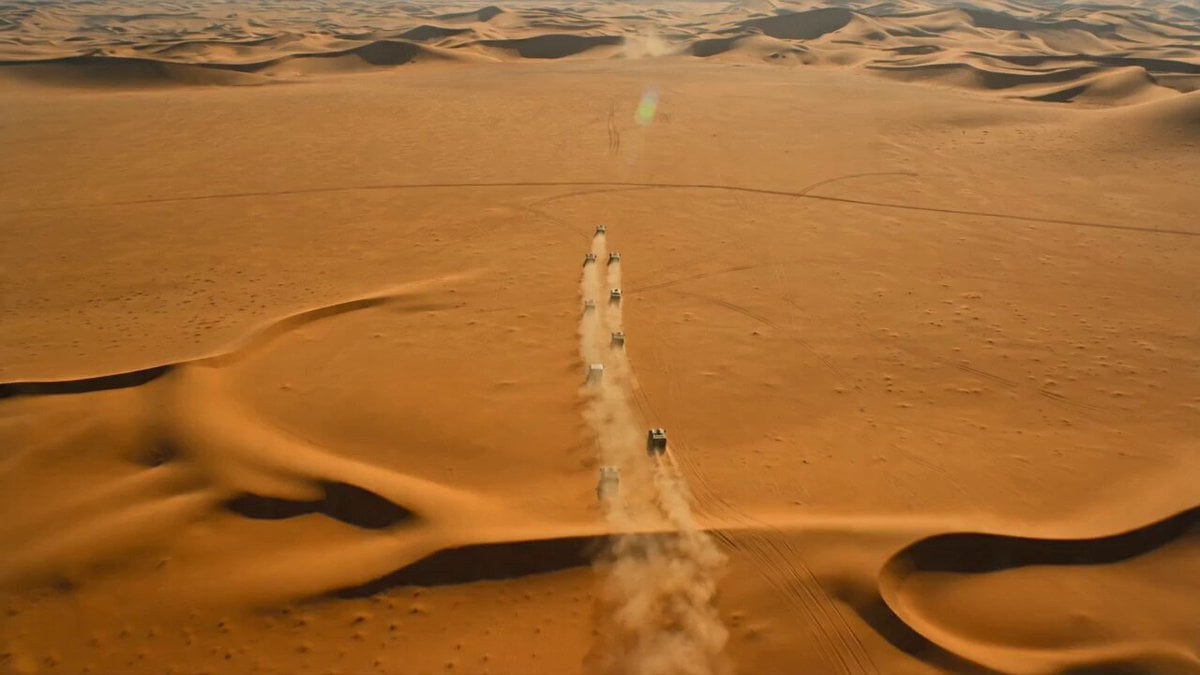
Armored Convoy Desert Action Prompt for Seedance 2.0
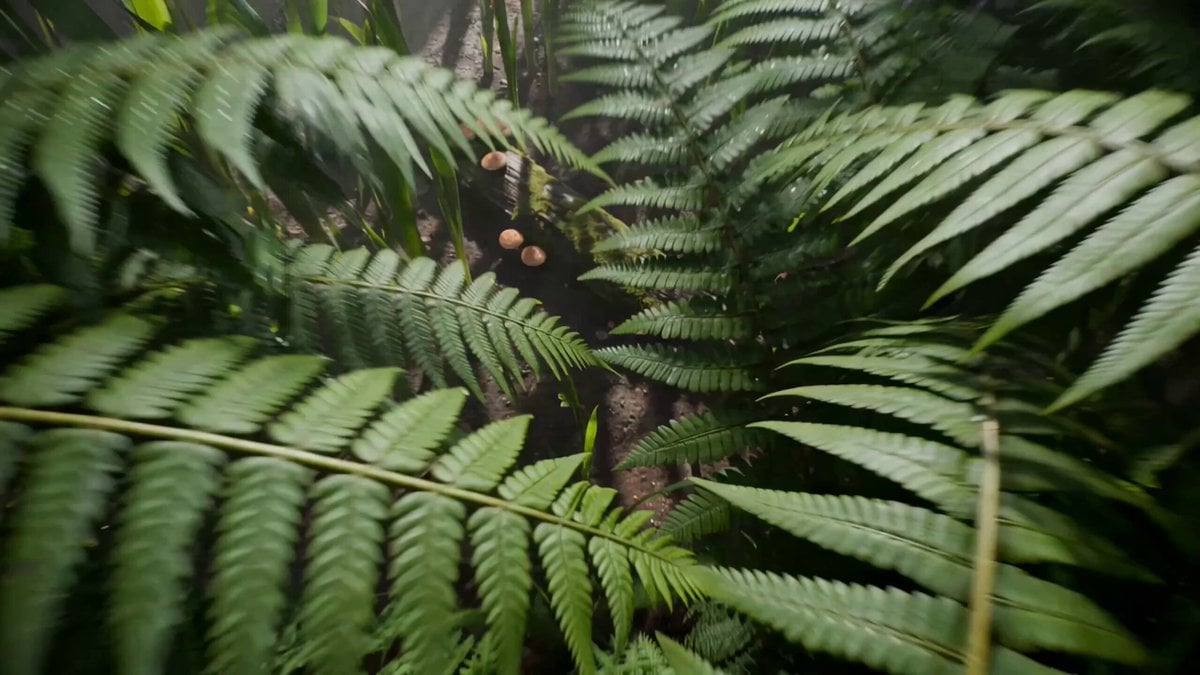
Cybernetic Beetle Macro Chase
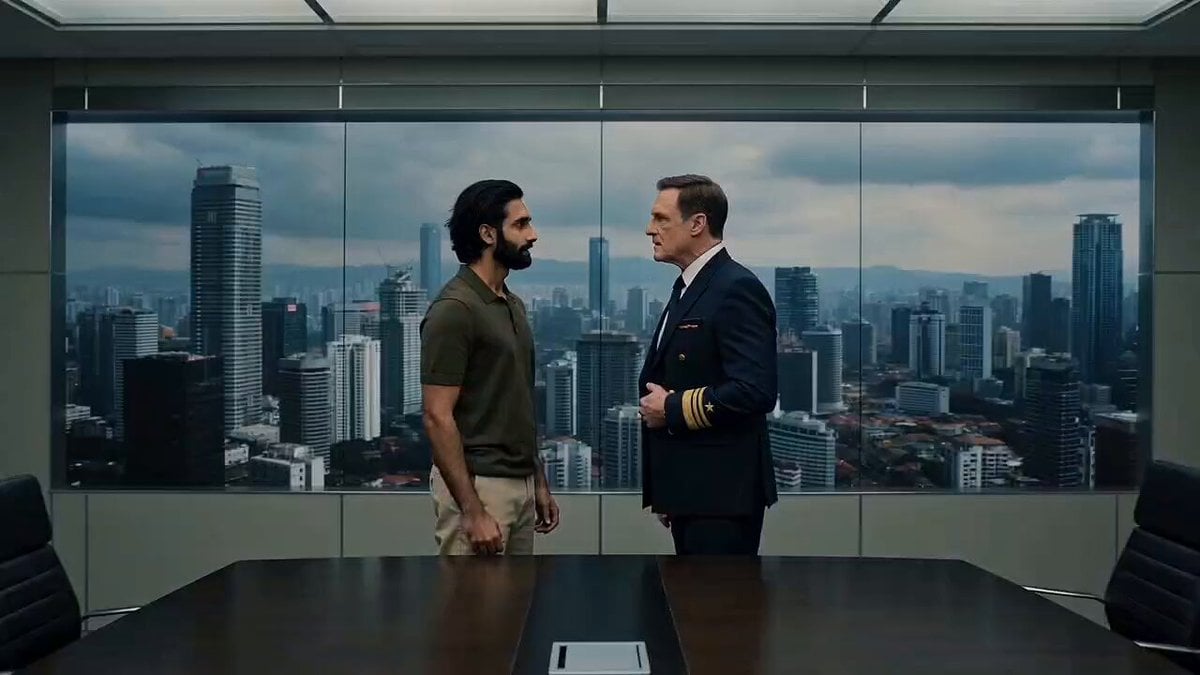
Office Boardroom Tension with Twist
Browse template categories
Warehouse Discovery Director Script questions
How do I use the Warehouse Discovery Director Script template?
Add your photo if the template asks for one, edit the prompt if you like — the template's model and format are already selected — and press Generate. Your version opens in PicX Studio.
Can I customize the Warehouse Discovery Director Script template?
Yes. You can change the subject, setting, lighting, mood, format, and available model controls before creating your video.
Is the Warehouse Discovery Director Script template free?
Opening and editing this template is free. Generating uses credits, shown on the Generate button when you are signed in.
Which AI model should I use?
Start with Seedance 2.0, which is the model associated with this template. You can compare another compatible model for a different finish.
Looking for something else? Browse all templates.

Your photo, any look
Thousands of ready templates for every top image and video model, from one credit balance.