
Bodyguard Action Warehouse Sequence
A high-action cinematic prompt featuring a loyal bodyguard protecting a client in a gritty warehouse with teal lighting and dynamic movement.
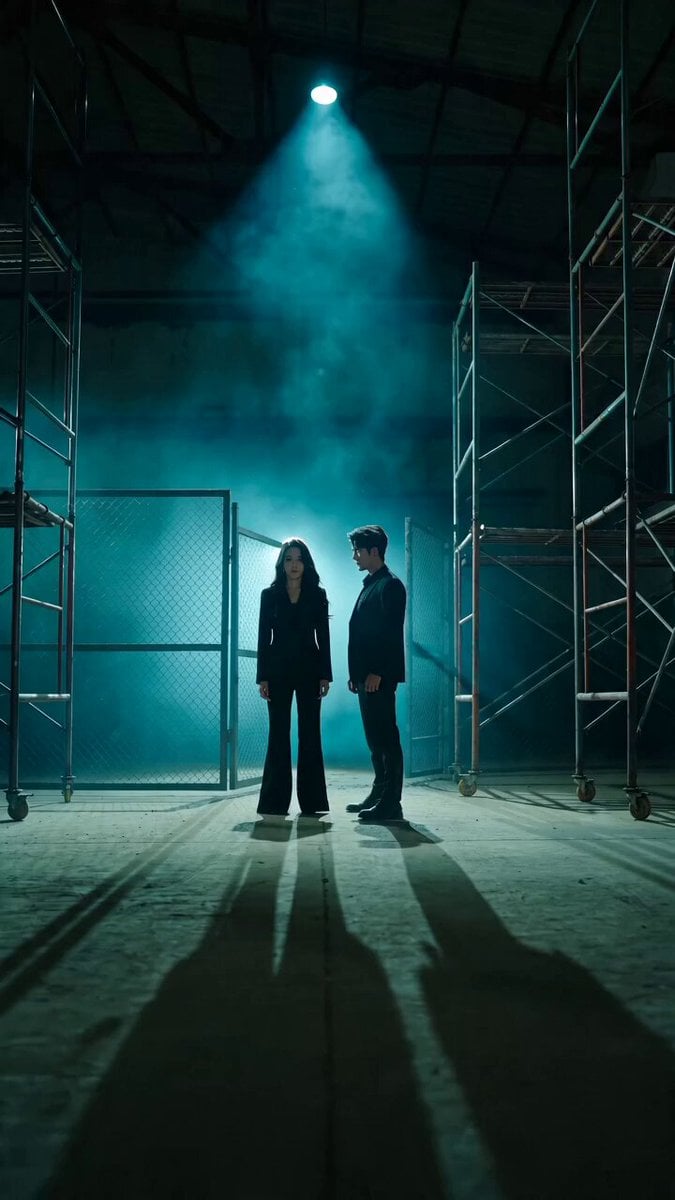
- Prompt included
- Model and format preset
- Premium template
The prompt behind this video
Copy the exact prompt behind Bodyguard Action Warehouse Sequence, or open it in the studio and make it yours.
A cinematic 15-second action sequence set inside a dark, gritty industrial warehouse at night, featuring moody teal-green lighting, chain-link fences, metal scaffolding, peeling green walls, and floating dust particles. A powerful, elegant East Asian Boss Lady wears a sleek black pantsuit with long flowing black hair and a calm, commanding expression. Standing beside her is a handsome, athletic male bodyguard in an all-black tailored suit with a heroic presence. As multiple attackers rush in, the bodyguard instantly steps in front of the Boss Lady, protecting her with lightning-fast punches, powerful kicks, evasive movements, and cinematic takedowns. The Boss Lady remains composed and confident, watching as her protector defeats every attacker. The sequence ends with the bodyguard standing protectively beside the Boss Lady as they walk forward together in slow motion, dust swirling around them. Handheld and tracking camera shots, dramatic low angles, realistic fabric movement, cinematic motion blur, ultra-detailed choreography, film-quality lighting, emotional heroism, 4K ultra-realistic cinematic masterpiece.
How to use Bodyguard Action Warehouse Sequence in 3 steps
- 1
Open
The prompt is already in the box next to the preview, with the template's model and format selected.
- 2…a portrait of your subject in softgolden-hour light, 85mm…
Personalize
Edit the subject and creative details for your destination.
- 3Generate
Generate
Press Generate — your video is created in PicX Studio, so you can compare it with the original and refine one variable at a time.
More like this
Templates with the same subject, style or setup. Open one to see its prompt.
Warehouse Action Sequence Prompt
Walking Factory with Rebel on Hoverbike - Wasteland
Thornmaw Monarch — Crimson Glass Desert Beast
Warhorse Sprint on Cliff Aqueduct
Parametric Fight Scenes Seedance
Nano Banana Seedance Time Control Streets
Colossal Sea Creature — Stormy Shore Charge (Seedance)
Skybridge Rescue — Supertall Tower Collapse (Seedance)
Highway Biker — Aggressive Lane Split (PixVerse C1)
Bullet Time Selfie — Modular Parameter Template (Seedance)
Dragon Rescue — Volcanic Kingdom Collapse (Seedance)
Swordsman vs Shadow Monster — Bamboo Forest Battle
Make it yours
Bodyguard Action Warehouse Sequence works as-is. These are the safest ways to change it without losing the look.
Change one field
Copy a single group, rewrite it, and generate again so you can see what that field is doing.
Keep the frame, change the subject
Hold the composition and light of Bodyguard Action Warehouse Sequence, then swap wardrobe, props or the person for a new take.
| If the result… | Why | Fix |
|---|---|---|
| The result drifts from the preview | Too many fields changed at once. | Reuse Bodyguard Action Warehouse Sequence as-is first, then change one group — subject, light, or setting. |
| The model over-stylizes the scene | The prose prompt leaves finish and camera underspecified. | Add one camera or lighting sentence and stay on Seedance 2.0. |
More Seedance 2.0 templates
Other prompts made for Seedance 2.0.

Comical Martial Arts Punch Scene

Martial Arts Fight Sequence

Wuxia Protection and Trust Script

Vintage Korean Arcade MiniDV Vlog

Mercedes 190 SL Luxury Ad

Rainy Night Supernatural Reverse Comedy Video Script

Amazon Civilization Discovery

Futuristic South Asian City Transformation

Cozy Luxury Cafe Commercial
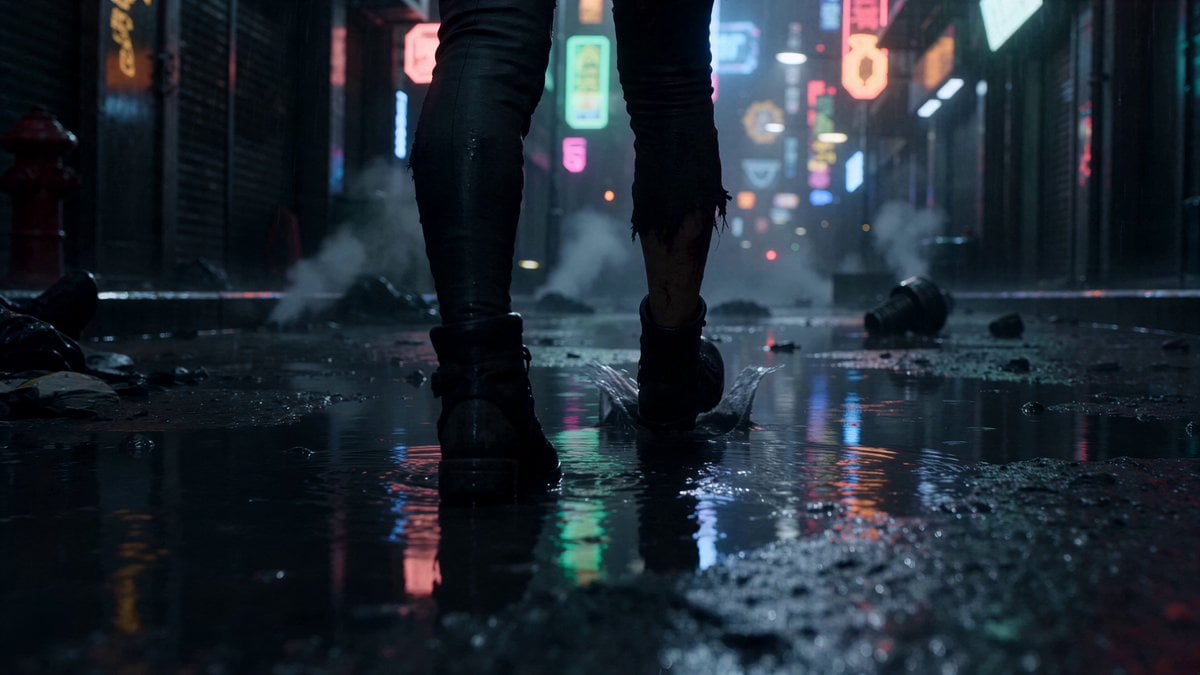
Cyber Ronin Nanotech Transformation Video
More video prompts
Fresh picks from across the catalog.

Swordsman Duel: Exposed Sword Styles
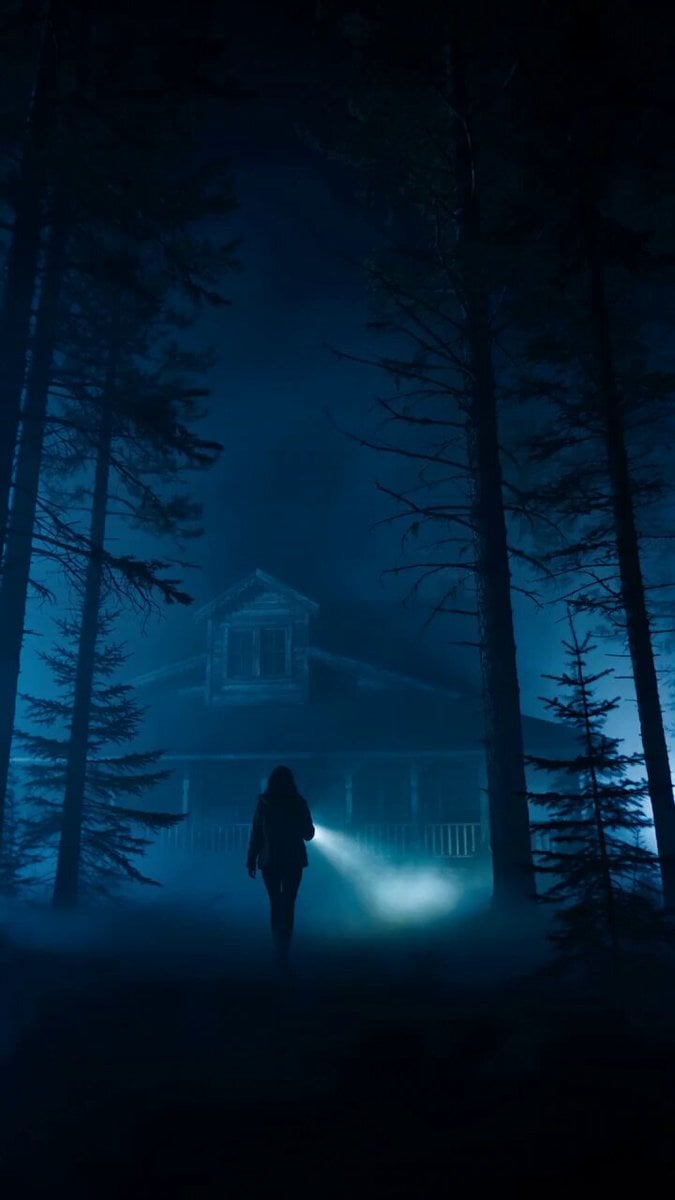
Cinematic Horror Thriller Video Prompt
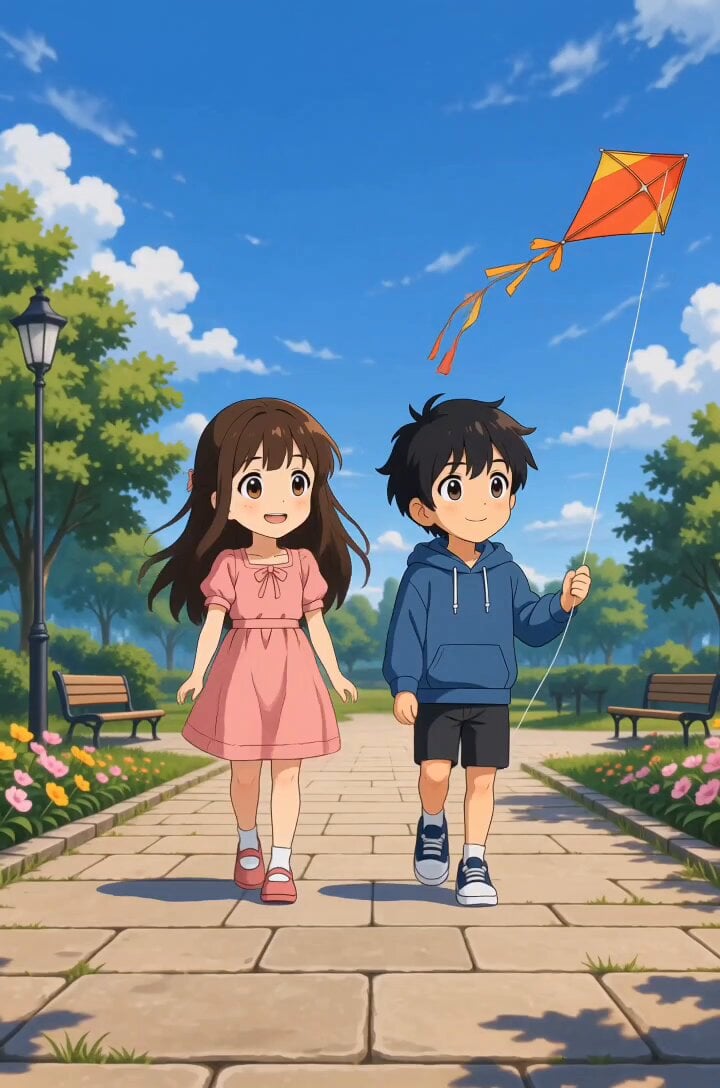
Anime Style Kite Flying Adventure
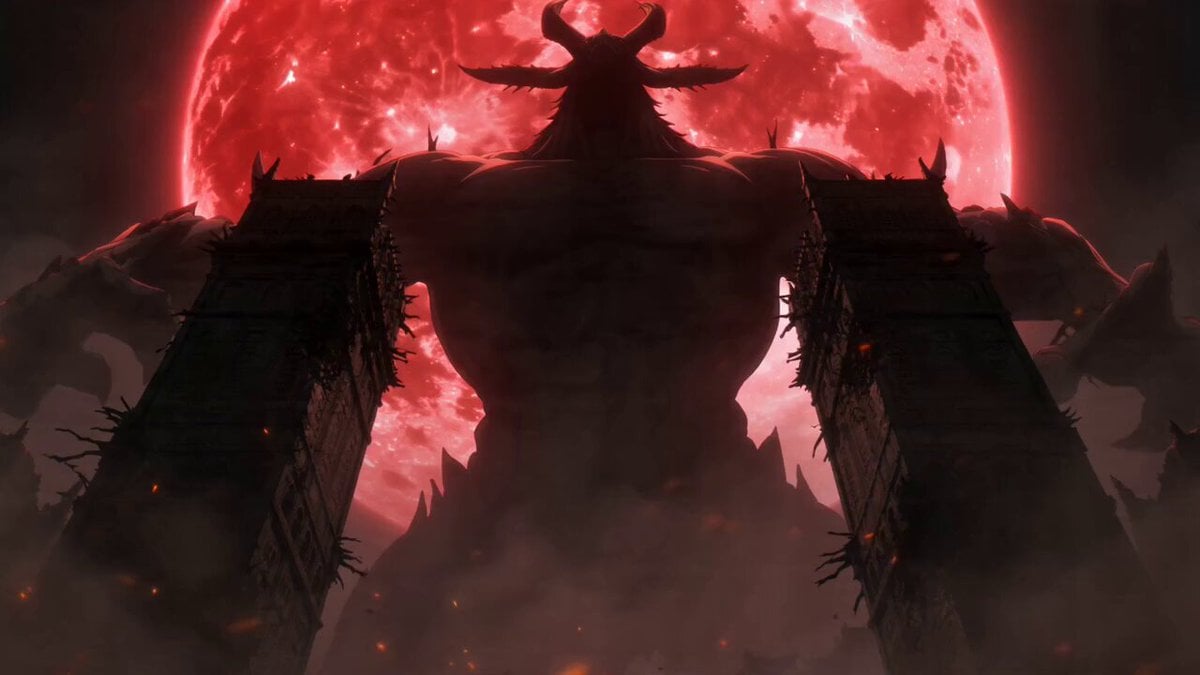
Dark Fantasy Anime Swordsman vs Demon
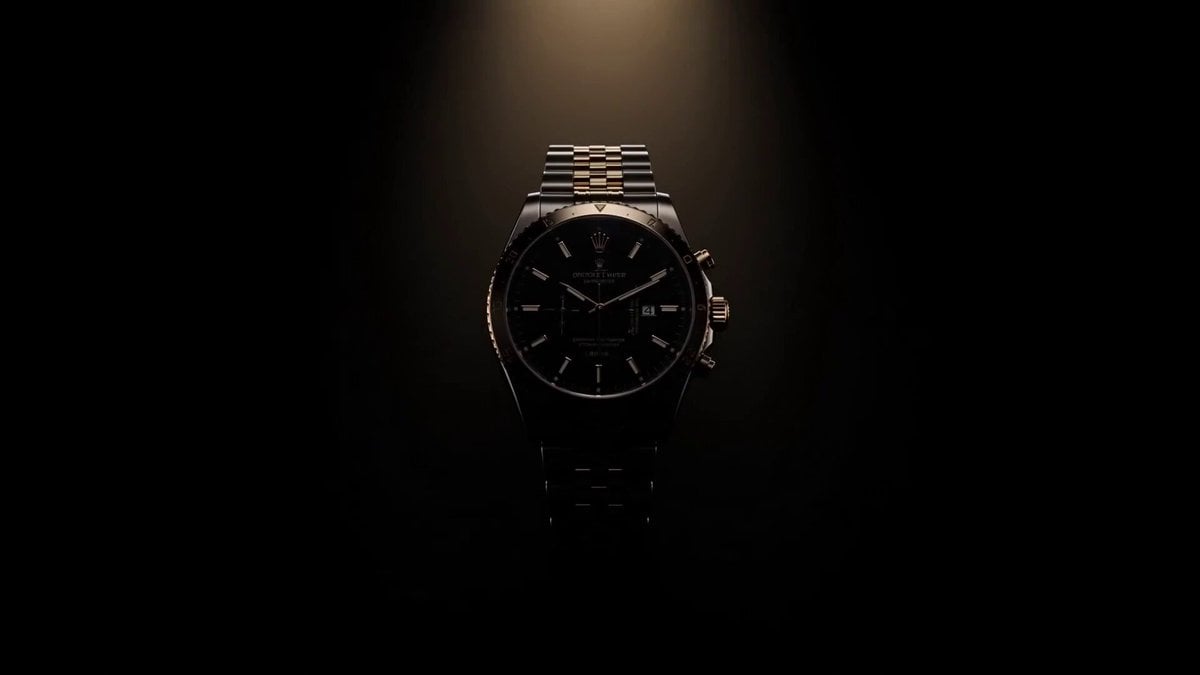
Luxury Watch Commercial Animation
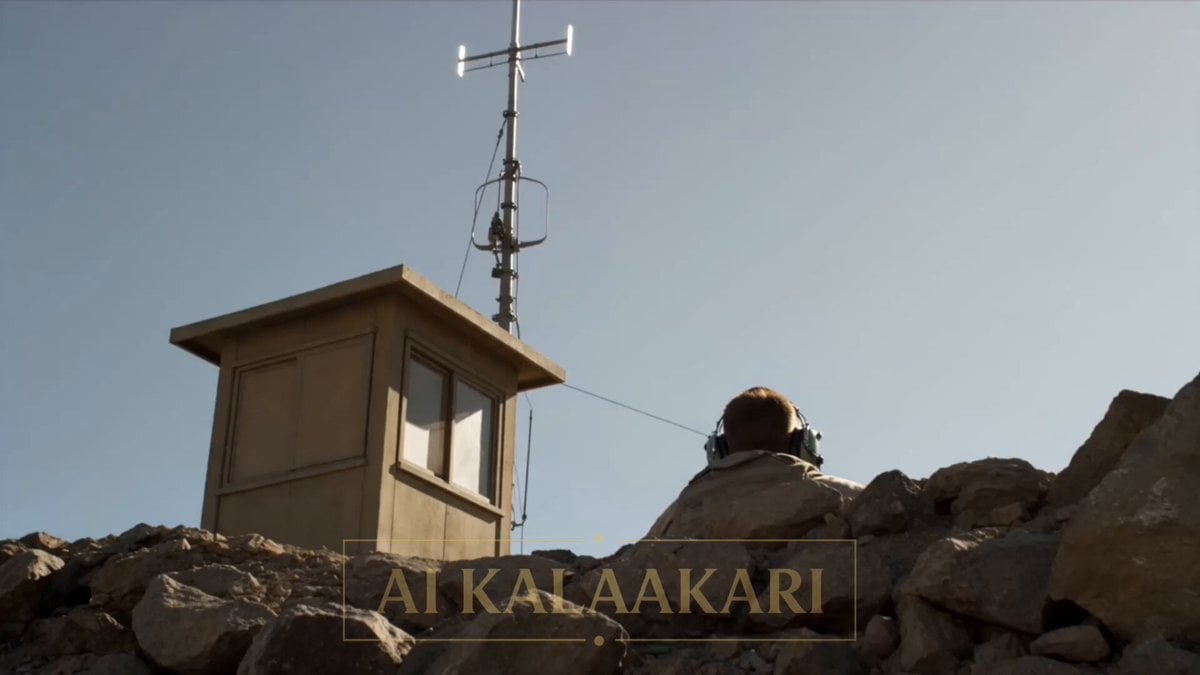
Giant Scorpion Ridge Ambush

Nostalgic Dream Meadow Sequence

Mice and Rabbits in Blowing Winds
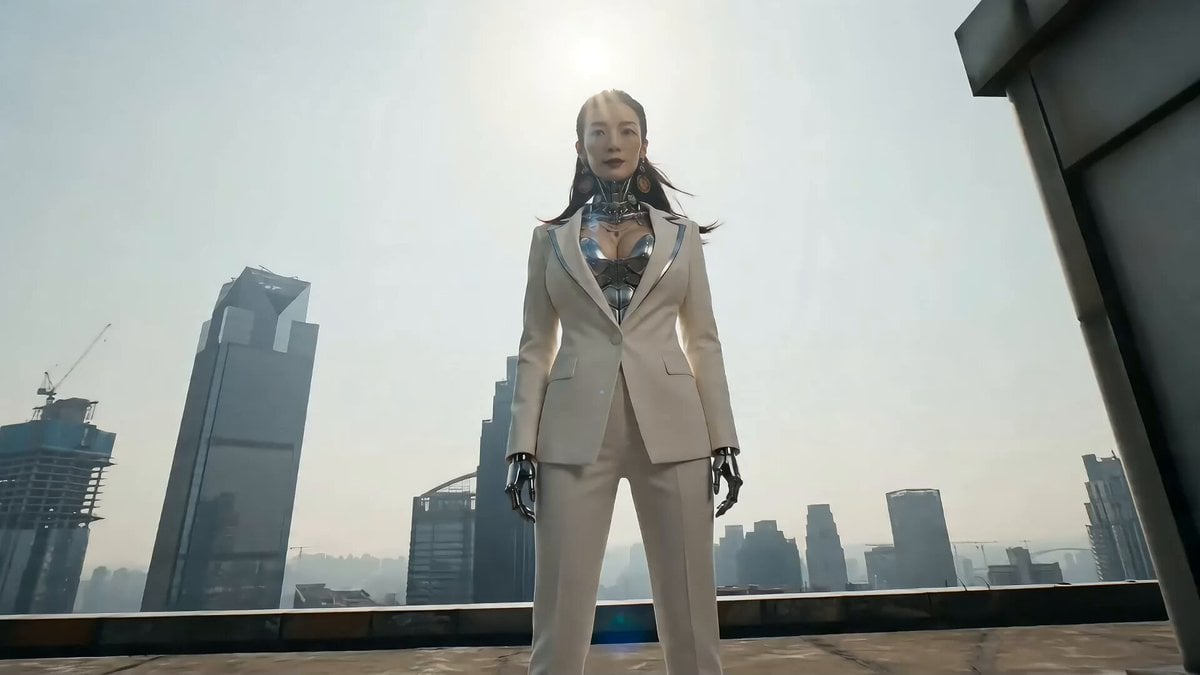
Cyberpunk Action Sequence: Elegant Female Agent Jumps from Skyscraper to Moving Car
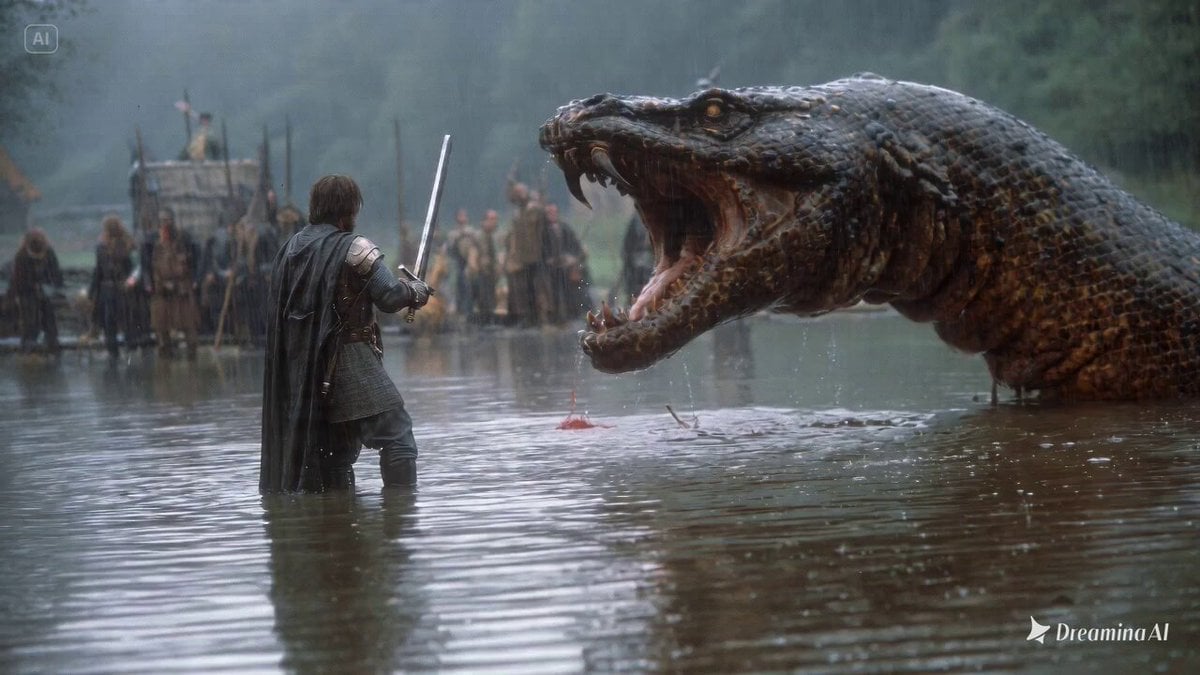
1980s fantasy film scene of a knight fighting a lake monster
Browse template categories
Bodyguard Action Warehouse Sequence questions
How do I use the Bodyguard Action Warehouse Sequence template?
Add your photo if the template asks for one, edit the prompt if you like — the template's model and format are already selected — and press Generate. Your version opens in PicX Studio.
Can I customize the Bodyguard Action Warehouse Sequence template?
Yes. You can change the subject, setting, lighting, mood, format, and available model controls before creating your video.
Is the Bodyguard Action Warehouse Sequence template free?
Opening and editing this template is free. Generating uses credits, shown on the Generate button when you are signed in.
Which AI model should I use?
Start with Seedance 2.0, which is the model associated with this template. You can compare another compatible model for a different finish.
Looking for something else? Browse all templates.

Your photo, any look
Thousands of ready templates for every top image and video model, from one credit balance.