
Warehouse Breach to Rooftop Inferno Cinematic Script
A highly structured, multi-shot prompt/script for Seedance 2.0 detailing a 15-second first-person action sequence, including specific camera work, scene transitions, and action choreography, moving from a warehouse…
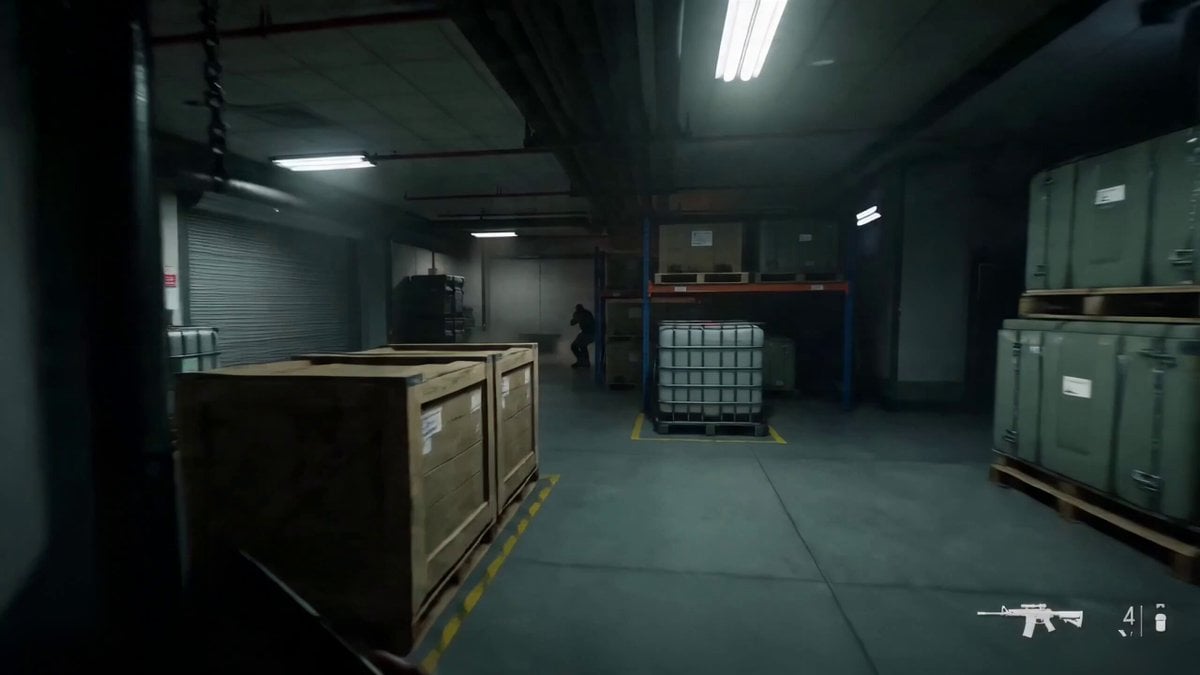
- Prompt included
- Model and format preset
- Premium template
The prompt behind this video
Copy the exact prompt behind Warehouse Breach to Rooftop Inferno Cinematic Script, or open it in the studio and make it yours.
FORMAT: 15s / 8 SHOTS / first-person action / no dialogue STYLE: photoreal action cinema, extreme handheld POV, natural recoil, fast target acquisition, close-quarters pistol choreography, hard impacts, muzzle flash lighting, practical debris, realistic reloads, warm-cool cinematic contrast Scene 1: Warehouse Breach to Rooftop Inferno Shot 01 (0:00-0:02) First-person POV sprinting through a dim industrial warehouse, pistol raised low, weaving between metal crates and hanging chains, harsh overhead lights flickering. Shot 02 (0:02-0:04) A hostile pops out from behind stacked pallets; two fast center-mass handgun shots, bright muzzle flashes lighting the dust and steel beams. Shot 03 (0:04-0:06) Hard left turn through a narrow aisle, one enemy rushes close; the shooter slams the pistol frame into the attacker’s face, shoves him into a pipe rack, then fires one tight follow-up shot. Shot 04 (0:06-0:08) Slide behind a forklift as bullets spark off yellow metal, fast magazine swap in frame, empty mag drops past camera, fresh mag slammed home. Shot 05 (0:08-0:10) Explosive push through a side corridor, glass office windows shattering, a gas cylinder erupts behind, showering sparks and fragments across the floor. Shot 06 (0:10-0:12) The shooter kicks open huge steel doors and bursts onto a vast rooftop at golden hour, camera exposure blooms into warm orange skyline light. Shot 07 (0:12-0:14) Sweeping fast pan reveals a sprawling cyberpunk city horizon while the pistol snaps toward one last rooftop threat; two quick shots, shell casings flying past the lens. Shot 08 (0:14-0:15) A massive chain-reaction explosion erupts behind, fireball and shockwave rolling across the roof as the camera staggers forward into the sunset glow.
How to use Warehouse Breach to Rooftop Inferno Cinematic Script in 3 steps
- 1
Open
The prompt is already in the box next to the preview, with the template's model and format selected.
- 2…a portrait of your subject in softgolden-hour light, 85mm…
Personalize
Edit the subject and creative details for your destination.
- 3Generate
Generate
Press Generate — your video is created in PicX Studio, so you can compare it with the original and refine one variable at a time.
More like this
Templates with the same subject, style or setup. Open one to see its prompt.
Rooftop Parkour Motion Control
Luxury Lifestyle Day Vlog
Warehouse Discovery Director Script
Vertical City — São Paulo Parkour at Sunset
Anime Fantasy Rooftop Combat Sequence

Cinematic Anime Night City Rooftop

Wuxia Protection and Trust Script
Wuxia Letting Go Drama Script

Cyberpunk Parkour Anime Script
Whale Breaching Through Rising Tide
Samurai Duel in Stormy Rooftop
Morning Skincare Routine Vlog Script
Make it yours
Warehouse Breach to Rooftop Inferno Cinematic Script works as-is. These are the safest ways to change it without losing the look.
Change one field
Copy a single group, rewrite it, and generate again so you can see what that field is doing.
Keep the frame, change the subject
Hold the composition and light of Warehouse Breach to Rooftop Inferno Cinematic Script, then swap wardrobe, props or the person for a new take.
| If the result… | Why | Fix |
|---|---|---|
| The result drifts from the preview | Too many fields changed at once. | Reuse Warehouse Breach to Rooftop Inferno Cinematic Script as-is first, then change one group — subject, light, or setting. |
| The model over-stylizes the scene | The prose prompt leaves finish and camera underspecified. | Add one camera or lighting sentence and stay on Seedance 2.0. |
More Seedance 2.0 templates
Other prompts made for Seedance 2.0.

Comical Martial Arts Punch Scene

Maglev Train Action Sequence

Martial Arts Fight Sequence

Vintage Korean Arcade MiniDV Vlog

Mercedes 190 SL Luxury Ad

Amazon Civilization Discovery

Futuristic South Asian City Transformation

Cozy Luxury Cafe Commercial

Cyber Ronin Nanotech Transformation Video
Desert Courier and Sandstorm Leviathan Chase
More video prompts
Fresh picks from across the catalog.
Ice Mammoth City Glacier Transformation
Seedance 2.0 Video Prompt: Alito Vandalito
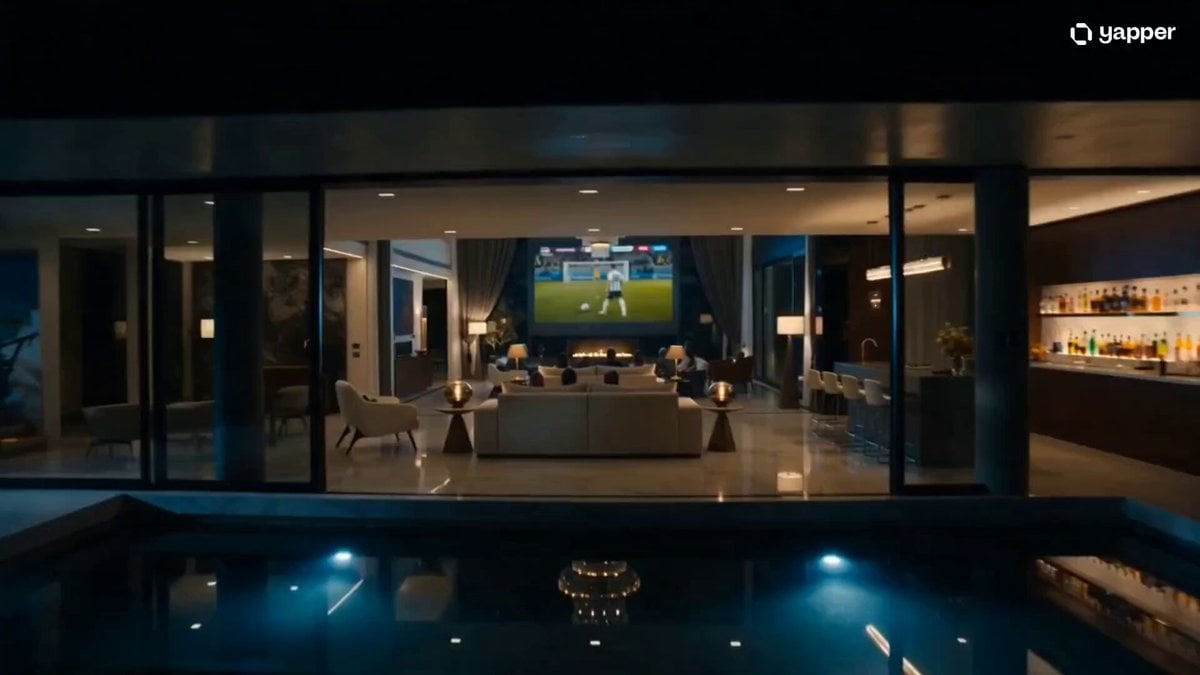
Luxury Family Football Celebration Scene
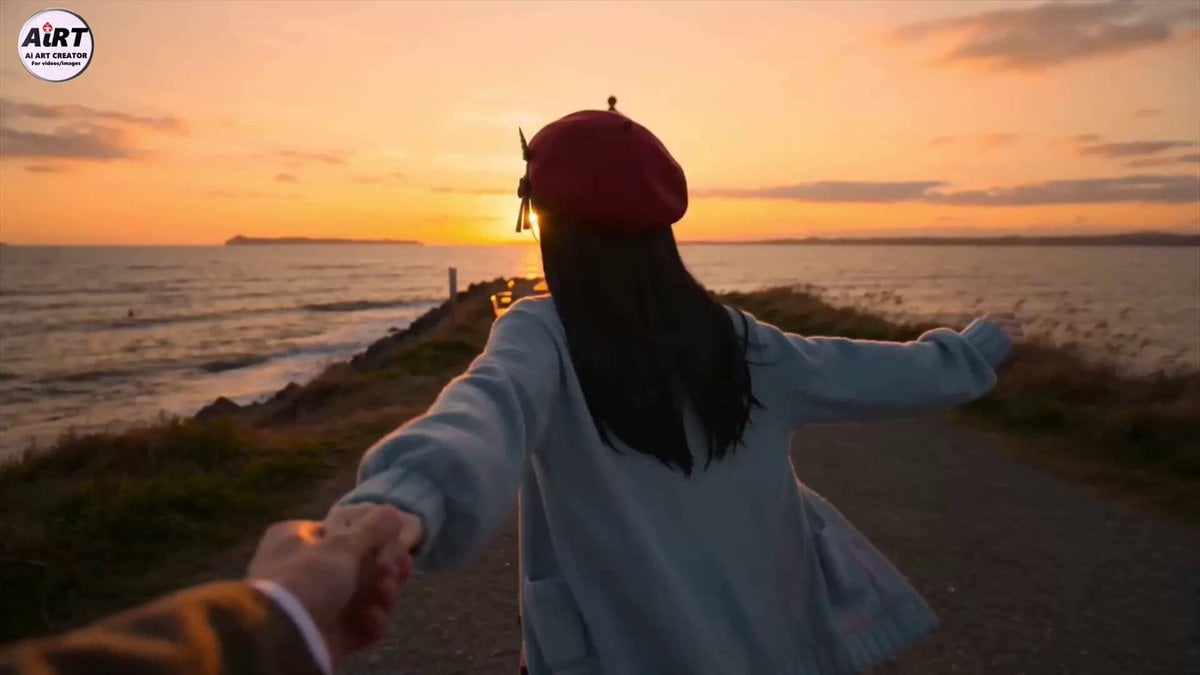
Anime Character Dating FPV Scene
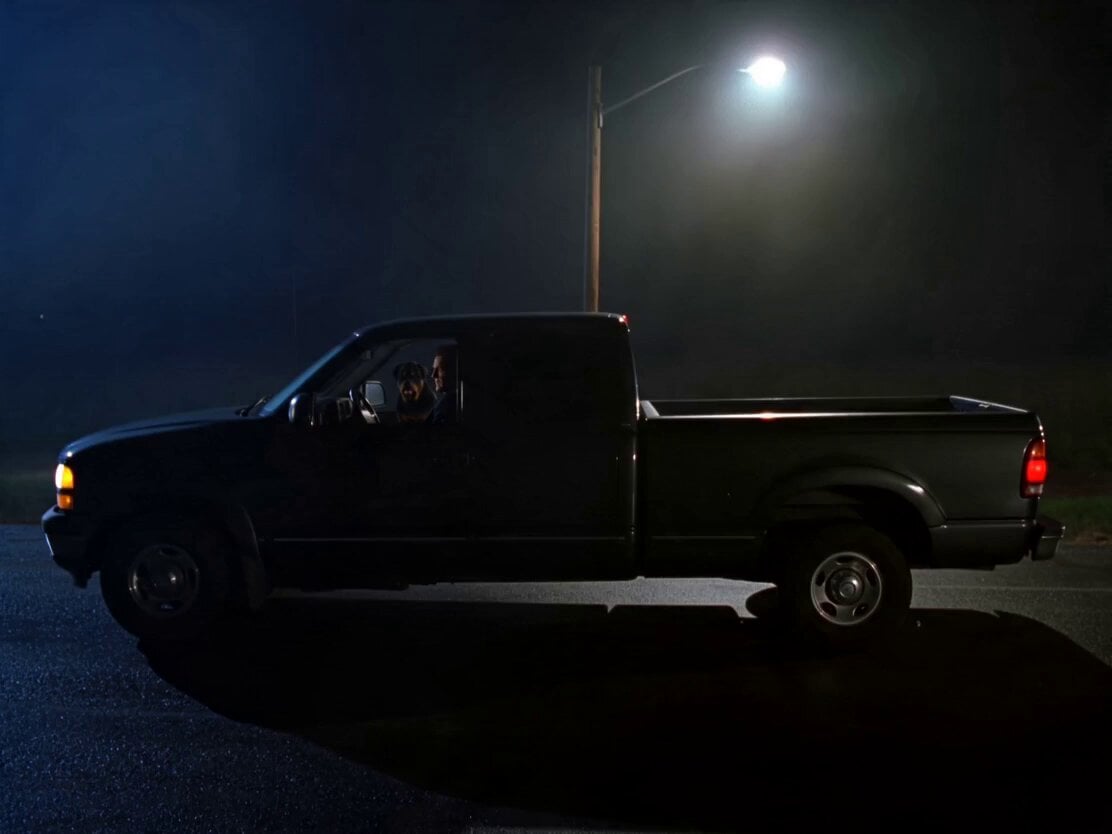
Rottweiler Dog Mutant Transformation Sequence

UEFA Champions League Titan Battle
Fashion Magazine Cover Shoot Sequence
Video prompt for a door opening and a character speaking
Night Pursuit Cinematic Chase
Sci-fi Anime Single-Shot Action Sequence
Browse template categories
Warehouse Breach to Rooftop Inferno Cinematic Script questions
How do I use the Warehouse Breach to Rooftop Inferno Cinematic Script template?
Add your photo if the template asks for one, edit the prompt if you like — the template's model and format are already selected — and press Generate. Your version opens in PicX Studio.
Can I customize the Warehouse Breach to Rooftop Inferno Cinematic Script template?
Yes. You can change the subject, setting, lighting, mood, format, and available model controls before creating your video.
Is the Warehouse Breach to Rooftop Inferno Cinematic Script template free?
Opening and editing this template is free. Generating uses credits, shown on the Generate button when you are signed in.
Which AI model should I use?
Start with Seedance 2.0, which is the model associated with this template. You can compare another compatible model for a different finish.
Looking for something else? Browse all templates.

Your photo, any look
Thousands of ready templates for every top image and video model, from one credit balance.