
White Lion Mech Roar
A comprehensive 17-second cinematic script for a white lion transformer mech roaring on a mountain peak alongside a female operator.
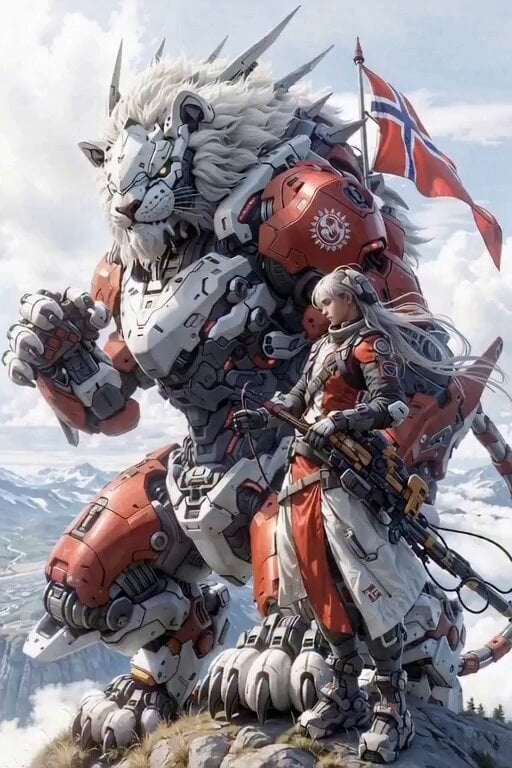
- Prompt included
- Model and format preset
- Premium template
The prompt behind this video
Copy the exact prompt behind White Lion Mech Roar, or open it in the studio and make it yours.
Cinematic photorealistic 17-second epic video, next-level Transformers sci-fi cyberpunk masterpiece, hyper-detailed 8K, IMAX quality. A massive white lion Transformer mech (colossal robotic white lion with flowing detailed white mechanical mane, red-white-gray heavy battle armor, glowing yellow eyes, razor-sharp spikes, intricate hydraulic joints, battle-worn metal textures) stands dominant on a rocky mountain peak above the clouds. A beautiful cyberpunk female operator with long flowing silver-white hair, wearing red-white tactical combat gear with glowing neon accents, stands beside its leg holding a large futuristic assault rifle. Norwegian flag attached to the mech's back flutters violently in the wind. Scene choreography (smooth, cinematic motion) 0-3s: Dramatic low-angle wide shot, slow upward tilt revealing the full scale of the lion mech and the woman standing firm. 3-7s: The lion mech suddenly opens its massive jaws wide, unleashing a powerful roar. Eyes flare intensely bright yellow, mouth interior glows red, mechanical teeth and tongue visible. Strong wind dramatically whips the woman's hair and the Norwegian flag. 7-11s: Dynamic slow zoom-in combined with subtle orbiting camera movement toward the lion's face. 11-17s: Extreme close-up on the roaring lion's head — highly detailed white mane, glowing eyes, intricate facial armor plates, teeth, and roaring mouth. Woman visible on the right edge of frame, looking up at the mech. Camera: professional cinematic movement — slow push-in, subtle orbit, slight dramatic shake during roar. Environment: epic snow-capped mountains, distant futuristic city in valley, volumetric clouds, god rays, atmospheric haze, flying particles. Style: ultra photorealistic, intricate metallic reflections and textures, cyberpunk neon glows, dynamic lighting, realistic wind simulation, lens flares, subtle film grain, shot on Arri Alexa 65 + anamorphic lenses, cinematic color grading (cool tones + warm red highlights), epic scale, 24fps, buttery smooth motion --ar 16:9 --stylize 180 --v 6
How to use White Lion Mech Roar in 3 steps
- 1Upload ImagePNG, JPG or paste
Add your photo
Upload the photo the template builds on. The prompt, model and format are already set.
- 2…a portrait of your subject in softgolden-hour light, 85mm…
Personalize
Edit the subject and creative details for your destination.
- 3Generate
Generate
Press Generate — your video is created in PicX Studio, so you can compare it with the original and refine one variable at a time.
More like this
Templates with the same subject, style or setup. Open one to see its prompt.
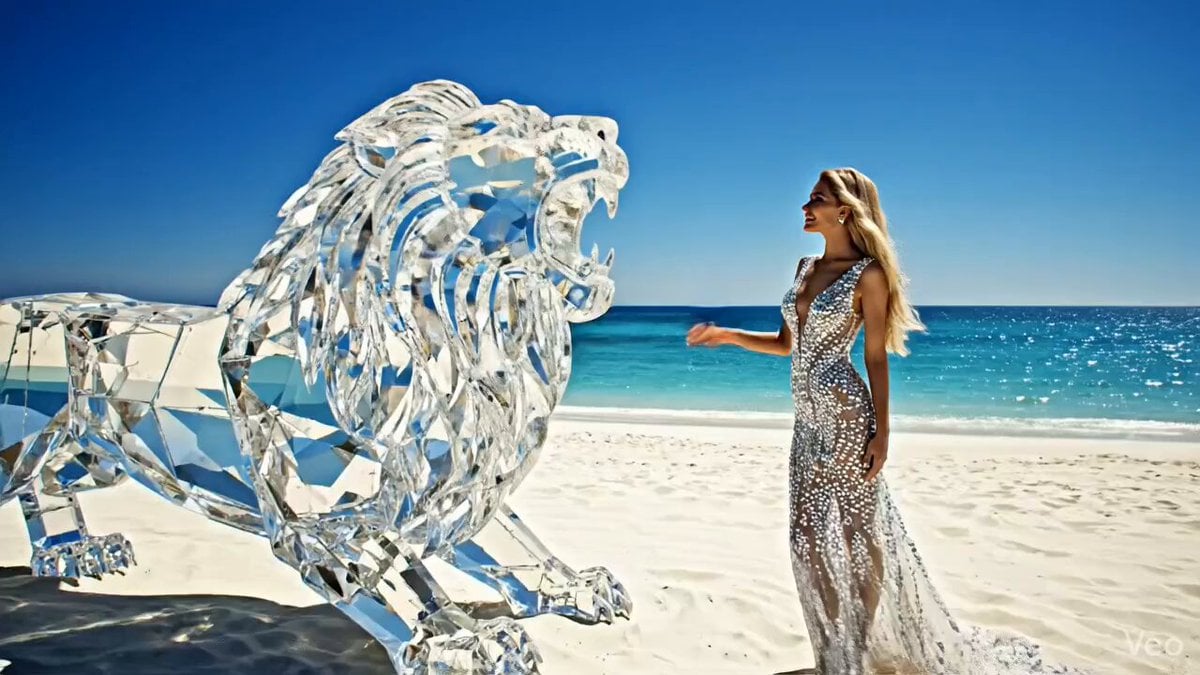
Huge diamond-like lion roaring on a white beach with an elegant woman
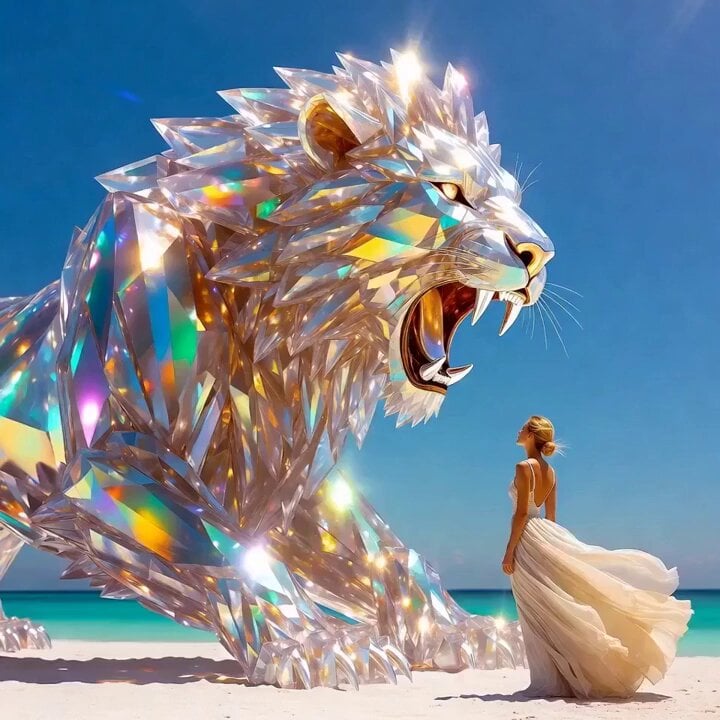
Grok Imagine Prompt: Crystal lion roaring on a white beach with an elegant woman
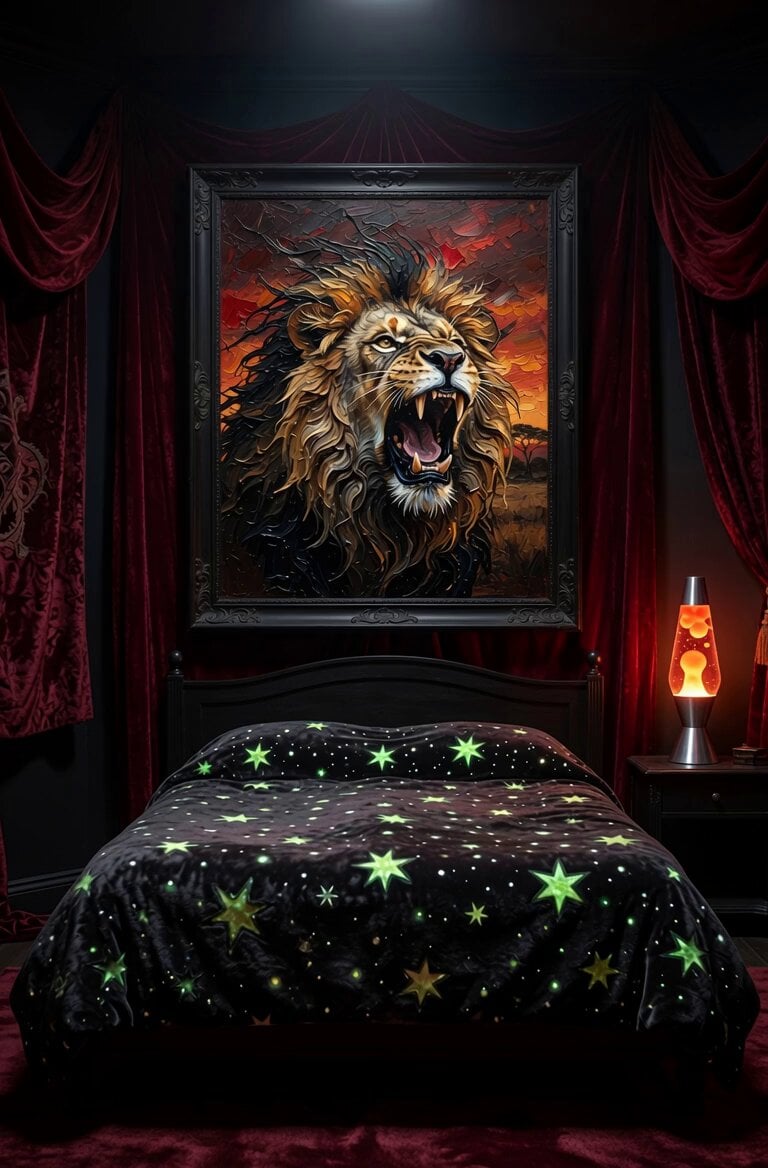
Magical Painting Lion Roar
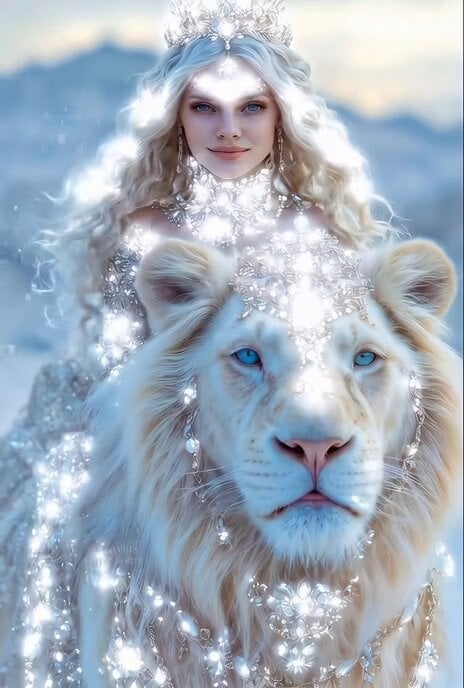
Majestic Ice Queen on a White Lion
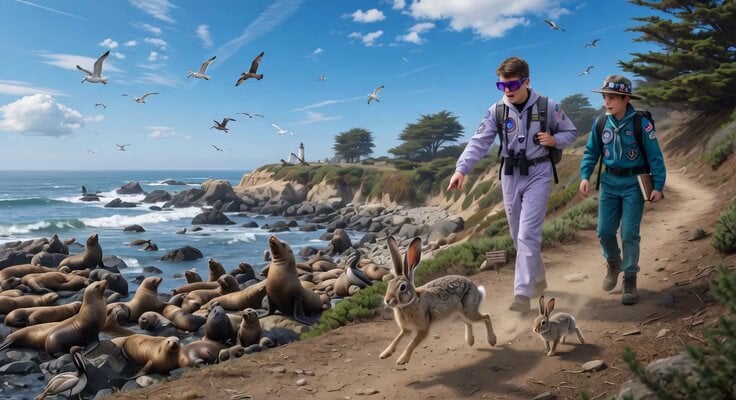
Space Scouts and Sea Lions Video
Morning Coffee with Lion
Lion Sipping Coffee

Mecha Runway Tap Dance Video Prompt
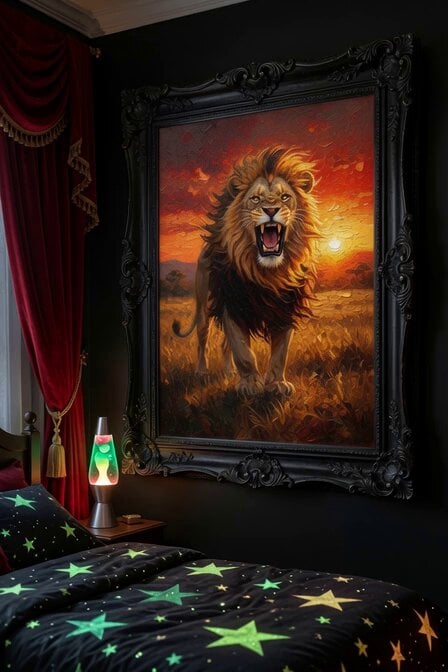
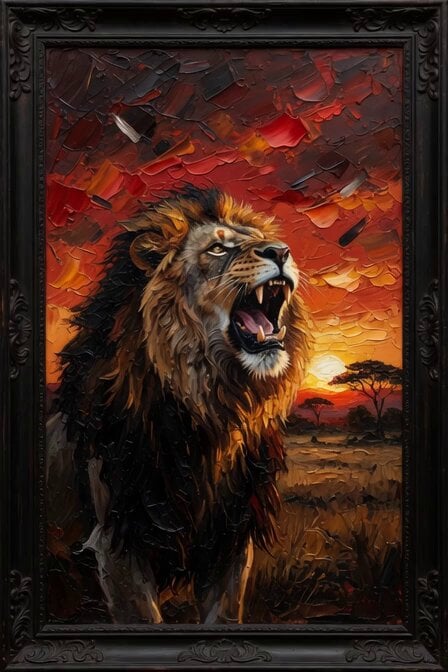
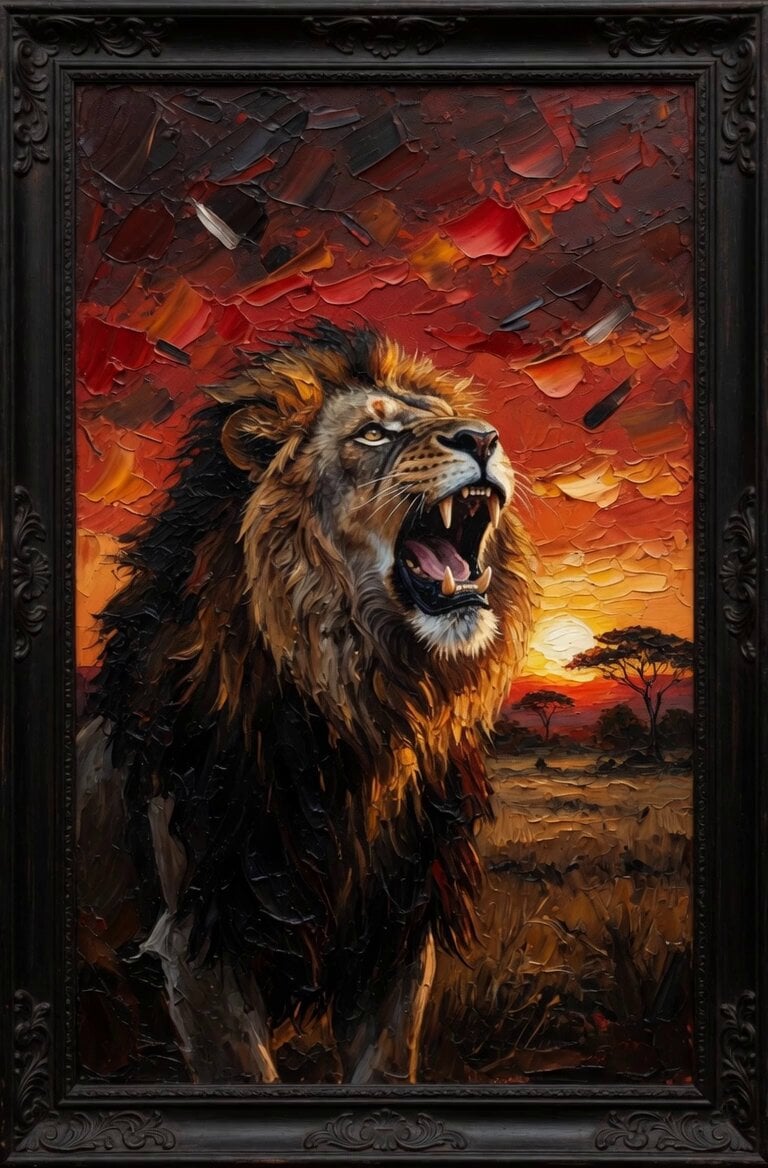
Living Lion Oil Painting
GTA 6 never came out in 1 million years
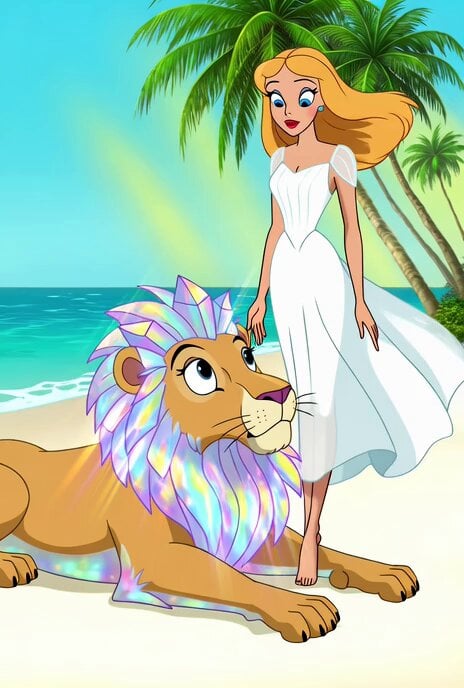
Merrie Melodies Crystal Lion
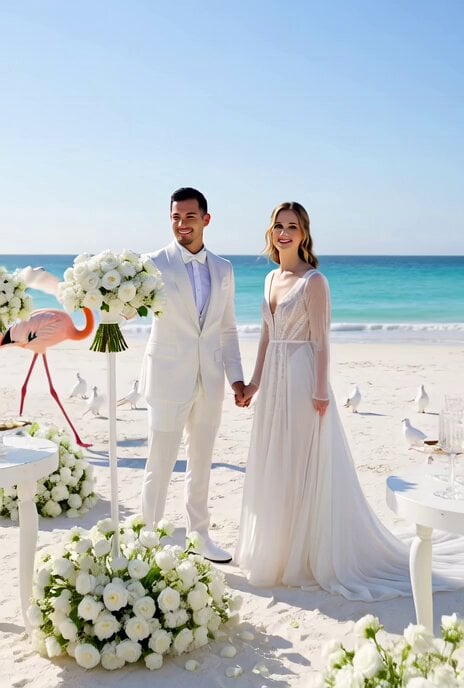
All-White Beach Wedding Video Prompt (1)
Make it yours
White Lion Mech Roar works as-is. These are the safest ways to change it without losing the look.
Change one field
Copy a single group, rewrite it, and generate again so you can see what that field is doing.
Keep the frame, change the subject
Hold the composition and light of White Lion Mech Roar, then swap wardrobe, props or the person for a new take.
| If the result… | Why | Fix |
|---|---|---|
| The result drifts from the preview | Too many fields changed at once. | Reuse White Lion Mech Roar as-is first, then change one group — subject, light, or setting. |
| The model over-stylizes the scene | The prose prompt leaves finish and camera underspecified. | Add one camera or lighting sentence and stay on Grok Imagine. |
More Grok Imagine templates
Other prompts made for Grok Imagine.

Kaleidoscopic Cosmic Dolphin Video

Horror Daffy Duck Video Transition

America 250th Anniversary Celebration

Glowing Water Forest Night Prompt

Soft Pink Roses Dreamer Prompt

Ninja Wizard Levitation Jump

Coffee Cup Interaction Motion

Voice Controlled Water Animation

Pterodactyl Transformation Journey

Candle Mandala Mirror Video
More video prompts
Fresh picks from across the catalog.
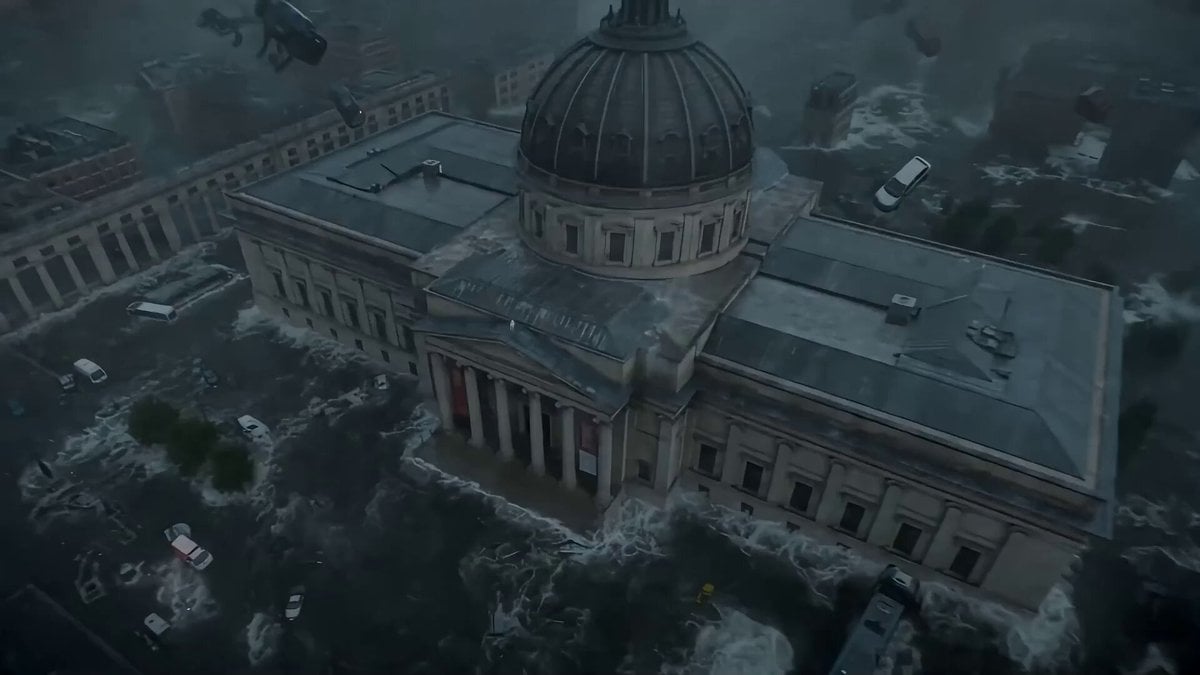
Seedance 2.0 Prompt: Cyberpunk Time Travel from Disaster to Ancient Market
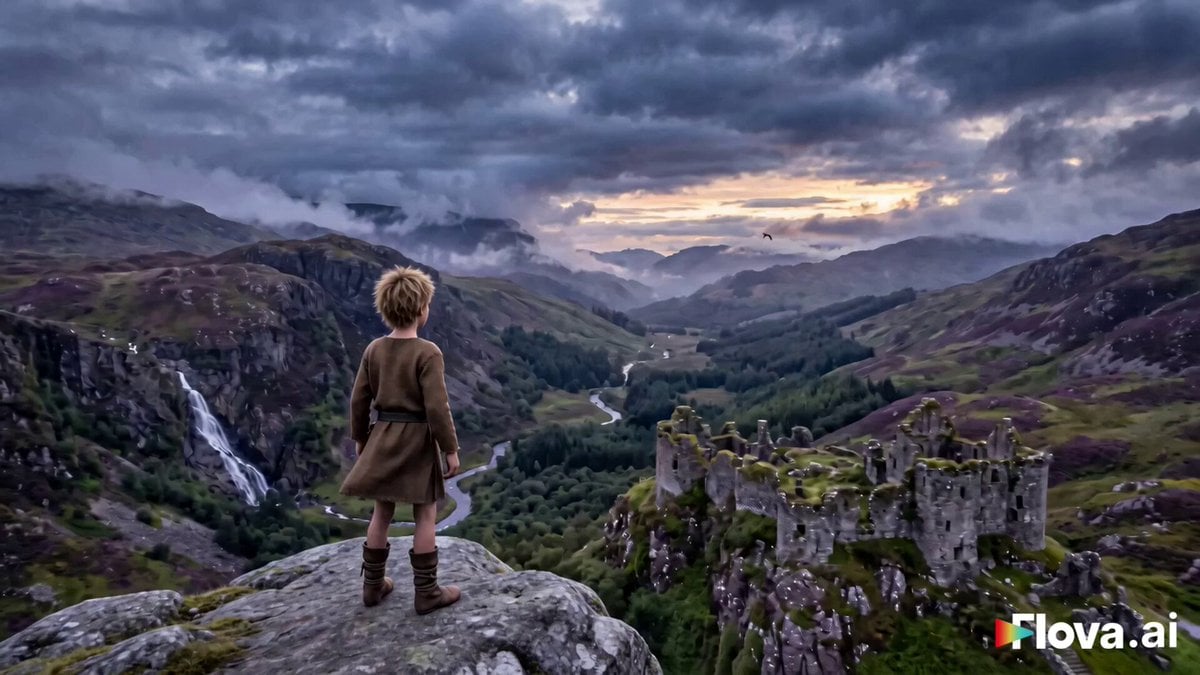
Fantasy Boy and Giant Eagle
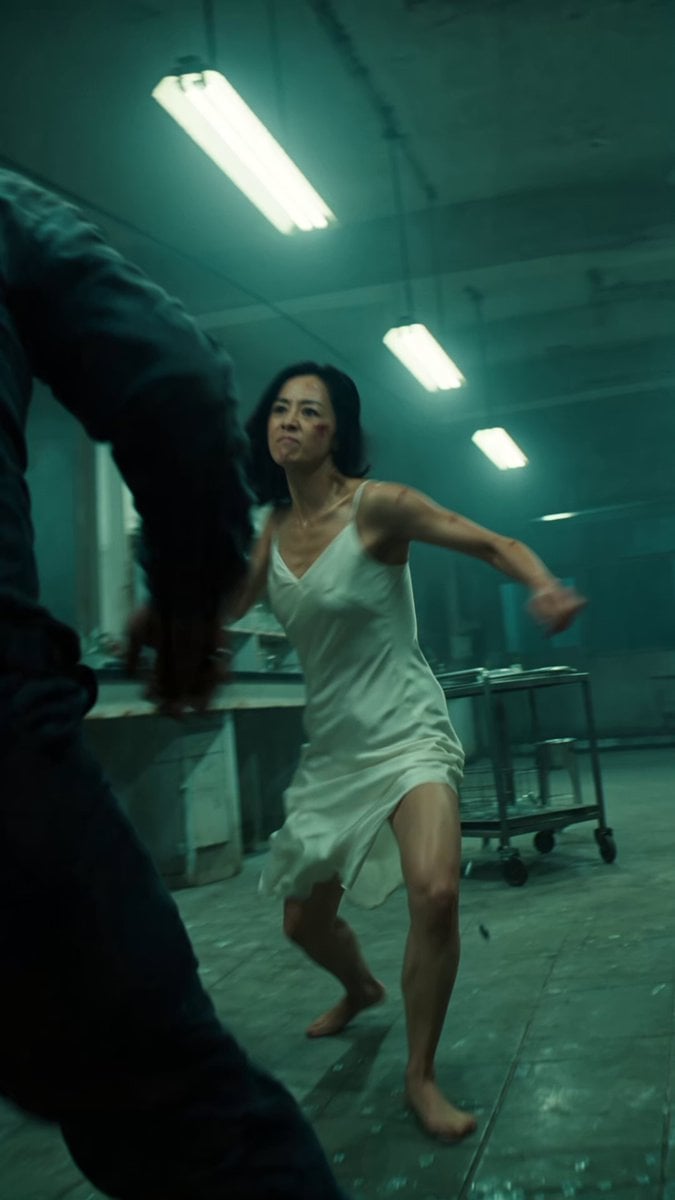
Cinematic IMAX Laboratory Fight Scene
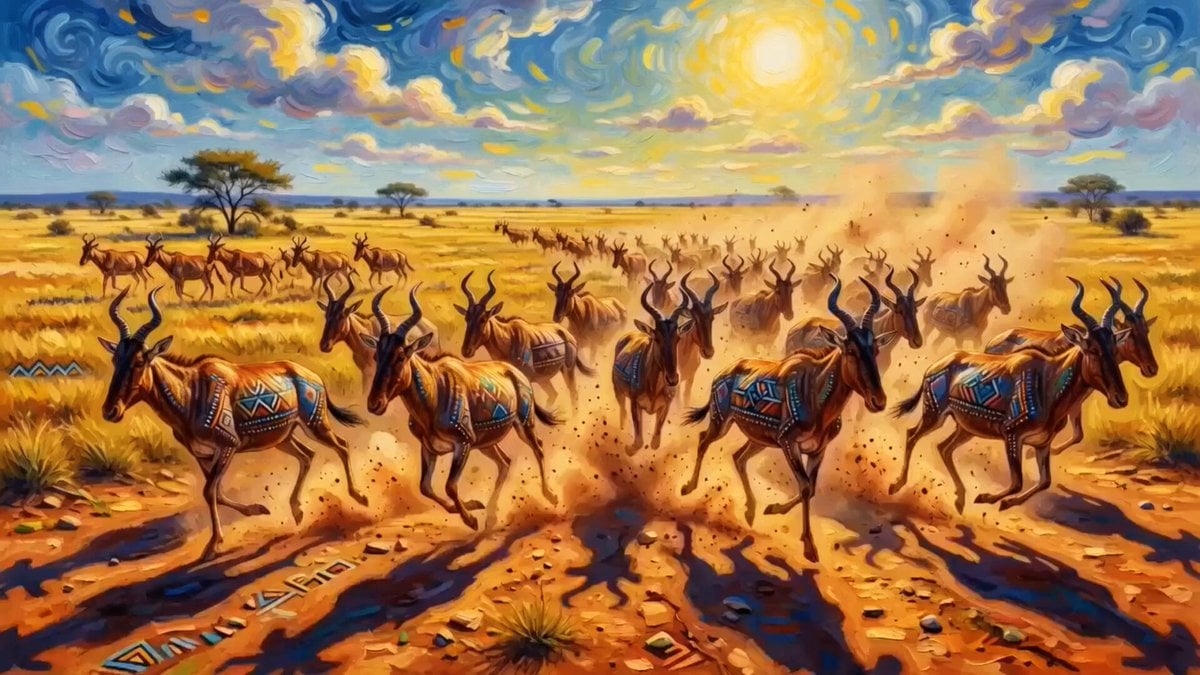
Red Hartebeest running in Kalahari summer
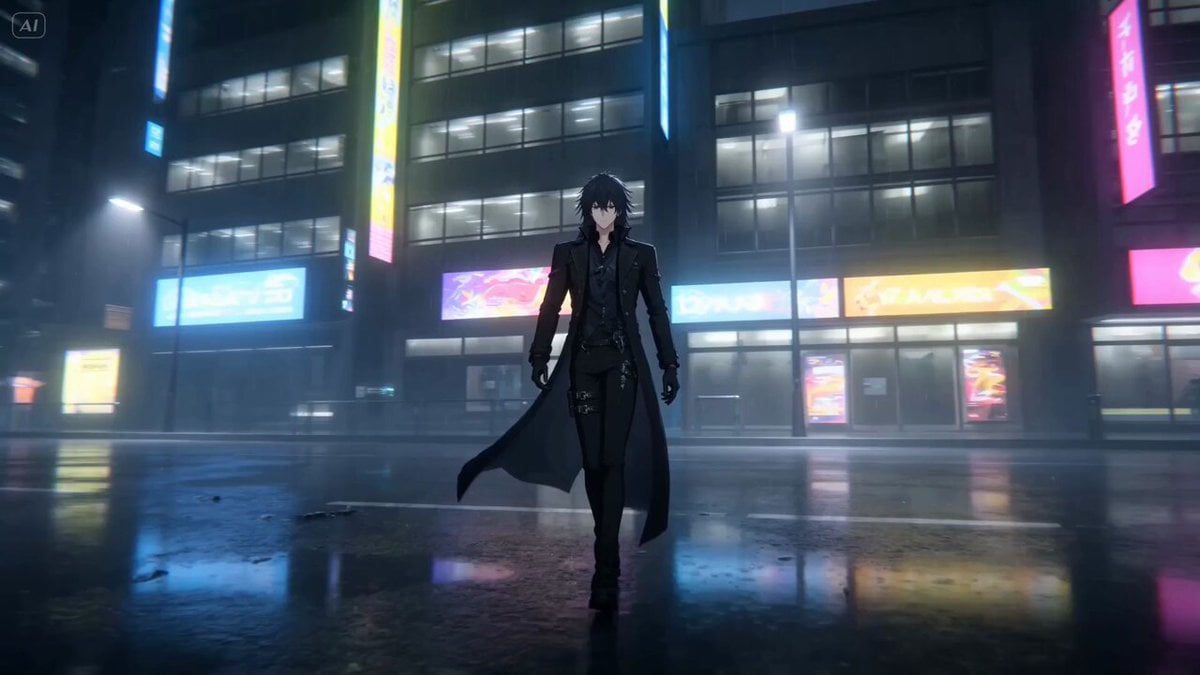
Anime Continuous Action Sequence
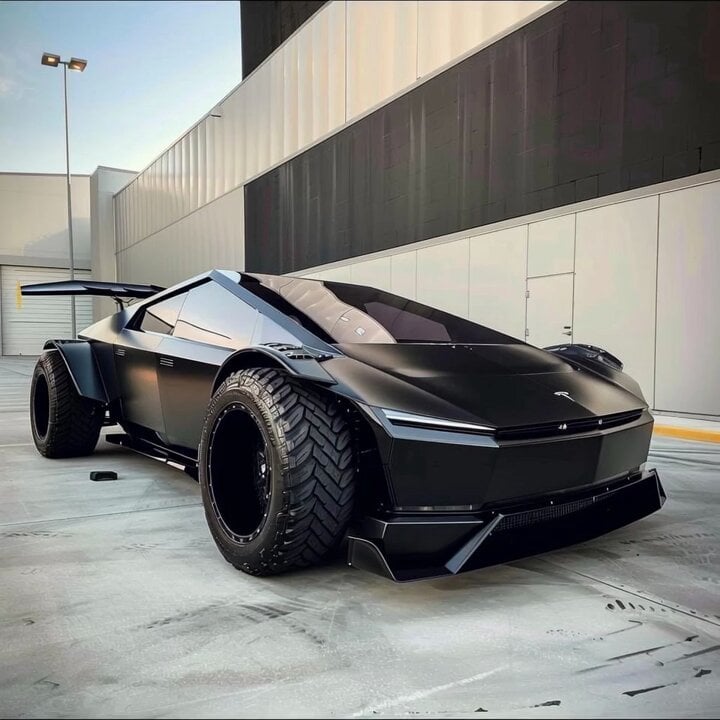
Car modification description

Futuristic Megacity Heatwave Escape Script
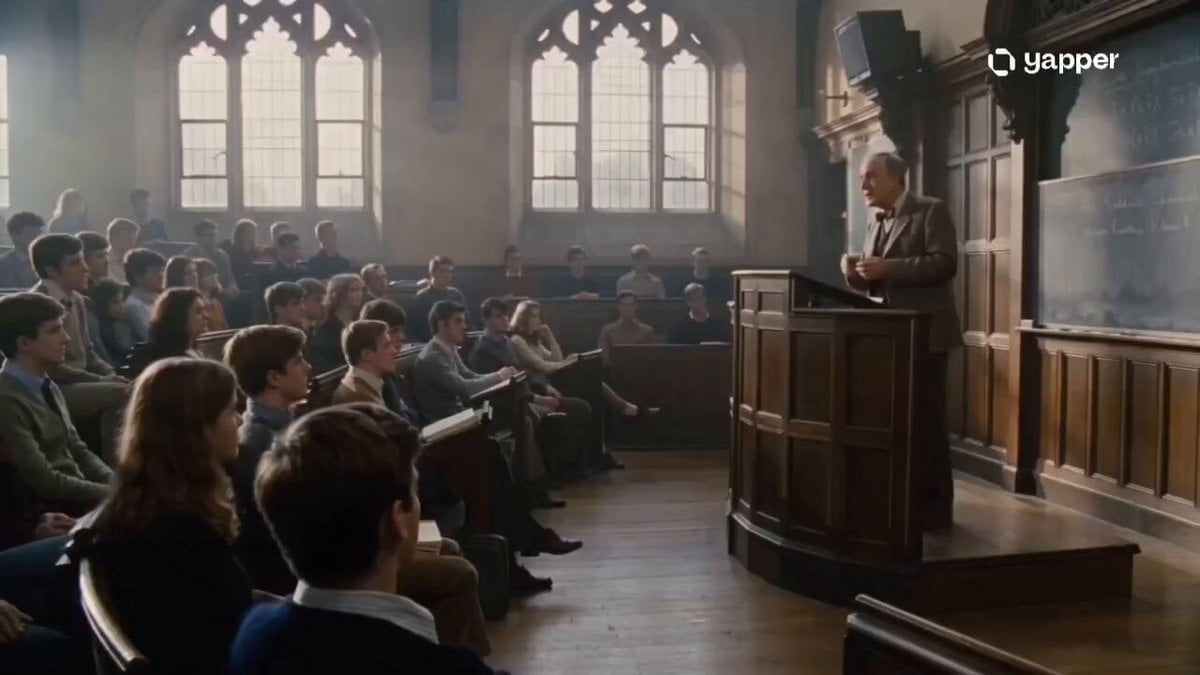
1970s Academic Lecture Drama

Eternal Beauty in Art
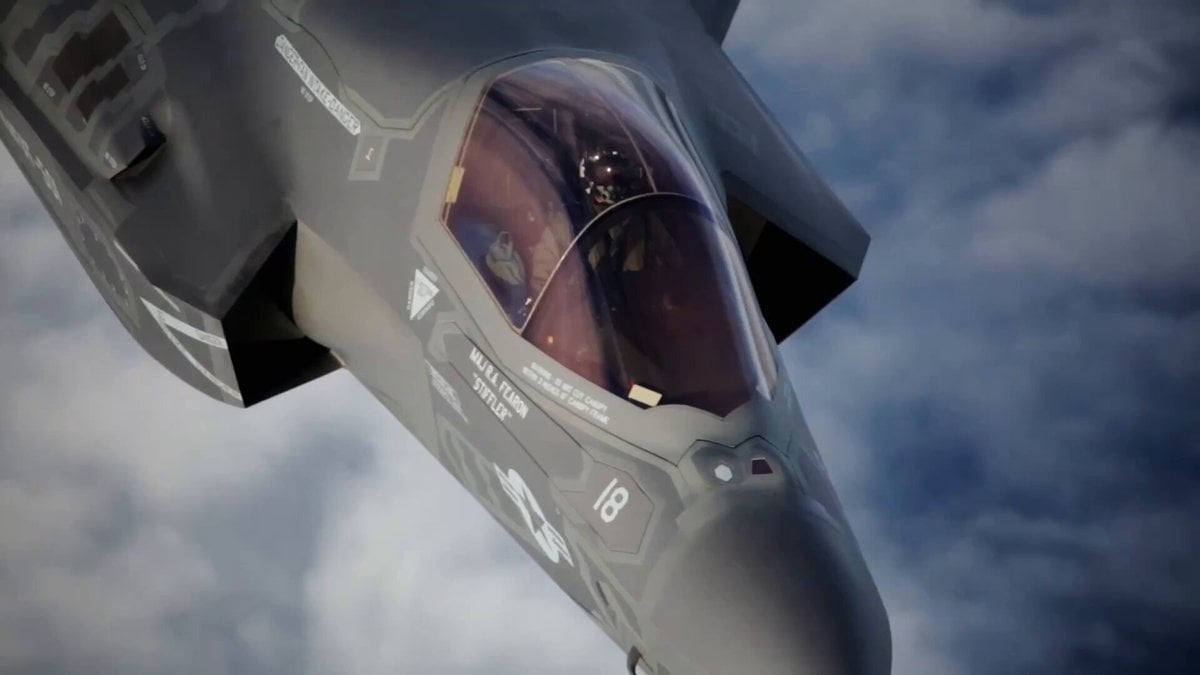
Video Prompt for Teacher Salary Commentary
Browse template categories
White Lion Mech Roar questions
How do I use the White Lion Mech Roar template?
Add your photo if the template asks for one, edit the prompt if you like — the template's model and format are already selected — and press Generate. Your version opens in PicX Studio.
Can I customize the White Lion Mech Roar template?
Yes. You can change the subject, setting, lighting, mood, format, and available model controls before creating your video.
Is the White Lion Mech Roar template free?
Opening and editing this template is free. Generating uses credits, shown on the Generate button when you are signed in.
Which AI model should I use?
Start with Grok Imagine, which is the model associated with this template. You can compare another compatible model for a different finish.
Looking for something else? Browse all templates.

Your photo, any look
Thousands of ready templates for every top image and video model, from one credit balance.