How do I use the Brutalist Dystopian SUV Escape template?
Edit the prompt in the box under the preview — the template's model and format are already selected — and press Generate. Your version appears right on this page.
A highly detailed timeline-based prompt for a 15-second dystopian video featuring a brutalist character and a custom concrete SUV.
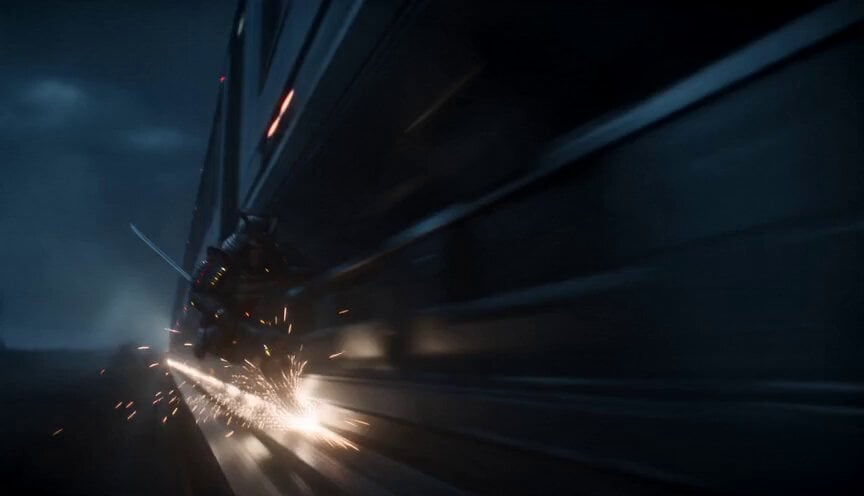
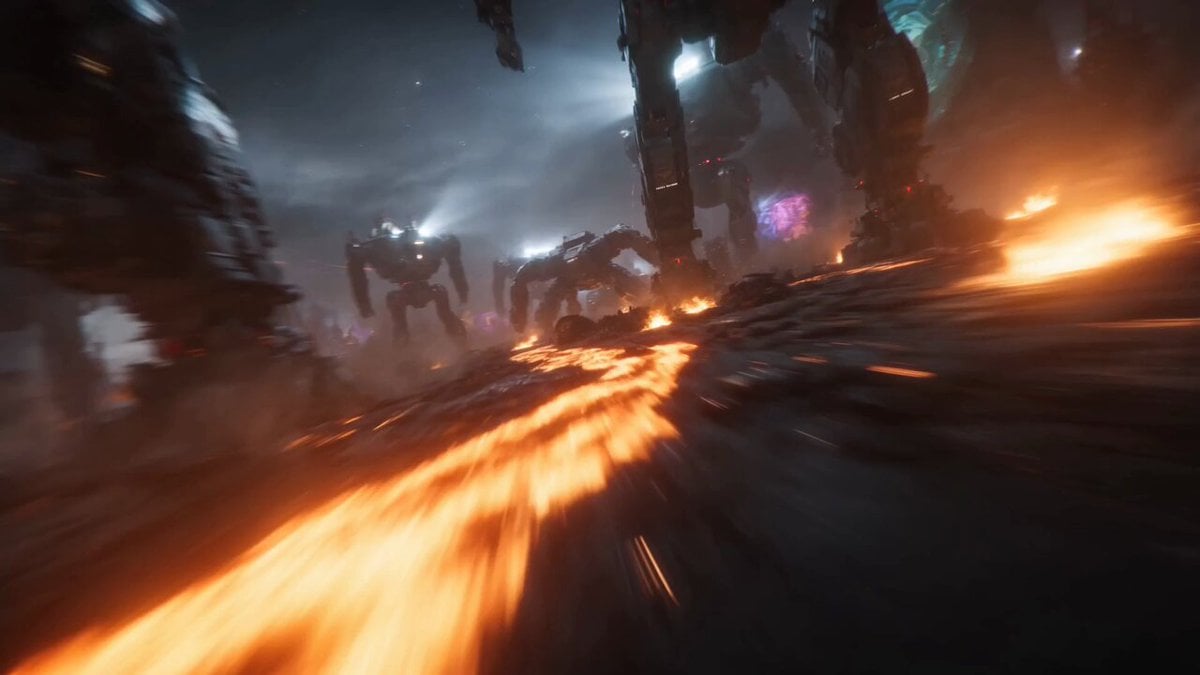
Use reference images lock the consistency 100% Cinematic video, 15 seconds duration, brutalist dystopian style, hyper-realistic, photorealistic 4K. Timeline: 0-5 seconds: A powerful brutalist character wearing a long black hooded coat, stone-textured robotic arms and boots, and a cracked concrete helmet with a glowing horizontal orange visor stands next to a futuristic SUV. The SUV has a raw cracked marble-concrete body, black accents, rugged tires, and a bright glowing orange horizontal light bar across the front grille. Slow, smooth 360-degree camera orbit around the stationary character and the concrete SUV, revealing both from every dramatic angle with strong rim lighting. 5-15 seconds: The character enters the SUV and aggressively drives it at high speed through an insane brutalist infrastructure massive monolithic concrete towers, raw brutalist overpasses, gigantic pillars, and dystopian industrial ruins. Dynamic tracking shots follow the SUV from side and low angles as it speeds through the brutalist cityscape. Throughout the entire 15-second clip, fine cement dust and concrete particles continuously float and drift in the air, becoming more intense and kicked up by the SUV's tires during the driving sequence. Strong high-contrast lighting, warm orange glow from the helmet visor and SUV light bar contrasting against cold concrete tones. Moody atmosphere, film grain, volumetric lighting through the dust, powerful and gritty brutalist mood. Ultra-detailed raw concrete textures, cyberpunk brutality, cinematic color grading.
Use reference images lock the consistency 100% Cinematic video, 15 seconds duration, brutalist dystopian style, hyper-realistic, photorealistic 4K. Timeline: 0-5 seconds: A powerful brutalist character wearing a long black hooded coat, stone-textured robotic arms and boots, and a cracked concrete helmet with a glowing horizontal orange visor stands next to a futuristic SUV. The SUV has a raw cracked marble-concrete body, black accents, rugged tires, and a bright glowing orange horizontal light bar across the front grille. Slow, smooth 360-degree camera orbit around the stationary character and the concrete SUV, revealing both from every dramatic angle with strong rim lighting. 5-15 seconds: The character enters the SUV and aggressively drives it at high speed through an insane brutalist infrastructure massive monolithic concrete towers, raw brutalist overpasses, gigantic pillars, and dystopian industrial ruins. Dynamic tracking shots follow the SUV from side and low angles as it speeds through the brutalist cityscape. Throughout the entire 15-second clip, fine cement dust and concrete particles continuously float and drift in the air, becoming more intense and kicked up by the SUV's tires during the driving sequence. Strong high-contrast lighting, warm orange glow from the helmet visor and SUV light bar contrasting against cold concrete tones. Moody atmosphere, film grain, volumetric lighting through the dust, powerful and gritty brutalist mood. Ultra-detailed raw concrete textures, cyberpunk brutality, cinematic color grading.
Edit the prompt in the box under the preview — the template's model and format are already selected — and press Generate. Your version appears right on this page.
Yes. You can change the subject, setting, lighting, mood, format, and available model controls before creating your video.
Opening and editing this template is free. Generating uses credits, shown on the Generate button when you are signed in.
Start with Seedance 2.0, which is the model associated with this template. You can compare another compatible model for a different finish.
Follow a topic to a crawlable collection of related PicX Studio templates.