
Urban Documentary Subway Commute
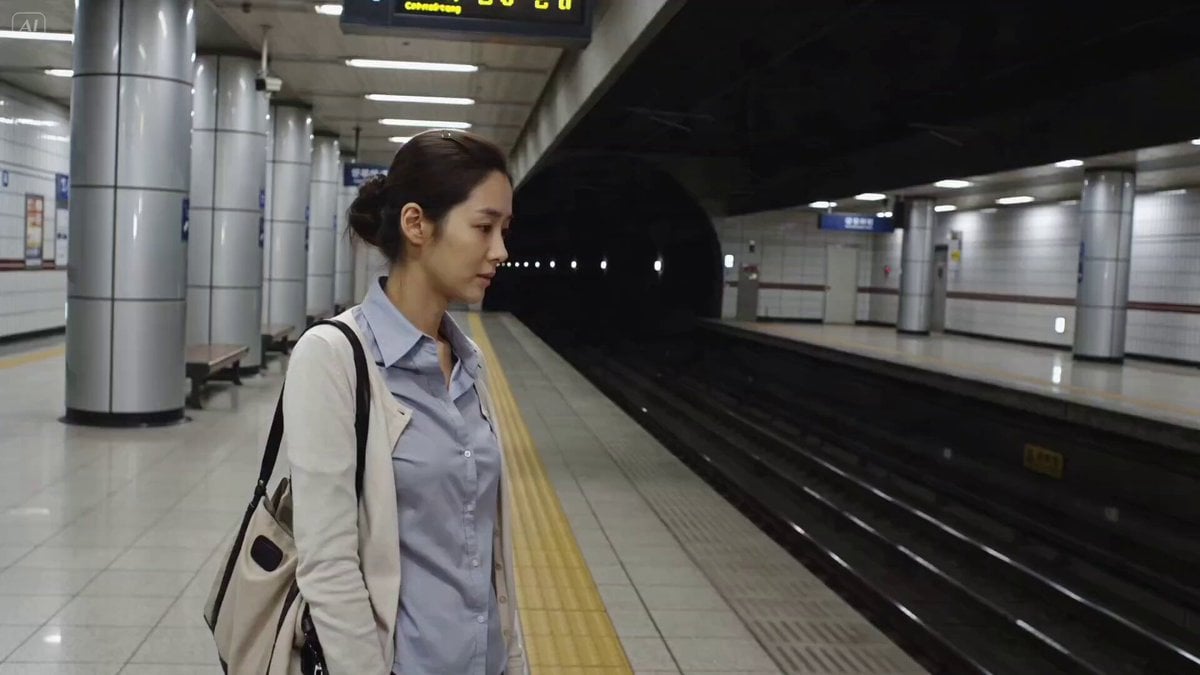
A highly detailed storyboard-style prompt for a realistic scene of a young woman at a quiet subway platform, including dialogue and timeline.
- Prompt included
- Model and format preset
- Premium template
The prompt behind this video
Copy the exact prompt behind Urban Documentary Subway Commute, or open it in the studio and make it yours.
Main Subject: Young Korean woman, early 20s, business-casual blouse with a cardigan, hair neatly tied back, tote bag, tired but composed expression. Location : Quiet suburban subway platform, early evening. Overhead signs, yellow safety line, empty benches, tiled walls, distant tunnel lights. No crowds, no advertisements visible. Visual Style : Realistic urban documentary tone, calm end-of-day atmosphere, soft fluorescent lighting. Camera Style : Late 2000s digital camcorder, static tripod mixed with slight handheld movement, mild autofocus hunting under platform lights, subtle noise. No stabilization. Timeline (15 sec, each slot = 2 compressed beats): 00:00–00:03 → She stands near the yellow line, then checks the arrival board above. 00:03–00:06 → She sighs softly, then says to the camera "오늘 진짜 피곤하다" ("I'm really tired today"). 00:06–00:09 → She shifts her bag on her shoulder, then glances down the tunnel for the train. 00:09–00:12 → A gentle breeze signals the train coming, then she straightens up. 00:12–00:15 → She looks at the camera saying "나 먼저 갈게, 안녕!" ("I'm heading off first, bye!"), then steps forward as the tape cuts. Audio : Distant train rumble, platform announcement chime (muffled), footsteps echoing. Her dialogue as noted above. No music. Goal : A quiet end-of-workday commute tired, real, relatable.
How to use Urban Documentary Subway Commute in 3 steps
- 1
Open
The prompt is already in the box next to the preview, with the template's model and format selected.
- 2…a portrait of your subject in softgolden-hour light, 85mm…
Personalize
Edit the subject and creative details for your destination.
- 3Generate
Generate
Press Generate — your video is created in PicX Studio, so you can compare it with the original and refine one variable at a time.
More like this
Templates with the same subject, style or setup. Open one to see its prompt.
Cinematic Subway Commute Scene

Forgotten 1980s High School Documentary Seedance

Live-Action Firefighter Rescue Night Scene
Video of a Commuter on a Tokyo Subway Platform
Out of Control — Seedance 2.0
Whale in the Sky — City Shadows (Kling AI)
Subway Flood — Epic Tunnel Chaos

BBC Style Qilin Documentary
Audi A7 Morning Commute Commercial
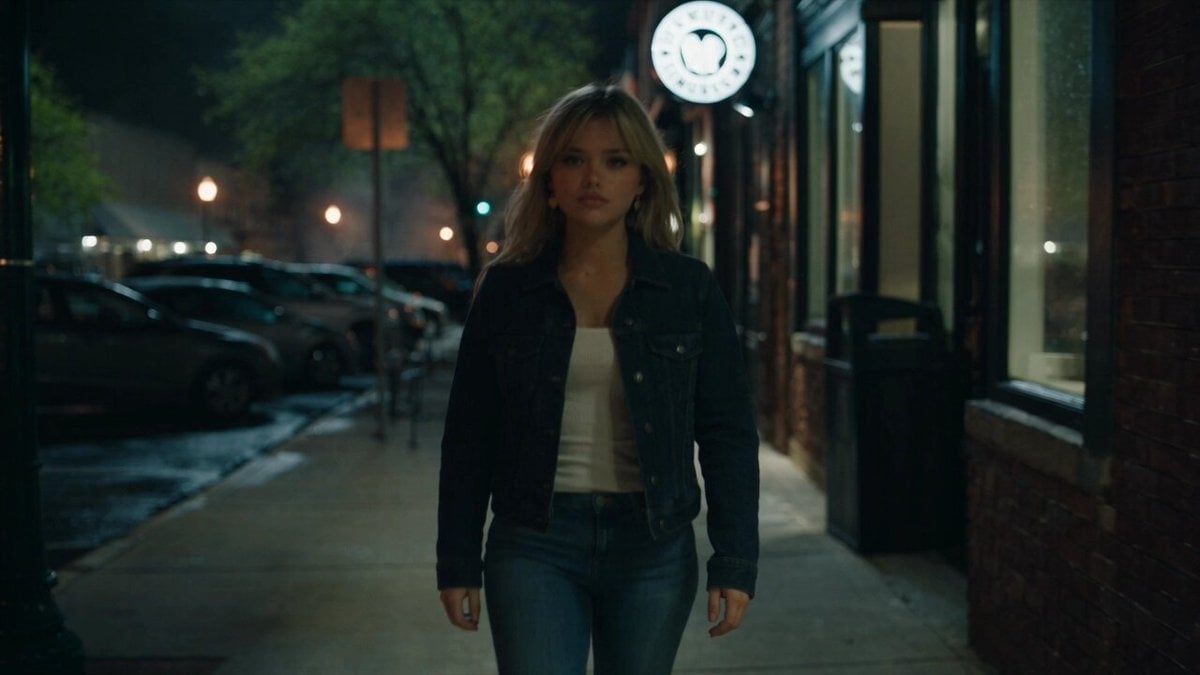
Urban Night Rain Tracking Shot
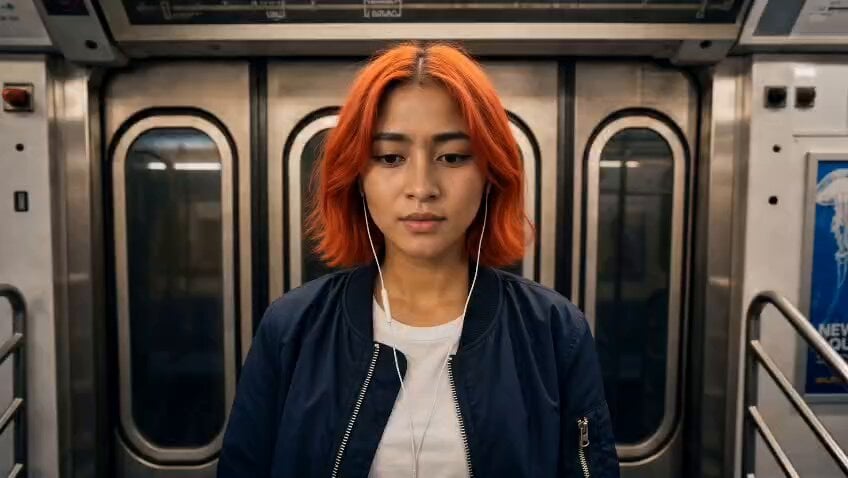
Subway Fight Scene Cinematic Prompt
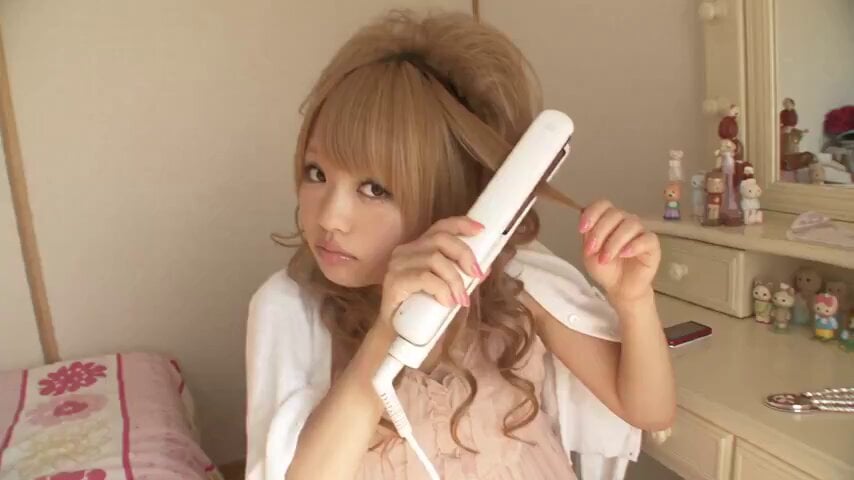
2007 Heisei Gal Documentary Style
Make it yours
Urban Documentary Subway Commute works as-is. These are the safest ways to change it without losing the look.
Change one field
Copy a single group, rewrite it, and generate again so you can see what that field is doing.
Keep the frame, change the subject
Hold the composition and light of Urban Documentary Subway Commute, then swap wardrobe, props or the person for a new take.
| If the result… | Why | Fix |
|---|---|---|
| The result drifts from the preview | Too many fields changed at once. | Reuse Urban Documentary Subway Commute as-is first, then change one group — subject, light, or setting. |
| The model over-stylizes the scene | The prose prompt leaves finish and camera underspecified. | Add one camera or lighting sentence and stay on Seedance 2.0. |
More Seedance 2.0 templates
Other prompts made for Seedance 2.0.

Comical Martial Arts Punch Scene

Maglev Train Action Sequence

Martial Arts Fight Sequence

Wuxia Protection and Trust Script

Vintage Korean Arcade MiniDV Vlog

Mercedes 190 SL Luxury Ad

Rainy Night Supernatural Reverse Comedy Video Script

Amazon Civilization Discovery

Futuristic South Asian City Transformation

Cozy Luxury Cafe Commercial
More video prompts
Fresh picks from across the catalog.
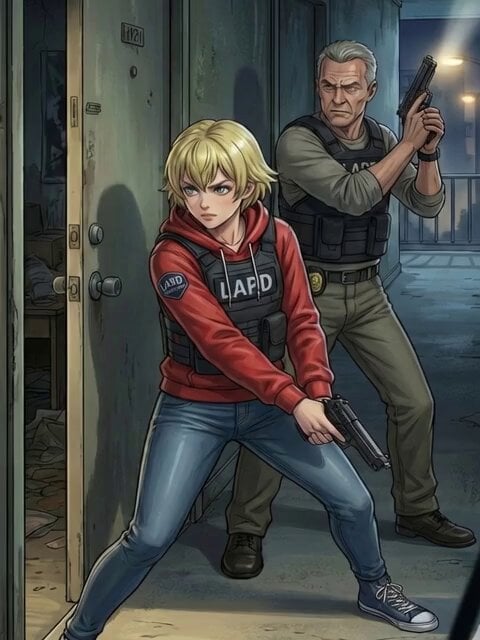
Detectives Using Hand Signs Video

Hair Salon Transformation Ad Prompt
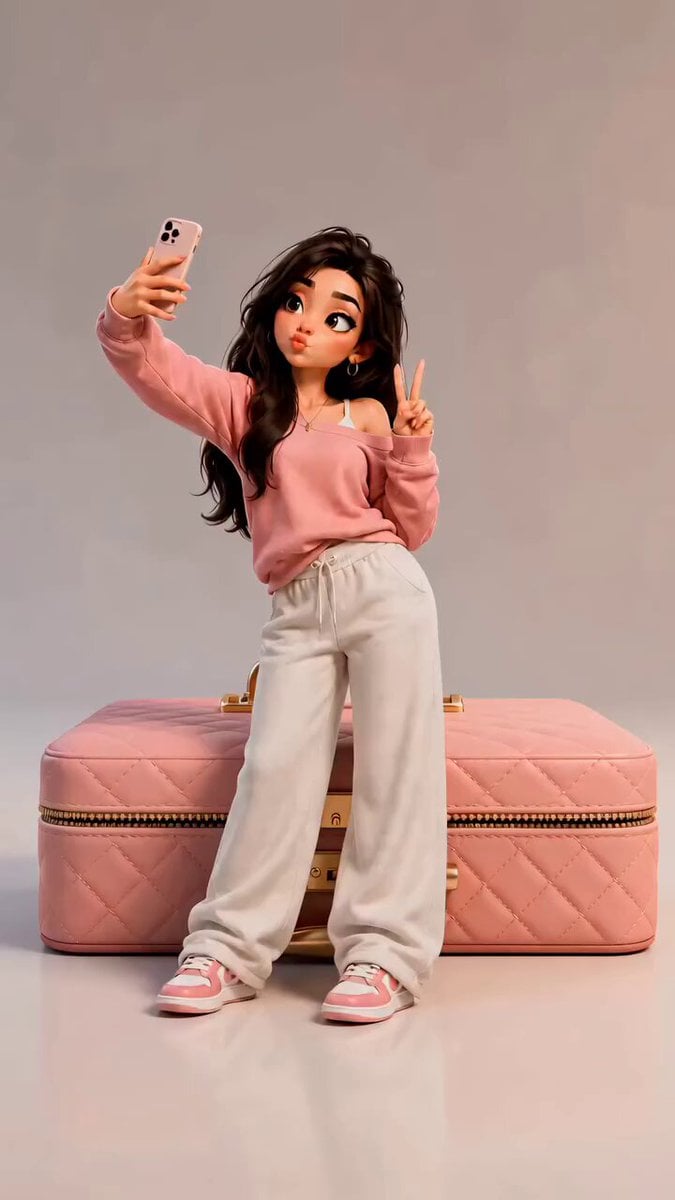
3D Pixar Style Miniature Girl Animation
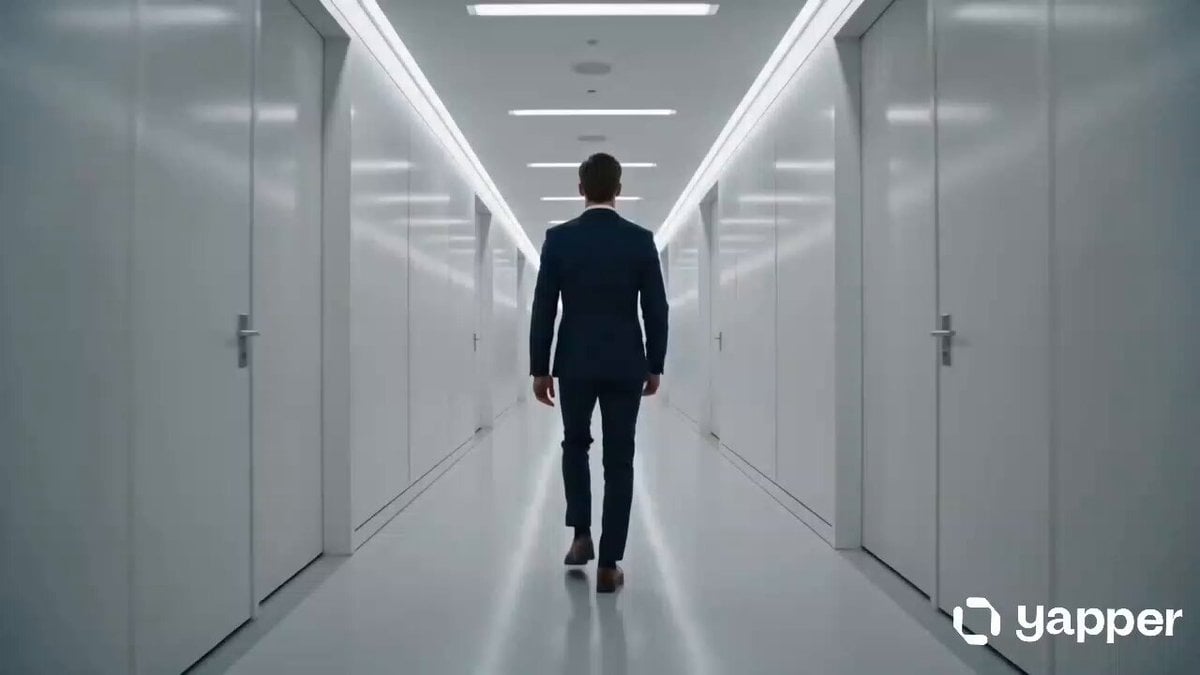
AI Career Transformation Commercial

Multi-Cut Western Duel and Arm Wrestling Sequence
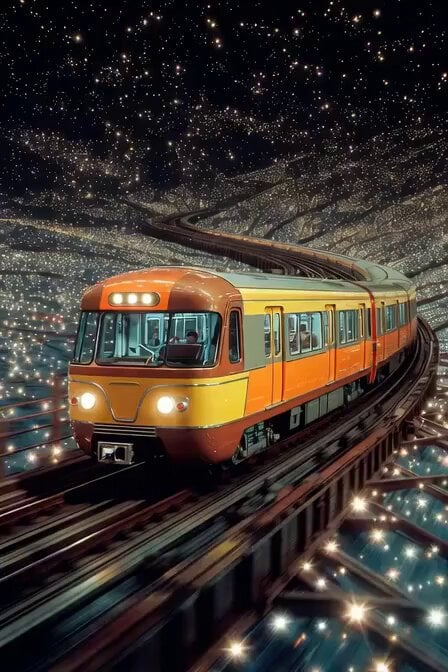
Prayer Revolution Video

Starborn Warrior Anime Awakening Scene
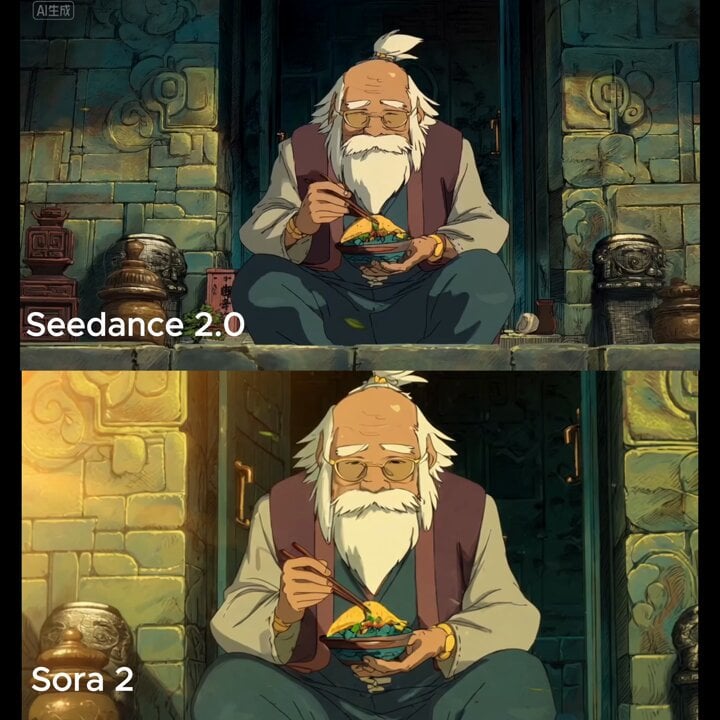
Slow cinematic push-in with leaves passing across the frame
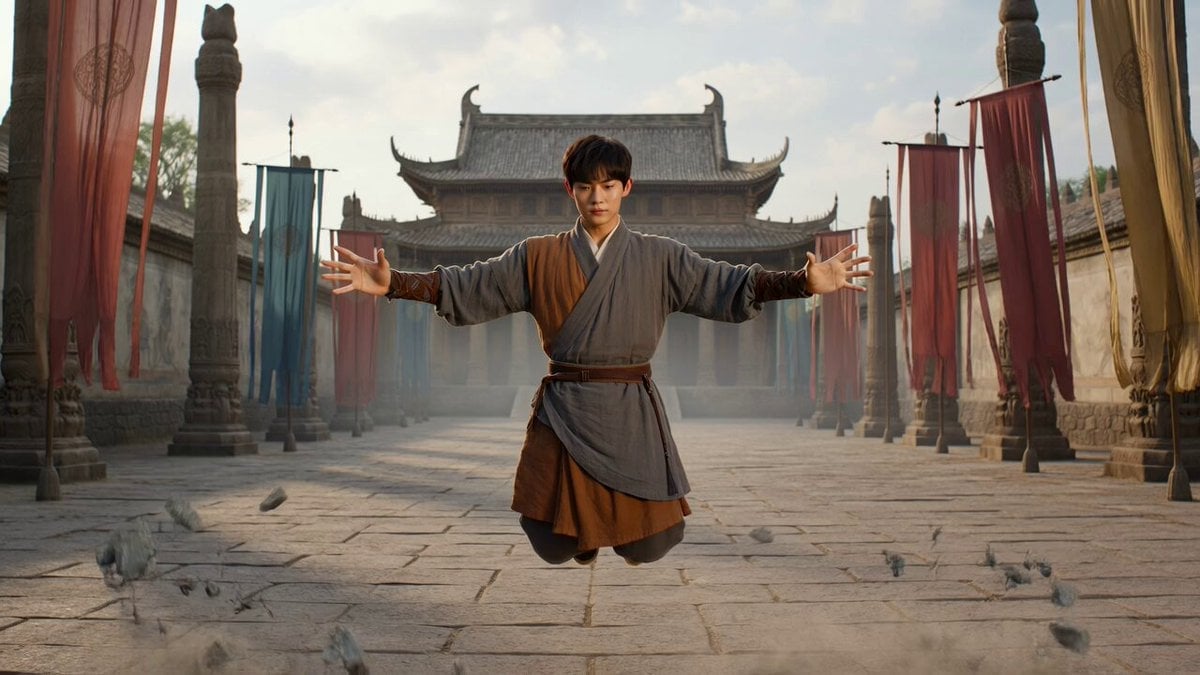
Levitating Warrior Monk Temple Sequence
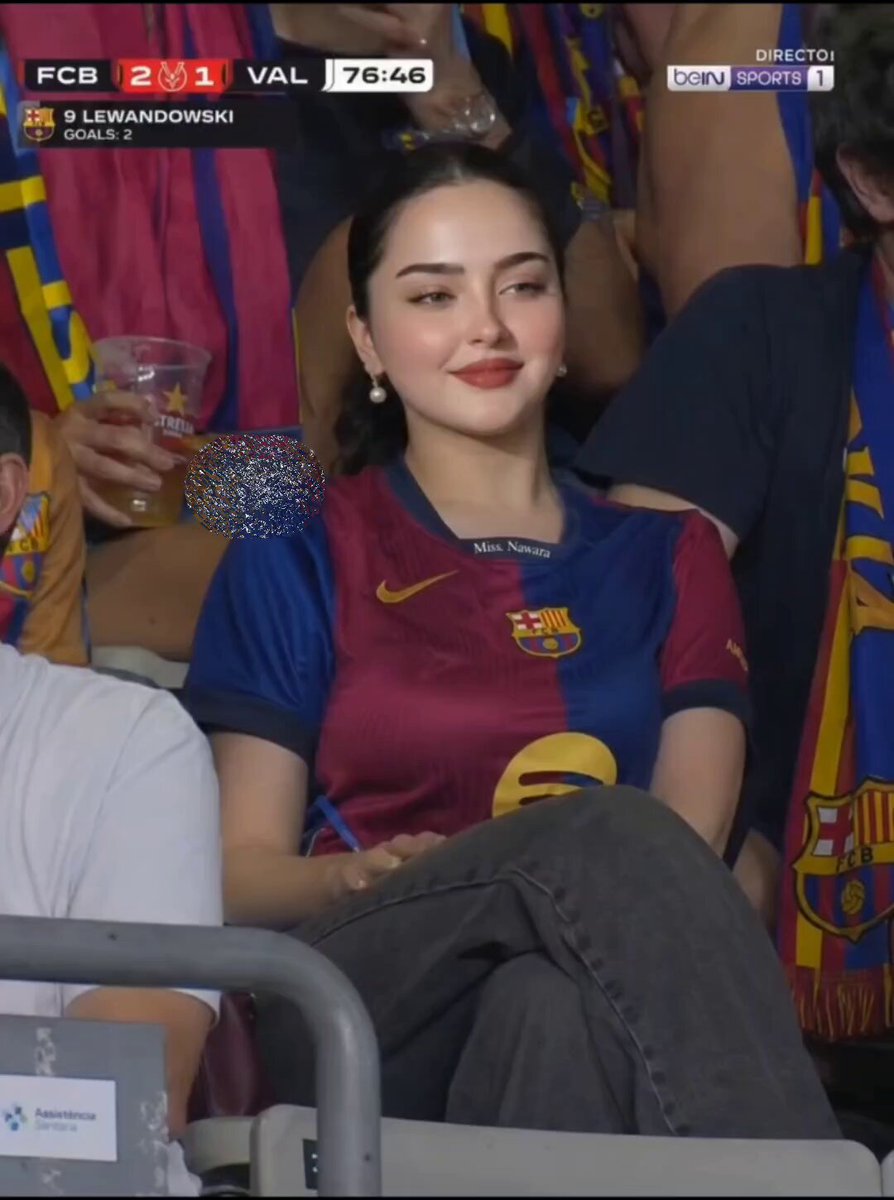
FC Barcelona Stadium Fan Broadcast
Browse template categories
Urban Documentary Subway Commute questions
How do I use the Urban Documentary Subway Commute template?
Add your photo if the template asks for one, edit the prompt if you like — the template's model and format are already selected — and press Generate. Your version opens in PicX Studio.
Can I customize the Urban Documentary Subway Commute template?
Yes. You can change the subject, setting, lighting, mood, format, and available model controls before creating your video.
Is the Urban Documentary Subway Commute template free?
Opening and editing this template is free. Generating uses credits, shown on the Generate button when you are signed in.
Which AI model should I use?
Start with Seedance 2.0, which is the model associated with this template. You can compare another compatible model for a different finish.
Looking for something else? Browse all templates.

Your photo, any look
Thousands of ready templates for every top image and video model, from one credit balance.