
Stylized 3D Barbershop Transformation Sequence
A highly structured JSON-format prompt for Seedance 2.0 to generate a stylized 3D animated sequence in a barbershop.
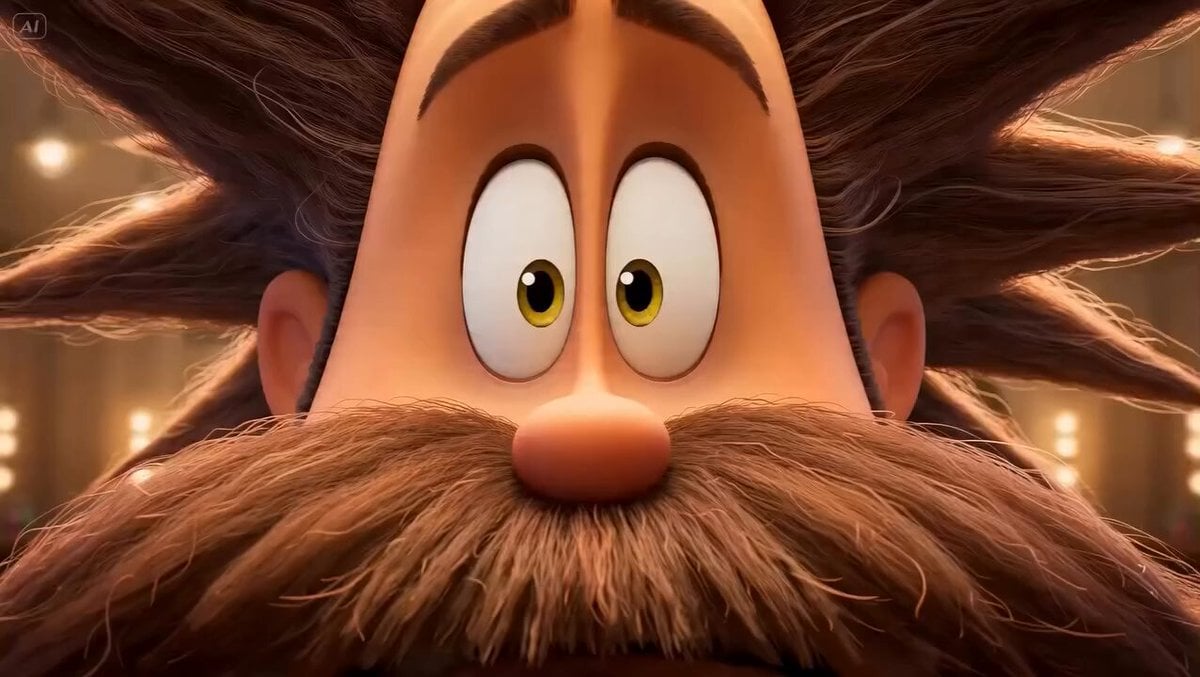
- Prompt included
- Model and format preset
- Free template
The prompt behind this video
Copy the exact prompt behind Stylized 3D Barbershop Transformation Sequence, or open it in the studio and make it yours.
{ "title": "Stylized 3D Barbershop Transformation Sequence", "style": "Stylized 3D animation with exaggerated cartoon proportions, cinematic martial-arts-inspired choreography, rhythmic musical energy, ultra-smooth motion, expressive physics", "characters": { "dr_eraser": { "description": "Lean, almost skeletal barber-scientist with long fingers and oversized glasses that slip down his nose. Wears a bright yellow lab coat filled with strange tools (mini vacuum, magnifying glass, combs, razors, quirky gadgets).", "movement_style": "step → pause → spin, precise, calm, orchestral control over chaos" }, "patient_plush": { "description": "Huge, soft, teddy-bear-like client with wild messy hair, extremely long drooping beard, and a stained oversized sweater.", "emotion": "nervous, trembling, comically overwhelmed, eyes tracking every movement" } }, "environment": { "location": "Whimsical cartoon barbershop", "details": "Oversized mirrors reflecting exaggerated motion, warm golden lighting, steam curling like soft clouds, gleaming tools, hair accumulating like fluffy clouds" }, "mood": "Absurd precision vs comedic fear; controlled elegance vs chaotic nervous energy", "timeline": [ { "time": "0:00-0:02", "shot": "Close-up", "action": "Patient Plush shown with wild hair and massive beard. Dr. Eraser dramatically pulls oversized scissors, spins them on finger, snaps toward camera. Coat flares like wings. Plush reacts in exaggerated shock." }, { "time": "0:02-0:05", "shot": "Mirror medium shot", "action": "Scissors cut rhythmically. Hair falls like confetti. Glasses magnify strands. Beard and hair begin transforming. Plush grips chair, eyes dart nervously." }, { "time": "0:05-0:08", "shot": "Tracking shot", "action": "Scissors disappear. A giant straight razor appears like a sword. Beard shaved in stylized strips. Foam bursts like fireworks. Plush closes eyes tightly." }, { "time": "0:08-0:11", "shot": "Slow motion", "action": "Hot towel spins through air, lands perfectly, then removed in one sharp motion revealing smooth skin. Plush touches face in disbelief." }, { "time": "0:11-0:13", "shot": "Styling sequence", "action": "Pomade applied with theatrical precision. Hair reshaped into shiny cartoon-perfect style. Talc brush creates glowing powder cloud." }, { "time": "0:13-0:15", "shot": "Final reveal", "action": "Chair spins to mirror. Patient Plush fully transformed. He touches face in awe. Dr. Eraser stands behind, spins scissors once, snaps them shut, nods confidently." } ], }
How to use Stylized 3D Barbershop Transformation Sequence in 3 steps
- 1
Open
The prompt is already in the box next to the preview, with the template's model and format selected.
- 2…a portrait of your subject in softgolden-hour light, 85mm…
Personalize
Edit the subject and creative details for your destination.
- 3Generate
Generate
Press Generate — your video is created in PicX Studio, so you can compare it with the original and refine one variable at a time.
More like this
Templates with the same subject, style or setup. Open one to see its prompt.

Magical Room Transformation - Seedance 2.5

Dark Tokusatsu Transformation - Seedance 2.5

RX-7 to Mech Transformation Cyberpunk
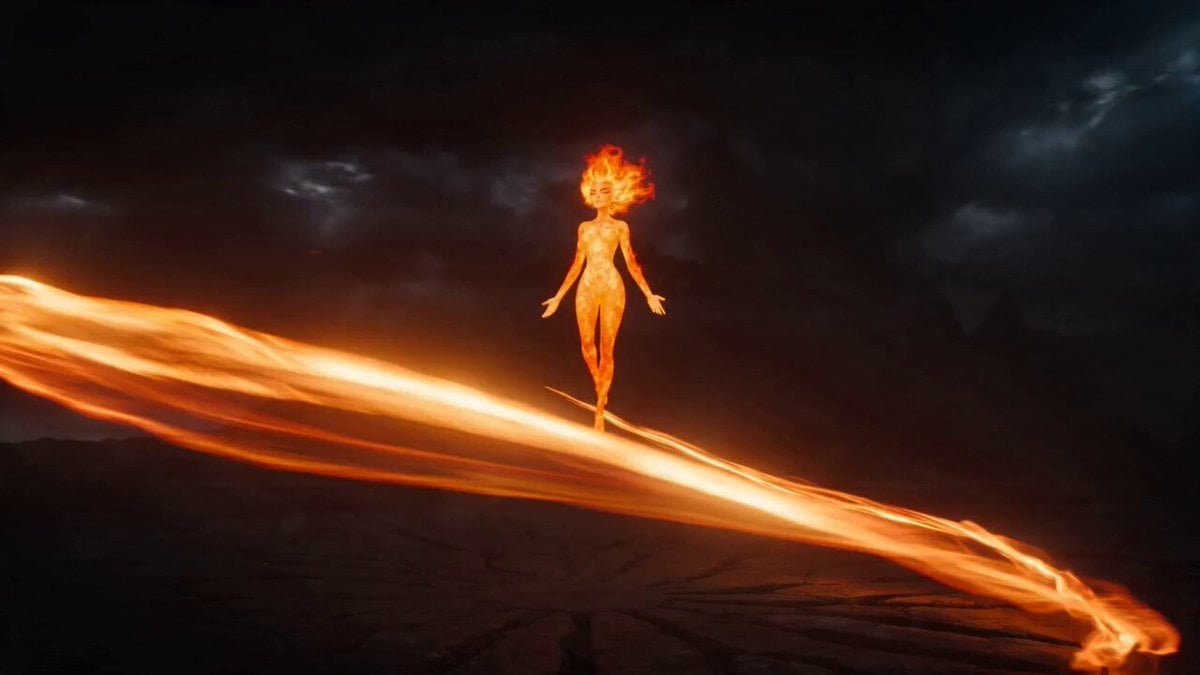
Magical Transformation Sequence
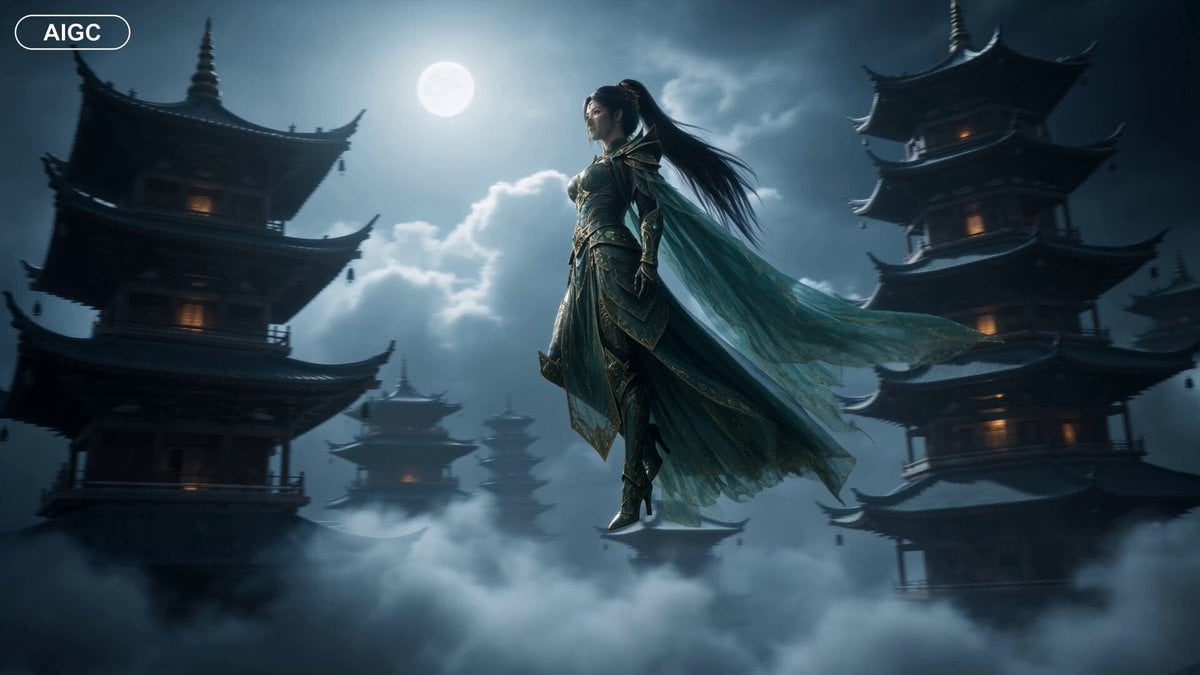
Fantasy Warrior Transformation Sequence
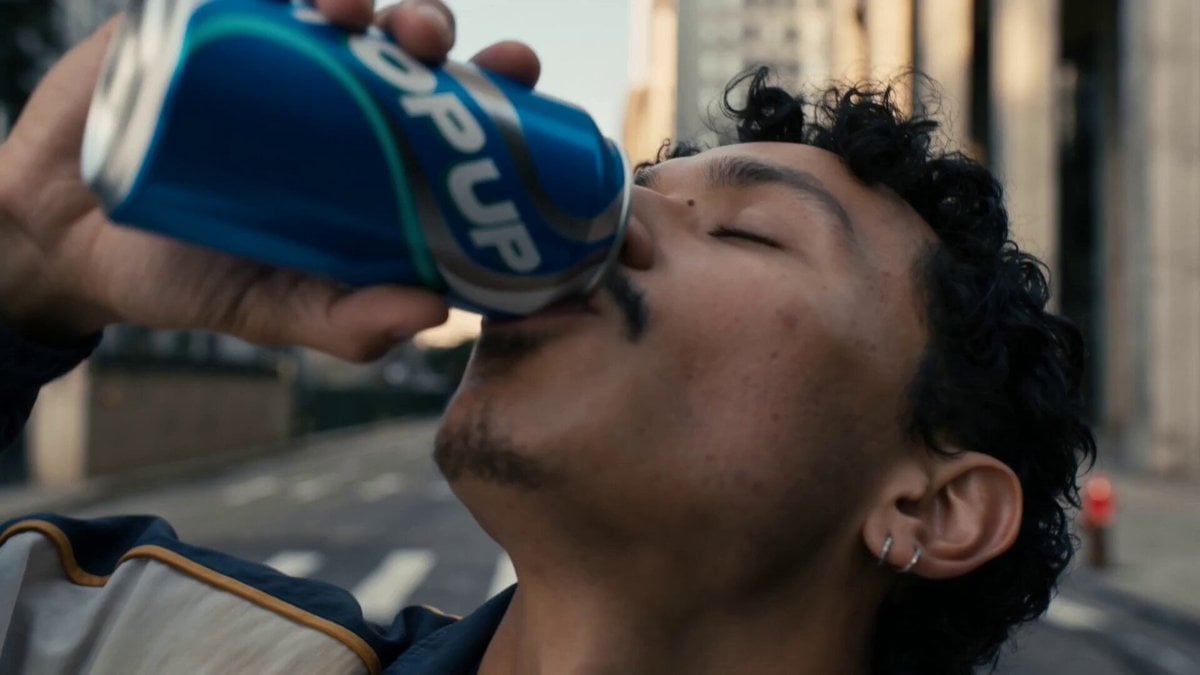
Neon Armor Epic Transformation Sequence
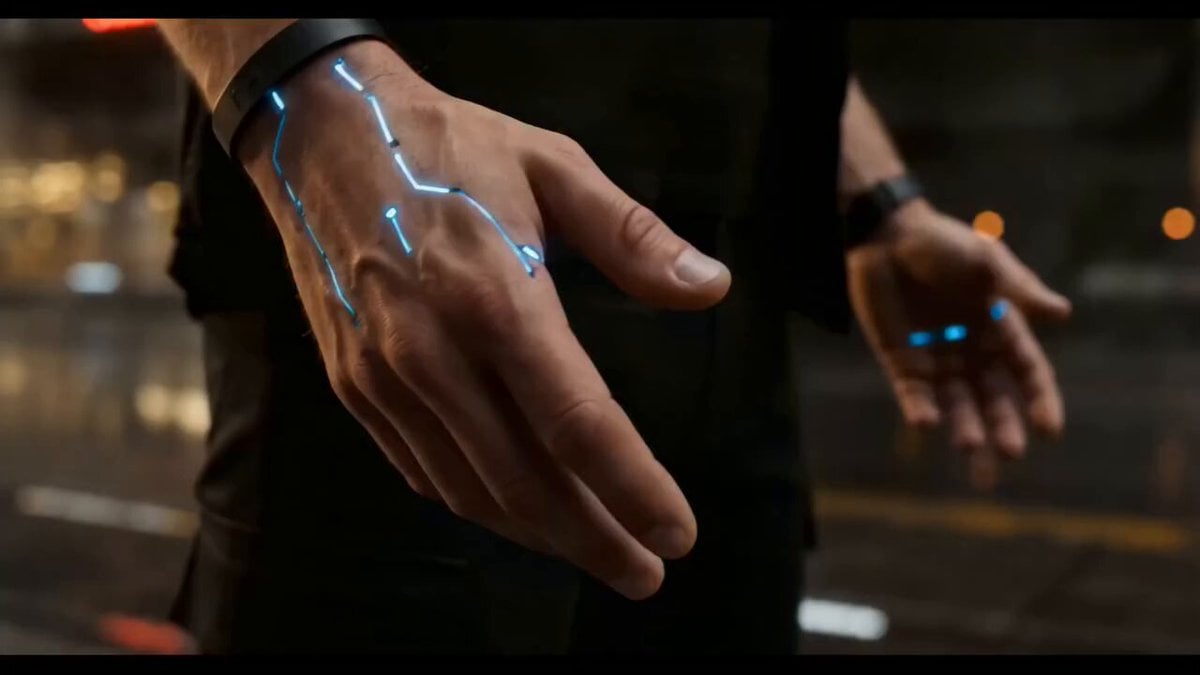
Cyberpunk Exosuit Transformation Sequence
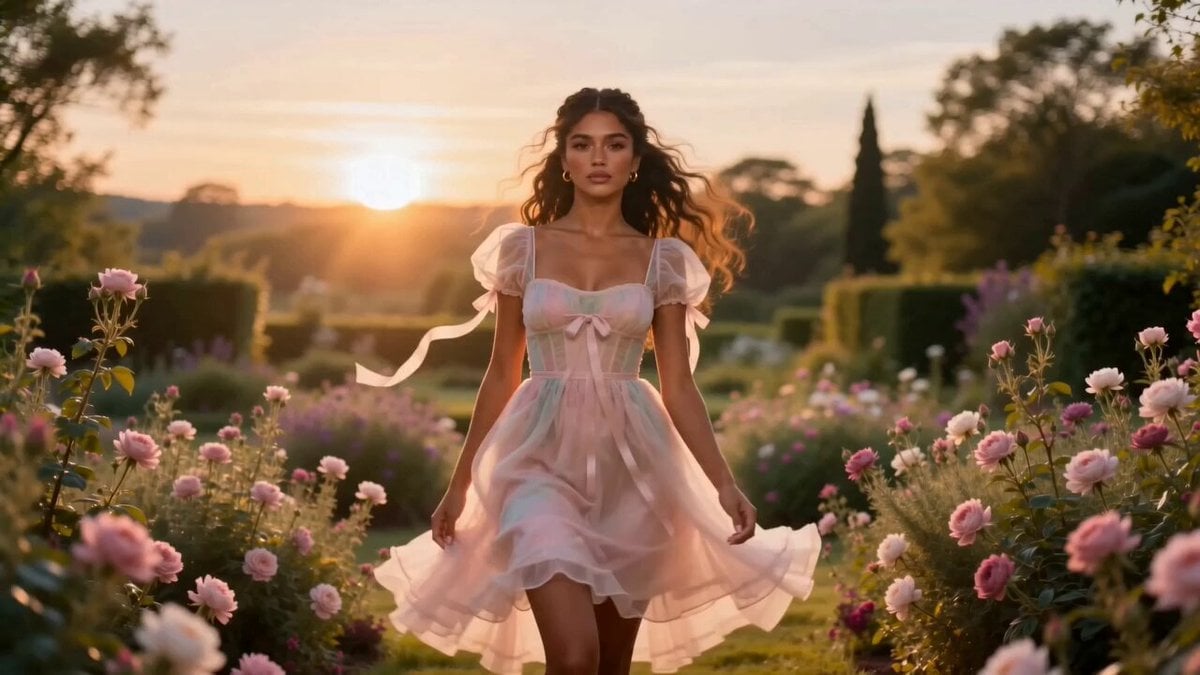
Fashion Aesthetic Transformation Sequence
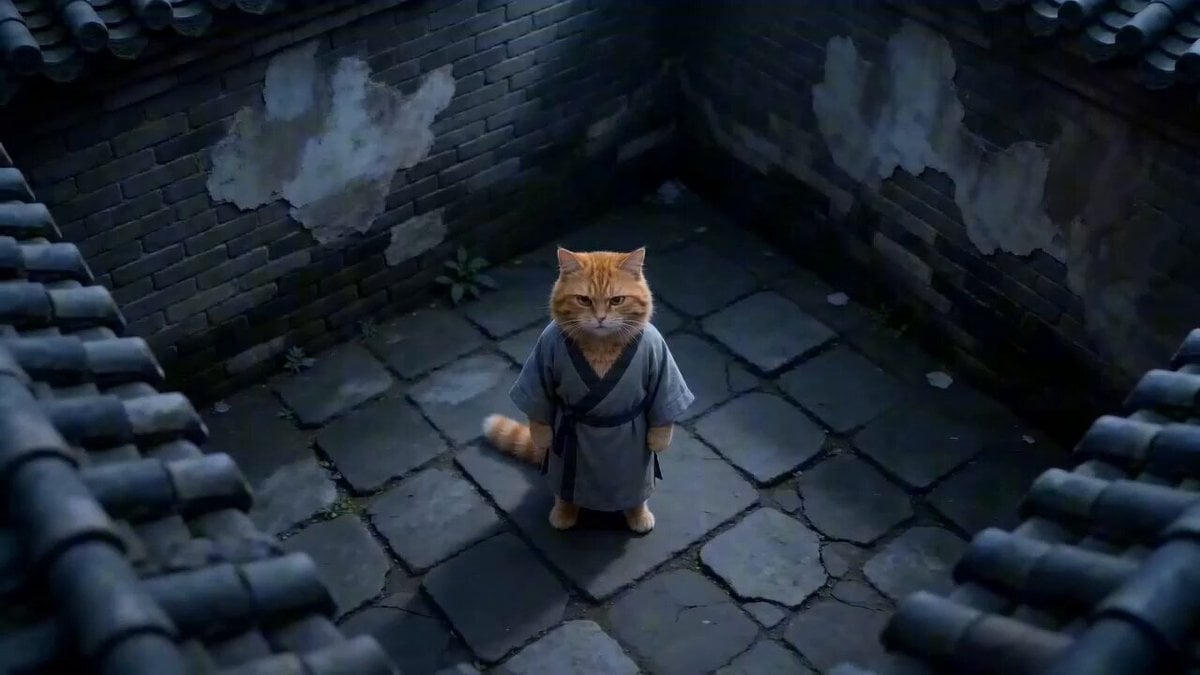
Hyper-Stylized Kung Fu Cat Action Sequence
Stylized 3D Character Beat-Synced Sequence
Chibi Cave Adventure — He Doesn't Know What's Coming
Civilization Timelapse — Centuries in One Shot
Make it yours
Stylized 3D Barbershop Transformation Sequence works as-is. These are the safest ways to change it without losing the look.
Change one field
Copy a single group, rewrite it, and generate again so you can see what that field is doing.
Keep the frame, change the subject
Hold the composition and light of Stylized 3D Barbershop Transformation Sequence, then swap wardrobe, props or the person for a new take.
| If the result… | Why | Fix |
|---|---|---|
| The result drifts from the preview | Too many fields changed at once. | Reuse Stylized 3D Barbershop Transformation Sequence as-is first, then change one group — subject, light, or setting. |
| The model over-stylizes the scene | The prose prompt leaves finish and camera underspecified. | Add one camera or lighting sentence and stay on Seedance 2.0. |
More Seedance 2.0 templates
Other prompts made for Seedance 2.0.

Comical Martial Arts Punch Scene

Wuxia Protection and Trust Script

Vintage Korean Arcade MiniDV Vlog

Mercedes 190 SL Luxury Ad

Rainy Night Supernatural Reverse Comedy Video Script

Amazon Civilization Discovery

Futuristic South Asian City Transformation

Cozy Luxury Cafe Commercial

Cyber Ronin Nanotech Transformation Video
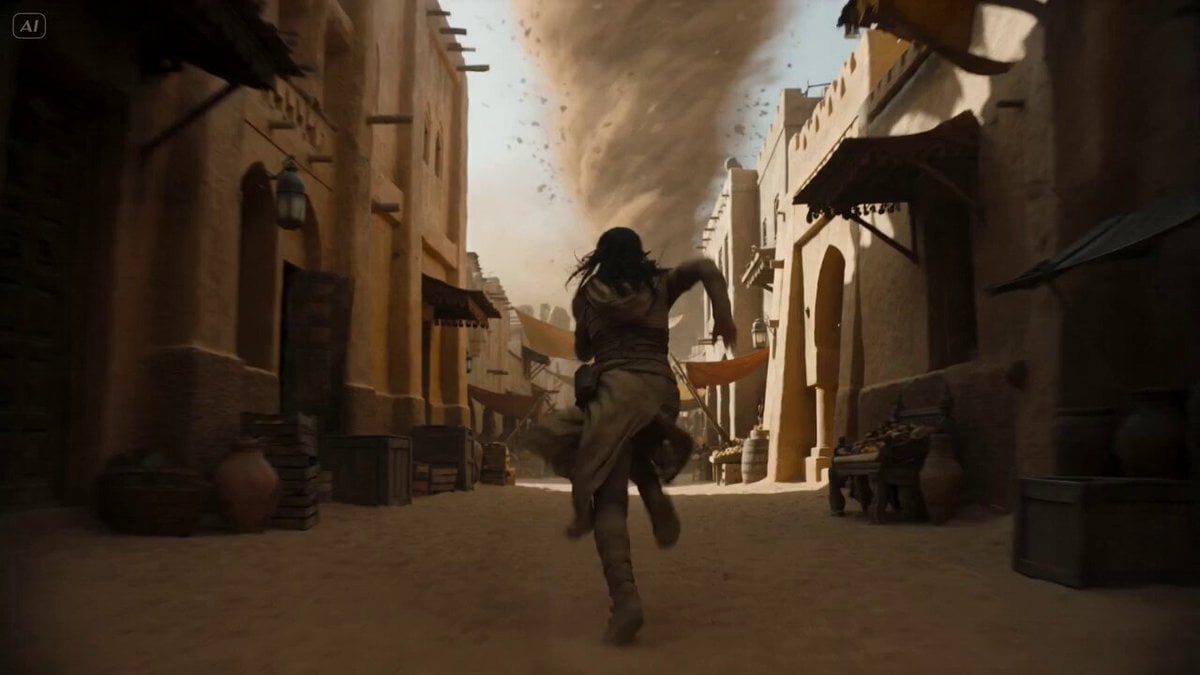
Desert Courier and Sandstorm Leviathan Chase
More video prompts
Fresh picks from across the catalog.
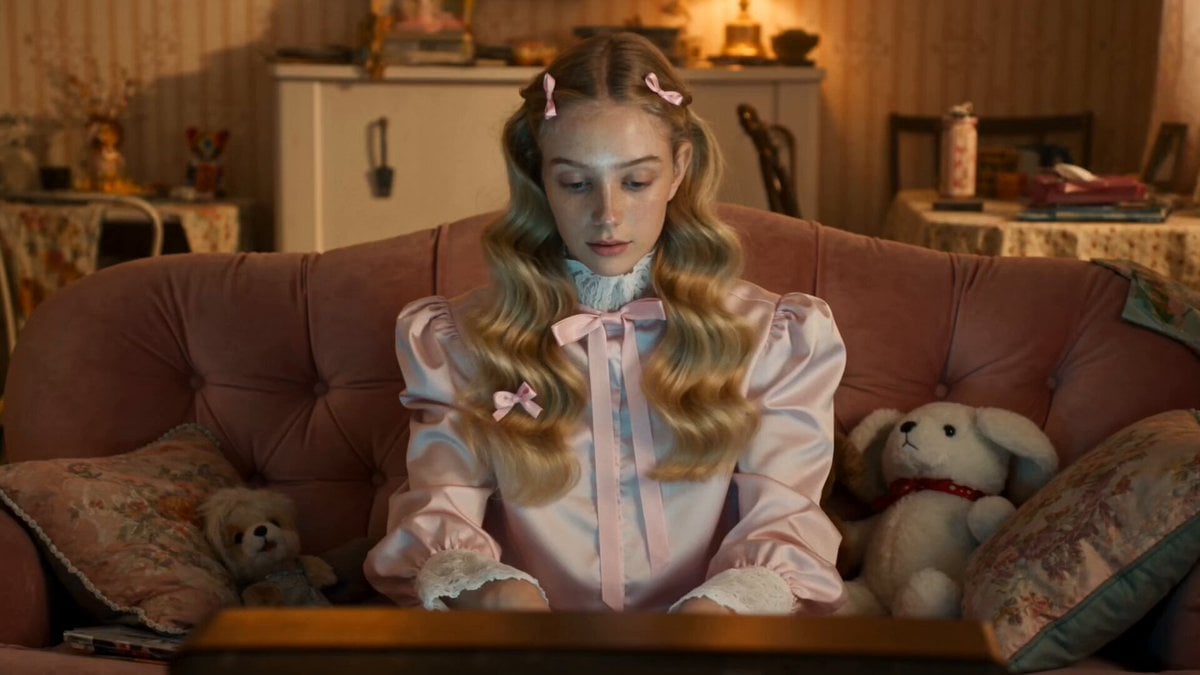
Odette Vane Cyberpunk Arena Animation
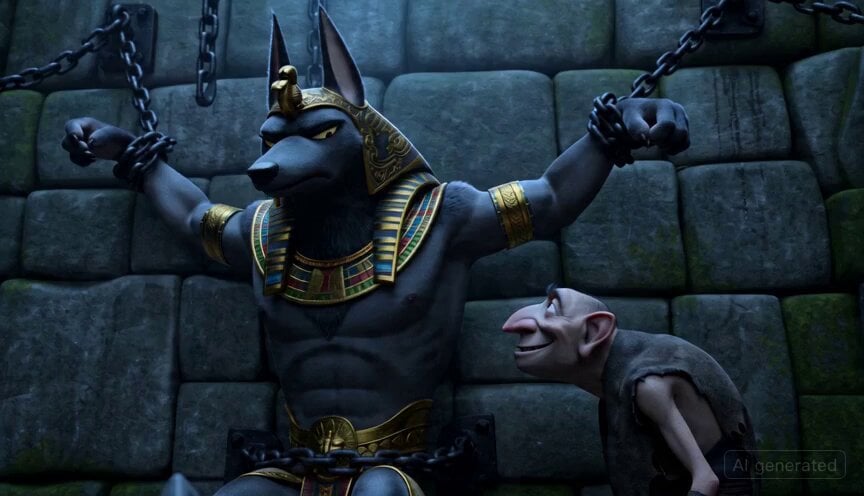
3D Animation of Anubis in Dungeon
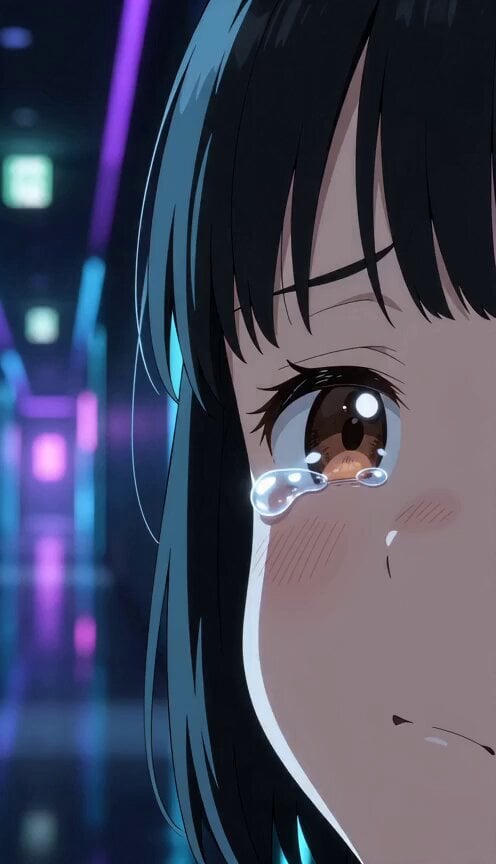
Anime Flooding Tears Sequence
Horseback riding and Starship launch video
Fantasy Female Warrior Journey
Hyper-Realistic Vertical Full-Body Ice Cream Cone Ad
Detailed Dark Fantasy Warrior Woman Video Prompt
Volcanic Dragon Transformation Sequence
Ice Queen — Frozen Battlefield Time Control (Seedance)
Animation Control via Storyboard Reference
Browse template categories
Stylized 3D Barbershop Transformation Sequence questions
How do I use the Stylized 3D Barbershop Transformation Sequence template?
Add your photo if the template asks for one, edit the prompt if you like — the template's model and format are already selected — and press Generate. Your version opens in PicX Studio.
Can I customize the Stylized 3D Barbershop Transformation Sequence template?
Yes. You can change the subject, setting, lighting, mood, format, and available model controls before creating your video.
Is the Stylized 3D Barbershop Transformation Sequence template free?
Opening and editing this template is free. Generating uses credits, shown on the Generate button when you are signed in.
Which AI model should I use?
Start with Seedance 2.0, which is the model associated with this template. You can compare another compatible model for a different finish.
Looking for something else? Browse all templates.

Your photo, any look
Thousands of ready templates for every top image and video model, from one credit balance.