
Creative Studio Fantasy Transition
A highly detailed narrative prompt involving a transition from a moody creative studio into an enchanting fantasy forest and a futuristic mountain car chase.

- Prompt included
- Model and format preset
- Free template
The prompt behind this video
Copy the exact prompt behind Creative Studio Fantasy Transition, or open it in the studio and make it yours.
A frustrated young male creator sits alone in a dark creative studio, staring at a completely blank computer monitor. He rests his hand on his forehead, looking stuck and out of ideas. The room is moody and cinematic, with soft monitor glow and deep shadows. The blank screen suddenly begins transforming into a vivid cinematic world. The camera smoothly pushes toward the monitor and transitions seamlessly inside it, revealing an enchanting fantasy forest filled with enormous ancient trees, glowing purple-pink foliage, exotic plants, soft mist, and a crystal-clear stream reflecting warm rays of sunlight. Magical particles float gently through the air as the camera slowly travels forward through the forest. The scene then dramatically transitions into a sleek futuristic black supercar speeding through a winding mountain road at dusk. The car accelerates aggressively around the curves, tires producing subtle smoke and sparks, glowing red taillights reflecting across the wet asphalt. Massive mountains surround the road with a bright full moon in the background. Ultra-cinematic commercial look, photorealistic details, dynamic camera movement, smooth transitions, volumetric lighting, atmospheric fog, realistic reflections, shallow depth of field, dramatic contrast, premium VFX, realistic motion blur, 4K quality. End with a powerful tracking shot behind the supercar as it disappears into the mountain road. Duration: 15 seconds. Aspect ratio: 16:9. No text, no logos, no watermark.
How to use Creative Studio Fantasy Transition in 3 steps
- 1
Open
The prompt is already in the box next to the preview, with the template's model and format selected.
- 2…a portrait of your subject in softgolden-hour light, 85mm…
Personalize
Edit the subject and creative details for your destination.
- 3Generate
Generate
Press Generate — your video is created in PicX Studio, so you can compare it with the original and refine one variable at a time.
More like this
Templates with the same subject, style or setup. Open one to see its prompt.
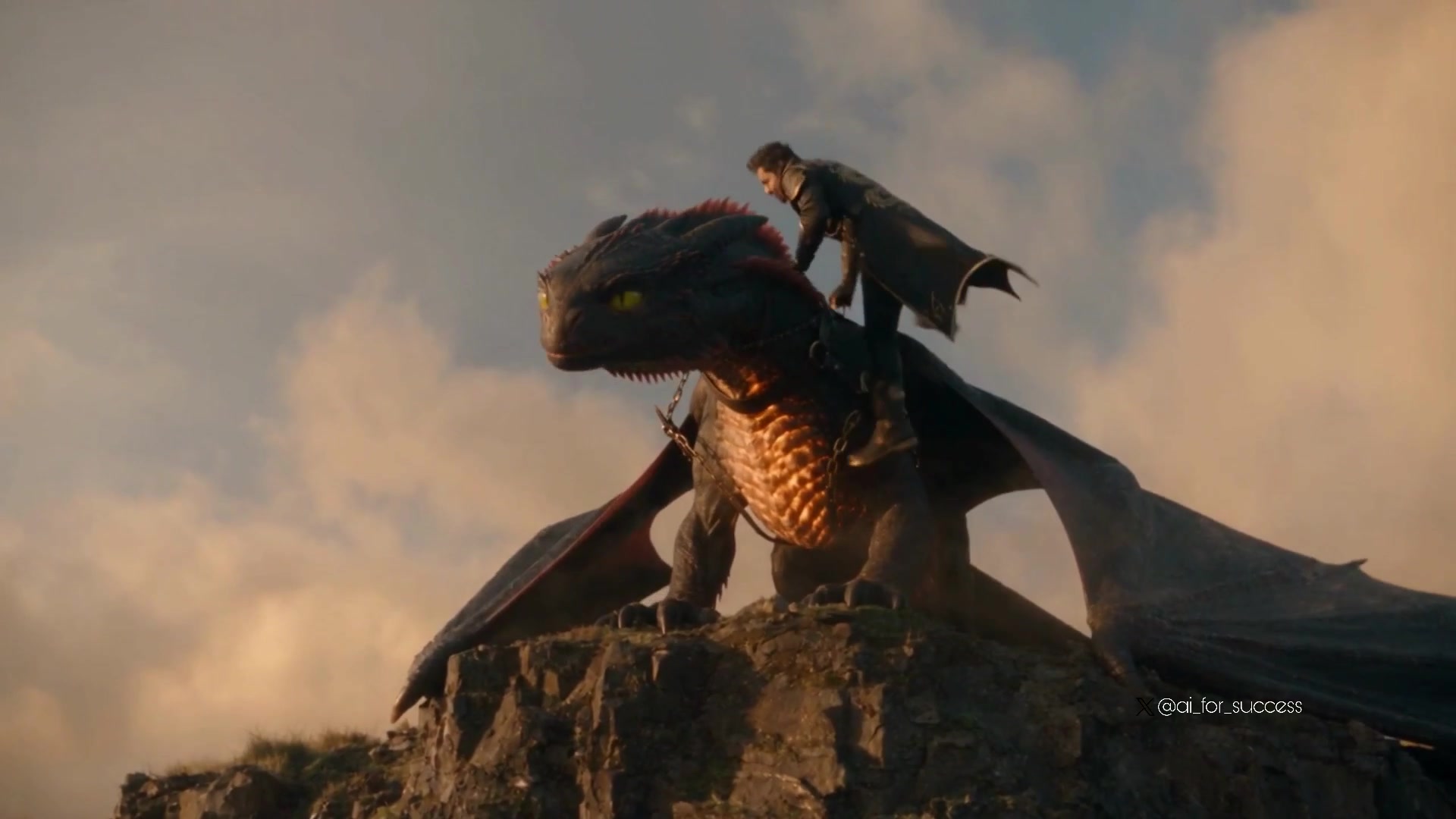
Dragon Rider Cinematic Flight — Seedance 2.5
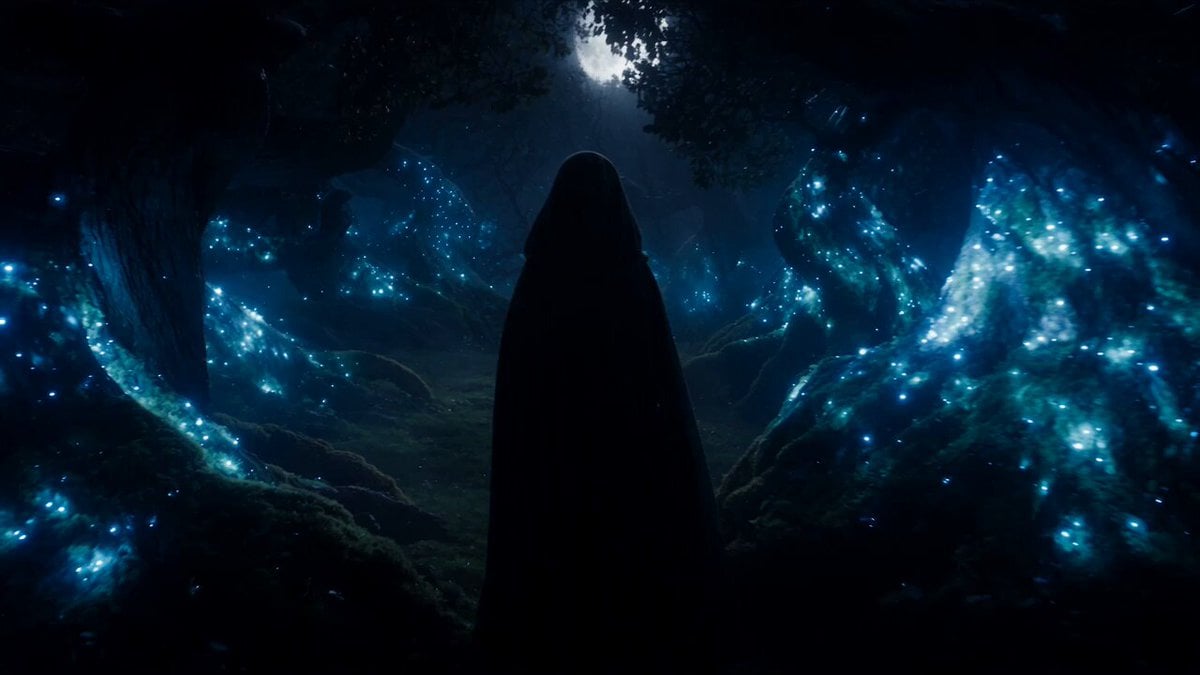
Forest Fantasy Girl Short Film
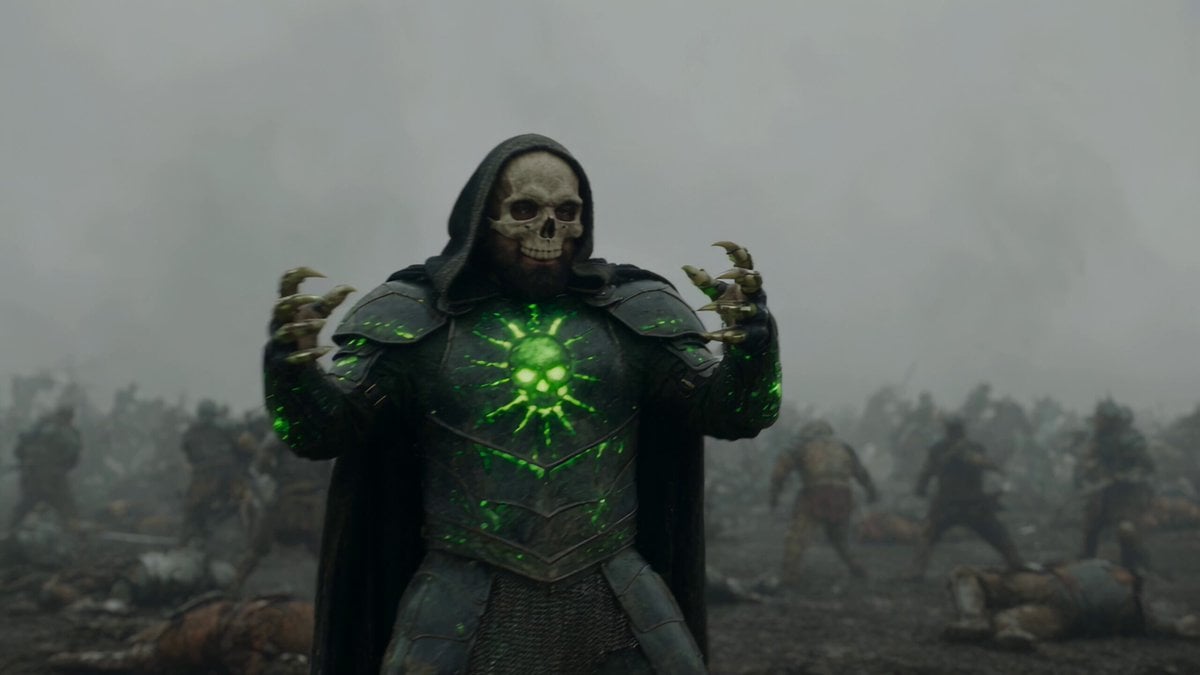
Necromancer Battlefield Orbit
Griffin Knight Mountain Kingdom — Seedance 2.0
Ice Queen — Frozen Battlefield Time Control (Seedance)
Dragon Rescue — Volcanic Kingdom Collapse (Seedance)
Whale in the Sky — City Shadows (Kling AI)
Swordsman vs Shadow Monster — Bamboo Forest Battle
Stone Colossus Desert Riders — Golden Fire Reveal
Tiny Figure Climbing a Giant — Low Angle Seedance
Chibi Cave Adventure — He Doesn't Know What's Coming
Sea Serpent vs Crab Titan — Ocean Battle
Make it yours
Creative Studio Fantasy Transition works as-is. These are the safest ways to change it without losing the look.
Change one field
Copy a single group, rewrite it, and generate again so you can see what that field is doing.
Keep the frame, change the subject
Hold the composition and light of Creative Studio Fantasy Transition, then swap wardrobe, props or the person for a new take.
| If the result… | Why | Fix |
|---|---|---|
| The result drifts from the preview | Too many fields changed at once. | Reuse Creative Studio Fantasy Transition as-is first, then change one group — subject, light, or setting. |
| The model over-stylizes the scene | The prose prompt leaves finish and camera underspecified. | Add one camera or lighting sentence and stay on Seedance 2.0. |
More Seedance 2.0 templates
Other prompts made for Seedance 2.0.

Comical Martial Arts Punch Scene

Maglev Train Action Sequence

Martial Arts Fight Sequence

Wuxia Protection and Trust Script

Vintage Korean Arcade MiniDV Vlog

Mercedes 190 SL Luxury Ad

Rainy Night Supernatural Reverse Comedy Video Script

Amazon Civilization Discovery

Futuristic South Asian City Transformation

Cozy Luxury Cafe Commercial
More video prompts
Fresh picks from across the catalog.
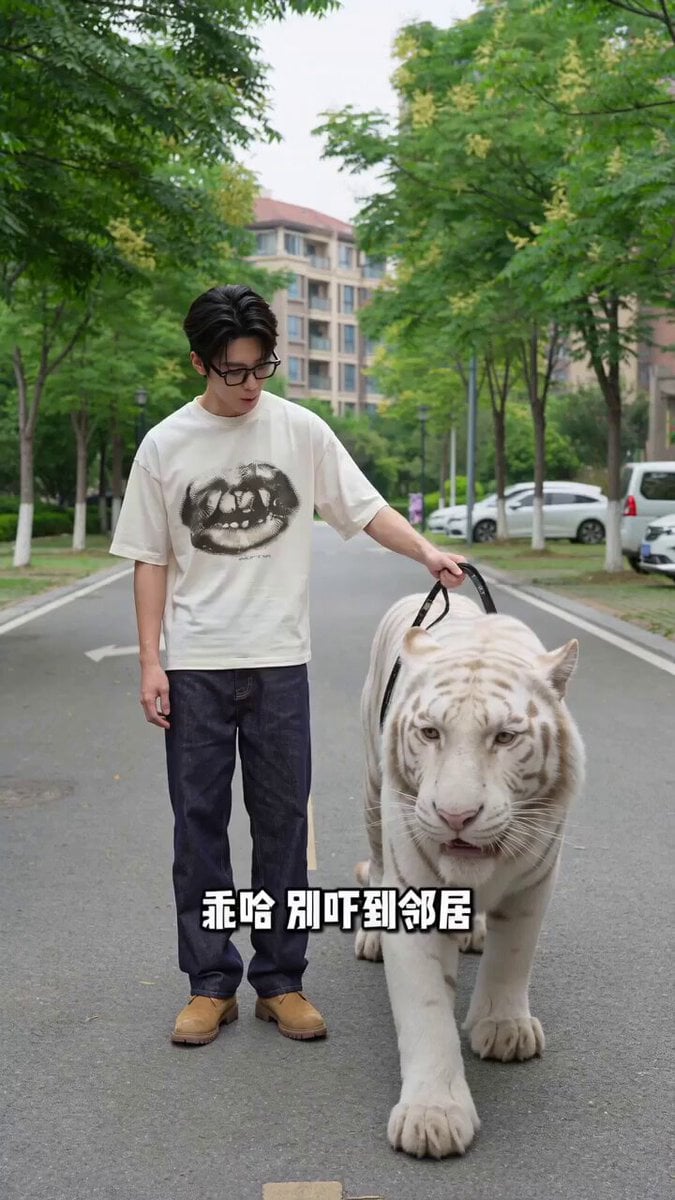
Man Walking Tiger and Teacup Poodle Skit Video Prompt
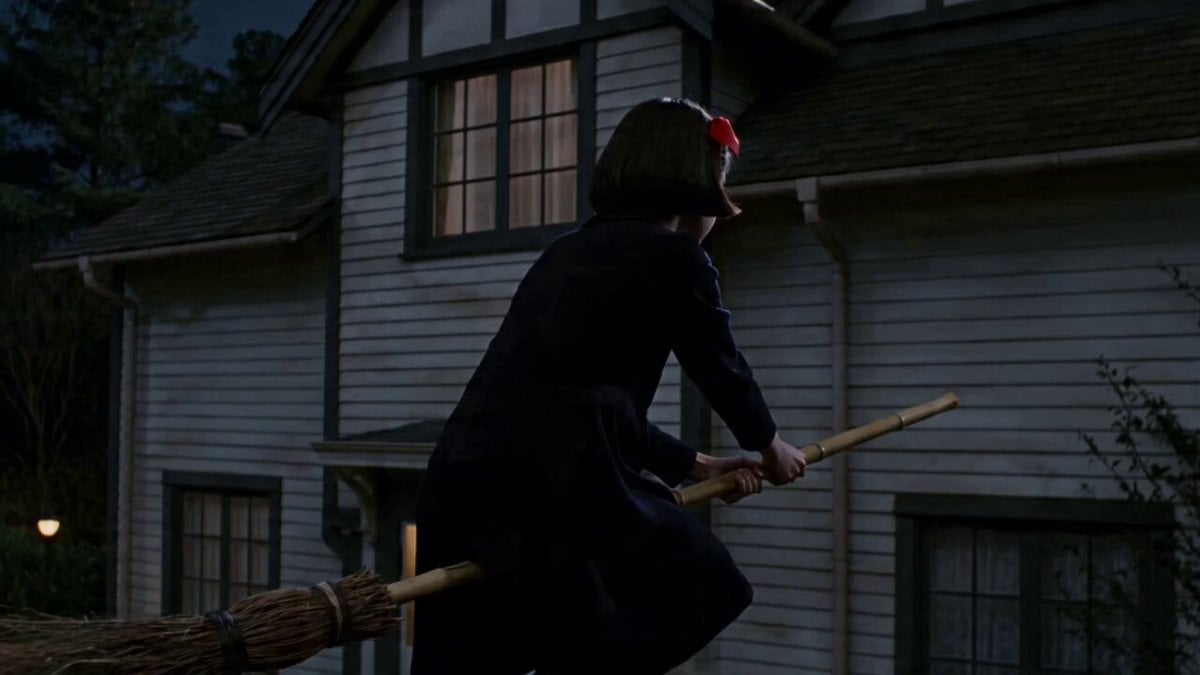
Flying Witch Departure
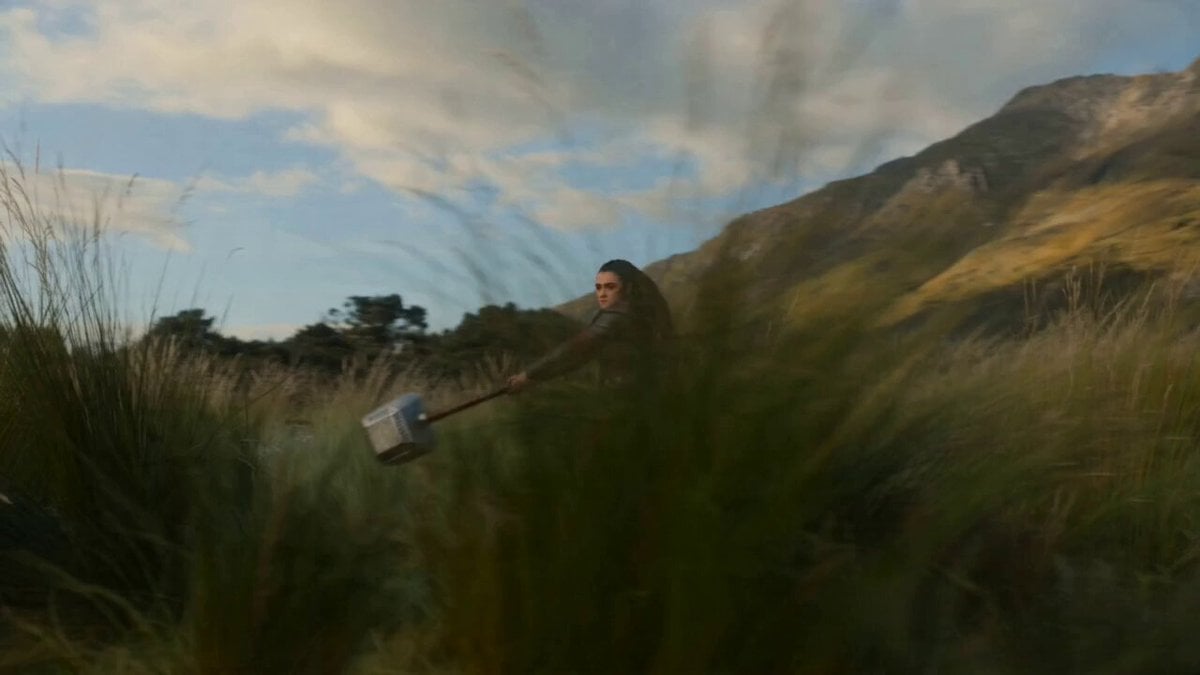
Seedance 2.0 Hammer Throw Prompt

Anime Character Transformation with Ethereal Glow
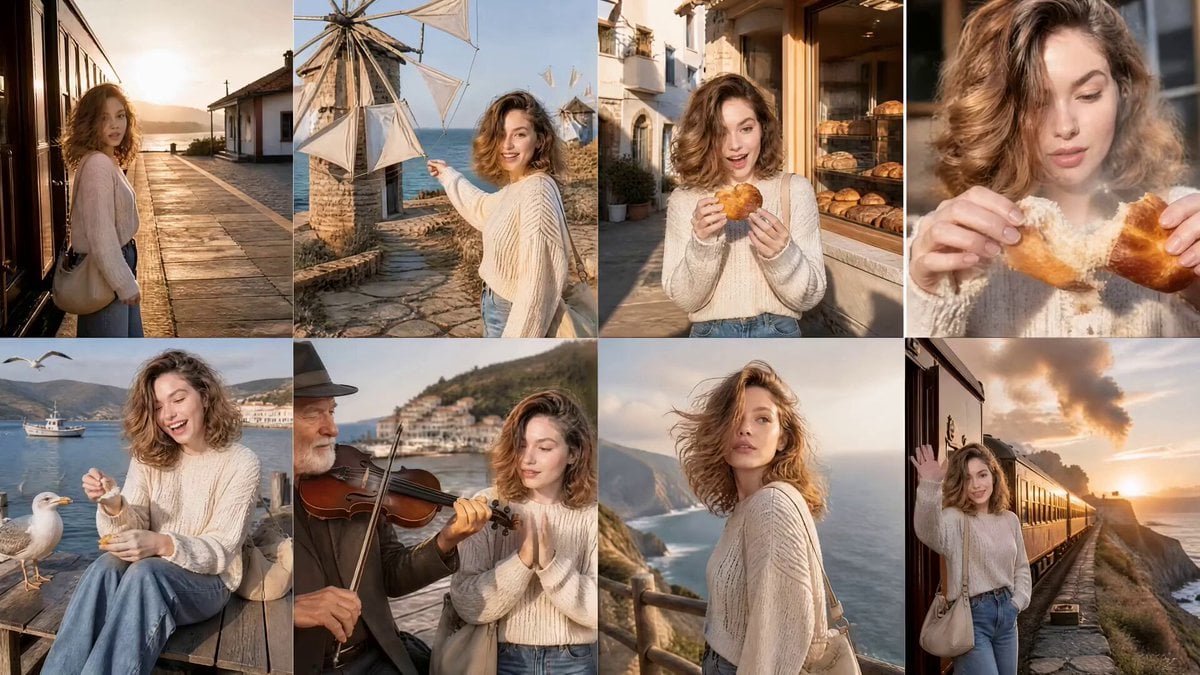
Cinematic Korean Woman Coastal Adventure
UGC Skincare Brand Video Commercial
Boy Diving Into Water Scene
Suburban Earthquake Survival Narrative

Attractive Cyberpunk Man
Industrial Factory Combat Sequence
Browse template categories
Creative Studio Fantasy Transition questions
How do I use the Creative Studio Fantasy Transition template?
Add your photo if the template asks for one, edit the prompt if you like — the template's model and format are already selected — and press Generate. Your version opens in PicX Studio.
Can I customize the Creative Studio Fantasy Transition template?
Yes. You can change the subject, setting, lighting, mood, format, and available model controls before creating your video.
Is the Creative Studio Fantasy Transition template free?
Opening and editing this template is free. Generating uses credits, shown on the Generate button when you are signed in.
Which AI model should I use?
Start with Seedance 2.0, which is the model associated with this template. You can compare another compatible model for a different finish.
Looking for something else? Browse all templates.

Your photo, any look
Thousands of ready templates for every top image and video model, from one credit balance.