
Industrial Factory Combat Sequence
A complex 15-second action sequence set in a factory involving robot combat, mechanical claw deployments, and cinematic tracking shots.
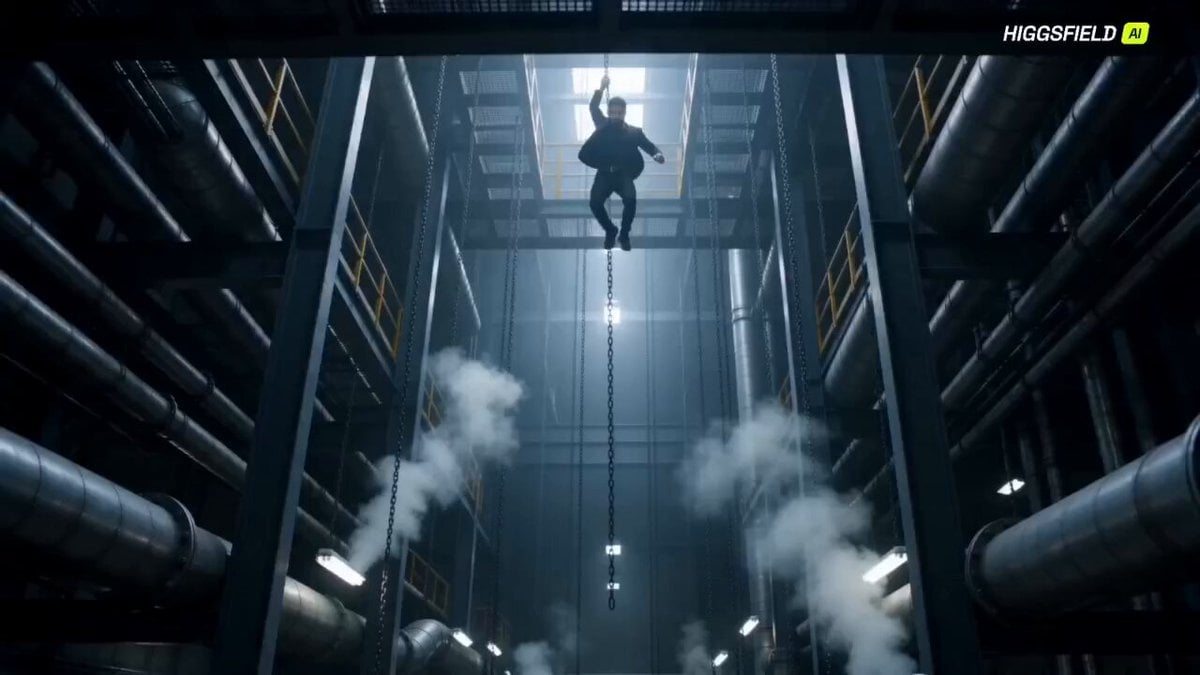
- Prompt included
- Model and format preset
- Free template
The prompt behind this video
Copy the exact prompt behind Industrial Factory Combat Sequence, or open it in the studio and make it yours.
Duration: 15 Seconds 0.0 – 2.0 Wide shot of the factory (extended for atmosphere). Thick steam bursts from pipes, chains subtly moving. Camera: tilt down + push-in. Character swings down from a chain → hard landing (stronger impact, more sparks). Camera follows downward (vertical tracking) with slight handheld shake. 2.0 – 4.0 Robots close in from three directions. Handheld medium shot (chaotic energy). Fast combat: 1 heavy punch → robot slammed into a pipe (visible dent + sparks) 1 spinning kick → robot knocked into hanging chains Character immediately repositions (step + pivot, no idle stance). 4.0 – 5.0 (KEY MOMENT – EXTENDED) Camera whip pan following movement. Micro pause (<0.3s, still fast-paced). Instant claw deployment (BOTH hands) No hand opening No energy charge Mechanical snap under 0.2s Camera: Fast push-in to hands Slight angle shift for emphasis Immediate pull-back 5.0 – 8.0 Character dashes past large industrial pipes (extended movement for spatial depth). Side tracking shot. Foreground elements (pipes/chains) pass quickly for strong depth. Attack sequence: 1 horizontal slash → hits 2 robots (clear impact reaction) 1 forward dash stab immediately after (no pause) Sparks and metal tearing clearly visible. 8.0 – 11.0 Whip pan to a new platform area (continuous factory environment). Camera semi-orbit + handheld. Extended combo: Fast left slash Body pivot → elbow/shoulder strike (strong physical impact) Reverse claw swipe (backhand motion) Robots react heavily: Knocked back Armor damage visible Sparks + deformation 11.0 – 13.0 Short dash reposition (NOT slow running). Close-medium side tracking shot. Final combo: Double claw strike (both hands) 1 diagonal finishing slash Last robot is violently pushed backward. 13.0 – 15.0 (ENDING) Low-angle cinematic shot. Camera slow push-in (subtle, NOT slow motion). Final robot collapses in the background (slight delay for dramatic effect). Steam rises, high-contrast lighting. Character stands still → claws still active, ready stance. Enhancements Added Extended opening and mid-fight for better pacing More combo variation (no empty gaps) Clear spatial transitions across factory areas Stronger impact and hit reactions
How to use Industrial Factory Combat Sequence in 3 steps
- 1
Open
The prompt is already in the box next to the preview, with the template's model and format selected.
- 2…a portrait of your subject in softgolden-hour light, 85mm…
Personalize
Edit the subject and creative details for your destination.
- 3Generate
Generate
Press Generate — your video is created in PicX Studio, so you can compare it with the original and refine one variable at a time.
More like this
Templates with the same subject, style or setup. Open one to see its prompt.
Martial Arts Warehouse Combat Sequence
Orbital Elevator Combat Sequence
Warehouse Combat Video Sequence
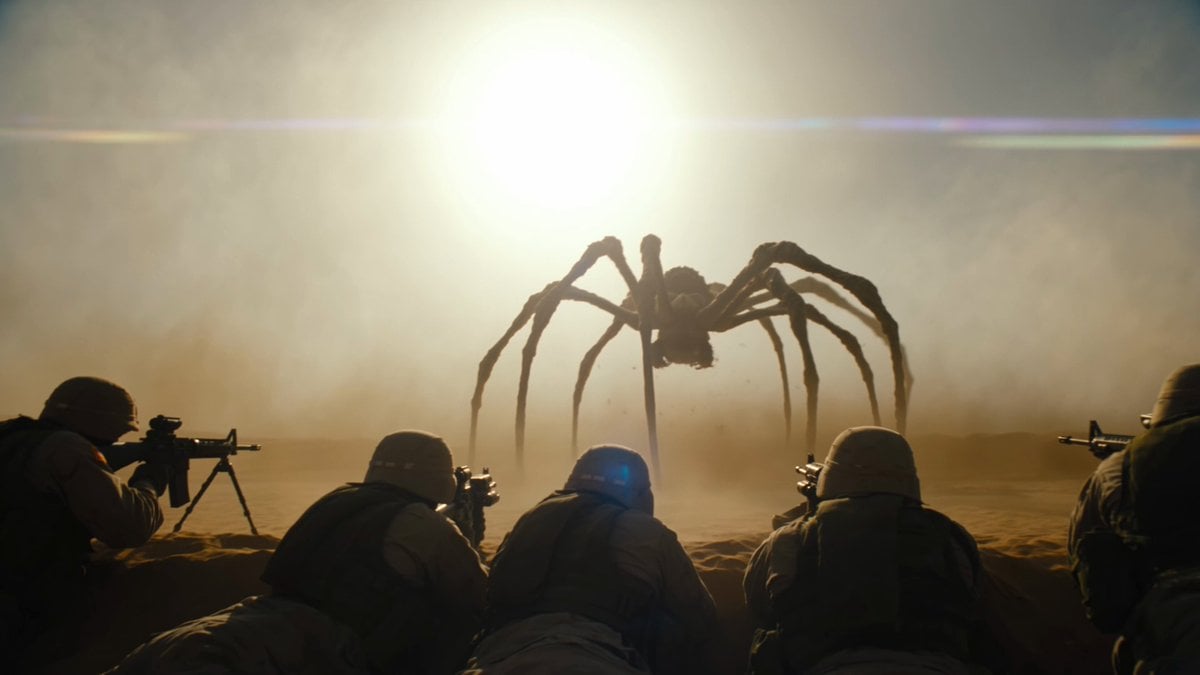
Cinematic Desert Combat Sequence
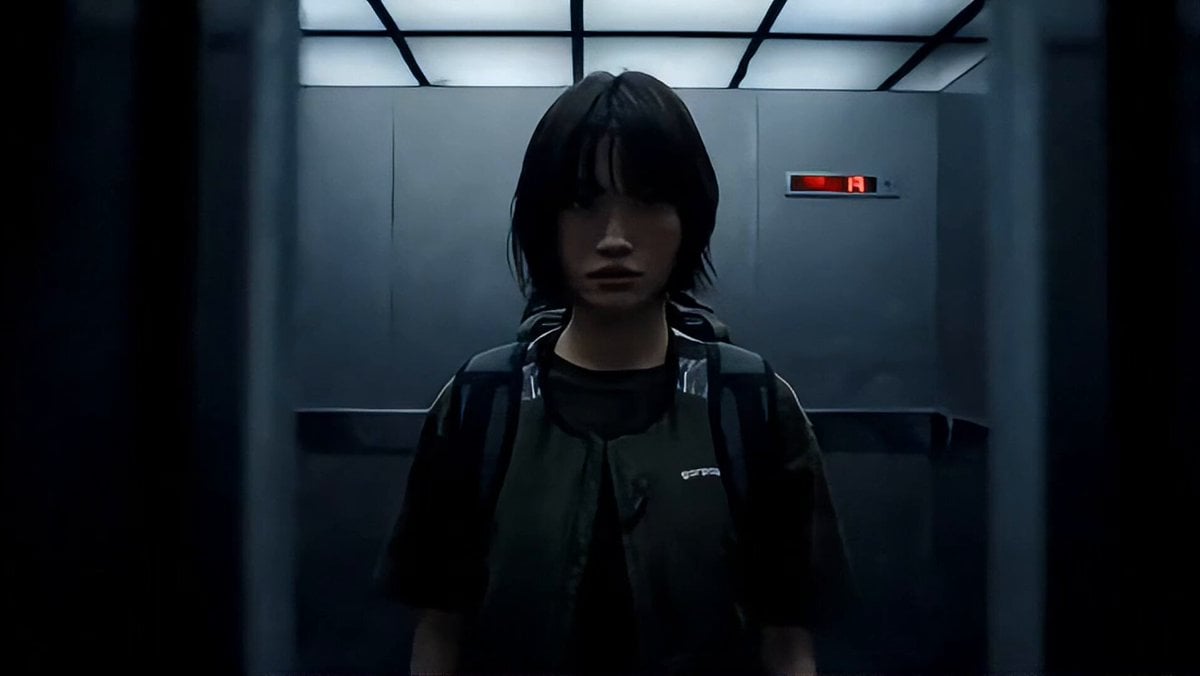
Industrial Elevator Combat Scene
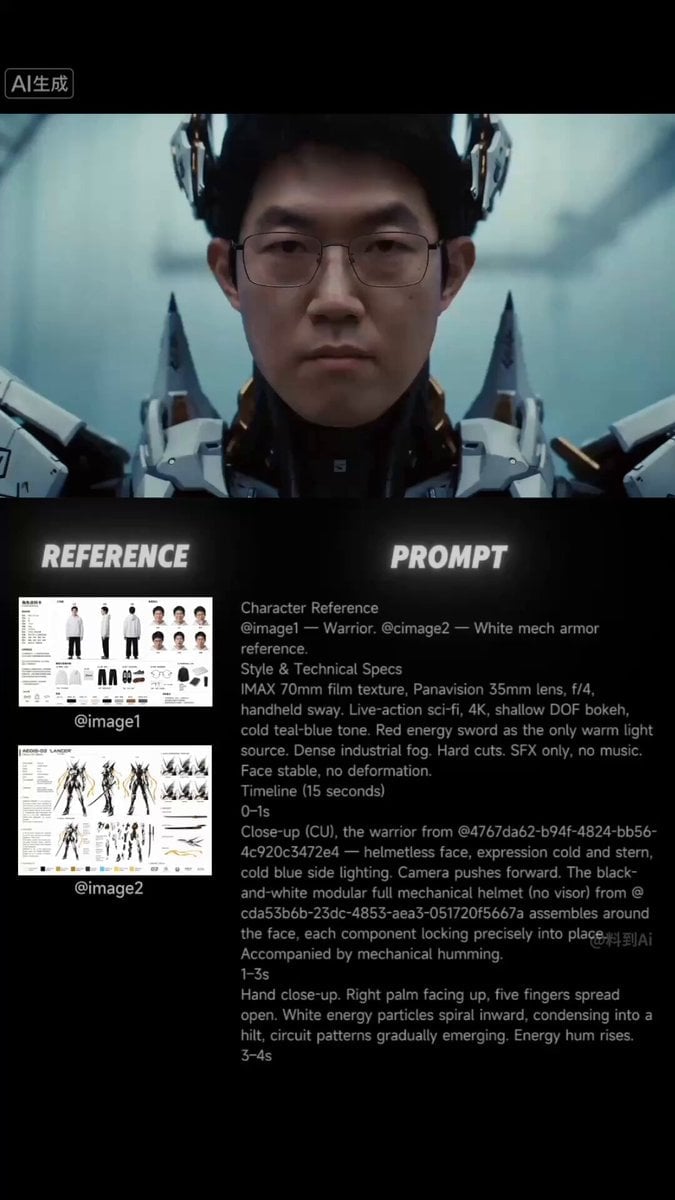
Sci-Fi Samurai Combat Sequence
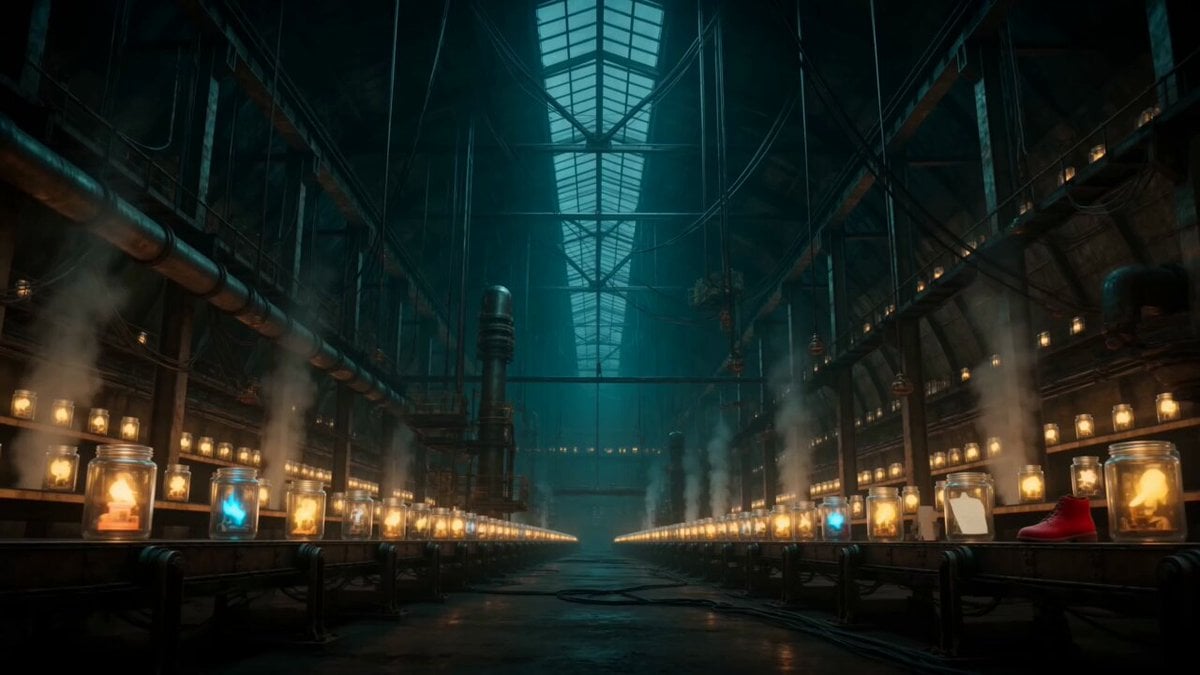
Abandoned Factory Dream Sequence

Walking Factory with Rebel on Hoverbike - Wasteland
Complex Close Combat Sequence
Sci-Fi Warrior Combat Sequence
Epic Cyberpunk Aerial Combat Sequence
Indonesian superhero combat sequence
Make it yours
Industrial Factory Combat Sequence works as-is. These are the safest ways to change it without losing the look.
Change one field
Copy a single group, rewrite it, and generate again so you can see what that field is doing.
Keep the frame, change the subject
Hold the composition and light of Industrial Factory Combat Sequence, then swap wardrobe, props or the person for a new take.
| If the result… | Why | Fix |
|---|---|---|
| The result drifts from the preview | Too many fields changed at once. | Reuse Industrial Factory Combat Sequence as-is first, then change one group — subject, light, or setting. |
| The model over-stylizes the scene | The prose prompt leaves finish and camera underspecified. | Add one camera or lighting sentence and stay on Seedance 2.0. |
More Seedance 2.0 templates
Other prompts made for Seedance 2.0.

Comical Martial Arts Punch Scene

Wuxia Protection and Trust Script

Vintage Korean Arcade MiniDV Vlog

Mercedes 190 SL Luxury Ad

Rainy Night Supernatural Reverse Comedy Video Script

Amazon Civilization Discovery

Futuristic South Asian City Transformation

Cozy Luxury Cafe Commercial

Cyber Ronin Nanotech Transformation Video

Desert Courier and Sandstorm Leviathan Chase
More video prompts
Fresh picks from across the catalog.
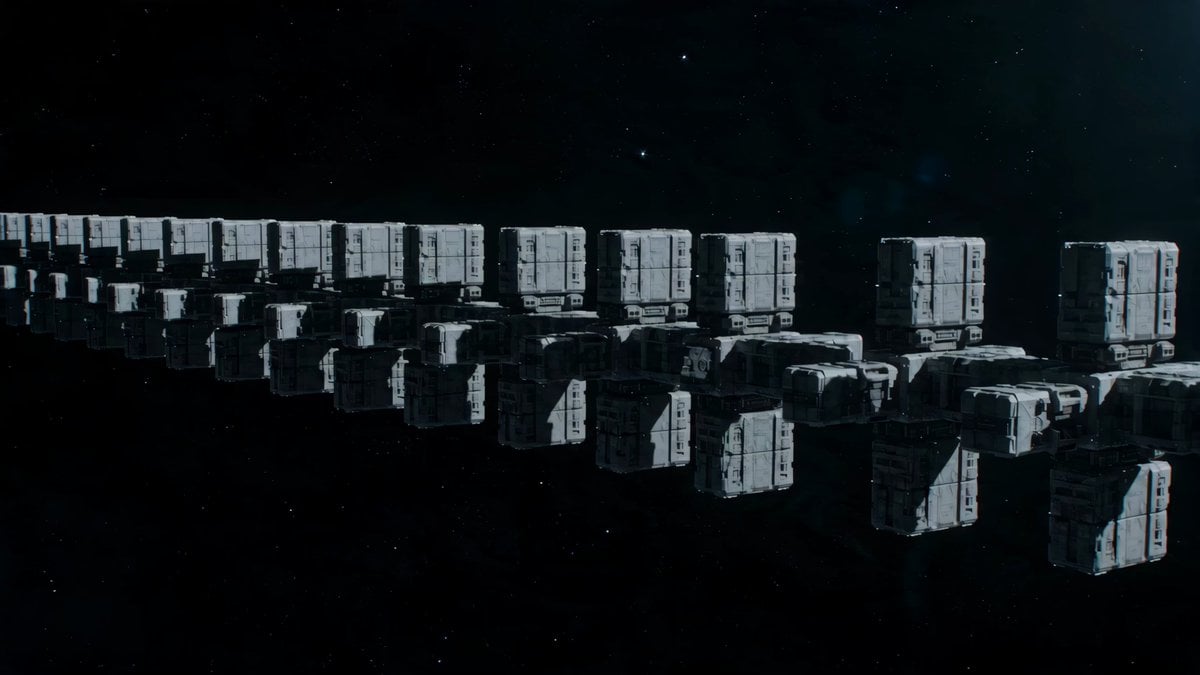
Deep Space Convoy Failure
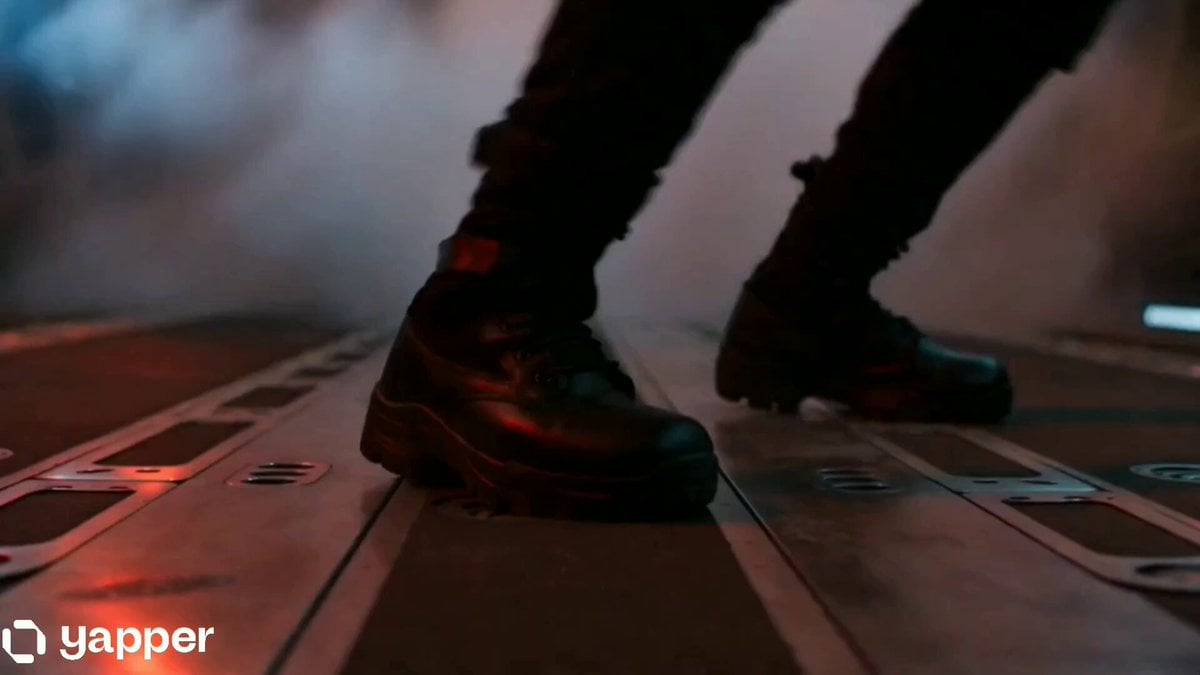
Futuristic Spy Action Cargo Plane Combat
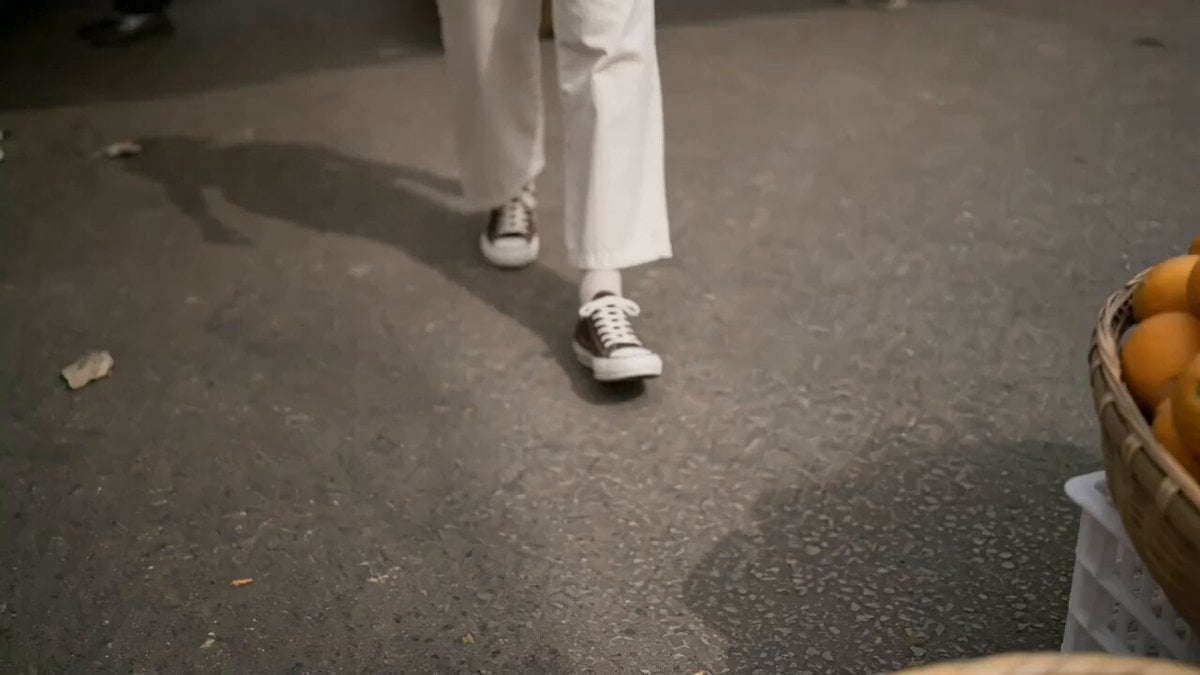
Girl Struggling with Large Pumpkin Market Scene
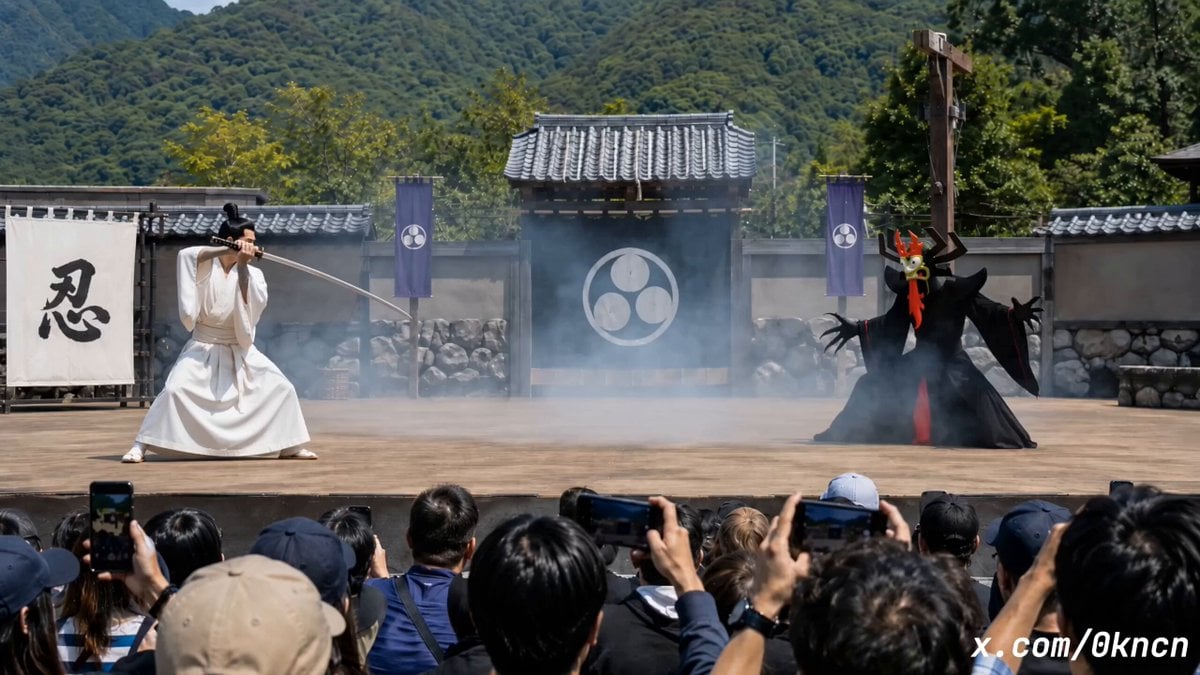
Japanese Feudal Village Theater POV
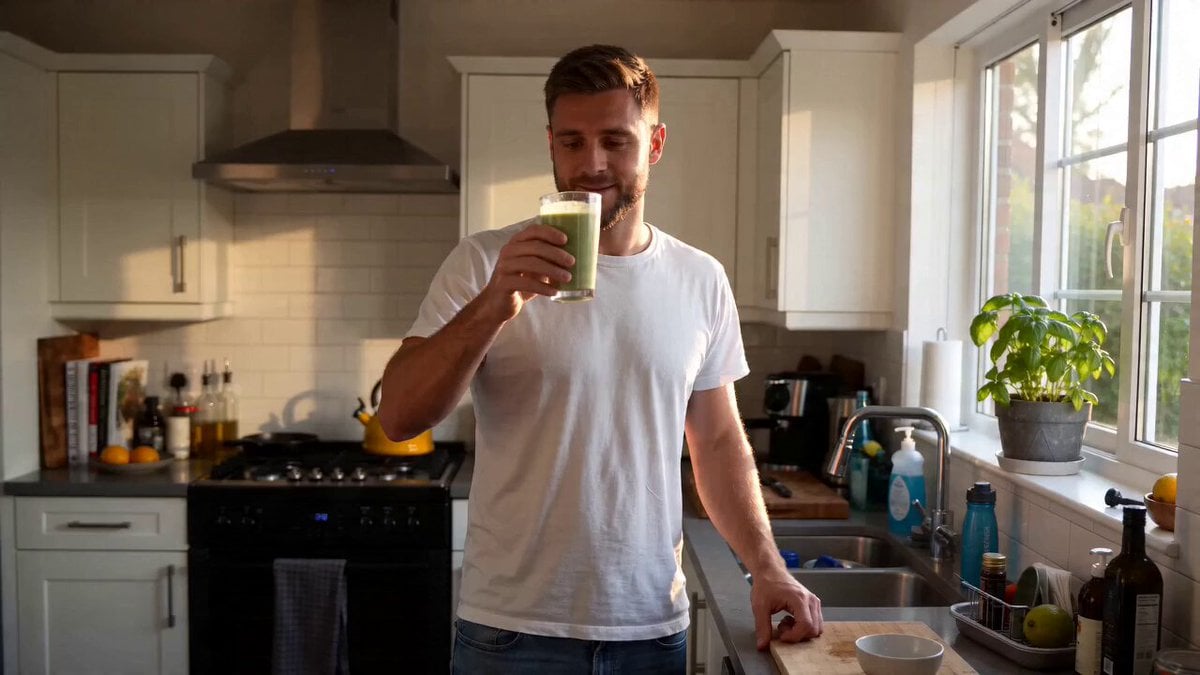
UGC Lifestyle Morning Smoothie
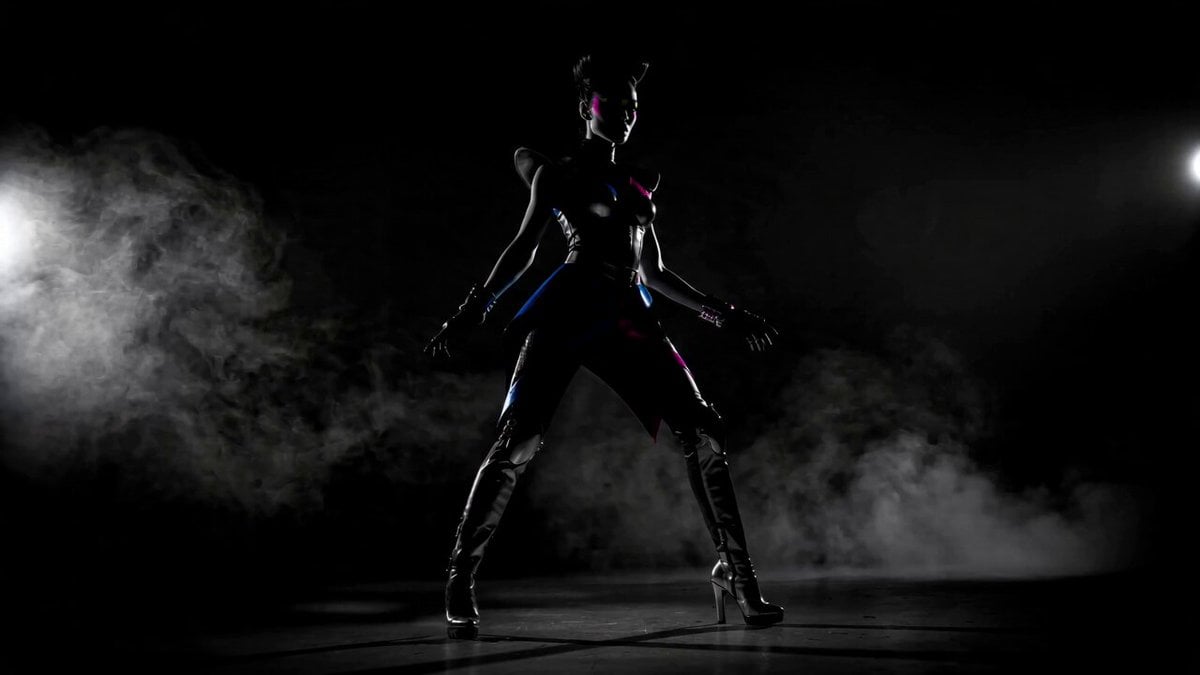
Futuristic Neon Fashionista Dance
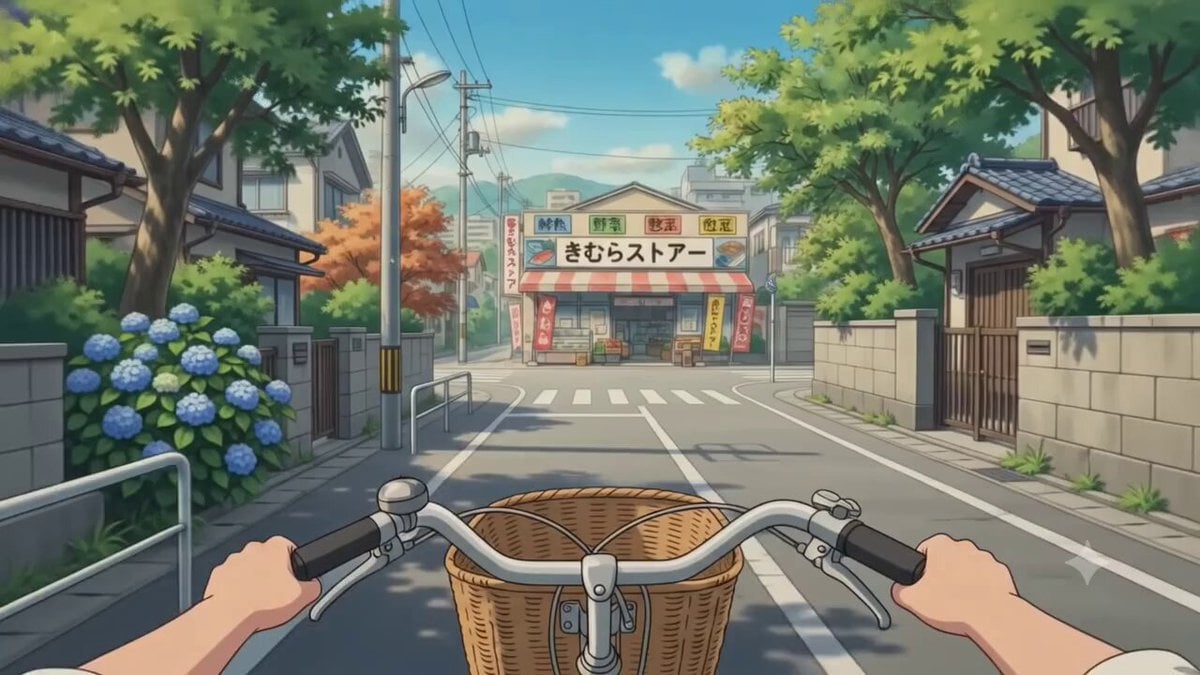
First-Person POV Japanese Neighborhood Journey
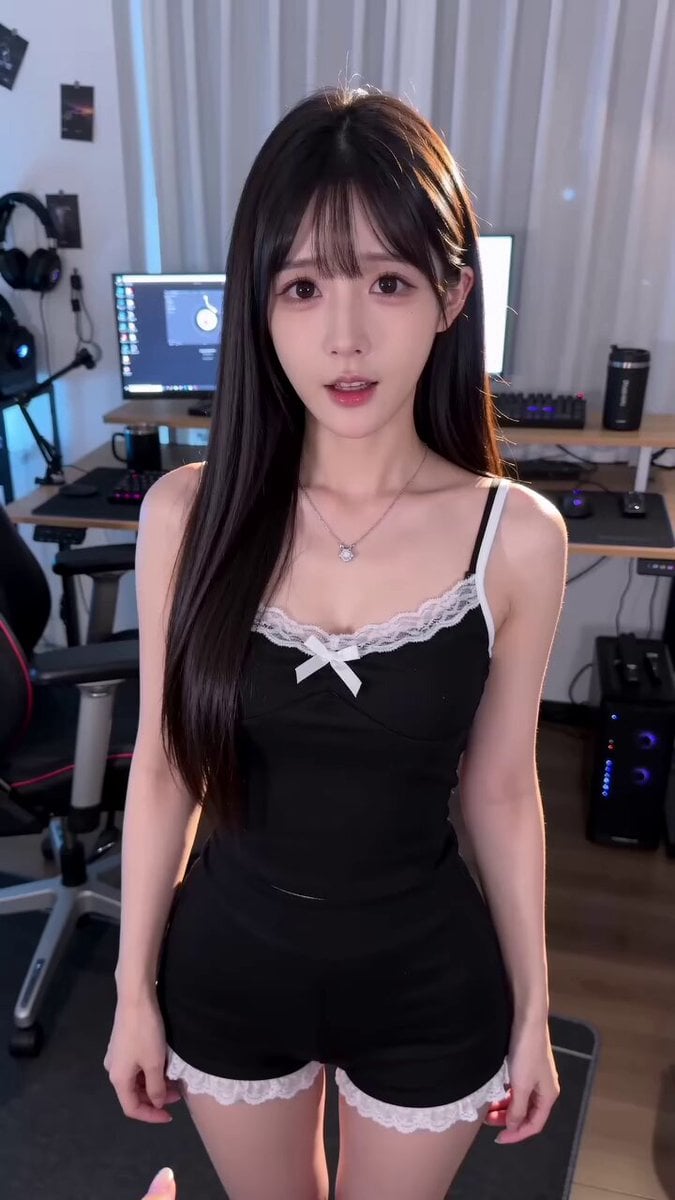
AI Girlfriend Lobster Request Video Prompt for Seedance 2.0
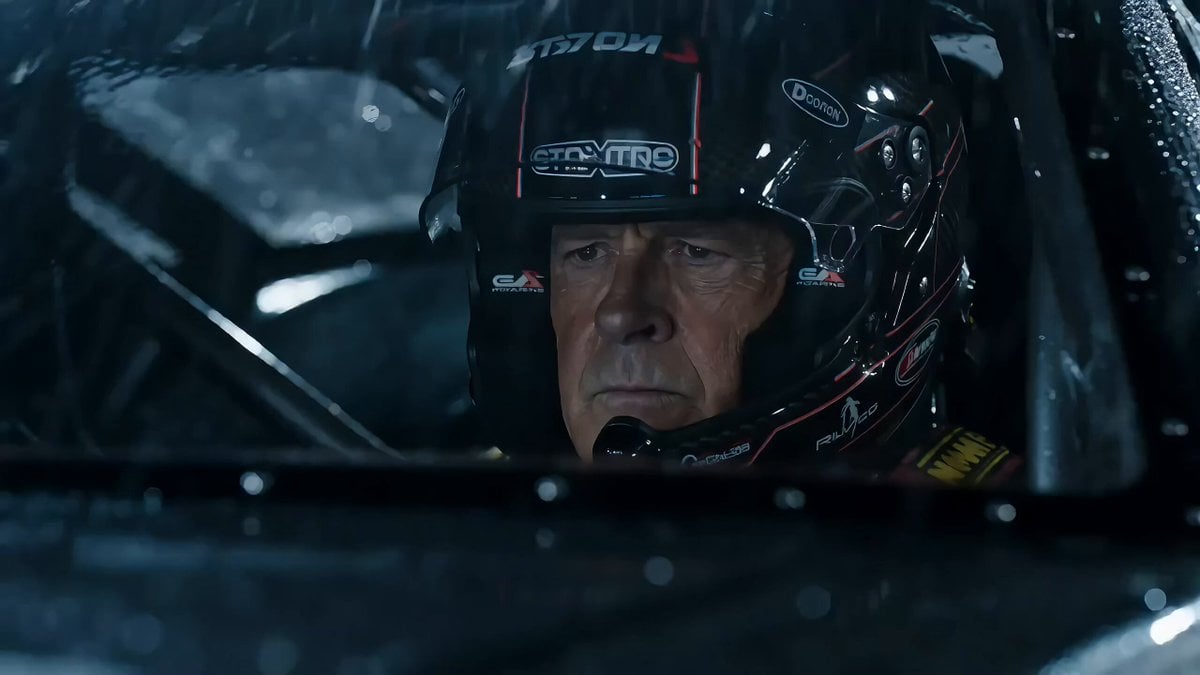
Hollywood Racing Movie Scene Generation
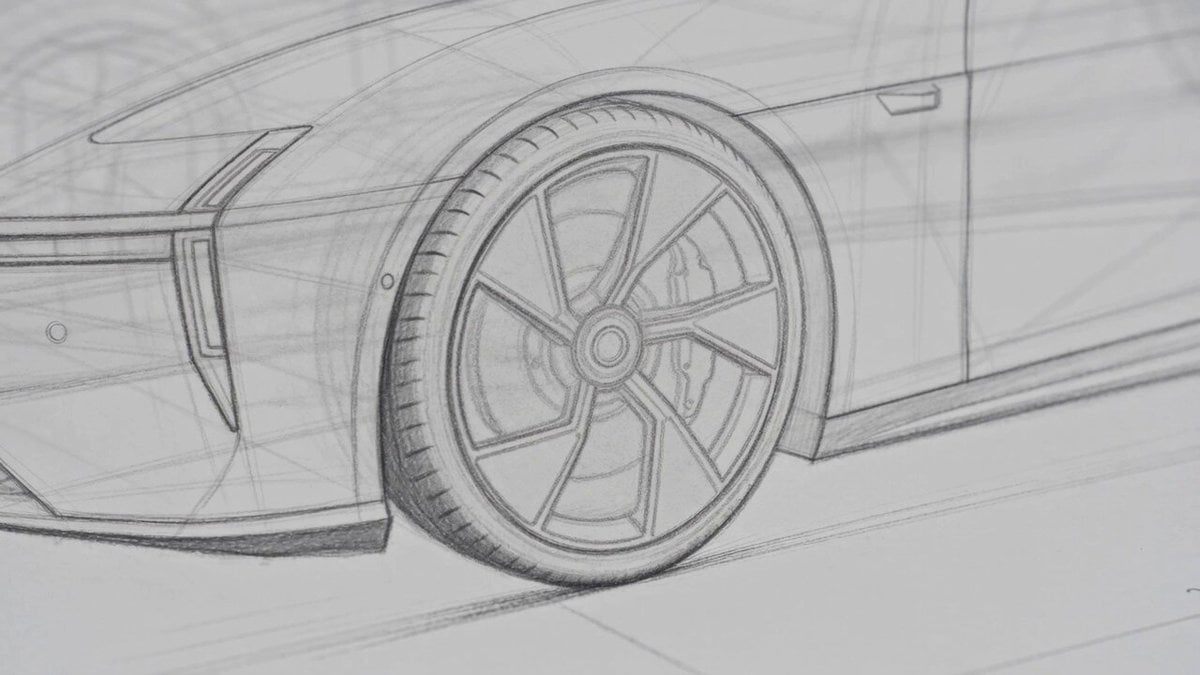
Photorealistic Automotive Video Commercial
Browse template categories
Industrial Factory Combat Sequence questions
How do I use the Industrial Factory Combat Sequence template?
Add your photo if the template asks for one, edit the prompt if you like — the template's model and format are already selected — and press Generate. Your version opens in PicX Studio.
Can I customize the Industrial Factory Combat Sequence template?
Yes. You can change the subject, setting, lighting, mood, format, and available model controls before creating your video.
Is the Industrial Factory Combat Sequence template free?
Opening and editing this template is free. Generating uses credits, shown on the Generate button when you are signed in.
Which AI model should I use?
Start with Seedance 2.0, which is the model associated with this template. You can compare another compatible model for a different finish.
Looking for something else? Browse all templates.

Your photo, any look
Thousands of ready templates for every top image and video model, from one credit balance.