How do I use the Giant cartoon girl vlog at an amusement park template?
Edit the prompt in the box under the preview — the template's model and format are already selected — and press Generate. Your version appears right on this page.
A detailed, multi-shot prompt for Seedance 2.0 to create a vlog featuring a giant cartoon girl at a seaside amusement park, using two reference images for the character and the location.
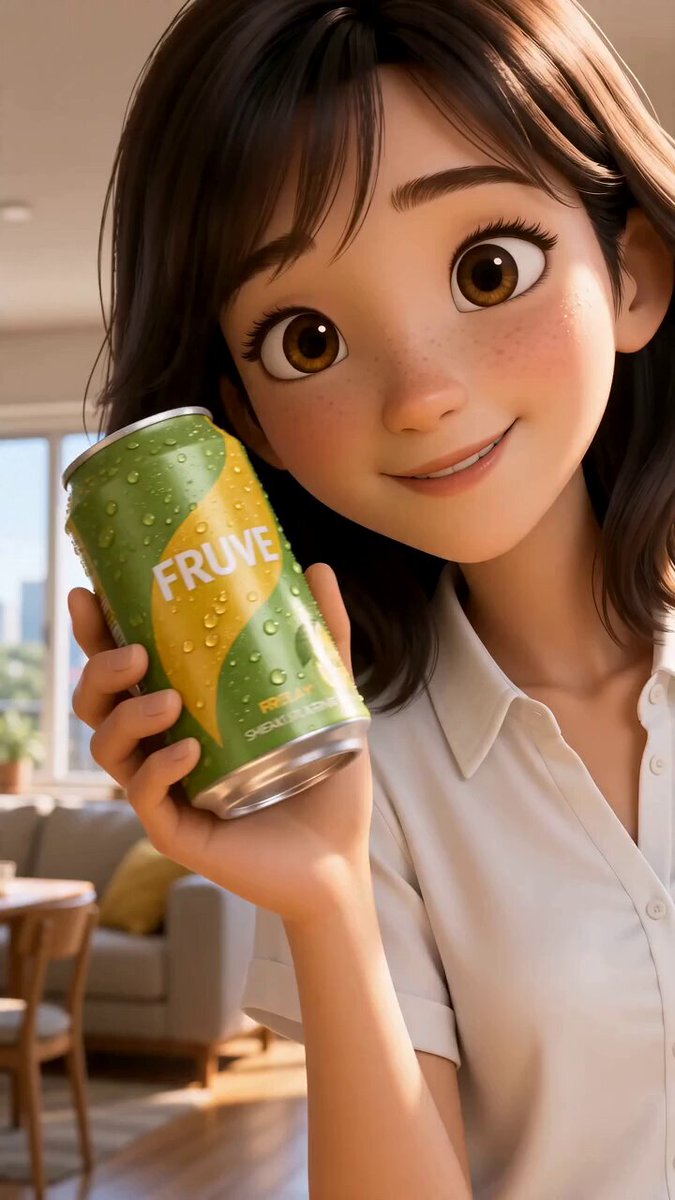
0–2s: A low-angle shot shows a giant cartoon girl @image1 (wearing a blue LA cap, sunglasses, holding a bouquet of flowers) peeking out from behind a colorful snack shop at a seaside amusement park @image2. One hand gently rests on the top of the awning, her eyes filled with curiosity. 2–5s: A tracking shot follows the giant girl @image1 as she strides across the amusement park’s cable car tracks. Her legs move smoothly, casting a massive shadow over the promenade and the crowds below. 5–8s: The girl @image1 sits atop the entrance arch of the amusement park, gripping the bouquet tightly. She looks down at the bustling visitors below with a playful smile. 8–10s: A wide panoramic shot: the girl @image1 stands by the beach in the center of the amusement park, arms outstretched as if embracing the entire coastline and the Ferris wheel, with bright blue ocean and sky in the background.
0–2s: A low-angle shot shows a giant cartoon girl @image1 (wearing a blue LA cap, sunglasses, holding a bouquet of flowers) peeking out from behind a colorful snack shop at a seaside amusement park @image2. One hand gently rests on the top of the awning, her eyes filled with curiosity. 2–5s: A tracking shot follows the giant girl @image1 as she strides across the amusement park’s cable car tracks. Her legs move smoothly, casting a massive shadow over the promenade and the crowds below. 5–8s: The girl @image1 sits atop the entrance arch of the amusement park, gripping the bouquet tightly. She looks down at the bustling visitors below with a playful smile. 8–10s: A wide panoramic shot: the girl @image1 stands by the beach in the center of the amusement park, arms outstretched as if embracing the entire coastline and the Ferris wheel, with bright blue ocean and sky in the background.
Edit the prompt in the box under the preview — the template's model and format are already selected — and press Generate. Your version appears right on this page.
Yes. You can change the subject, setting, lighting, mood, format, and available model controls before creating your video.
Opening and editing this template is free. Generating uses credits, shown on the Generate button when you are signed in.
Start with Seedance 2.0, which is the model associated with this template. You can compare another compatible model for a different finish.
Follow a topic to a crawlable collection of related PicX Studio templates.