
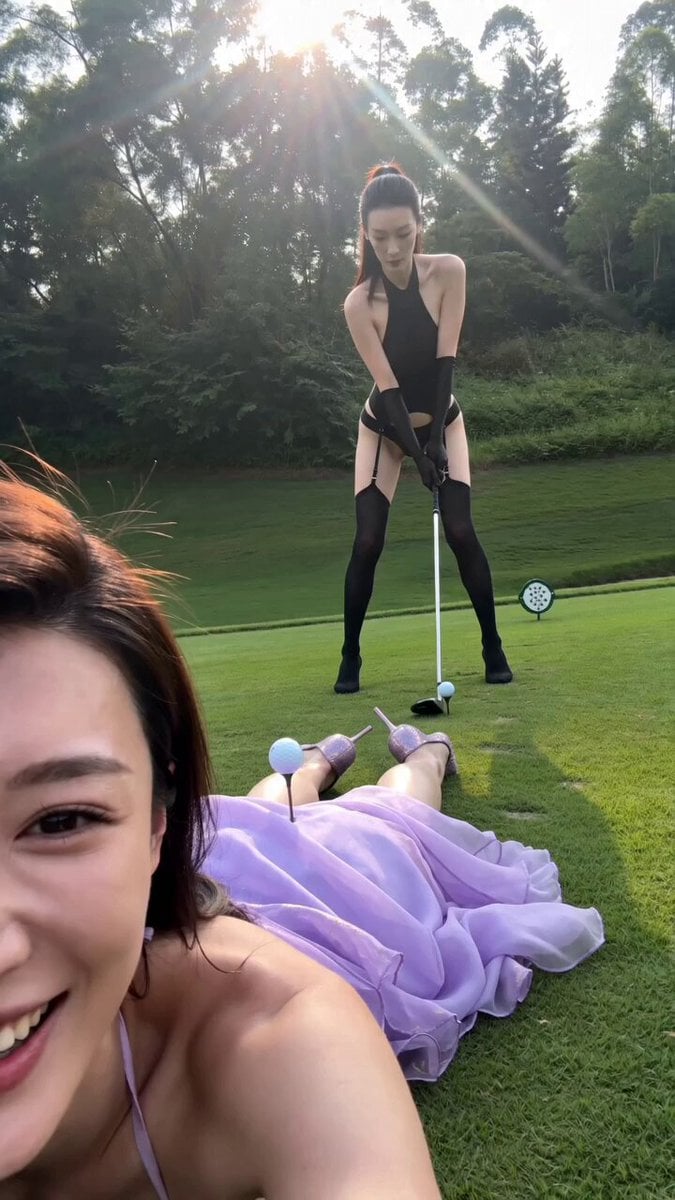
Realistic iPhone POV Golf Prank
A comprehensive prompt for Seedance 2.0 to generate a realistic, handheld iPhone-style video featuring a playful golf course prank, including detailed camera work, environmental sounds, and multi-stage action timing.
- Prompt included
- Model and format preset
- Free template
The prompt behind this video
Copy the exact prompt behind Realistic iPhone POV Golf Prank, or open it in the studio and make it yours.
以未经处理的iPhone手持竖屏视频素材风格呈现,所有相机设置均为自动,无任何后期调色或特效。画面带有真实的操作者呼吸感和轻微不规则手持抖动,自动对焦偶尔出现搜索和短暂失焦,自动白平衡随户外阳光与阴影自然切换。图像整体平坦且略显泛白,保留真实的镜头光晕、轻微运动模糊、边缘轻微压缩感等手机拍摄质感。仅使用画内自然环境音效(高尔夫球场风声、草地摩擦声、轻微脚步声、布料摆动声、球被击中后的轻微破空声),无任何背景音乐,强声时麦克风轻微失真。采用纯第一人称手持POV视角(躺在地上的女生主观视角),镜头运动完全跟随操作者本能反应,构图偶尔不完美,带有真实呼吸抖动。 0-2秒时,镜头以第一人称手持竖屏视角非常低地趴在高尔夫球场草坪上。一位穿着 图片_20260524221335_225_1403 的女性 近距离对着镜头偷笑,露出半张笑脸和肩膀,表情调皮开心。在她臀部中央摆放着一个高尔夫球和球托构图参考 hf_20260602_045742_a9ce1037-381a-4dff-89c6-488fbd282b8c 。背景中,一位穿着 站在草坪上,手持高尔夫球杆摆出准备的挥杆姿势参考。阳光明亮,草坪鲜绿,后方有高大树木和蓝天白云。画面带有轻微手持抖动和自然风声。 2-5秒时,后景的黑衣女性用力做完整挥杆动作。强劲的气流瞬间带动地面气流,前景趴着的旗袍女性臀部和背部被气流猛烈震动,白色旗袍裙摆出现剧烈而明显的波动。高尔夫球被“击中”后从她臀部中央弹飞出去。她继续笑着看镜头,但身体明显被气流和球飞走的影响。自动对焦在挥杆动作、身体波动和飞走的球上短暂搜索后重新锁定,画面轻微晃动。 5-7秒时,黑衣女性完成收杆姿势,微微喘气。前景旗袍女性仍然笑着看镜头,臀部中央的高尔夫球和球托已经不见了。自动对焦在两人身上来回切换,画面保持低角度,真实手机自拍的压缩感和呼吸声贯穿始终。 7-9秒时,一位穿着白色高尔夫衫、白色短裤、白色帽子的中年男性高尔夫球手从左后方走进画面,站在草坪边看着她们,手里拿着球杆,表情困惑又好笑。两个女生同时发现他,前景旗袍女性瞬间大笑,后景黑衣女性也破功蹲下来笑。自动对焦激烈搜索后重新锁定在中年男性的出现上,画面晃动明显。 9-10秒时,两个女生完全笑场,前景旗袍女性把手机贴得更近大笑,后景黑衣女性蹲在地上笑得前仰后合。镜头继续轻微晃动,真实记录下两人自然大笑的瞬间,视频自然结束。 画面呈现出真实的未经处理手持竖屏视频质感,纪录片级别的自然不完美感,无任何后期调色、特效或夸张表演。所有相机行为均符合iPhone自动拍摄的物理特性。
How to use Realistic iPhone POV Golf Prank in 3 steps
- 1
Open
The prompt is already in the box next to the preview, with the template's model and format selected.
- 2…a portrait of your subject in softgolden-hour light, 85mm…
Personalize
Edit the subject and creative details for your destination.
- 3Generate
Generate
Press Generate — your video is created in PicX Studio, so you can compare it with the original and refine one variable at a time.
More like this
Templates with the same subject, style or setup. Open one to see its prompt.
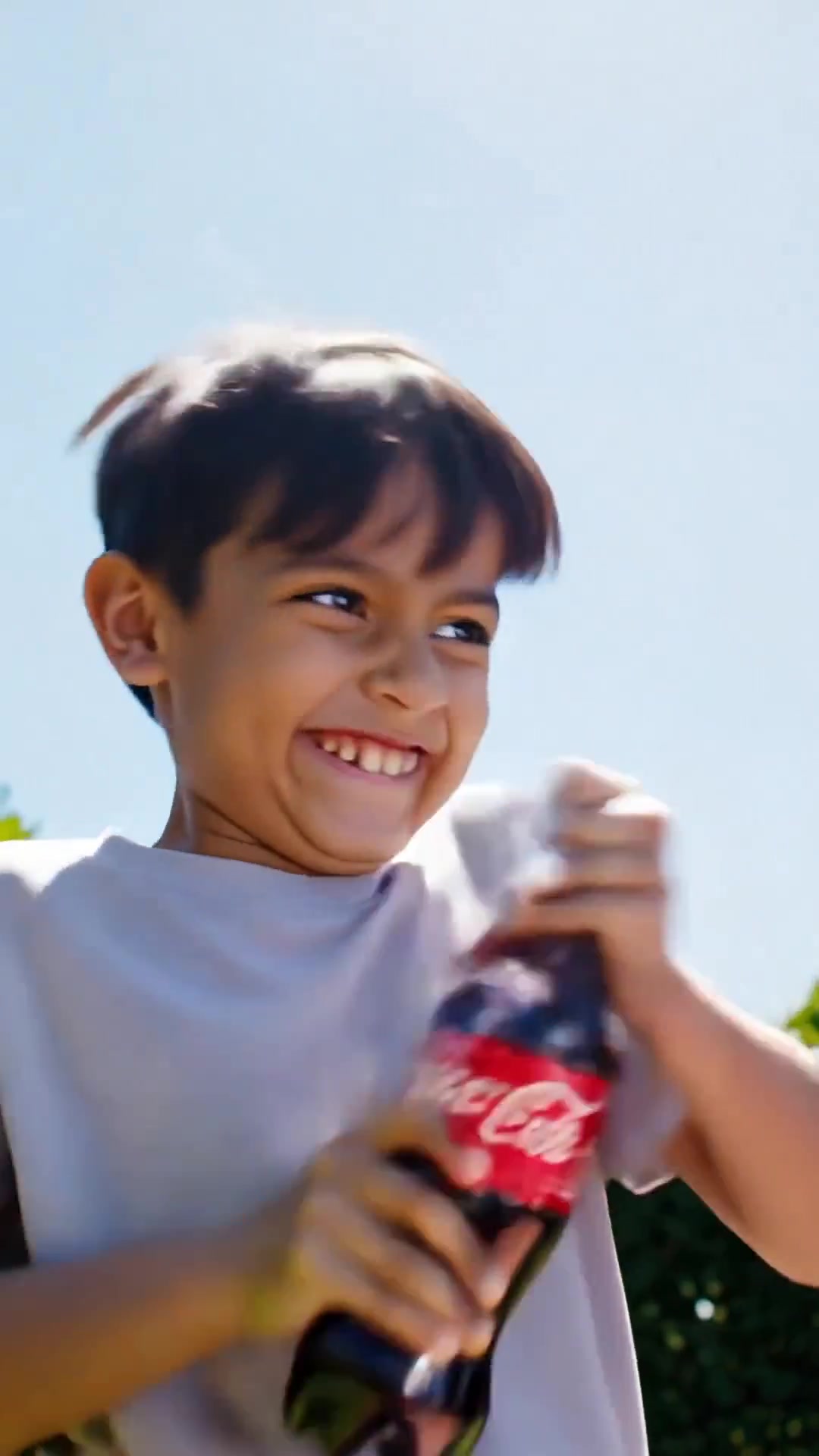
Comedy Coke Bottle Prank Reel — Kling 3.0 O3 Pro

DV Camcorder POV Gym Montage — Seedance 2.5
DV Camcorder POV Gym Montage — Seedance 2.5
Ice Queen — Frozen Battlefield Time Control (Seedance)
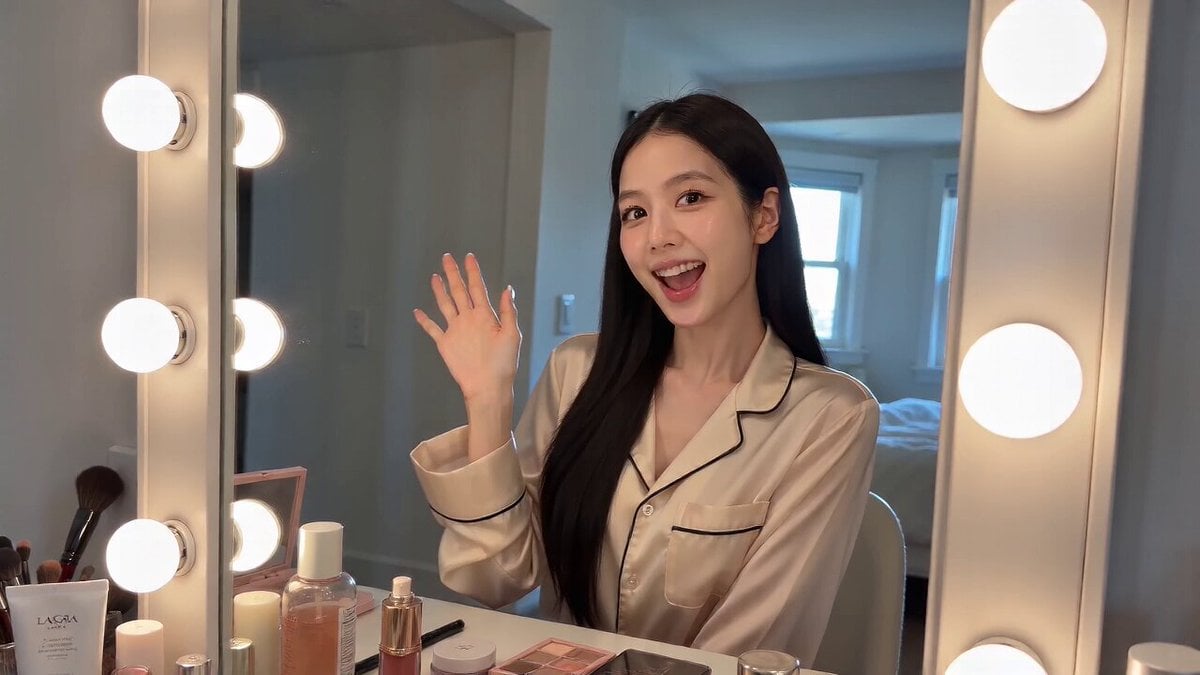
Handheld iPhone Selfie POV

Noodle Shop Comedy Skit iPhone POV
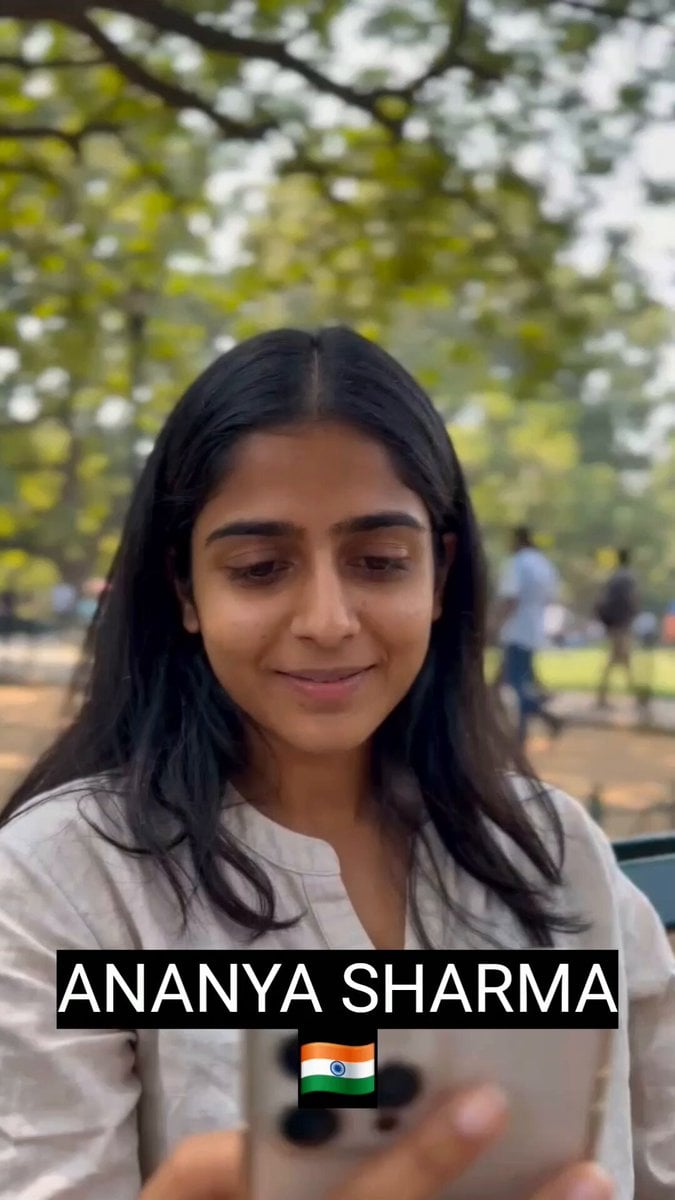
POV iPhone Selfie Reaction Video
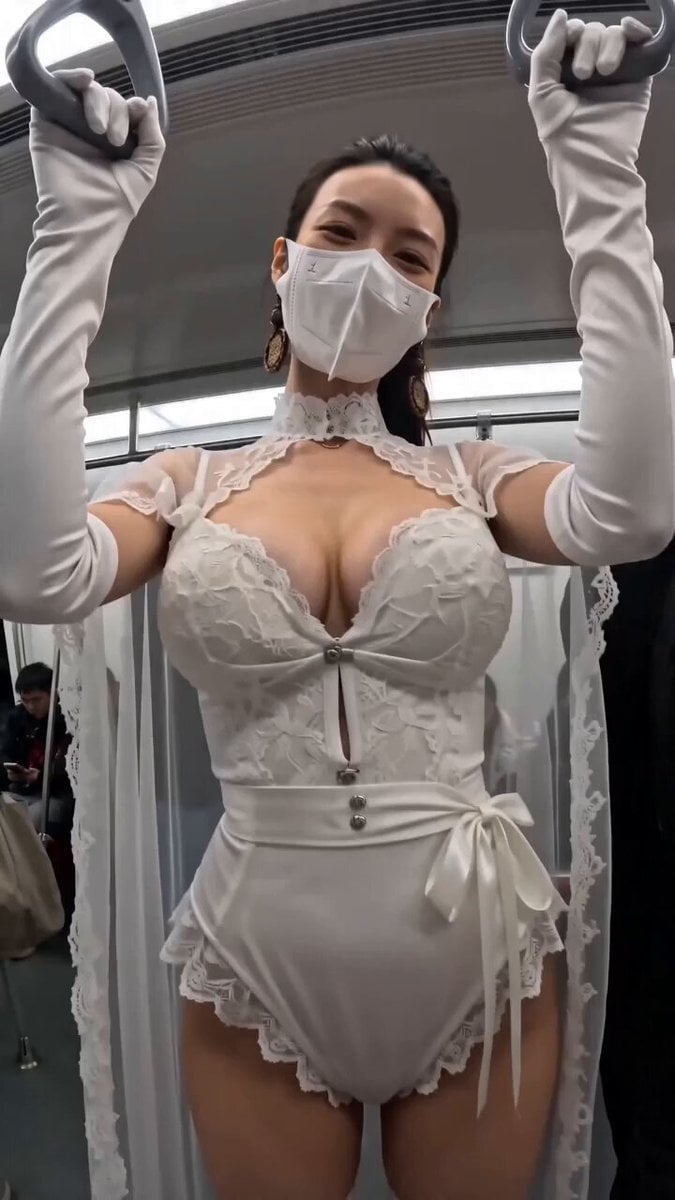
Subway POV Interaction Prank Prompt
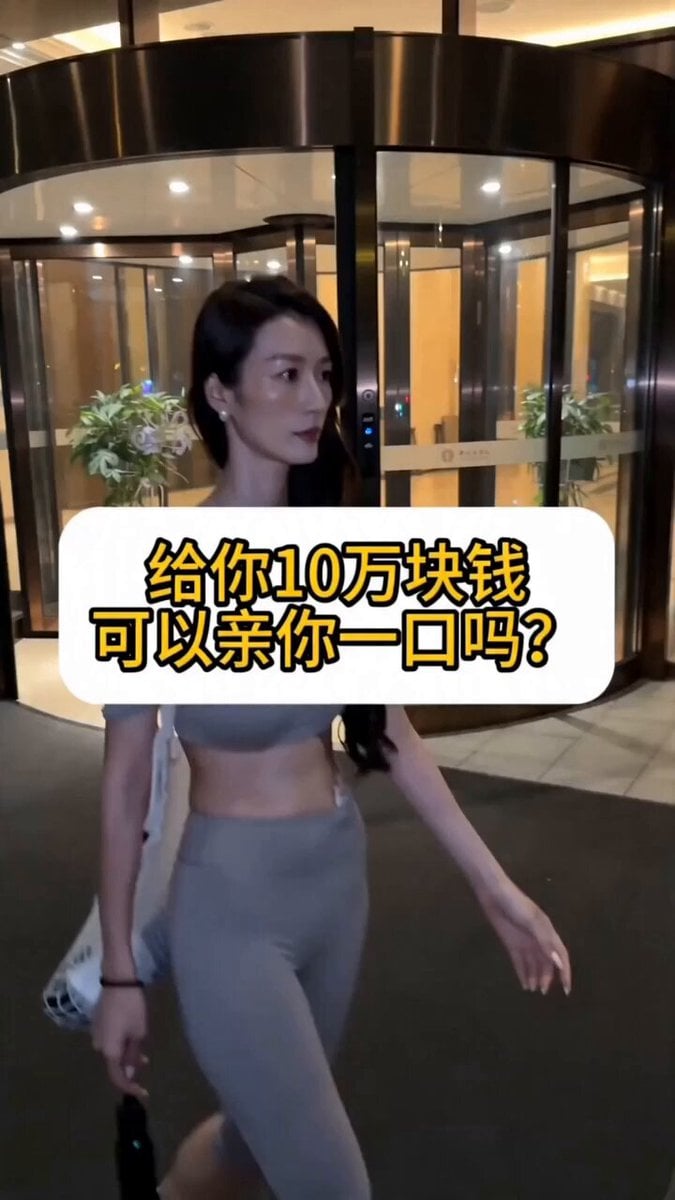
Realistic POV Street Prank Script

First-Person POV Hangzhou Dining Prank
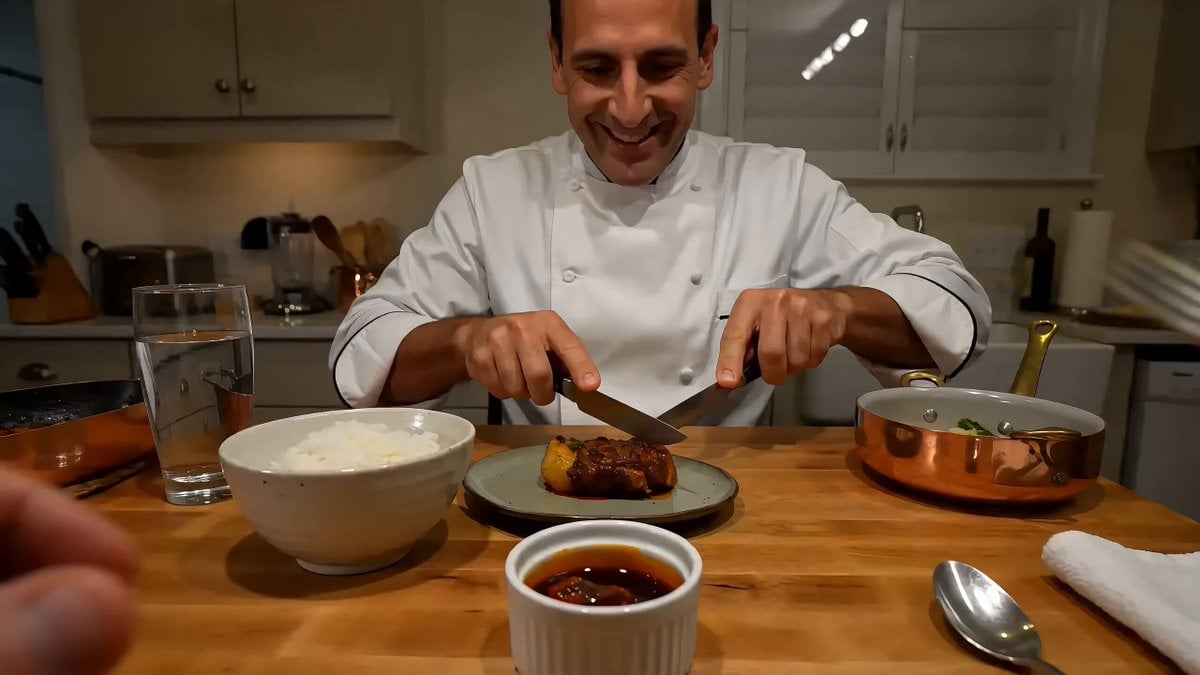
Chef Spicy Food Prank POV
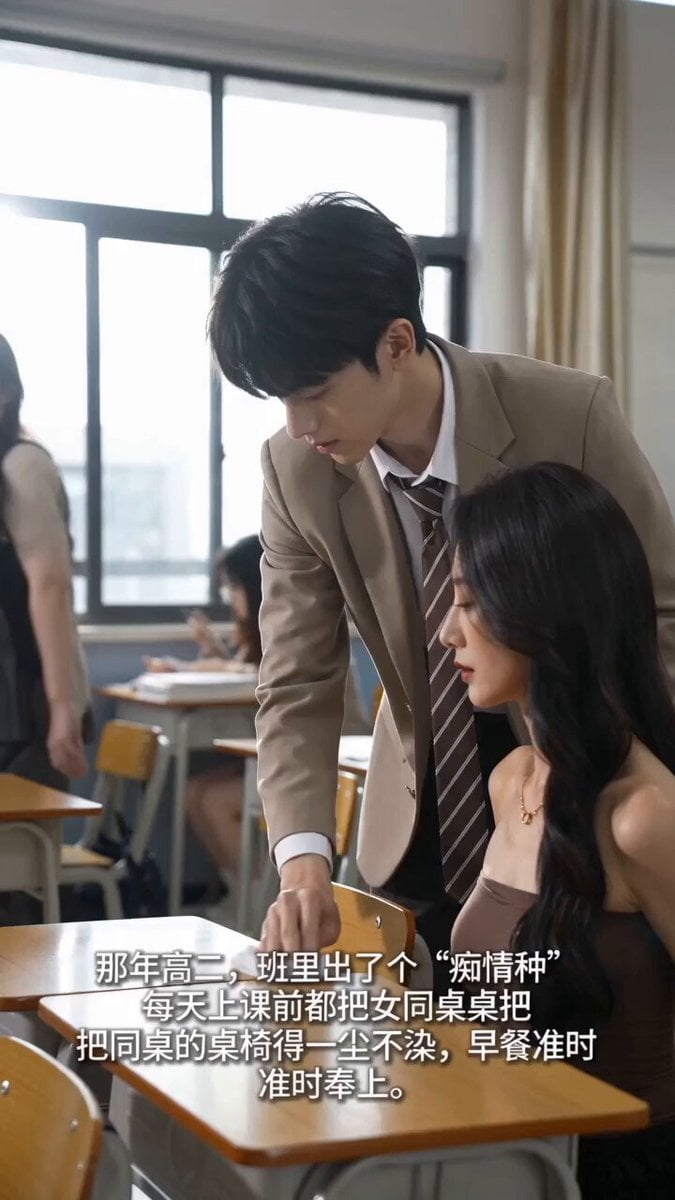
Handheld iPhone Style School Romance
Make it yours
Realistic iPhone POV Golf Prank works as-is. These are the safest ways to change it without losing the look.
Change one field
Copy a single group, rewrite it, and generate again so you can see what that field is doing.
Keep the frame, change the subject
Hold the composition and light of Realistic iPhone POV Golf Prank, then swap wardrobe, props or the person for a new take.
| If the result… | Why | Fix |
|---|---|---|
| The result drifts from the preview | Too many fields changed at once. | Reuse Realistic iPhone POV Golf Prank as-is first, then change one group — subject, light, or setting. |
| The model over-stylizes the scene | The prose prompt leaves finish and camera underspecified. | Add one camera or lighting sentence and stay on Seedance 2.0. |
More Seedance 2.0 templates
Other prompts made for Seedance 2.0.

Comical Martial Arts Punch Scene

Maglev Train Action Sequence

Martial Arts Fight Sequence

Wuxia Protection and Trust Script

Vintage Korean Arcade MiniDV Vlog

Mercedes 190 SL Luxury Ad

Rainy Night Supernatural Reverse Comedy Video Script

Amazon Civilization Discovery

Futuristic South Asian City Transformation

Cozy Luxury Cafe Commercial
More video prompts
Fresh picks from across the catalog.
Multi-Shot Heist Sequence — Kling 3.0 O3 Pro
Nostalgic Korean DV Aesthetic Video Prompt
Surreal Geometric City Walk in Pablo Picasso Style

Magical Mushroom Dream
Video Prompt for Seasonal Tree Animation

Whimsical Fairy Sleeping in a Log
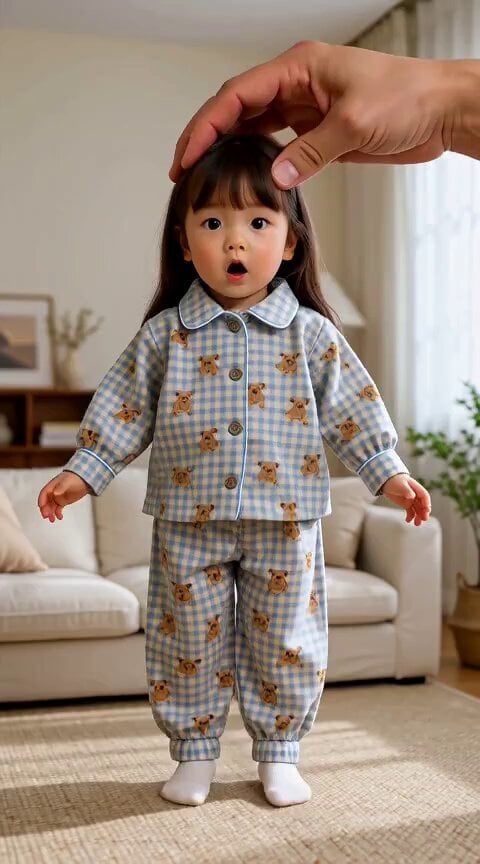
Giant Hand Dressing Up Girl Video

80s OVA Skate Run Storyboard
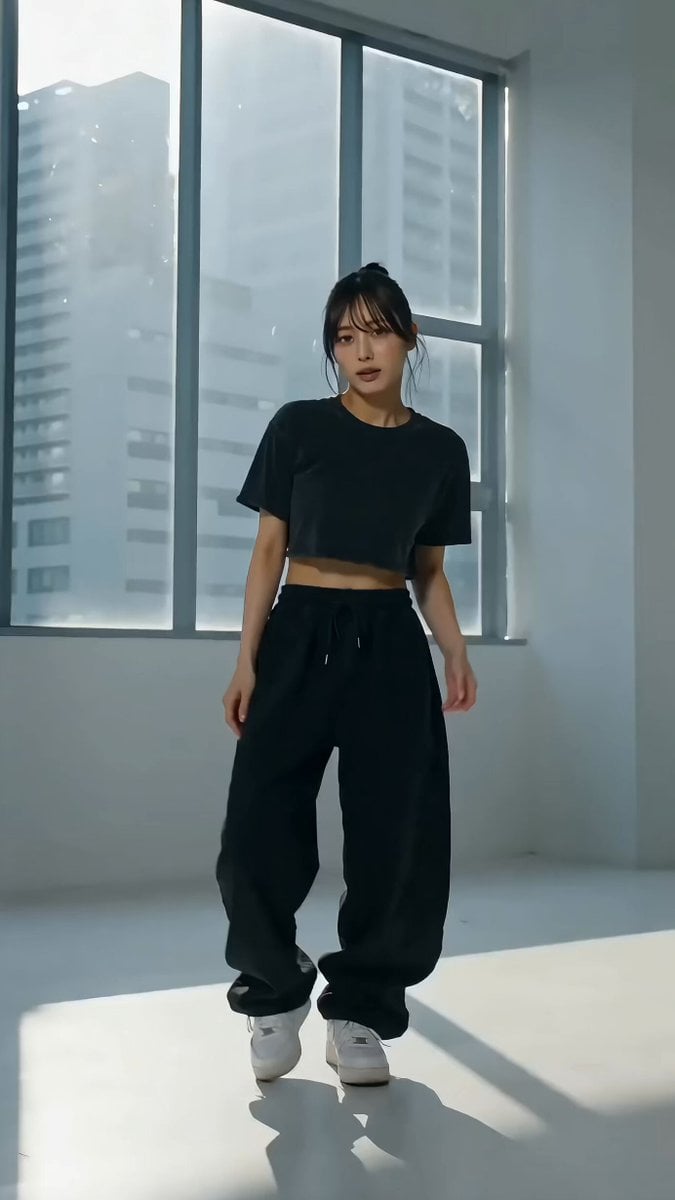
Cinematic Live-Action Dance MV Template
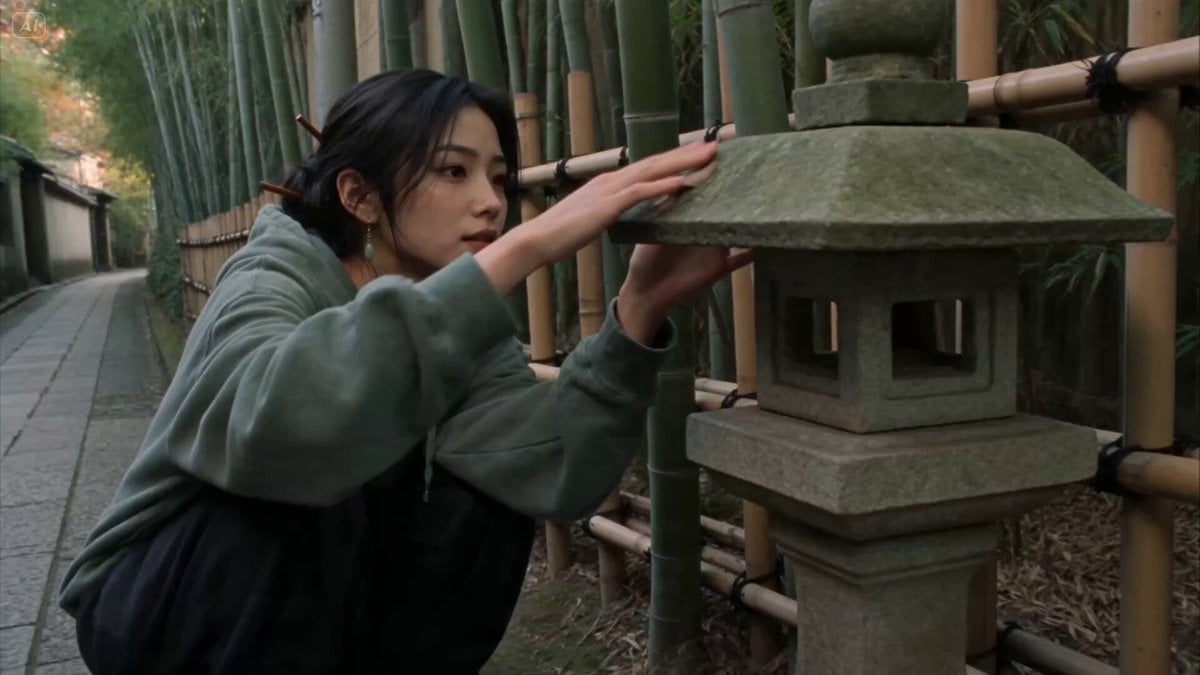
Consistent Character DV Aesthetic Animation
Browse template categories
Realistic iPhone POV Golf Prank questions
How do I use the Realistic iPhone POV Golf Prank template?
Add your photo if the template asks for one, edit the prompt if you like — the template's model and format are already selected — and press Generate. Your version opens in PicX Studio.
Can I customize the Realistic iPhone POV Golf Prank template?
Yes. You can change the subject, setting, lighting, mood, format, and available model controls before creating your video.
Is the Realistic iPhone POV Golf Prank template free?
Opening and editing this template is free. Generating uses credits, shown on the Generate button when you are signed in.
Which AI model should I use?
Start with Seedance 2.0, which is the model associated with this template. You can compare another compatible model for a different finish.
Looking for something else? Browse all templates.

Your photo, any look
Thousands of ready templates for every top image and video model, from one credit balance.