
Cyberpunk Samurai Action Figure Rotation
An expert-level video prompt for a product showcase featuring a 360-degree rotation and cinematic close-ups of a cyberpunk ninja figure.
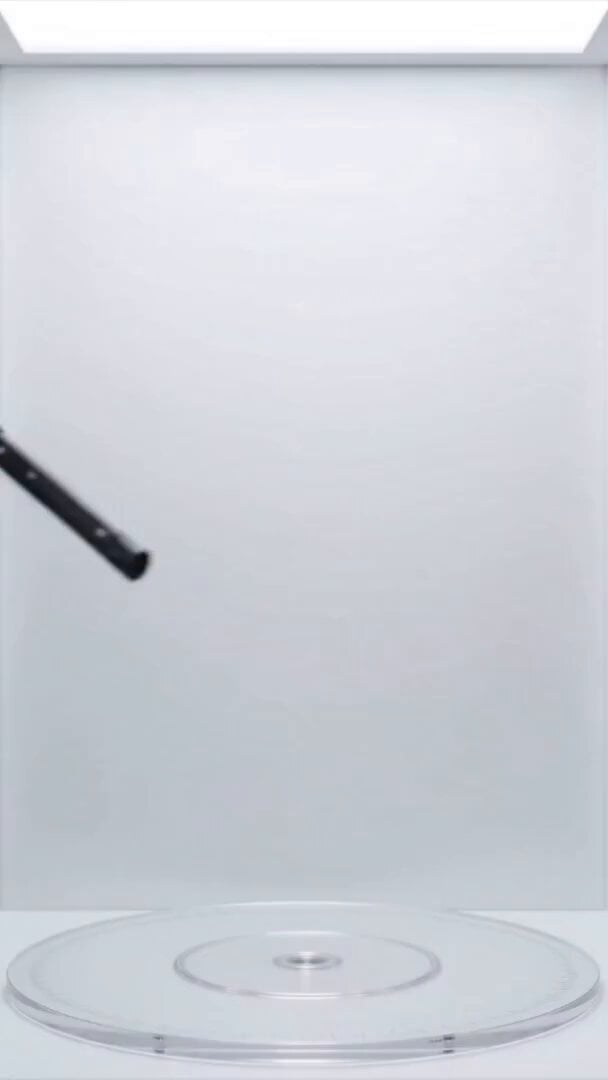
- Prompt included
- Model and format preset
- Premium template
The prompt behind this video
Copy the exact prompt behind Cyberpunk Samurai Action Figure Rotation, or open it in the studio and make it yours.
A highly detailed 1/6 scale cyberpunk samurai robot action figure standing on a black hexagonal display base that slowly rotates 360 degrees on a transparent turntable. The figure is a menacing hooded cyborg ninja with a black tattered shredded cloak, exposed mechanical armor in dark gray and black, tactical pouches, straps, and weathered details. Its head is a sleek black robotic skull mask with intensely glowing bright red LED eyes and mouth that pulse with light. It holds a long katana with a glowing hot pink neon blade in one hand. The camera smoothly orbits around the figure at eye level, then moves in for dramatic close-ups: first the glowing red demonic face under the hood, then the mechanical arms and robotic hands gripping the sword, then the detailed legs and boots, and finally the back view showing the shredded cape and full armor. Professional studio lighting with soft white background, subtle reflections on the glossy floor, cinematic product photography style, ultra-realistic textures, sharp details, 4K, smooth 14-second rotating showcase video.
How to use Cyberpunk Samurai Action Figure Rotation in 3 steps
- 1
Open
The prompt is already in the box next to the preview, with the template's model and format selected.
- 2…a portrait of your subject in softgolden-hour light, 85mm…
Personalize
Edit the subject and creative details for your destination.
- 3Generate
Generate
Press Generate — your video is created in PicX Studio, so you can compare it with the original and refine one variable at a time.
More like this
Templates with the same subject, style or setup. Open one to see its prompt.
Action Figure Influencer Video
Cyberpunk Mecha Action Scene

Samurai vs Ninjas Action Video
Ethereal Meditating Figure Pan
Image Rotation and Color Flare Video

Coffee Cup Interaction Motion
Legends on Ice Figure Skating
Precise Character Rotation Sequence

Cyberpunk Guerrilla Girl Video Generation

Cinematic Studio Photograph of a Sleek, Glowing Humanoid Figure
Crypto memecoin degen trading in a cyberpunk high-rise bachelor pad
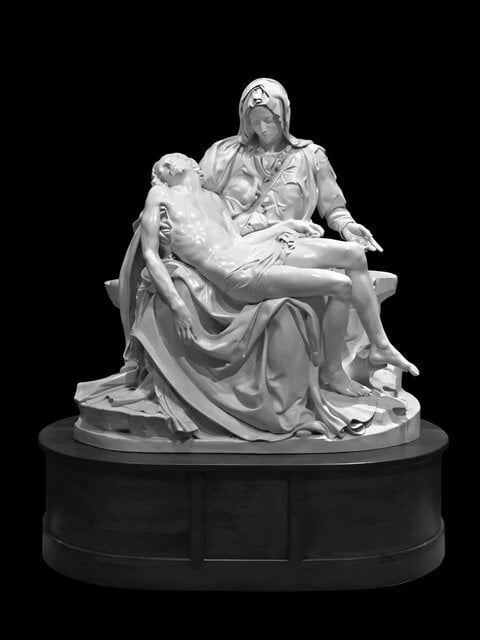
Jesus is dead statue rotation with tears
Make it yours
Cyberpunk Samurai Action Figure Rotation works as-is. These are the safest ways to change it without losing the look.
Change one field
Copy a single group, rewrite it, and generate again so you can see what that field is doing.
Keep the frame, change the subject
Hold the composition and light of Cyberpunk Samurai Action Figure Rotation, then swap wardrobe, props or the person for a new take.
| If the result… | Why | Fix |
|---|---|---|
| The result drifts from the preview | Too many fields changed at once. | Reuse Cyberpunk Samurai Action Figure Rotation as-is first, then change one group — subject, light, or setting. |
| The model over-stylizes the scene | The prose prompt leaves finish and camera underspecified. | Add one camera or lighting sentence and stay on Grok Imagine. |
More Grok Imagine templates
Other prompts made for Grok Imagine.

Kaleidoscopic Cosmic Dolphin Video

Horror Daffy Duck Video Transition

America 250th Anniversary Celebration

Glowing Water Forest Night Prompt

Soft Pink Roses Dreamer Prompt

Ninja Wizard Levitation Jump

Voice Controlled Water Animation

Pterodactyl Transformation Journey

Candle Mandala Mirror Video

Psychedelic Purple Disc World Video
More video prompts
Fresh picks from across the catalog.

Cinematic Action Cooking Scene
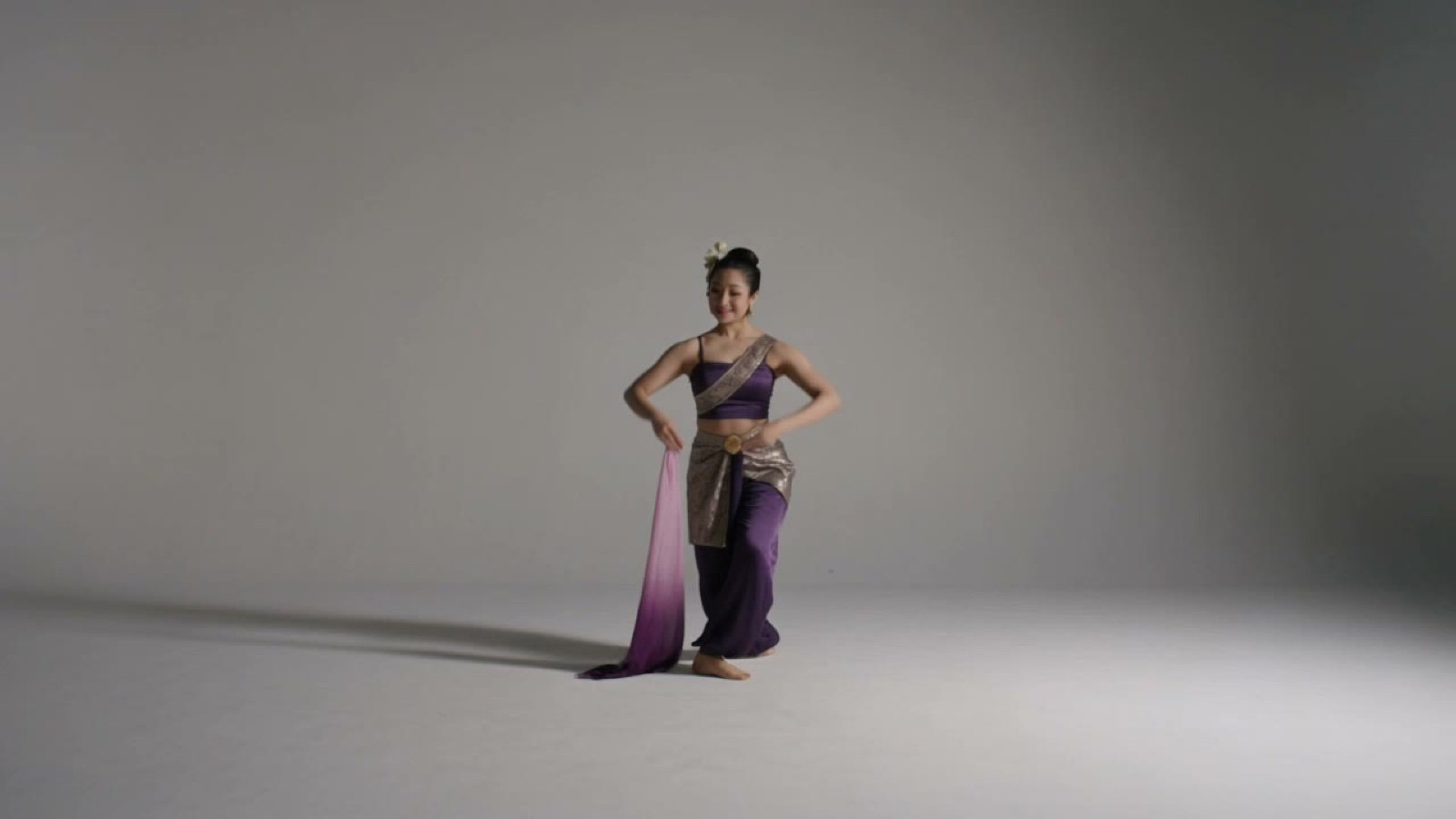
Traditional Dance Performance

Miniature Sachet Sized Kitten Video
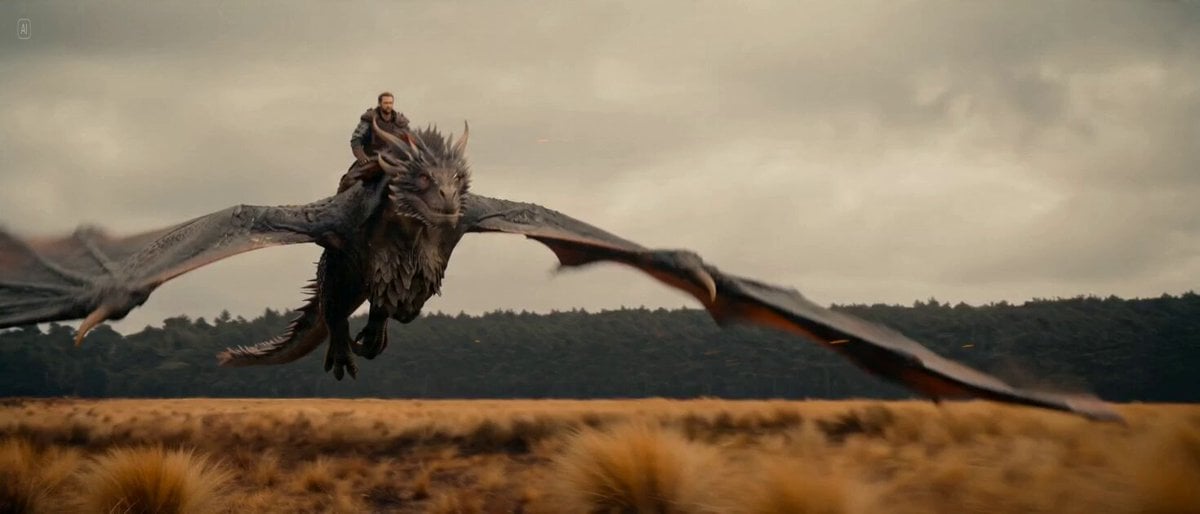
Seedance 2.0 Video Prompt: Epic Fantasy Aerial Dragon Attack
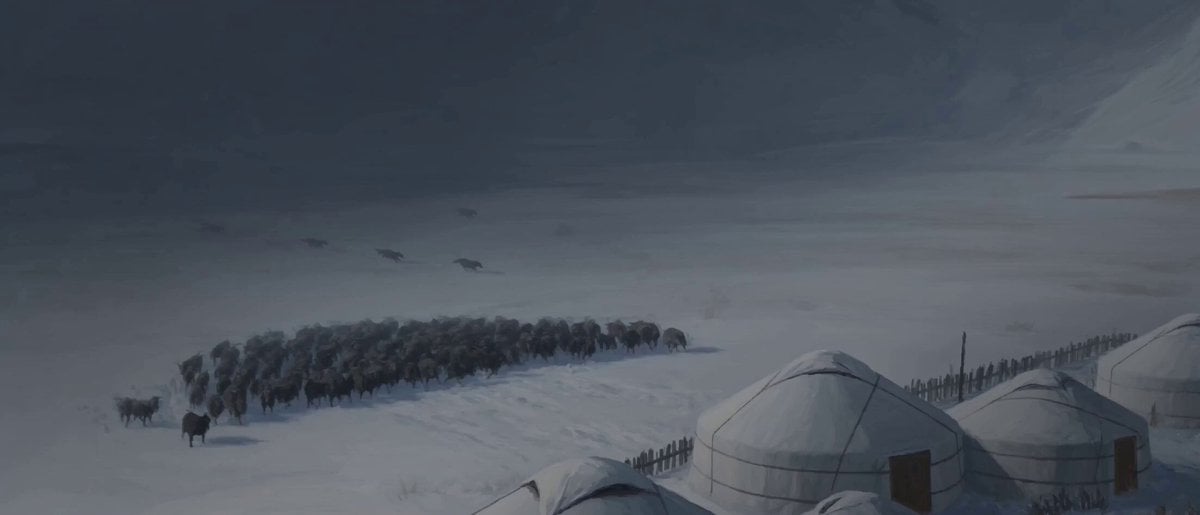
Hand-Painted Stop-Motion Blizzard Scene
Sorceress Arcane Storm Summoning

Seedance 2.5 - @AIwithkhan - 801709

Nostalgic Disney Family Conversation

Cinematic Character Sequence Montage

Asian Woman Cartoon Face Transformation
Browse template categories
Cyberpunk Samurai Action Figure Rotation questions
How do I use the Cyberpunk Samurai Action Figure Rotation template?
Add your photo if the template asks for one, edit the prompt if you like — the template's model and format are already selected — and press Generate. Your version opens in PicX Studio.
Can I customize the Cyberpunk Samurai Action Figure Rotation template?
Yes. You can change the subject, setting, lighting, mood, format, and available model controls before creating your video.
Is the Cyberpunk Samurai Action Figure Rotation template free?
Opening and editing this template is free. Generating uses credits, shown on the Generate button when you are signed in.
Which AI model should I use?
Start with Grok Imagine, which is the model associated with this template. You can compare another compatible model for a different finish.
Looking for something else? Browse all templates.

Your photo, any look
Thousands of ready templates for every top image and video model, from one credit balance.