
Crimson Rose Haute Couture Emergence
A dynamic FPV cinematic prompt for Seedance 2.0 where a fashion model in a rose-petal dress emerges from a giant flower in a gothic landscape.
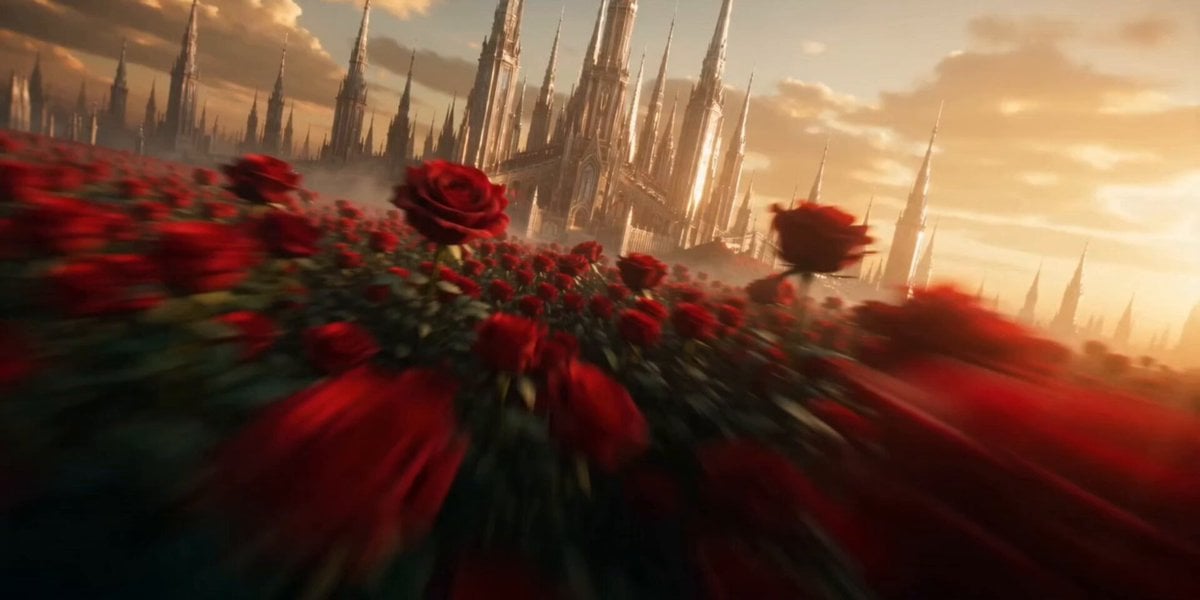
- Prompt included
- Model and format preset
- Premium template
The prompt behind this video
Copy the exact prompt behind Crimson Rose Haute Couture Emergence, or open it in the studio and make it yours.
Dynamic FPV tracking shot zooming rapidly into the center of a colossal, hyper-detailed red rose. Suddenly, a high-fashion female figure bursts forcefully from within the petals, launching upwards and twisting gracefully in mid-air in slow motion. She is wearing an avant-garde haute couture dress constructed entirely of flowing, dynamic red rose petals. Extreme close-up on her face: glowing luminescent yellow eyes, scattered white pearls intricately embedded in her dark stylized hair and around her eyes, flawless skin with a single subtle cinematic scratch on her cheek. She reaches her hand intensely toward the camera lens, creating extreme perspective. The environment is a surreal, endless field of massive red roses. In the background, imposing dark gothic futuristic towering spires rise beneath a dramatically swirling, fiery golden and ominous sky. Shot on Sony A1, 85mm f/1.4 lens, cinematic shallow depth of field, volumetric lighting, motion blur, hyper-realistic high-end CGI aesthetic, unreal engine 5 render style, masterpiece, 8k resolution.
How to use Crimson Rose Haute Couture Emergence in 3 steps
- 1
Open
The prompt is already in the box next to the preview, with the template's model and format selected.
- 2…a portrait of your subject in softgolden-hour light, 85mm…
Personalize
Edit the subject and creative details for your destination.
- 3Generate
Generate
Press Generate — your video is created in PicX Studio, so you can compare it with the original and refine one variable at a time.
More like this
Templates with the same subject, style or setup. Open one to see its prompt.

Haute Couture Dream Bokeh Film
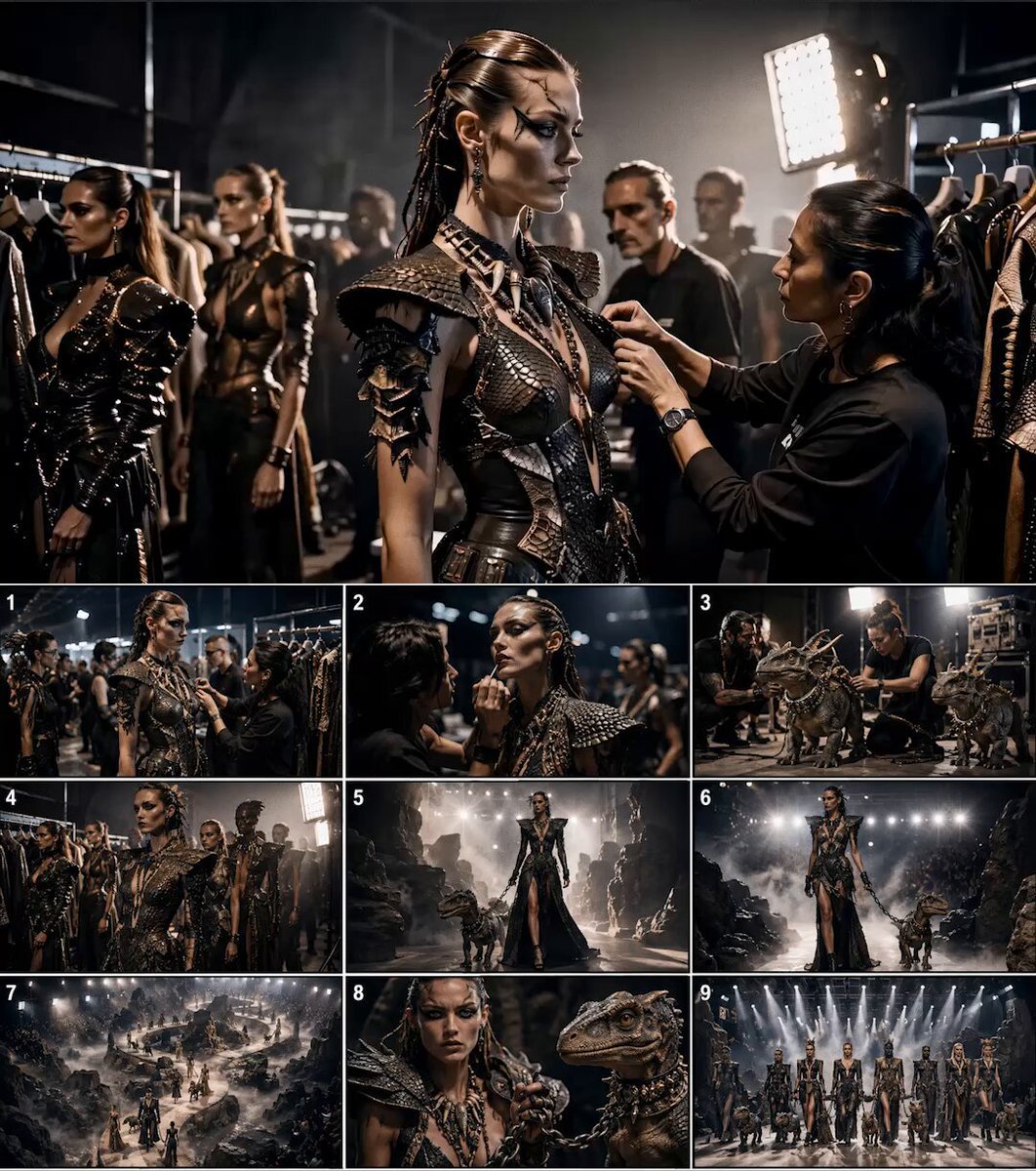
Paleolithic Haute Couture Fashion Film
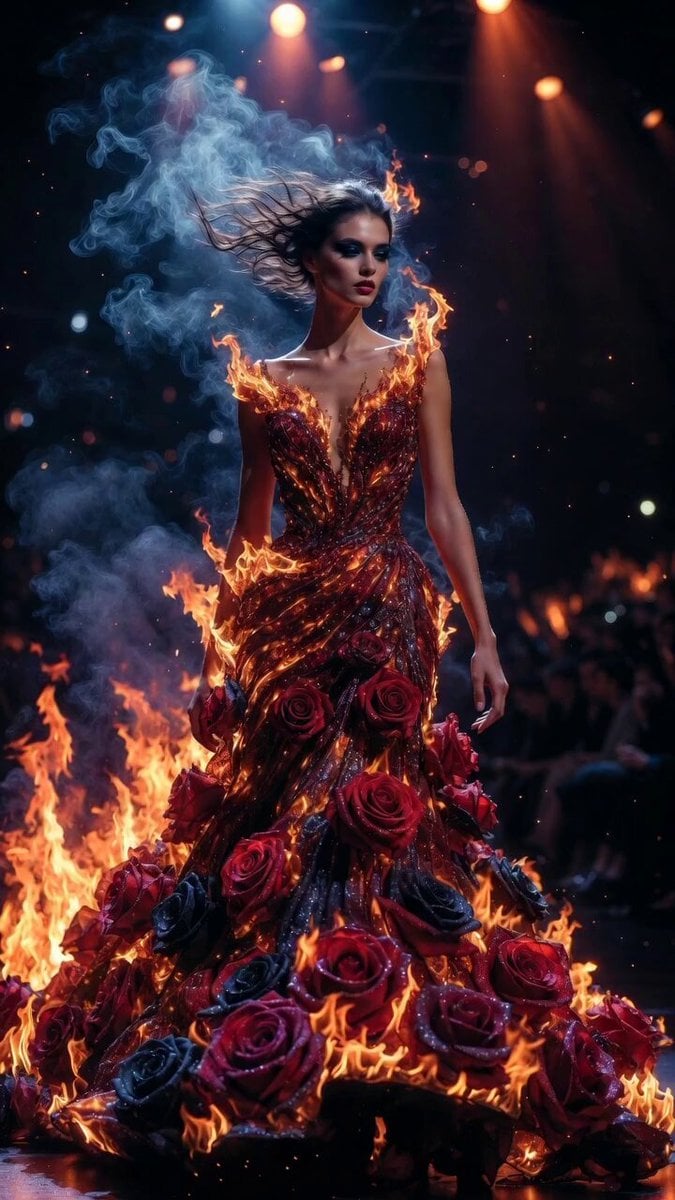
Flame and Rose Couture Catwalk
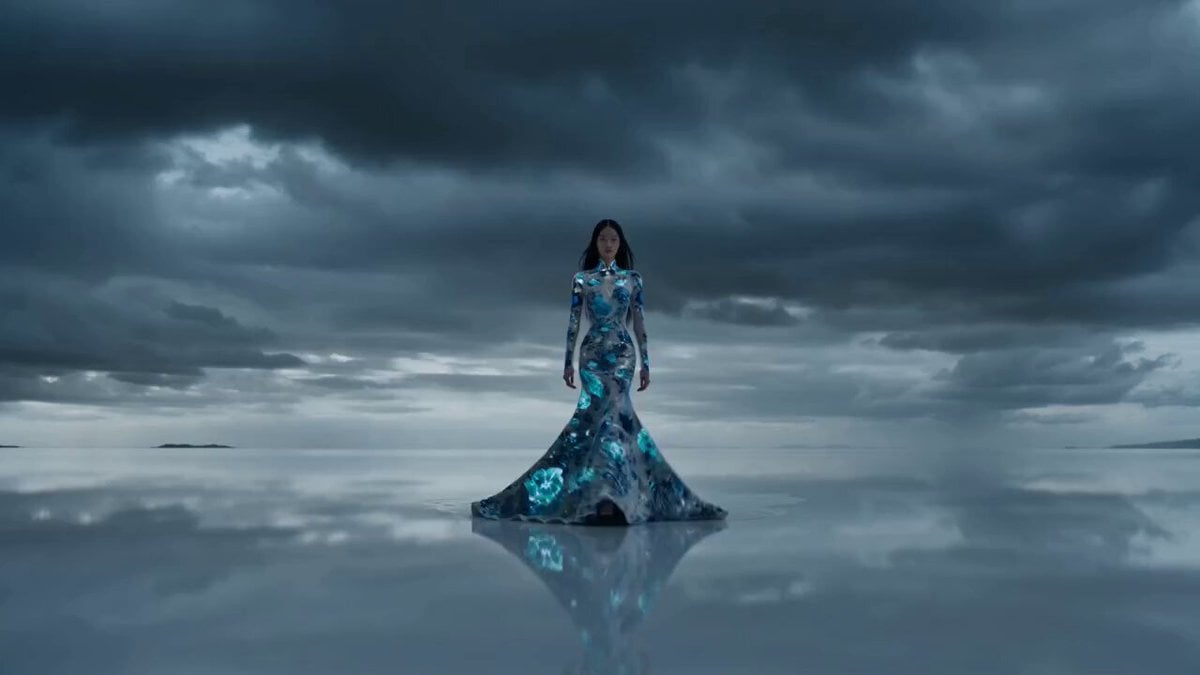
Hollywood Haute Couture Fantasy Video Prompt
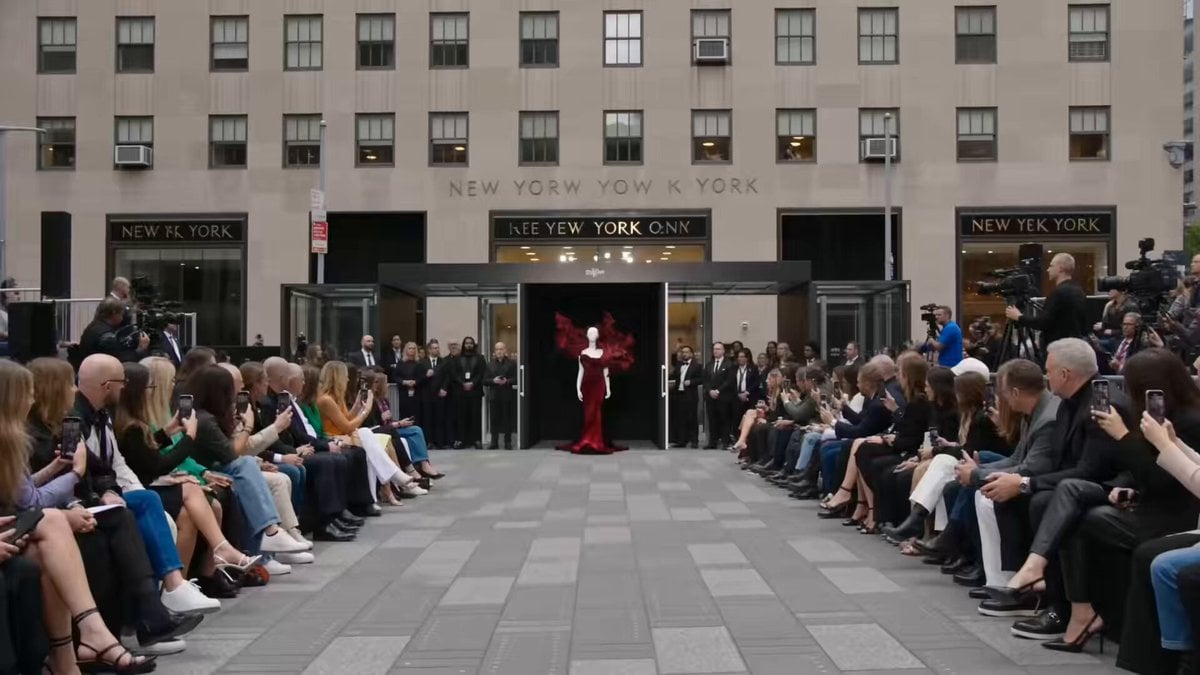
Fashion Runway Couture Walk
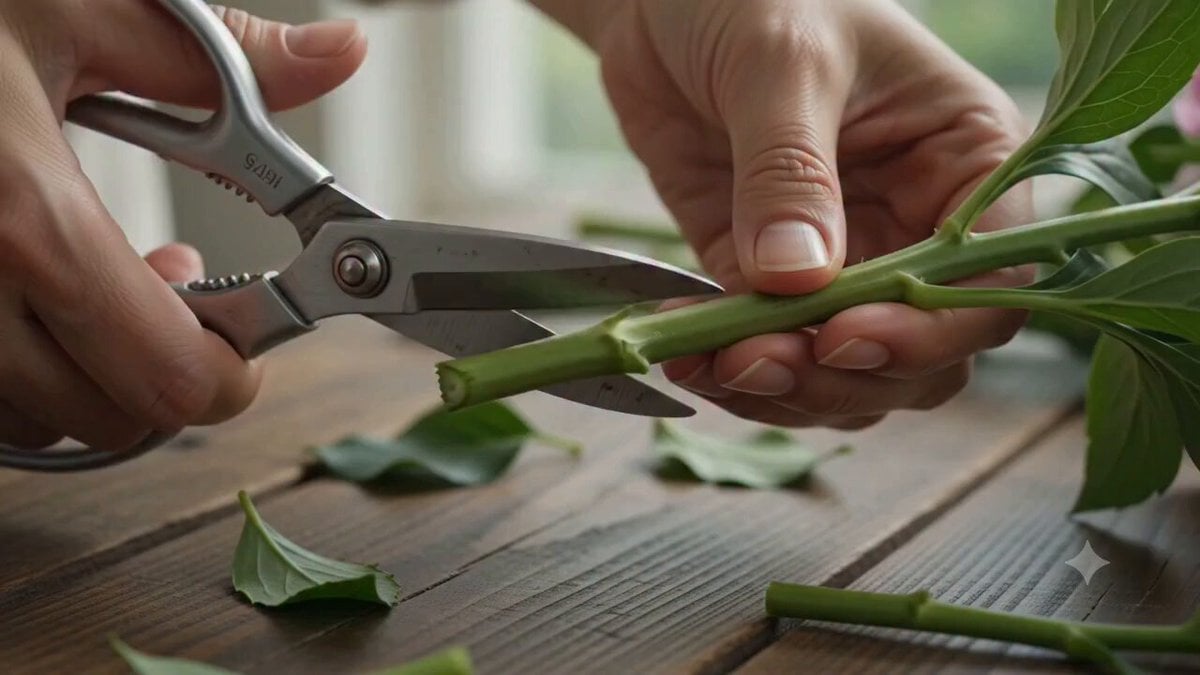
Florist Arranging Roses Cinematic Scene
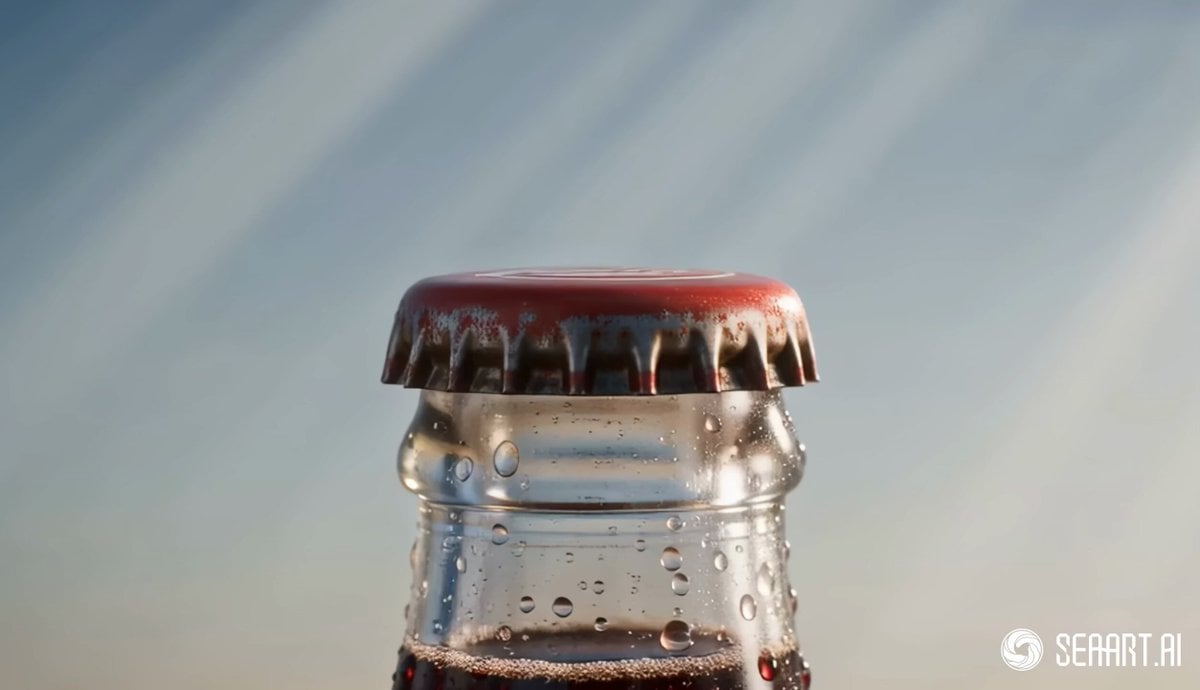
Retro Soda Commercial Crimson Cola
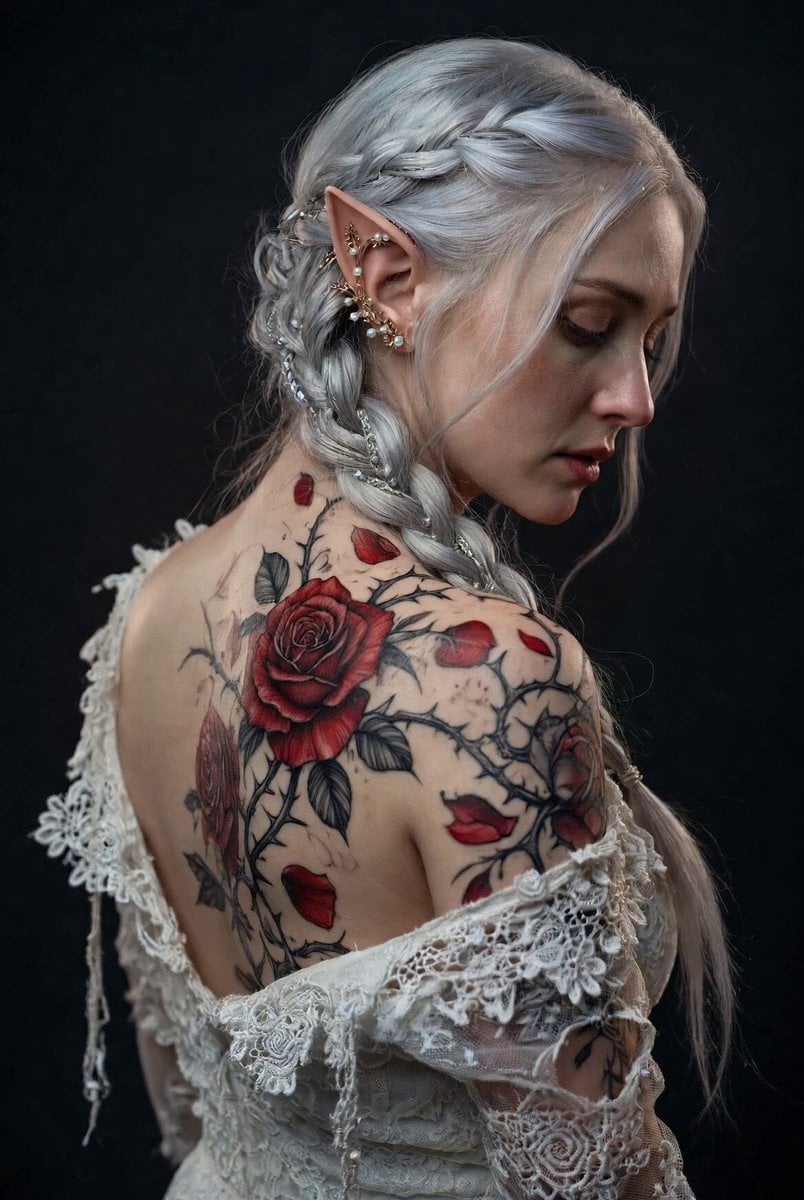
Ethereal Elf Woman with Rose Tattoo
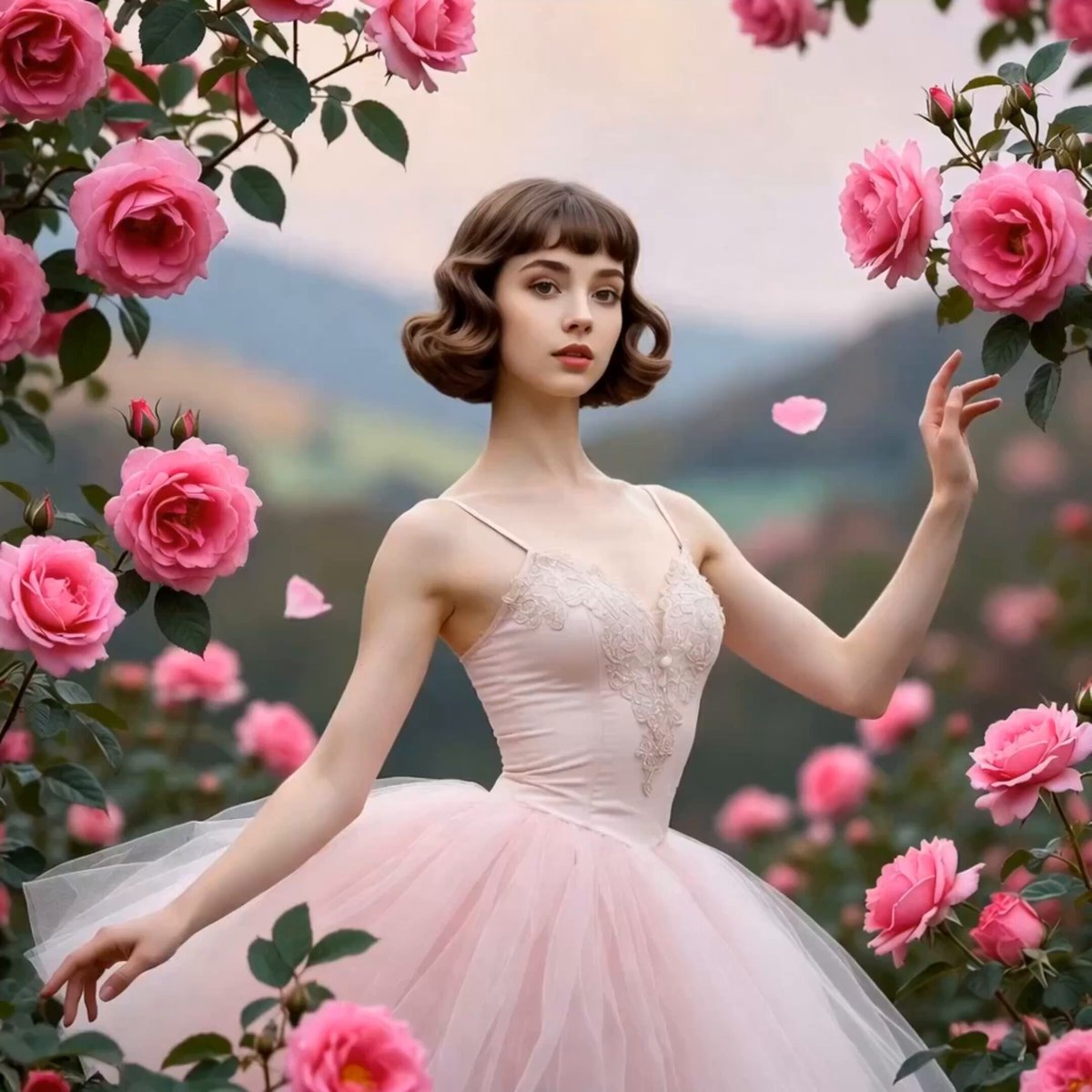
Ballerina Among Pink Roses
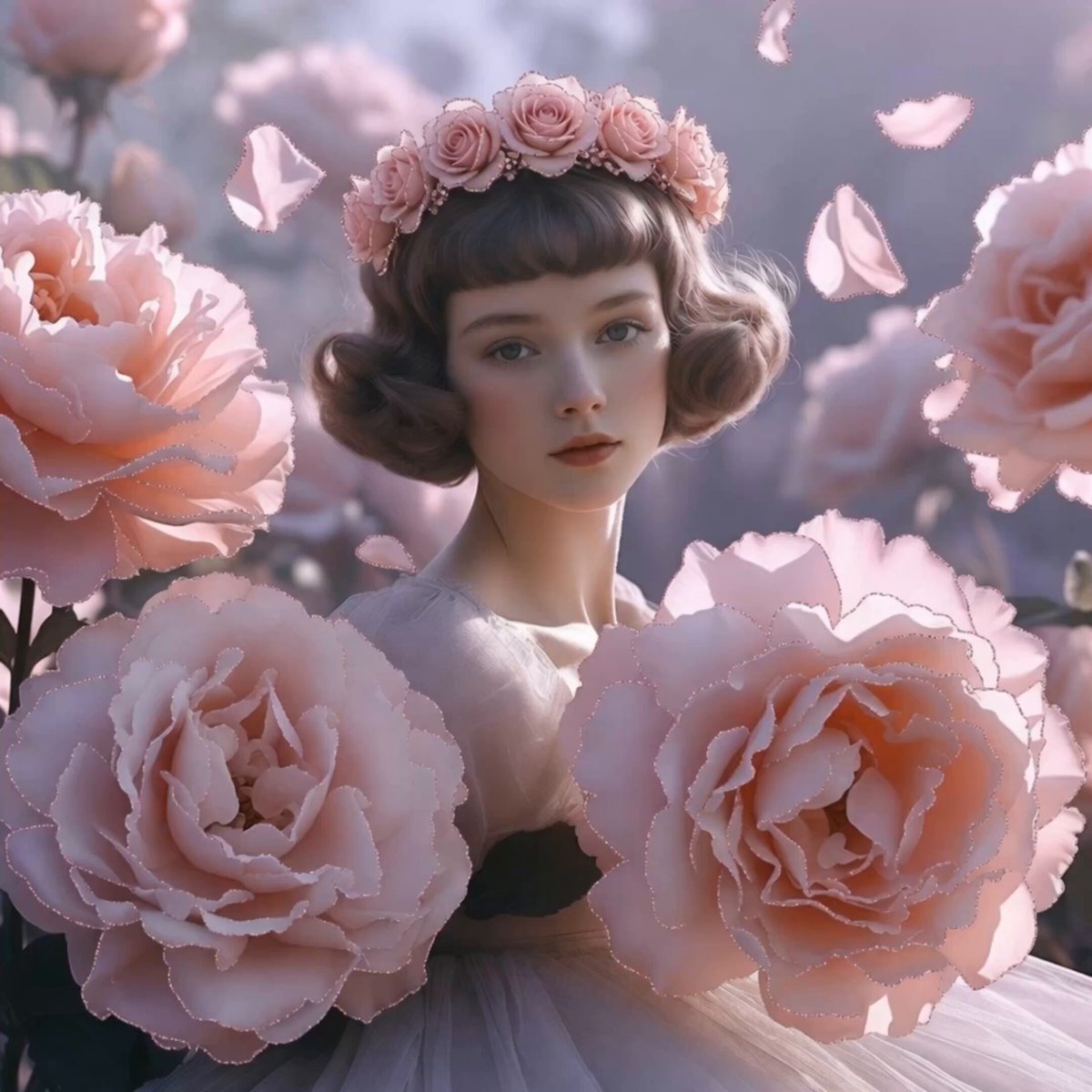
Dreamy Maiden with Pink Roses

Soft Pink Roses Dreamer Prompt
Night Landscape with Rose Petals
Make it yours
Crimson Rose Haute Couture Emergence works as-is. These are the safest ways to change it without losing the look.
Change one field
Copy a single group, rewrite it, and generate again so you can see what that field is doing.
Keep the frame, change the subject
Hold the composition and light of Crimson Rose Haute Couture Emergence, then swap wardrobe, props or the person for a new take.
| If the result… | Why | Fix |
|---|---|---|
| The result drifts from the preview | Too many fields changed at once. | Reuse Crimson Rose Haute Couture Emergence as-is first, then change one group — subject, light, or setting. |
| The model over-stylizes the scene | The prose prompt leaves finish and camera underspecified. | Add one camera or lighting sentence and stay on Seedance 2.0. |
More Seedance 2.0 templates
Other prompts made for Seedance 2.0.

Comical Martial Arts Punch Scene

Maglev Train Action Sequence

Martial Arts Fight Sequence

Wuxia Protection and Trust Script

Vintage Korean Arcade MiniDV Vlog

Mercedes 190 SL Luxury Ad

Rainy Night Supernatural Reverse Comedy Video Script

Amazon Civilization Discovery

Futuristic South Asian City Transformation

Cozy Luxury Cafe Commercial
More video prompts
Fresh picks from across the catalog.
Realistic Cat POV Vlog Documentary

Coffee Shop Cinematic Aerial Descent
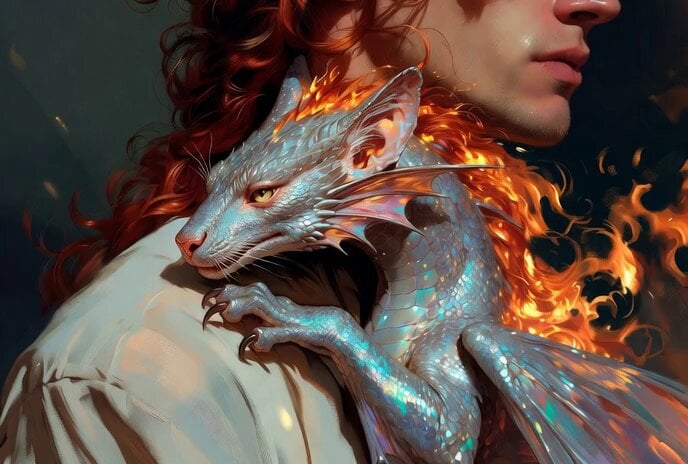
Silk Kitty Dragon in Tolkien/Frazetta Style
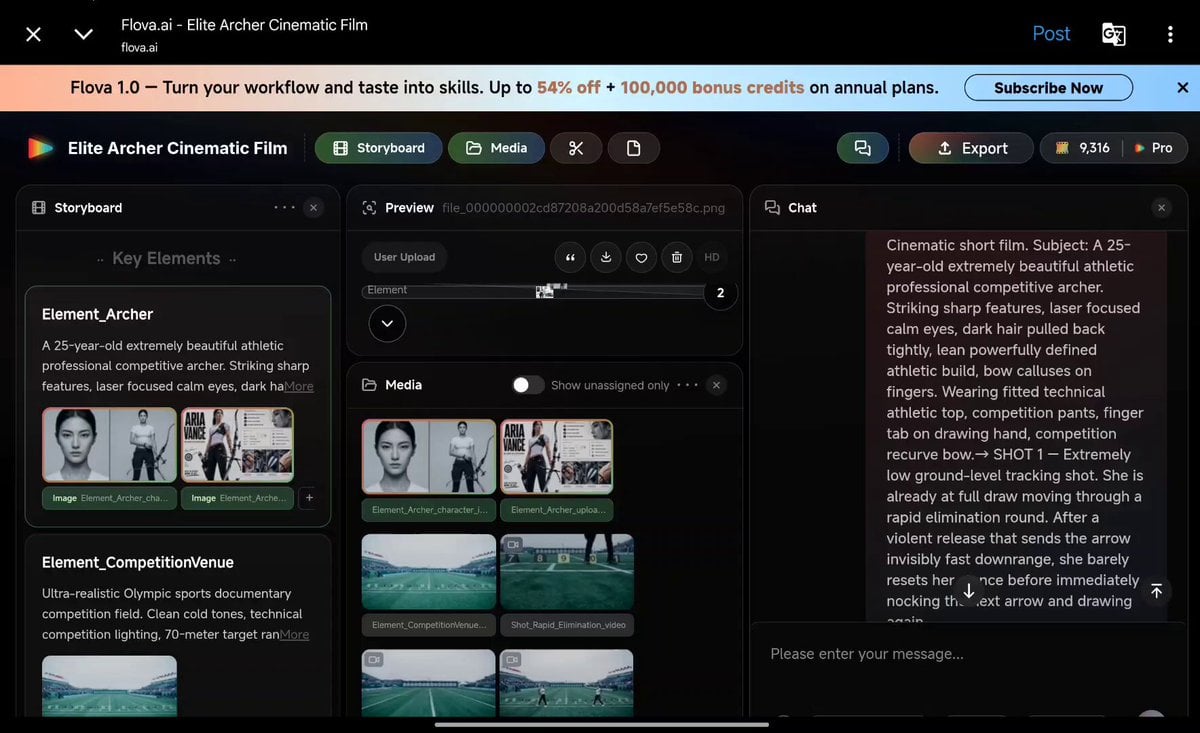
Cinematic Archer Character Profile

Second Sci-Fi Comedy Video Prompt: Mechanic vs. Robot

Dragon Egg Adventure Sequence

Cinematic Football Freestyle Sequence
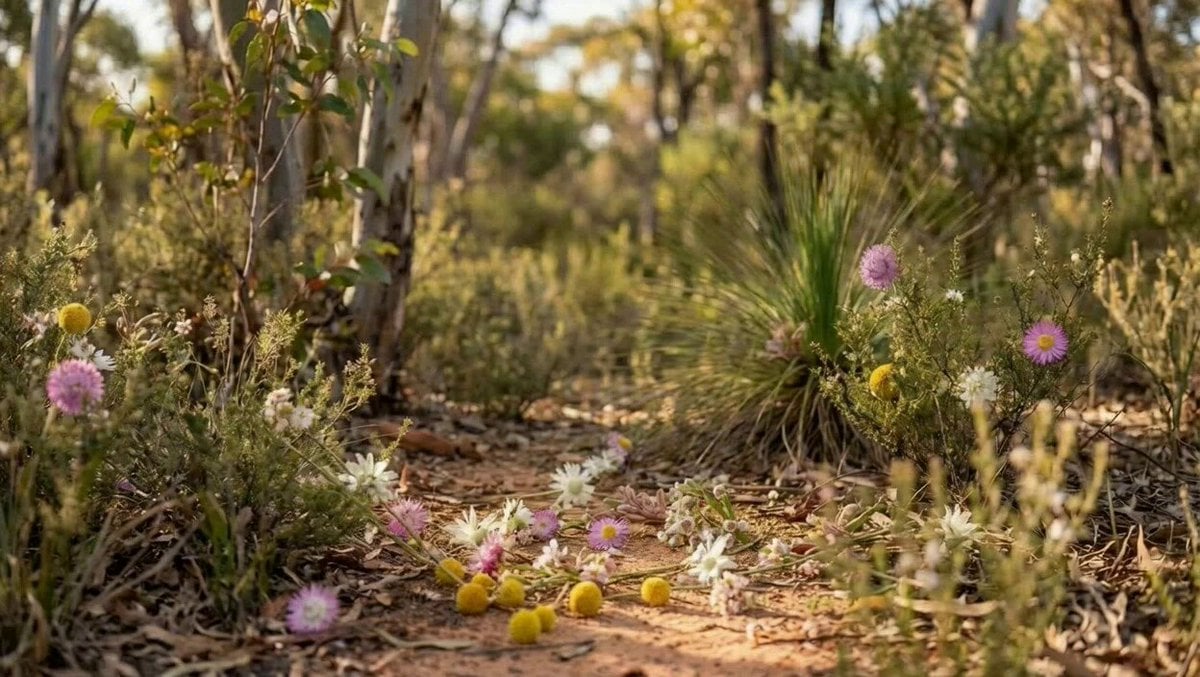
Flowers Creating a Final Shape Prompt (Seedance Pro 1.0)
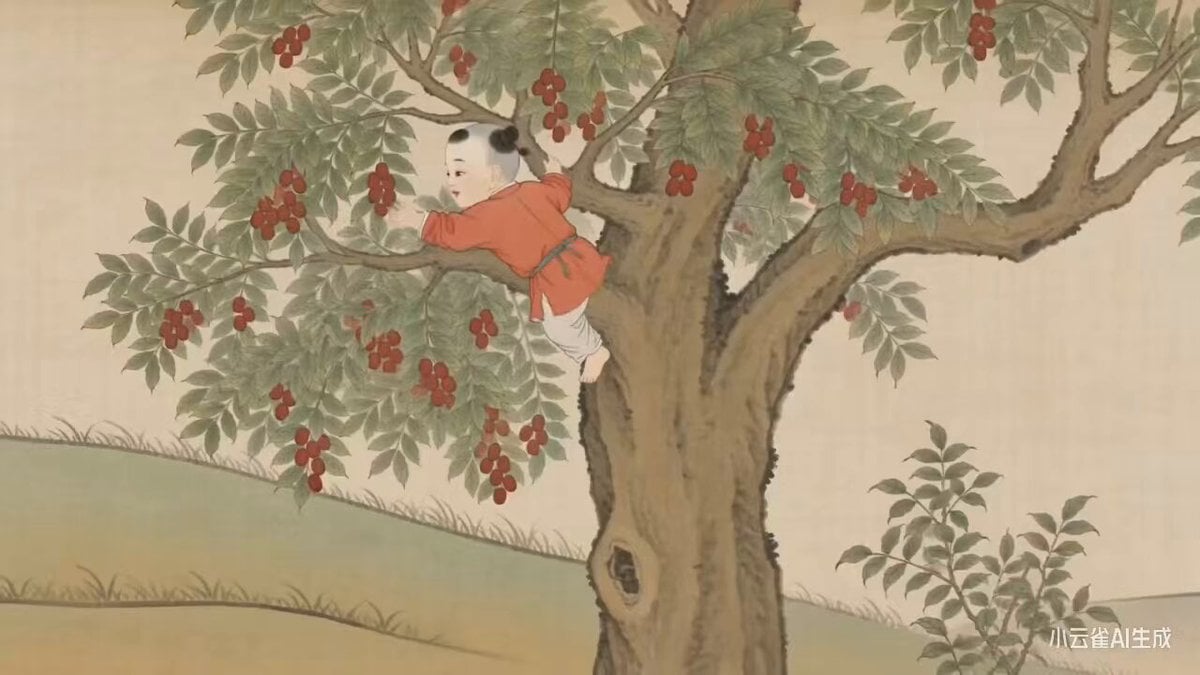
Seedance 2.0 Qing Dynasty Painting Revival Prompt
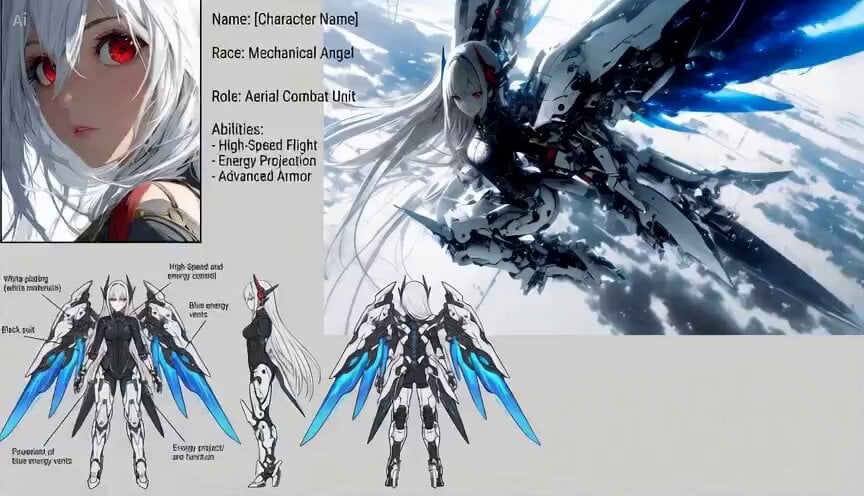
3D CGI Action Sequence Animation Prompt
Browse template categories
Crimson Rose Haute Couture Emergence questions
How do I use the Crimson Rose Haute Couture Emergence template?
Add your photo if the template asks for one, edit the prompt if you like — the template's model and format are already selected — and press Generate. Your version opens in PicX Studio.
Can I customize the Crimson Rose Haute Couture Emergence template?
Yes. You can change the subject, setting, lighting, mood, format, and available model controls before creating your video.
Is the Crimson Rose Haute Couture Emergence template free?
Opening and editing this template is free. Generating uses credits, shown on the Generate button when you are signed in.
Which AI model should I use?
Start with Seedance 2.0, which is the model associated with this template. You can compare another compatible model for a different finish.
Looking for something else? Browse all templates.

Your photo, any look
Thousands of ready templates for every top image and video model, from one credit balance.