
Pompeii DV Camcorder Documentary
A high-quality prompt for Seedance 2 that recreates the eruption of Mt.
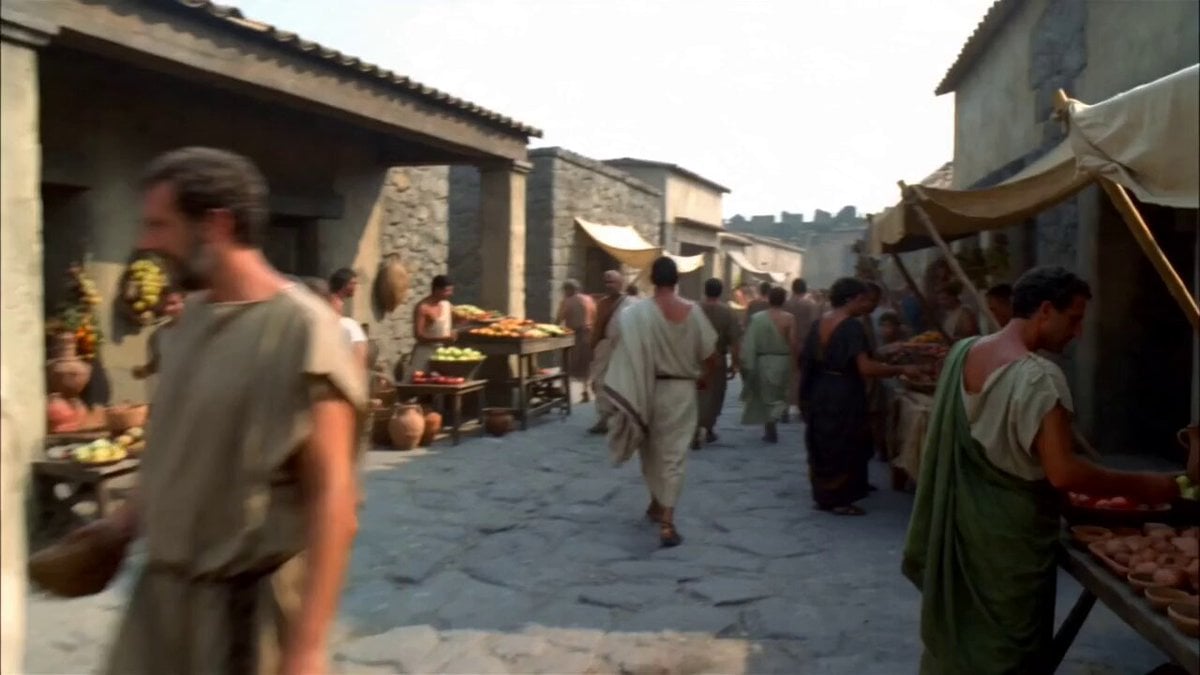
- Prompt included
- Model and format preset
- Free template
The prompt behind this video
Copy the exact prompt behind Pompeii DV Camcorder Documentary, or open it in the studio and make it yours.
This is handheld documentary footage recorded on an early-2000s consumer DV camcorder from the streets of Pompeii at the moment Mount Vesuvius begins erupting. The footage feels like real, imperfect home video of ordinary people witnessing the beginning of a historic disaster. The recording shows a busy street in Pompeii during the daytime, with merchants, families, children, laborers, and townspeople moving through the city. In the distance, Mount Vesuvius is visible above the rooftops. At first, people are going about normal daily life, but then a strange plume of smoke and ash begins rising from the volcano. The crowd gradually notices it. Some people stop and stare, some point toward the mountain, and others begin shouting to one another in confusion. The camera moves through the street like someone in the crowd trying to capture what is happening. It shows frightened townspeople looking up at the sky, parents pulling children closer, merchants abandoning their stalls, and groups of people beginning to run as ash starts falling. The footage captures the shift from curiosity to fear as the eruption becomes impossible to ignore. There are natural cuts between wider views of the street, the mountain in the distance, and closer views of people reacting in panic. The handheld camera shows natural shake, drifting framing, sudden reactive movement, autofocus mistakes as the person filming swings between the crowd and the volcano, slight exposure problems from bright daylight and ash in the air, and the imperfect look of old DV footage. The movement should feel urgent and unplanned, like someone trying to document the disaster while also staying safe. Natural sound only: the noise of the street, footsteps on stone, people murmuring and then shouting, children crying, distant rumbling from the volcano, debris falling, and the panic of the crowd. No cinematic music added. The result must feel like authentic, raw footage of ordinary people in Pompeii experiencing the beginning of the eruption of Mount Vesuvius, captured on an old DV camcorder.
How to use Pompeii DV Camcorder Documentary in 3 steps
- 1
Open
The prompt is already in the box next to the preview, with the template's model and format selected.
- 2…a portrait of your subject in softgolden-hour light, 85mm…
Personalize
Edit the subject and creative details for your destination.
- 3Generate
Generate
Press Generate — your video is created in PicX Studio, so you can compare it with the original and refine one variable at a time.
More like this
Templates with the same subject, style or setup. Open one to see its prompt.
Forgotten 1980s High School Documentary Seedance
Live-Action Firefighter Rescue Night Scene

DV Tape Camcorder Gym Vlog
Nostalgic DV Camcorder Fairground Video
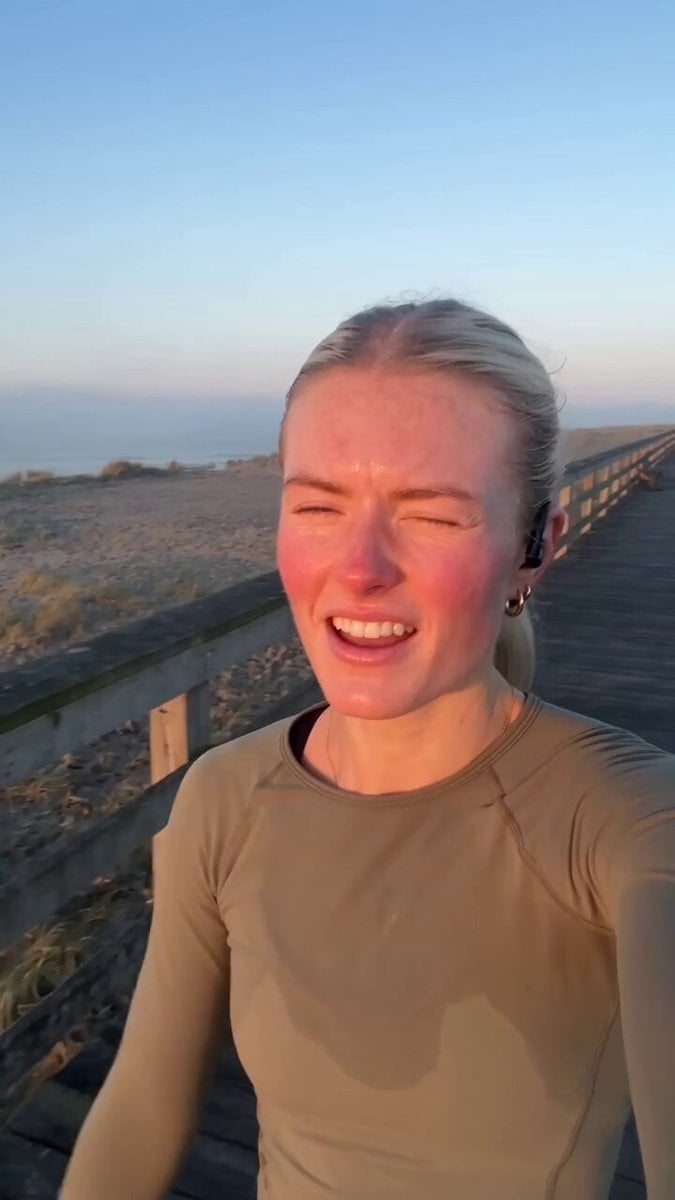
Vintage Camcorder Runner Vlog
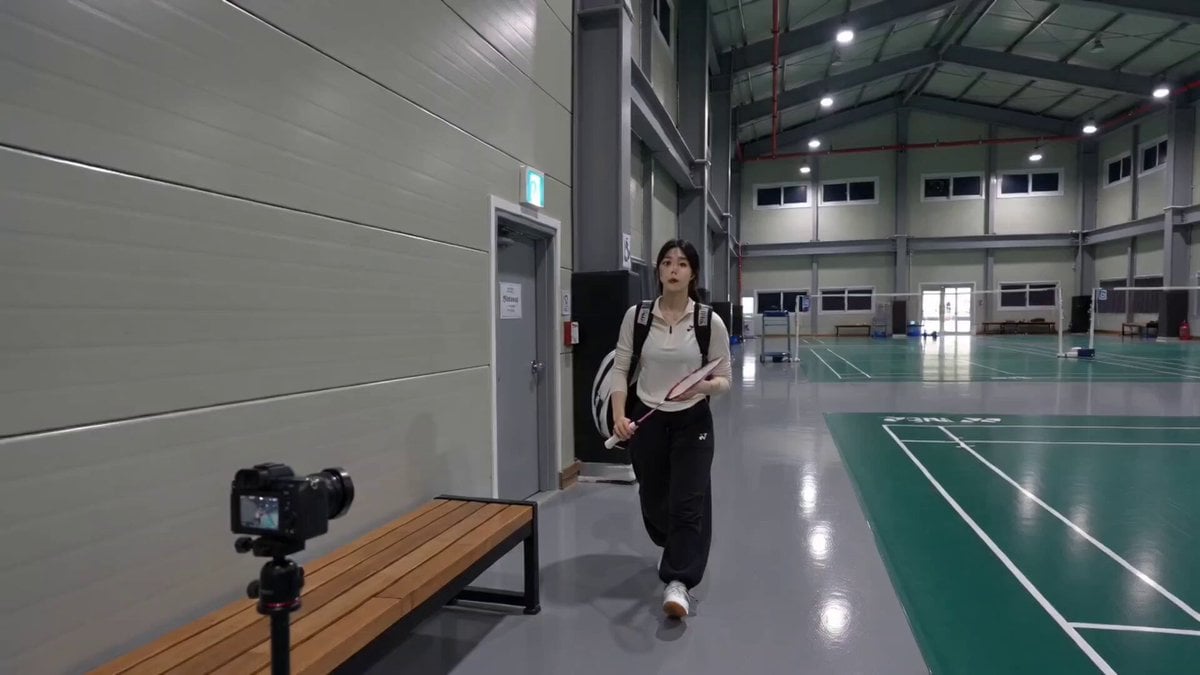
Vintage DV Camcorder Badminton Vlog
Korean Idol Vlog Camcorder
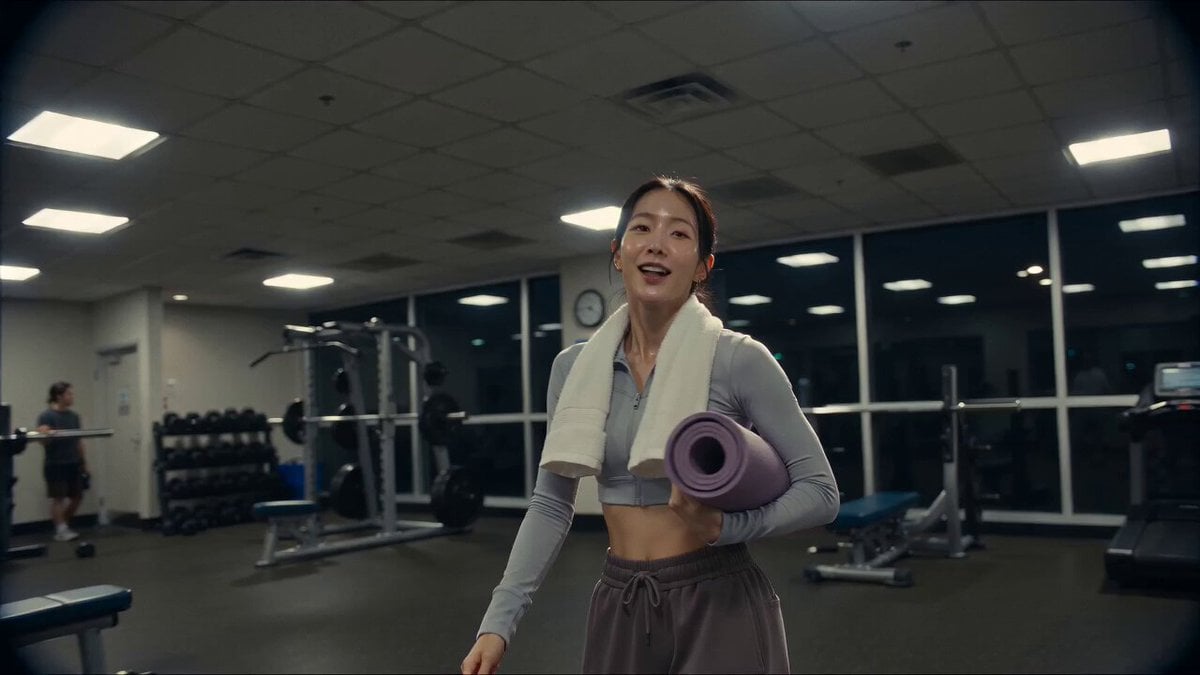
Vintage Camcorder Gym Vlog
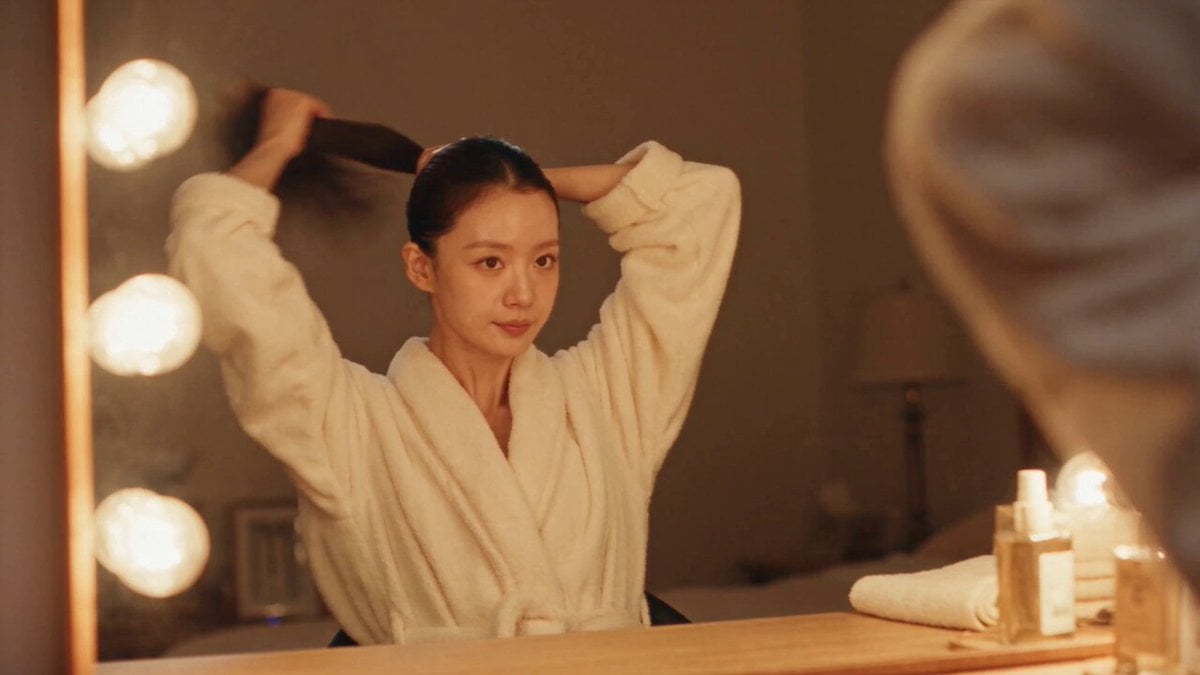
DV Camcorder POV Gym Montage — Seedance 2.5
DV Camcorder POV Gym Montage — Seedance 2.5
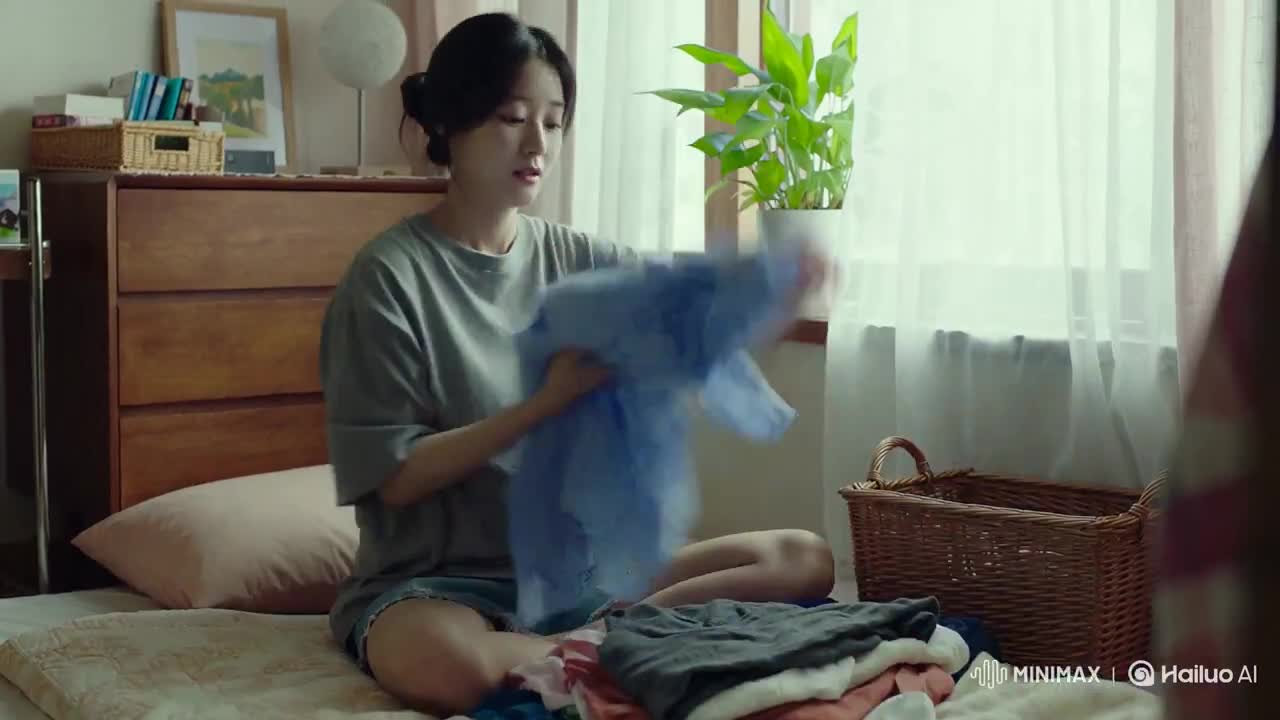
Korean Woman Laundry Folding DV Camcorder Morning
90s Camcorder Japanese Seaside Village
Make it yours
Pompeii DV Camcorder Documentary works as-is. These are the safest ways to change it without losing the look.
Change one field
Copy a single group, rewrite it, and generate again so you can see what that field is doing.
Keep the frame, change the subject
Hold the composition and light of Pompeii DV Camcorder Documentary, then swap wardrobe, props or the person for a new take.
| If the result… | Why | Fix |
|---|---|---|
| The result drifts from the preview | Too many fields changed at once. | Reuse Pompeii DV Camcorder Documentary as-is first, then change one group — subject, light, or setting. |
| The model over-stylizes the scene | The prose prompt leaves finish and camera underspecified. | Add one camera or lighting sentence and stay on Seedance 2.0. |
More Seedance 2.0 templates
Other prompts made for Seedance 2.0.

Comical Martial Arts Punch Scene

Maglev Train Action Sequence

Martial Arts Fight Sequence

Wuxia Protection and Trust Script

Vintage Korean Arcade MiniDV Vlog

Mercedes 190 SL Luxury Ad

Rainy Night Supernatural Reverse Comedy Video Script

Amazon Civilization Discovery

Futuristic South Asian City Transformation

Cozy Luxury Cafe Commercial
More video prompts
Fresh picks from across the catalog.

Kawaii Bunny Chef Anime Cooking
Bullet Time Selfie — Modular Parameter Template (Seedance)
Stormy Sea Monster Encounter

The Office Episode Prompt: Mogging, Jestermaxxing, and Foids

Cinematic Fish Cooking Commercial

Modern Soldier vs. Ancient Samurai in Foggy Forest

KBO Baseball Broadcast Narrative
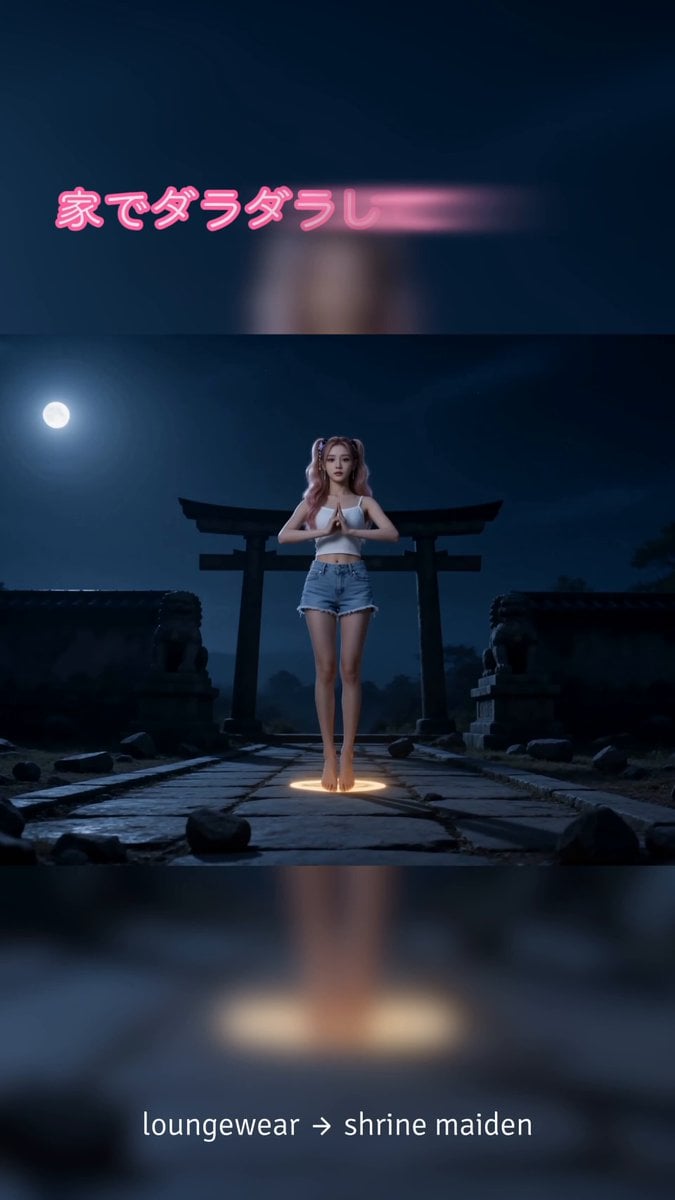
Shrine Maiden Battle Transformation
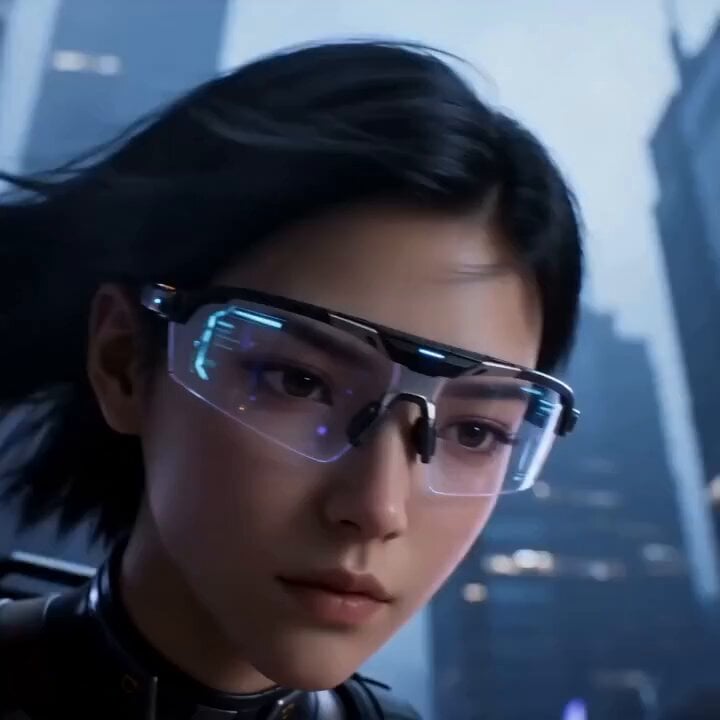
Cyberpunk Exoskeleton Suit-up Animation
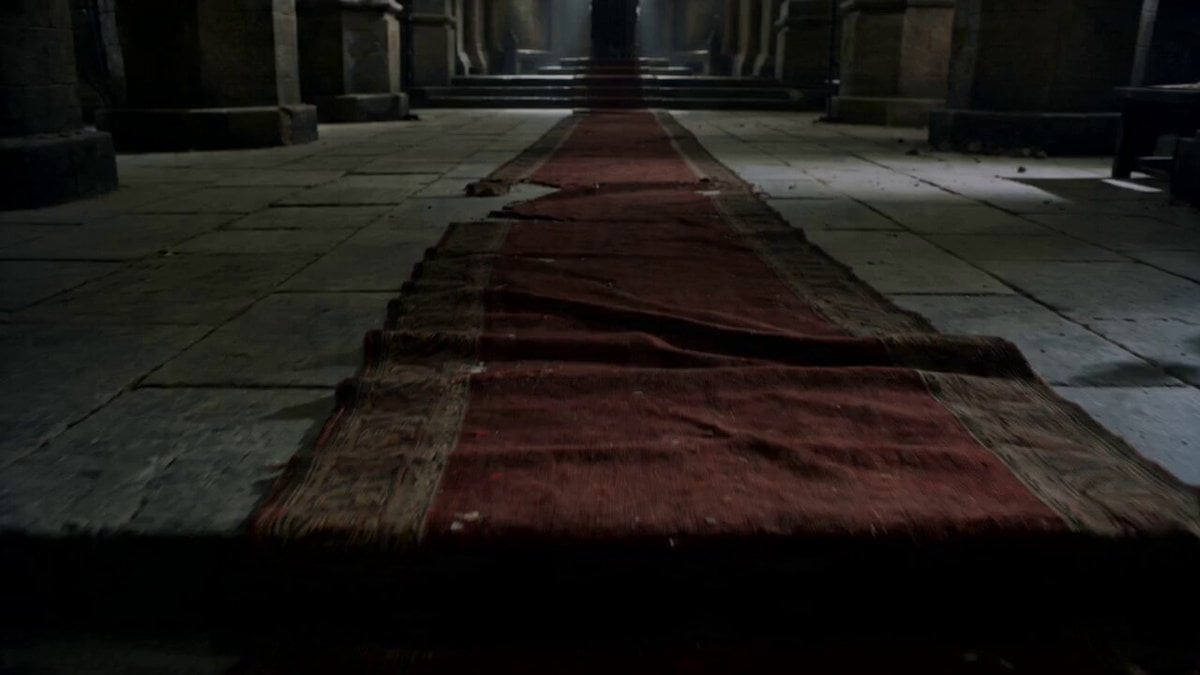
Cinematic King Scene Prompt (Image-to-Video)
Browse template categories
Pompeii DV Camcorder Documentary questions
How do I use the Pompeii DV Camcorder Documentary template?
Add your photo if the template asks for one, edit the prompt if you like — the template's model and format are already selected — and press Generate. Your version opens in PicX Studio.
Can I customize the Pompeii DV Camcorder Documentary template?
Yes. You can change the subject, setting, lighting, mood, format, and available model controls before creating your video.
Is the Pompeii DV Camcorder Documentary template free?
Opening and editing this template is free. Generating uses credits, shown on the Generate button when you are signed in.
Which AI model should I use?
Start with Seedance 2.0, which is the model associated with this template. You can compare another compatible model for a different finish.
Looking for something else? Browse all templates.

Your photo, any look
Thousands of ready templates for every top image and video model, from one credit balance.