How do I use the Cinematic Superhero Confrontation Prompt template?
Edit the prompt in the box under the preview — the template's model and format are already selected — and press Generate. Your version appears right on this page.
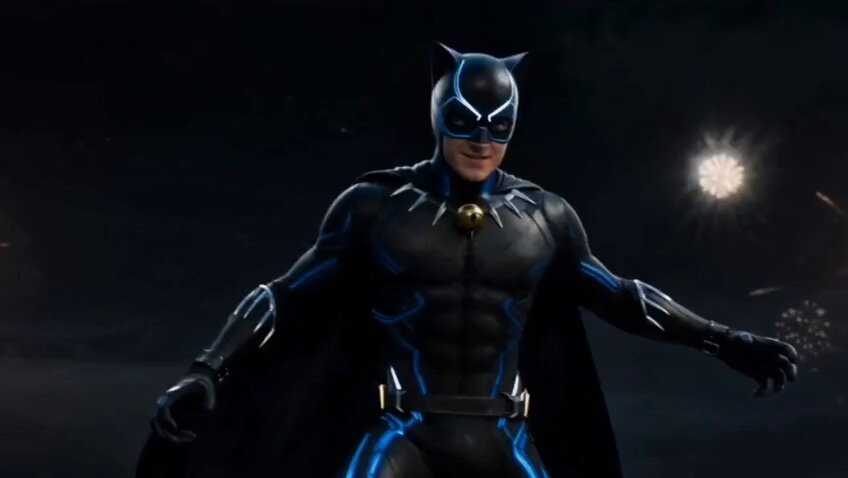
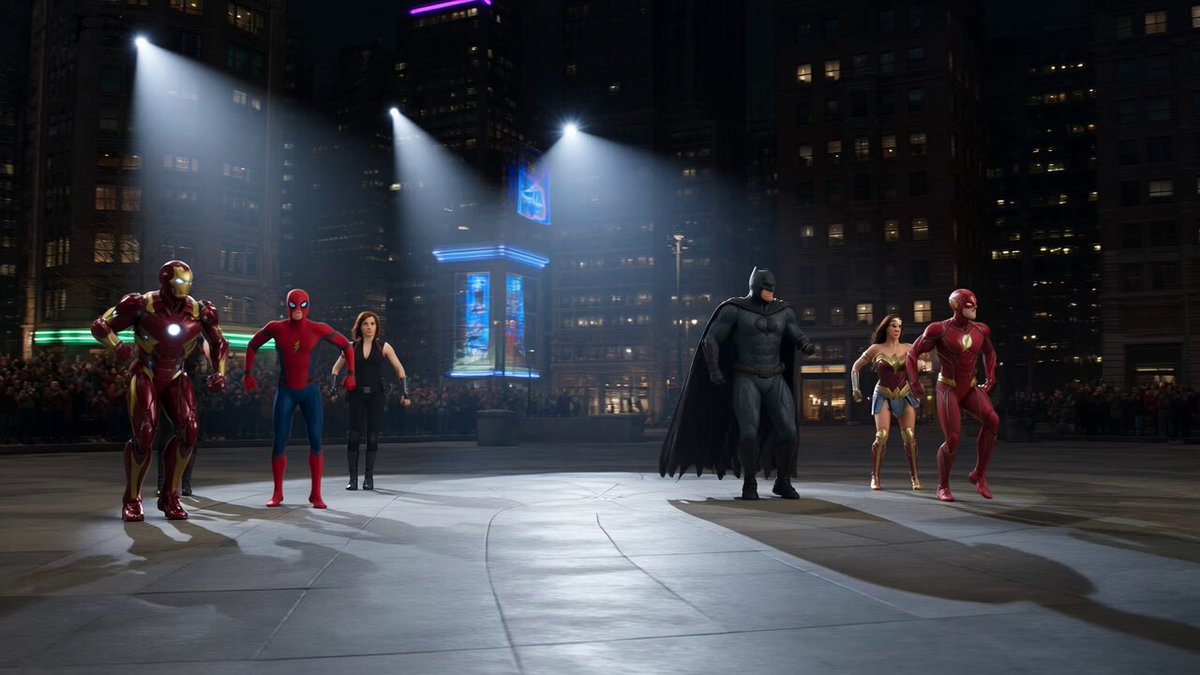
A complex cinematic prompt for Seedance 2.0 detailing a high-contrast, epic confrontation between a giant, muscular hero in red/black armor and a small, agile hero in red/blue spider-web suit, focusing on intense energy…
{ "visual_world": { "light": "剧烈闪烁的红色能量光和蓝色能量光对比黑暗城市夜空,空气中飘浮着火花和余烬", "color": "高对比度,饱和的红色和蓝色能量光,去饱和的黑暗城市天际线", "film": "35毫米电影感,2.39:1 变形宽银幕,浅景深,面部细节锐利", "atmosphere": "史诗,激烈,电影质感" }, "sequence": { "duration": "15 seconds", "pacing": "角色驱动的动作对抗,带有自然的节奏感", "language_note": "No spoken dialogue.", "shots": { "shot_1": { "duration": "5 seconds", "camera": "中景低角度镜头,夸张体型对比", "action": "一个身高远超正常人类数十倍的巨大英雄,穿着先进红色和黑色高科技战斗服,头部戴着昆虫形状的先进头盔,全身肌肉极其发达且充满压倒性力量感。他站在城市高楼之间,对面是一个穿着红色和蓝色紧身战斗服、上面有复杂黑色蛛网图案、全脸被红色面具覆盖、身体非常敏捷灵活的年轻英雄,两人同时在城市天际线对峙。", "dialogue": "" }, "shot_2": { "duration": "5 seconds", "camera": "动态中景快速跟拍", "action": "巨大红色黑衣英雄挥出强力一拳,小型红色蓝色英雄以惊人速度闪避并在巨人手臂上快速移动反击,两人开始激烈对抗,力量与速度的碰撞产生强烈能量冲击。", "dialogue": "" }, "shot_3": { "duration": "5 seconds", "camera": "中景宽镜头", "action": "两人同时释放最强力量,巨大英雄的强大冲击力和敏捷英雄的灵活能量攻击猛烈碰撞,产生巨大彩色能量爆炸和闪光,整个城市天际线被光芒吞没,两人依然在能量风暴中对峙,没有明显胜负。", "dialogue": "" } } } }
Edit the prompt in the box under the preview — the template's model and format are already selected — and press Generate. Your version appears right on this page.
Yes. You can change the subject, setting, lighting, mood, format, and available model controls before creating your video.
Opening and editing this template is free. Generating uses credits, shown on the Generate button when you are signed in.
Start with Seedance 2.0, which is the model associated with this template. You can compare another compatible model for a different finish.
Follow a topic to a crawlable collection of related PicX Studio templates.