
Flute Transition and Transformation Video Prompt
A detailed prompt for a video featuring a girl performing a transformation (change of clothes/style) triggered by spinning and tossing a flute.
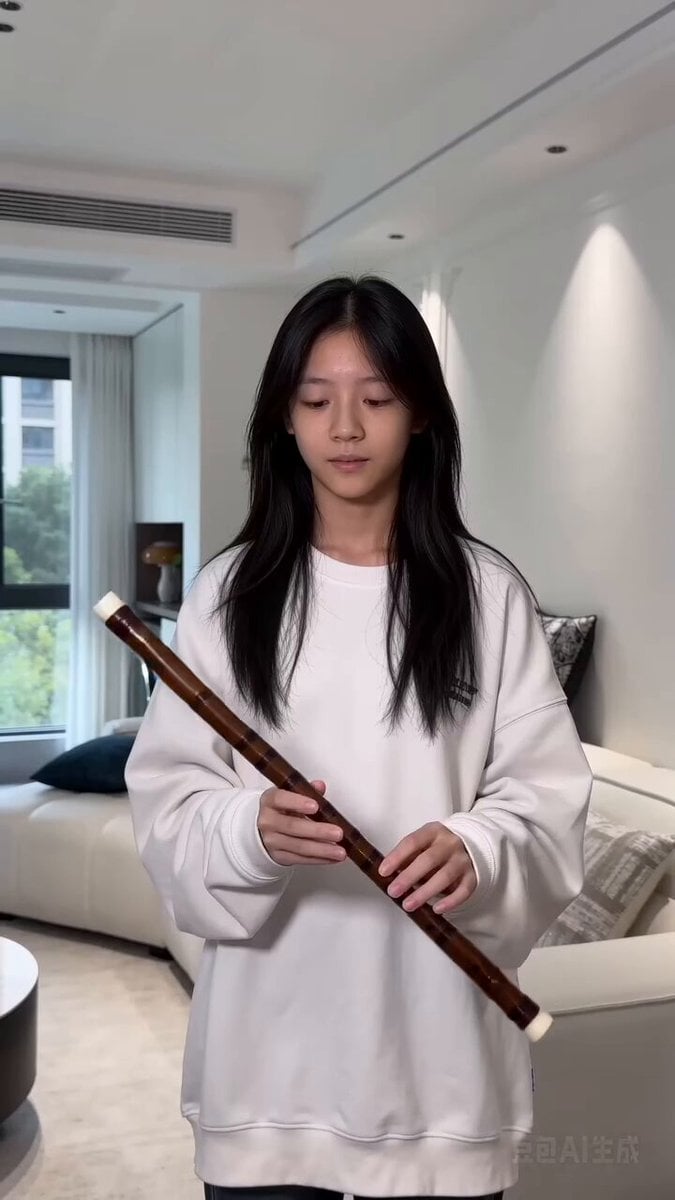
- Prompt included
- Model and format preset
- Free template
The prompt behind this video
Copy the exact prompt behind Flute Transition and Transformation Video Prompt, or open it in the studio and make it yours.
A girl, no makeup, is fiddling with a flute in the living room. She picks up the flute and spins it in her hand the way Sun Wukong spins his golden cudgel, and while spinning, casually tosses it up into the air. Right as it comes back down, the girl does a beat-synced outfit change: the style is a portrait-photography look, textured lighting, natural light, richly textured, a photographic style. Also accented with gold and silver. The main subject of the frame is a head close-up with fluffy long hair, glossy like satin, as she plays a bamboo flute. The girl's clothing is made of sequined mesh, sequined velvet, organza, and similar materials, with exquisite lace, tassels, embroidery, and prints, with elaborately draped pleats, paired with lavish, ornate accessories and traditional hidden clothing patterns. The background is dark-toned, paired with a brocade damask curtain, surrounded by a sea of double-petaled flowers, using a dynamic composition, freezing a moment in time; shallow depth of field makes the subject stand out more vividly, light specks accenting the shadowed areas, with moon-white as the primary color scheme. Requires popular internet music, use slow motion at the beat-sync moment, both outfit changes are the same girl.
How to use Flute Transition and Transformation Video Prompt in 3 steps
- 1
Open
The prompt is already in the box next to the preview, with the template's model and format selected.
- 2…a portrait of your subject in softgolden-hour light, 85mm…
Personalize
Edit the subject and creative details for your destination.
- 3Generate
Generate
Press Generate — your video is created in PicX Studio, so you can compare it with the original and refine one variable at a time.
More like this
Templates with the same subject, style or setup. Open one to see its prompt.
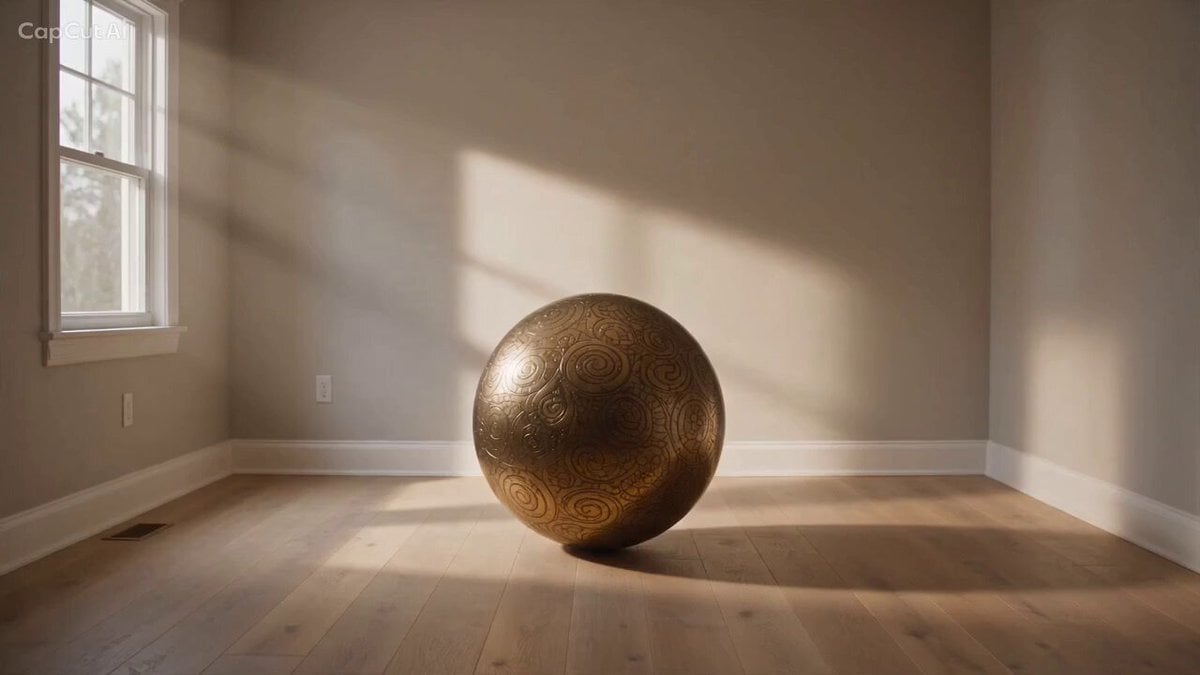
Magical Room Transformation - Seedance 2.5
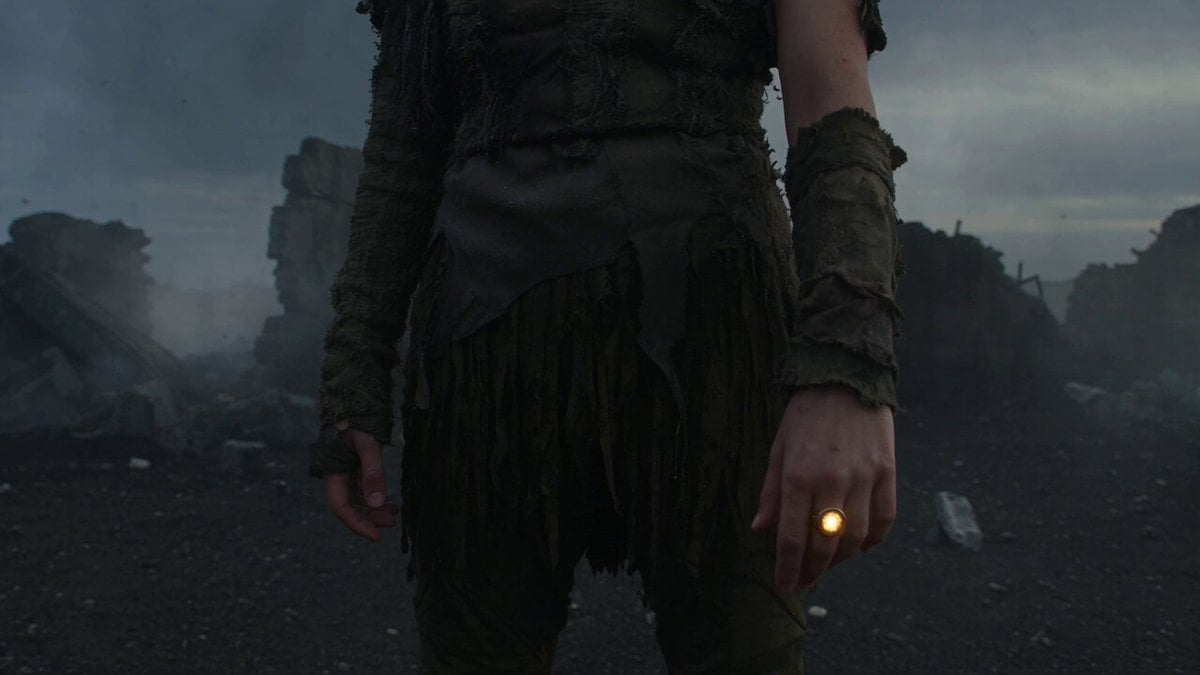
Dark Tokusatsu Transformation - Seedance 2.5
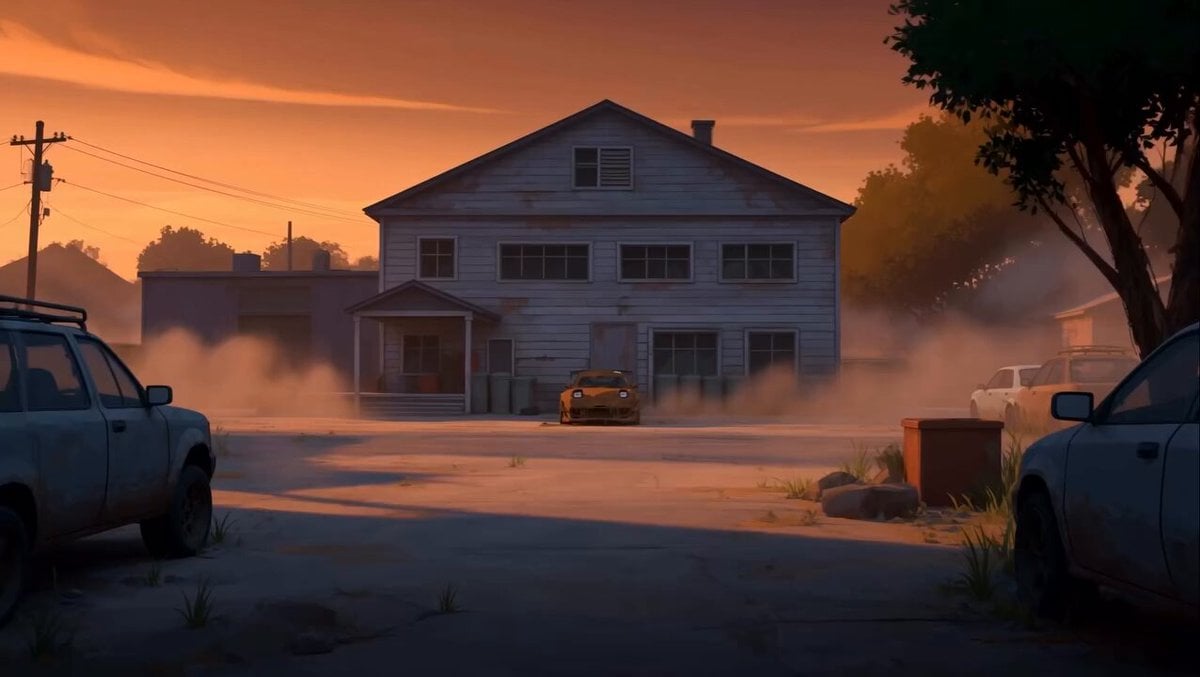
RX-7 to Mech Transformation Cyberpunk
Civilization Timelapse — Centuries in One Shot
Mecha Transformation vs Kaiju — 4-Scene Epic
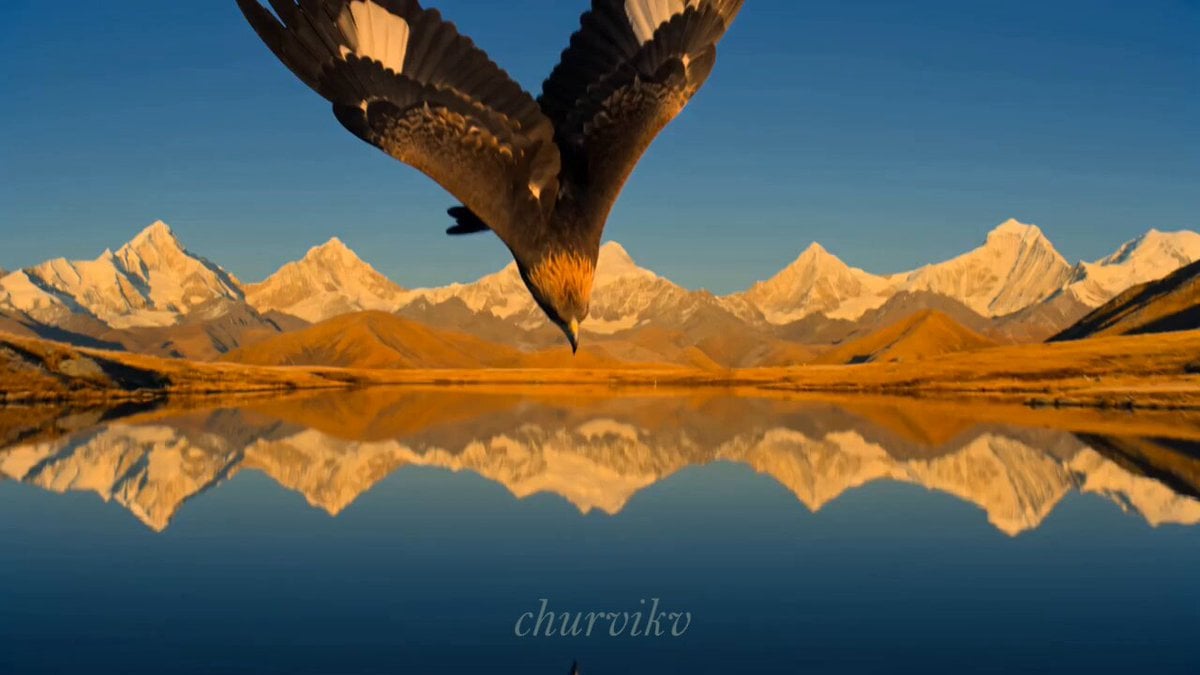
Cinematic Storyboard Sequence Transition
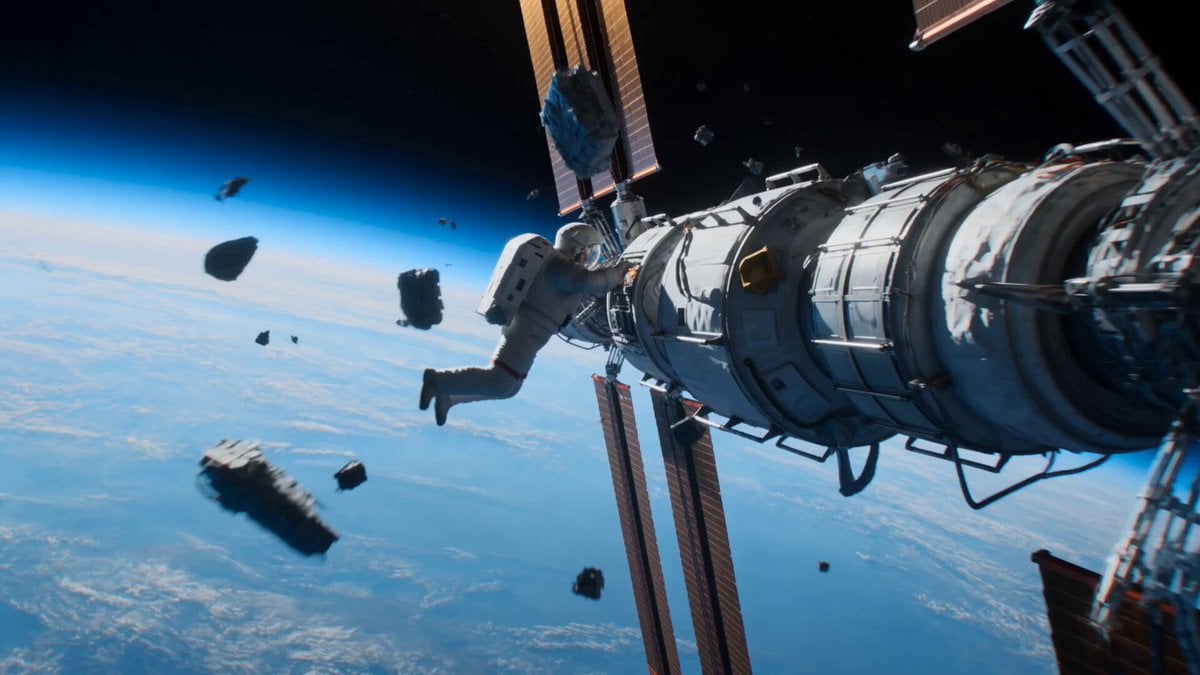
Astronaut to Apartment Match Cut Transition
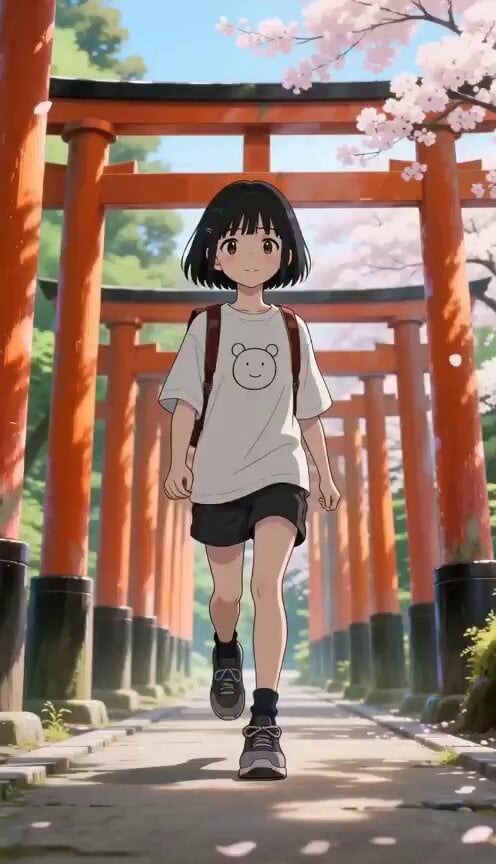
Seasonal Path Transition Animation

Horror Daffy Duck Video Transition
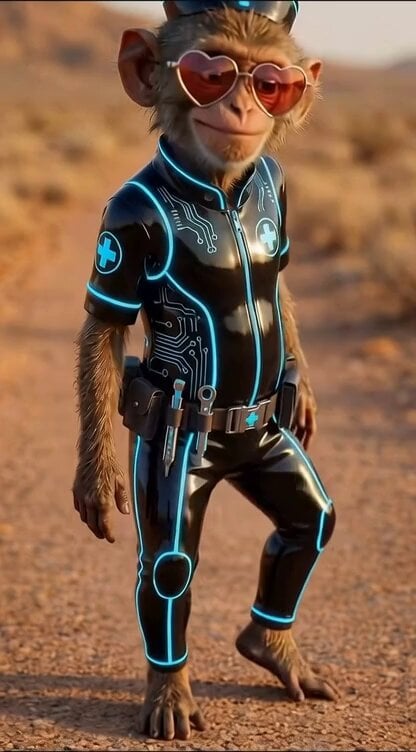
Chimp Character Outfit Transition
Seamless Environment Transition Sports Commercial
Douyin Catch and Wipe Fashion Transition
Make it yours
Flute Transition and Transformation Video Prompt works as-is. These are the safest ways to change it without losing the look.
Change one field
Copy a single group, rewrite it, and generate again so you can see what that field is doing.
Keep the frame, change the subject
Hold the composition and light of Flute Transition and Transformation Video Prompt, then swap wardrobe, props or the person for a new take.
| If the result… | Why | Fix |
|---|---|---|
| The result drifts from the preview | Too many fields changed at once. | Reuse Flute Transition and Transformation Video Prompt as-is first, then change one group — subject, light, or setting. |
| The model over-stylizes the scene | The prose prompt leaves finish and camera underspecified. | Add one camera or lighting sentence and stay on Seedance 2.0. |
More Seedance 2.0 templates
Other prompts made for Seedance 2.0.

Comical Martial Arts Punch Scene

Maglev Train Action Sequence

Martial Arts Fight Sequence

Wuxia Protection and Trust Script

Vintage Korean Arcade MiniDV Vlog

Mercedes 190 SL Luxury Ad

Rainy Night Supernatural Reverse Comedy Video Script

Amazon Civilization Discovery

Futuristic South Asian City Transformation

Cozy Luxury Cafe Commercial
More video prompts
Fresh picks from across the catalog.

Library Candlelight Reading Video
Seedance 2.0 Prompt for Anime Style White-Haired Girl
Alien Intruder in Modern House
Elevencreative Time Freeze
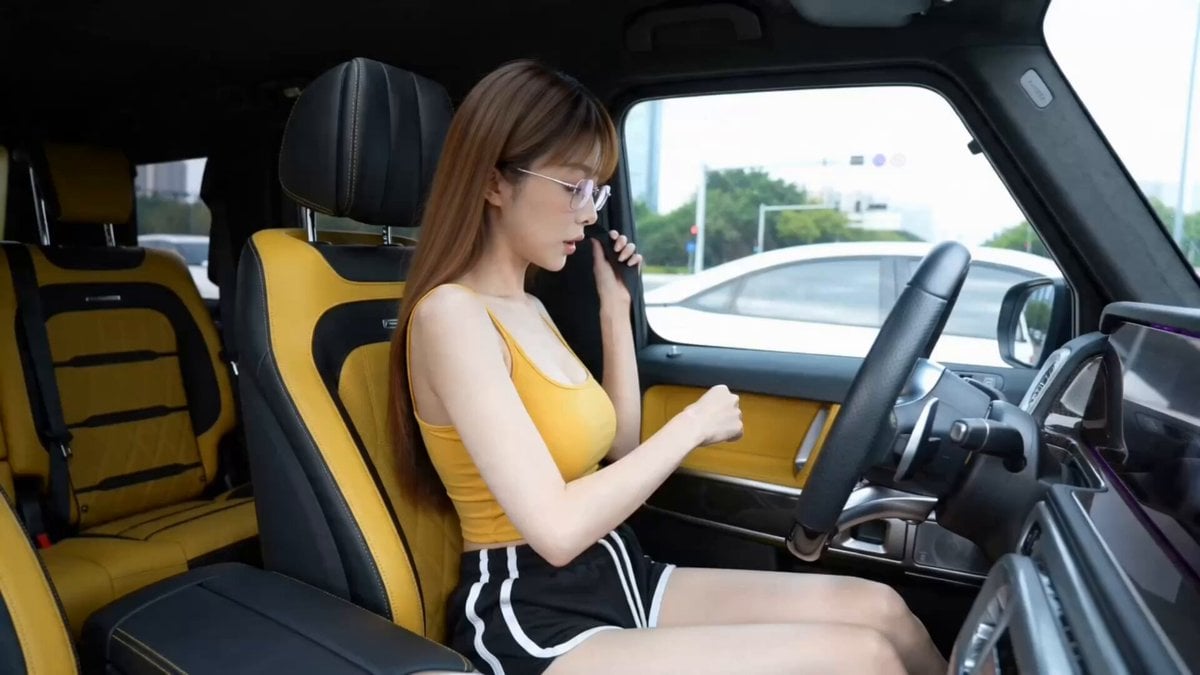
Luxury Car Fashion Montage

Mutant Horse and Wolf Transformation
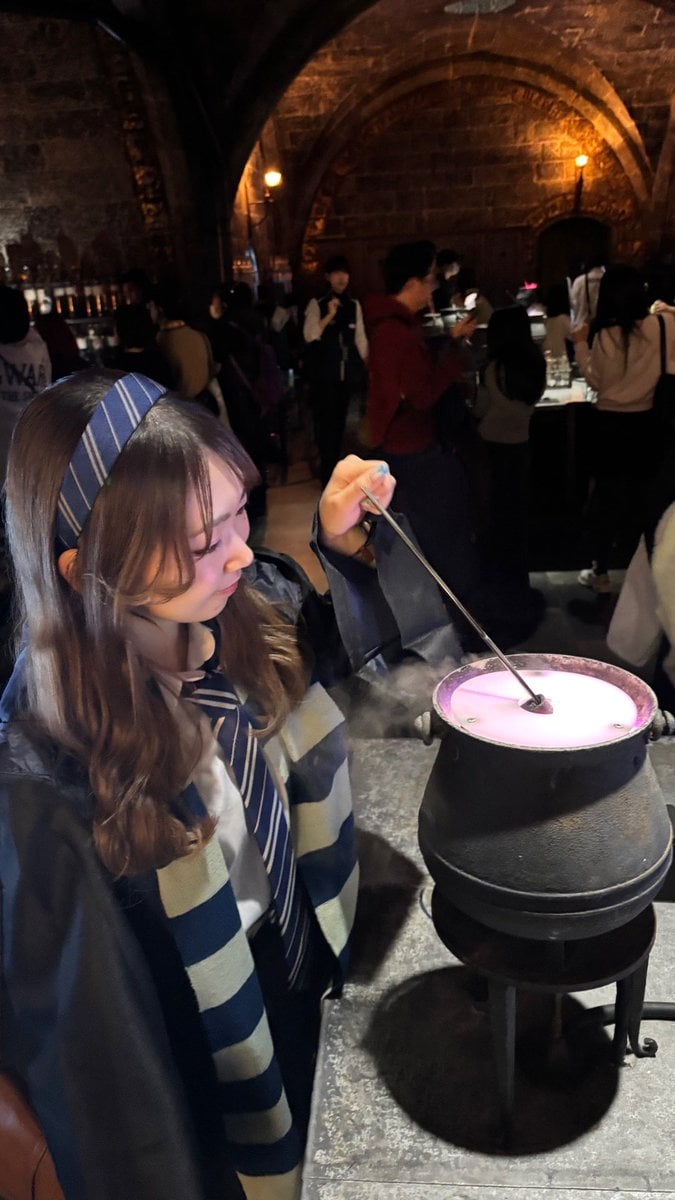
February Schedule Prompt
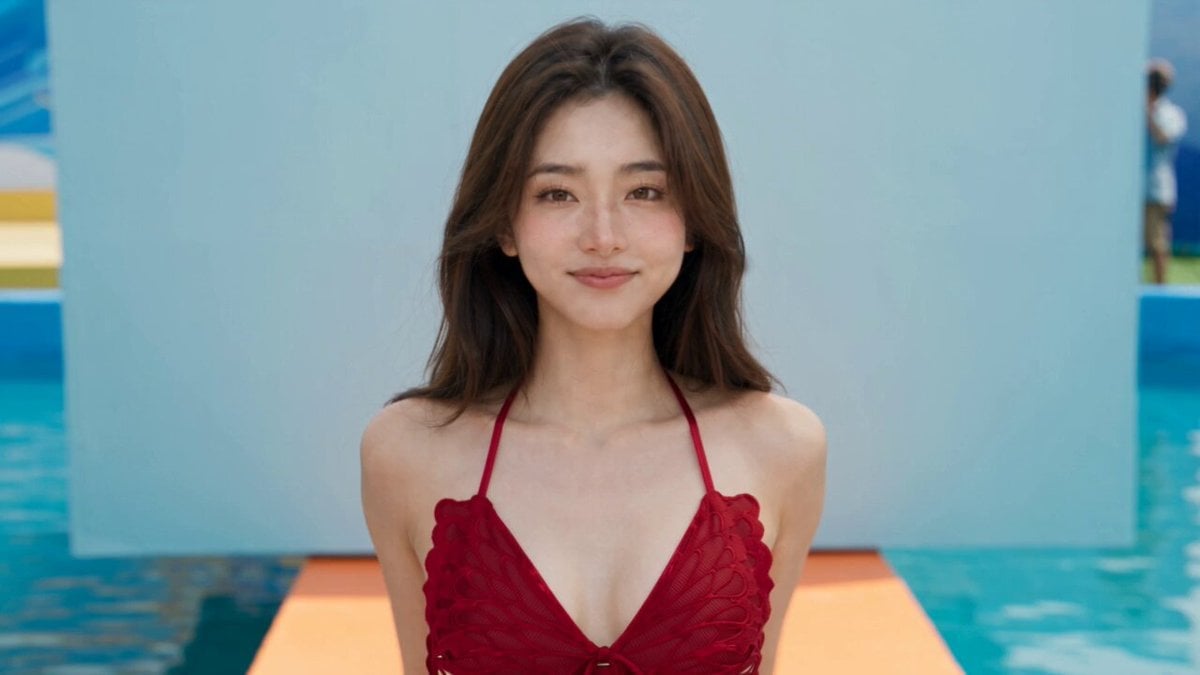
Water Game Show Crab Squat Challenge
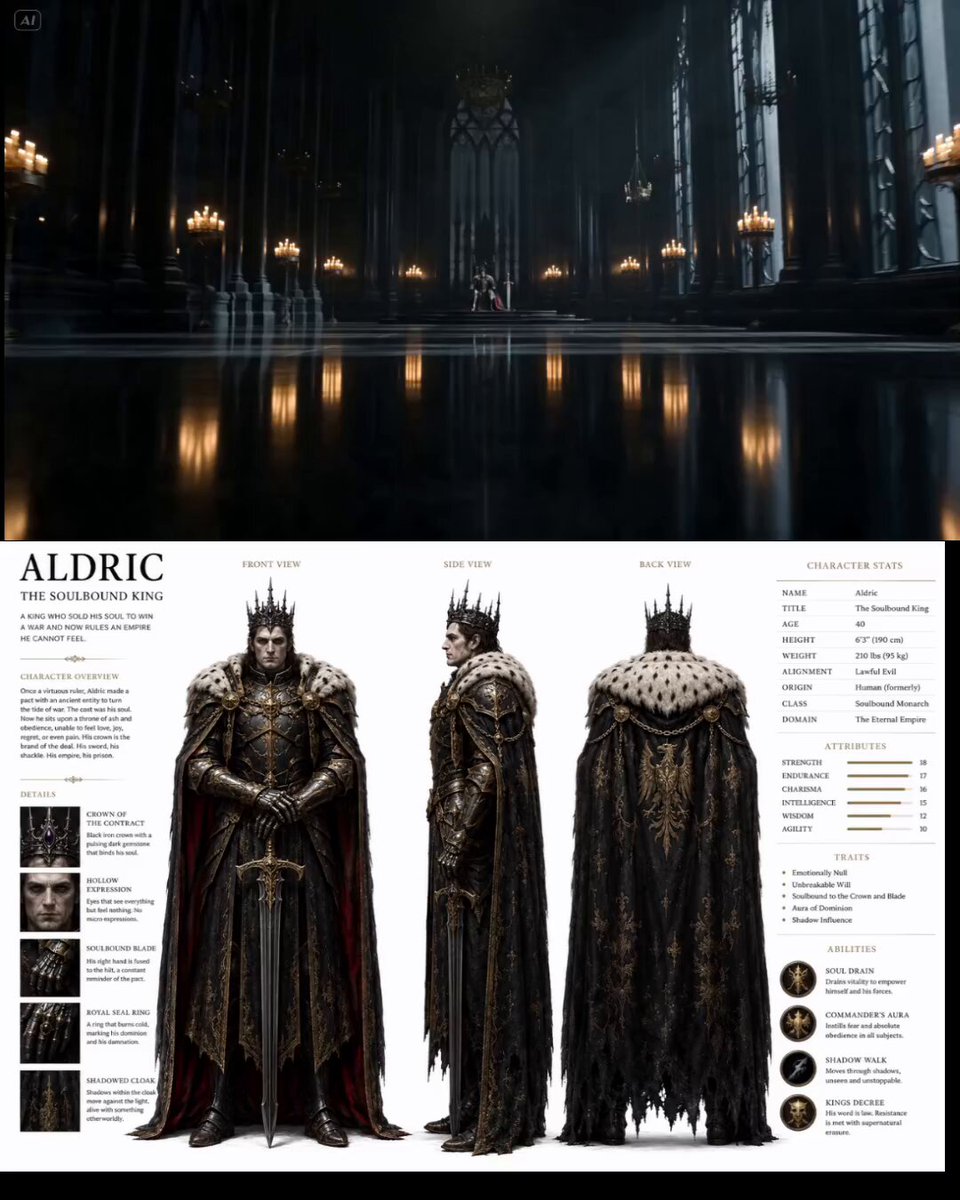
Cinematic Throne Room Sequence
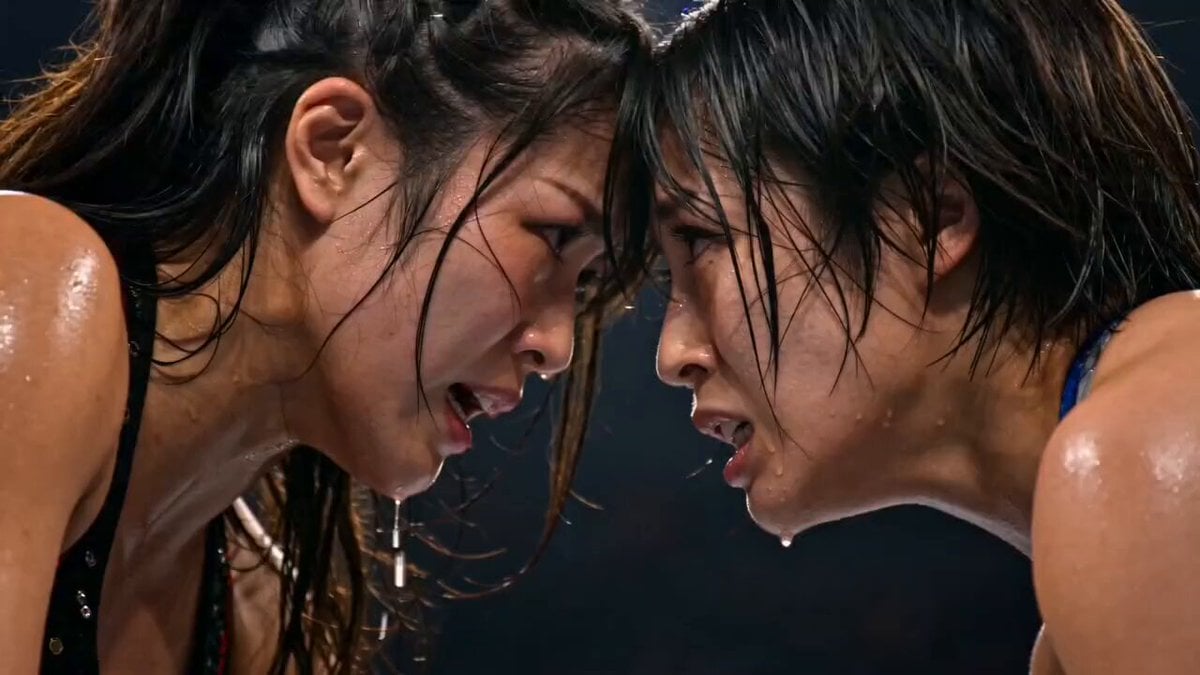
Japanese Female Wrestling Finale
Browse template categories
Flute Transition and Transformation Video Prompt questions
How do I use the Flute Transition and Transformation Video Prompt template?
Add your photo if the template asks for one, edit the prompt if you like — the template's model and format are already selected — and press Generate. Your version opens in PicX Studio.
Can I customize the Flute Transition and Transformation Video Prompt template?
Yes. You can change the subject, setting, lighting, mood, format, and available model controls before creating your video.
Is the Flute Transition and Transformation Video Prompt template free?
Opening and editing this template is free. Generating uses credits, shown on the Generate button when you are signed in.
Which AI model should I use?
Start with Seedance 2.0, which is the model associated with this template. You can compare another compatible model for a different finish.
Looking for something else? Browse all templates.

Your photo, any look
Thousands of ready templates for every top image and video model, from one credit balance.