
Cinematic Route Navigation Guide
A structured multi-scene prompt designed for Seedance to create a consistent walking navigation video featuring a recurring tour guide character and smooth transitions between real-world locations.
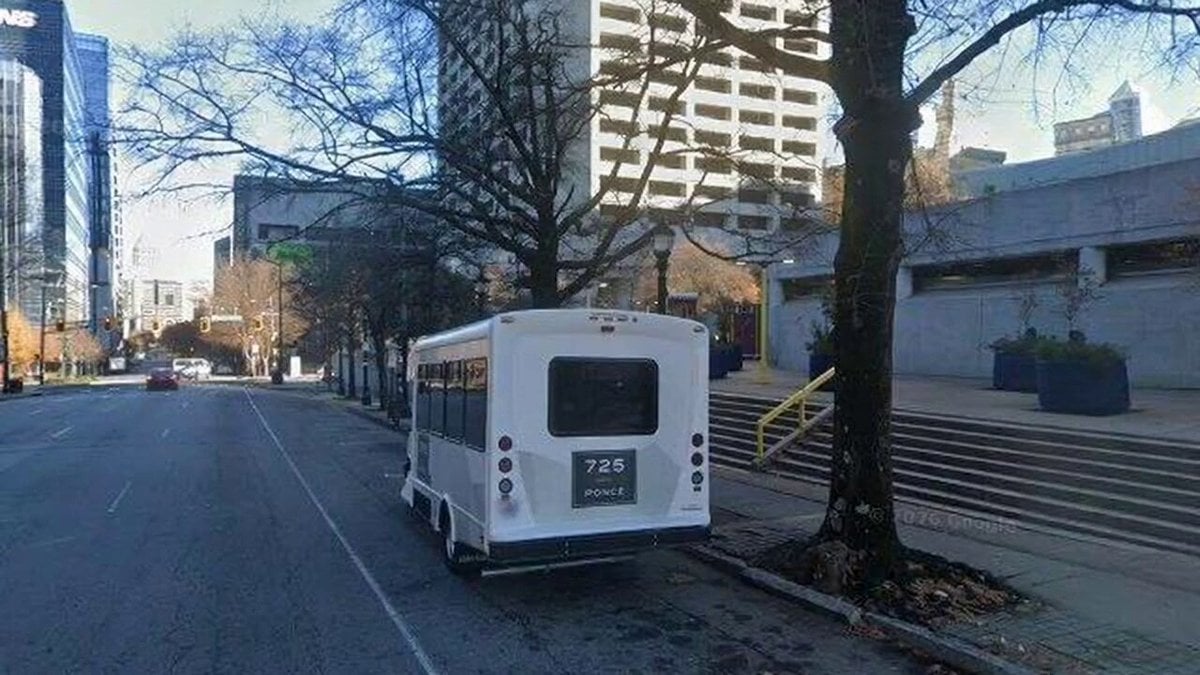
- Prompt included
- Model and format preset
- Free template
The prompt behind this video
Copy the exact prompt behind Cinematic Route Navigation Guide, or open it in the studio and make it yours.
Create a 5-second cinematic route-guide clip for a walking navigation video. Continuity: This is scene {N} of 5 in a route from North Avenue MARTA Station to Coda Tech Square in Atlanta. The guide is the same stylish female tour guide in every scene: black sunglasses, sleeveless cream belted dress, brown leather belt, tour lanyard, small shoulder bag, brown hair tied back, confident warm expression. She appears on the sidewalk or plaza only, never in traffic lanes. Scene role: {route_step} Starting frame: Use the supplied Street View image as the real-world location reference. Preserve the recognizable street layout, building massing, sidewalk direction, signage, and lighting. Action: The guide is already in frame, slightly ahead of the viewer. She turns toward the camera, gestures toward the next walking direction, then begins to lead the viewer forward. Camera: Smooth handheld walking pace, slight forward push-in, no jumpy zooms, no orbit. Keep horizon stable. The final second should frame the direction of the next scene so the edit can cut naturally. End frame: End with the camera facing {next_direction_or_landmark}, with the guide near the edge of frame pointing forward. Restrictions: Do not invent a different city, indoor location, parking lot, or tourist group. Do not place the guide in the road. Do not block crosswalks, street signs, building entrances, or the Coda facade.
How to use Cinematic Route Navigation Guide in 3 steps
- 1
Open
The prompt is already in the box next to the preview, with the template's model and format selected.
- 2…a portrait of your subject in softgolden-hour light, 85mm…
Personalize
Edit the subject and creative details for your destination.
- 3Generate
Generate
Press Generate — your video is created in PicX Studio, so you can compare it with the original and refine one variable at a time.
More like this
Templates with the same subject, style or setup. Open one to see its prompt.
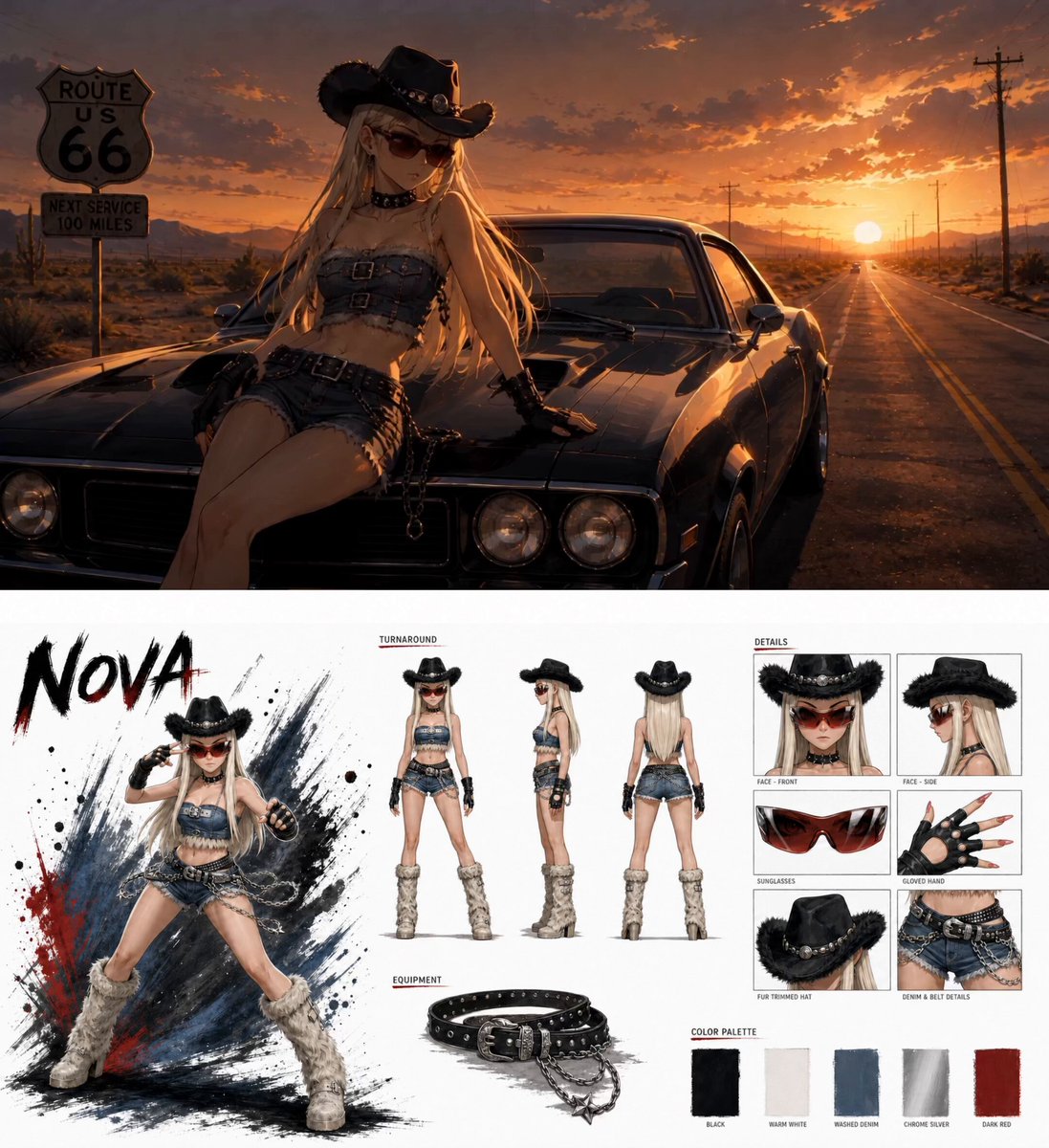
Anime Fashion Short on Route 66
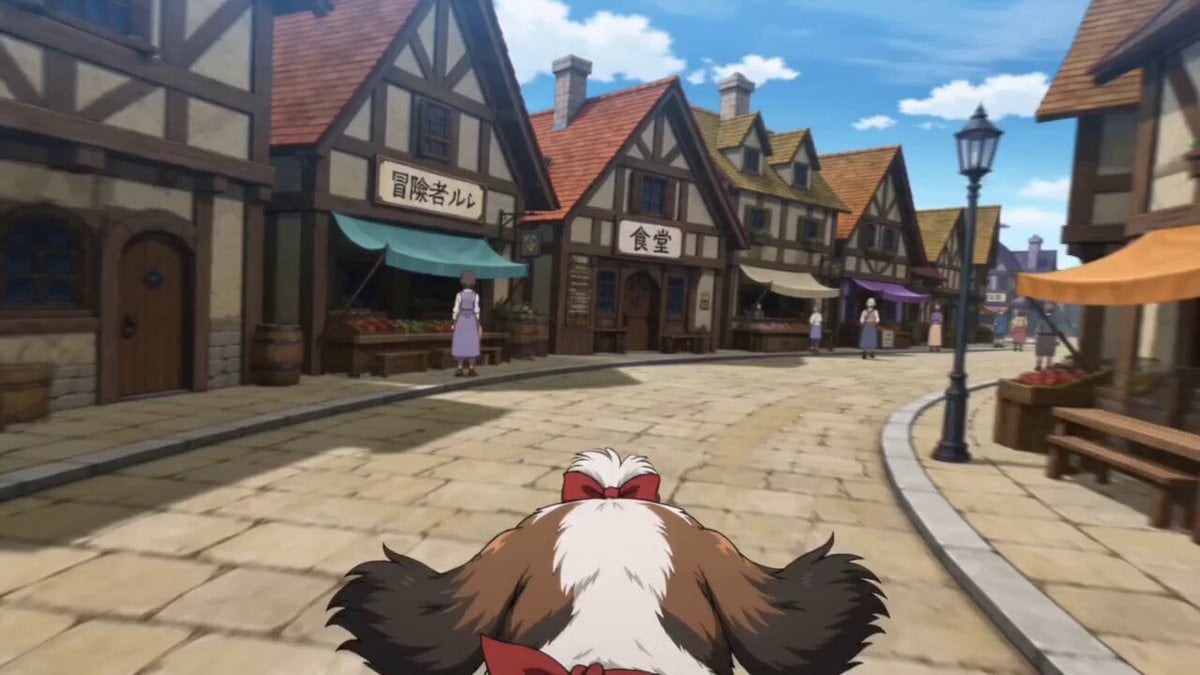
Anime Town Street Navigation
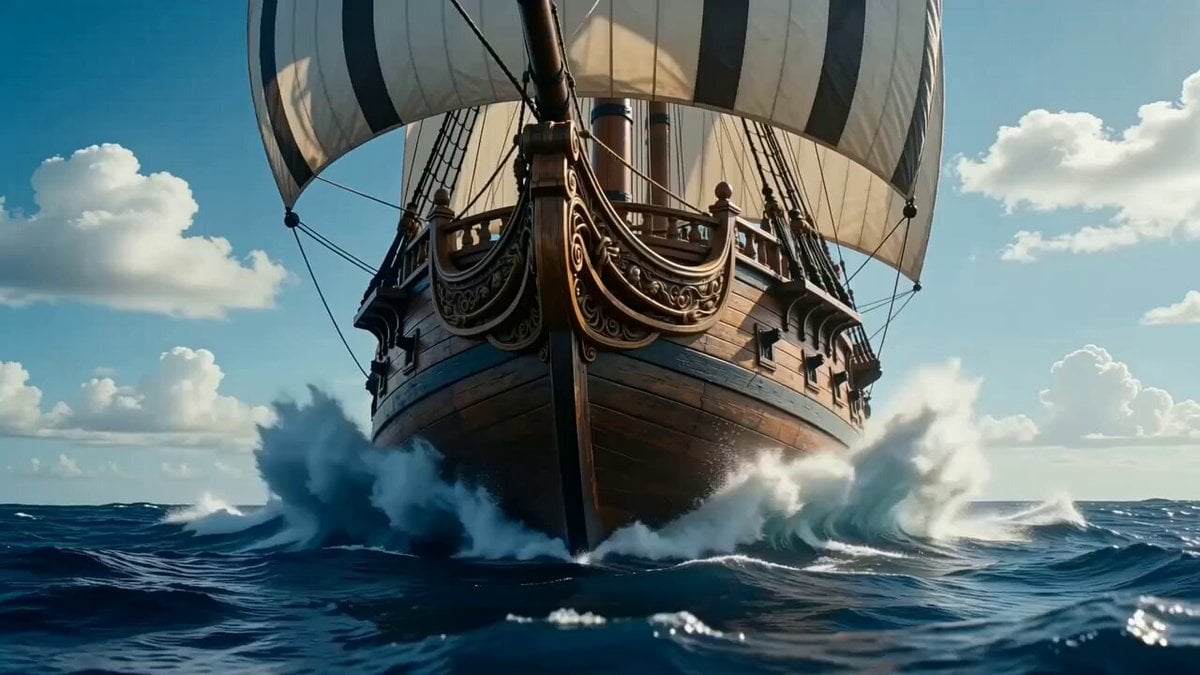
Columbus Navigation Advertisement Video Prompt
Frame-Guided Crash Zoom Video
Character and Storyboard Reference Guide
FPV Camera Path Guide
Seedance 2.0 Beginner Prompting Guide and Financial Topic Avoidance
Seedance 2.0 Prompt Writing Guide and Templates
Cinematic War Footage Style Guide (Part 1)
Wind Guided Street Walk
Seedance Wind Guides Path
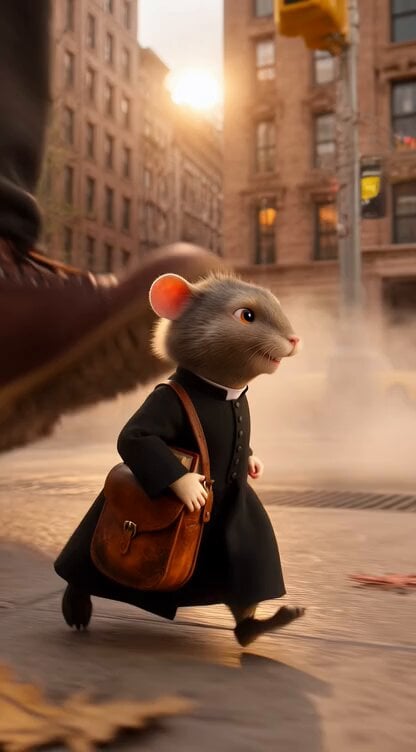
Catholic Mouse Priest in Brooklyn
Make it yours
Cinematic Route Navigation Guide works as-is. These are the safest ways to change it without losing the look.
Change one field
Copy a single group, rewrite it, and generate again so you can see what that field is doing.
Keep the frame, change the subject
Hold the composition and light of Cinematic Route Navigation Guide, then swap wardrobe, props or the person for a new take.
| If the result… | Why | Fix |
|---|---|---|
| The result drifts from the preview | Too many fields changed at once. | Reuse Cinematic Route Navigation Guide as-is first, then change one group — subject, light, or setting. |
| The model over-stylizes the scene | The prose prompt leaves finish and camera underspecified. | Add one camera or lighting sentence and stay on Seedance 2.0. |
More Seedance 2.0 templates
Other prompts made for Seedance 2.0.

Comical Martial Arts Punch Scene

Maglev Train Action Sequence

Martial Arts Fight Sequence

Wuxia Protection and Trust Script

Vintage Korean Arcade MiniDV Vlog

Mercedes 190 SL Luxury Ad

Rainy Night Supernatural Reverse Comedy Video Script

Amazon Civilization Discovery

Futuristic South Asian City Transformation

Cozy Luxury Cafe Commercial
More video prompts
Fresh picks from across the catalog.
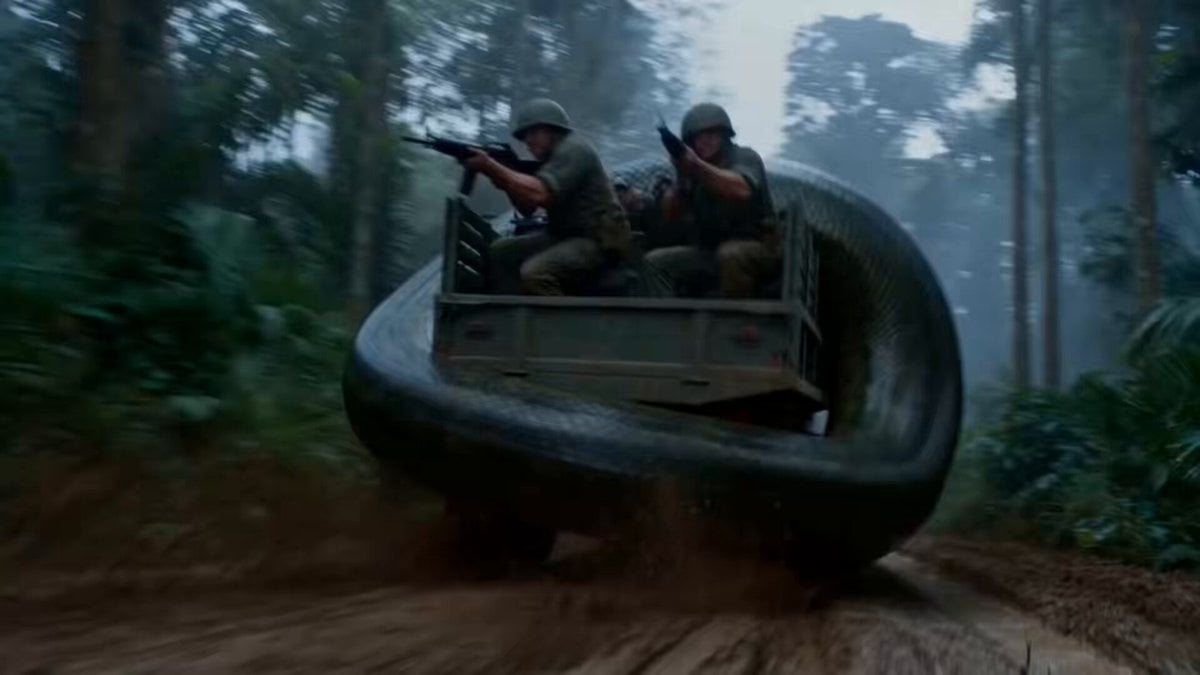
Jungle Supply Convoy Snake Ambush

Downhill Longboarder Shadow Dance Sequence
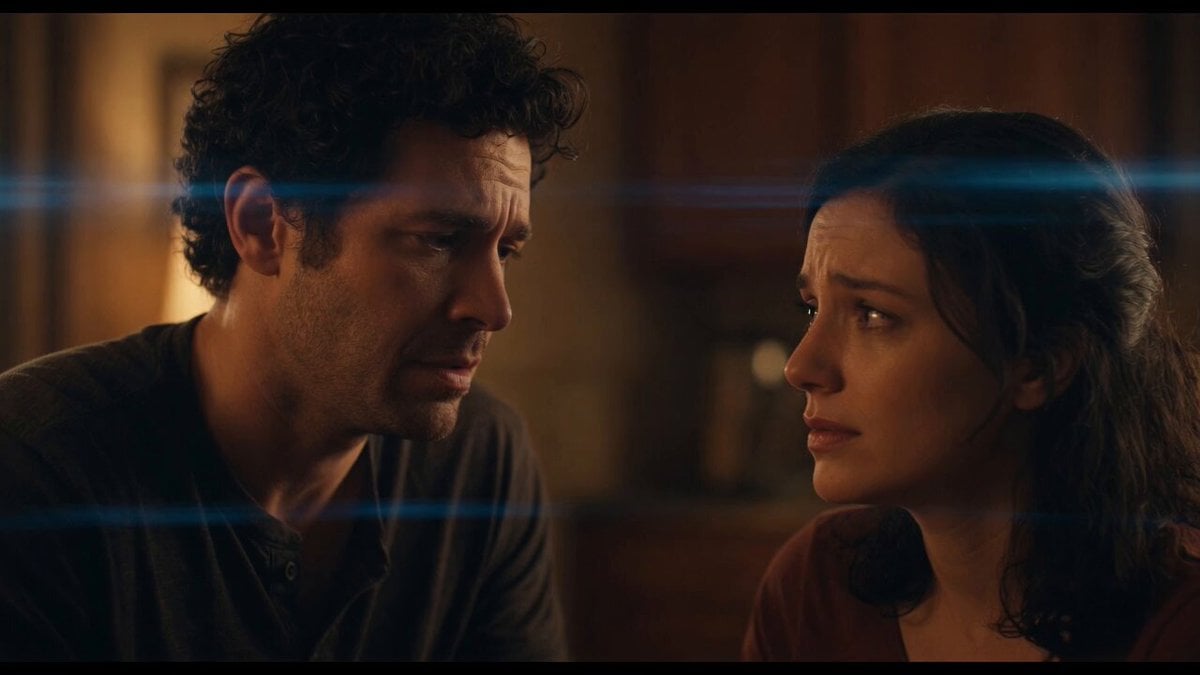
Emotional Angry Couple Drama
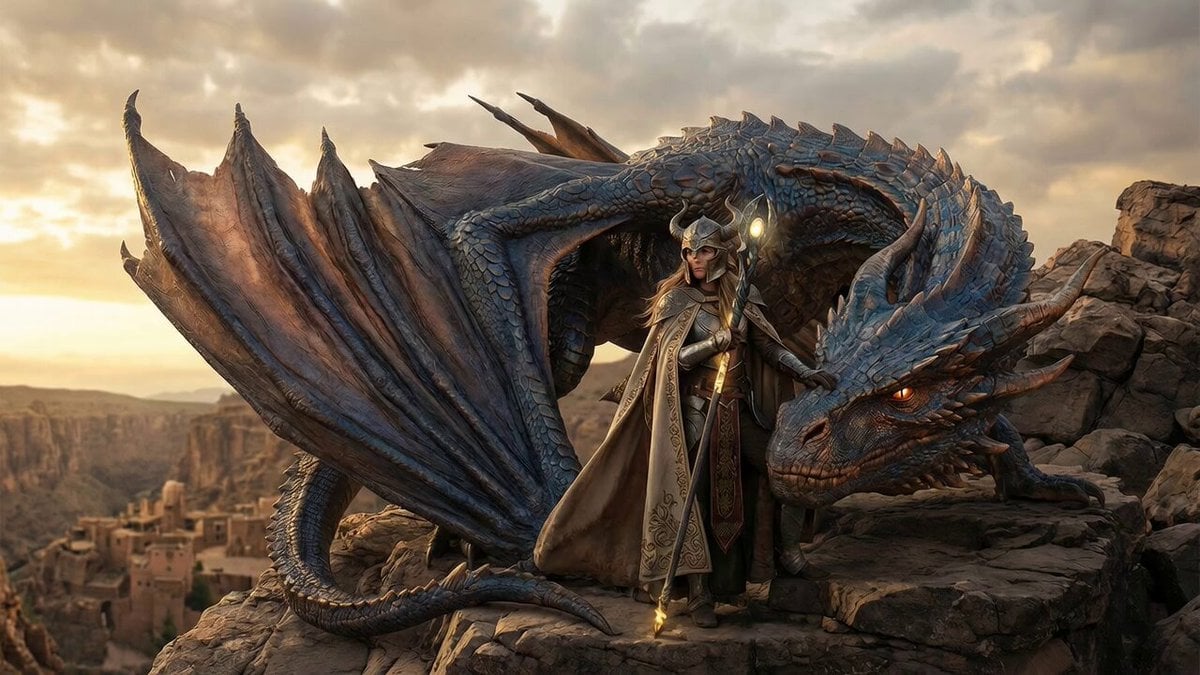
Cinematic video of a female warrior climbing onto a dragon and taking flight
Temporal Chamber Sci-Fi Transformation
Created storyboard with GPT Image 2 then animated
Anime White Cat Interaction
Travel Diary Montage of Kyoto and Tokyo
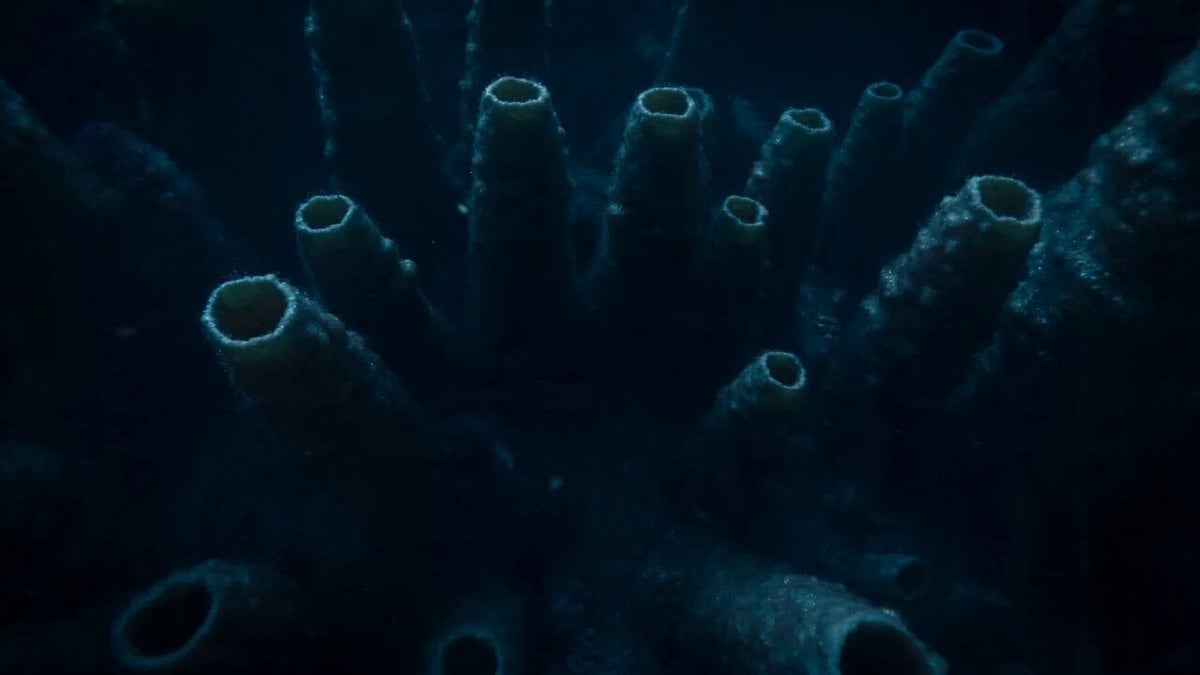
Bioluminescent Deep Sea Abyss
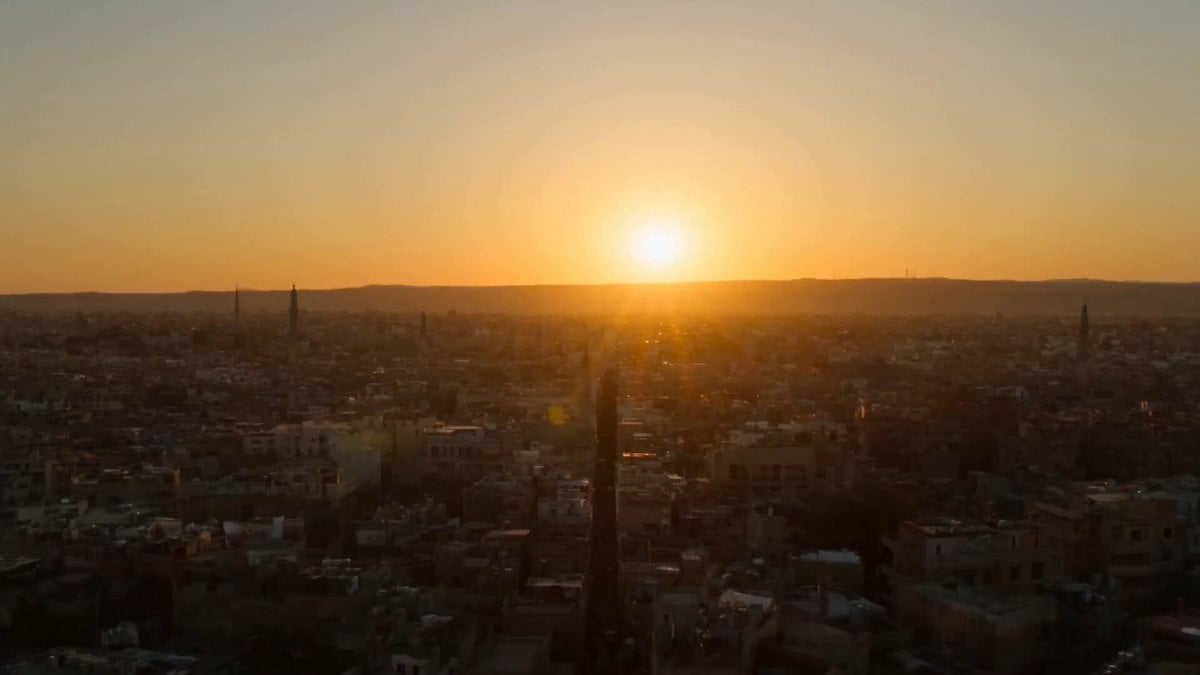
1960s Khan El-Khalili Market Whip Pan
Browse template categories
Cinematic Route Navigation Guide questions
How do I use the Cinematic Route Navigation Guide template?
Add your photo if the template asks for one, edit the prompt if you like — the template's model and format are already selected — and press Generate. Your version opens in PicX Studio.
Can I customize the Cinematic Route Navigation Guide template?
Yes. You can change the subject, setting, lighting, mood, format, and available model controls before creating your video.
Is the Cinematic Route Navigation Guide template free?
Opening and editing this template is free. Generating uses credits, shown on the Generate button when you are signed in.
Which AI model should I use?
Start with Seedance 2.0, which is the model associated with this template. You can compare another compatible model for a different finish.
Looking for something else? Browse all templates.

Your photo, any look
Thousands of ready templates for every top image and video model, from one credit balance.