
Frozen Time Cinematic Action Video Prompt
A comprehensive video generation prompt for Seedance 2.0 that creates a high-quality 15-second action sequence with 'frozen time' effects, detailed camera movement, and sound design instructions.

- Prompt included
- Model and format preset
- Free template
The prompt behind this video
Copy the exact prompt behind Frozen Time Cinematic Action Video Prompt, or open it in the studio and make it yours.
以参考图为主角,保持面部特征、发型、肤色和身材比例一致。他是一位40岁的男性。电影般的定格打斗短片,15 秒,超现实主义,使用 Arri Alexa Mini 摄影机和 35 毫米镜头拍摄,阴郁的地下搏击俱乐部灯光,霓虹红蓝点缀,体积雾霾,硬朗的阴影,浅景深,写实的动作。[0:00–0:03] 他镇定地走过一片激烈的女战士打斗场面,拳脚交加,人来人往。人群发出震耳欲聋的欢呼声。他举起右手,打了个响指。[0:03–0:06] 一股细微的冲击波从他的指尖迸发而出。战斗瞬间凝固:拳头悬空,汗珠悬浮在空中,尘土和碎片四处飞溅,女战士们僵立在攻击的瞬间。一片寂静。[0:06–0:09] 只有他动了。镜头向后移动,他穿过一片冰封的混乱,平静地观察着。他绕过一个冻结的踢腿,从空中摘下一滴漂浮的水滴。[0:09–0:11] 他停在一名僵住的极为美丽的女战士面前,轻轻地调整了一下她的刘海,点点头,轻声说道:“完美。”[0:11–0:15] 他转身,对着镜头露出邪魅一笑,再次打响指。一股反向冲击波使画面恢复了运动。战斗再次爆发,人群发出震耳欲聋的欢呼声,而他毫发无损地走开了。画面渐黑。声音:人群噪音和撞击声 → 啪啪声 → 深沉的冲击波 → 寂静 → 脚步声 → “完美” → 啪啪声 → 反向冲击波 → 完整的战斗声音回归。
How to use Frozen Time Cinematic Action Video Prompt in 3 steps
- 1
Open
The prompt is already in the box next to the preview, with the template's model and format selected.
- 2…a portrait of your subject in softgolden-hour light, 85mm…
Personalize
Edit the subject and creative details for your destination.
- 3Generate
Generate
Press Generate — your video is created in PicX Studio, so you can compare it with the original and refine one variable at a time.
More like this
Templates with the same subject, style or setup. Open one to see its prompt.
Time Freeze — Snap Shockwave Scene Seedance
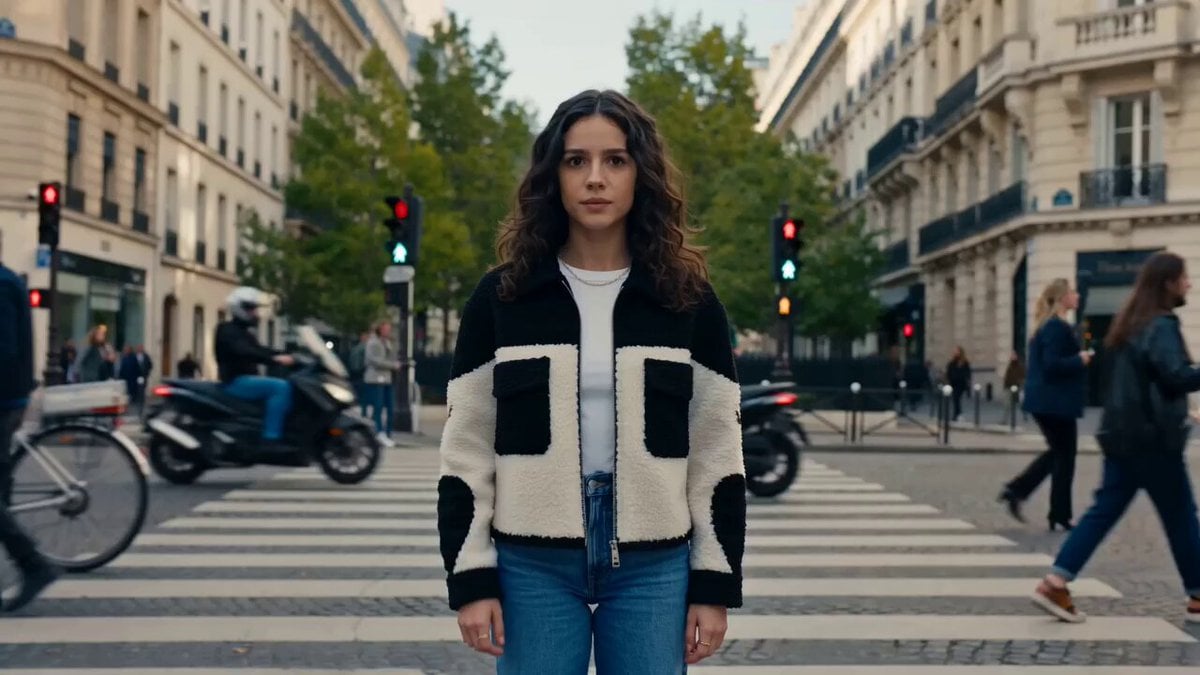
Nano Banana Seedance Time Control Streets
Bullet Time Selfie — Modular Parameter Template (Seedance)
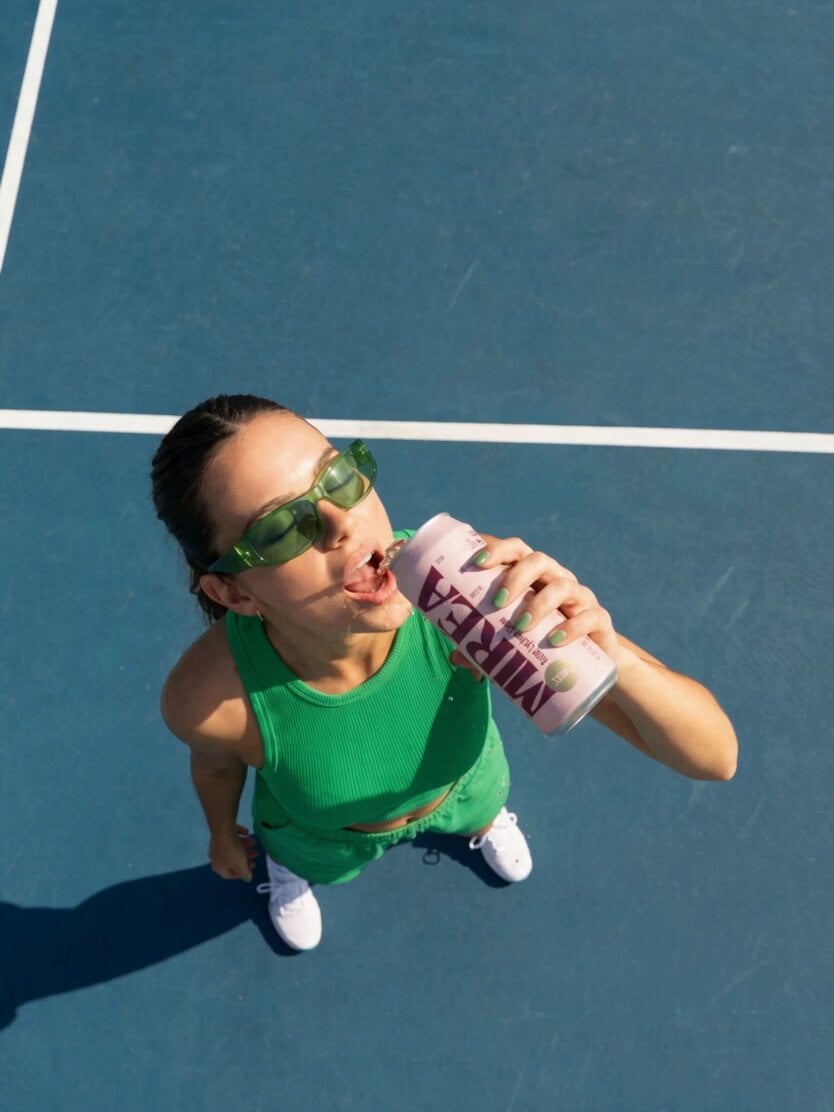
Frozen Time Handycam Diorama
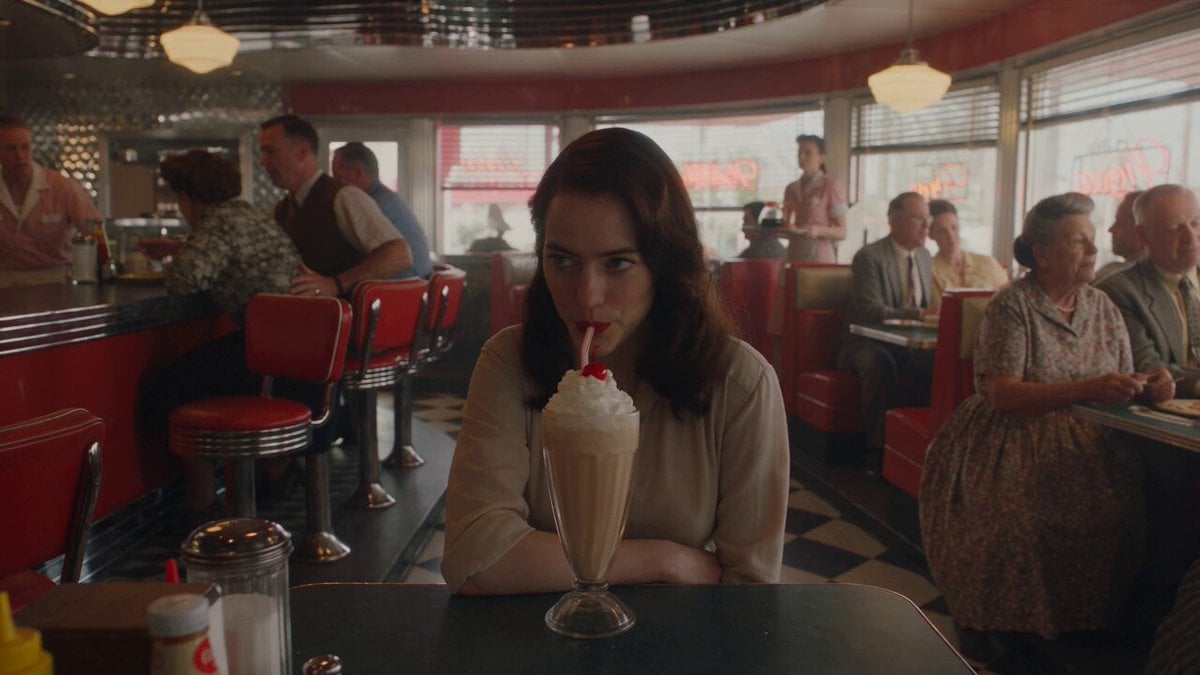
1950s Diner Time Freeze Rewind - Seedance 2.5
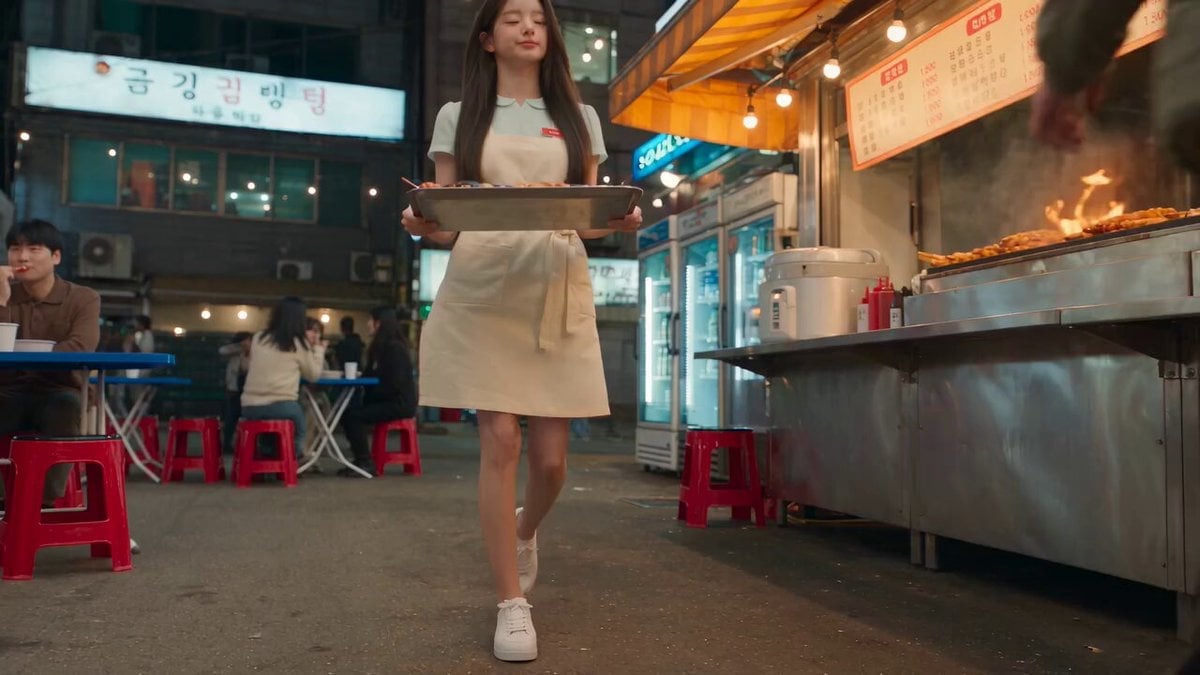
Korean Night Market Bullet-Time Scene - Seedance 2.5
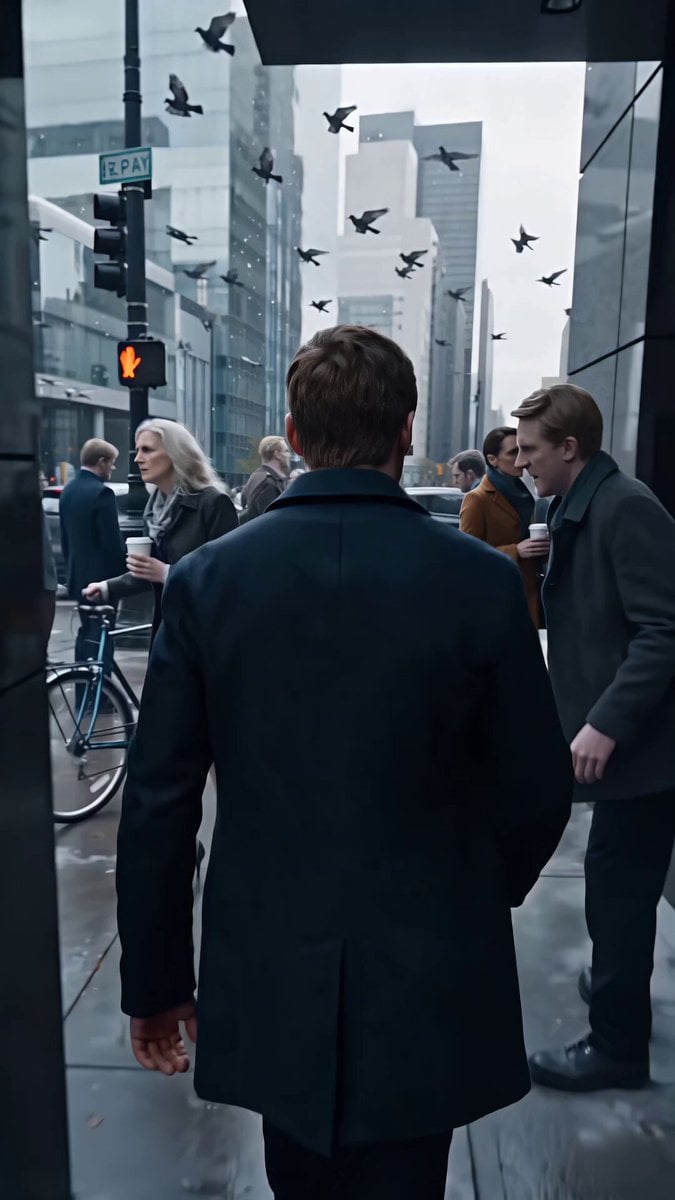
Frozen City Time-Stop Cinematic
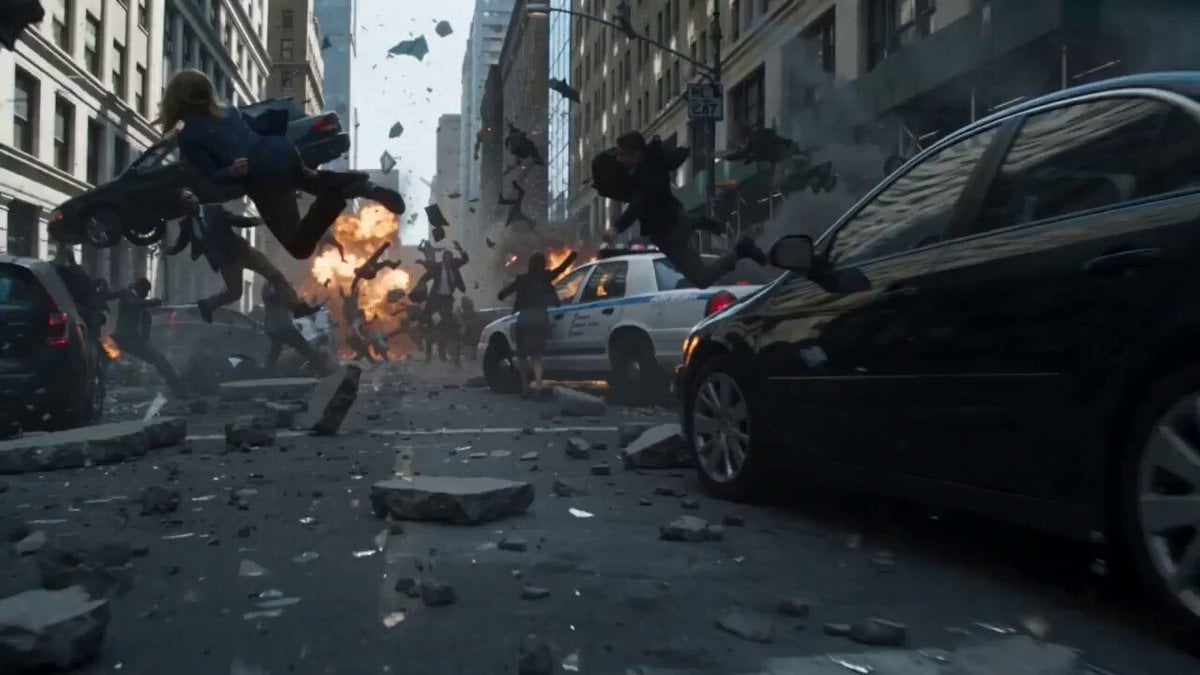
Frozen Chaos Time-Stop Scene
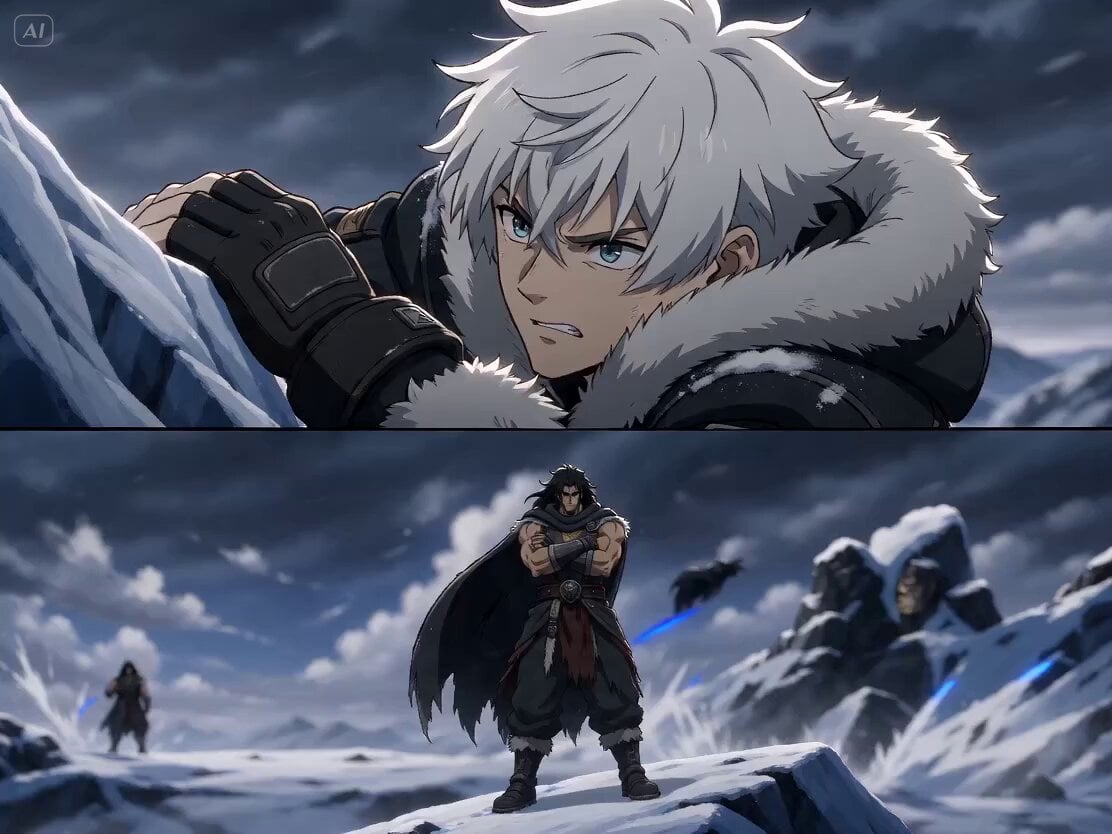
Frozen Mountain Anime Action
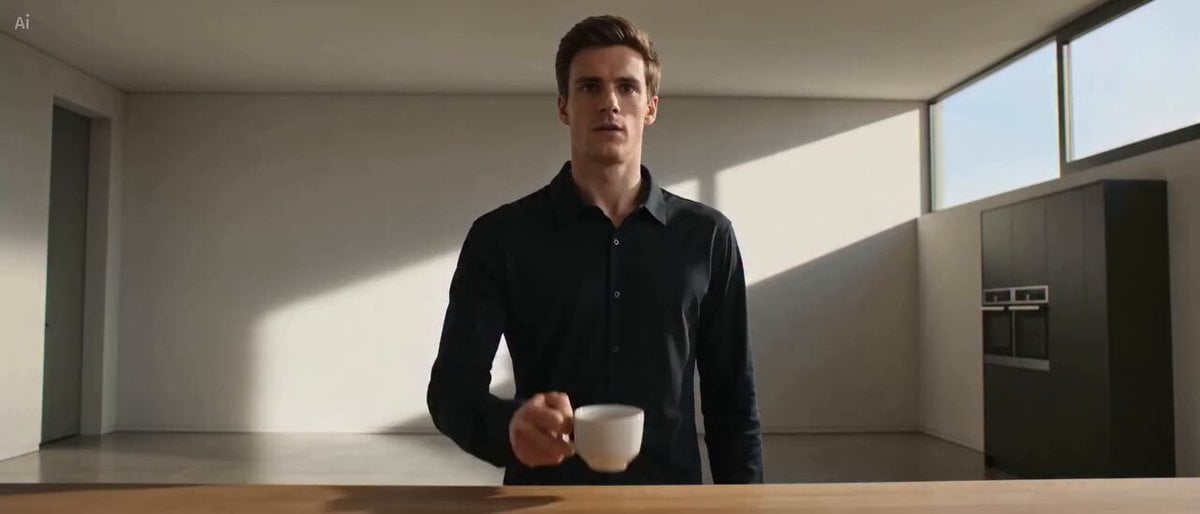
Frozen Time Coffee Toss Animation
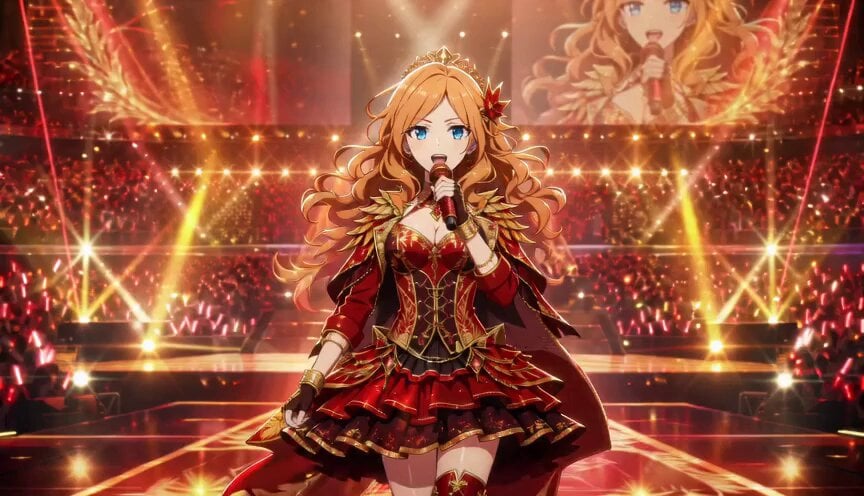
Anime Idol Frozen Time Performance
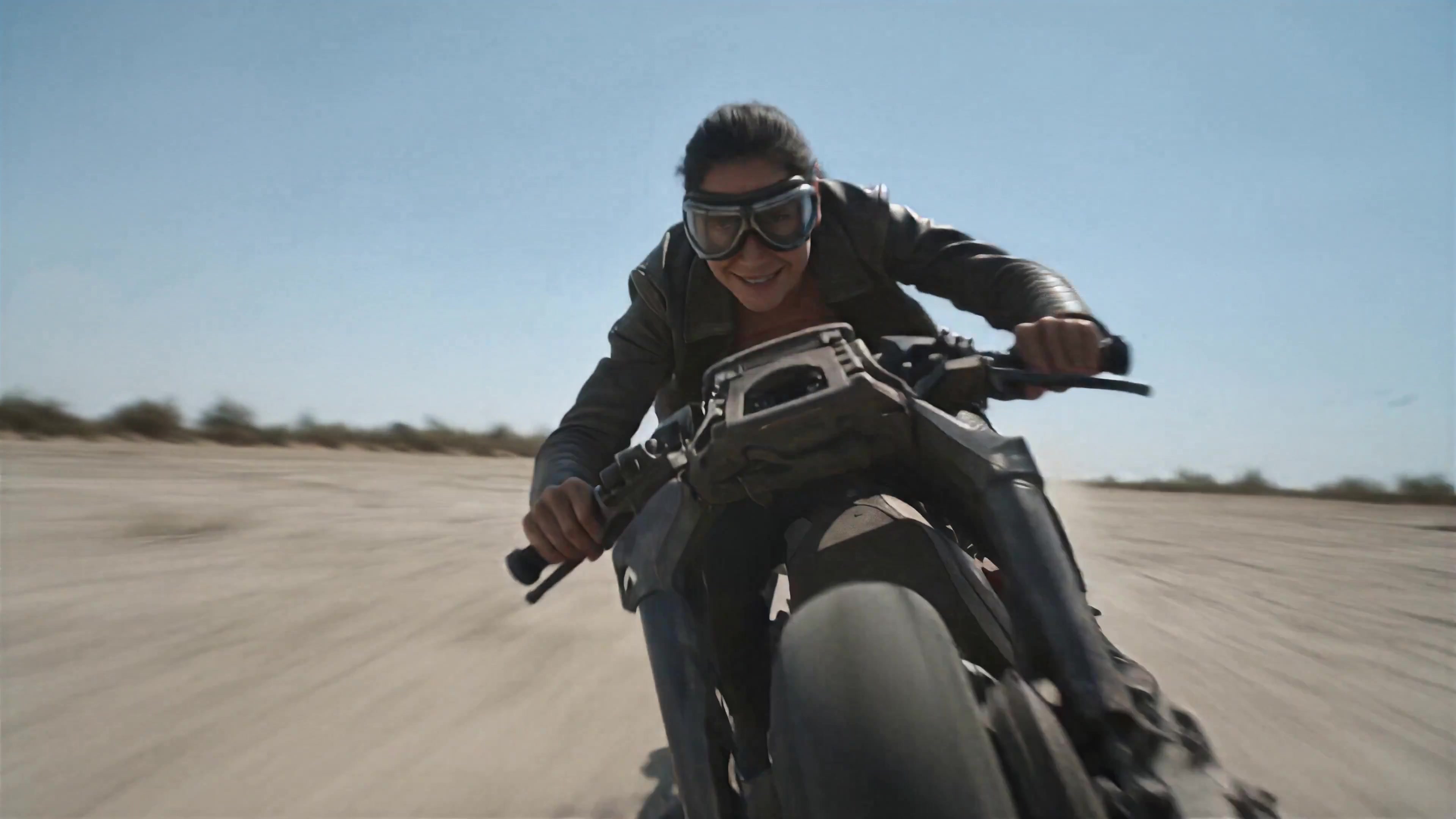
Walking Factory with Rebel on Hoverbike - Wasteland
Make it yours
Frozen Time Cinematic Action Video Prompt works as-is. These are the safest ways to change it without losing the look.
Change one field
Copy a single group, rewrite it, and generate again so you can see what that field is doing.
Keep the frame, change the subject
Hold the composition and light of Frozen Time Cinematic Action Video Prompt, then swap wardrobe, props or the person for a new take.
| If the result… | Why | Fix |
|---|---|---|
| The result drifts from the preview | Too many fields changed at once. | Reuse Frozen Time Cinematic Action Video Prompt as-is first, then change one group — subject, light, or setting. |
| The model over-stylizes the scene | The prose prompt leaves finish and camera underspecified. | Add one camera or lighting sentence and stay on Seedance 2.0. |
More Seedance 2.0 templates
Other prompts made for Seedance 2.0.

Comical Martial Arts Punch Scene

Maglev Train Action Sequence

Martial Arts Fight Sequence

Wuxia Protection and Trust Script

Vintage Korean Arcade MiniDV Vlog

Mercedes 190 SL Luxury Ad

Rainy Night Supernatural Reverse Comedy Video Script

Amazon Civilization Discovery

Futuristic South Asian City Transformation

Cozy Luxury Cafe Commercial
More video prompts
Fresh picks from across the catalog.
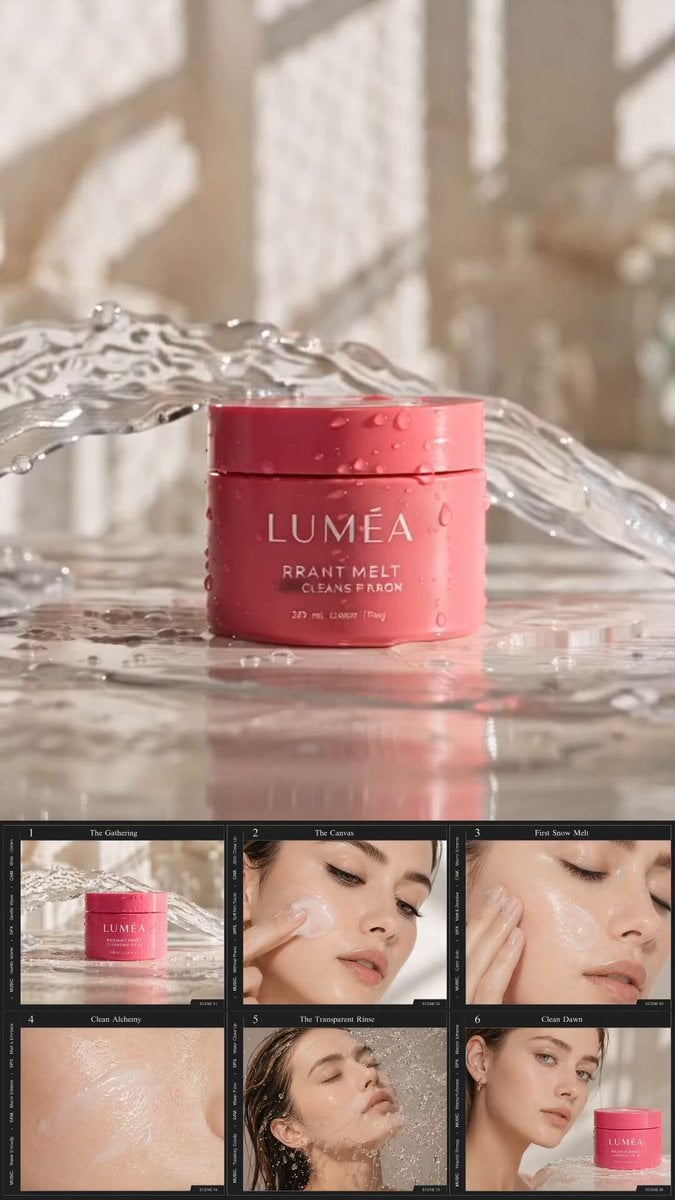
Skincare Ad Concept Video

Red Carpet Premiere scene prompt for Grok Imagine
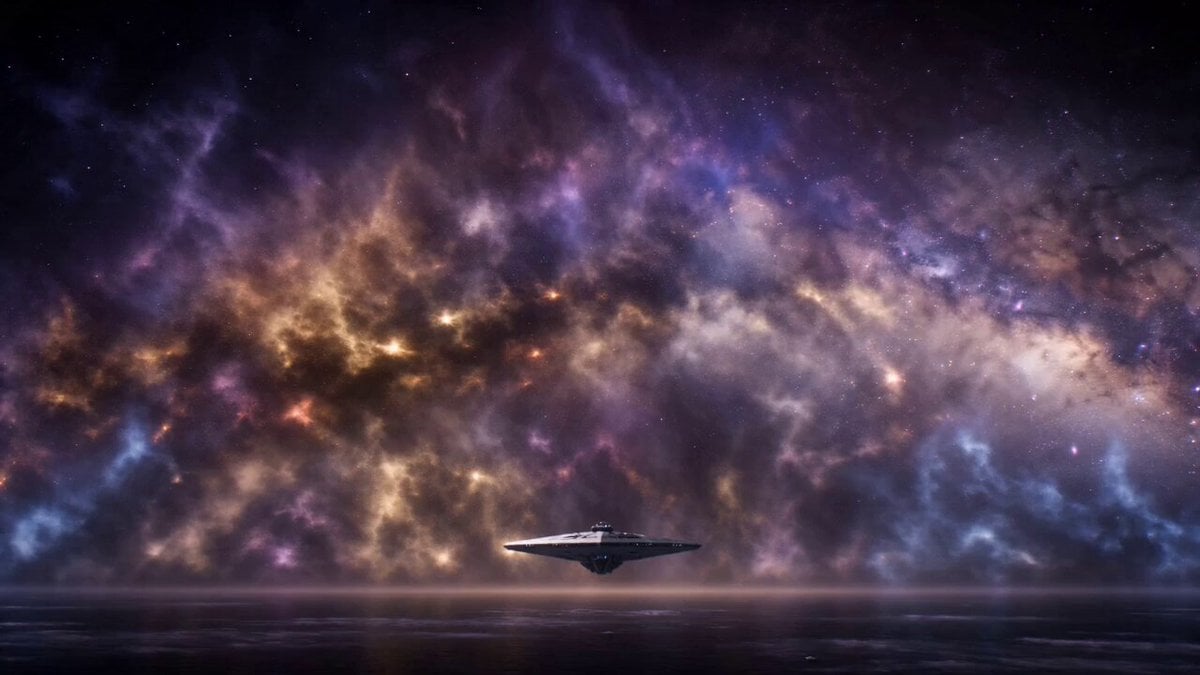
Nebula Cosmic Horror Machine Unfolding
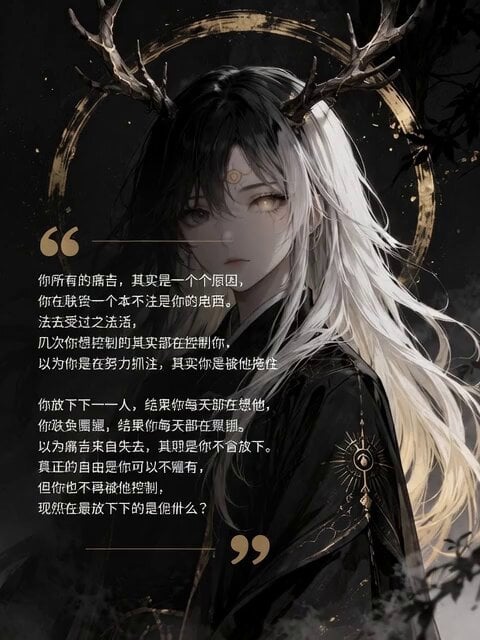
The Source of Suffering and Letting Go
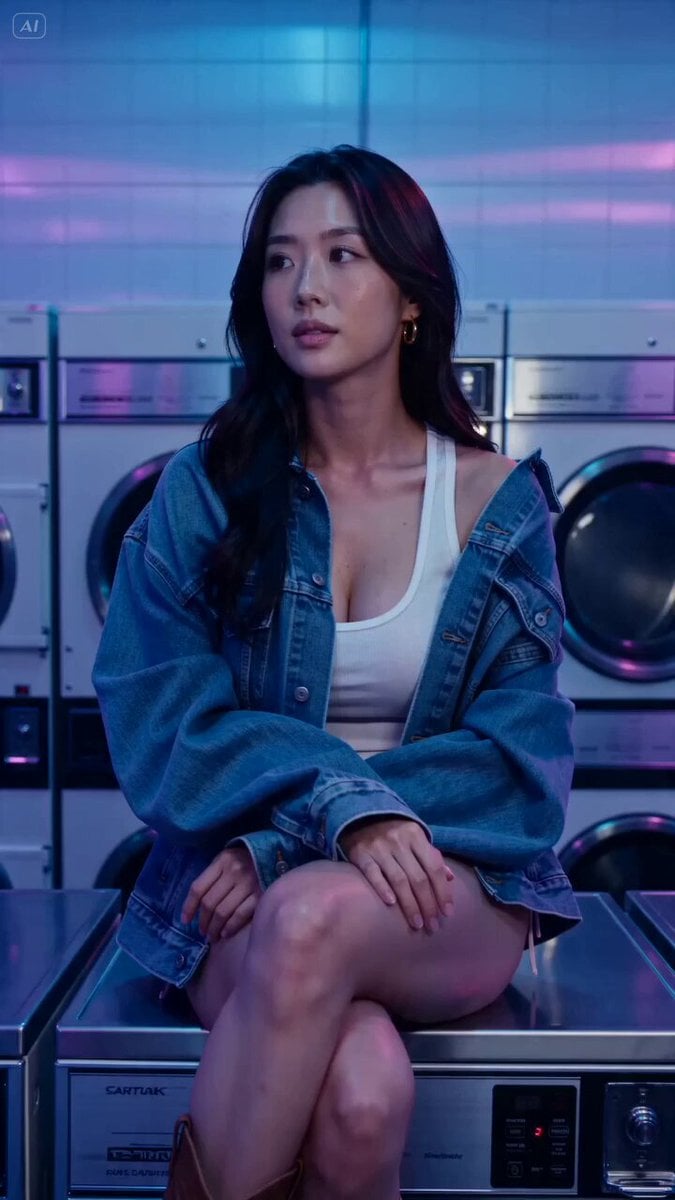
Neon Laundromat Rhythm Cinema Prompt
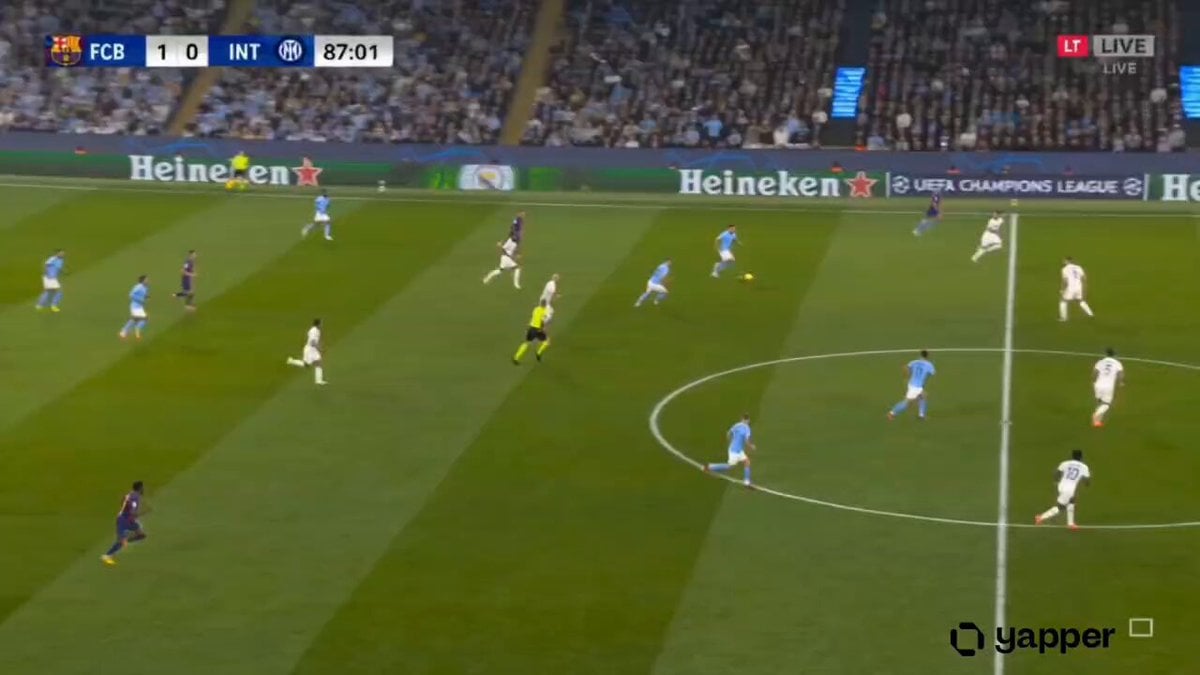
Hyper-realistic Live Football Broadcast
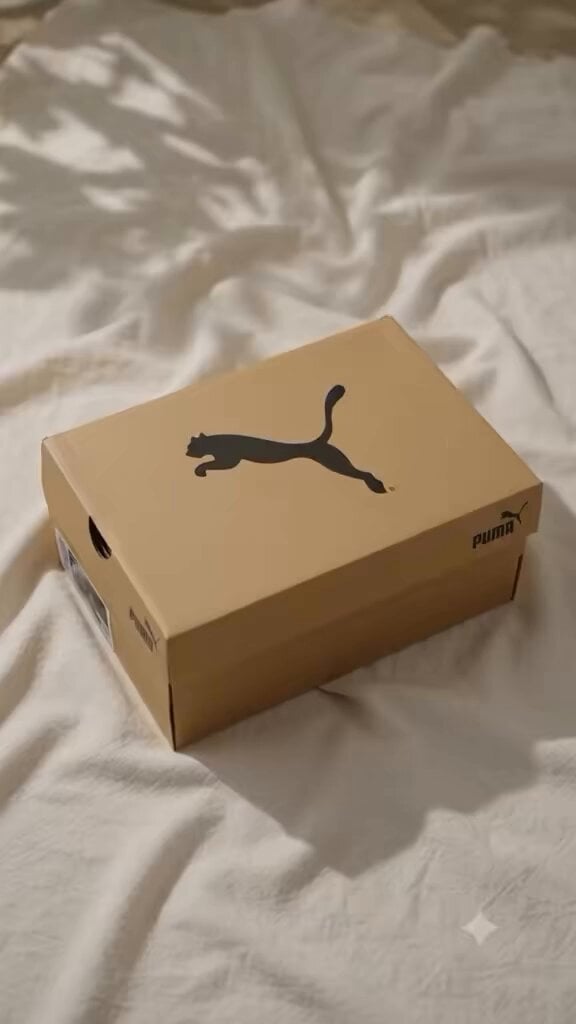
Luxury Shoe Unboxing Reel
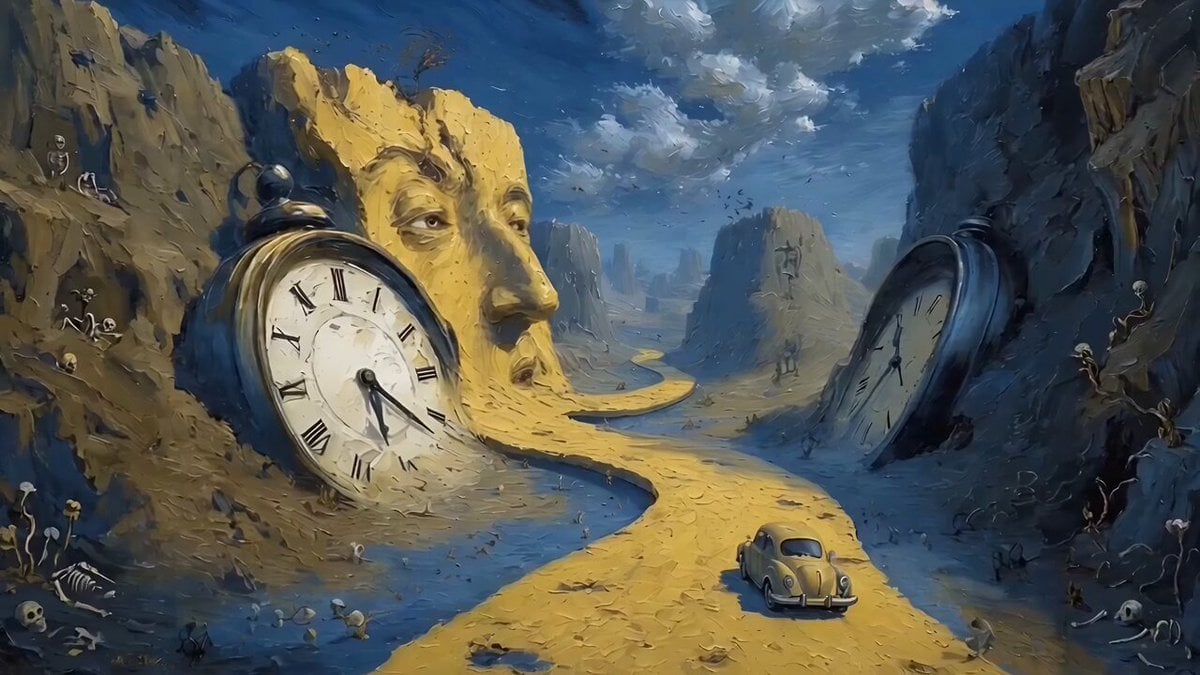
Car Driving Through Melting Clocks Canyon in Salvador Dalí Style
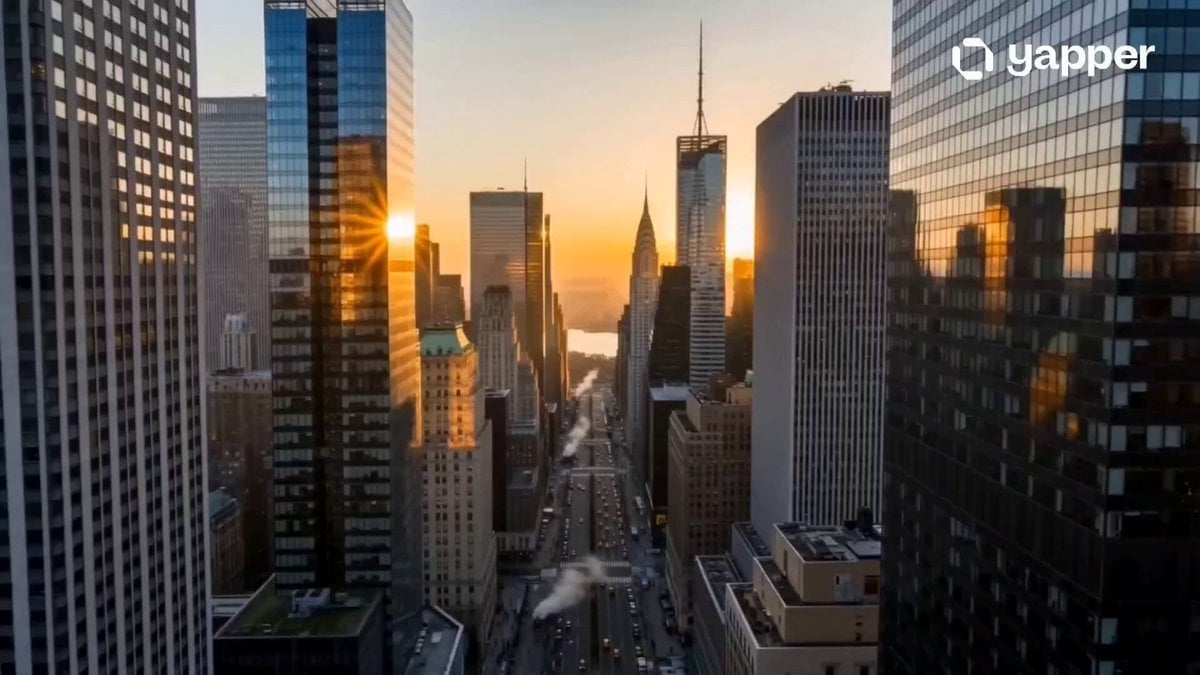
Cinematic New York City Travel Film
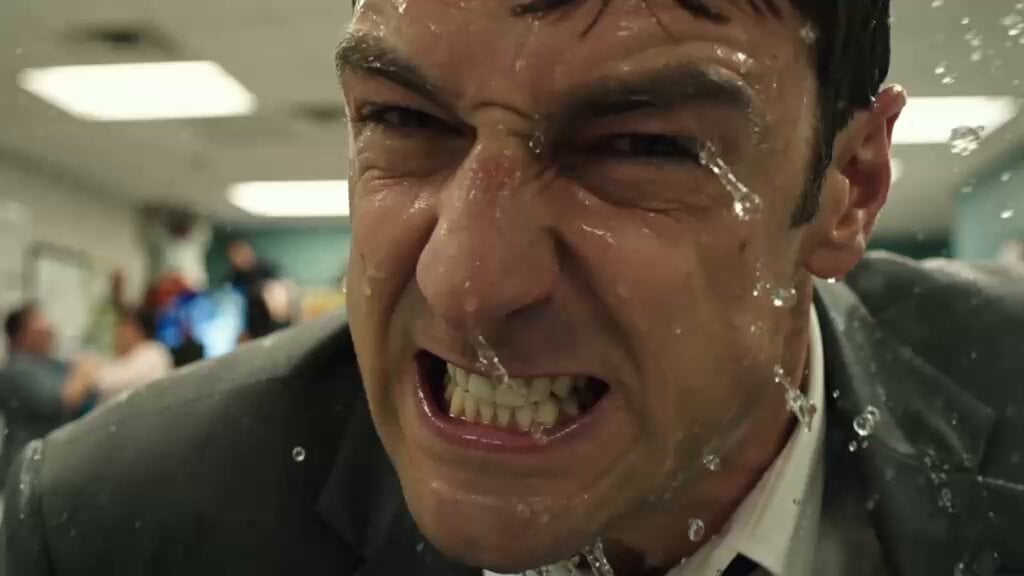
Flooded Office Intense Close-up
Browse template categories
Frozen Time Cinematic Action Video Prompt questions
How do I use the Frozen Time Cinematic Action Video Prompt template?
Add your photo if the template asks for one, edit the prompt if you like — the template's model and format are already selected — and press Generate. Your version opens in PicX Studio.
Can I customize the Frozen Time Cinematic Action Video Prompt template?
Yes. You can change the subject, setting, lighting, mood, format, and available model controls before creating your video.
Is the Frozen Time Cinematic Action Video Prompt template free?
Opening and editing this template is free. Generating uses credits, shown on the Generate button when you are signed in.
Which AI model should I use?
Start with Seedance 2.0, which is the model associated with this template. You can compare another compatible model for a different finish.
Looking for something else? Browse all templates.

Your photo, any look
Thousands of ready templates for every top image and video model, from one credit balance.