
Korean Student Bookstore Vlog
A photorealistic lifestyle vlog prompt following a Korean student through a bookstore and café in a city setting with warm afternoon lighting.
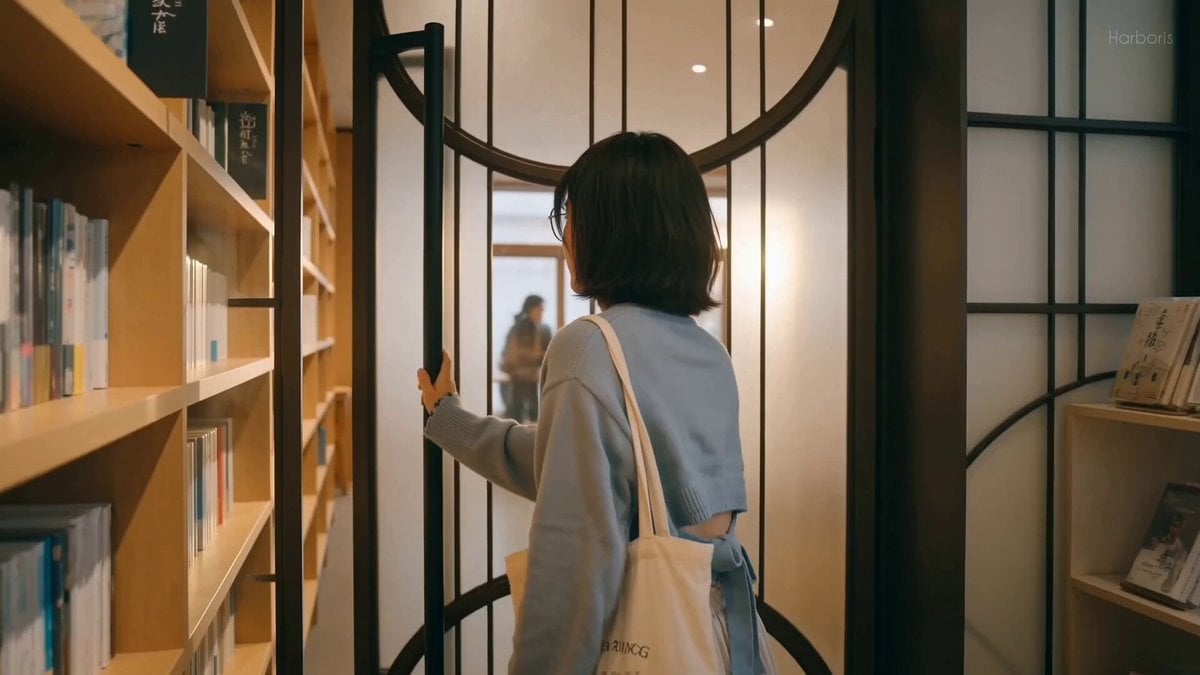
- Prompt included
- Model and format preset
- Free template
The prompt behind this video
Copy the exact prompt behind Korean Student Bookstore Vlog, or open it in the studio and make it yours.
Create a realistic 15 second "Bookstore & Café Date" lifestyle video featuring a stylish Korean college student with long silky black hair, radiant skin, and a soft natural look. Modern city streets, premium bookstore, cozy aesthetic café, warm afternoon sunlight, cinematic handheld camera, ultra realistic photography. The video opens with her walking into a beautiful bookstore, gently running her fingers across neatly arranged bookshelves before picking up an interesting novel. Close up shots capture flipping through pages, smiling at the cover, and carrying a small stack of books. She checks out at the counter, places the book into a canvas tote bag, and walks through vibrant city streets lined with flowers, cafés, and boutique shops. The camera follows her from behind as people pass by, creating a lively urban atmosphere. She enters a cozy café, orders an iced vanilla latte and a pastry, then sits beside a large window. Cinematic close ups capture pouring cream into the coffee, opening her new book, taking notes in a journal, and smiling while reading. As the afternoon sun turns golden, she leaves the café and walks through a peaceful park, stopping briefly to admire blooming flowers and take a candid photo with her phone. The video ends with her sitting on a wooden park bench, closing the book with a satisfied smile before looking toward the camera as the scene fades into warm golden hour light. Style: premium bookstore lifestyle vlog, cinematic handheld and gimbal camera movement, elegant transitions, warm natural lighting, luxury café aesthetic, realistic social media content, photorealistic, shallow depth of field, 4K HDR, 16:9 widescreen, no subtitles, no text overlays.
How to use Korean Student Bookstore Vlog in 3 steps
- 1
Open
The prompt is already in the box next to the preview, with the template's model and format selected.
- 2…a portrait of your subject in softgolden-hour light, 85mm…
Personalize
Edit the subject and creative details for your destination.
- 3Generate
Generate
Press Generate — your video is created in PicX Studio, so you can compare it with the original and refine one variable at a time.
More like this
Templates with the same subject, style or setup. Open one to see its prompt.
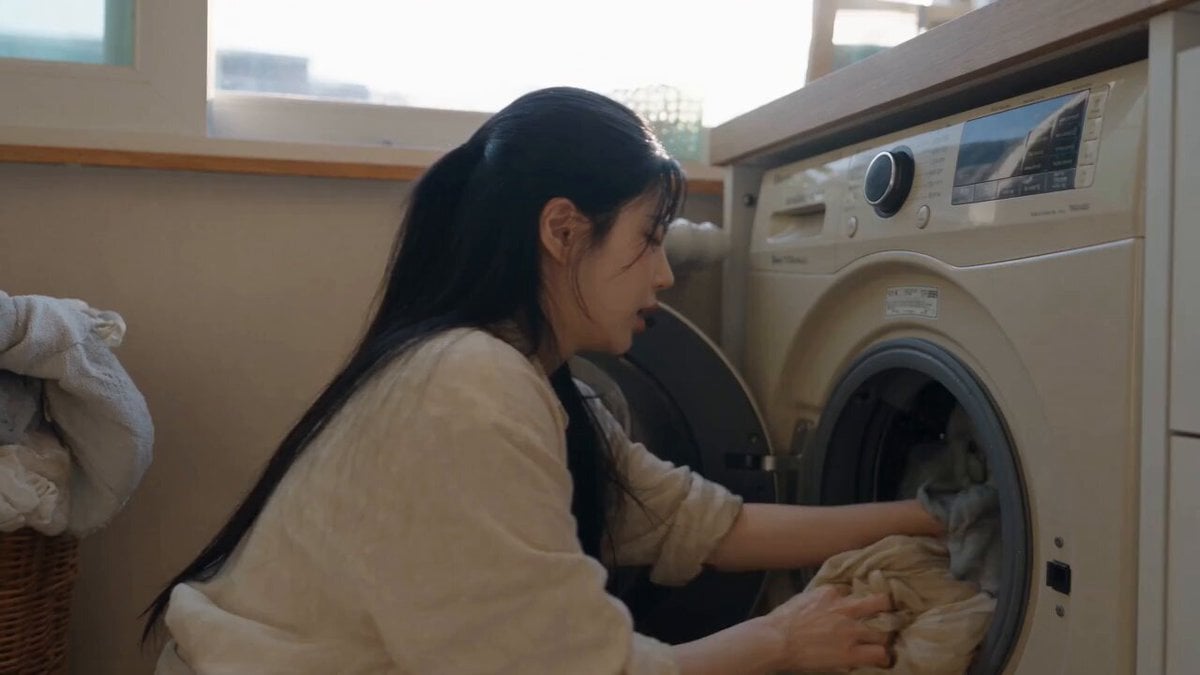
Sunny Morning Laundry Vlog
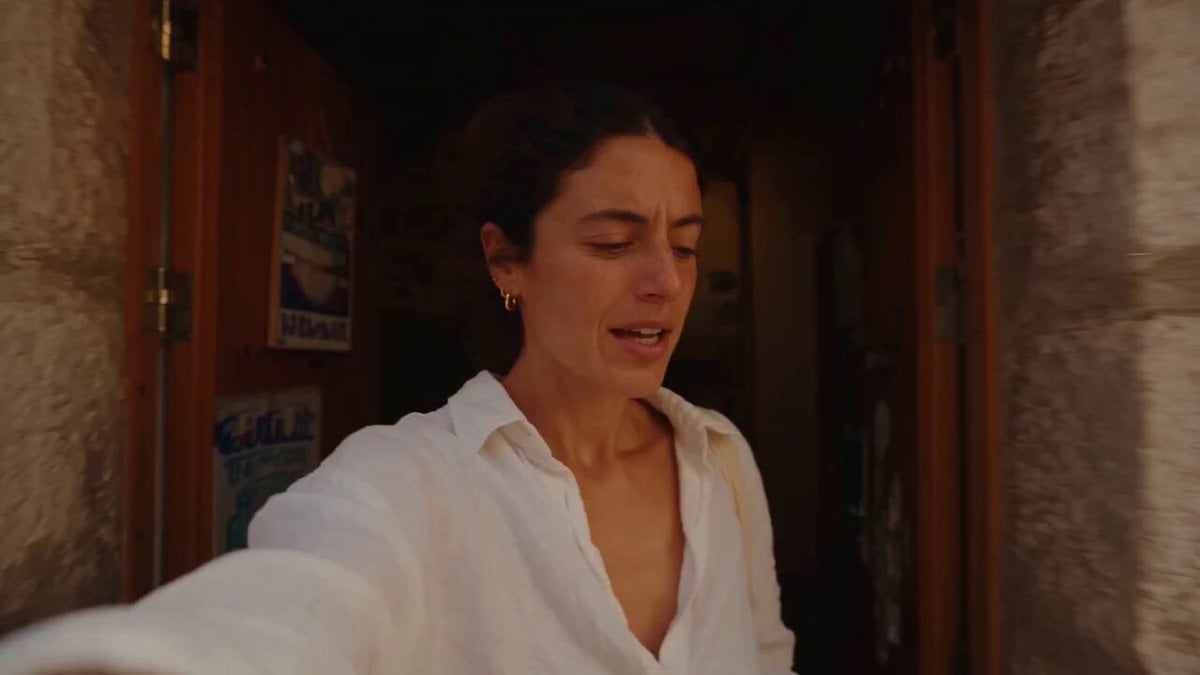
Mediterranean Coffee Run Vlog - Seedance 2.5

Mysterious Home Exploration Vlog - Seedance 2.5
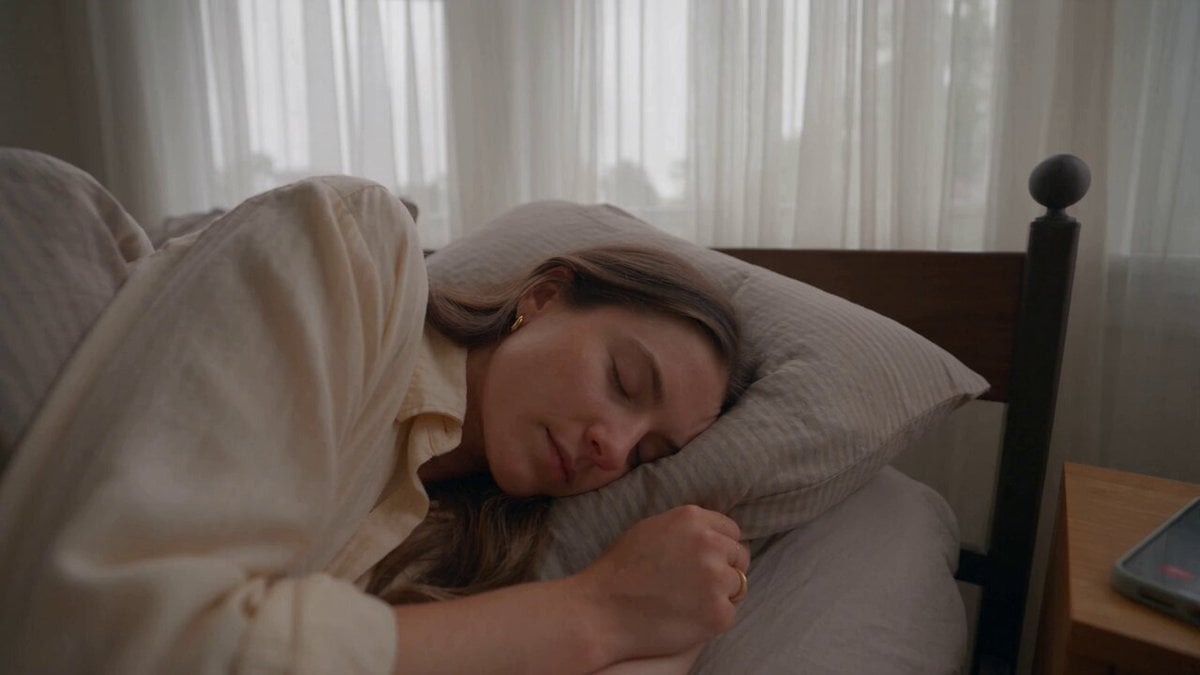
Realistic Morning Routine Lifestyle Vlog - Seedance 2.5
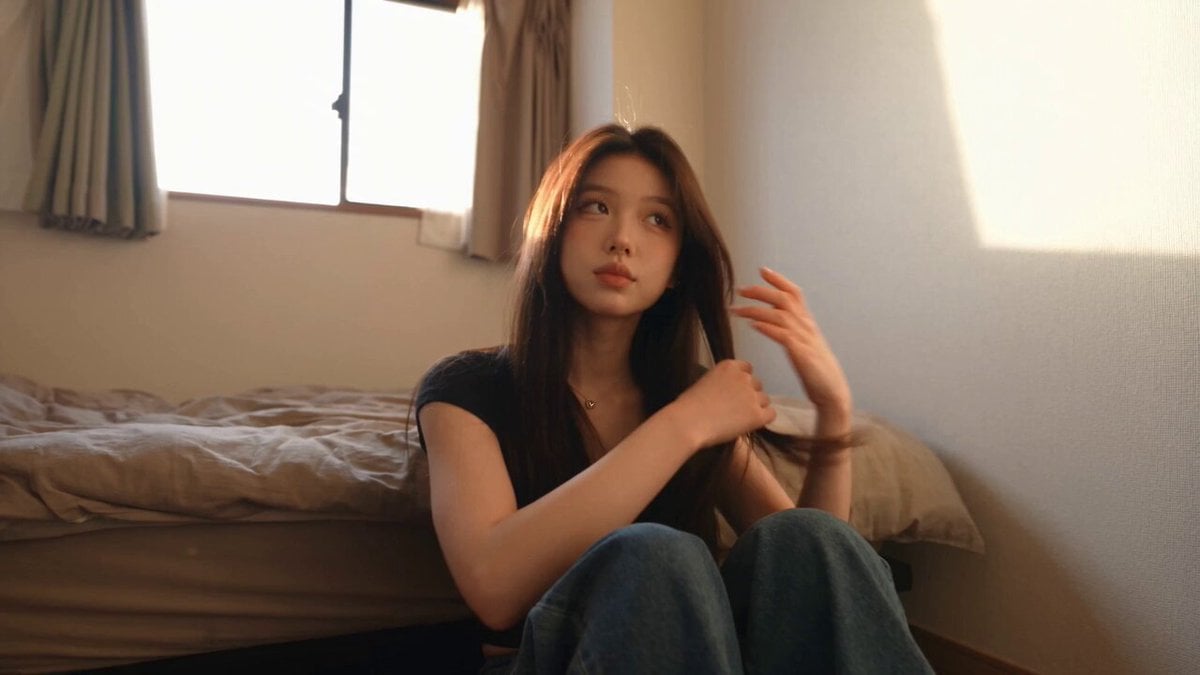
Handheld Tokyo Travel Vlog - Seedance 2.5
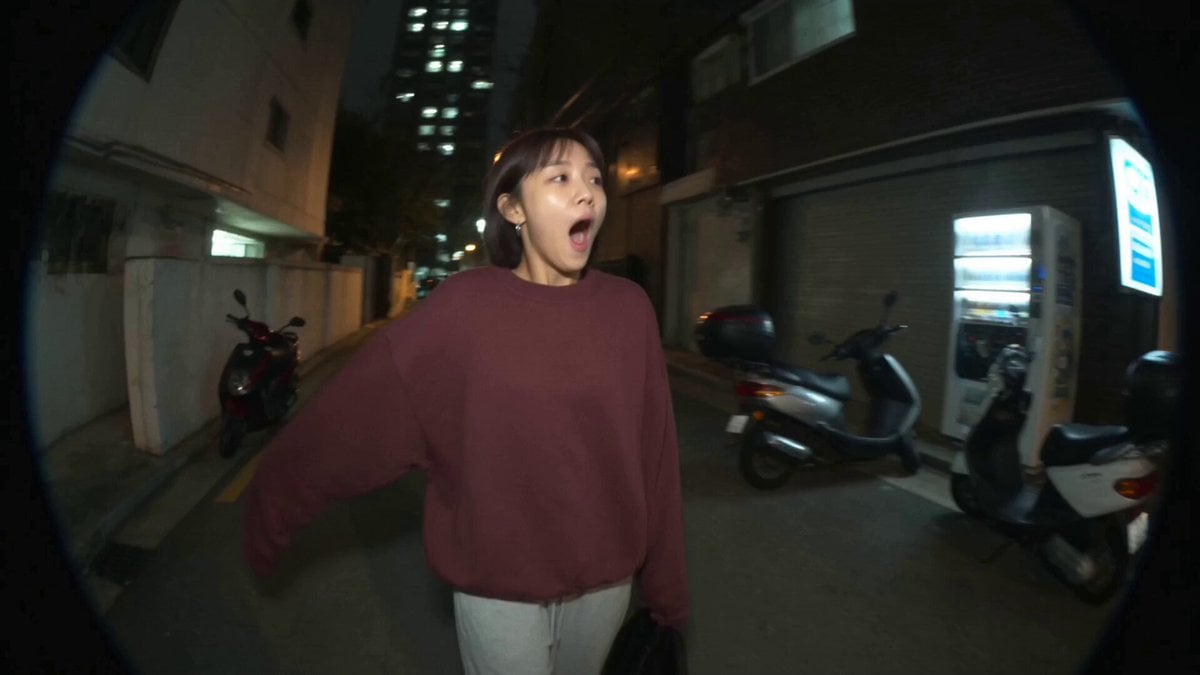
Nostalgic MiniDV Convenience Store Vlog - Seedance 2.5
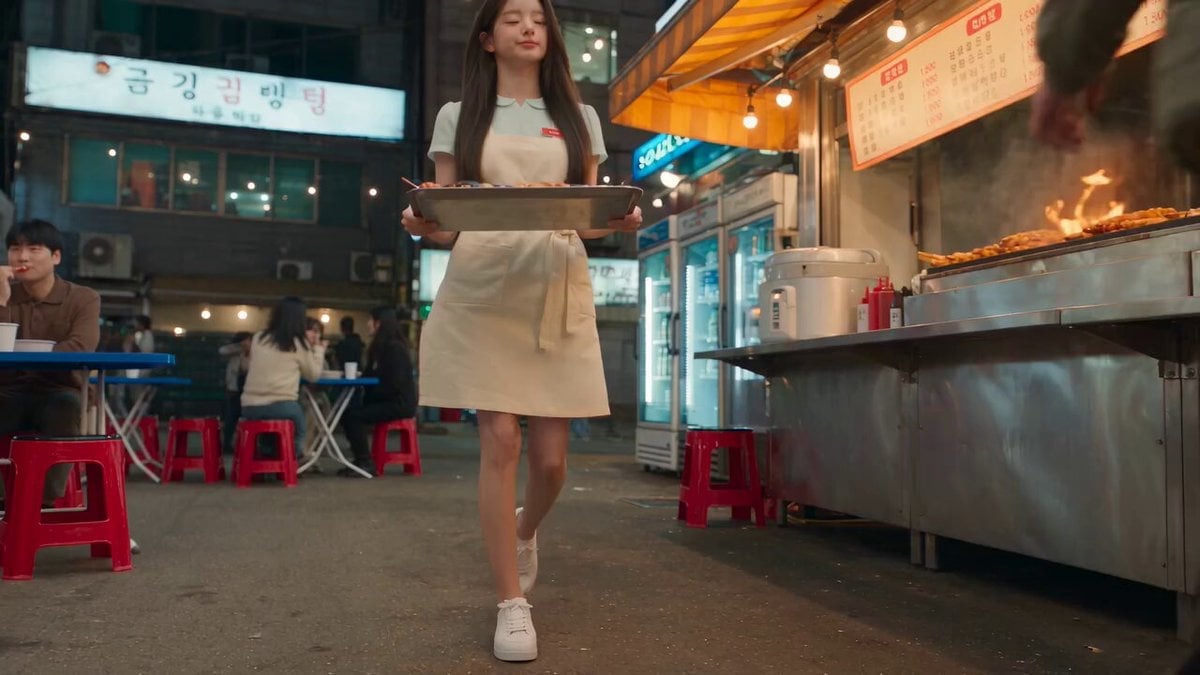
Korean Night Market Bullet-Time Scene - Seedance 2.5
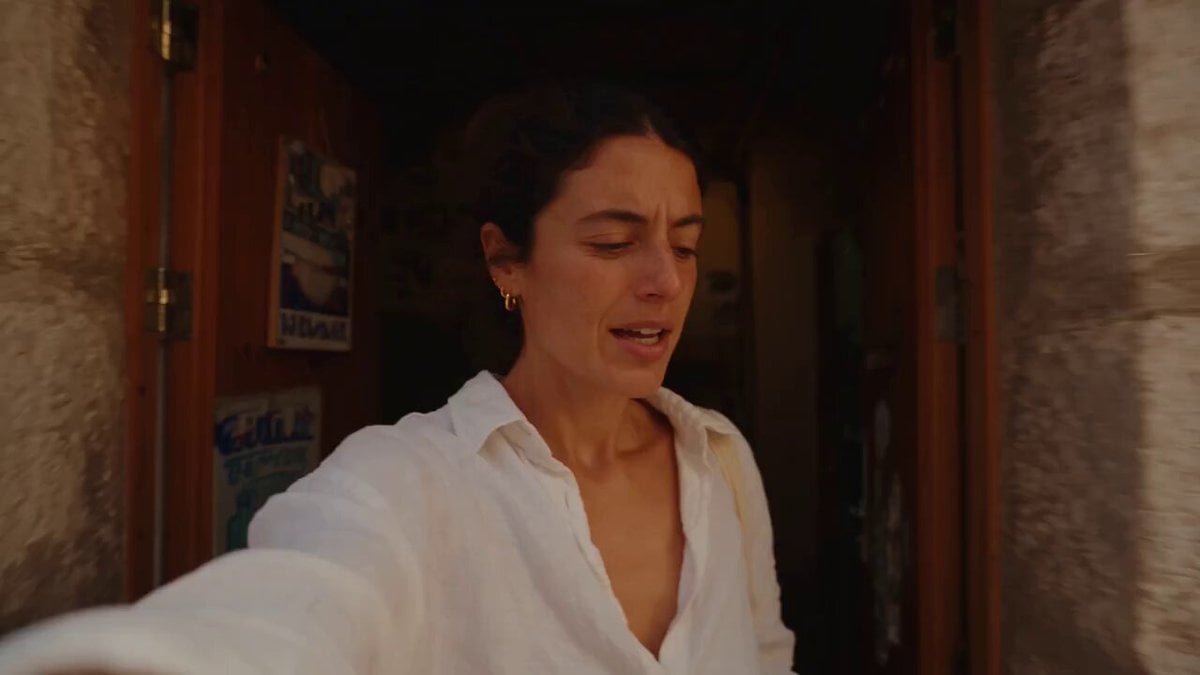
Mediterranean Morning Coffee Run Vlog (Seedance 2.5)
Luxury Lifestyle Day Vlog
Luxury Airport Travel Vlog
Iced Coffee Dog Good-News Montage
Kyoto Morning Selfie Vlog
Make it yours
Korean Student Bookstore Vlog works as-is. These are the safest ways to change it without losing the look.
Change one field
Copy a single group, rewrite it, and generate again so you can see what that field is doing.
Keep the frame, change the subject
Hold the composition and light of Korean Student Bookstore Vlog, then swap wardrobe, props or the person for a new take.
| If the result… | Why | Fix |
|---|---|---|
| The result drifts from the preview | Too many fields changed at once. | Reuse Korean Student Bookstore Vlog as-is first, then change one group — subject, light, or setting. |
| The model over-stylizes the scene | The prose prompt leaves finish and camera underspecified. | Add one camera or lighting sentence and stay on Seedance 2.0. |
More Seedance 2.0 templates
Other prompts made for Seedance 2.0.

Comical Martial Arts Punch Scene

Maglev Train Action Sequence

Martial Arts Fight Sequence

Wuxia Protection and Trust Script

Mercedes 190 SL Luxury Ad

Rainy Night Supernatural Reverse Comedy Video Script

Amazon Civilization Discovery

Futuristic South Asian City Transformation

Cozy Luxury Cafe Commercial
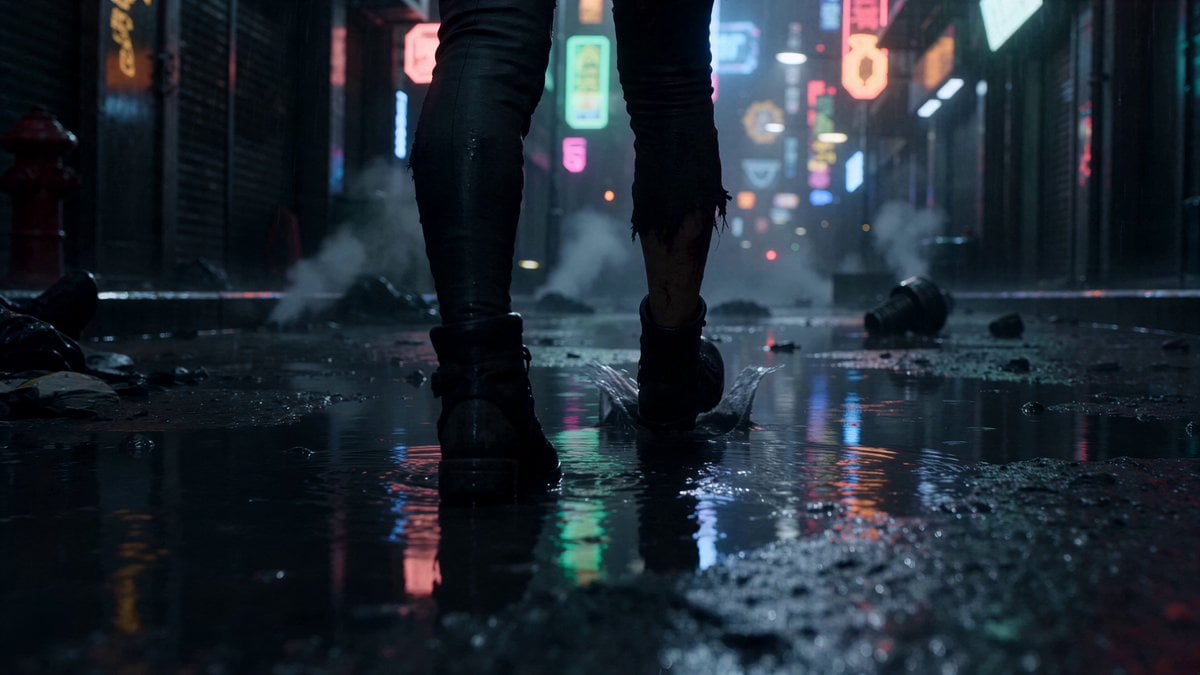
Cyber Ronin Nanotech Transformation Video
More video prompts
Fresh picks from across the catalog.

Ronin vs. Mechanical Beast Cinematic Prompt

Bullet Time Cinematic Prompt
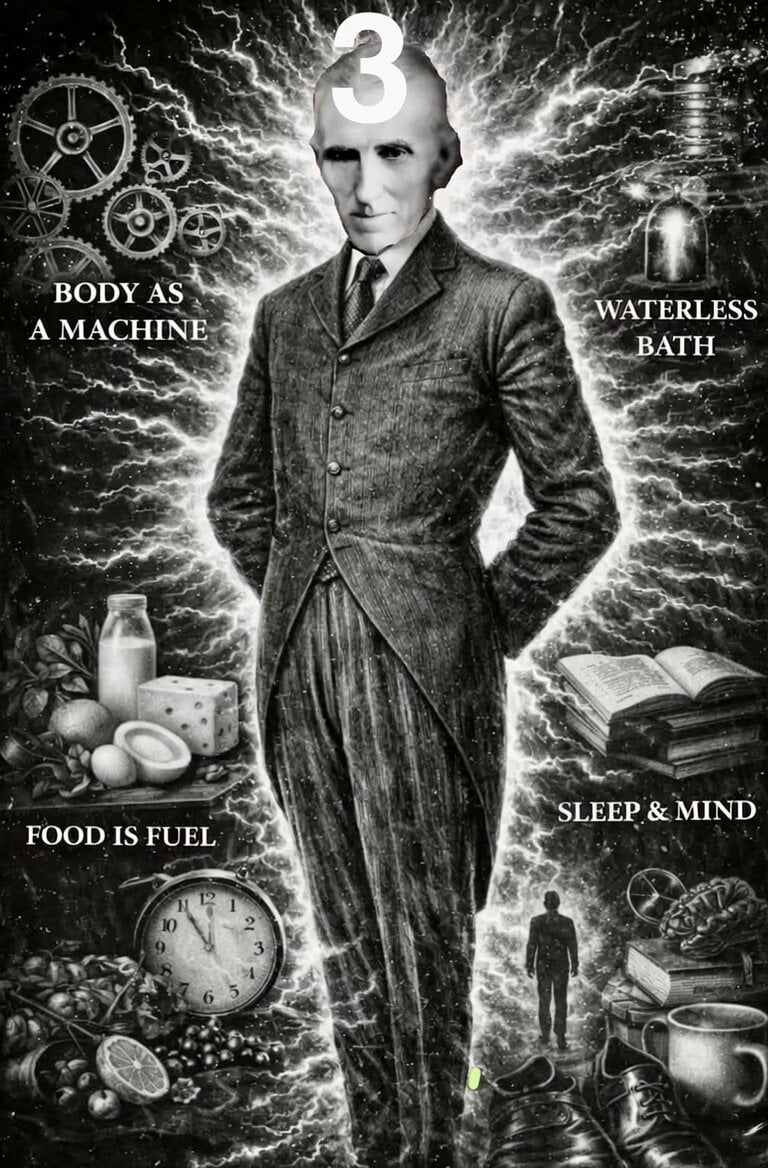
Nikola Tesla Magical Animation

19th Century Battlefield Cannon Sequence

Underwater Abyss Deep Sea Explorer

Anime Energy Clash Fight Sequence

Outdoor Campfire Burger Cooking
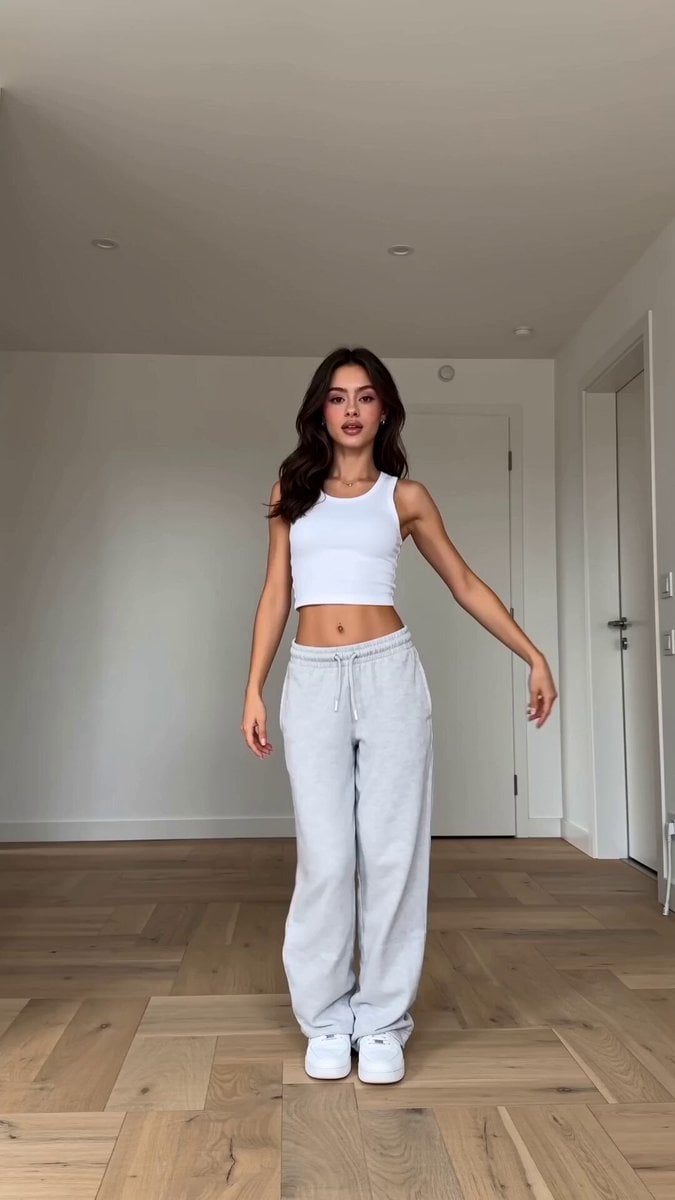
Viral K-pop Dance Choreography

Luxury Skincare Brand Video
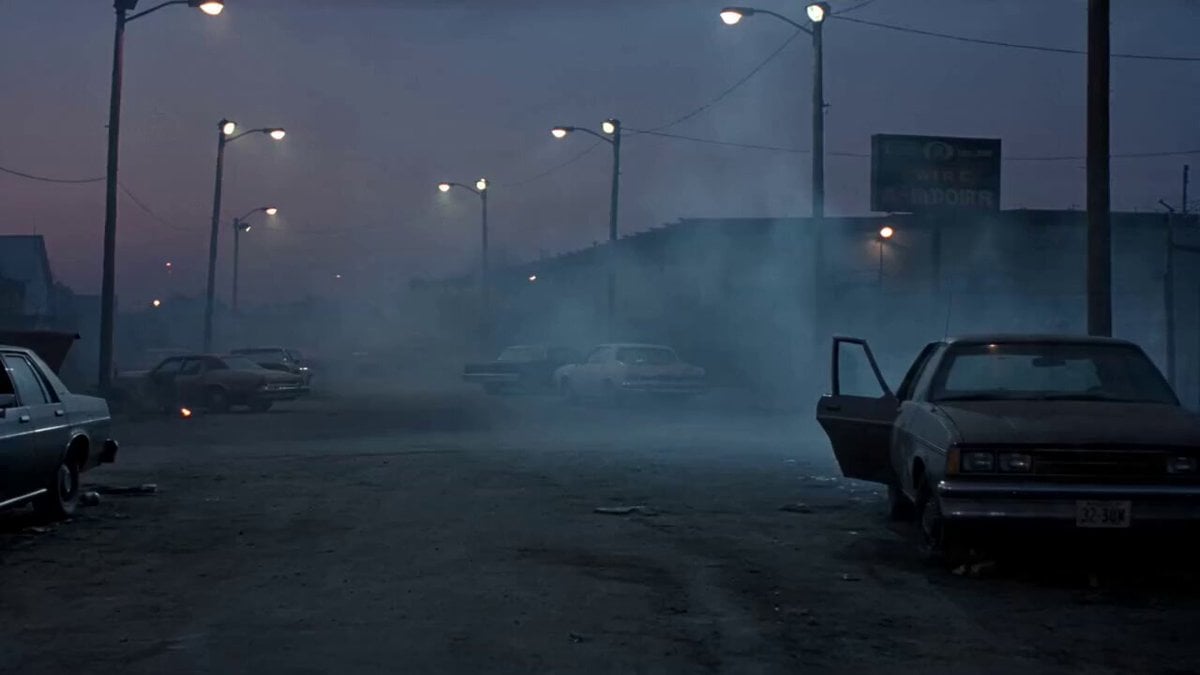
1990s Horror Zombie Outbreak
Browse template categories
Korean Student Bookstore Vlog questions
How do I use the Korean Student Bookstore Vlog template?
Add your photo if the template asks for one, edit the prompt if you like — the template's model and format are already selected — and press Generate. Your version opens in PicX Studio.
Can I customize the Korean Student Bookstore Vlog template?
Yes. You can change the subject, setting, lighting, mood, format, and available model controls before creating your video.
Is the Korean Student Bookstore Vlog template free?
Opening and editing this template is free. Generating uses credits, shown on the Generate button when you are signed in.
Which AI model should I use?
Start with Seedance 2.0, which is the model associated with this template. You can compare another compatible model for a different finish.
Looking for something else? Browse all templates.

Your photo, any look
Thousands of ready templates for every top image and video model, from one credit balance.