
Casual Beauty Vlog Korean Idol
A detailed video generation prompt for creating a casual beauty vlog style video featuring a Korean idol, including specific camera work, lighting, and a multi-step storyboard.
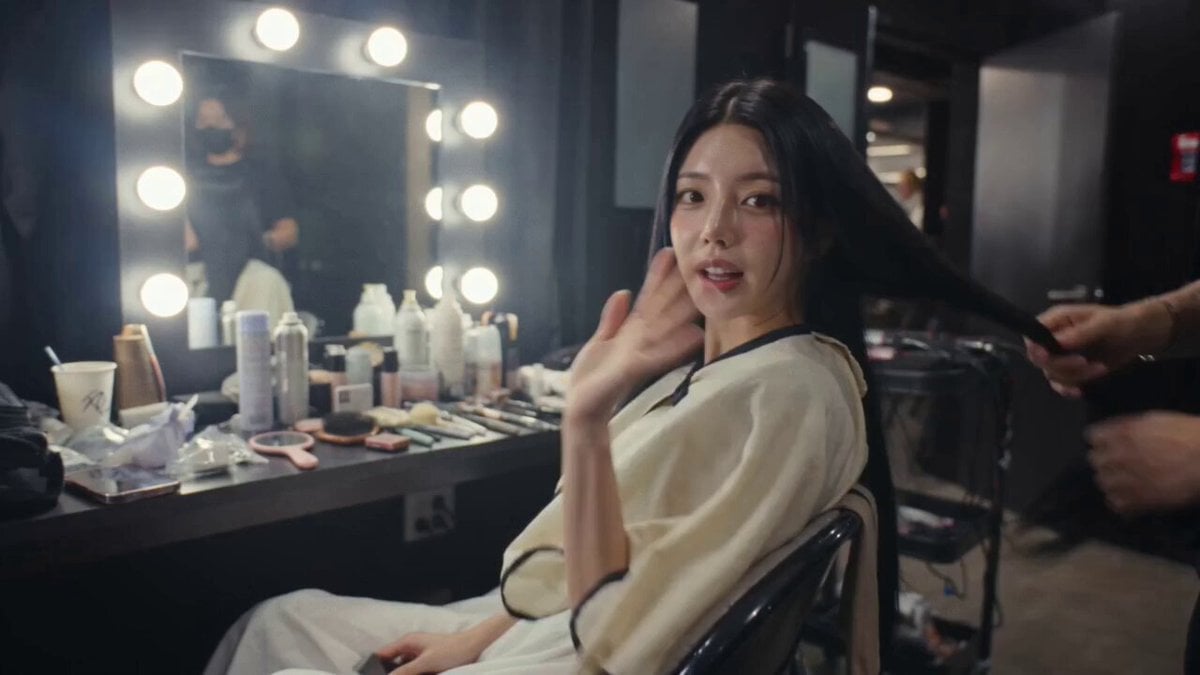
- Prompt included
- Model and format preset
- Premium template
The prompt behind this video
Copy the exact prompt behind Casual Beauty Vlog Korean Idol, or open it in the studio and make it yours.
CAMERA: DV 16mm tape camcorder, handheld POV by CHASE, occasionally propped on vanity. Natural shake, imperfect framing, delayed focus, clumsy zooms, face occasionally cropped. Camera never visible.\n\nLOOK: Soft blurry tape, faint tape noise, bloomed vanity bulbs, flickering auto-exposure, muted contrast, natural skin.\n\nSTYLE: Casual beauty vlog. Relaxed, chatty, slow pacing with quiet mirror moments.\n\nCHARACTER: CHASE, Korean idol (20s), long straight black hair, dewy skin, coral lips, robe/makeup cape. Unseen stylist's hands occasionally enter frame.\n\nSETTING: Bulb-lit vanity, styling chair, hair tools/products on counter, handheld mirror.\n\nSTORYBOARD:\n1. Propped: Waves. "Hey guys, getting my hair done."\n2. Handheld CU: Hair tug. "This always takes forever."\n3. Insert: Stylist clips hair. Ambient only.\n4. Propped: Smiles. "We're getting to the good part."\n5. Handheld CU: Watches mirror, smiles. Ambient.\n6. Handheld: Checks back with mirror. "Let me see the back—"\n7. Tight: Grins. "I really like this."\n8. Selfie: Waves/thumbs up. "Hair's done—see you guys!"
How to use Casual Beauty Vlog Korean Idol in 3 steps
- 1
Open
The prompt is already in the box next to the preview, with the template's model and format selected.
- 2…a portrait of your subject in softgolden-hour light, 85mm…
Personalize
Edit the subject and creative details for your destination.
- 3Generate
Generate
Press Generate — your video is created in PicX Studio, so you can compare it with the original and refine one variable at a time.
More like this
Templates with the same subject, style or setup. Open one to see its prompt.
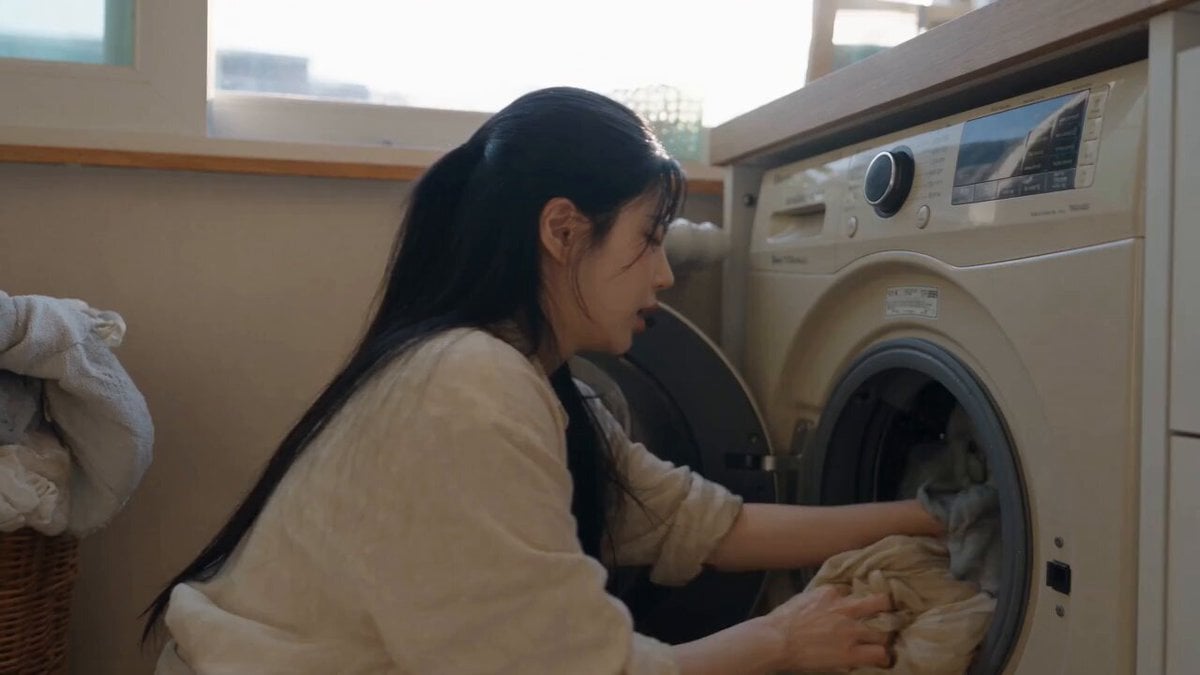
Sunny Morning Laundry Vlog
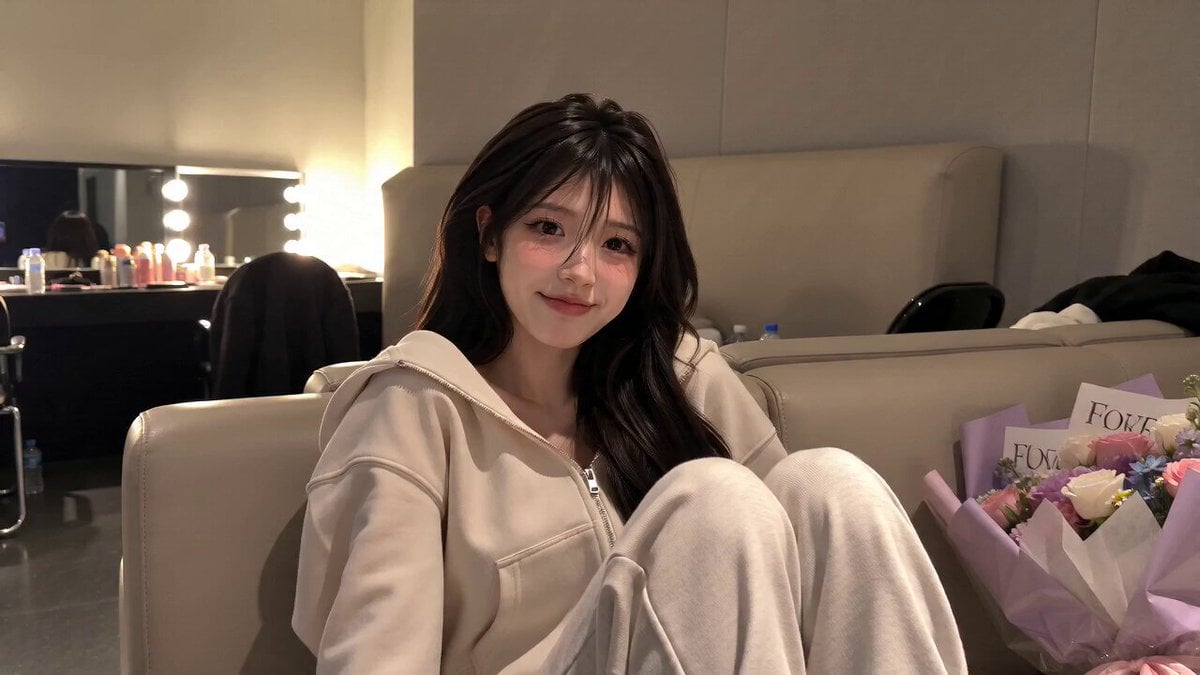
Korean Idol Backstage Vlog Scene
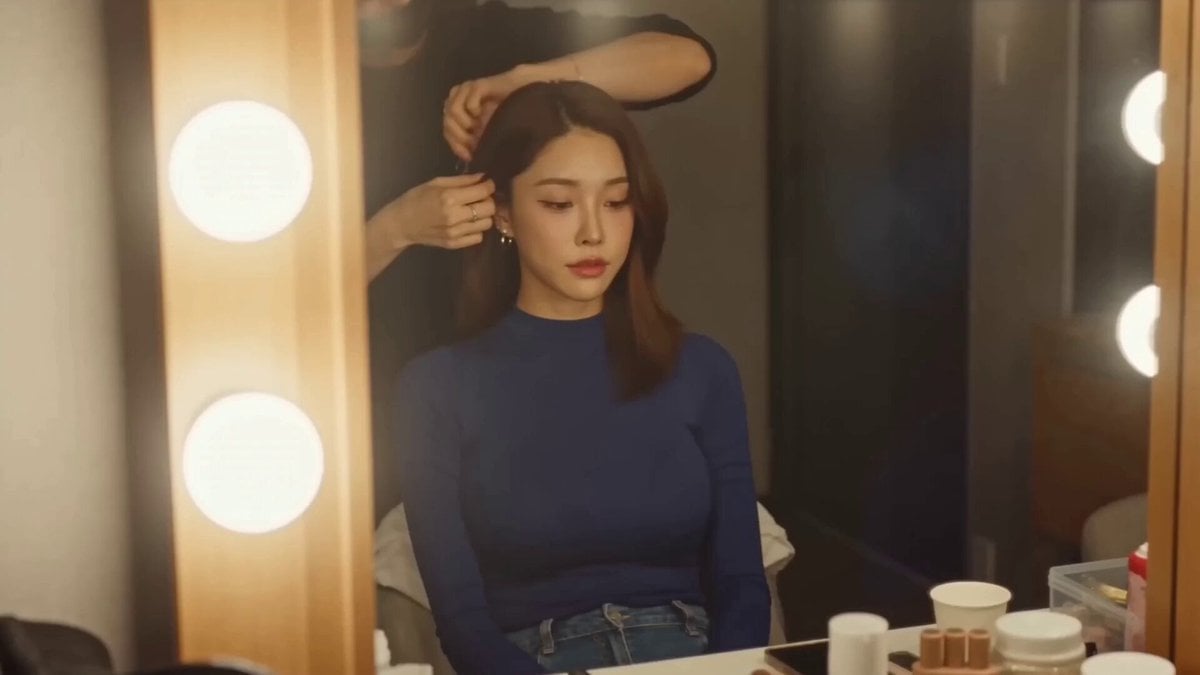
Korean Idol Vlogger Documentary Aesthetic
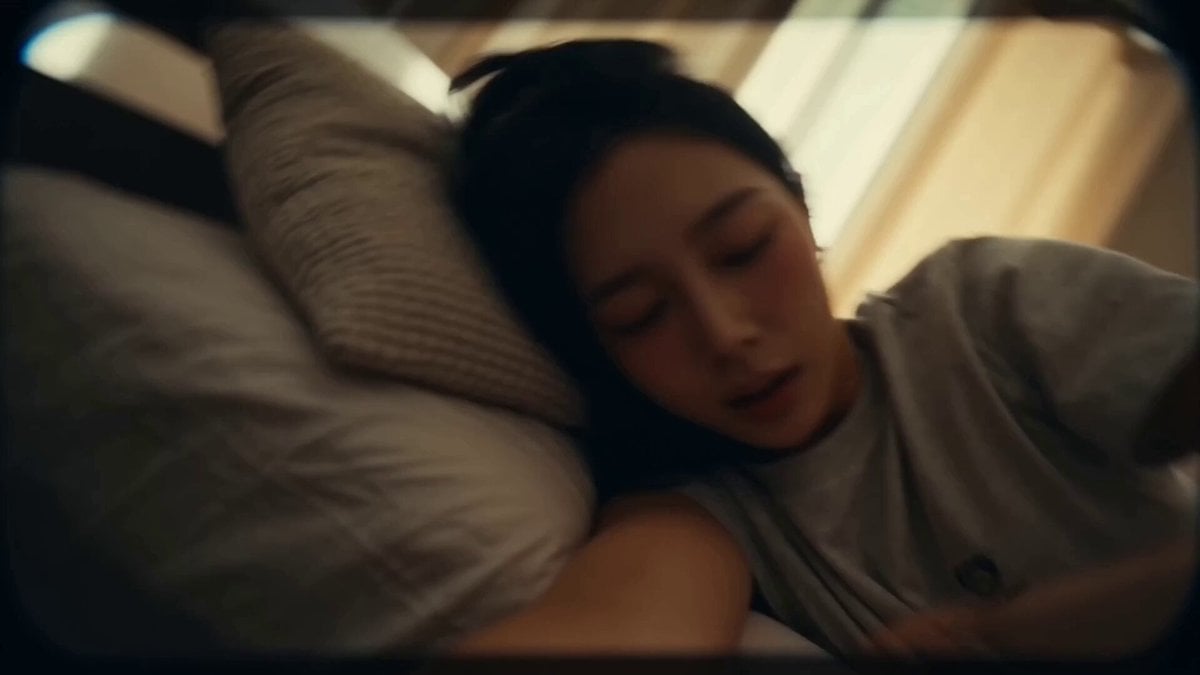
Korean Idol Vlog Camcorder
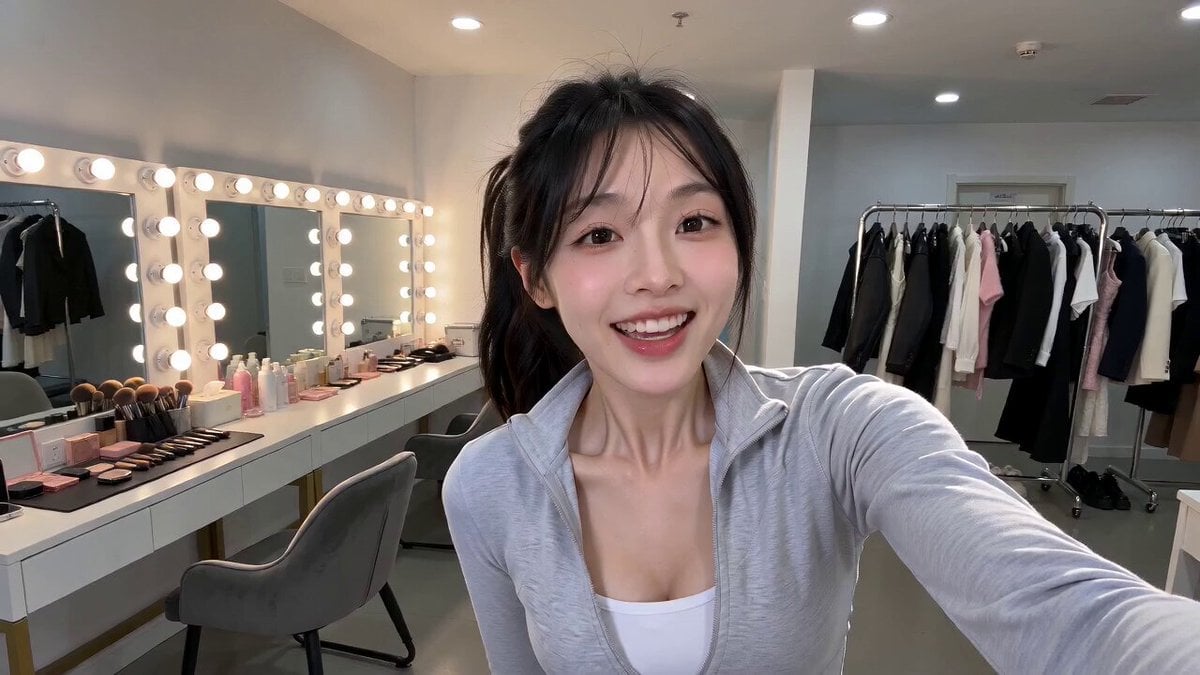
Korean Idol Vlog Swap Challenge
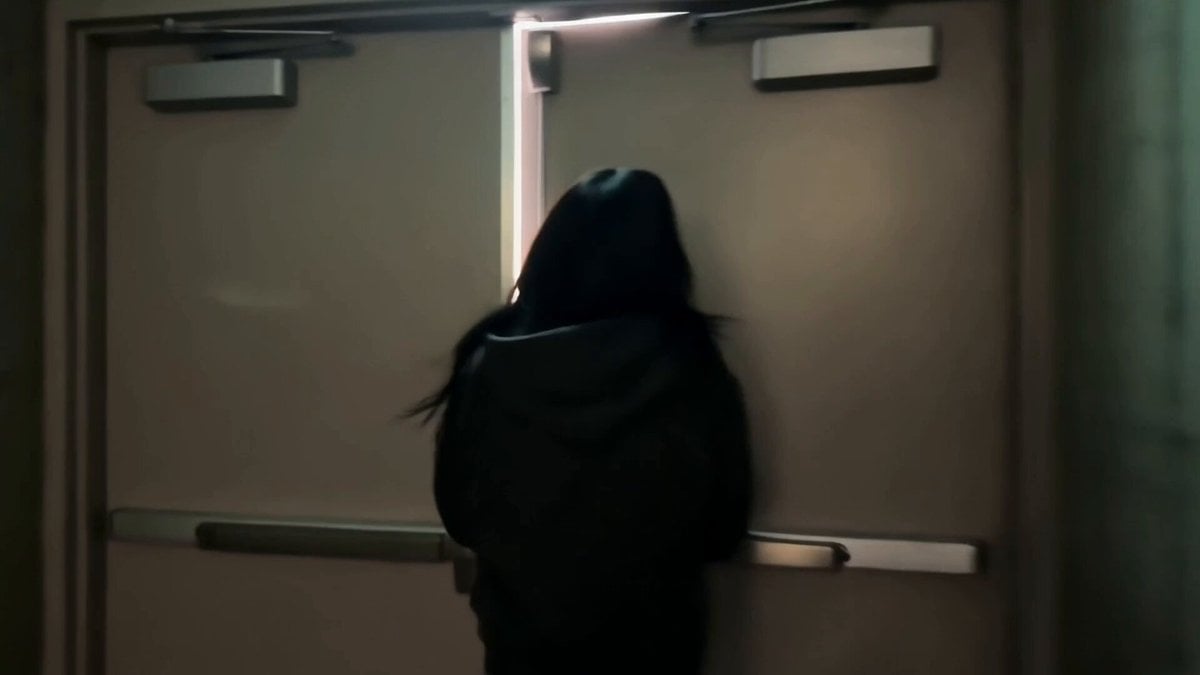
Korean Idol Backstage Vlog
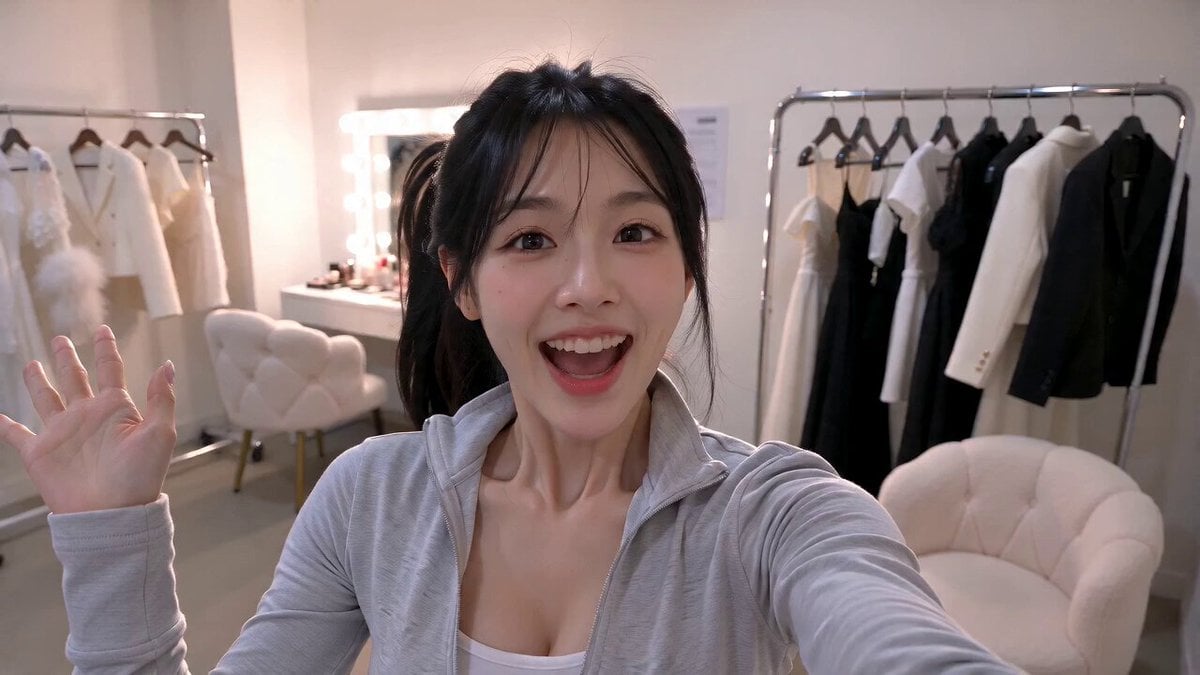
Korean Idol Childhood Photo Vlog
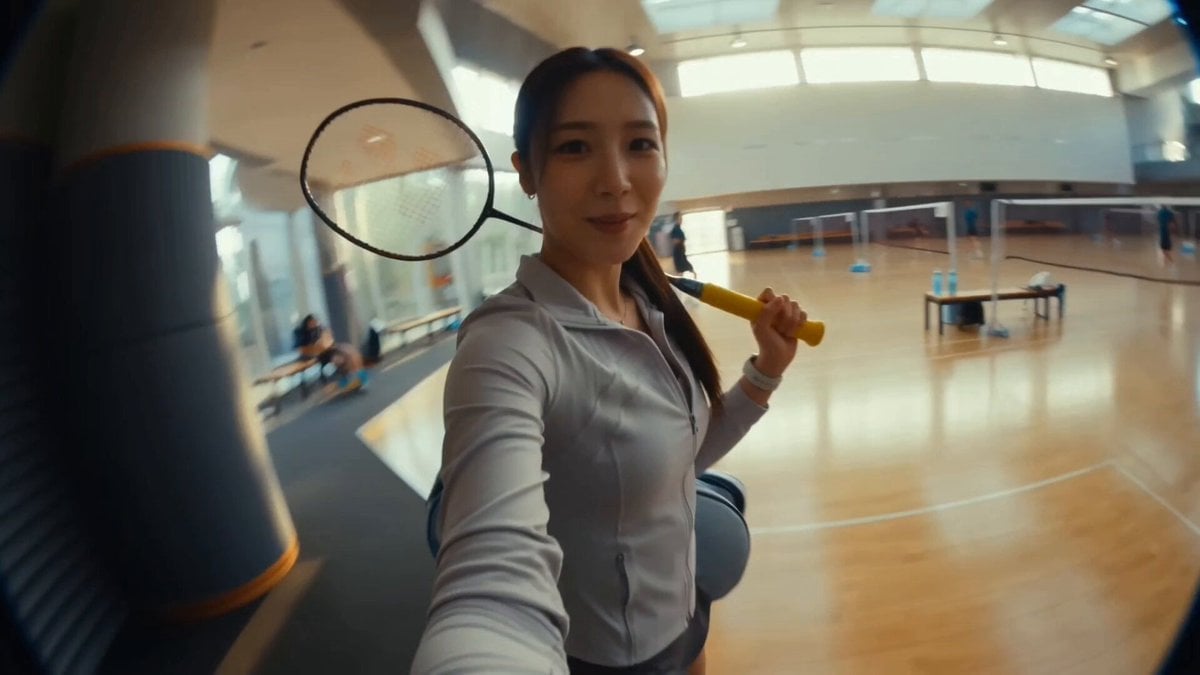
Korean Idol Morning Badminton Vlog
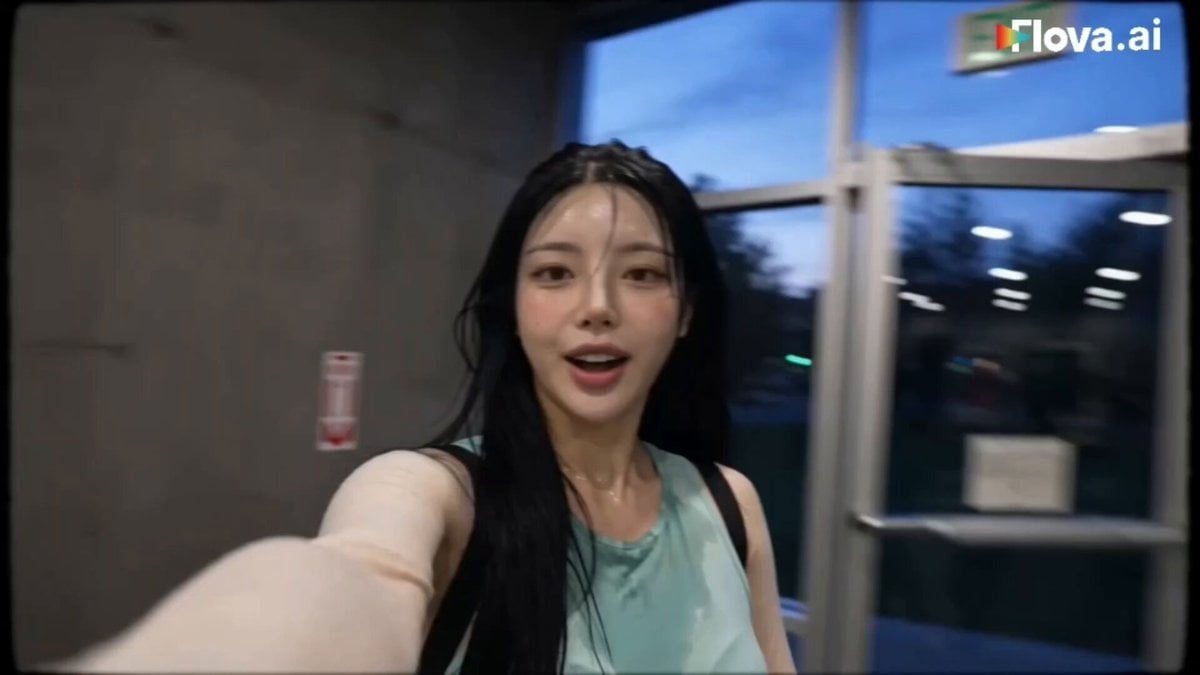
Korean Idol Gym Vlog

Beauty Advent Calendar Unboxing Vlog

Vintage Korean Arcade MiniDV Vlog
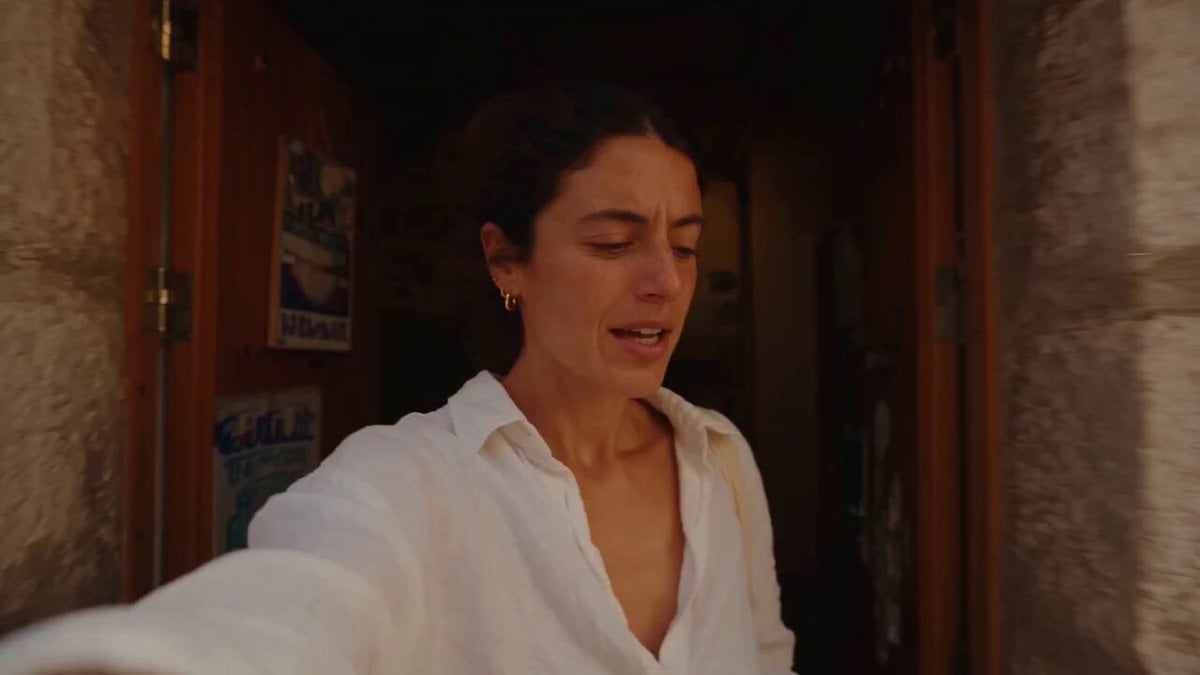
Mediterranean Coffee Run Vlog - Seedance 2.5
Make it yours
Casual Beauty Vlog Korean Idol works as-is. These are the safest ways to change it without losing the look.
Change one field
Copy a single group, rewrite it, and generate again so you can see what that field is doing.
Keep the frame, change the subject
Hold the composition and light of Casual Beauty Vlog Korean Idol, then swap wardrobe, props or the person for a new take.
| If the result… | Why | Fix |
|---|---|---|
| The result drifts from the preview | Too many fields changed at once. | Reuse Casual Beauty Vlog Korean Idol as-is first, then change one group — subject, light, or setting. |
| The model over-stylizes the scene | The prose prompt leaves finish and camera underspecified. | Add one camera or lighting sentence and stay on Seedance 2.0. |
More Seedance 2.0 templates
Other prompts made for Seedance 2.0.

Comical Martial Arts Punch Scene

Maglev Train Action Sequence

Martial Arts Fight Sequence

Wuxia Protection and Trust Script

Mercedes 190 SL Luxury Ad

Rainy Night Supernatural Reverse Comedy Video Script

Amazon Civilization Discovery

Futuristic South Asian City Transformation

Cozy Luxury Cafe Commercial
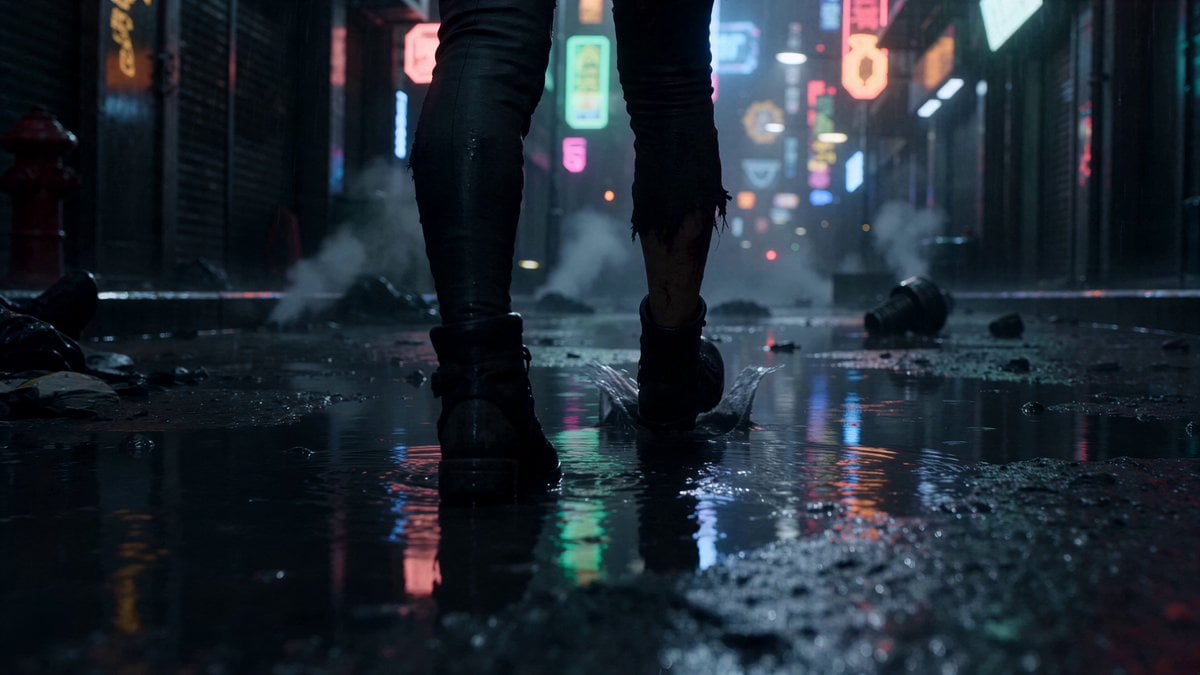
Cyber Ronin Nanotech Transformation Video
More video prompts
Fresh picks from across the catalog.
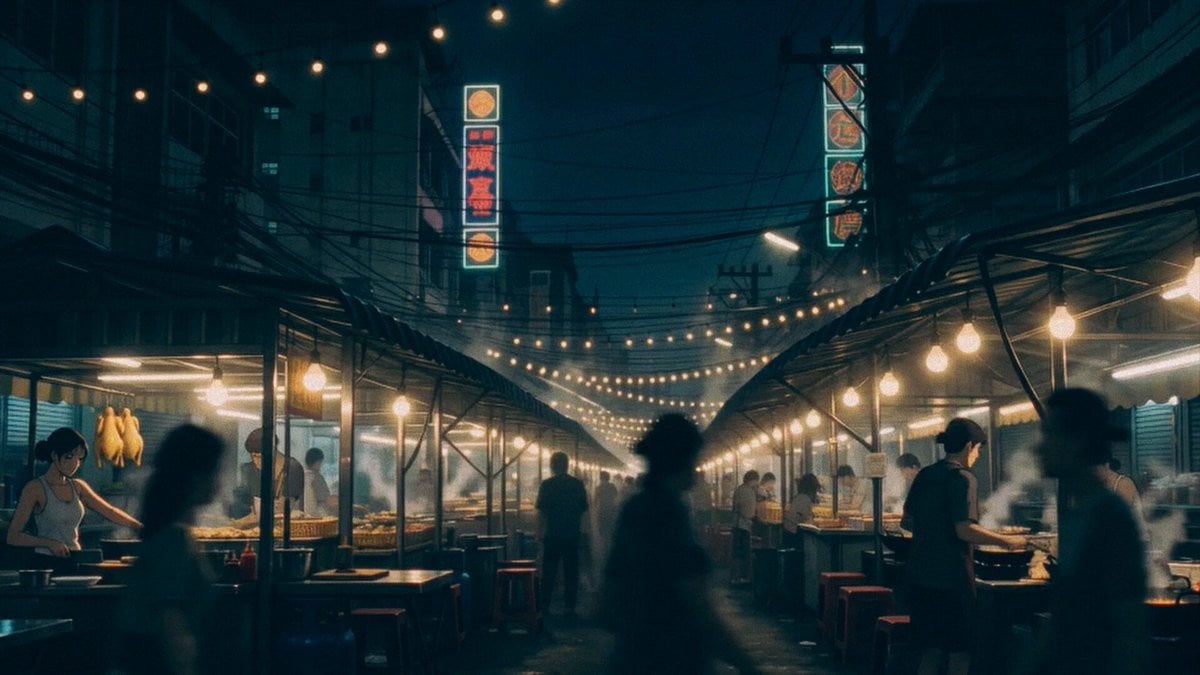
Bangkok Night Market Anime
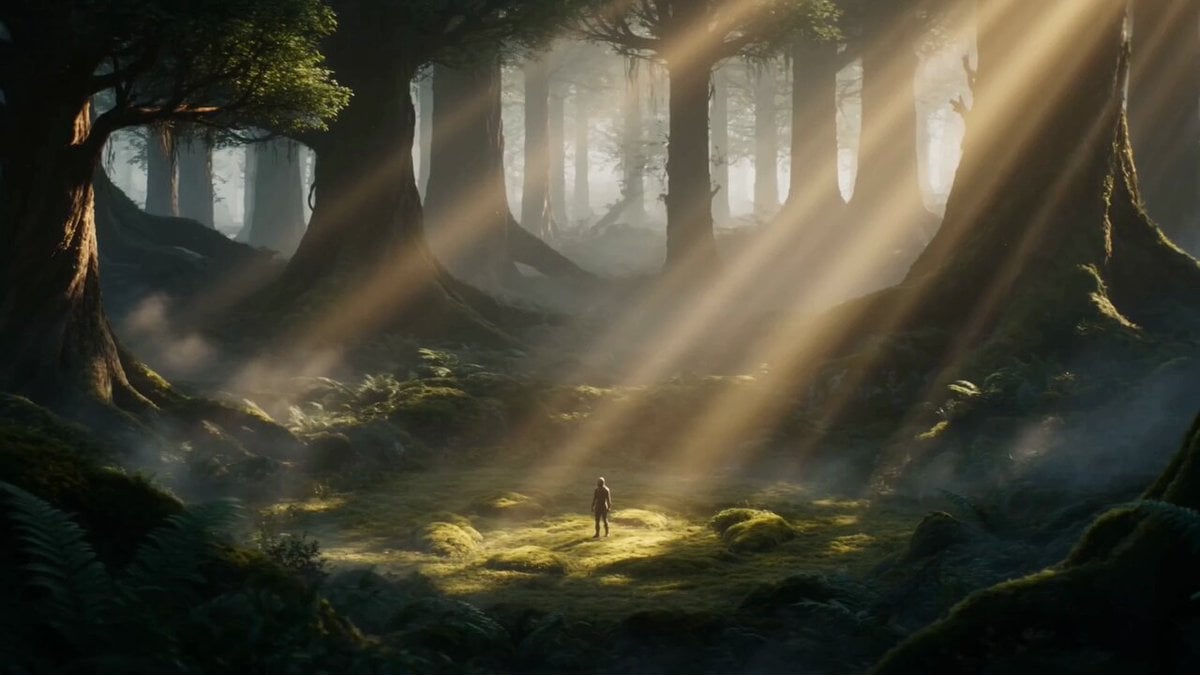
Ancient Tree Guardian Transformation

Parallel Self Encounter

Man vs Anaconda Boat Fight
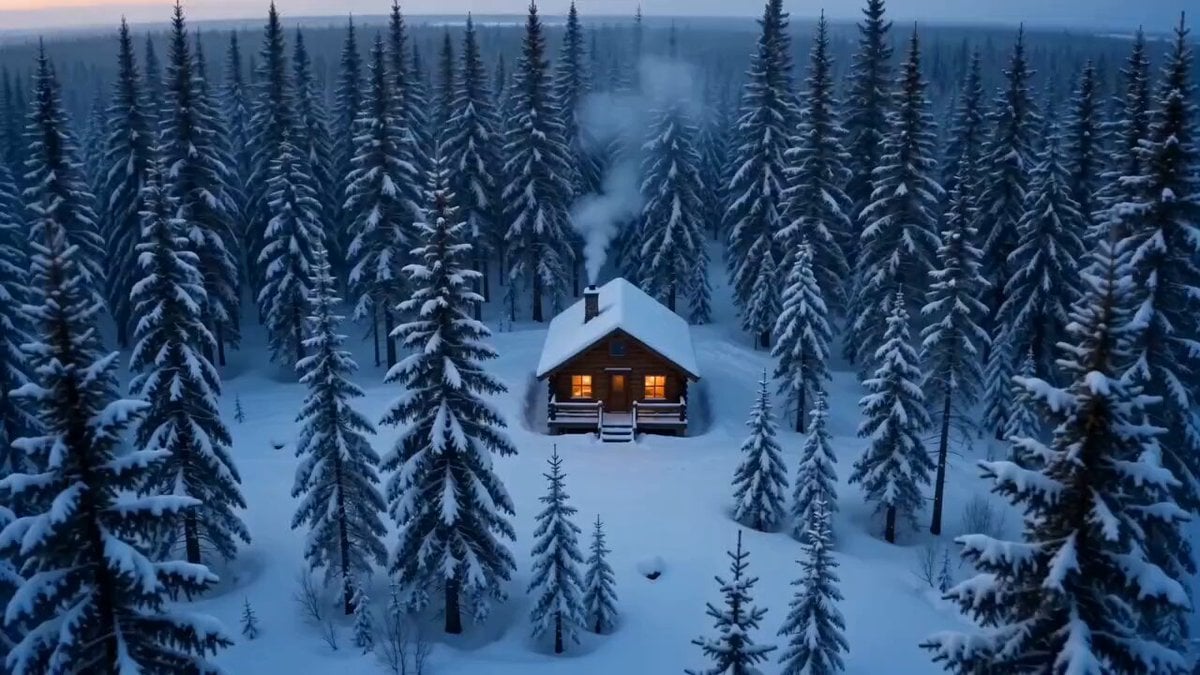
Cinematic Snowy Cabin Solitude
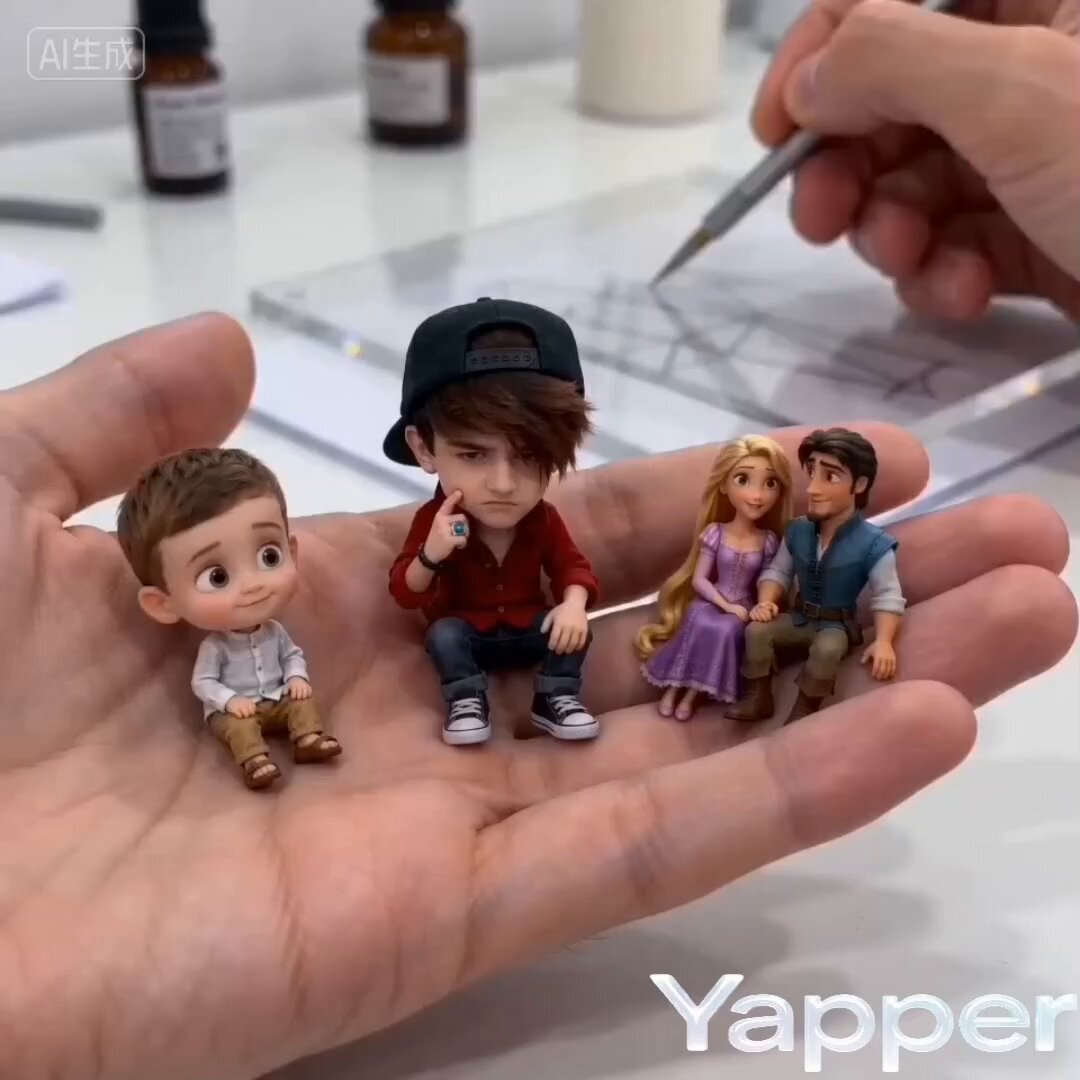
Chibi Character on Hand with Annoyed Expression
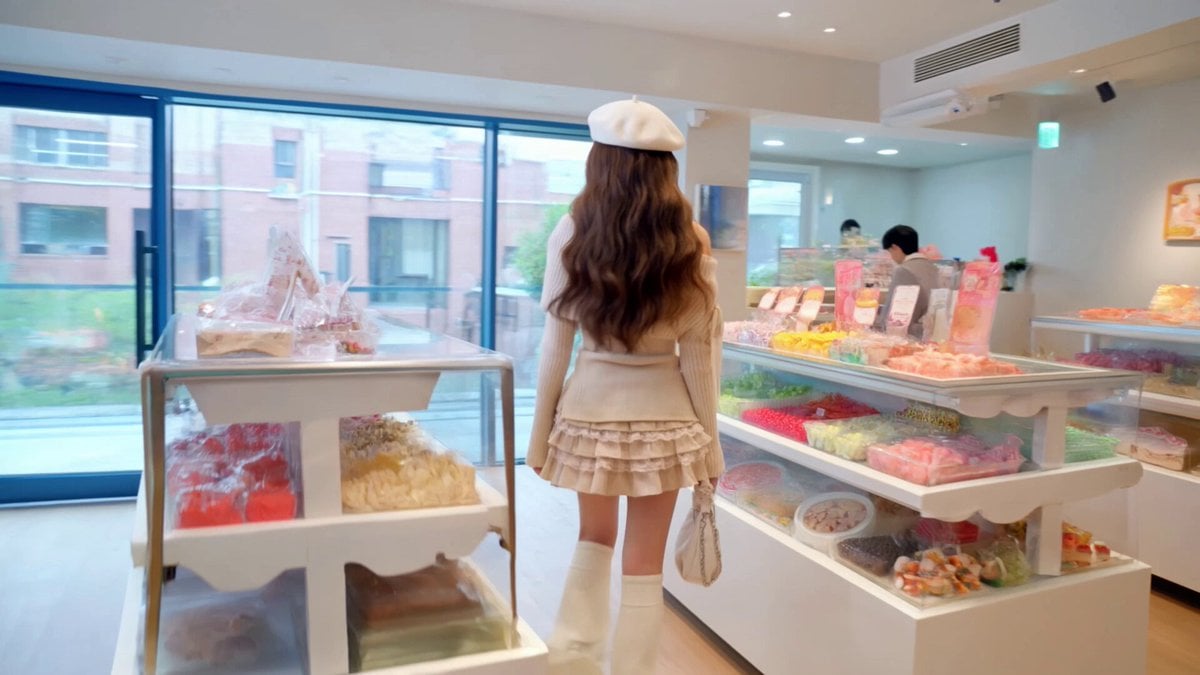
Comparison Prompt for Kling 3 and Seedance 2
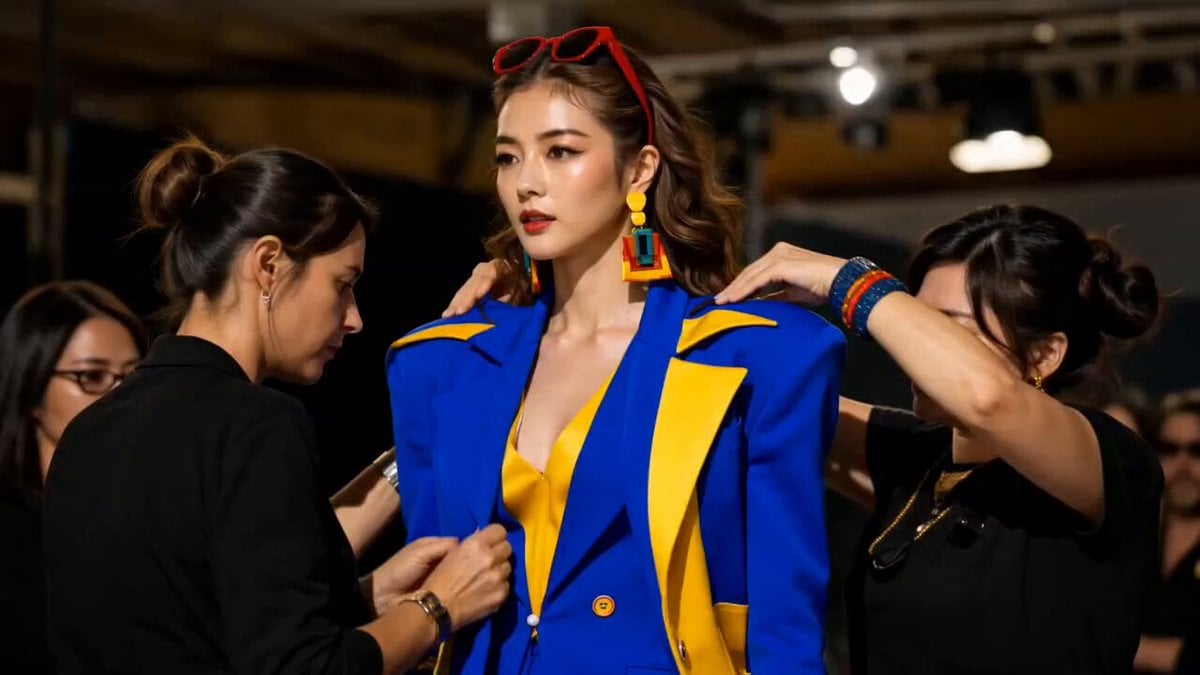
Fashion Runway Stumble Recovery

Badass Berserker Viking Charge

Grok Imagine Chibi Template Prompt for Image-to-Video
Browse template categories
Casual Beauty Vlog Korean Idol questions
How do I use the Casual Beauty Vlog Korean Idol template?
Add your photo if the template asks for one, edit the prompt if you like — the template's model and format are already selected — and press Generate. Your version opens in PicX Studio.
Can I customize the Casual Beauty Vlog Korean Idol template?
Yes. You can change the subject, setting, lighting, mood, format, and available model controls before creating your video.
Is the Casual Beauty Vlog Korean Idol template free?
Opening and editing this template is free. Generating uses credits, shown on the Generate button when you are signed in.
Which AI model should I use?
Start with Seedance 2.0, which is the model associated with this template. You can compare another compatible model for a different finish.
Looking for something else? Browse all templates.

Your photo, any look
Thousands of ready templates for every top image and video model, from one credit balance.