
Fantasy Kingdom Comedy Animation
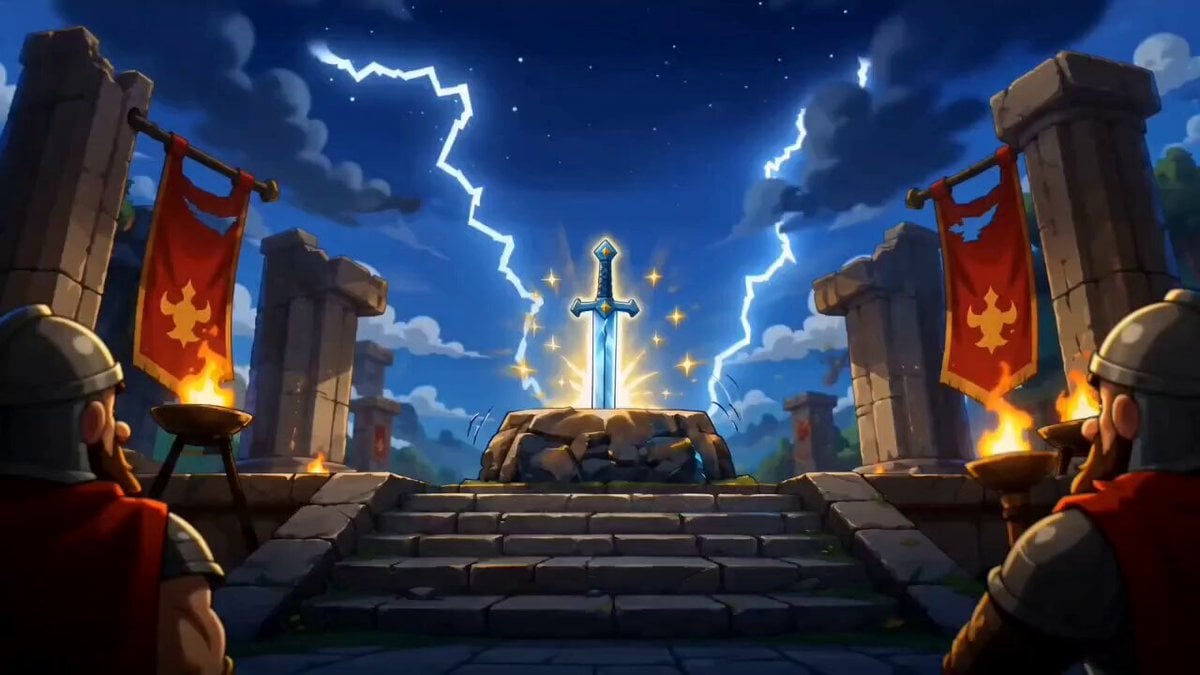
A comedic Pixar-style animated sequence where muscular warriors fail to pull a sword from a stone, only for a bored young man to succeed by reading simple instructions.
- Prompt included
- Model and format preset
- Free template
The prompt behind this video
Copy the exact prompt behind Fantasy Kingdom Comedy Animation, or open it in the studio and make it yours.
A colorful animated fantasy kingdom with a gigantic ancient temple in the middle of a sunny valley. A magical glowing sword is embedded in a stone pedestal. Bright blue sky, floating particles, colorful banners, lush green grass, cinematic cartoon visuals, Pixar-style quality. Scene 1: Wide establishing shot of the legendary sword glowing dramatically inside an ancient temple. The crowd watches in anticipation. Epic fantasy atmosphere. Scene 2: Three huge muscular warriors attempt to pull the sword from the stone. One barbarian strains with bulging muscles, another armored knight pulls with all his strength, and a giant warrior screams while trying. Dust flies everywhere. The sword does not move. Crowd reacts with shock. Funny exaggerated facial expressions. Scene 3: A skinny ordinary young man casually walks into the temple while eating chips. He looks bored and completely uninterested. The crowd bursts into laughter and points at him. Colorful cartoon reaction shots. Scene 4: The young man casually places one hand on the sword. Instantly, the sword slides out effortlessly with a bright magical glow. Epic golden light explodes across the scene. The crowd freezes in disbelief. Warriors' jaws drop. King nearly falls off his throne. Dramatic cinematic zoom. Scene 5: The young man looks down at the stone pedestal. Close-up reveal showing giant engraved instructions: ← PUSH | PULL → The young man realizes what happened and quietly says: "Oh..." The entire crowd stands in awkward silence. Final frame: Everyone staring at the instructions with embarrassed expressions. Ultra smooth animation, expressive cartoon faces, cinematic camera angles, colorful fantasy environment, comedic timing, high-quality storytelling, Pixar-style character design, vibrant lighting, humorous visual punchline, masterpiece animation. Negative Prompt: blurry, dark scene, horror, realistic humans, low quality, text errors, distorted faces, extra limbs, ugly anatomy, dull colors, low saturation, bad composition, watermark, logo, cropped characters, horror expressions, gloomy atmosphere, rushed pacing, motion artifacts.
How to use Fantasy Kingdom Comedy Animation in 3 steps
- 1
Open
The prompt is already in the box next to the preview, with the template's model and format selected.
- 2…a portrait of your subject in softgolden-hour light, 85mm…
Personalize
Edit the subject and creative details for your destination.
- 3Generate
Generate
Press Generate — your video is created in PicX Studio, so you can compare it with the original and refine one variable at a time.
More like this
Templates with the same subject, style or setup. Open one to see its prompt.
Dim Sum Chase — Shrimp Dumpling Monster
Griffin Knight Mountain Kingdom — Seedance 2.0
Dragon Rescue — Volcanic Kingdom Collapse (Seedance)
Viking in Modern America Comedy - Seedance 2.5

3D Glossy Fairy Animation - Seedance 2.5
Modern Urban Fantasy Comedy Storyboard
Magic City Fantasy Battle Animation
Comedy Coke Bottle Prank Reel — Kling 3.0 O3 Pro

Dragon Rider Cinematic Flight — Seedance 2.5

Silk Road Pomegranate Folk Animation

Multilingual Creative Typography Loop

Forest Fantasy Girl Short Film
Make it yours
Fantasy Kingdom Comedy Animation works as-is. These are the safest ways to change it without losing the look.
Change one field
Copy a single group, rewrite it, and generate again so you can see what that field is doing.
Keep the frame, change the subject
Hold the composition and light of Fantasy Kingdom Comedy Animation, then swap wardrobe, props or the person for a new take.
| If the result… | Why | Fix |
|---|---|---|
| The result drifts from the preview | Too many fields changed at once. | Reuse Fantasy Kingdom Comedy Animation as-is first, then change one group — subject, light, or setting. |
| The model over-stylizes the scene | The prose prompt leaves finish and camera underspecified. | Add one camera or lighting sentence and stay on Seedance 2.0. |
More Seedance 2.0 templates
Other prompts made for Seedance 2.0.

Comical Martial Arts Punch Scene

Maglev Train Action Sequence

Martial Arts Fight Sequence

Wuxia Protection and Trust Script

Vintage Korean Arcade MiniDV Vlog

Mercedes 190 SL Luxury Ad

Rainy Night Supernatural Reverse Comedy Video Script

Amazon Civilization Discovery

Futuristic South Asian City Transformation

Cozy Luxury Cafe Commercial
More video prompts
Fresh picks from across the catalog.
Cinematic female cyborg video

Weekly OOTD Car Edition Video
Super Saiyan 3 transformation
Dreamy Soft Motion and Echoing Water
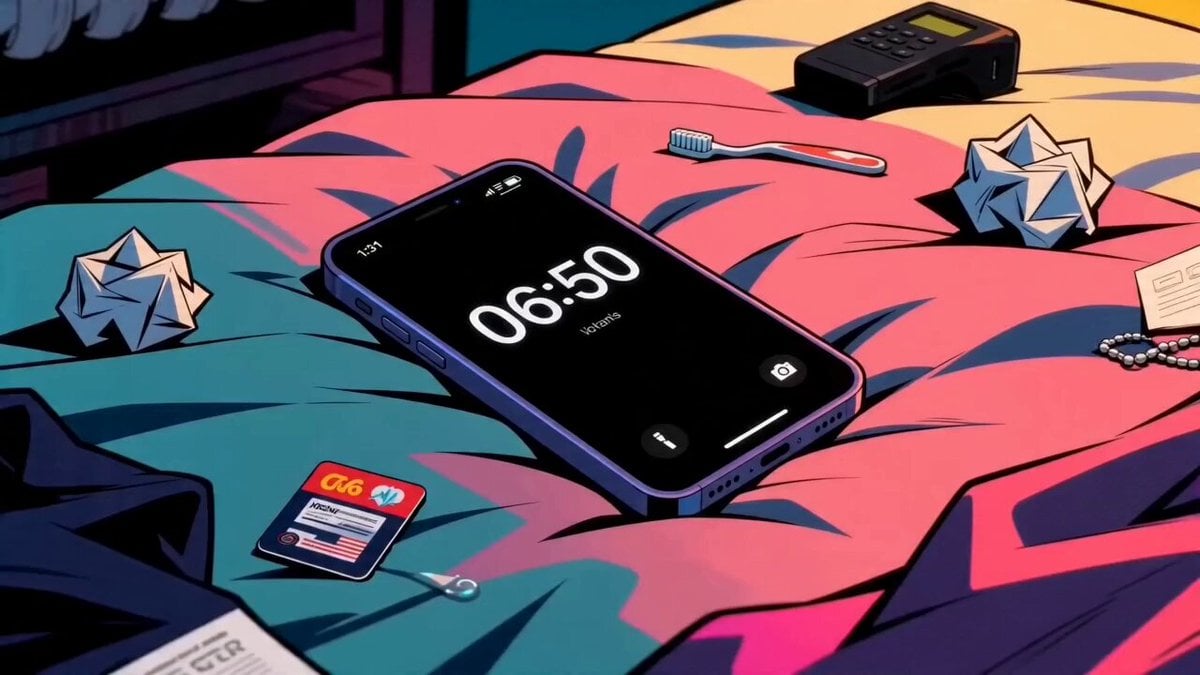
Seedance 2.0 Beat-Synced Lifestyle Video Prompt
Floating Soda Bottle Urban Magic
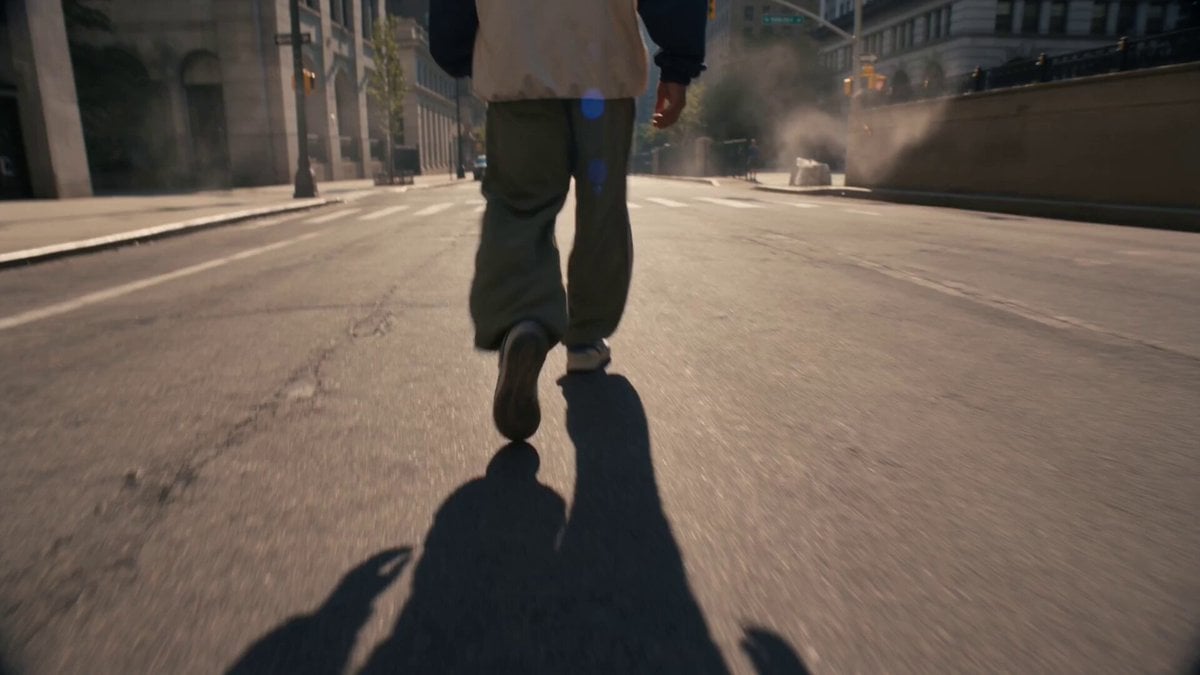
35mm Handheld Tracking Shot Prompt
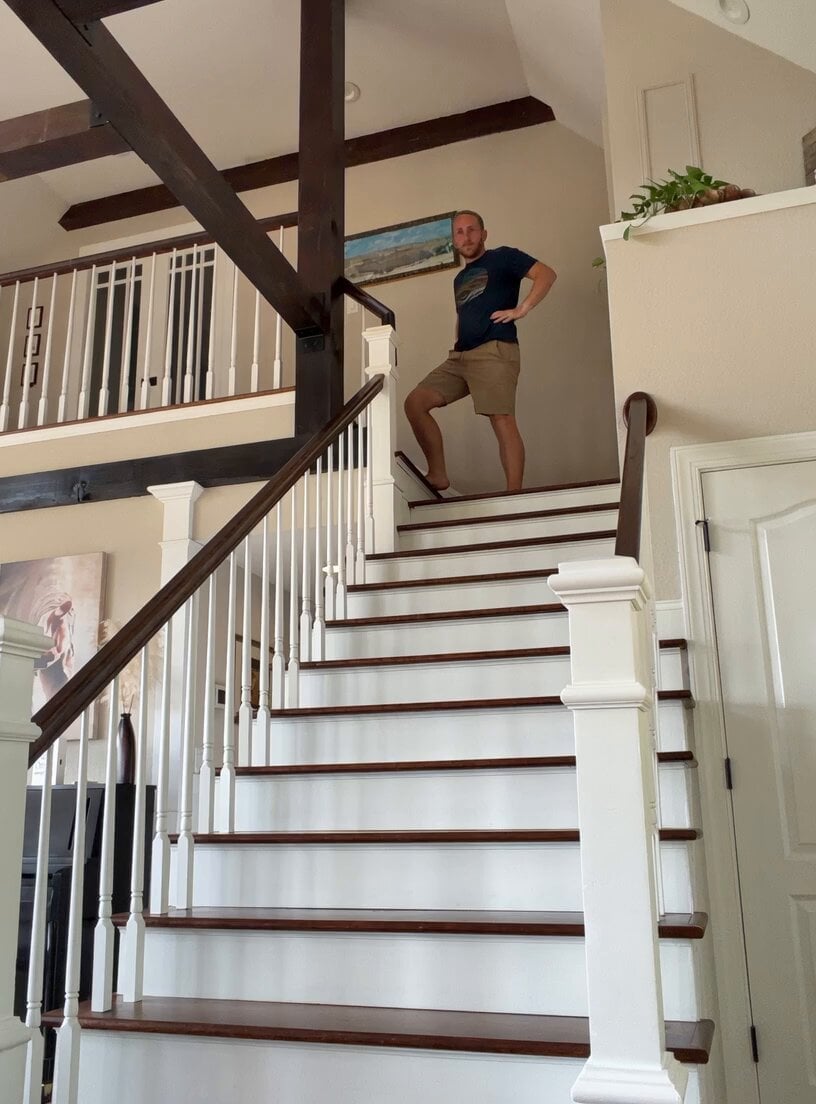
Comical Family Guy Style Stair Fall
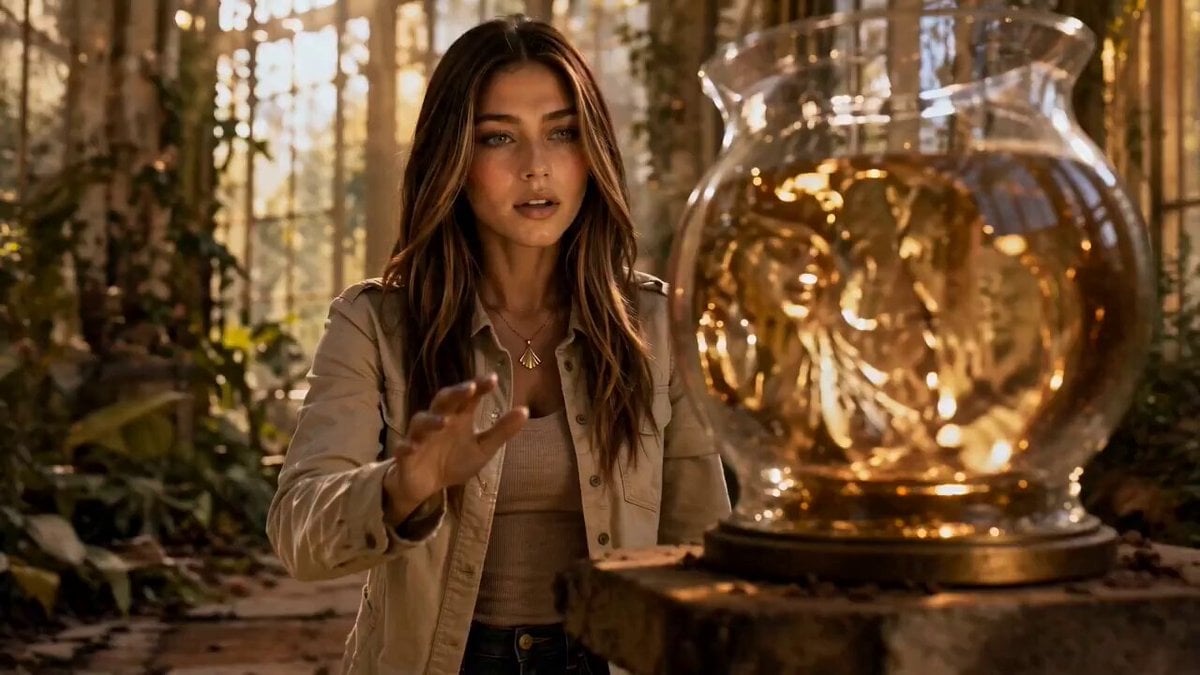
Liquid Gold Cinematic Transformation
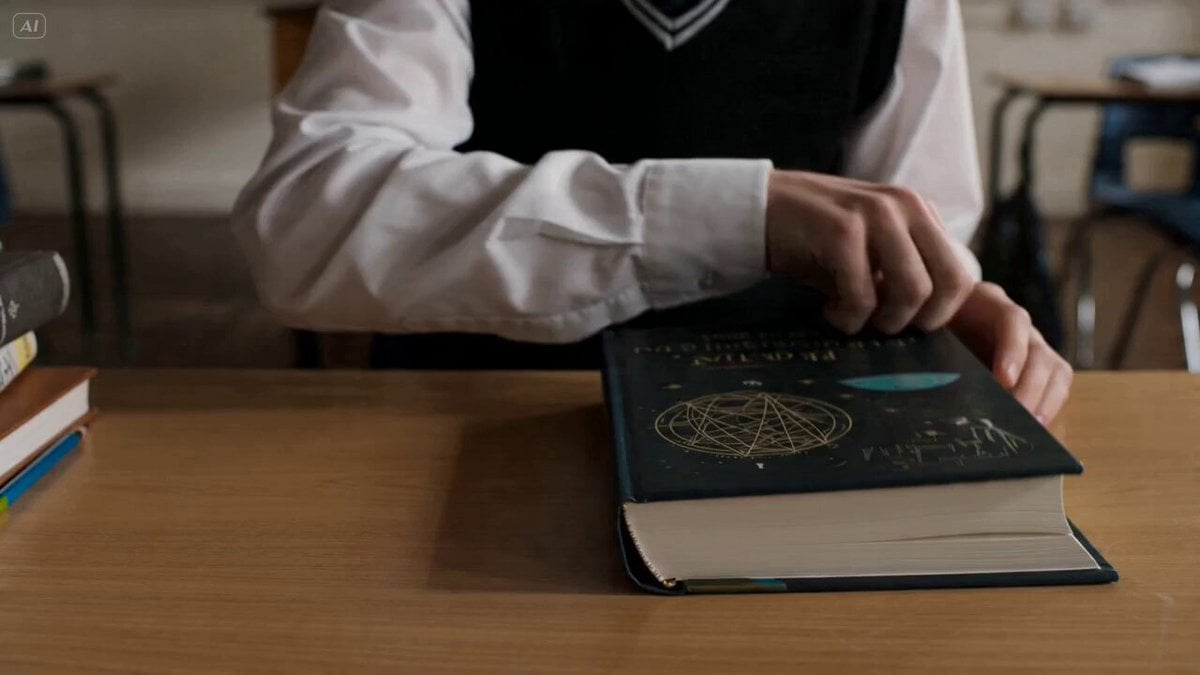
Textbook Inspiration Video Prompt for Seedance 2
Browse template categories
Fantasy Kingdom Comedy Animation questions
How do I use the Fantasy Kingdom Comedy Animation template?
Add your photo if the template asks for one, edit the prompt if you like — the template's model and format are already selected — and press Generate. Your version opens in PicX Studio.
Can I customize the Fantasy Kingdom Comedy Animation template?
Yes. You can change the subject, setting, lighting, mood, format, and available model controls before creating your video.
Is the Fantasy Kingdom Comedy Animation template free?
Opening and editing this template is free. Generating uses credits, shown on the Generate button when you are signed in.
Which AI model should I use?
Start with Seedance 2.0, which is the model associated with this template. You can compare another compatible model for a different finish.
Looking for something else? Browse all templates.

Your photo, any look
Thousands of ready templates for every top image and video model, from one credit balance.