How do I use the Cybernetic Cheongsam Transformation template?
Edit the prompt in the box under the preview — the template's model and format are already selected — and press Generate. Your version appears right on this page.
A detailed cinematic prompt for a futuristic subway scene where a woman in a Cheongsam transforms her limbs into cybernetic weapons.
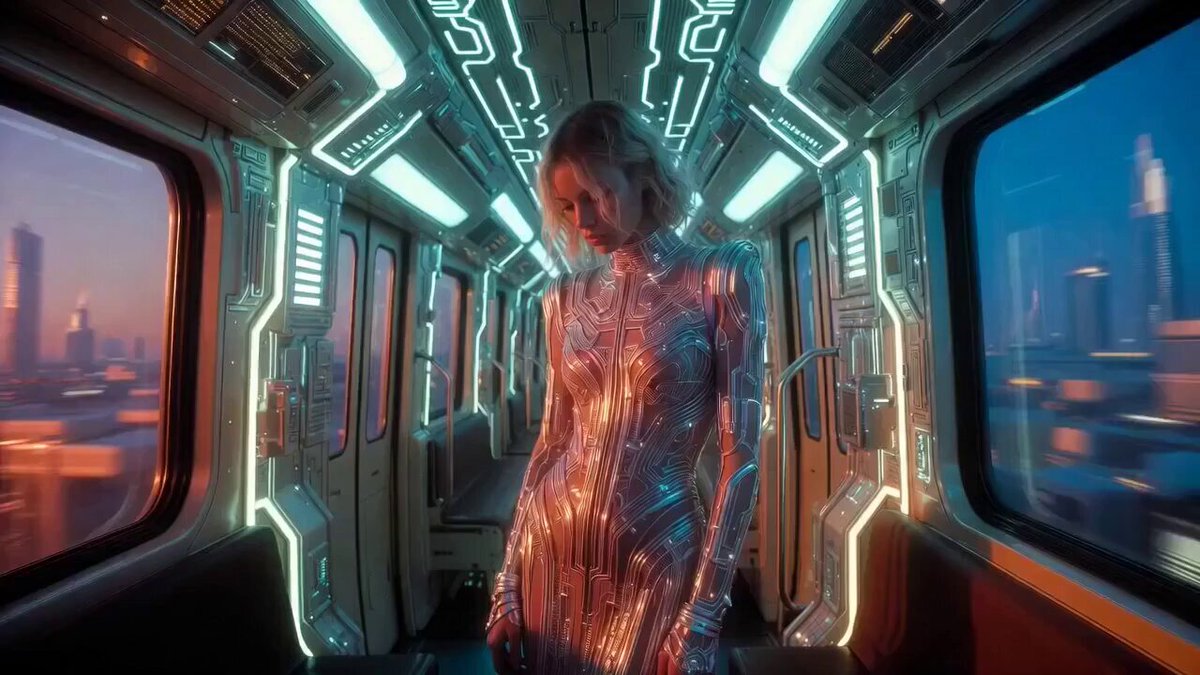
A cinematic, hyper-realistic video of a young woman with sharp features and dark hair, wearing a high-collared, sleeveless black and gold Cheongsam (Qipao) with intricate floral embroidery. She is standing inside a dimly lit, gritty futuristic subway car. The Transformation: The scene begins with her looking calm as a holographic HUD flickers over her eyes. Suddenly, her arms and torso undergo a mechanical transformation, shifting and clicking into heavy, brushed-metal cybernetic plating with glowing red LED accents. She raises her arm, which modularly reshapes into a high-tech energy weapon, aiming directly at the camera. Atmosphere & Lighting: Style: Dark Cyberpunk / Sci-Fi realism. Lighting: Moody, low-light environment with flickering overhead subway lights. Intense red neon glows emanating from her cybernetic joints and the barrel of the weapon. Camera: Slow-motion zoom-in on her face, transitioning to a medium shot as she aims. High detail on texture—silk fabric vs. cold, heavy machinery. Technical: 4k resolution, ray-traced reflections on the metal, cinematic grain, and a slight lens flare from the red energy core. Key Elements to Experiment With: Texture: You can swap the "wooden texture" you’ve used in posters for a "matte carbon fiber" or "weathered brass" to give the mechanical parts a different feel. Background: Changing the subway to a neon-drenched rooftop or a traditional tea house would create an even sharper contrast.
A cinematic, hyper-realistic video of a young woman with sharp features and dark hair, wearing a high-collared, sleeveless black and gold Cheongsam (Qipao) with intricate floral embroidery. She is standing inside a dimly lit, gritty futuristic subway car. The Transformation: The scene begins with her looking calm as a holographic HUD flickers over her eyes. Suddenly, her arms and torso undergo a mechanical transformation, shifting and clicking into heavy, brushed-metal cybernetic plating with glowing red LED accents. She raises her arm, which modularly reshapes into a high-tech energy weapon, aiming directly at the camera. Atmosphere & Lighting: Style: Dark Cyberpunk / Sci-Fi realism. Lighting: Moody, low-light environment with flickering overhead subway lights. Intense red neon glows emanating from her cybernetic joints and the barrel of the weapon. Camera: Slow-motion zoom-in on her face, transitioning to a medium shot as she aims. High detail on texture—silk fabric vs. cold, heavy machinery. Technical: 4k resolution, ray-traced reflections on the metal, cinematic grain, and a slight lens flare from the red energy core. Key Elements to Experiment With: Texture: You can swap the "wooden texture" you’ve used in posters for a "matte carbon fiber" or "weathered brass" to give the mechanical parts a different feel. Background: Changing the subway to a neon-drenched rooftop or a traditional tea house would create an even sharper contrast.
Edit the prompt in the box under the preview — the template's model and format are already selected — and press Generate. Your version appears right on this page.
Yes. You can change the subject, setting, lighting, mood, format, and available model controls before creating your video.
Opening and editing this template is free. Generating uses credits, shown on the Generate button when you are signed in.
Start with Grok Imagine, which is the model associated with this template. You can compare another compatible model for a different finish.
Follow a topic to a crawlable collection of related PicX Studio templates.