How do I use the Executive Interaction with Painting template?
Edit the prompt in the box under the preview — the template's model and format are already selected — and press Generate. Your version appears right on this page.
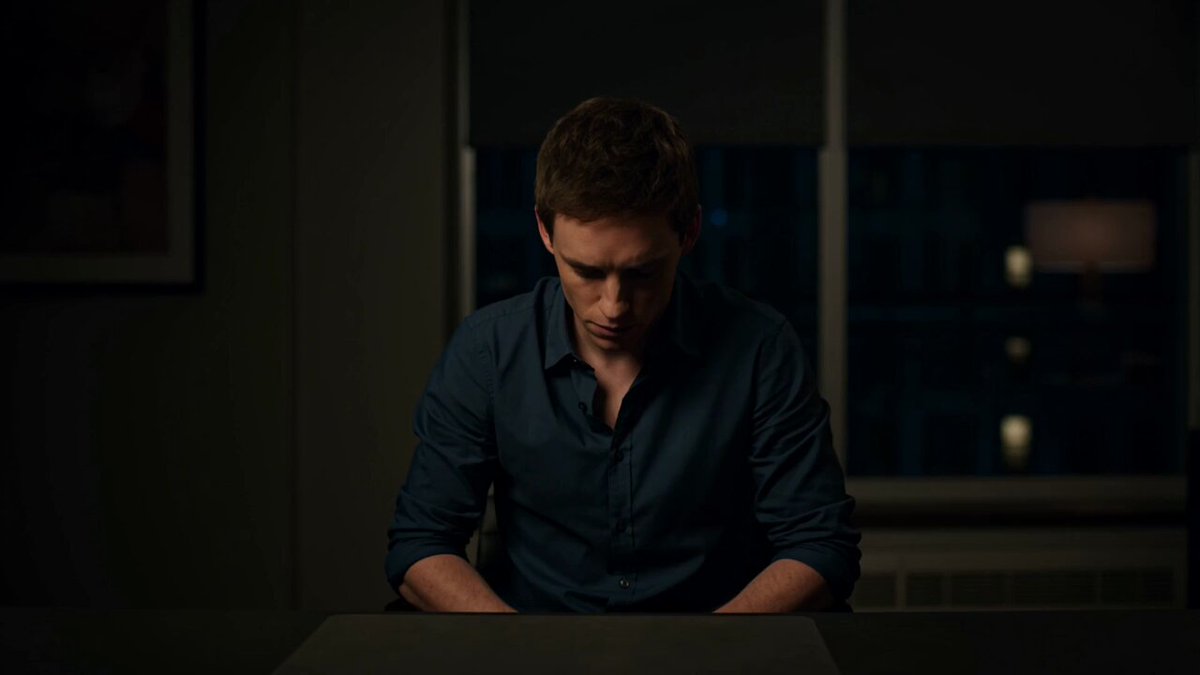
A video interaction prompt between two executives where one throws a painting from the wall at the other.
Se encuentra con otro ejecutivo . Sin diálogo . Toma un cuadro de la pared y se lo tira al otro ejecutivo .Creia que iba a pegarme ? Lo hizo de una manera sutil y no te diste cuenta .
Se encuentra con otro ejecutivo . Sin diálogo . Toma un cuadro de la pared y se lo tira al otro ejecutivo .Creia que iba a pegarme ? Lo hizo de una manera sutil y no te diste cuenta .
Edit the prompt in the box under the preview — the template's model and format are already selected — and press Generate. Your version appears right on this page.
Yes. You can change the subject, setting, lighting, mood, format, and available model controls before creating your video.
Opening and editing this template is free. Generating uses credits, shown on the Generate button when you are signed in.
Start with Grok Imagine, which is the model associated with this template. You can compare another compatible model for a different finish.
Follow a topic to a crawlable collection of related PicX Studio templates.