How do I use the Multi-Phase Visual Prompt (Chinese/English) template?
Edit the prompt in the box under the preview — the template's model and format are already selected — and press Generate. Your version appears right on this page.
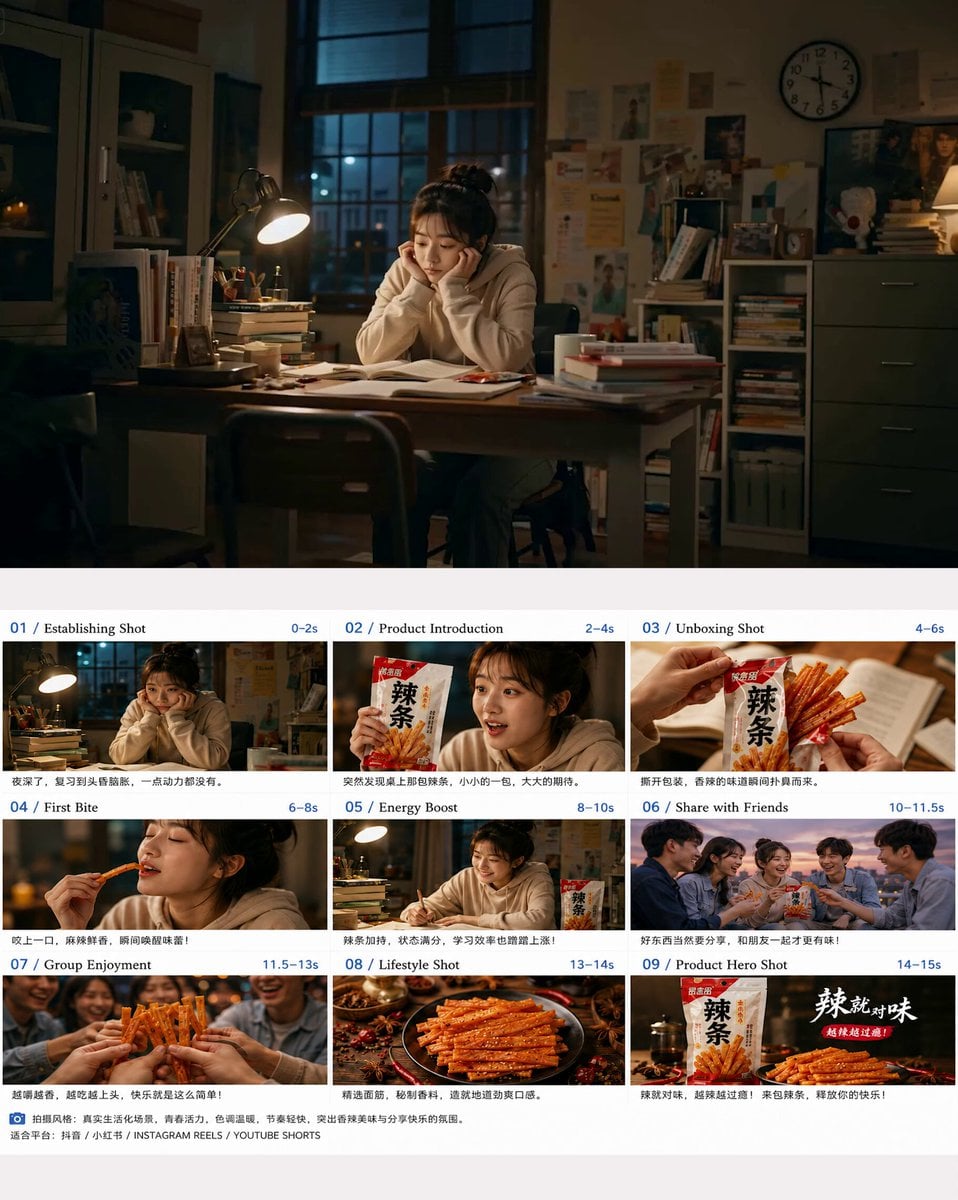
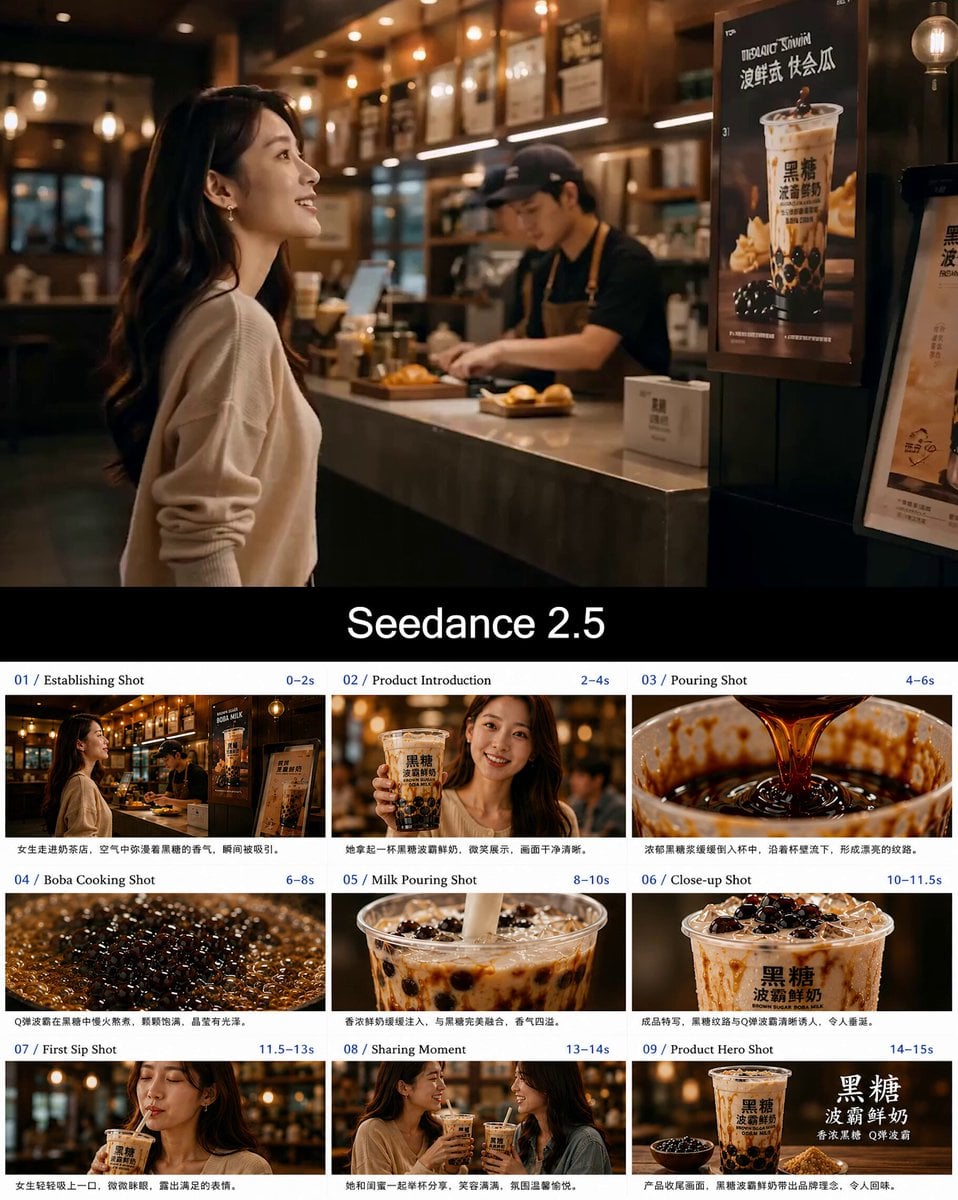
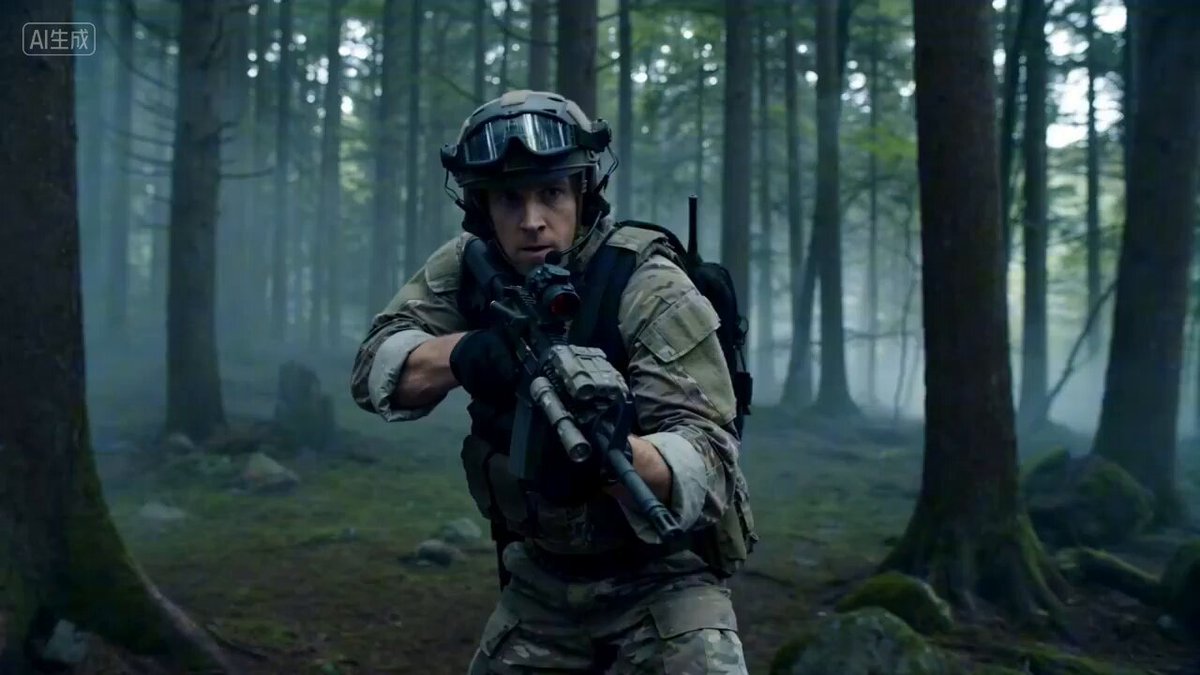
A detailed, multi-phase prompt for a 0.5s cut video sequence, focusing on rapid background switching while the central subject maintains the same pose.
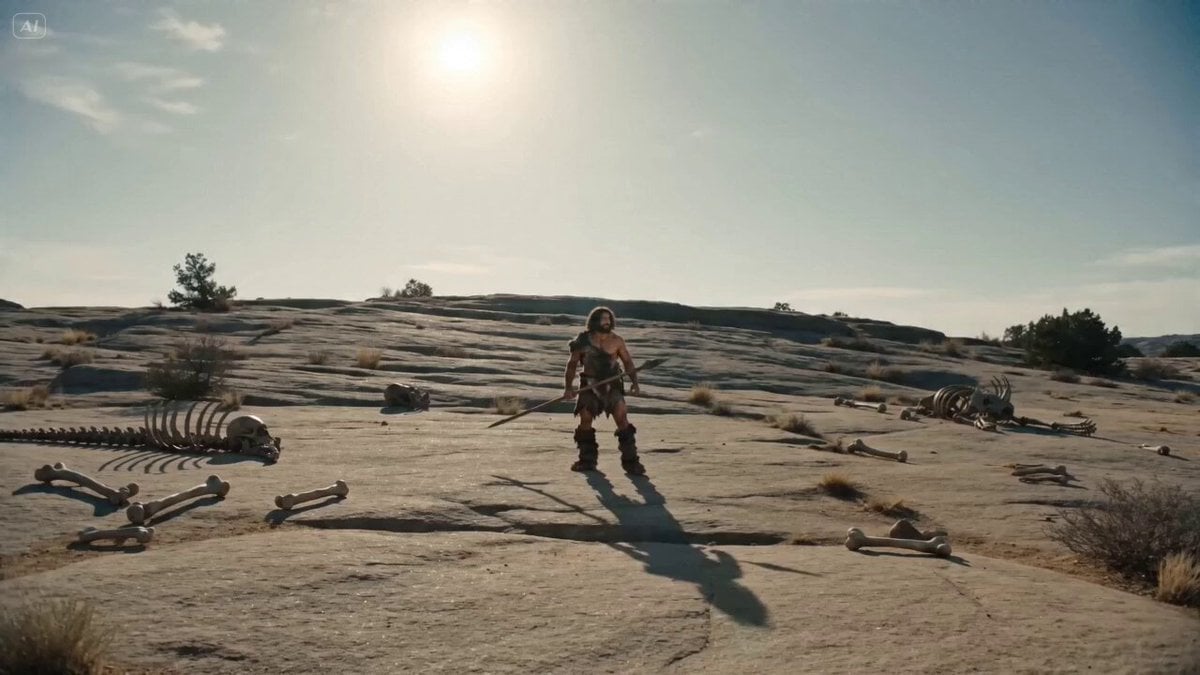
Phase 1: The Raw Era / 0.5s Cuts (原始时代) Visual Prompt (Chinese): (画面中心锁定: 一个张大嘴巴准备咬食物的男人。背景快速切换,但他保持同一个姿势) [0.0s] 原始穴居人,咬着一根带肉的骨头 (Cave Environment)。 [0.5s] 罗马皇帝,咬着一串紫葡萄 (Marble Palace)。
Phase 1: The Raw Era / 0.5s Cuts (原始时代) Visual Prompt (Chinese): (画面中心锁定: 一个张大嘴巴准备咬食物的男人。背景快速切换,但他保持同一个姿势) [0.0s] 原始穴居人,咬着一根带肉的骨头 (Cave Environment)。 [0.5s] 罗马皇帝,咬着一串紫葡萄 (Marble Palace)。
Edit the prompt in the box under the preview — the template's model and format are already selected — and press Generate. Your version appears right on this page.
Yes. You can change the subject, setting, lighting, mood, format, and available model controls before creating your video.
Opening and editing this template is free. Generating uses credits, shown on the Generate button when you are signed in.
Start with Seedance 2.0, which is the model associated with this template. You can compare another compatible model for a different finish.
Follow a topic to a crawlable collection of related PicX Studio templates.