
4K Cinematic Rugby Match Video
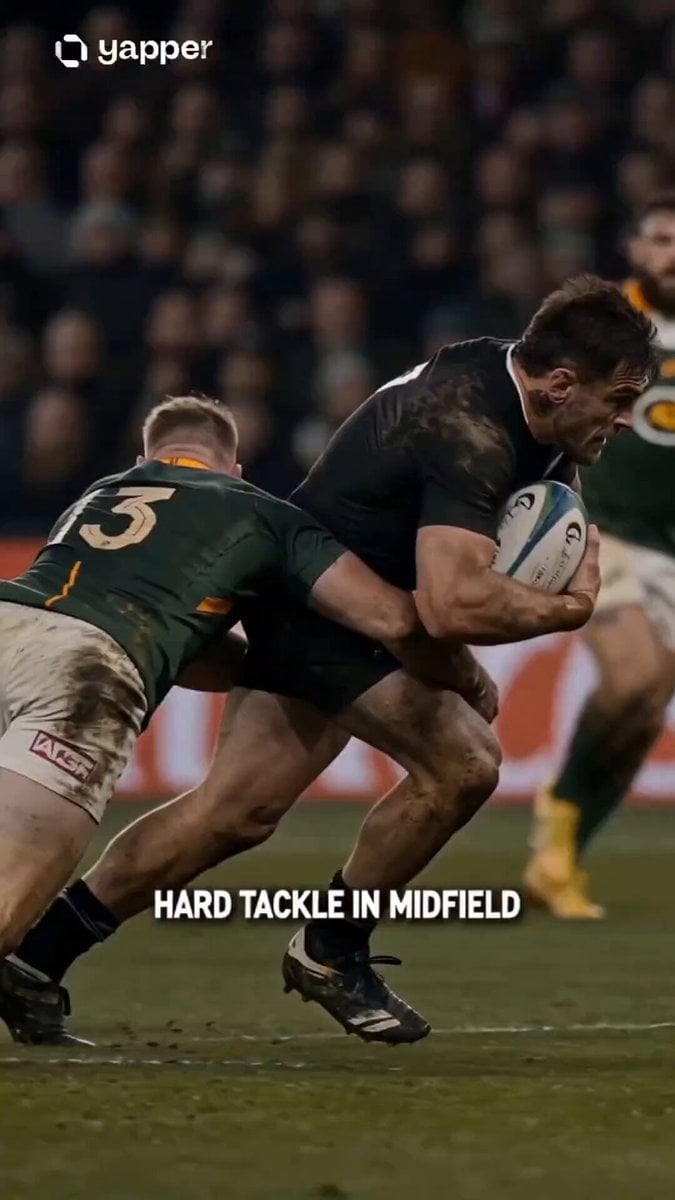
A high-intensity prompt for a cinematic rugby video, capturing everything from midfield tackles with flying turf to victory celebrations under stadium lighting.
- Prompt included
- Model and format preset
- Free template
The prompt behind this video
Copy the exact prompt behind 4K Cinematic Rugby Match Video, or open it in the studio and make it yours.
Create a 4K cinematic rugby storyboard from tackle to try with dramatic stadium lighting and broadcast style. Start with a slow-motion midfield tackle—mud and turf flying—then transition into a fast counterattack with offload and explosive sprint. Mix close-ups (boots, sweat, impact) with wide field shots. Show a key pass breaking the defense, followed by a sprint to the try line. Build tension with a slow-motion approach, then a powerful dive and ball grounding with realistic physics. End with an emotional celebration—teammates join, crowd erupts, stadium lights glow. Use dynamic camera angles, motion blur, and smooth transitions to highlight the shift from defense to victory.
How to use 4K Cinematic Rugby Match Video in 3 steps
- 1
Open
The prompt is already in the box next to the preview, with the template's model and format selected.
- 2…a portrait of your subject in softgolden-hour light, 85mm…
Personalize
Edit the subject and creative details for your destination.
- 3Generate
Generate
Press Generate — your video is created in PicX Studio, so you can compare it with the original and refine one variable at a time.
More like this
Templates with the same subject, style or setup. Open one to see its prompt.
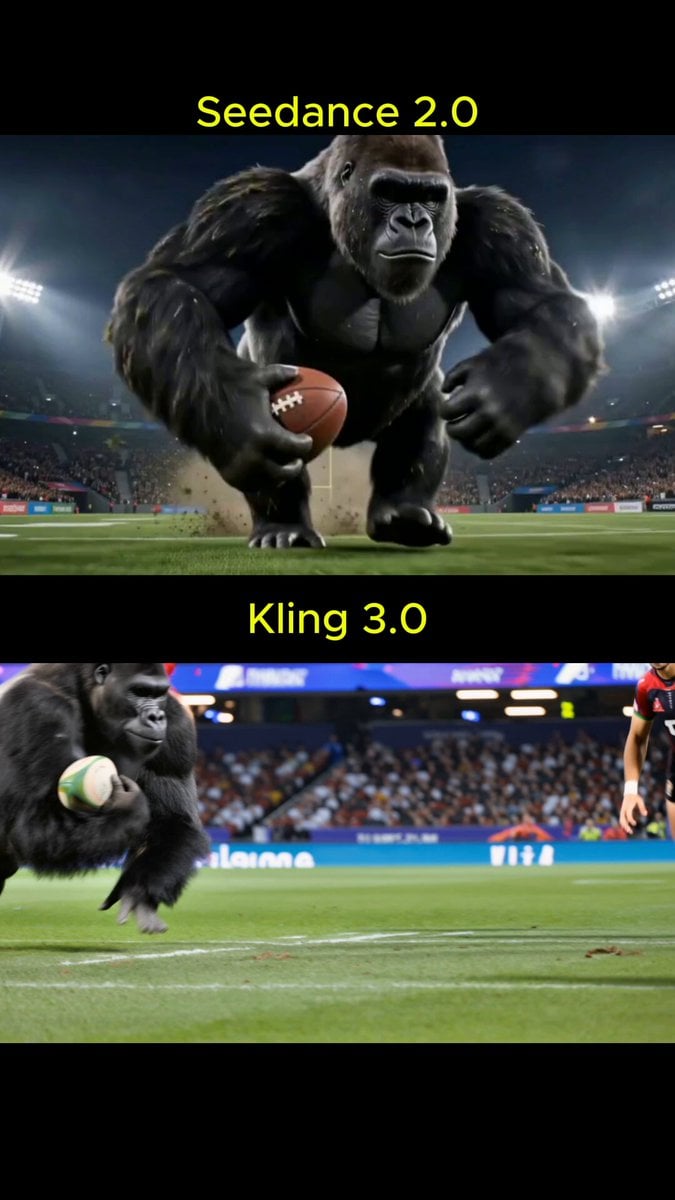
Rugby Match: Humans vs. Gorillas
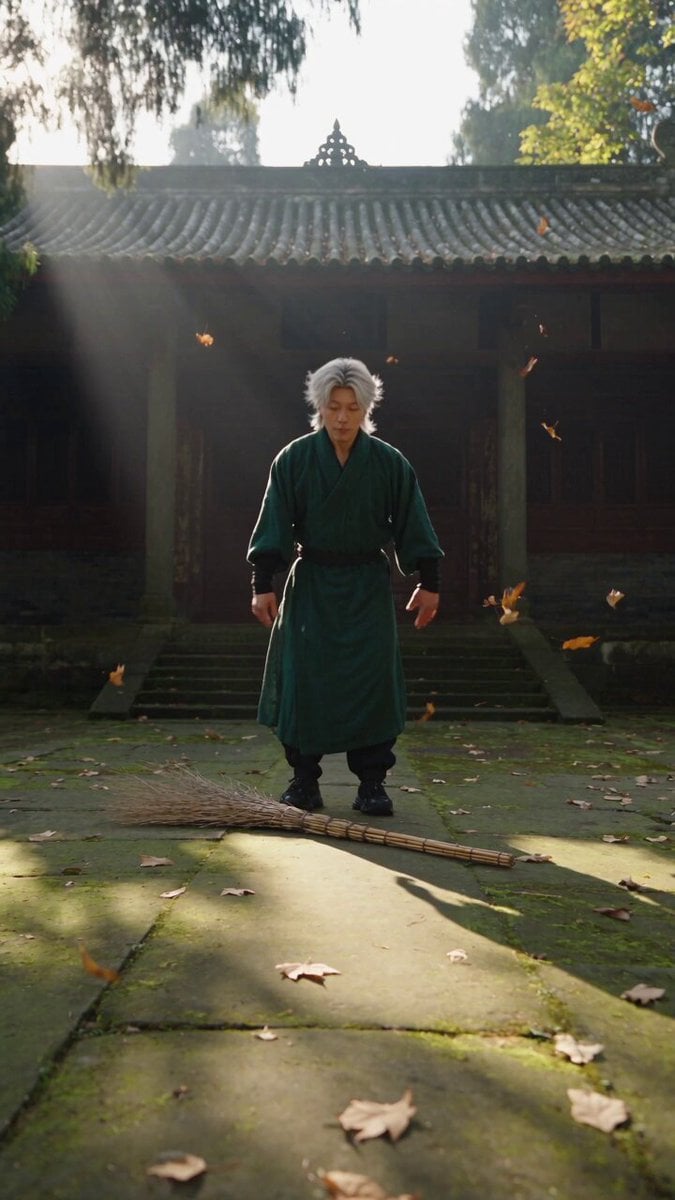
Neo-Wuxia Cinematic Action Match Cut
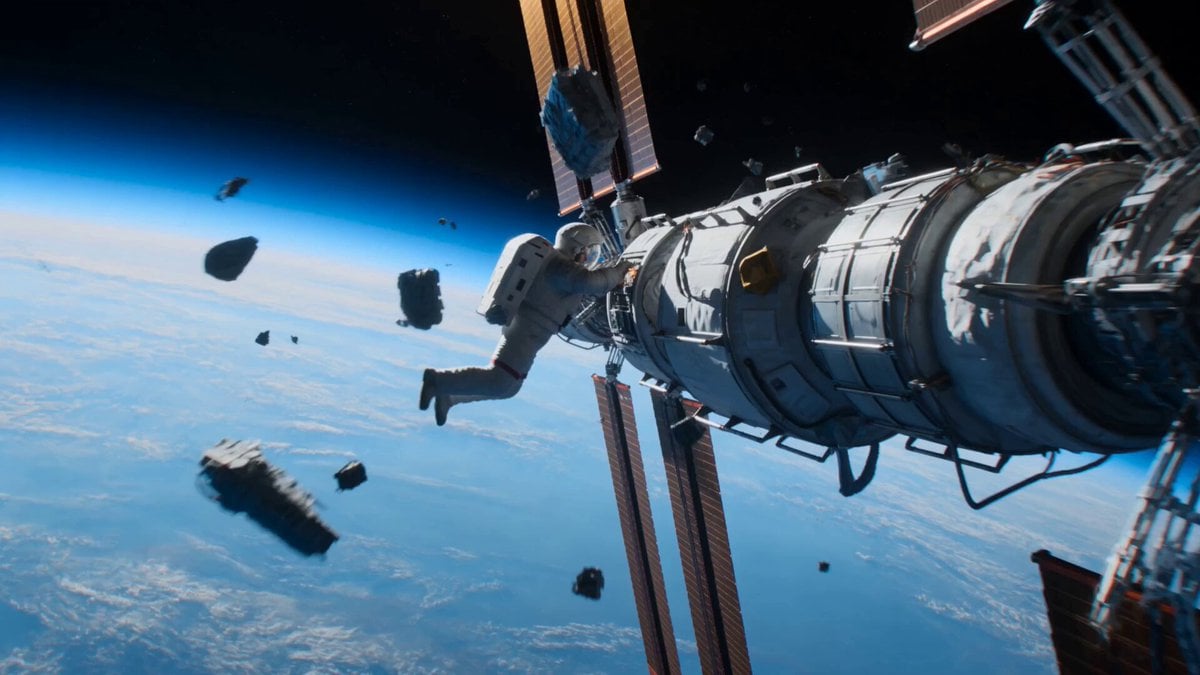
Astronaut to Apartment Match Cut Transition
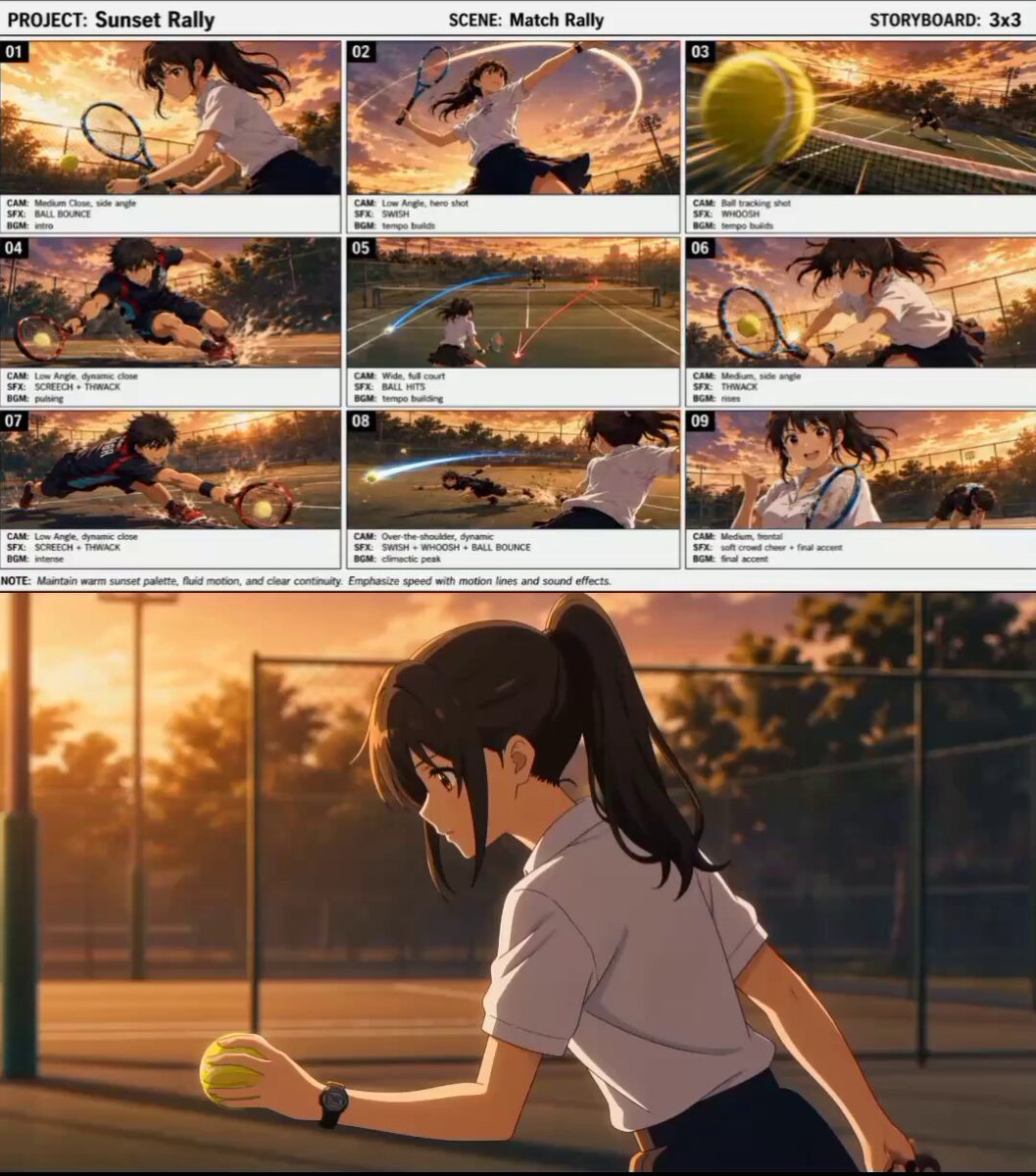
Cinematic Anime Tennis Match

Seamless Invisible Match Transition Video
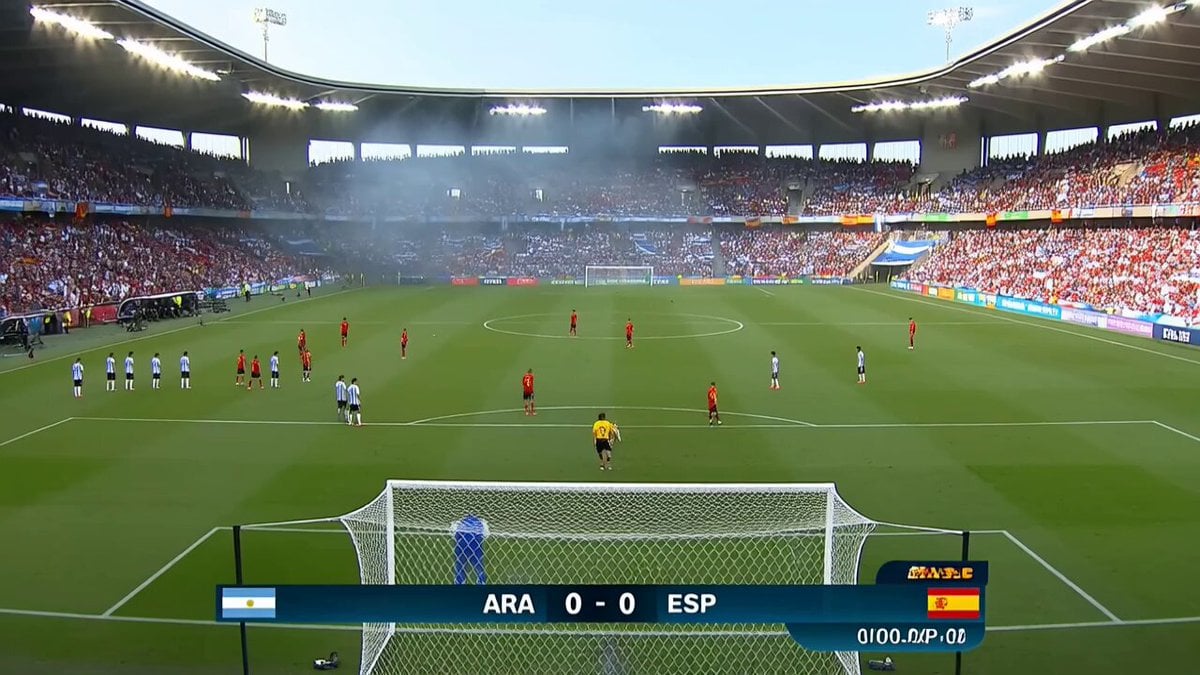
Viral Football Match Comedy Broadcast
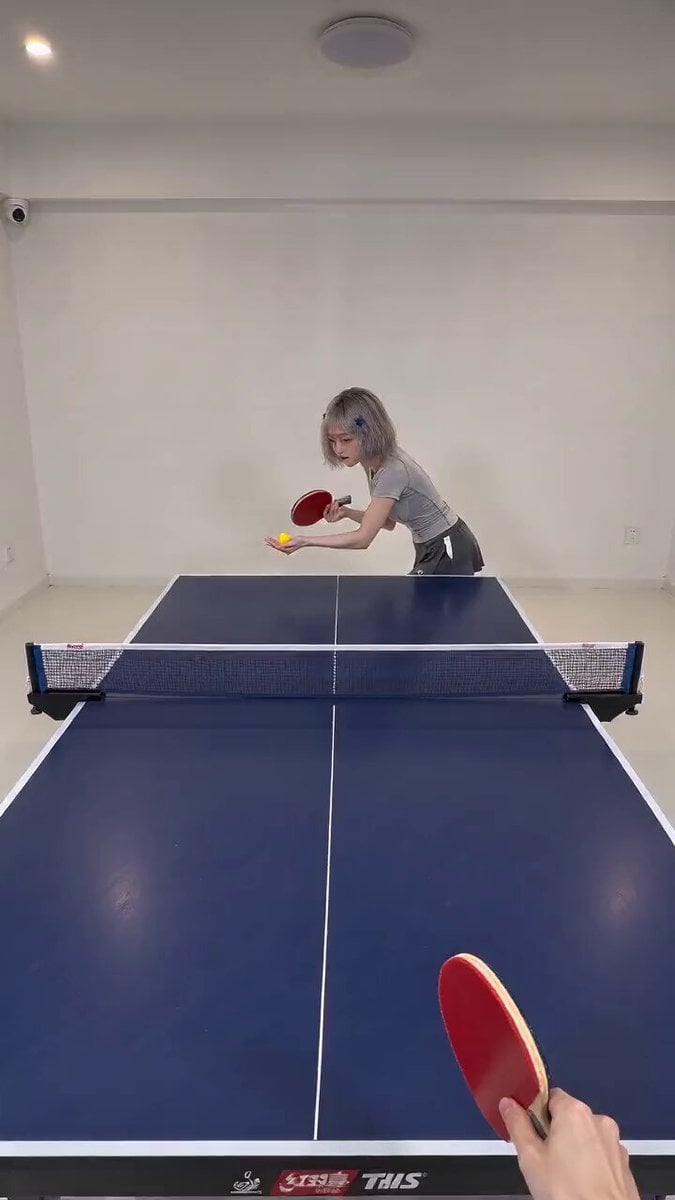
First-Person POV Ping Pong Match with Digital Human
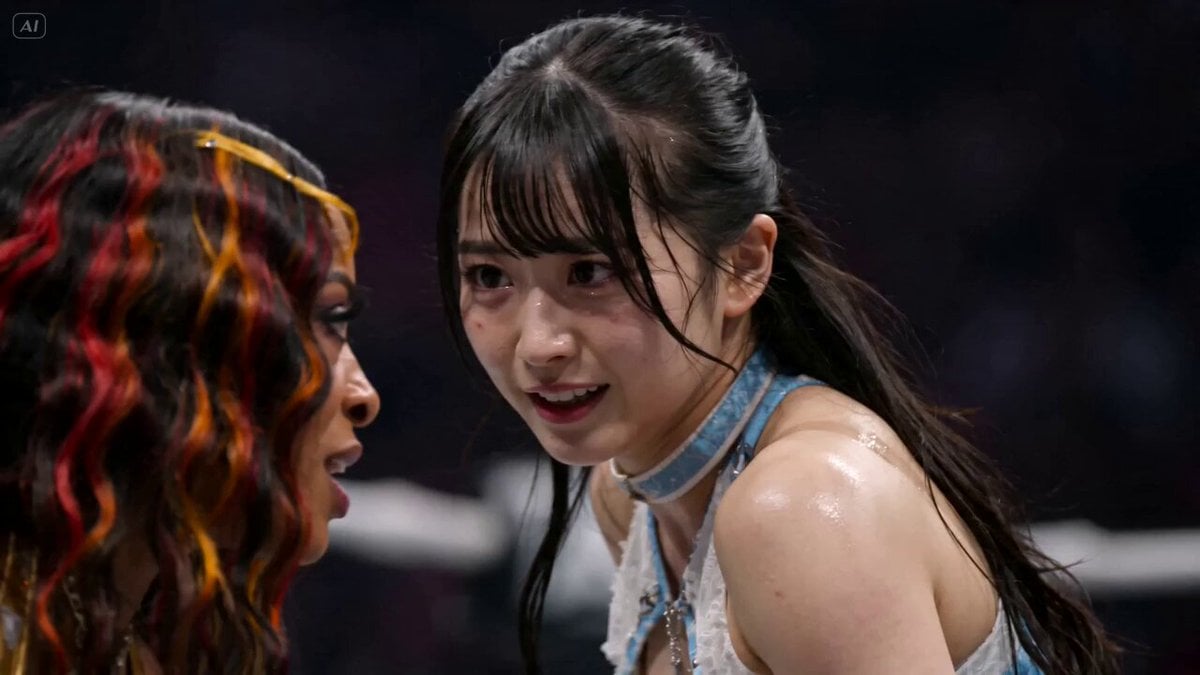
AEW Women's Championship Wrestling Match
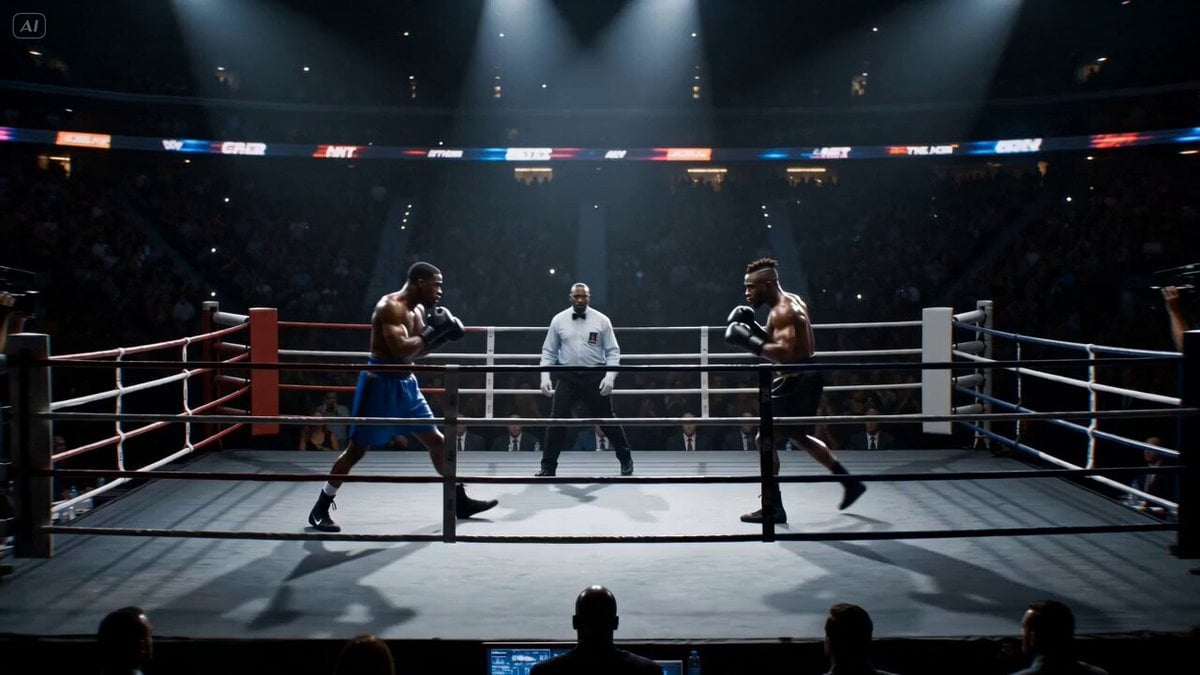
Cinematic Boxing Match Knockout
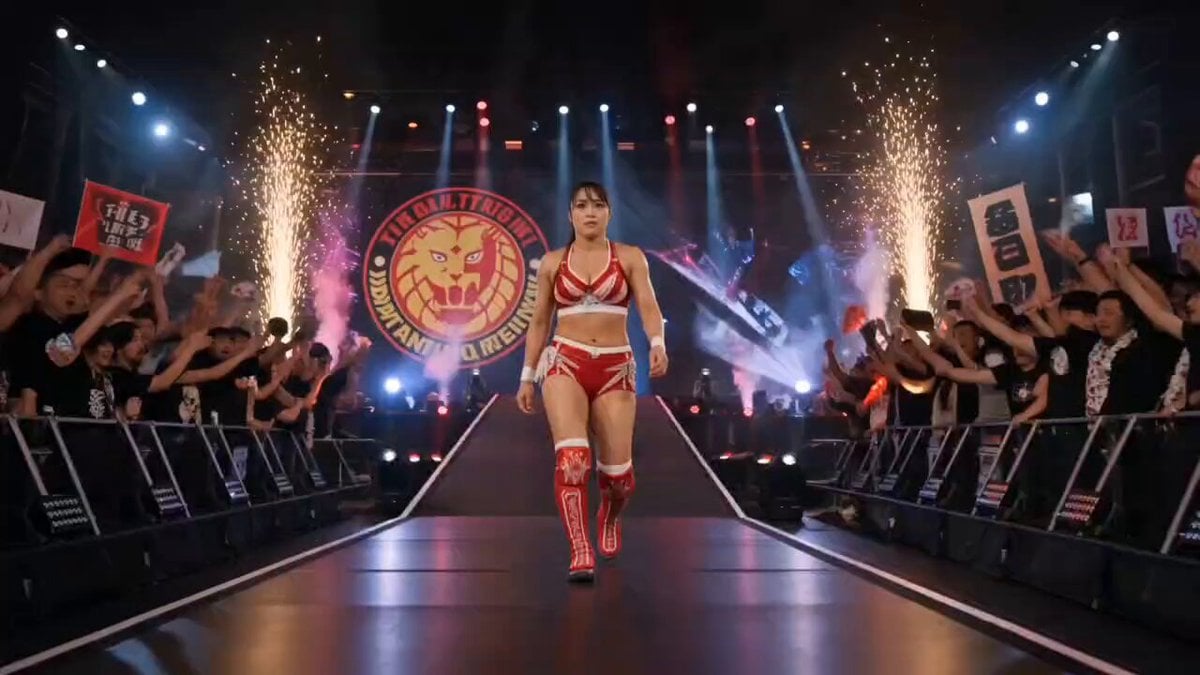
NJPW Women's Championship Match
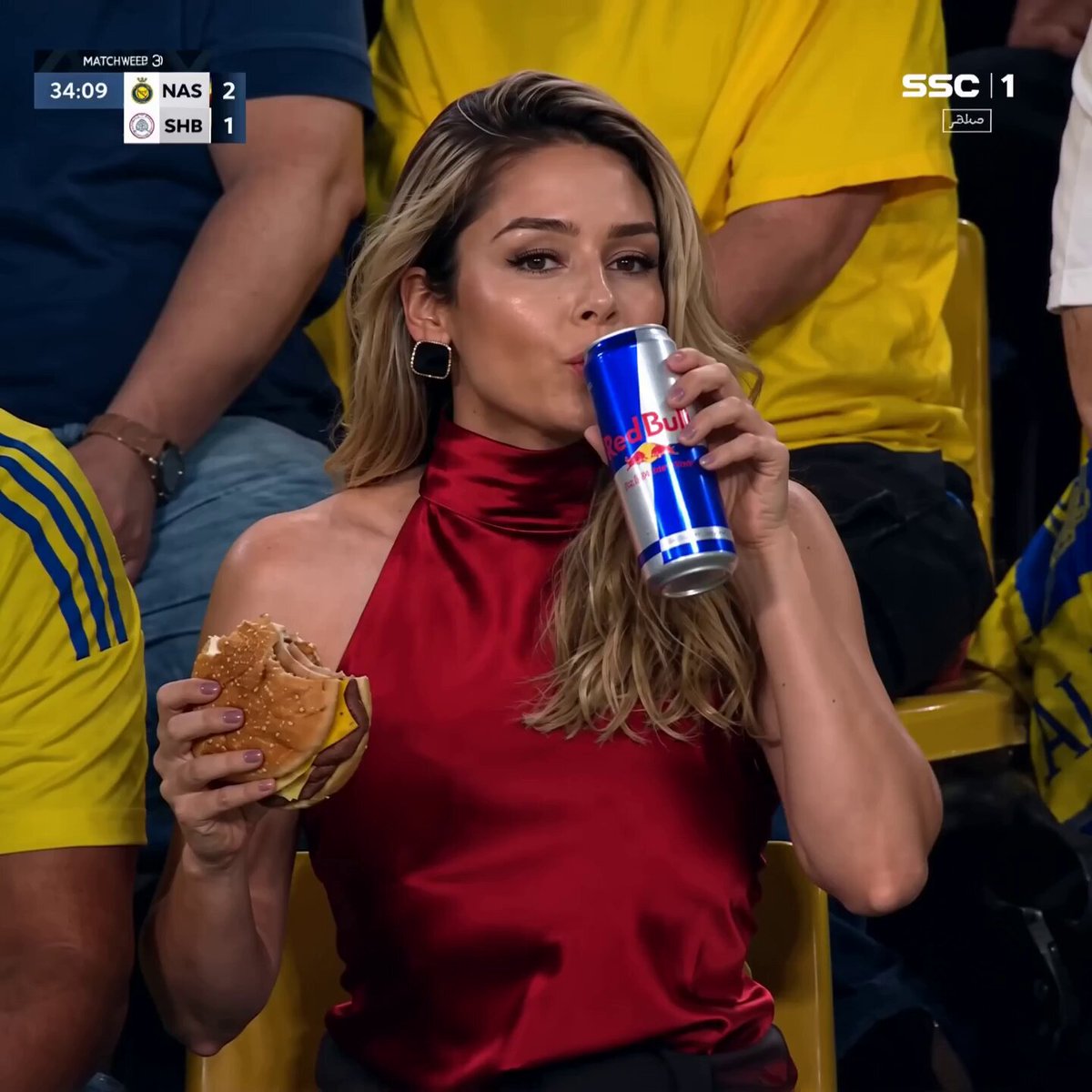
Glamorous Woman at Soccer Match
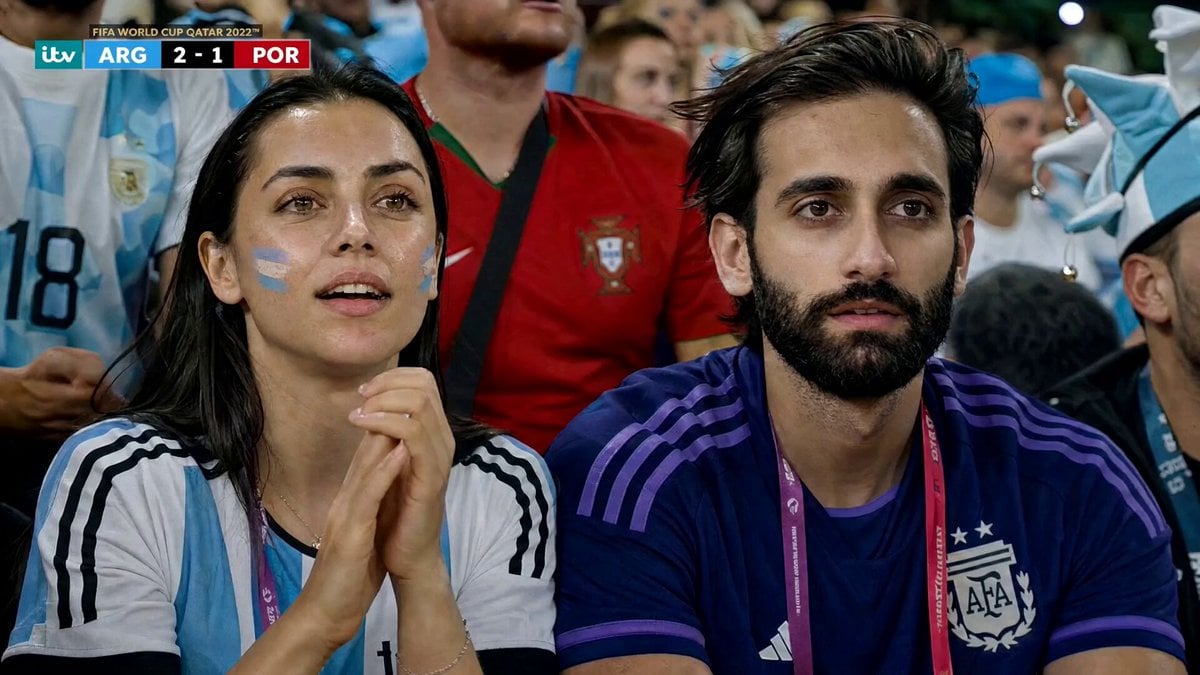
Football Match Fan Reaction
Make it yours
4K Cinematic Rugby Match Video works as-is. These are the safest ways to change it without losing the look.
Change one field
Copy a single group, rewrite it, and generate again so you can see what that field is doing.
Keep the frame, change the subject
Hold the composition and light of 4K Cinematic Rugby Match Video, then swap wardrobe, props or the person for a new take.
| If the result… | Why | Fix |
|---|---|---|
| The result drifts from the preview | Too many fields changed at once. | Reuse 4K Cinematic Rugby Match Video as-is first, then change one group — subject, light, or setting. |
| The model over-stylizes the scene | The prose prompt leaves finish and camera underspecified. | Add one camera or lighting sentence and stay on Seedance 2.0. |
More Seedance 2.0 templates
Other prompts made for Seedance 2.0.

Comical Martial Arts Punch Scene

Maglev Train Action Sequence

Martial Arts Fight Sequence

Wuxia Protection and Trust Script

Vintage Korean Arcade MiniDV Vlog

Mercedes 190 SL Luxury Ad

Rainy Night Supernatural Reverse Comedy Video Script

Amazon Civilization Discovery

Futuristic South Asian City Transformation

Cozy Luxury Cafe Commercial
More video prompts
Fresh picks from across the catalog.
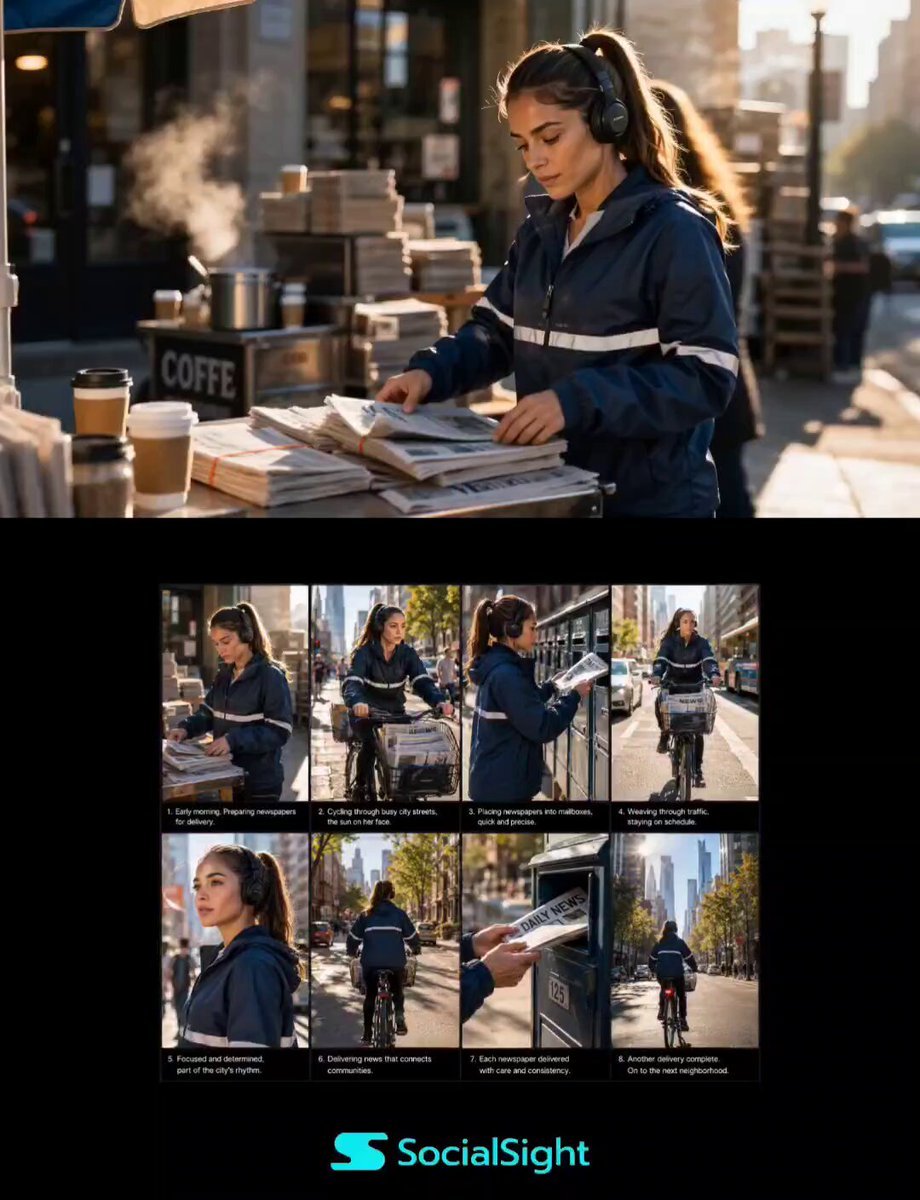
Urban Newspaper Courier Lifestyle Sequence
Morning Yoga Routine Vlog Prompt
Voice Controlled Water Animation
Pop-Art Cartoon vs Live-Action Fight
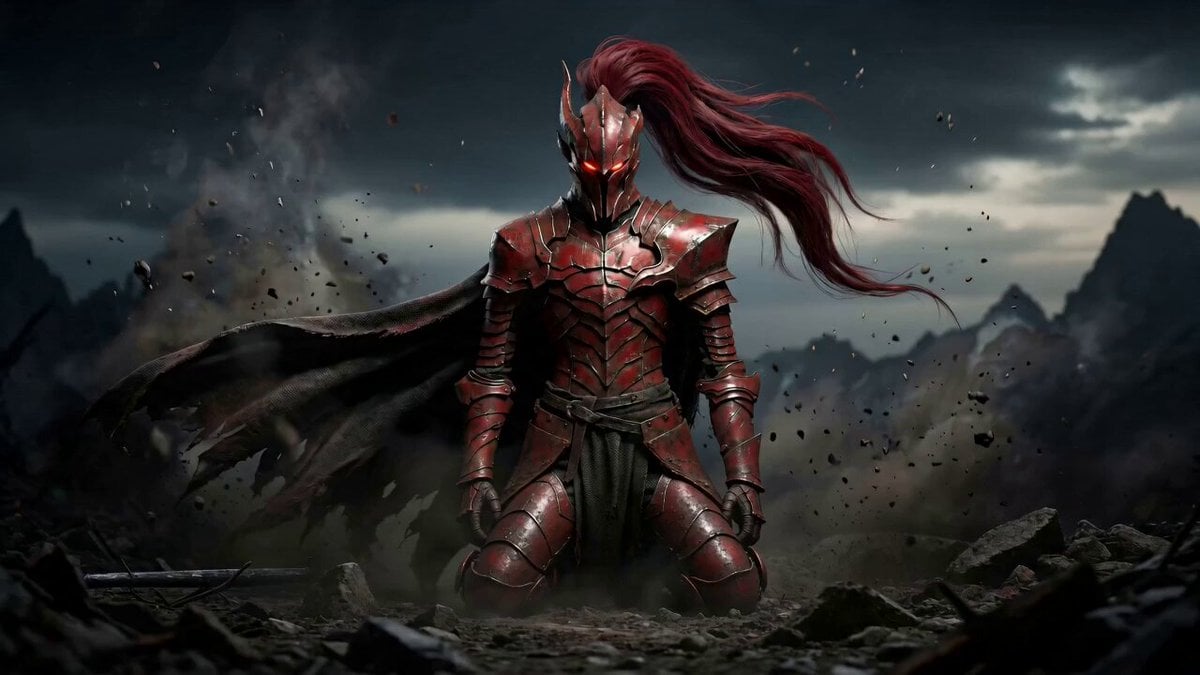
Dark Fantasy Duel: Shadow Monarch vs Knight
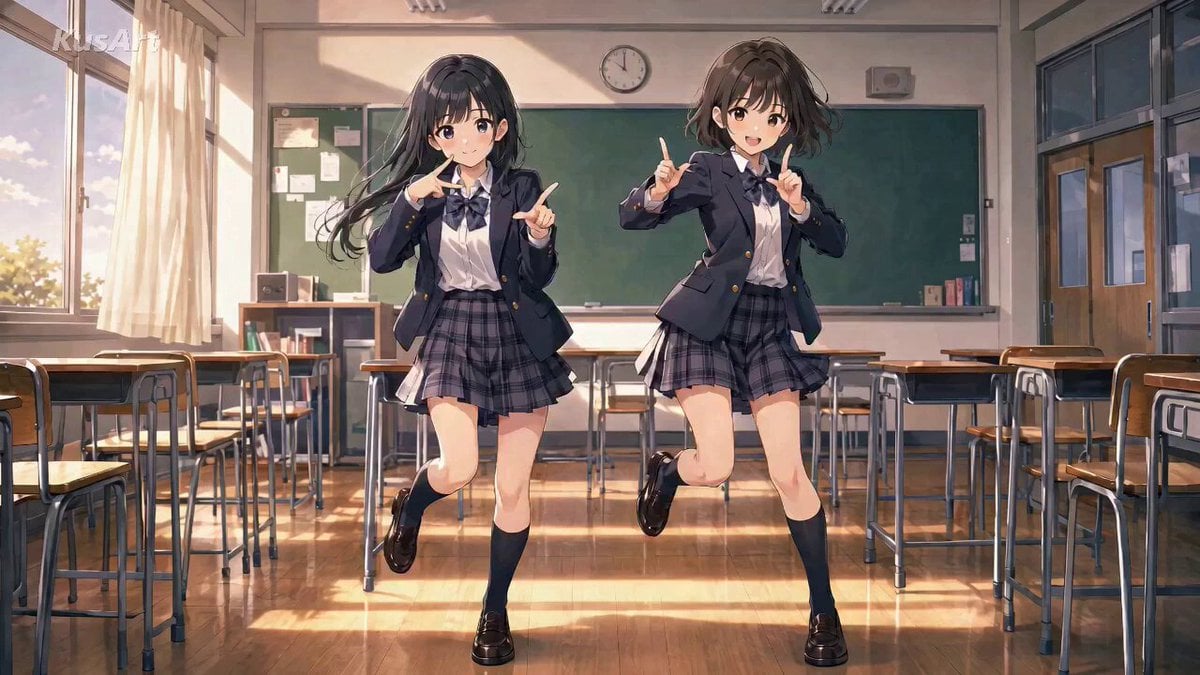
Anime High School Pair Dance
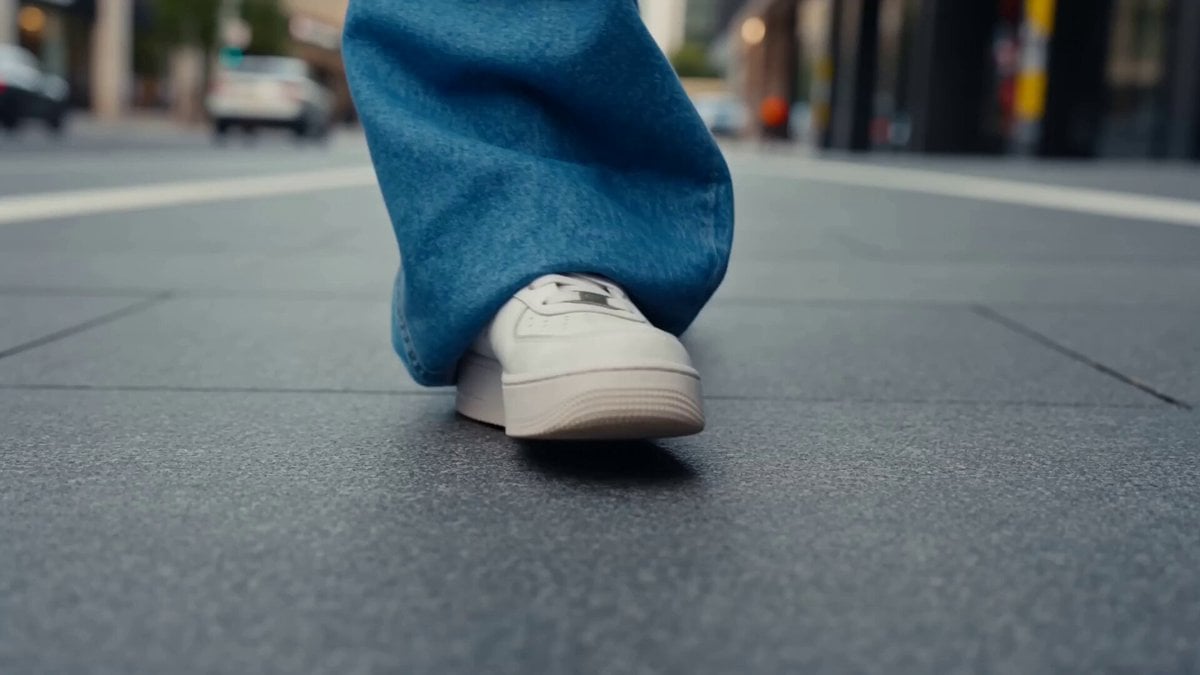
Beat-Driven Streetwear Video

Miniature Bakery Pancake Tower

Ghibli Style Egyptian Market Scene with Crocodile Servant
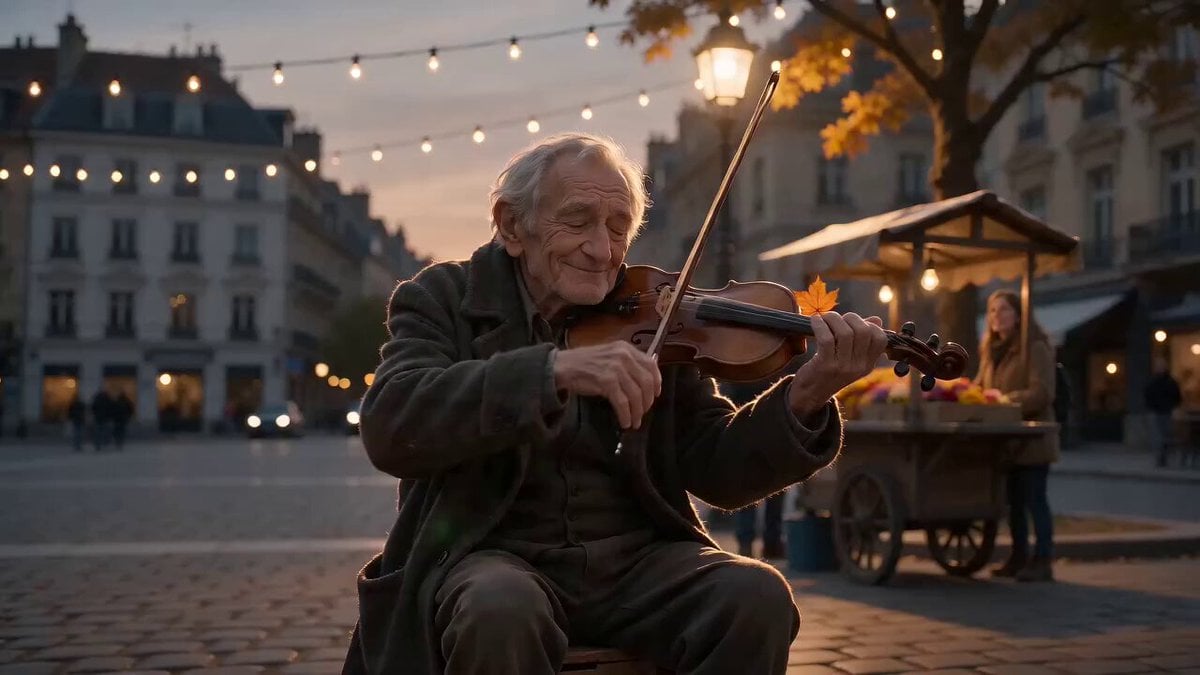
Street Musician Magical Realism Film
Browse template categories
4K Cinematic Rugby Match Video questions
How do I use the 4K Cinematic Rugby Match Video template?
Add your photo if the template asks for one, edit the prompt if you like — the template's model and format are already selected — and press Generate. Your version opens in PicX Studio.
Can I customize the 4K Cinematic Rugby Match Video template?
Yes. You can change the subject, setting, lighting, mood, format, and available model controls before creating your video.
Is the 4K Cinematic Rugby Match Video template free?
Opening and editing this template is free. Generating uses credits, shown on the Generate button when you are signed in.
Which AI model should I use?
Start with Seedance 2.0, which is the model associated with this template. You can compare another compatible model for a different finish.
Looking for something else? Browse all templates.

Your photo, any look
Thousands of ready templates for every top image and video model, from one credit balance.