
Surreal City Bubblegum Glitch
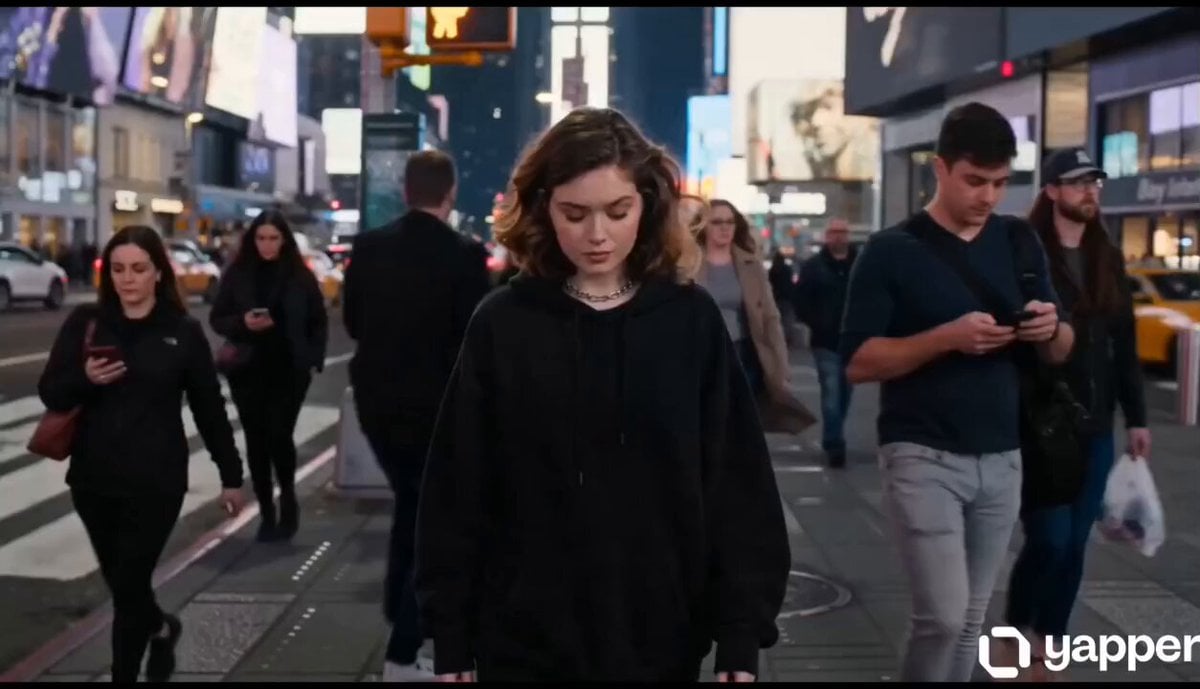
A highly detailed cinematic prompt featuring a mysterious woman whose bubblegum pop triggers a surreal, reality-glitching transformation of a night-time city.
- Prompt included
- Model and format preset
- Free template
The prompt behind this video
Copy the exact prompt behind Surreal City Bubblegum Glitch, or open it in the studio and make it yours.
A hyper realistic cinematic video of a stunning mysterious woman walking through a busy city crosswalk at night in slow motion. She wears an oversized matte black hoodie, silver chains, and futuristic fashion. Everyone around her is distracted, moving fast, looking at phones. The woman suddenly stops in the middle of the street and quietly blows bubblegum. As the bubble pops — reality completely glitches. Instantly the entire city begins transforming from her imagination. Streetlights bend and stretch like liquid neon, cars freeze mid-motion, and giant glowing butterflies explode out of the air like shattered glass. Every sound becomes deep and cinematic. The bubblegum floating in front of her transforms into a pink glowing moon above the city. Buildings start floating upside down in the sky while gravity breaks apart around her. Thousands of glowing particles, roses, shattered clocks, and neon rain drift slowly around her body. She smirks slightly and starts walking again while the world behind her collapses into surreal fantasy visuals. The road beneath her turns into reflective galaxy water with stars moving under her feet. Giant koi fish swim through the air between skyscrapers. Extreme cinematic camera work, dramatic closeups, smooth orbit shots, luxury fashion energy, emotionally addictive atmosphere, surreal imagination visuals, realistic physics, ultra detailed face and skin texture, dark futuristic aesthetic, viral TikTok/Reels vibe, masterpiece quality, insane visual transitions, 4K ultra realism. Final shot: She looks directly into camera… snaps the bubblegum back into her mouth… and the whole universe instantly disappears back to normal city noise.
How to use Surreal City Bubblegum Glitch in 3 steps
- 1
Open
The prompt is already in the box next to the preview, with the template's model and format selected.
- 2…a portrait of your subject in softgolden-hour light, 85mm…
Personalize
Edit the subject and creative details for your destination.
- 3Generate
Generate
Press Generate — your video is created in PicX Studio, so you can compare it with the original and refine one variable at a time.
More like this
Templates with the same subject, style or setup. Open one to see its prompt.
Nano Banana Seedance Environment Render Walk
Whale in the Sky — City Shadows (Kling AI)
Giant Seahorse City Destruction — Flova AI

Realistic City Street Story Cinematic Video - Seedance

Luxury Lifestyle Day Vlog

NYC Wingsuit Hot Dog Landing

Luxury Airport Travel Vlog

Iced Coffee Dog Good-News Montage

Italian Old-Town Time-Freeze Walk
Time Glitch City Walk
The Falling City Surreal Short Film
City Timelapse Growth — Seedance 2.0
Make it yours
Surreal City Bubblegum Glitch works as-is. These are the safest ways to change it without losing the look.
Change one field
Copy a single group, rewrite it, and generate again so you can see what that field is doing.
Keep the frame, change the subject
Hold the composition and light of Surreal City Bubblegum Glitch, then swap wardrobe, props or the person for a new take.
| If the result… | Why | Fix |
|---|---|---|
| The result drifts from the preview | Too many fields changed at once. | Reuse Surreal City Bubblegum Glitch as-is first, then change one group — subject, light, or setting. |
| The model over-stylizes the scene | The prose prompt leaves finish and camera underspecified. | Add one camera or lighting sentence and stay on Seedance 2.0. |
More Seedance 2.0 templates
Other prompts made for Seedance 2.0.

Comical Martial Arts Punch Scene

Maglev Train Action Sequence

Martial Arts Fight Sequence

Wuxia Protection and Trust Script

Vintage Korean Arcade MiniDV Vlog

Mercedes 190 SL Luxury Ad

Rainy Night Supernatural Reverse Comedy Video Script

Amazon Civilization Discovery

Futuristic South Asian City Transformation

Cozy Luxury Cafe Commercial
More video prompts
Fresh picks from across the catalog.
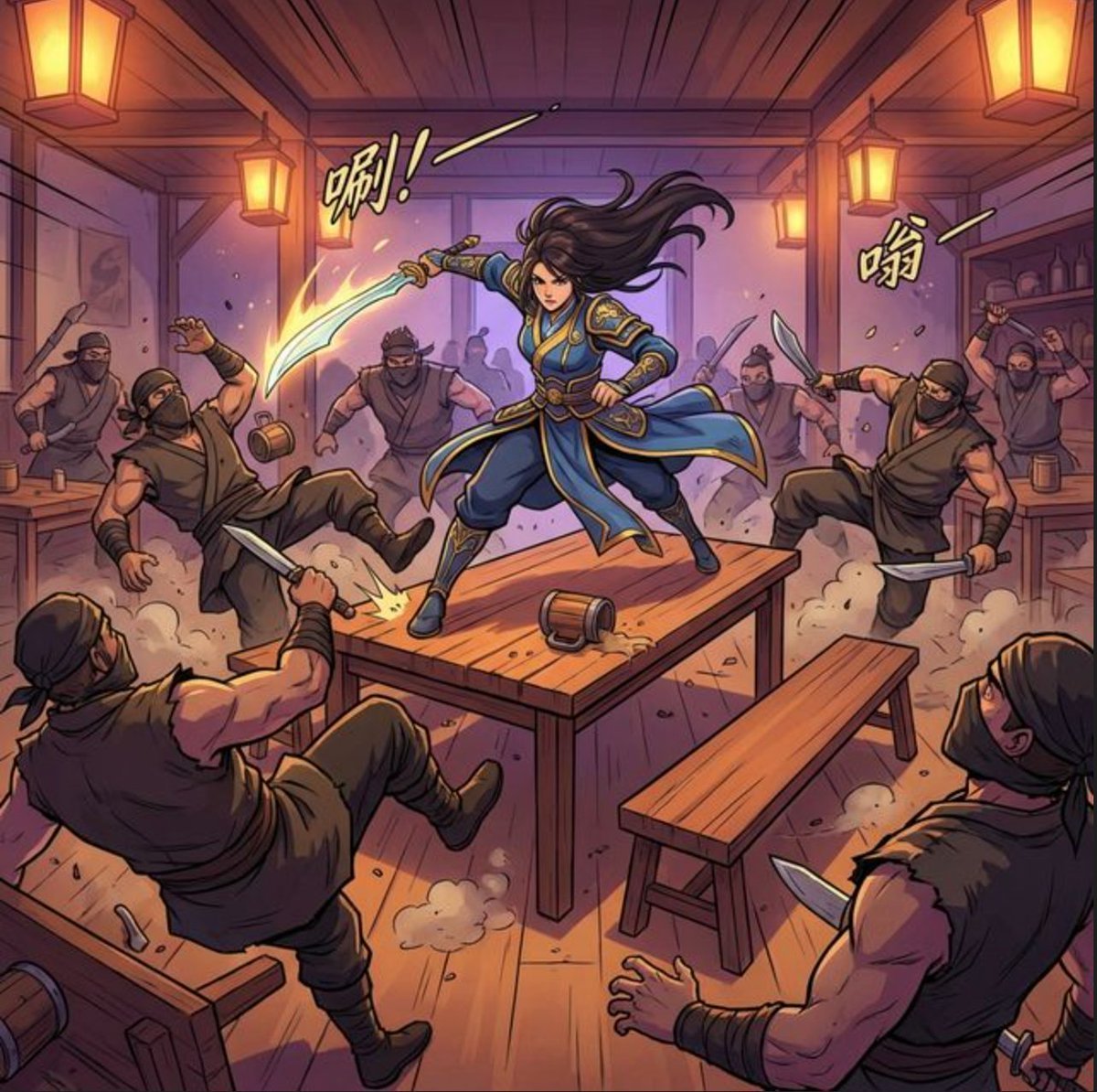
Martial Arts Fight Scene Generation Prompt
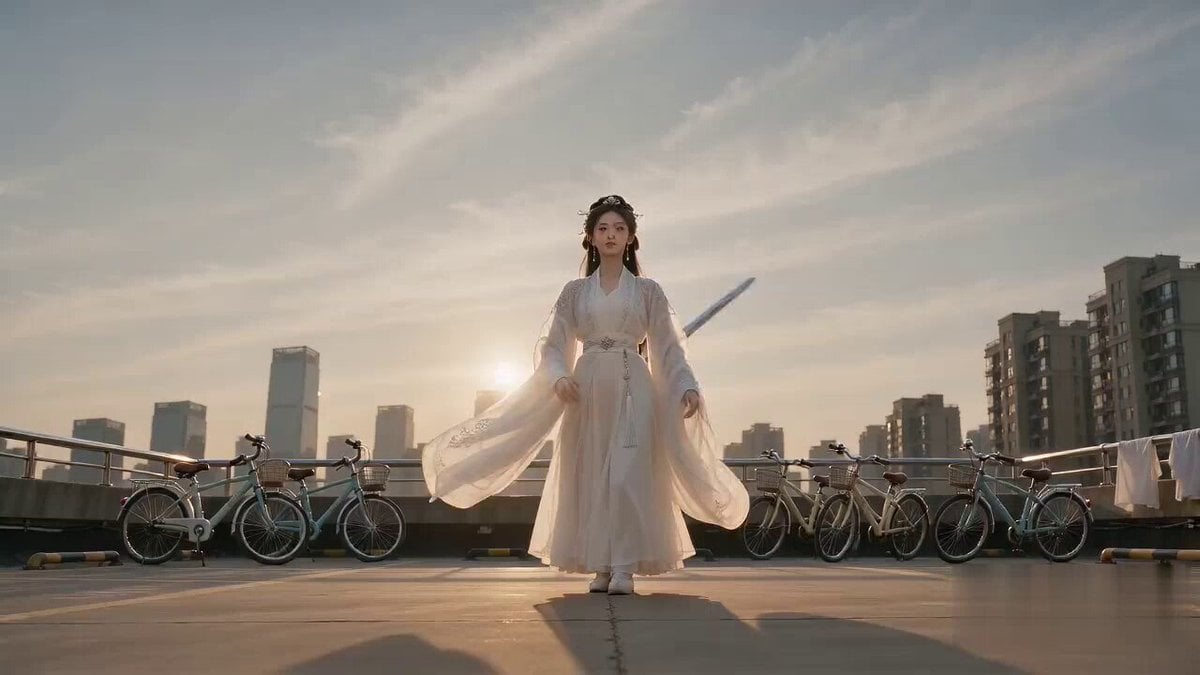
Cinematic Bicycle Array Comedy Video Prompt
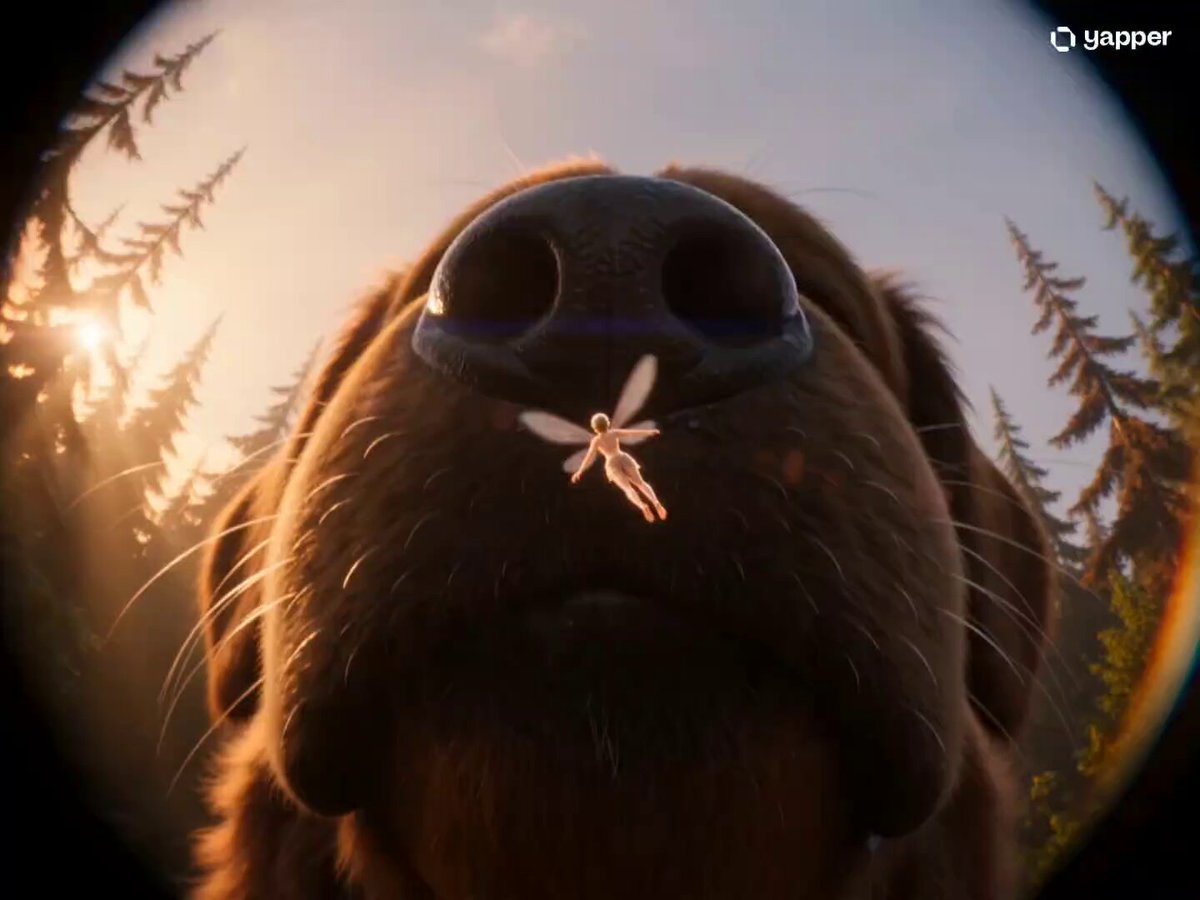
Fairy and Puppy Macro Perspective Structured Prompt

Gourmet Burger Food Commercial
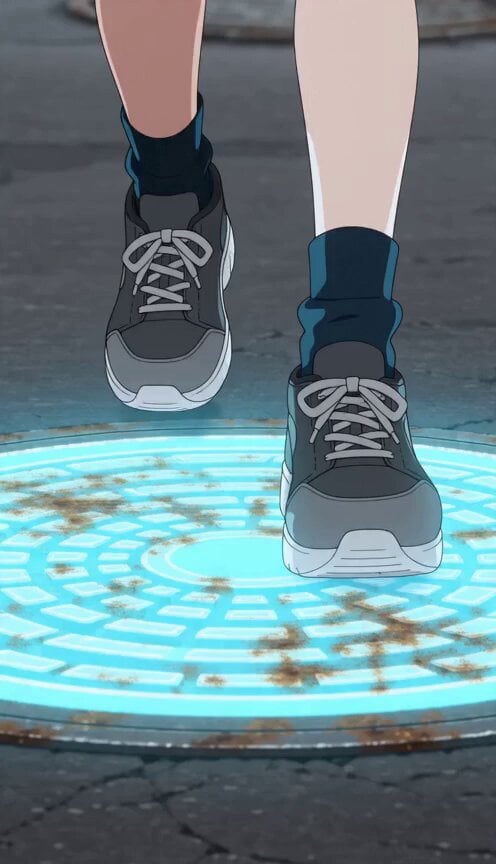
Anime Girl Manhole Rhythm Run
Black-and-White Alley Scene Prompt
Cinematic Futuristic Anime Sword Fight
Automaton Post-Apocalyptic Jungle Run
Bullet time selfie video template
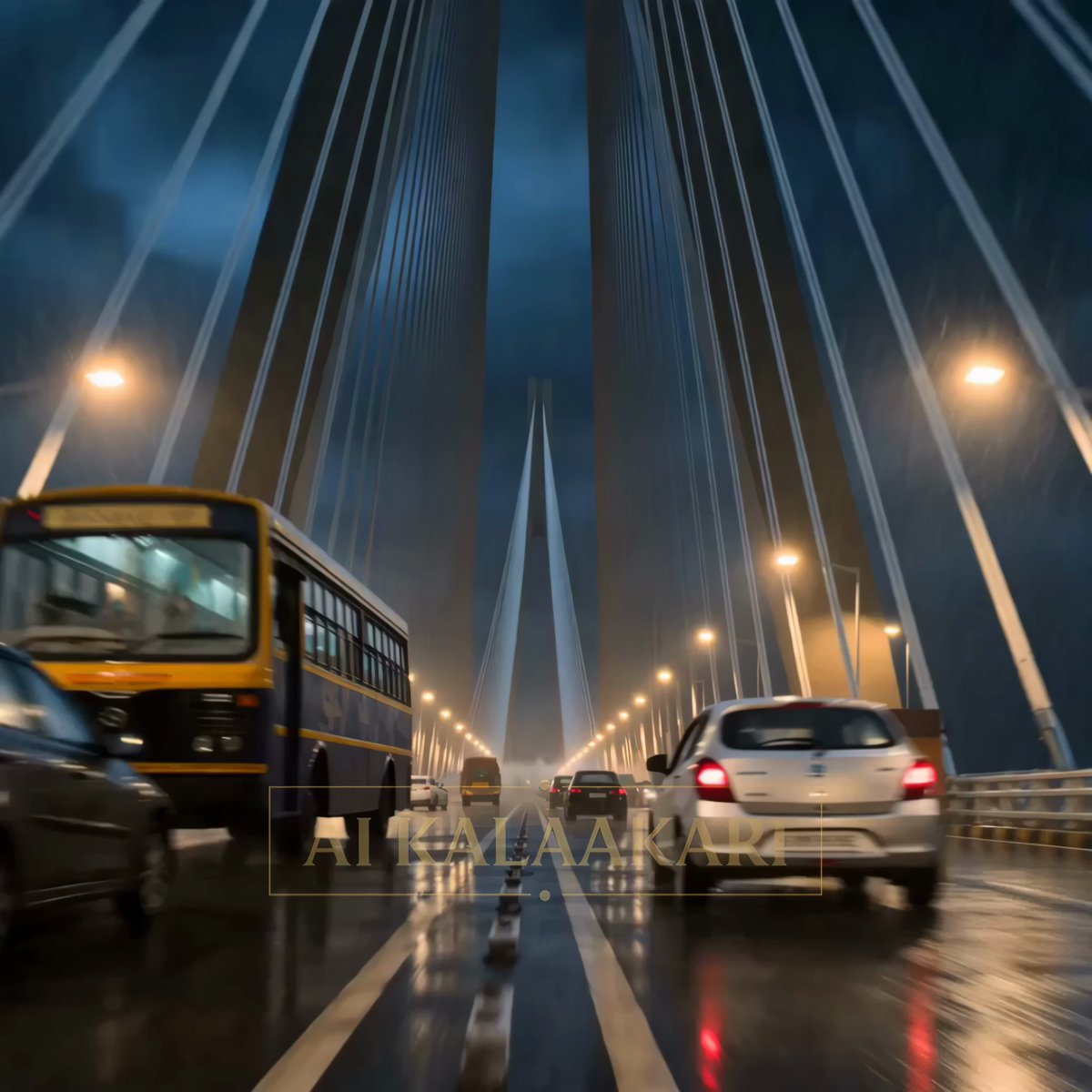
Kaiju Attack on Mumbai Sea Link
Browse template categories
Surreal City Bubblegum Glitch questions
How do I use the Surreal City Bubblegum Glitch template?
Add your photo if the template asks for one, edit the prompt if you like — the template's model and format are already selected — and press Generate. Your version opens in PicX Studio.
Can I customize the Surreal City Bubblegum Glitch template?
Yes. You can change the subject, setting, lighting, mood, format, and available model controls before creating your video.
Is the Surreal City Bubblegum Glitch template free?
Opening and editing this template is free. Generating uses credits, shown on the Generate button when you are signed in.
Which AI model should I use?
Start with Seedance 2.0, which is the model associated with this template. You can compare another compatible model for a different finish.
Looking for something else? Browse all templates.

Your photo, any look
Thousands of ready templates for every top image and video model, from one credit balance.