
Bioluminescent Jellyfish Alien Encounter
A B-movie horror-style prompt featuring a continuous handheld shot of an armed guard encountering a jumping bioluminescent alien on the ocean.

- Prompt included
- Model and format preset
- Free template
The prompt behind this video
Copy the exact prompt behind Bioluminescent Jellyfish Alien Encounter, or open it in the studio and make it yours.
Single continuous handheld of an armed guard standing on the deck of a small ship, looking over a dark metal railing down at the choppy ocean. Heavy overcast gray daytime, flat cold diffused light, misty atmosphere, realistic B-movie horror style exactly like the provided reference images. A large translucent bioluminescent half-jellyfish half-squid creature with a pale bulbous mantle and thick dangling tentacles bounces energetically across the dark water surface 15-20 meters away, splashing and hopping like a living ball. The guard is breathing heavily and speaking urgently into his radio in panicked tones about the creature moving on the water, asking for orders and whether he should engage, reacting in pure shock every time it suddenly disappears. He fires his rifle multiple times. Each shot causes the creature to instantly vanish in a splash and reappear a few meters away, still bouncing playfully. A tense voice on the radio crackles back instructing him to take it out. This cycle repeats 2-3 times with realistic water physics and shaky camera. At around the 13-second mark the creature suddenly stops bouncing, hovers for a split second, then rockets away at blinding super speed directly into the foggy horizon like The Flash, disappearing completely. Cinematic tension, photorealistic, high detail, subtle film grain. Natural sounds.
How to use Bioluminescent Jellyfish Alien Encounter in 3 steps
- 1
Open
The prompt is already in the box next to the preview, with the template's model and format selected.
- 2…a portrait of your subject in softgolden-hour light, 85mm…
Personalize
Edit the subject and creative details for your destination.
- 3Generate
Generate
Press Generate — your video is created in PicX Studio, so you can compare it with the original and refine one variable at a time.
More like this
Templates with the same subject, style or setup. Open one to see its prompt.
Desert Survival Alien Encounter
Bioluminescent Jellyfish and Prehistoric Monster Attack
Deep-Sea Coral Reef Jellyfish Scene

Alien Jellyfish Bodycam Attack
Cinematic Night Scene with Giant Bioluminescent Jellyfish
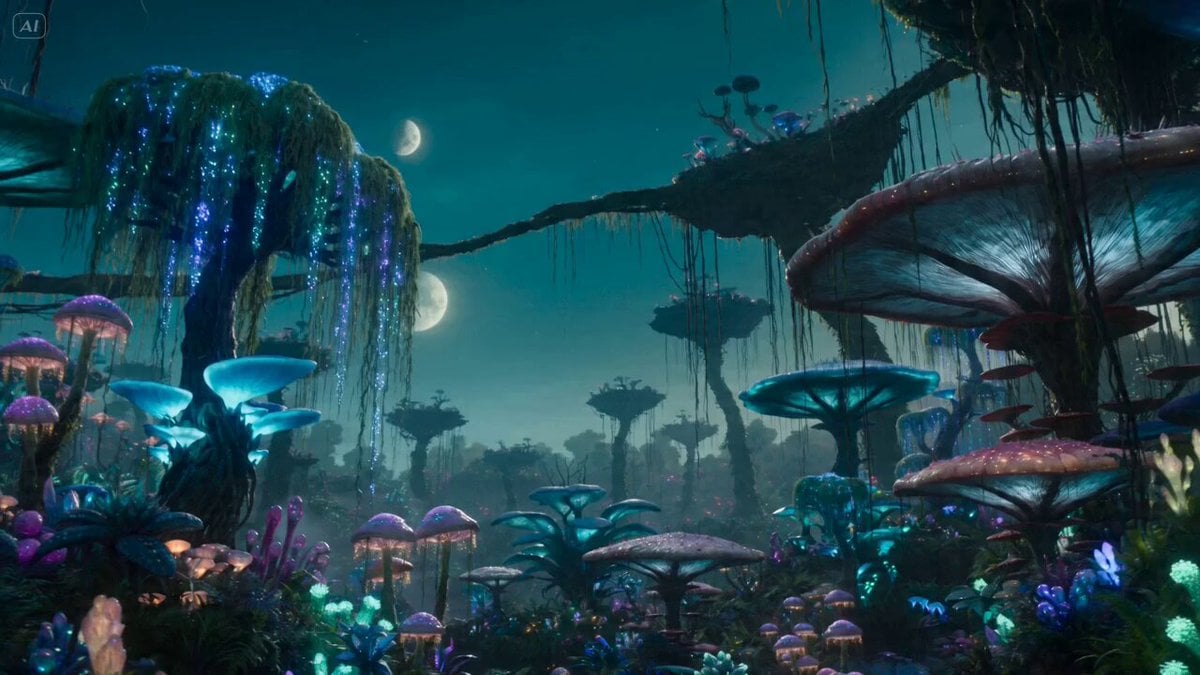
Bioluminescent Alien Planet Exploration
Sea Serpent vs Crab Titan — Ocean Battle
Speeder Chase Across a Cliff City
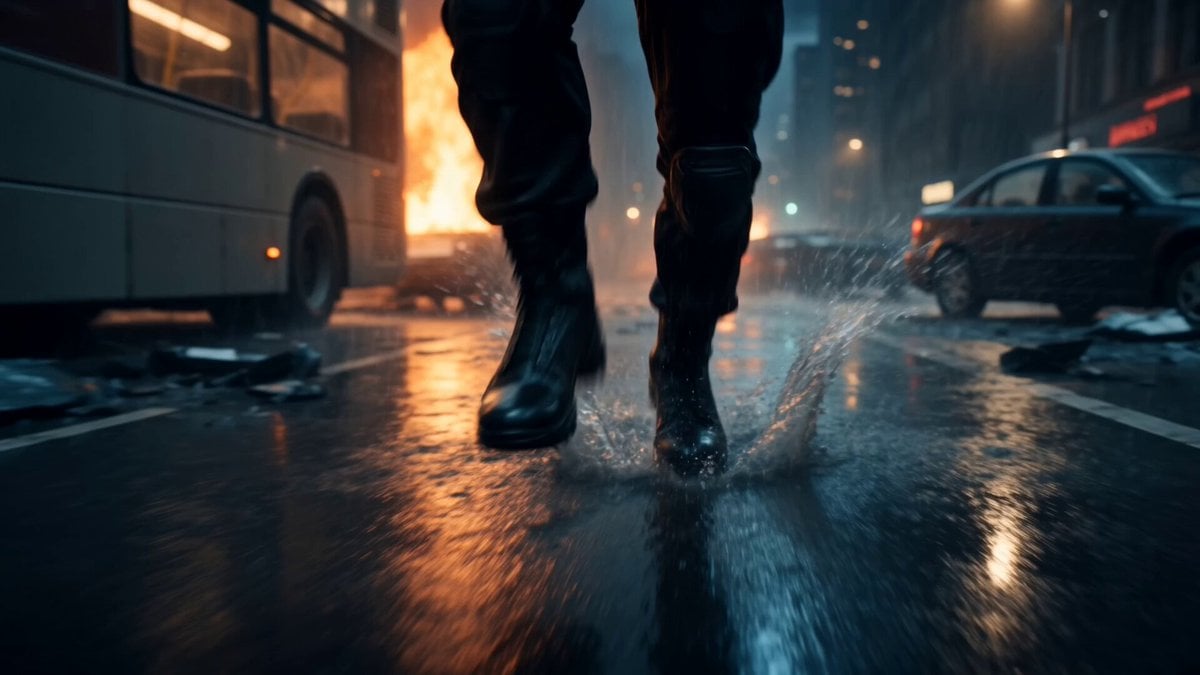
Alien Invasion City Chase Cinematic Video
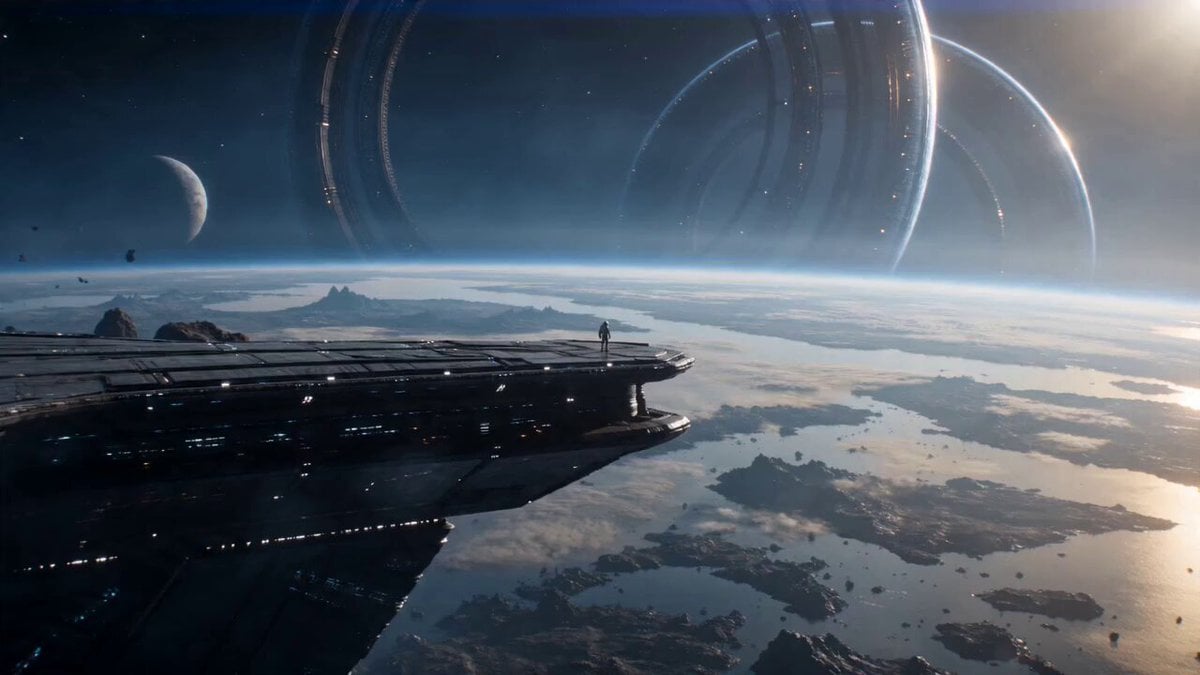
Astronaut and Alien Megastructure
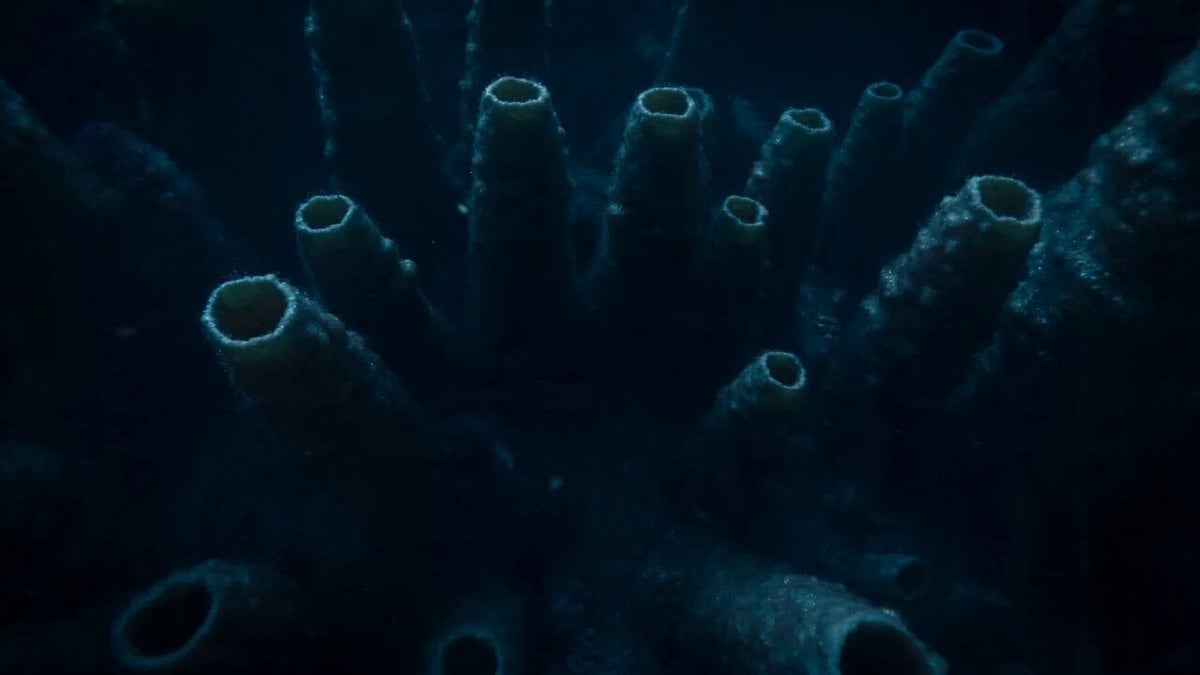
Bioluminescent Deep Sea Abyss
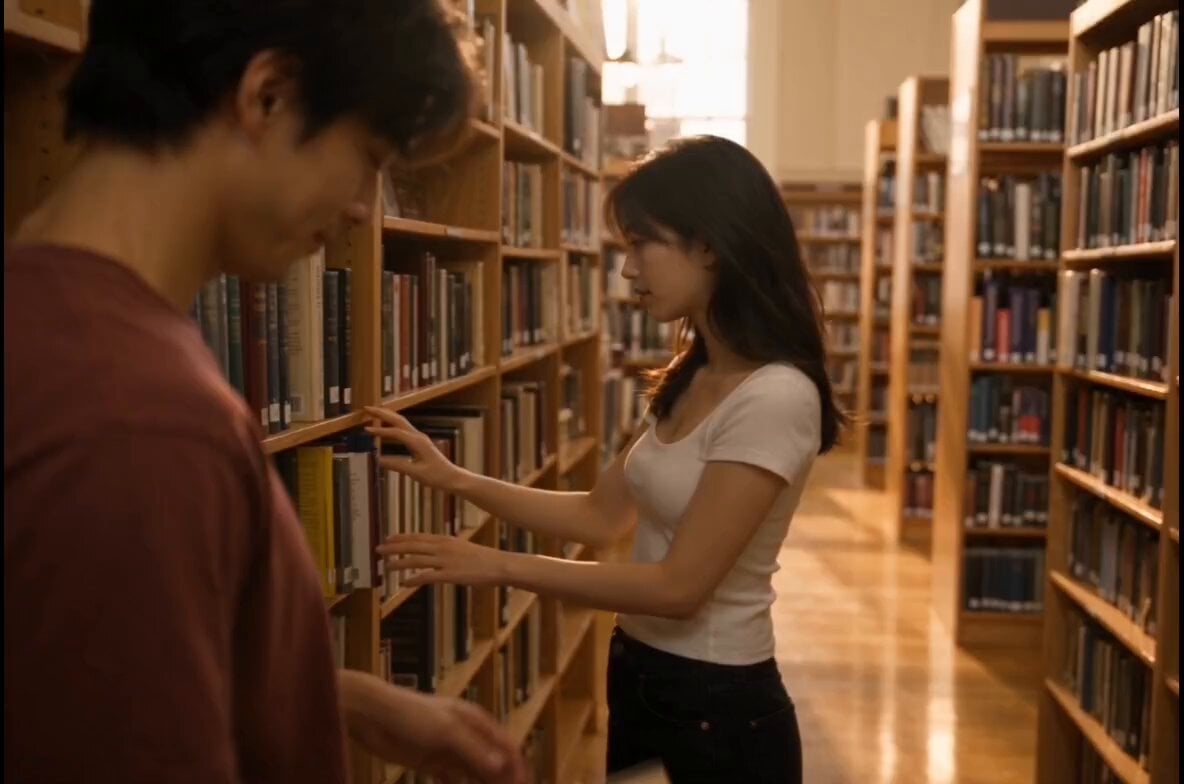
Bookstore Slice-of-Life Encounter
Make it yours
Bioluminescent Jellyfish Alien Encounter works as-is. These are the safest ways to change it without losing the look.
Change one field
Copy a single group, rewrite it, and generate again so you can see what that field is doing.
Keep the frame, change the subject
Hold the composition and light of Bioluminescent Jellyfish Alien Encounter, then swap wardrobe, props or the person for a new take.
| If the result… | Why | Fix |
|---|---|---|
| The result drifts from the preview | Too many fields changed at once. | Reuse Bioluminescent Jellyfish Alien Encounter as-is first, then change one group — subject, light, or setting. |
| The model over-stylizes the scene | The prose prompt leaves finish and camera underspecified. | Add one camera or lighting sentence and stay on Seedance 2.0. |
More Seedance 2.0 templates
Other prompts made for Seedance 2.0.

Comical Martial Arts Punch Scene

Maglev Train Action Sequence

Martial Arts Fight Sequence

Wuxia Protection and Trust Script

Vintage Korean Arcade MiniDV Vlog

Mercedes 190 SL Luxury Ad

Rainy Night Supernatural Reverse Comedy Video Script

Amazon Civilization Discovery

Futuristic South Asian City Transformation

Cozy Luxury Cafe Commercial
More video prompts
Fresh picks from across the catalog.
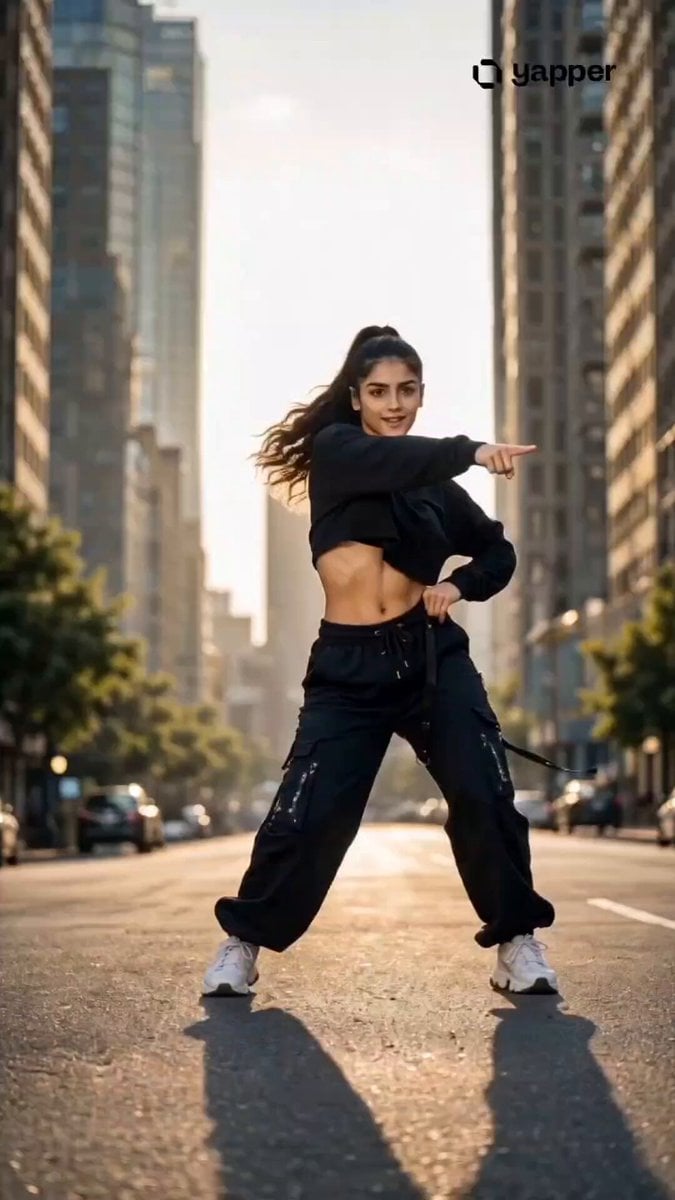
Streetwear Dance Performance
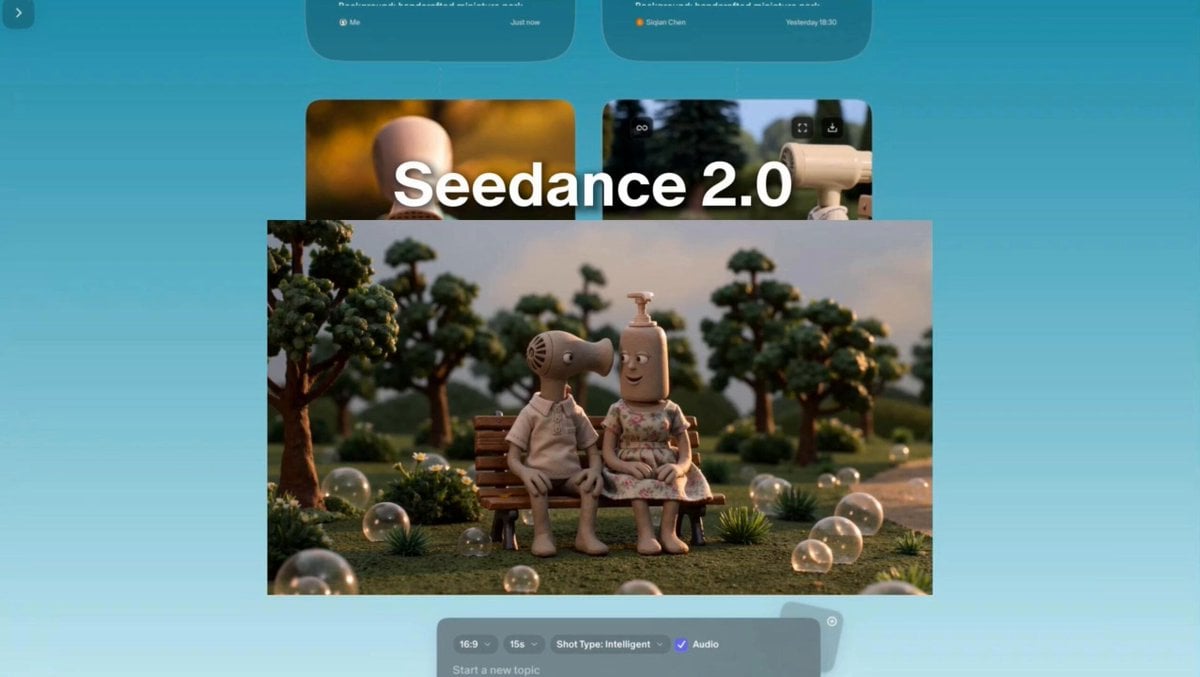
Stop-motion claymation style with miniature props
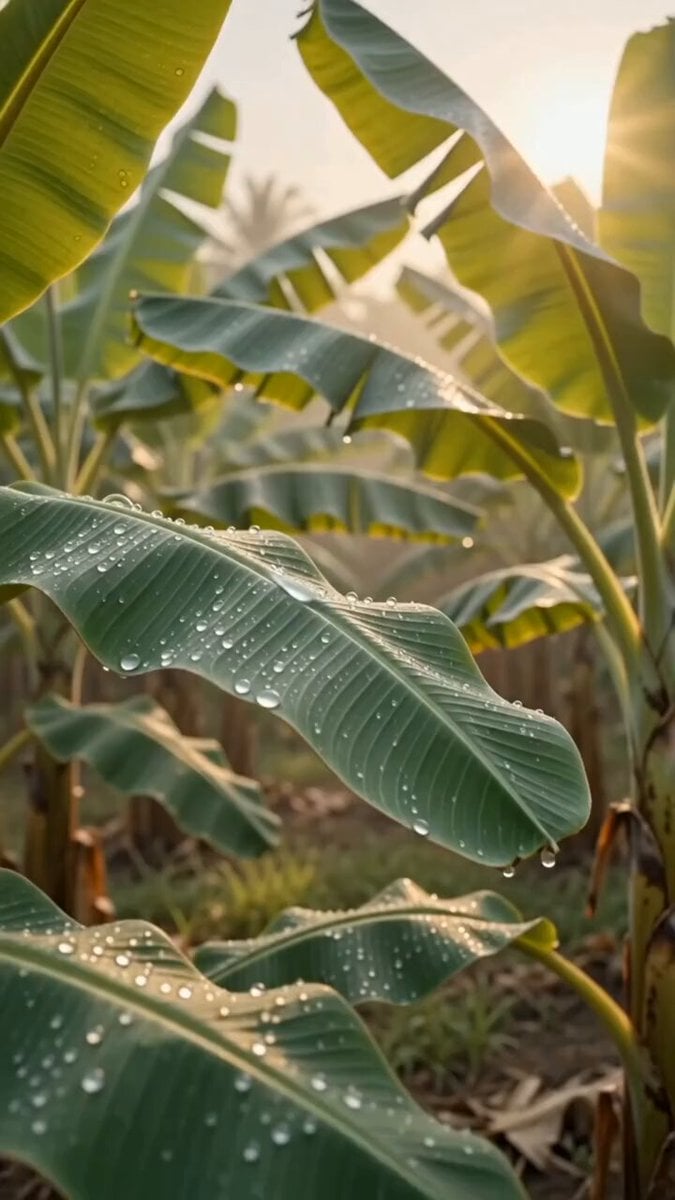
Luxury Skincare Product Commercial
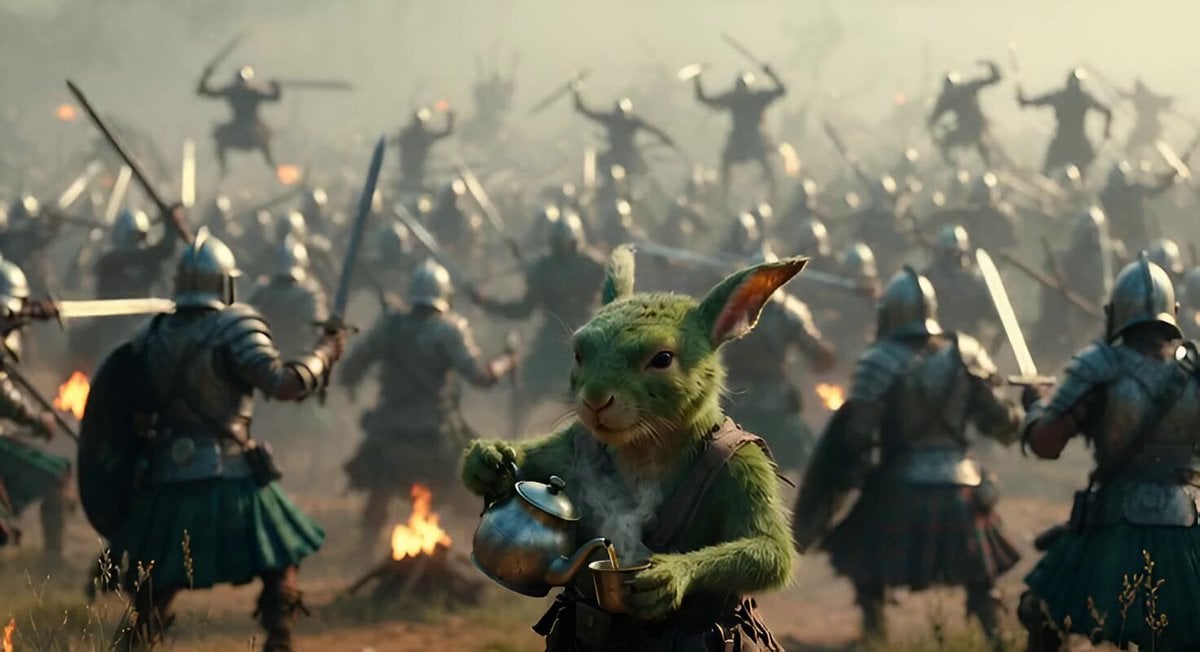
Scottish Rabbit Voice Prompt

Detailed Stickman Fight prompt for Seedance 2.0
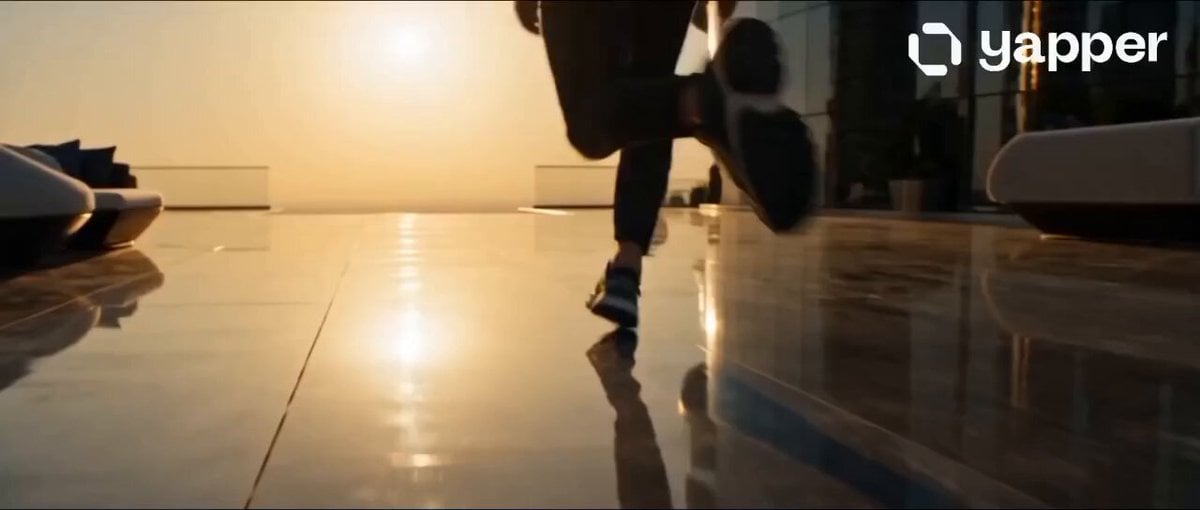
Dubai Rooftop Parkour Action Sequence

Futuristic Starfighter Dogfight Video Prompt
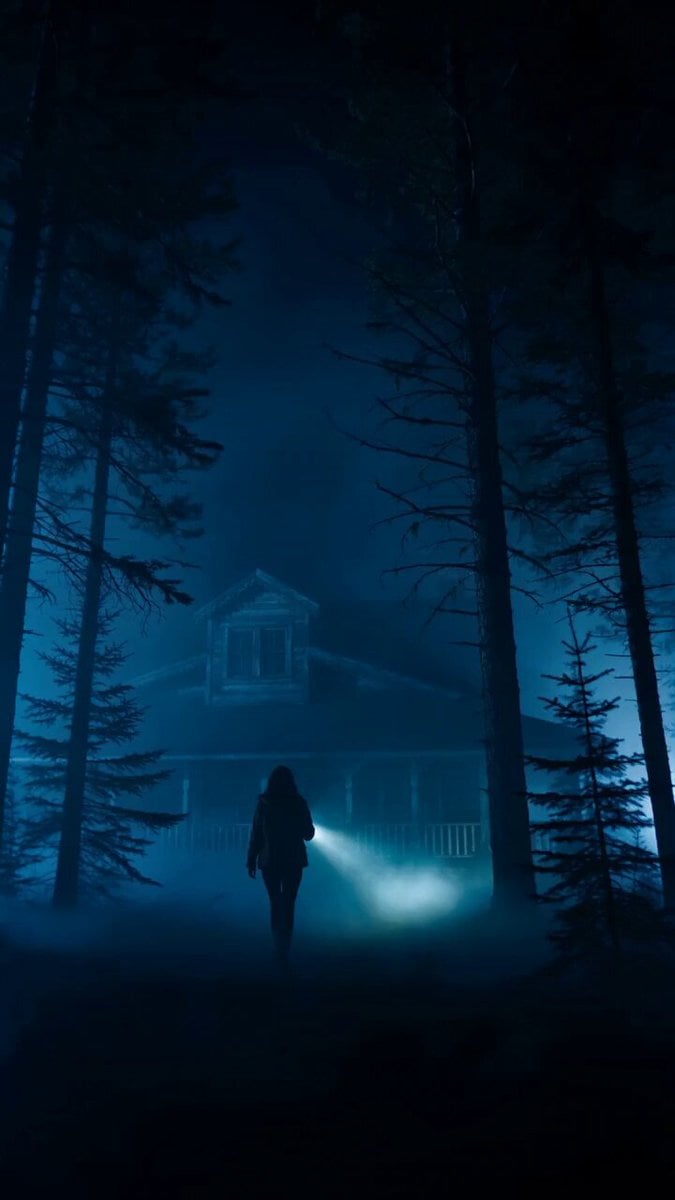
Cinematic Horror Thriller Video Prompt
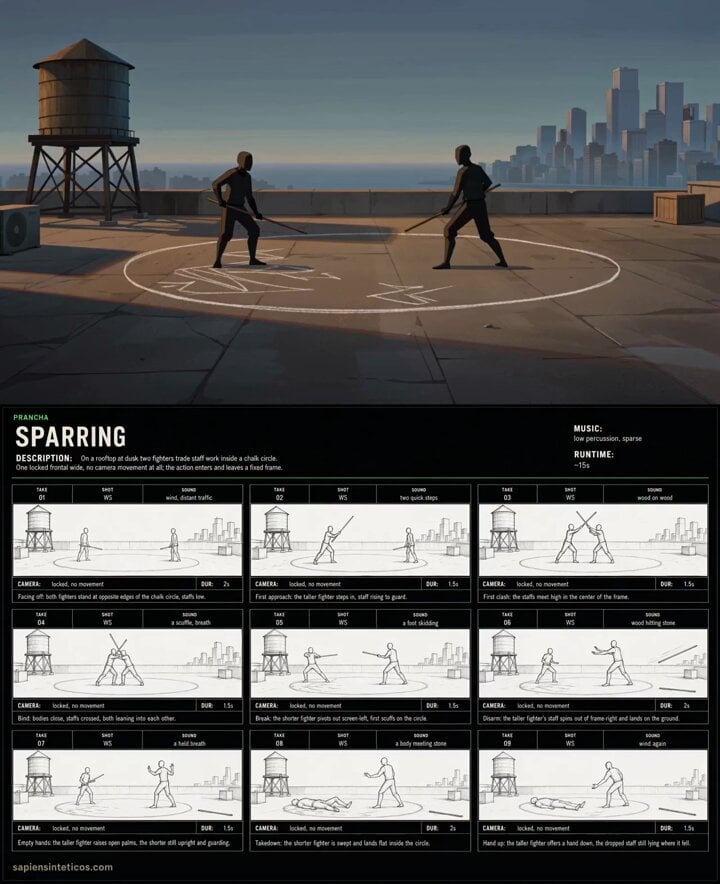
Anime Rooftop Staff Fight Storyboard

Chibi Boxing Match with Anime Action Style
Browse template categories
Bioluminescent Jellyfish Alien Encounter questions
How do I use the Bioluminescent Jellyfish Alien Encounter template?
Add your photo if the template asks for one, edit the prompt if you like — the template's model and format are already selected — and press Generate. Your version opens in PicX Studio.
Can I customize the Bioluminescent Jellyfish Alien Encounter template?
Yes. You can change the subject, setting, lighting, mood, format, and available model controls before creating your video.
Is the Bioluminescent Jellyfish Alien Encounter template free?
Opening and editing this template is free. Generating uses credits, shown on the Generate button when you are signed in.
Which AI model should I use?
Start with Seedance 2.0, which is the model associated with this template. You can compare another compatible model for a different finish.
Looking for something else? Browse all templates.

Your photo, any look
Thousands of ready templates for every top image and video model, from one credit balance.