
Funny Cat Breakfast Wake-up Call
A detailed narrative prompt for a hyper-realistic video of a cat using its food bowl to wake up its sleeping owners in a modern bedroom.

- Prompt included
- Model and format preset
- Premium template
The prompt behind this video
Copy the exact prompt behind Funny Cat Breakfast Wake-up Call, or open it in the studio and make it yours.
A hyper-realistic video shot in a modern Western-style bedroom in the morning. An American couple is sleeping peacefully in bed with soft, natural daylight coming through the window. A tabby orange cat is running through the bedroom doorway, holding its own food bowl in its mouth. The cat jumps onto the bed and runs between the two sleeping figures. First, it places the bowl down gently on the pillow between them and taps on it once to make a soft clinking sound. The woman, without opening her eyes, merely groans and rolls over onto her other side. Next, the cat uses both its front paws to lift the entire bowl and drops it deliberately onto the sleeping man's head, making a loud metallic thud. He does not wake up. Finally, the cat extends its paw and begins repeatedly batting the man in the face to wake him up.
How to use Funny Cat Breakfast Wake-up Call in 3 steps
- 1
Open
The prompt is already in the box next to the preview, with the template's model and format selected.
- 2…a portrait of your subject in softgolden-hour light, 85mm…
Personalize
Edit the subject and creative details for your destination.
- 3Generate
Generate
Press Generate — your video is created in PicX Studio, so you can compare it with the original and refine one variable at a time.
More like this
Templates with the same subject, style or setup. Open one to see its prompt.

3D Animated Cat and Old Man - Seedance
Animal Garden Party Bar — Comedy Short

Funny Cartoon Cat with High-Tech Toy
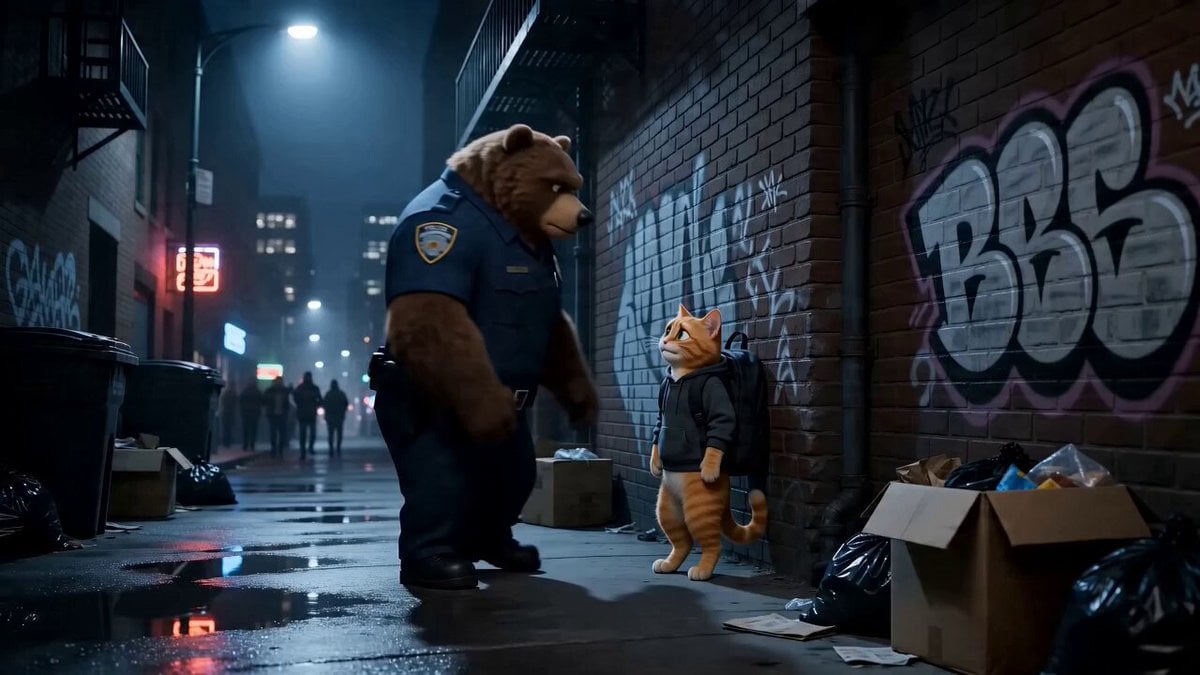
Funny Scene Prompt: Cop and Cat
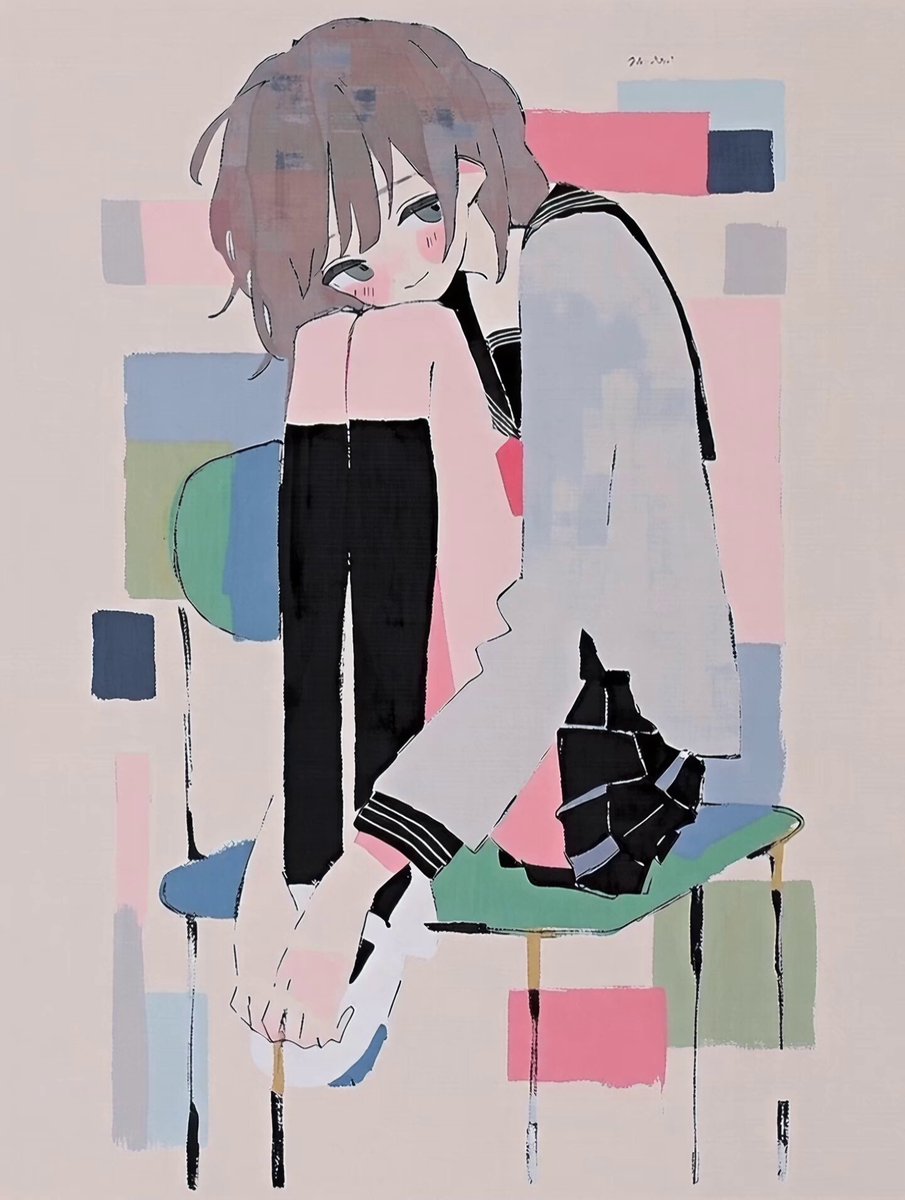
Anime Character Good Morning Wake-up
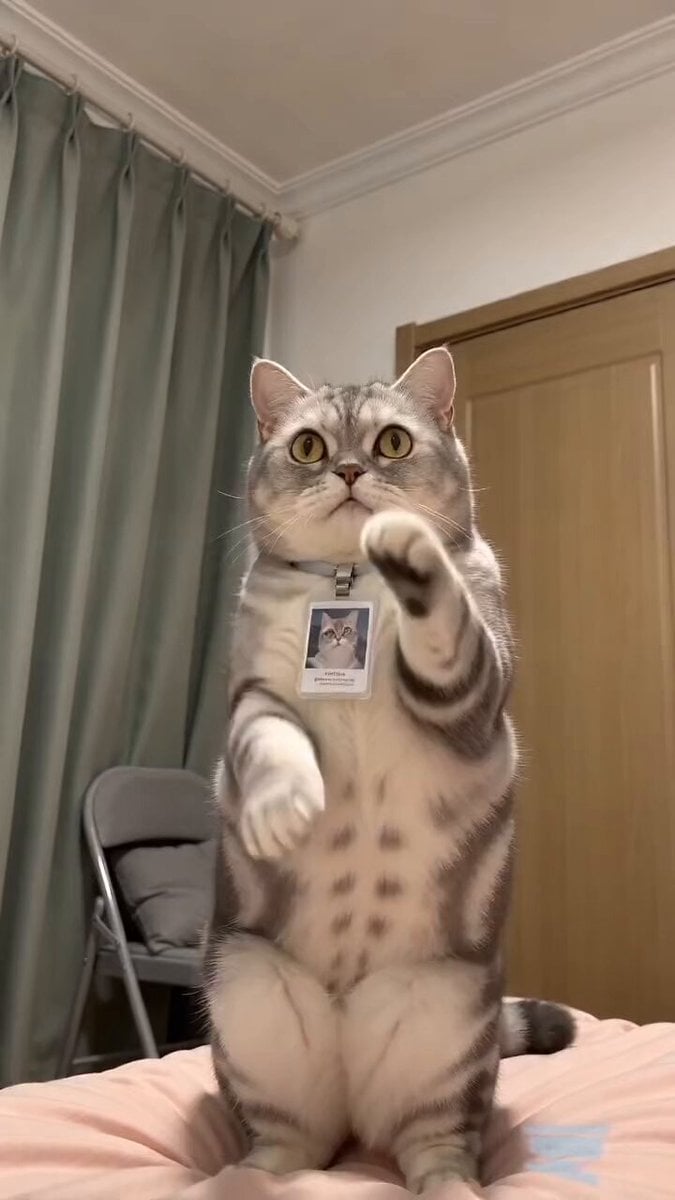
Funny Pet Dancing Expression Video
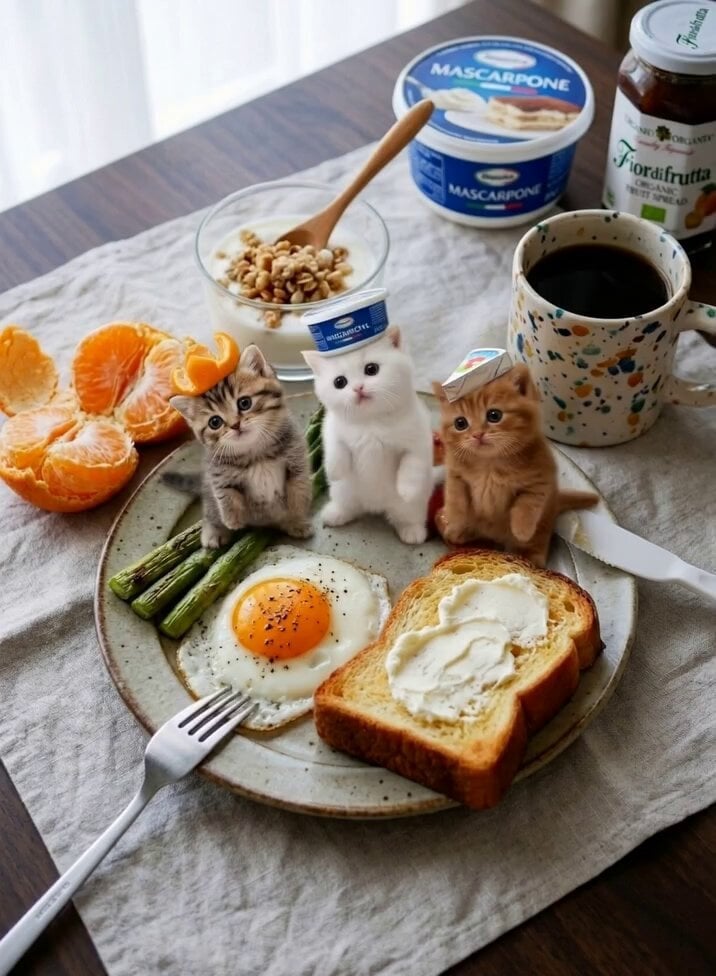
Miniature Kittens Breakfast Table Dance

Cinematic Slow Motion Cereal Breakfast
Call of Duty FPS Gameplay

Funny Interview Phone Smash

POV Singing Video Call in Car

Funny Farmyard Hen Surprise
Make it yours
Funny Cat Breakfast Wake-up Call works as-is. These are the safest ways to change it without losing the look.
Change one field
Copy a single group, rewrite it, and generate again so you can see what that field is doing.
Keep the frame, change the subject
Hold the composition and light of Funny Cat Breakfast Wake-up Call, then swap wardrobe, props or the person for a new take.
| If the result… | Why | Fix |
|---|---|---|
| The result drifts from the preview | Too many fields changed at once. | Reuse Funny Cat Breakfast Wake-up Call as-is first, then change one group — subject, light, or setting. |
| The model over-stylizes the scene | The prose prompt leaves finish and camera underspecified. | Add one camera or lighting sentence and stay on Seedance 2.0. |
More Seedance 2.0 templates
Other prompts made for Seedance 2.0.

Comical Martial Arts Punch Scene

Maglev Train Action Sequence

Martial Arts Fight Sequence

Wuxia Protection and Trust Script

Vintage Korean Arcade MiniDV Vlog

Mercedes 190 SL Luxury Ad

Rainy Night Supernatural Reverse Comedy Video Script

Amazon Civilization Discovery

Futuristic South Asian City Transformation

Cozy Luxury Cafe Commercial
More video prompts
Fresh picks from across the catalog.

Volleyball in the Wild West video prompt

Epic Fantasy VFX Battle Sequence

Naruto coding intensely and throwing a laptop

Video of a Commuter on a Tokyo Subway Platform

Biomechanical Titan Chase

Macro push-in video of a poison dart frog
Blueprint to House Timelapse Transformation
Liquid Gold Futuristic City Transformation Prompt for Seedance 2.0
Creative AI Ads Continuous Single Take

Universal Freeze-Frame Prompt
Browse template categories
Funny Cat Breakfast Wake-up Call questions
How do I use the Funny Cat Breakfast Wake-up Call template?
Add your photo if the template asks for one, edit the prompt if you like — the template's model and format are already selected — and press Generate. Your version opens in PicX Studio.
Can I customize the Funny Cat Breakfast Wake-up Call template?
Yes. You can change the subject, setting, lighting, mood, format, and available model controls before creating your video.
Is the Funny Cat Breakfast Wake-up Call template free?
Opening and editing this template is free. Generating uses credits, shown on the Generate button when you are signed in.
Which AI model should I use?
Start with Seedance 2.0, which is the model associated with this template. You can compare another compatible model for a different finish.
Looking for something else? Browse all templates.

Your photo, any look
Thousands of ready templates for every top image and video model, from one credit balance.